
LongCat Avatar
AIGenerates realistic, lip-synchronized talking videos from a single photo and audio with natural motion and consistent identity.
LongCat Avatar
Generates realistic, lip-synchronized talking videos from a single photo and audio with natural motion and consistent identity.
About LongCat Avatar
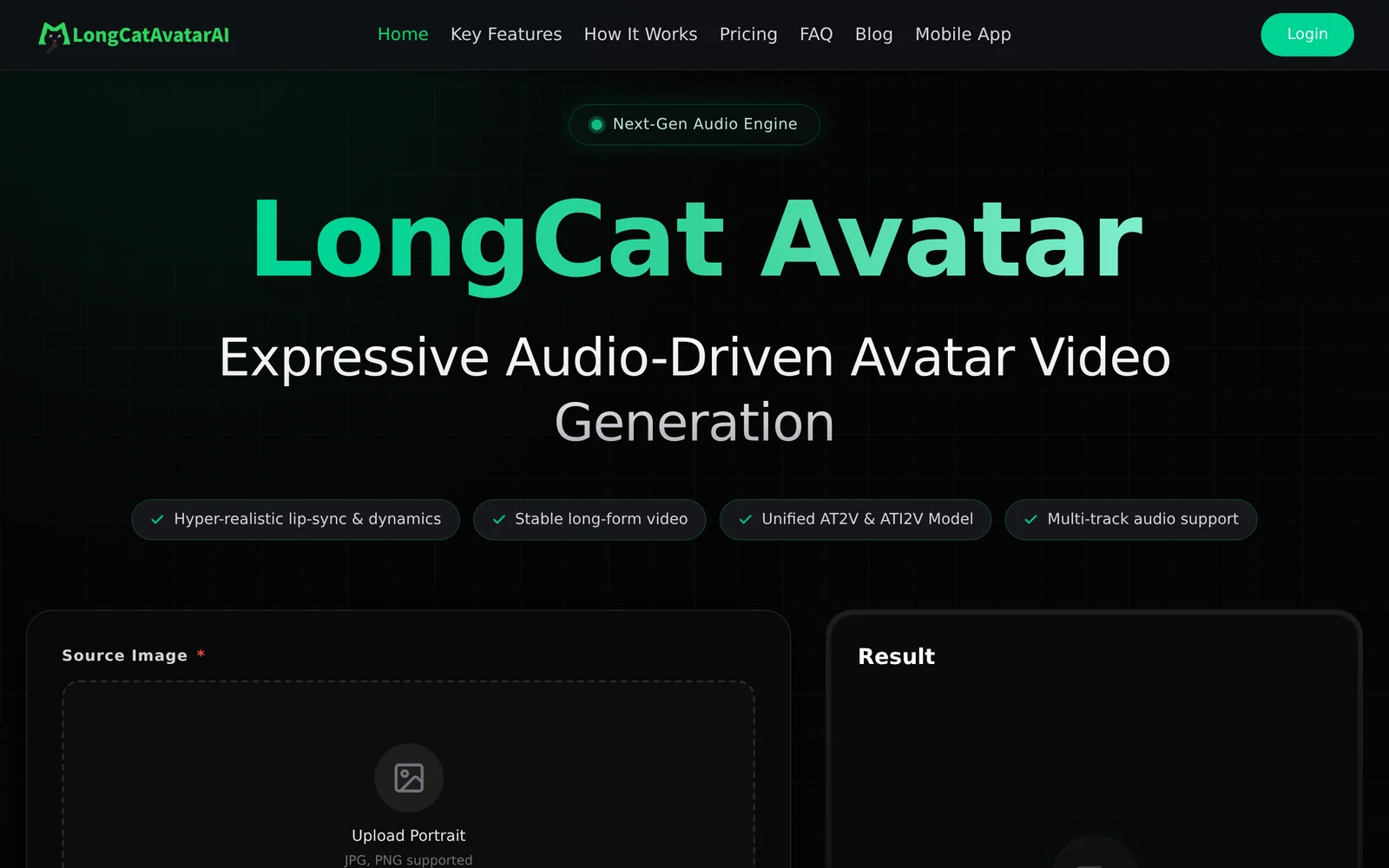
LongCat Avatar (part of the LongCat-Video family) produces audio-driven, realistic talking-head and character videos from a reference photo or image and an audio track. It emphasizes near-perfect lip synchronization, natural head/face motion, and identity consistency across frames. The model supports single- and multi-character scenarios and native tasks including Audio-Text-to-Video, Audio-Image-to-Video and Video Continuation. The project provides downloadable model weights and demo scripts (hosted on GitHub and Hugging Face) for local or cloud execution and includes optimizations such as configurable attention backends (FlashAttention variants) to improve runtime performance.
Screenshots
Key Features
Use Cases



Frequently asked questions about LongCat Avatar
What is LongCat Avatar?
LongCat Avatar is an AI-powered tool that creates realistic, lip-synchronized talking videos from a single photo and audio file. It employs advanced techniques to ensure natural motion and a consistent identity, making it ideal for personalized video content, social media engagement, and virtual communication.
Key Points
- Realistic Video Creation: Generates lifelike videos from static images.
- Lip Synchronization: Matches mouth movements to audio for a natural effect.
- Versatile Applications: Ideal for marketing, content creation, and entertainment.
Detailed Explanation
LongCat Avatar uses sophisticated artificial intelligence algorithms to animate a photo, turning it into a dynamic video. Users simply upload a single image and an audio clip, and the software does the rest. The output features lip synchronization, so the subject appears to speak the provided audio naturally.
Use Cases
- Marketing: Businesses can create engaging promotional videos that showcase products or services.
- Social Media: Content creators can enhance their posts with personalized videos that attract more viewers.
- Virtual Communication: Users can generate unique avatars for online meetings, adding a fun twist to virtual interactions.
Example Workflow
- Upload a Photo: Choose a clear image of the subject.
- Add Audio: Record or select an audio file.
- Generate Video: Click to render the video; the AI processes the inputs and creates a video.
Best Practices / Tips
- Choose High-Quality Images: Clear, well-lit photos result in better animations.
- Use Clear Audio: Ensure the audio is clear and properly synchronized for the best output.
- Experiment with Different Expressions: Different facial expressions can lead to varied results; try multiple images for creativity.
Additional Resources
By leveraging LongCat Avatar, users can easily create engaging and visually appealing content that enhances their digital presence.
How does LongCat Avatar work?
LongCat Avatar operates by integrating advanced AI technologies to assist users in managing daily AI-related tasks efficiently. It streamlines workflows, enhances productivity, and offers personalized experiences tailored to user needs, making it a versatile tool for both personal and professional use.
Key Points
- AI Integration: Combines multiple AI technologies for enhanced functionality.
- Workflow Enhancement: Streamlines day-to-day tasks to boost productivity.
- Personalization: Adapts to individual user needs for a customized experience.
Detailed Explanation
LongCat Avatar utilizes a blend of machine learning, natural language processing, and computer vision to perform a variety of tasks. For instance, it can help users generate content, analyze data, and automate repetitive tasks. This is particularly useful for professionals across various sectors, including marketing, content creation, and project management.
Use Cases:
- Content Generation: Users can leverage LongCat Avatar to create blog posts, social media updates, and marketing materials quickly without compromising quality.
- Data Analysis: The tool can sift through large datasets to provide insights and generate reports, saving valuable time for data-driven decision-making.
- Task Automation: Routine tasks such as scheduling appointments or sending reminders can be automated, allowing users to focus on more strategic initiatives.
By harnessing these capabilities, LongCat Avatar not only simplifies workflows but also enhances overall productivity, making it an essential asset for anyone looking to optimize their AI usage.
Best Practices / Tips
- Start Small: Begin with one or two features of LongCat Avatar to familiarize yourself with its capabilities.
- Regular Updates: Keep the software updated to access the latest features and optimizations.
- Feedback Loop: Provide feedback to enhance the AI's learning capabilities, which will improve its performance over time.
- Integration with Other Tools: Utilize LongCat Avatar alongside other productivity tools for a more cohesive workflow.
Additional Resources
What are the main features of LongCat Avatar?
LongCat Avatar offers a range of advanced features, including customizable avatars, real-time facial recognition, and seamless integration with messaging platforms. Its core AI capabilities enable users to create dynamic and engaging virtual representations that can enhance online interaction and personal branding.
Key Points
- Customizable Avatars: Users can personalize avatars to reflect their unique identity.
- Real-Time Facial Recognition: The AI analyzes and mimics user expressions in real-time.
- Seamless Integration: LongCat Avatar easily connects with popular messaging and social media platforms.
Detailed Explanation
LongCat Avatar is designed to enhance user interaction through its versatile features:
-
Customizable Avatars: Users can choose from various templates, colors, and accessories to create an avatar that truly represents their persona. This feature is particularly useful for professionals seeking to establish a brand identity or for gamers wanting to showcase their style.
-
Real-Time Facial Recognition: Utilizing advanced AI technology, LongCat Avatar tracks user facial movements and expressions, allowing avatars to replicate these in real-time. This capability not only adds a personal touch to digital communication but also increases engagement during virtual meetings or online gaming sessions.
-
Seamless Integration: LongCat Avatar can be integrated with popular platforms like Zoom, Discord, and social media apps. This feature allows users to effortlessly use their avatars across different channels, maintaining a consistent virtual presence.
Best Practices / Tips
- Experiment with Customization: Spend time exploring different avatar features to find the look that best represents you. This personalization can significantly enhance your online interactions.
- Test Real-Time Features: Before important meetings or events, test the facial recognition functionality to ensure it accurately captures your expressions.
- Utilize Integration Options: Take advantage of LongCat’s integration capabilities by linking it to your preferred social media and messaging platforms for a cohesive digital experience.
Additional Resources
Who is LongCat Avatar for?
LongCat Avatar is designed for individuals and businesses seeking to enhance their daily workflows with AI, including content creators, marketers, and developers. It offers a user-friendly interface for automating tasks, generating visuals, and integrating AI tools into various applications seamlessly.
Key Points
- Target Audience: Content creators, marketers, developers, and AI enthusiasts.
- Use Cases: Automating repetitive tasks, generating creative content, and enhancing productivity.
- Integration Capabilities: Seamlessly connects with various AI tools and platforms.
Detailed Explanation
LongCat Avatar is an innovative AI tool that caters to a diverse user base, primarily those who want to streamline their daily operations.
-
Content Creators: Writers and designers can use LongCat Avatar to generate high-quality content ideas, create visuals, and automate the editing process. For example, a blog writer can input keywords, and the tool will suggest blog outlines or images, significantly reducing the time spent on these tasks.
-
Marketers: Marketing professionals can leverage LongCat Avatar to automate social media posts, analyze customer data, and generate targeted advertisements. By using AI-driven insights, marketers can craft better campaigns and engage effectively with their audience, leading to higher conversion rates.
-
Developers: Software developers can utilize LongCat Avatar to enhance their coding workflows. The tool can assist in debugging, optimizing code, and even generating code snippets based on user prompts. This capability allows for faster development cycles and reduced technical debt.
Best Practices / Tips
- Understand Your Needs: Before adopting LongCat Avatar, identify your specific workflow requirements. This will help you utilize the tool effectively.
- Experiment with Features: Explore all features offered by LongCat Avatar. Take advantage of its automation capabilities to find new ways to enhance productivity.
- Stay Updated: Regularly check for updates and new features, as AI tools evolve quickly. Engaging with the community can provide valuable insights and tips.
Additional Resources
How much does LongCat Avatar cost?
LongCat Avatar is completely free to use. Users can create and customize their avatars without any costs, making it an accessible option for everyone looking to enhance their online presence with personalized digital representations.
Key Points
- LongCat Avatar is free for all users.
- Offers a wide range of customization options.
- No hidden fees or in-app purchases.
Detailed Explanation
LongCat Avatar stands out in the realm of avatar creation tools primarily due to its cost-free access. Users can design their avatars from scratch or choose from a variety of templates. The platform allows users to personalize features such as hair, clothing, and accessories, ensuring that everyone can create a unique representation of themselves.
For instance, if you're looking to create an avatar for social media, LongCat Avatar provides tools that let you adjust facial expressions, backgrounds, and even add pets or objects to your avatar. This level of personalization is ideal for gamers, content creators, and anyone looking to express their identity online.
Additionally, while LongCat Avatar is free, it does not compromise on quality. The graphics are vibrant, and the customization tools are user-friendly, making it easy for individuals of all ages to navigate the platform.
Best Practices / Tips
- Explore all customization options: Spend time experimenting with different features to discover what best represents you.
- Keep your avatar updated: Regularly updating your avatar can reflect changes in your style or interests and keep your online presence fresh.
- Consider your audience: When creating an avatar for professional use, opt for a design that balances creativity with professionalism to maintain credibility.
Additional Resources
How do I get started with LongCat Avatar?
To get started with LongCat Avatar, visit LongCat Avatar AI's website to sign up for an account. Once registered, you can explore various features, customize your avatar, and engage with the community.
Key Points
- Create an Account: Sign up to access the platform's features.
- Explore Features: Familiarize yourself with avatar customization options.
- Join the Community: Engage with other users for tips and inspiration.
Detailed Explanation
-
Sign Up Process:
- Go to LongCat Avatar AI.
- Click on the "Sign Up" button.
- Fill in your details, including your email and password.
- Verify your email address through the confirmation link sent to your inbox.
-
Navigating the Dashboard:
- After logging in, you’ll find a user-friendly dashboard that showcases various tools and options.
- Explore the avatar creation tools, which allow you to select features like hair, clothing, and accessories.
-
Customization Options:
- Use the available templates or start from scratch to design an avatar that represents your unique personality.
- Experiment with different styles and backgrounds to enhance your avatar's appeal.
-
Engaging with the Community:
- Participate in forums and user groups to exchange ideas and receive feedback on your creations.
- Check out social media platforms where LongCat Avatar users share their designs for further inspiration.
Best Practices / Tips
- Stay Updated: Regularly check for platform updates or new features that can enhance your avatar experience.
- Utilize Tutorials: Take advantage of any tutorials or guides provided on the website to maximize your use of the platform.
- Backup Your Work: Always save your designs and consider exporting them to avoid losing your creations.
Additional Resources
- Official Documentation: LongCat Avatar Help Center
- Community Forums: LongCat Avatar Community
- Follow LongCat Avatar on social media for the latest updates and tips.
Explore more AI Ai Tools tools
Browse all Ai Tools tools →Browse by use case: Video Generation · Voice & Audio
Compare LongCat Avatar: vs CleanSlop · vs Kalender Sync · vs UseIt Studio · vs Woven Video