

UseIt Studio
AIAI design studio that turns ideas into editable, print-ready designs for cards, packaging, stickers and more.
UseIt Studio
AI design studio that turns ideas into editable, print-ready designs for cards, packaging, stickers and more.
About UseIt Studio
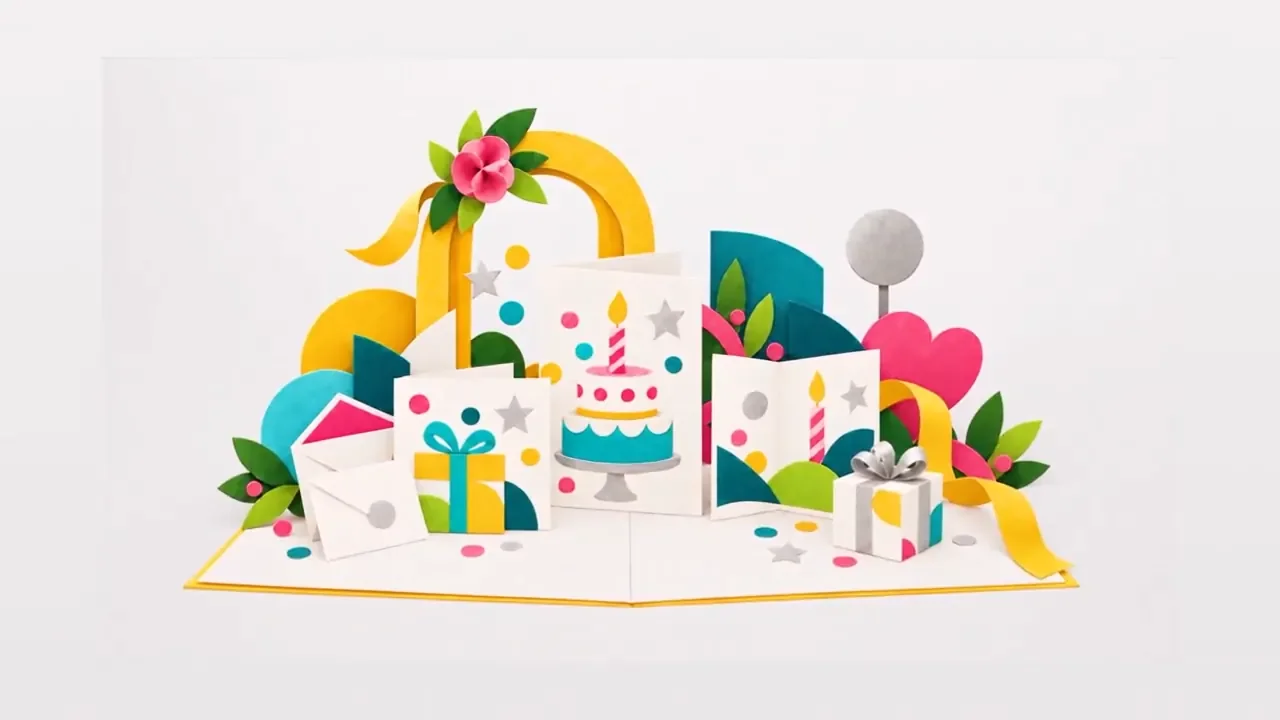
UseIt Studio is an AI design co-pilot for things you can hold. You describe what you want, refine it with conversational edits that change only the selected part, and get editable layers rather than a flat image. It previews designs in 3D, traces cut lines for acrylic and stickers, adds the white ink layer printers need, and exports print-ready files. It can also open files in Illustrator and keep editing there by conversation. A public Gallery lets users publish designs others can remix with their own words and photos.
Screenshots
Key Features
Use Cases



Frequently asked questions about UseIt Studio
What is UseIt Studio?
AI design studio that turns ideas into editable, print-ready designs for cards, packaging, stickers and more.
How does UseIt Studio work?
UseIt Studio works by combining Conversational Editing: Select part of an artwork and describe a change; the rest stays untouched., Editable Layers: Separates designs into layers so text, graphics and vectors can be fine-tuned., Matching Sets: Expands one artwork into cards or sets while keeping style and palette., 2D to 3D Preview: Edit the flat design and watch a live 3D preview update., Craft and Cut Lines: Traces cut lines and adds white ink plates for acrylic and stickers. to help users with Custom Packaging: Designing gift boxes and packaging with correct dielines., Stickers and Pins: Turning a sketch into production-ready stickers or pins., Brand Kits: Carrying one visual identity across cups, bags and menus., Personal Gifts: Making cards, invitations and keepsakes., Acrylic Standees: Generating cut lines and white ink layers for print shops..
What are the main features of UseIt Studio?
Key features include Conversational Editing: Select part of an artwork and describe a change; the rest stays untouched., Editable Layers: Separates designs into layers so text, graphics and vectors can be fine-tuned., Matching Sets: Expands one artwork into cards or sets while keeping style and palette., 2D to 3D Preview: Edit the flat design and watch a live 3D preview update., Craft and Cut Lines: Traces cut lines and adds white ink plates for acrylic and stickers..
Who is UseIt Studio for?
UseIt Studio is useful for anyone interested in Custom Packaging: Designing gift boxes and packaging with correct dielines., Stickers and Pins: Turning a sketch into production-ready stickers or pins., Brand Kits: Carrying one visual identity across cups, bags and menus., Personal Gifts: Making cards, invitations and keepsakes., Acrylic Standees: Generating cut lines and white ink layers for print shops..
How much does UseIt Studio cost?
UseIt Studio offers a free tier with paid plans for advanced features.
How do I get started with UseIt Studio?
Visit https://useit.im to sign up and explore UseIt Studio.
Explore more AI Ai Tools tools
Browse all Ai Tools tools →Compare UseIt Studio: vs Woven Video · vs Sorcerer · vs Praex · vs Framefields