

FlickNote - AI Voice Assistant
AICapture your thoughts instantly with AI-powered voice transcription and intelligent organization.
FlickNote - AI Voice Assistant
Capture your thoughts instantly with AI-powered voice transcription and intelligent organization.
About FlickNote - AI Voice Assistant
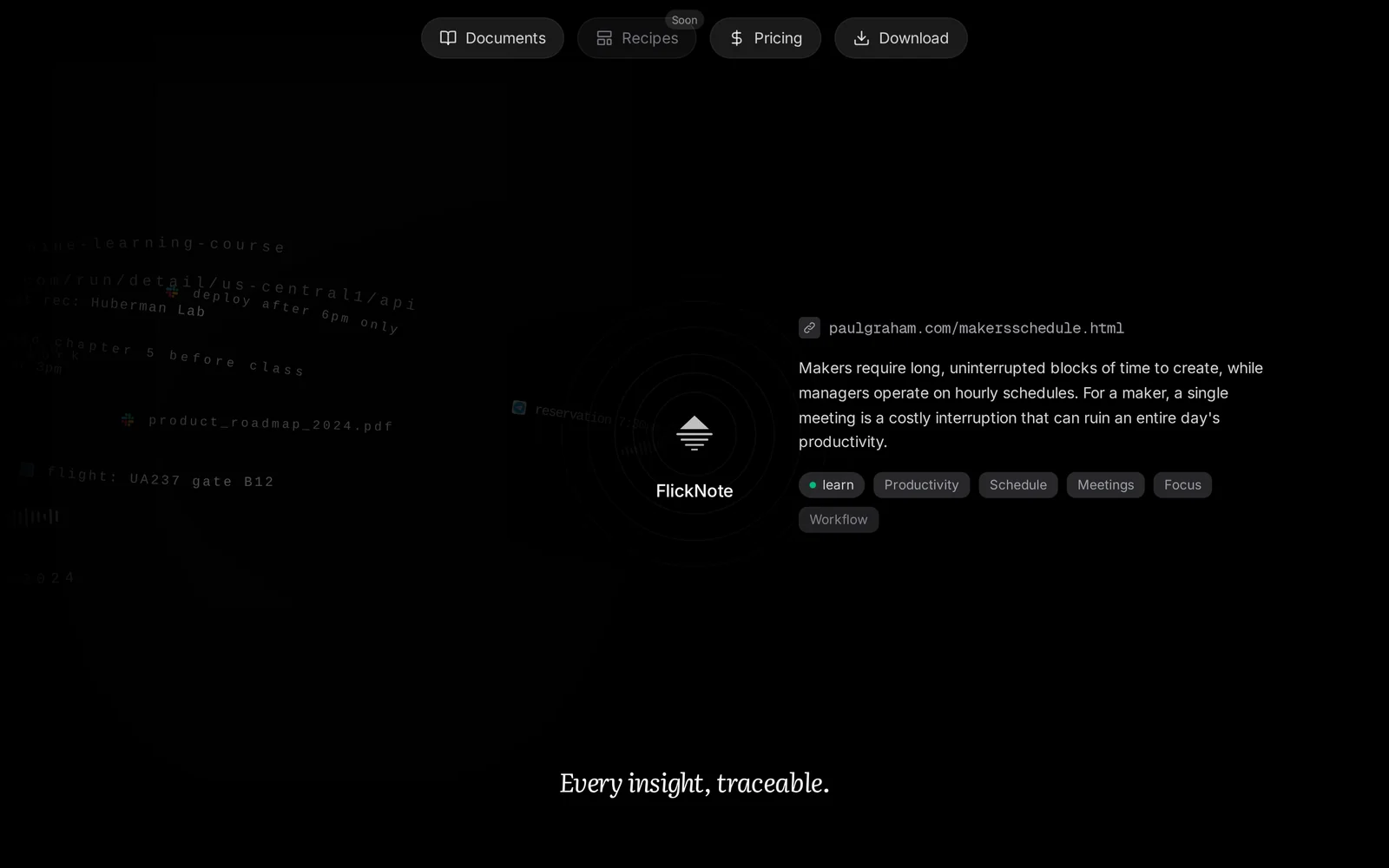
FlickNote converts spoken thoughts into organized, searchable notes by transcribing voice recordings and applying intelligent organization. It enables quick capture of ideas, meetings, and reminders using real-time or recorded voice input, then organizes transcripts with tags, folders, and search to make retrieval effortless. The service focuses on speed and usability, letting users play back recordings, edit transcripts, and share or export notes for further use. AI components power the transcription accuracy and the smart grouping or categorization of related notes.
Screenshots
Key Features
Use Cases



Frequently asked questions about FlickNote - AI Voice Assistant
What is FlickNote - AI Voice Assistant?
FlickNote is an AI voice assistant designed to capture your thoughts seamlessly with advanced voice transcription and smart organization features. It allows users to record their ideas quickly, transforming spoken words into structured notes for easy access and management.
Key Points
- AI-Powered Voice Transcription: Converts speech to text efficiently.
- Intelligent Organization: Automatically categorizes and tags notes for easy retrieval.
- User-Friendly Interface: Simple design that enhances usability for all ages.
Detailed Explanation
FlickNote employs cutting-edge AI technology to facilitate voice transcription, allowing users to dictate their thoughts rather than typing them out. This is particularly useful for busy professionals, students, and anyone on the go. For example, imagine being in a meeting and needing to document ideas quickly; FlickNote lets you record your voice, which it then transcribes into text.
Once your notes are captured, FlickNote utilizes intelligent organization features. It automatically categorizes your notes based on content, tags, or keywords, making it easy to find them later. This is especially beneficial for users managing multiple projects or subjects, as it reduces the time spent searching for important information.
The user-friendly interface ensures that even those unfamiliar with technology can navigate the app with ease. Features like voice commands, customizable settings, and integration with other applications enhance the overall experience.
Best Practices / Tips
- Speak Clearly: To improve transcription accuracy, articulate your words clearly.
- Use Keywords: Incorporate keywords in your speech to enhance the organization feature and retrieval of notes.
- Regularly Update the App: Ensure you have the latest features and security updates by keeping the app updated.
- Explore Settings: Take advantage of customization options to tailor the app experience to your needs.
Additional Resources
- FlickNote Official Website
- User Guide for FlickNote
- FAQ Section for troubleshooting tips and feature explanations
How does FlickNote - AI Voice Assistant work?
FlickNote - AI Voice Assistant operates by leveraging artificial intelligence to streamline daily workflows. It allows users to manage tasks, set reminders, and take notes through voice commands, ensuring efficiency and convenience in personal and professional settings.
Key Points
- Voice-Activated Tasks: Users can perform various tasks hands-free.
- Integration with Tools: Connects seamlessly with productivity applications.
- Smart Reminders: AI-driven notifications based on user behavior.
Detailed Explanation
FlickNote - AI Voice Assistant is designed to enhance user productivity by utilizing advanced AI algorithms. Here's how it works:
-
Voice Recognition: Users can activate FlickNote using voice commands. The assistant accurately recognizes speech and converts it into text, allowing for seamless note-taking or task management.
-
Task Management: Users can create, update, and delete tasks simply by speaking. For example, saying “Add a meeting with John tomorrow at 3 PM” will automatically schedule the event in their calendar.
-
Smart Reminders: FlickNote learns from user interactions and habits, providing timely reminders for important tasks and deadlines. This feature helps users stay organized and on top of their schedules.
-
Integration: FlickNote integrates with popular productivity tools like Google Calendar, Trello, and Microsoft To Do. This connectivity enables users to manage their workflows across multiple platforms without switching applications.
-
Customization: Users can tailor the assistant’s settings to suit their preferences, such as choosing specific voices or adjusting notification frequencies.
Best Practices / Tips
- Clear Commands: Use concise and clear phrases to improve recognition accuracy.
- Regular Updates: Keep the app updated to benefit from the latest features and improvements.
- Explore Integrations: Take advantage of connecting FlickNote with other apps for enhanced productivity.
- Feedback: Provide feedback to improve AI responses and functionality.
Additional Resources
What are the main features of FlickNote - AI Voice Assistant?
FlickNote - AI Voice Assistant offers a range of key features, including voice recognition, task management, personalized reminders, and seamless integration with other applications. These capabilities enhance productivity by allowing users to interact hands-free and efficiently manage their daily activities.
Key Points
- Voice Recognition: Understands natural language for seamless interactions.
- Task Management: Organizes to-do lists and reminders effectively.
- Integration: Connects with various apps for a unified experience.
Detailed Explanation
FlickNote leverages advanced voice recognition technology, enabling users to dictate commands effortlessly. This feature ensures that tasks are recorded accurately without manual input, making it ideal for busy individuals.
Voice Recognition
The AI can interpret commands in natural language, allowing users to speak in their own words. For example, saying "Remind me to pick up groceries at 5 PM" will automatically create an alert in the app.
Task Management
FlickNote excels in organizing tasks. Users can create, edit, and delete tasks with simple voice commands. This automation saves time and helps maintain focus on priorities. Imagine being able to say, "Add 'Finish project report' to my to-do list," and having it logged instantly.
Integration
Integrating with popular productivity tools such as Google Calendar, Trello, and more, FlickNote provides a comprehensive platform for managing tasks. Users can sync their schedules and tasks across devices, ensuring they stay on track regardless of where they are.
Best Practices / Tips
- Utilize Voice Commands: Familiarize yourself with specific voice commands to enhance efficiency. For instance, using commands like "Show my tasks" can quickly display your to-do list.
- Set Regular Reminders: Take advantage of personalized reminders to stay on top of important tasks and deadlines.
- Explore Integrations: Connect FlickNote with other productivity apps to maximize its functionality and streamline your workflow.
Additional Resources
By leveraging these features and best practices, users can significantly enhance their productivity and make daily task management a breeze with FlickNote - AI Voice Assistant.
Who is FlickNote - AI Voice Assistant for?
FlickNote - AI Voice Assistant is designed for a wide range of users, including professionals, students, and anyone looking to enhance their productivity through AI-driven workflows. It simplifies tasks like note-taking, scheduling, and reminders, making it an invaluable tool for daily organization and efficiency.
Key Points
- Target Audience: Professionals, students, and busy individuals.
- Functionality: Facilitates note-taking, scheduling, and task management.
- Accessibility: User-friendly interface suitable for all tech skill levels.
Detailed Explanation
FlickNote serves a diverse audience by streamlining various daily tasks through voice commands. Here are some examples of how different users can benefit:
-
Professionals: Busy executives can use FlickNote to manage appointments, set reminders for meetings, and take quick notes during calls, ensuring they stay organized and efficient.
-
Students: College and high school students can leverage FlickNote to record lecture notes, create study schedules, and manage assignments, allowing for better time management and improved academic performance.
-
Home Users: Individuals managing household tasks can use FlickNote to create grocery lists, set reminders for important events, and keep track of family schedules, promoting a more organized home environment.
FlickNote's voice recognition technology enables users to operate the app hands-free, making it an excellent tool for multitasking. Additionally, its integration with other applications enhances its functionality, allowing users to sync their calendars and task lists seamlessly.
Best Practices / Tips
- Voice Commands: Familiarize yourself with the specific voice commands that FlickNote recognizes to maximize efficiency. This can include commands for creating tasks, setting reminders, and asking for updates.
- Regular Updates: Keep the app updated to benefit from the latest features and security improvements.
- Customization: Personalize your settings to match your workflow, such as adjusting notification preferences and integrating with other tools like Google Calendar or Outlook.
- Avoid Overloading: While it’s tempting to use FlickNote for everything, focus on key tasks to avoid overwhelming the assistant and losing productivity.
Additional Resources
- FlickNote Official Website - For detailed features and user guides.
- How to Use Voice Assistants Effectively - Tips on optimizing voice assistant usage.
- User Reviews and Case Studies - Real-world experiences and feedback on FlickNote.
How much does FlickNote - AI Voice Assistant cost?
FlickNote - AI Voice Assistant is completely free to use, making it accessible for anyone looking to enhance their productivity with voice commands. Users can leverage its features without incurring any costs, allowing for seamless note-taking and task management.
Key Points
- Free Access: FlickNote is available at no cost to users.
- User-Friendly: The interface is designed for ease of use, requiring no financial commitment.
- Feature-Rich: Despite being free, it offers a wide array of functionalities.
Detailed Explanation
FlickNote - AI Voice Assistant stands out in the crowded market of productivity tools by offering a completely free experience. This means that users can access all of its features, including voice commands for note-taking, task reminders, and scheduling, without paying a subscription fee or making in-app purchases.
Use Cases
- Students: Easily dictate lecture notes or reminders for assignments.
- Professionals: Organize meetings or jot down quick ideas while on the go.
- General Users: Ideal for anyone needing to manage daily tasks efficiently.
The intuitive design of FlickNote ensures that even those new to AI tools can navigate its features effortlessly. The absence of a pricing barrier invites a diverse user base, ranging from students to professionals.
Best Practices / Tips
- Explore All Features: Take time to familiarize yourself with the various functionalities available in FlickNote to maximize its potential.
- Regular Updates: Keep the app updated. While it’s free now, developers may introduce premium features later.
- Feedback Loop: Provide feedback to the developers to help improve the app and its features, ensuring it meets your needs.
Additional Resources
How do I get started with FlickNote - AI Voice Assistant?
To get started with FlickNote - AI Voice Assistant, visit flicknote.app to sign up for a free account. After signing up, you can explore its features, customize settings, and start leveraging the power of AI to enhance your productivity through voice commands.
Key Points
- Sign Up Process: Easy registration on the website.
- Features Exploration: Discover various functionalities of FlickNote.
- Customization Options: Tailor the assistant to suit your needs.
Detailed Explanation
FlickNote - AI Voice Assistant is designed to streamline your tasks through voice commands, making it an ideal tool for busy individuals. Here’s how you can get started effectively:
-
Visit the Official Website: Navigate to flicknote.app. The homepage provides an overview of the features and benefits of using the AI voice assistant.
-
Sign Up for an Account: Click on the “Sign Up” button. You’ll be prompted to enter your email address and create a password. This step is crucial as it grants you access to all features.
-
Explore Features: After registration, take some time to familiarize yourself with the interface. FlickNote offers features like voice-to-text transcription, task reminders, and integration with other productivity apps. Detailed tutorials are often available on the website to help you navigate.
-
Customize Settings: Once you understand the basics, delve into the settings to personalize your experience. You can adjust voice settings, set preferences for task management, and even integrate FlickNote with your calendar.
-
Start Using the Assistant: Begin using FlickNote by issuing voice commands. For example, you can say, "Create a reminder for my meeting at 3 PM," and the assistant will handle the rest.
Best Practices / Tips
- Familiarize with Commands: Learn common voice commands to improve efficiency. For instance, using specific phrases can yield better results.
- Utilize Reminders: Take advantage of the reminder feature to keep track of important tasks and deadlines.
- Regularly Update: Keep your app updated to access the latest features and enhancements.
- Explore Integrations: Connect FlickNote with other applications you use for a seamless experience.
Additional Resources
- FlickNote Official Documentation - Access detailed guides and FAQs.
- User Community Forum - Join discussions with other users to share tips and troubleshoot issues.
- FlickNote Blog - Read articles on maximizing productivity with AI tools.
Explore more AI Ai Tools tools
Browse all Ai Tools tools →Browse by use case: Voice & Audio
Compare FlickNote - AI Voice Assistant: vs CleanSlop · vs Kalender Sync · vs UseIt Studio · vs Woven Video