

Vibe Pocket
AICloud platform to run CLI AI agents (Claude Code, Codex, opencode) from mobile or web; connect GitHub and build from any device.
Vibe Pocket
Cloud platform to run CLI AI agents (Claude Code, Codex, opencode) from mobile or web; connect GitHub and build from any device.
About Vibe Pocket
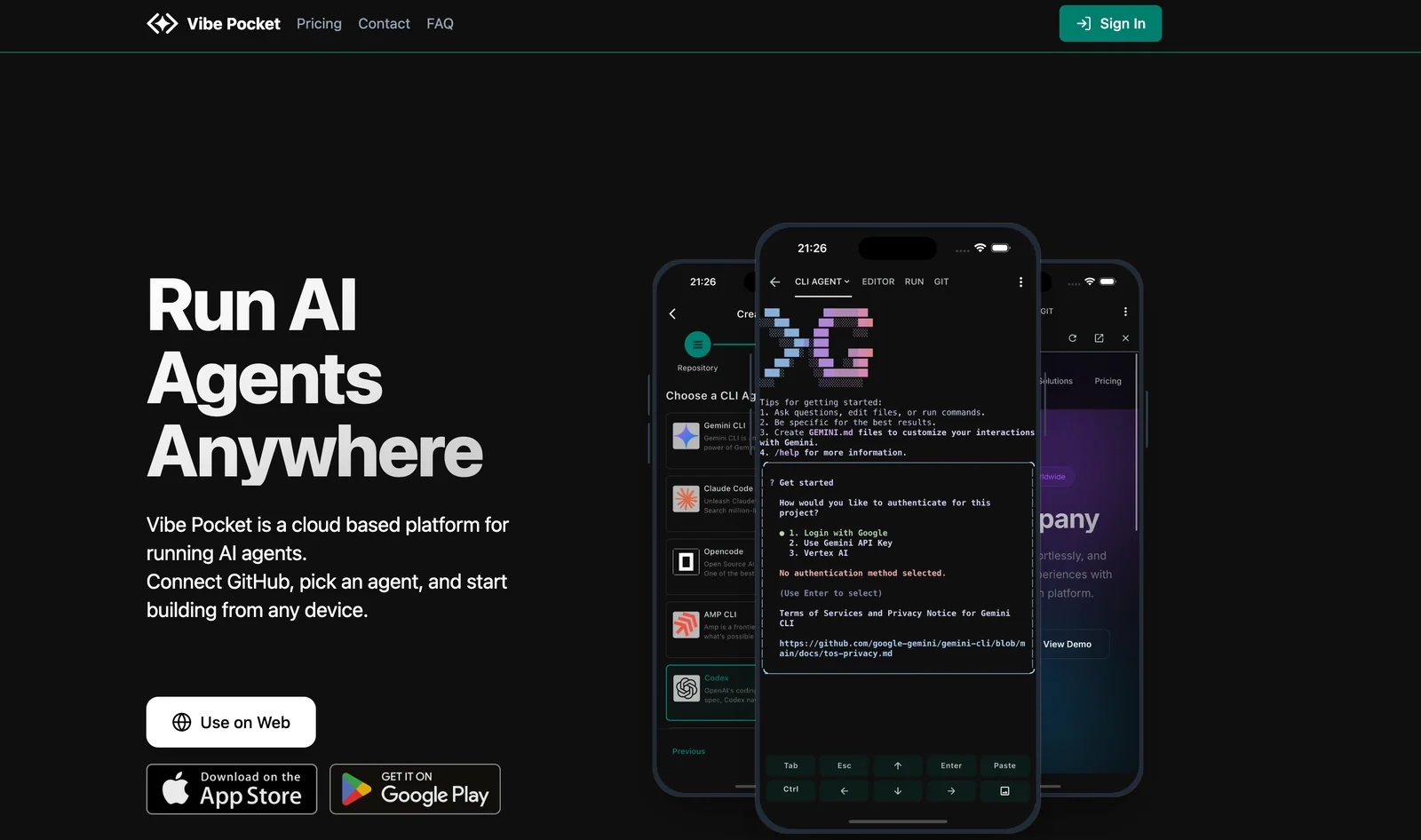
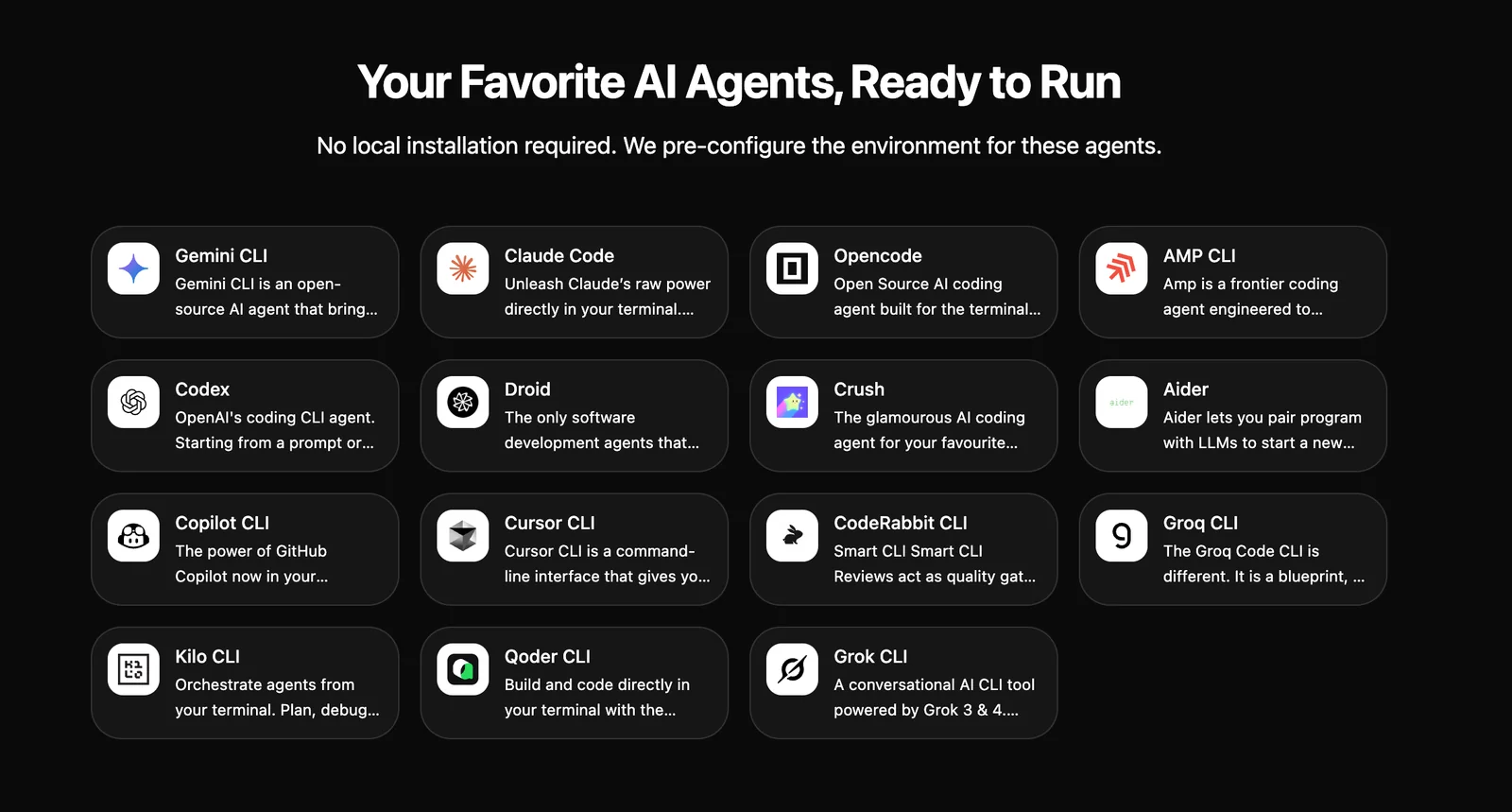
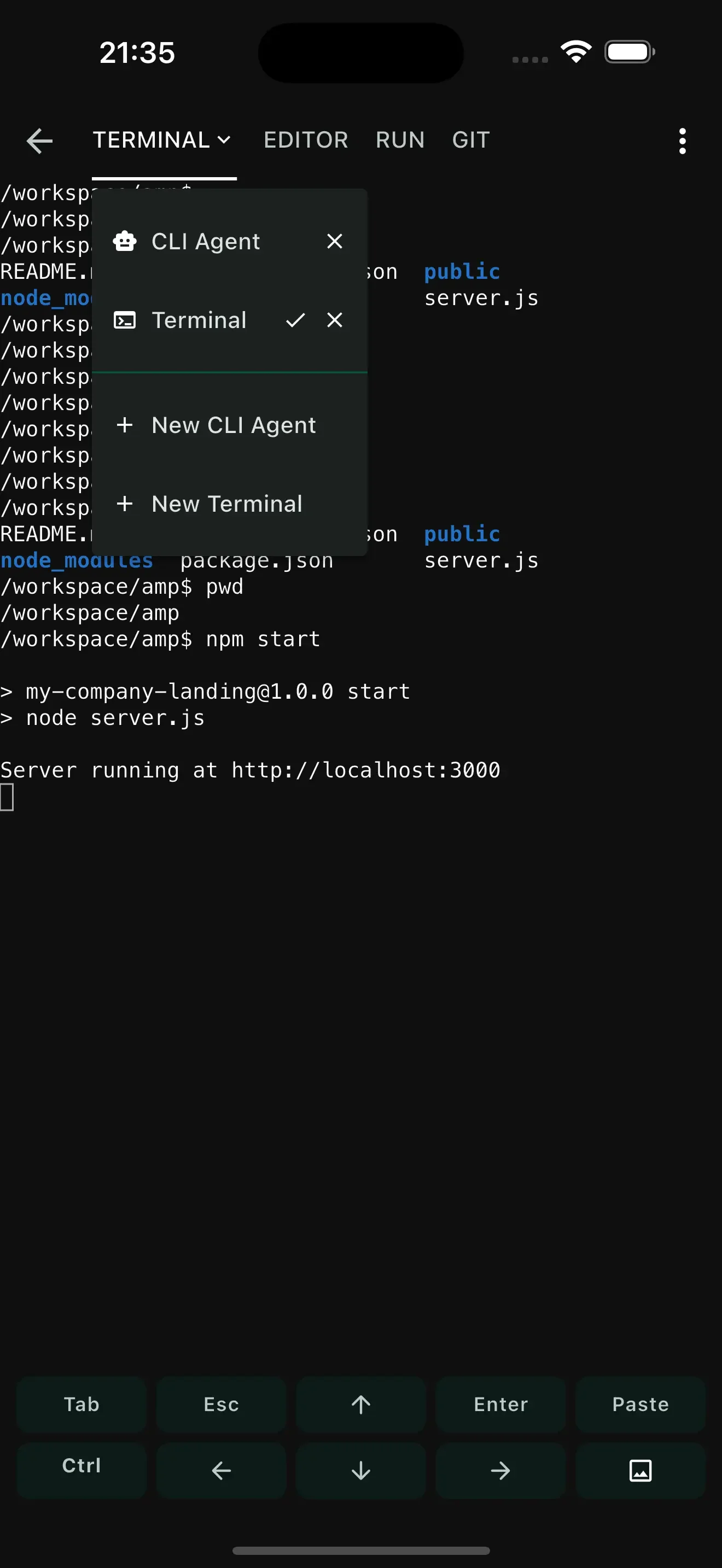
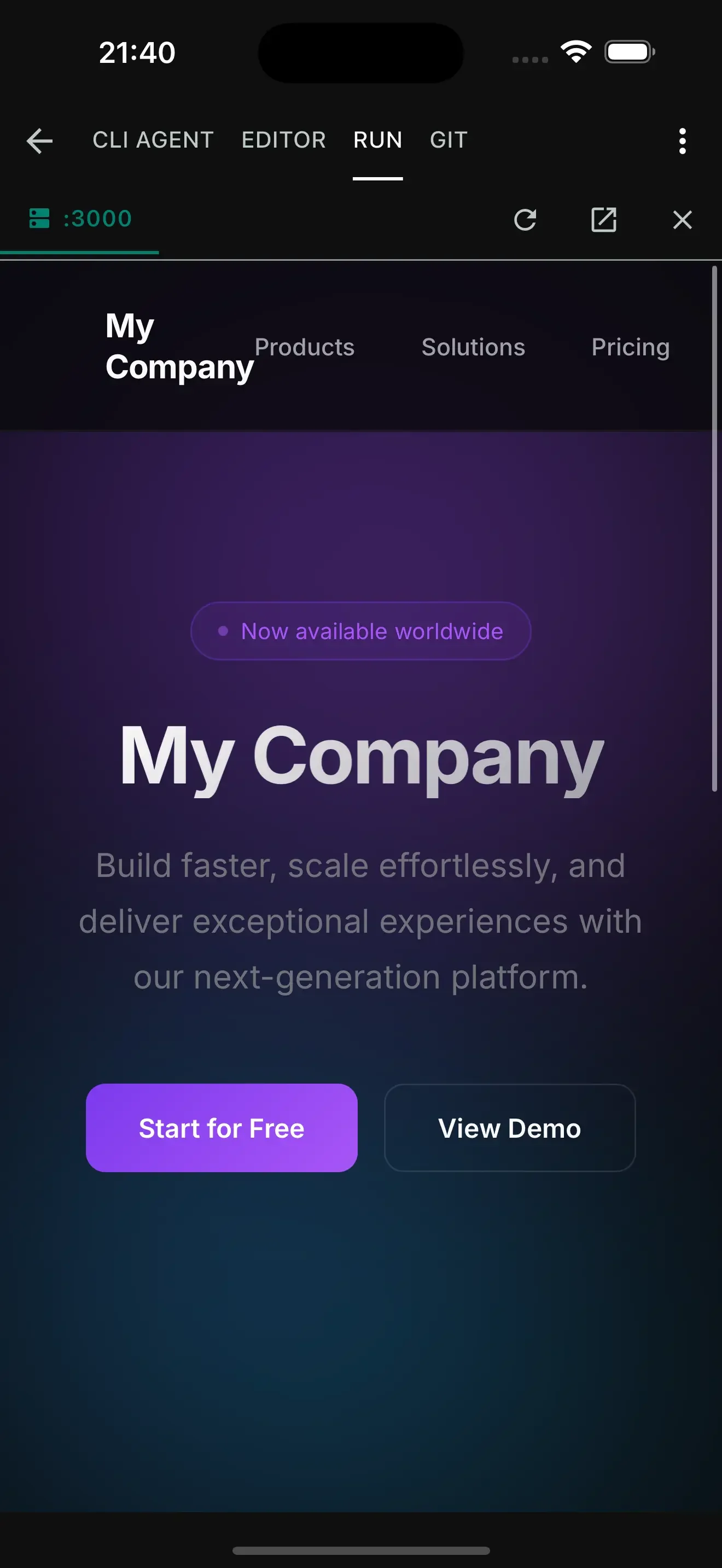
Vibe Pocket is a cloud-based platform for running CLI-style AI agents remotely from web or mobile devices. Users connect their GitHub account, choose from supported agents (examples listed include Claude Code, Codex, and opencode), and begin building and executing agent workflows without needing local setup. The platform emphasizes easy, cross-device access to agent capabilities so developers can develop, test, and run AI-driven command-line tools from phones, tablets, or browsers.
Screenshots
Key Features
Use Cases



Frequently asked questions about Vibe Pocket
What is the pricing structure for Vibe Pocket?
Vibe Pocket utilizes a custom pricing model, tailored to the specific needs of its users. To obtain detailed information about plan tiers, pricing options, trials, and enterprise solutions, prospective customers should directly contact Vibe Pocket's sales team, as no public pricing information is available.
Key Points
- Vibe Pocket offers a custom pricing model.
- Interested users must contact sales for specific pricing details.
- No public pricing tiers are provided.
Detailed Explanation
Vibe Pocket's pricing structure is designed to be flexible, catering to a wide range of users, from individuals to large enterprises. Since the platform focuses on customization, users can expect to receive a quote based on their specific requirements, including features, user count, and service levels.
-
Contacting Sales: To start the inquiry, users should visit the Vibe Pocket website and fill out the contact form or call the sales team directly. This step ensures that they receive tailored information relevant to their situation.
-
Understanding Plan Tiers: While exact tiers are not disclosed, users can typically expect several levels of service—such as basic, professional, and enterprise. Each tier often comes with varying features and support levels, which can significantly impact pricing.
-
Trial Options: Many software services offer trial periods to help users evaluate the platform before committing financially. Inquire about any available trials to test Vibe Pocket’s features.
-
Enterprise Solutions: For larger organizations, Vibe Pocket may provide specialized enterprise solutions. These can include additional functionalities, dedicated support, and enhanced security measures, which can also affect pricing.
Best Practices / Tips
-
Prepare Your Needs: Before contacting sales, list the features and capabilities you need. This preparation can help the sales team provide a more accurate quote.
-
Ask About Discounts: Inquire about any potential discounts for annual subscriptions or bulk user licenses, which can result in significant savings.
-
Evaluate Alternatives: If budget is a concern, consider comparing Vibe Pocket with similar tools that may offer clearer pricing structures.
-
Read Reviews: Check customer reviews and testimonials to ensure that the investment aligns with your needs.
Additional Resources
What are the key features of Vibe Pocket?
Vibe Pocket is a robust platform that provides cloud hosting for Command Line Interface (CLI) AI agents, seamless GitHub integration, access to various agent models, and cross-device functionality. This allows users to effortlessly run and manage their workflows from any device, enhancing productivity and flexibility.
Key Points
- Cloud Hosting for CLI AI Agents: Users can deploy and manage AI agents in the cloud.
- GitHub Integration: Streamlined access to version control and collaborative development.
- Cross-Device Functionality: Operate workflows on multiple devices without interruption.
Detailed Explanation
Vibe Pocket stands out due to its cloud-based architecture, which allows users to run CLI AI agents without the need for local installations. This feature is particularly beneficial for developers and data scientists who require flexibility and scalability in their projects.
Cloud Hosting for CLI AI Agents
With Vibe Pocket, you can deploy AI agents in the cloud, eliminating the hassle of setting up complex local environments. This means you can focus on developing your AI solutions rather than managing infrastructure. For instance, if you’re working on a machine learning model, you can easily update and test it from any device connected to the internet.
GitHub Integration
The seamless GitHub integration enables users to manage their code repositories directly within Vibe Pocket. This integration facilitates collaborative coding practices, allowing teams to work together in real-time. For example, you can push updates, track changes, and pull requests directly from your Vibe Pocket dashboard, streamlining your development workflow.
Cross-Device Functionality
One of the standout features of Vibe Pocket is its ability to function across multiple devices. Whether you’re on a laptop, tablet, or smartphone, you can access your workflows anytime, anywhere. This cross-device capability is essential for professionals who work remotely or need to switch between devices frequently.
Best Practices / Tips
- Utilize Version Control: Always use GitHub integration to keep your code organized and avoid conflicts.
- Test Across Devices: Regularly check the functionality of your workflows on different devices to ensure compatibility and performance.
- Stay Updated: Follow Vibe Pocket's updates to take advantage of new features and enhancements.
Additional Resources
How do I start using Vibe Pocket for the first time?
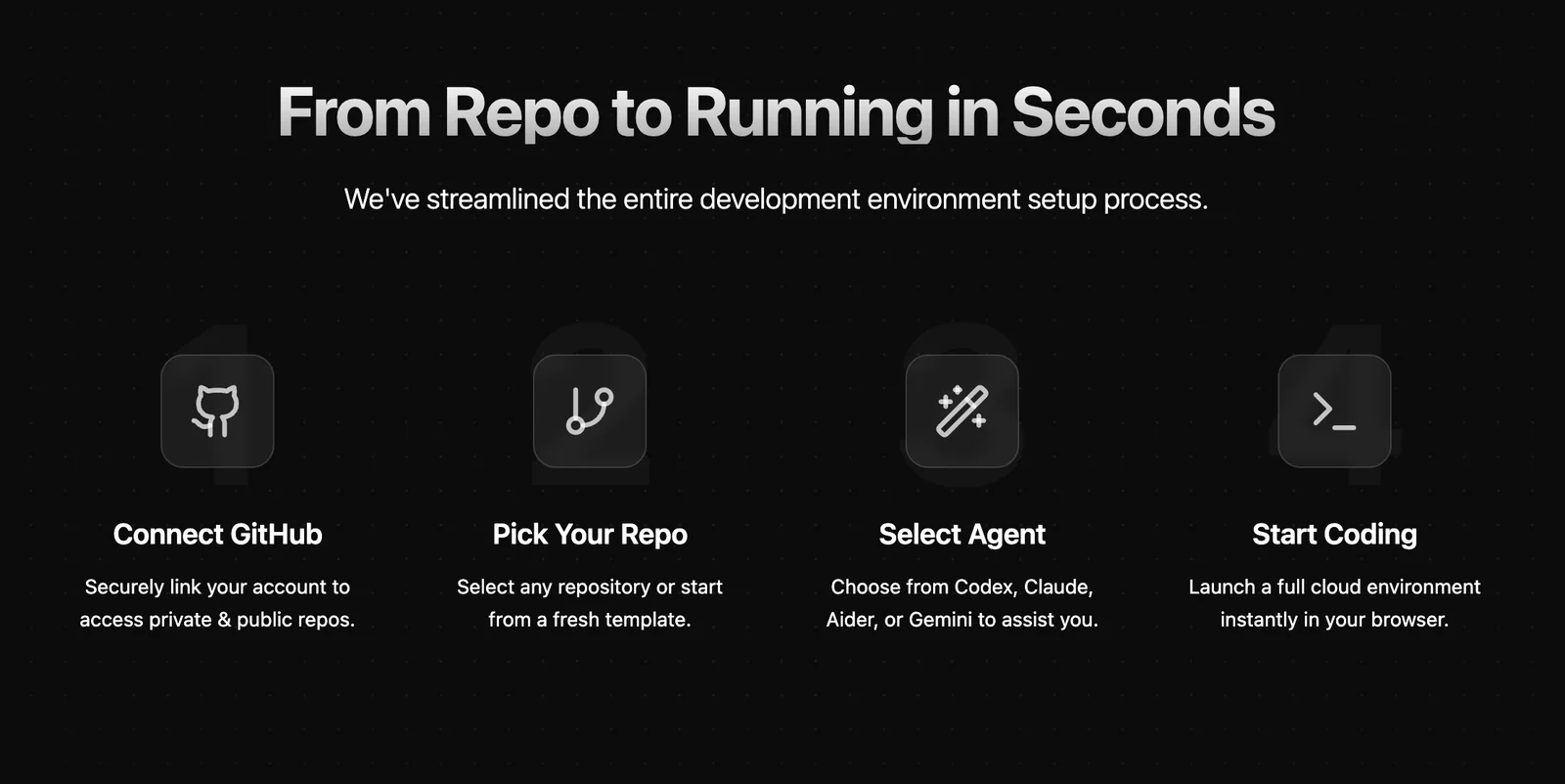
To start using Vibe Pocket for the first time, connect your GitHub account, choose an AI agent like Claude Code or Codex, and follow the intuitive setup flow. This will enable you to create and execute workflows seamlessly in the cloud.
Key Points
- Connect your GitHub account for integration.
- Select a suitable AI agent for your needs.
- Follow the setup flow to create workflows.
Detailed Explanation
To begin with Vibe Pocket, you’ll first need to connect your GitHub account. This integration allows Vibe Pocket to access your repositories and manage your projects effectively. Here’s how to do it:
-
Connect GitHub Account:
- Go to the Vibe Pocket homepage and click on the "Sign In" button.
- Select "Connect with GitHub." You will be redirected to GitHub to authorize Vibe Pocket.
- Grant the necessary permissions to enable functionality between the two platforms.
-
Choose an AI Agent:
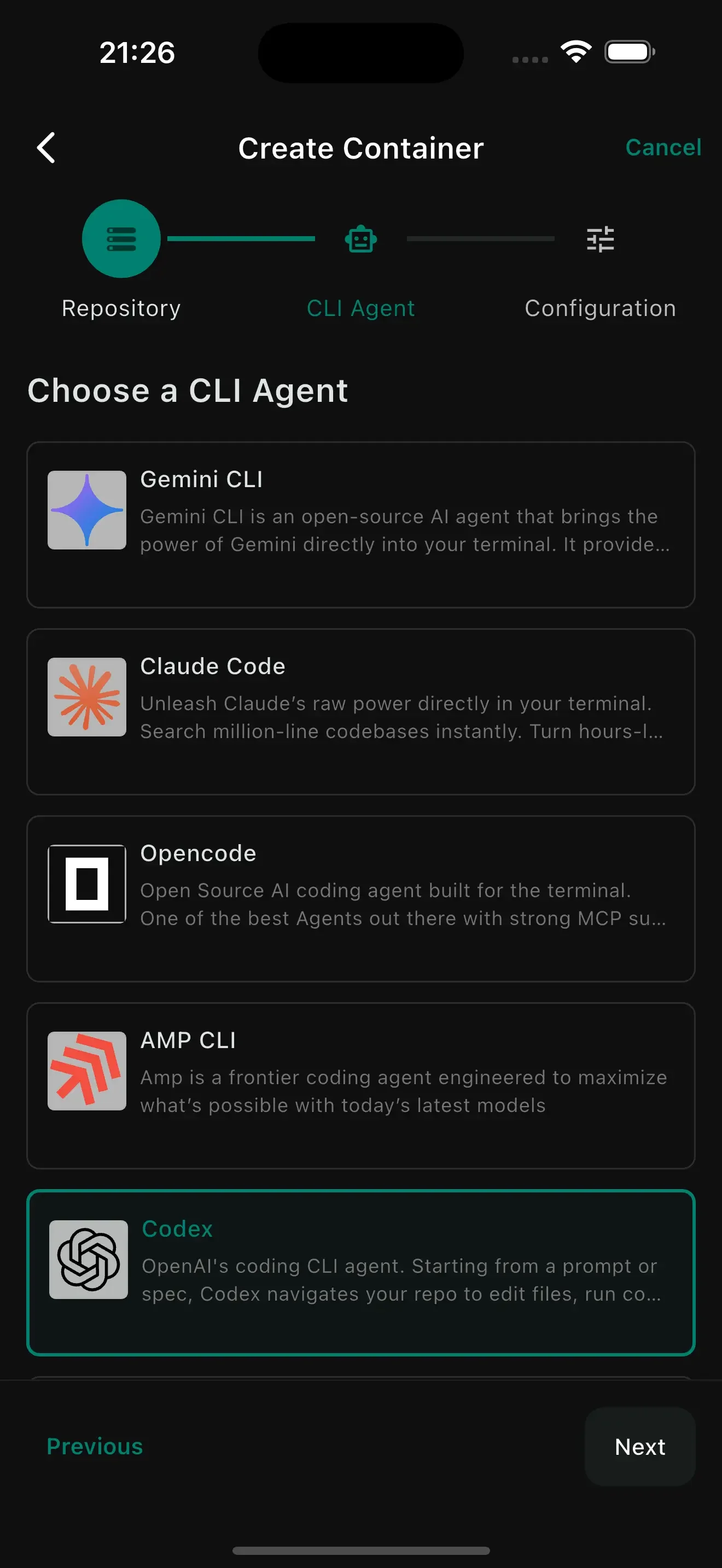
- After connecting your GitHub, you’ll be prompted to select an AI agent. Options include Claude Code for natural language processing tasks or Codex for coding-related tasks.
- Assess your project needs to choose the most suitable agent. For instance, if your focus is on automating coding tasks, Codex would be ideal.
-
Follow the Setup Flow:
- Vibe Pocket provides an easy-to-follow setup wizard. This will guide you through configuring your first workflow.
- You can customize triggers, actions, and conditions based on your requirements. For example, set up a workflow that automatically deploys code upon merging a pull request.
Once you complete the setup, you can start building and executing workflows in the cloud, enhancing your productivity significantly.
Best Practices / Tips
- Explore Use Cases: Familiarize yourself with various use cases for your chosen AI agent. For instance, Claude Code can help generate documentation from comments in your code.
- Experiment with Workflows: Start with simple workflows and gradually introduce complexity. This helps you understand the capabilities of Vibe Pocket without overwhelming yourself.
- Stay Updated: Regularly check for updates or new features in Vibe Pocket. This ensures you are using the tool to its full potential.
Additional Resources
Can Vibe Pocket integrate with other software tools?
Yes, Vibe Pocket can integrate seamlessly with various software tools, including GitHub, which enhances collaboration and streamlines development workflows. This integration improves automation and allows agents to access repositories directly, boosting productivity and project management efficiency.
Key Points
- Integration with GitHub: Access repositories and streamline workflows.
- Collaboration Enhancement: Promotes teamwork among developers and agents.
- Automation Features: Facilitates automated processes within projects.
Detailed Explanation
Vibe Pocket's integration capabilities are designed to enhance productivity by connecting with popular software tools like GitHub. Through this integration, users can access their repositories, manage code versions, and collaborate on projects in real-time. For instance, agents can pull code from GitHub, review changes, and push updates without leaving the Vibe Pocket interface. This seamless workflow reduces context switching, allowing teams to focus on development tasks.
In addition to GitHub, Vibe Pocket is compatible with other software tools, such as project management platforms (like Trello and Asana), CRM systems, and communication tools (like Slack). These integrations ensure that all aspects of project management are connected, providing a holistic view of tasks, deadlines, and team communications.
Use Cases:
- Development Teams: Easily manage code repositories and track issues within Vibe Pocket.
- Marketing Teams: Coordinate campaigns by integrating with project management tools like Trello.
- Sales Teams: Utilize CRM integrations to maintain customer data and streamline communication.
Best Practices / Tips
- Evaluate Your Needs: Before integrating Vibe Pocket with other tools, assess which software best fits your workflow.
- Keep It Simple: Start with essential integrations to avoid overwhelming your team.
- Regular Updates: Ensure that all integrated tools are updated regularly to take advantage of new features and security improvements.
Additional Resources
How does Vibe Pocket compare to traditional local development environments?
Vibe Pocket revolutionizes local development environments by allowing remote execution of CLI AI agents, eliminating the need for local installations. This leads to faster development cycles, improved collaboration, and accessibility from any device, making it an efficient choice for modern development teams.
Key Points
- Remote Execution: Run CLI AI agents without local installations.
- Faster Development: Streamlined processes lead to quicker turnarounds.
- Enhanced Collaboration: Work seamlessly across teams and devices.
Detailed Explanation
Vibe Pocket offers a cloud-based solution that contrasts sharply with traditional local development environments, which require extensive setup and maintenance. In a local environment, developers must install software, manage dependencies, and configure settings on their machines. This often leads to inconsistencies and prolonged setup times.
In contrast, Vibe Pocket allows developers to execute CLI AI agents remotely. This means that you can access powerful tools and resources from any device with internet connectivity, whether you're in the office or on the go. For example, if a team member is working on a project that requires specific AI functionalities, they can quickly spin up an instance in Vibe Pocket without waiting for installations or updates.
Use Cases
- Cross-Platform Development: Developers can work on different operating systems without compatibility issues.
- Remote Teams: Teams dispersed across various locations can collaborate in real-time, enhancing productivity.
- Rapid Prototyping: Quickly test ideas and iterate without the overhead of local setup.
Best Practices / Tips
- Utilize Version Control: Always integrate version control systems to track changes effectively.
- Stay Organized: Keep your projects and resources well-organized within Vibe Pocket to avoid confusion.
- Regularly Update: Ensure any dependencies or AI tools you use are up-to-date to leverage the latest features and security patches.
Additional Resources
Explore more AI Ai Tools tools
Browse all Ai Tools tools →Browse by use case: Automation & Productivity
Compare Vibe Pocket: vs CleanSlop · vs Kalender Sync · vs UseIt Studio · vs Woven Video