

tavily
AIReal-time web search and content extraction APIs optimized for LLM agents and RAG workflows.
tavily
Real-time web search and content extraction APIs optimized for LLM agents and RAG workflows.
About tavily
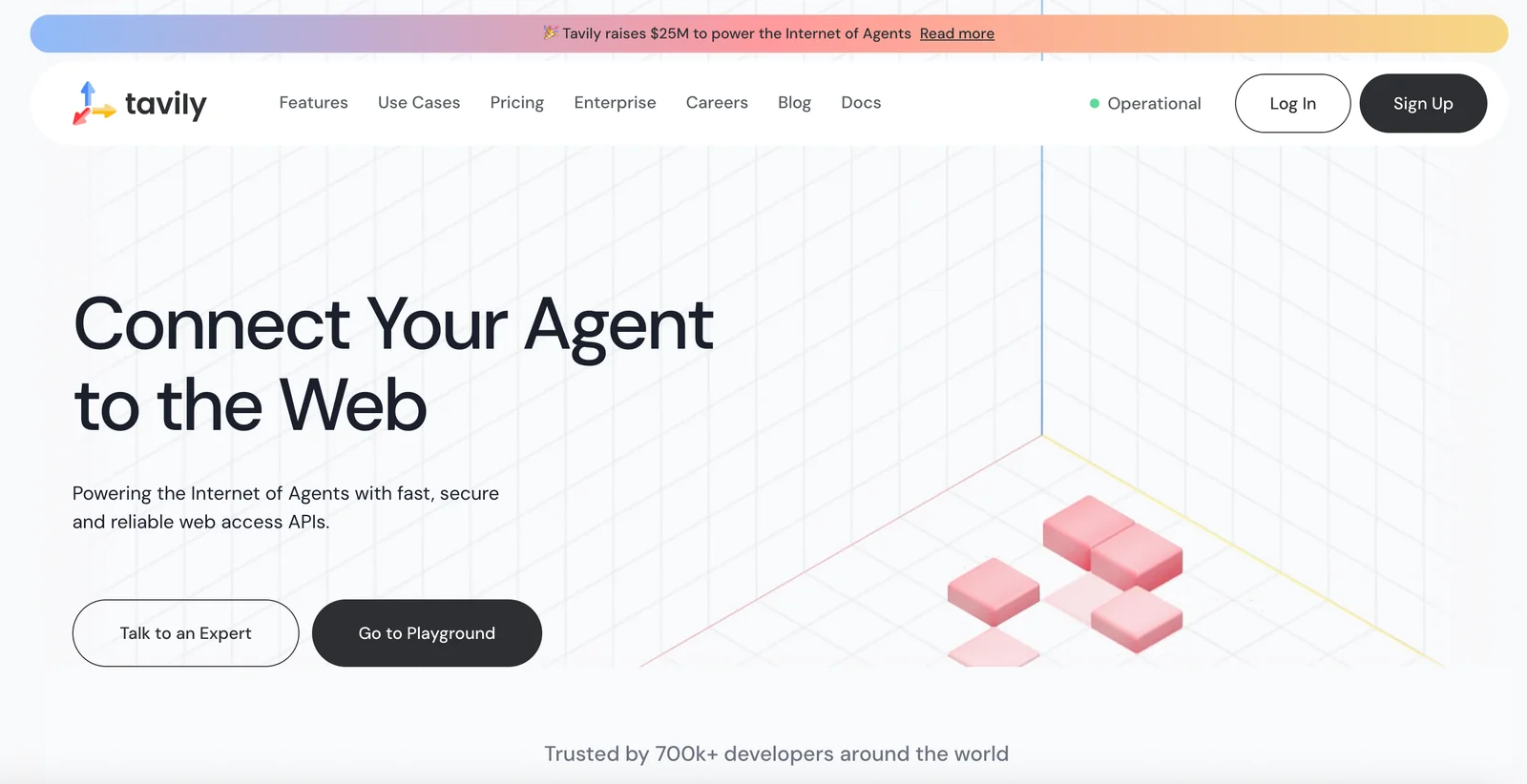
Tavily provides a web access layer for AI agents: fast, low-latency search, structured content extraction, crawling and mapping APIs designed for LLMs and RAG pipelines. It returns contextual, ranked results optimized for relevance to downstream language models, supports structured data extraction from URLs, and offers SDKs (Python, TypeScript) and integrations for building conversational agents, MCP servers, and real-time knowledge enrichment. Tavily emphasizes developer ergonomics, persistent search results, and tooling to integrate live web information into AI applications.
Screenshots
Key Features
Use Cases


Frequently asked questions about tavily
What are the pricing options for Tavily?
Tavily provides a flexible pricing structure that includes a freemium model, a PAYGO option at $0.008 per credit, monthly subscription plans ranging from $0.0075 to $0.005 per credit, and tailored enterprise solutions for larger organizations.
Key Points
- Freemium Model: Free personal tier with 1,000 credits/month.
- PAYGO Option: Pay-as-you-go at $0.008 per credit.
- Monthly Plans: Subscription plans ranging from $0.0075 to $0.005 per credit.
Detailed Explanation
Tavily's pricing structure is designed to cater to a variety of users, from individual consumers to large enterprises.
-
Freemium Model: The free personal tier allows users to access 1,000 credits per month, making it an excellent option for casual users or those just starting with Tavily. This tier is ideal for individuals or small projects that require basic functionality without financial commitment.
-
PAYGO Option: For users who prefer not to commit to a subscription, Tavily offers a pay-as-you-go pricing model at $0.008 per credit. This option provides flexibility for users who have fluctuating needs or who want to test the service without a long-term commitment.
-
Monthly Plans: Tavily’s subscription plans offer a more economical approach for regular users. Monthly subscriptions vary in pricing from $0.0075 to $0.005 per credit, depending on the volume of credits purchased. This tiered pricing incentivizes users to commit to larger credit purchases, resulting in significant savings for frequent users.
-
Custom Enterprise Solutions: For larger organizations, Tavily offers custom enterprise solutions tailored to specific needs. These solutions can include bulk credits, enhanced support, and additional features that cater to business requirements, ensuring organizations can scale efficiently.
Best Practices / Tips
- Evaluate Usage: Before choosing a pricing tier, assess your expected usage of credits. If you are a casual user, the freemium model might suffice. However, for regular users, a subscription plan could provide better value.
- Leverage PAYGO: Use the PAYGO option for intermittent needs, allowing flexibility without the commitment of a subscription.
- Monitor Credits: Keep track of your credit usage to avoid running out unexpectedly. Tavily provides usage statistics that can help manage your credits effectively.
Additional Resources
How do I start using Tavily's API?
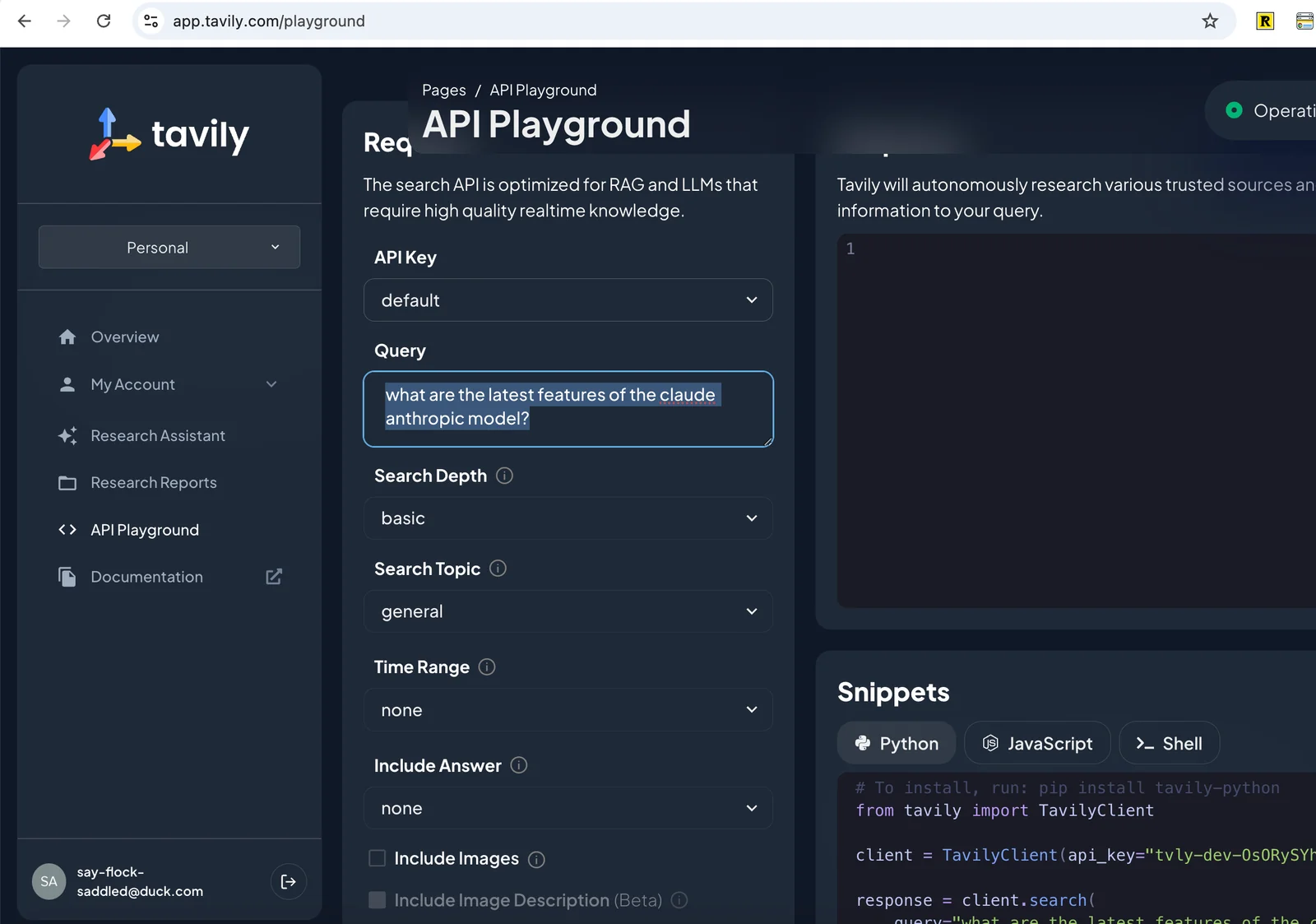
To start using Tavily's API, sign up for a free account on their website, obtain your API key, and consult the developer documentation for detailed integration instructions and sample code. This process allows you to seamlessly incorporate Tavily's features into your applications.
Key Points
- Create a free account on Tavily's website.
- Secure your unique API key for authentication.
- Refer to comprehensive developer documentation for guidance.
Detailed Explanation
Starting with Tavily's API is straightforward.
-
Sign Up: Visit Tavily's website and create a free account. The sign-up process typically requires your email address and a password. Verify your email to activate your account.
-
Obtain Your API Key: Once signed up, navigate to the API section of your account dashboard. Here, you will find your unique API key. This key is essential for authenticating requests to the API and should be kept secure.
-
Integration Instructions: Access the developer documentation from the dashboard or directly at Tavily Developer Docs. The documentation provides valuable information, including:
- Endpoint Details: Understand the various API endpoints available and their functionalities.
- Sample Code: Find code snippets in languages like Python, JavaScript, and PHP that demonstrate how to make requests to the API.
- Error Handling: Learn how to manage potential errors during API calls effectively.
Best Practices / Tips
- Secure Your API Key: Treat your API key like a password. Do not expose it in public repositories or client-side code.
- Test in a Development Environment: Before deploying your application, test the API in a safe environment to avoid issues in production.
- Monitor API Usage: Regularly check your API usage through the dashboard to ensure you stay within any rate limits set by Tavily.
Additional Resources
- Tavily API Documentation
- Tavily Community Forum: Engage with other developers for tips and troubleshooting.
- Getting Started with APIs: A helpful guide on understanding APIs and their integration.
What are the key features of Tavily?
Tavily offers key features such as real-time web search, intelligent content extraction, customizable site crawling, and robust API integration tools. These capabilities are specifically designed to enhance Large Language Model (LLM) workflows and Retrieval-Augmented Generation (RAG) processes, making it an essential tool for developers and content creators.
Key Points
- Real-Time Web Search: Access current information instantly.
- Intelligent Content Extraction: Automatically gather relevant data.
- Customizable Site Crawling: Tailor web crawling to specific needs.
- Robust API Integration: Seamlessly connect with existing systems.
Detailed Explanation
Tavily stands out in the AI tool landscape due to its unique features:
-
Real-Time Web Search: This feature allows users to retrieve up-to-date information from the web instantly. For example, businesses can monitor trends or gather competitive intelligence without delay, enhancing decision-making processes.
-
Intelligent Content Extraction: Tavily utilizes advanced algorithms to extract meaningful data from various sources. This is particularly useful for content creators who need to curate relevant articles or for businesses aiming to gather insights from user-generated content.
-
Customizable Site Crawling: Users can define specific parameters for site crawling, such as selecting particular websites or types of content to crawl. This flexibility enables targeted data collection, which is critical for niche applications in research or market analysis.
-
Robust API Integration: Tavily offers strong API functionality, allowing developers to integrate its features seamlessly into existing workflows. This can streamline operations, enhance user experiences, and facilitate the deployment of AI solutions across multiple platforms.
Best Practices / Tips
- Maximize API Use: Take full advantage of Tavily's API by integrating it with your existing systems, ensuring that data flows smoothly and efficiently.
- Define Clear Crawling Parameters: When customizing site crawling, clearly outline your objectives to ensure you gather the most relevant data.
- Stay Updated: Regularly check Tavily’s updates and new features to maximize its potential in your workflows.
- Test and Iterate: Experiment with different configurations to find the optimal settings for your specific use case.
Additional Resources
How does Tavily compare to other web search APIs?
Tavily distinguishes itself from other web search APIs by offering low-latency search capabilities, real-time content extraction, and a flexible pricing model. These features make Tavily particularly suitable for large language model (LLM) applications and retrieval-augmented generation (RAG) workflows, enhancing performance and usability.
Key Points
- Low-Latency Search: Tavily provides rapid search results, crucial for time-sensitive applications.
- Real-Time Content Extraction: It extracts up-to-date content, ensuring users access the latest information.
- Flexible Pricing: Tavily offers customizable pricing plans to fit various business needs.
Detailed Explanation
Tavily's low-latency search capability allows for quick retrieval of information, making it an excellent choice for applications requiring immediate results. For example, businesses using Tavily can expect response times in milliseconds, significantly enhancing user experience.
Real-time content extraction is another standout feature of Tavily. Unlike many competitors that rely on indexed data, Tavily pulls information directly from the web as queries are made. This means users receive the most current data, which is essential in fast-paced industries such as finance or news.
The flexible pricing model of Tavily is also noteworthy. While many web search APIs have rigid pricing structures, Tavily allows businesses to select plans based on their specific usage needs, scaling easily as their requirements grow. This adaptability helps companies manage costs effectively while still accessing powerful search capabilities.
For instance, a startup can begin with a basic plan that allows them to explore Tavily's features without significant financial commitment, while larger enterprises can opt for comprehensive packages that include advanced analytics and support.
Best Practices / Tips
- Evaluate Use Cases: Identify your specific requirements—whether you need real-time data for customer support or analytics for business intelligence.
- Monitor Performance: Continuously track the performance of the API to ensure it meets your latency and content accuracy needs.
- Optimize Queries: Use precise and well-structured queries to maximize the effectiveness of Tavily's search capabilities.
Avoid common pitfalls such as overloading the API with non-essential requests, which can lead to increased latency and higher costs. Instead, prioritize important queries that align with your business goals.
Additional Resources
What technical requirements are needed to integrate Tavily?
Integrating Tavily requires an API key, proficiency in HTTP requests, and compatibility with programming languages such as Python or JavaScript. For detailed guidance, refer to the official Tavily documentation, which provides step-by-step instructions for successful integration.
Key Points
- API Key Requirement: You must acquire an API key to authenticate requests.
- Knowledge of HTTP Requests: Familiarity with making GET and POST requests is essential.
- Programming Language Compatibility: Tavily supports integration with languages like Python and JavaScript.
Detailed Explanation
To start integrating Tavily, you need to obtain an API key from the Tavily platform. This key is essential for authenticating your application’s requests to the Tavily API.
Step 1: Obtain Your API Key
- Sign up on the Tavily platform and navigate to the API section to generate your API key.
Step 2: Understanding HTTP Requests
- You need basic knowledge of HTTP methods, particularly GET for retrieving data and POST for sending data. Familiarize yourself with the request headers, body, and response formats.
Step 3: Choose Your Programming Language
- Tavily’s API supports various programming languages, including Python and JavaScript. Select the one you are most comfortable with. For example, if you choose Python, use libraries like
requeststo make API calls efficiently.
Example Code Snippet in Python:
import requests

url = "https://api.tavily.com/v1/your_endpoint"
headers = {
    "Authorization": "Bearer YOUR_API_KEY"
}

response = requests.get(url, headers=headers)
print(response.json())
Best Practices / Tips
- Keep Your API Key Secure: Never expose your API key in public repositories. Use environment variables to store sensitive information.
- Rate Limiting: Be aware of the API’s rate limits to avoid being temporarily blocked.
- Error Handling: Implement robust error handling in your code to manage potential issues, such as network errors or invalid requests.
Additional Resources
- Tavily API Documentation - Comprehensive guide for integration.
- Postman - Use this tool for testing API calls without writing code.
- Python Requests Library - Official documentation for the requests module, helpful for making HTTP requests in Python.
Explore more AI Ai Tools tools
Browse all Ai Tools tools →Browse by use case: Code Generation
Compare tavily: vs ToneBird · vs Decode · vs LibreChat · vs AppGrowthKit