

Sliq
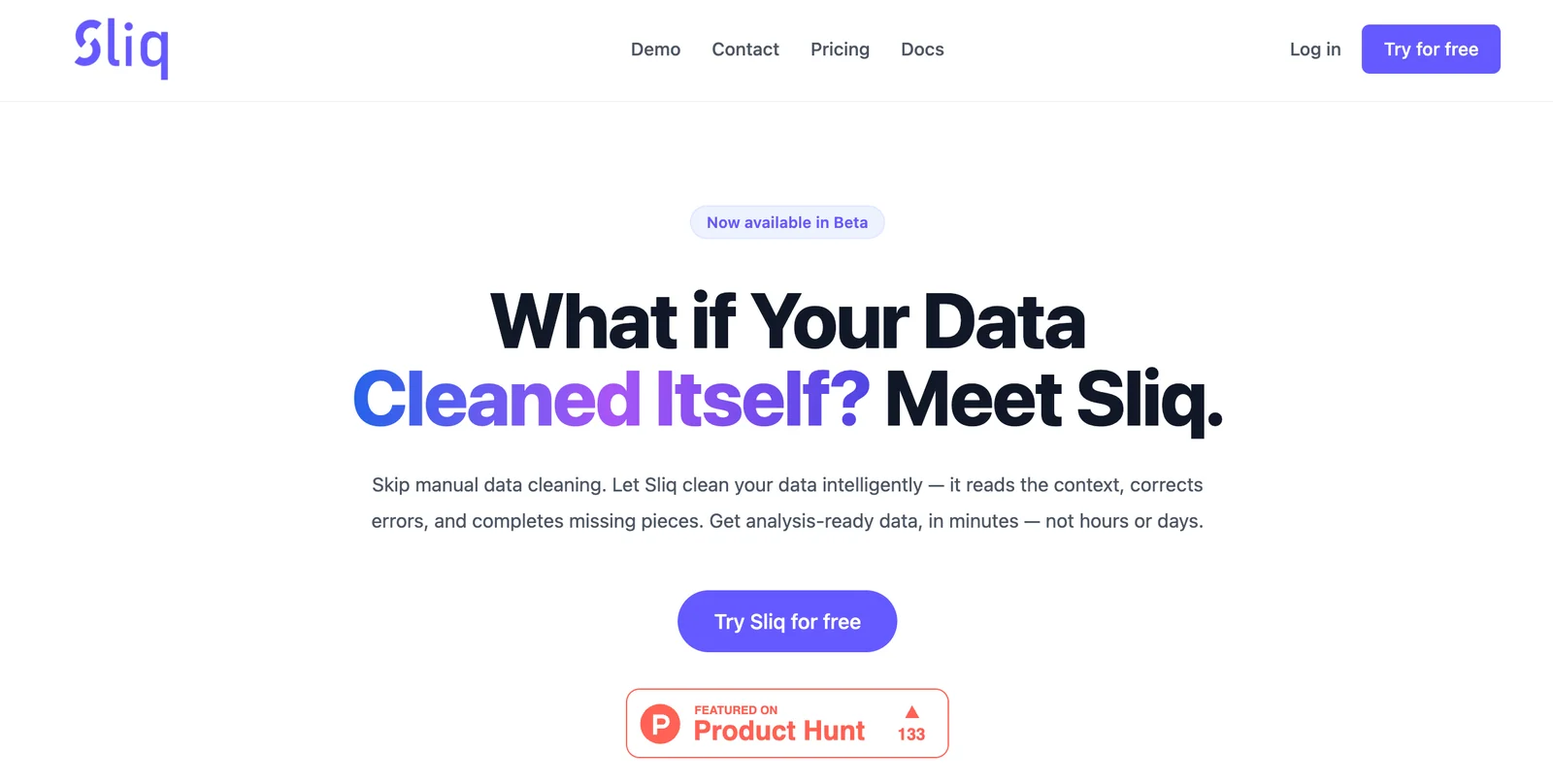
AIAI-powered automated data cleaning that auto-fixes formats, missing values, and schema issues to produce analysis-ready datasets.
Sliq
AI-powered automated data cleaning that auto-fixes formats, missing values, and schema issues to produce analysis-ready datasets.
About Sliq
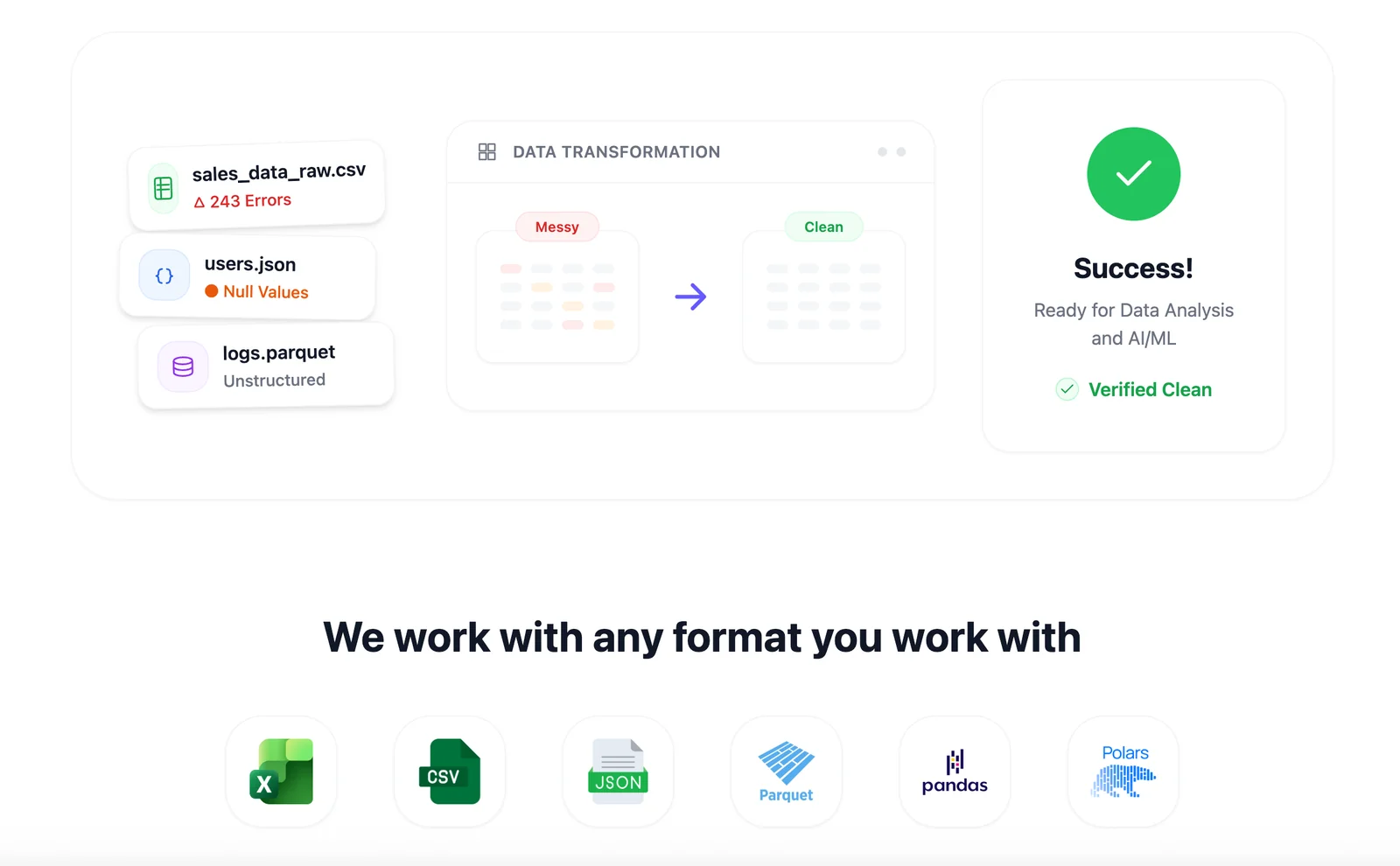
Sliq is an AI-driven data cleaning tool that automatically detects and resolves common data quality problems to deliver analysis-ready datasets in minutes. Users can upload CSV, JSON, Excel, or Parquet files via the Sliq website or integrate cleaning into workflows using the official sliq Python library (pip install sliq). Sliq applies format normalization, missing value handling, and schema correction so engineers and analysts spend less time on manual data wrangling and more time on analysis and modeling.
Screenshots
Key Features
Use Cases


Frequently asked questions about Sliq
What are the pricing options available for Sliq?
Sliq offers a freemium model, allowing users free access to basic data cleaning functionalities. For advanced features or commercial plans, detailed pricing isn't publicly available. Users interested in specific pricing options should contact Sliq directly for tailored information.
Key Points
- Sliq provides a freemium model for basic features.
- Advanced features and commercial plans require direct inquiries.
- Contacting Sliq directly is essential for detailed pricing information.
Detailed Explanation
Sliq is a versatile data cleaning tool that utilizes a freemium pricing model. This means that users can access basic functionalities at no cost, which is ideal for individuals or small teams looking to clean and prepare their data without financial commitment.
Basic Features
The free version includes essential data cleaning tools such as:
- Removing duplicates
- Standardizing formats
- Basic data validation
These features are suitable for users who require fundamental data cleaning capabilities for personal projects or small-scale operations.
Advanced Features
For users needing more sophisticated functionalities, such as:
- Automated data quality checks
- Advanced analytics capabilities
- Customizable workflows
Sliq does not publicly disclose pricing for these advanced features. Instead, potential customers are encouraged to reach out directly via their website or customer service channels. This approach allows Sliq to provide tailored quotes based on specific needs, project size, and usage levels.
Best Practices / Tips
- Explore the Free Version: Before committing, make full use of the free features to understand if Sliq meets your needs.
- Contact for Quotes: If you're considering advanced features, prepare a list of your requirements to discuss with Sliq’s sales team.
- Compare Alternatives: Research other data cleaning tools to ensure you find the best fit for your budget and requirements.
Additional Resources
By leveraging these resources, users can make informed decisions about their data cleaning needs and the tools that best support them.
How does Sliq automatically handle missing values in datasets?
Sliq automatically handles missing values in datasets by identifying them and employing context-aware imputation strategies. This enhances data quality by filling gaps intelligently, minimizing bias, and reducing errors, thereby improving the accuracy of analytical outcomes and machine learning models.
Key Points
- Context-Aware Imputation: Sliq uses advanced algorithms to assess data context.
- Bias Reduction: The imputation strategies minimize potential data biases.
- Error Minimization: Accurate filling of gaps leads to fewer errors in analysis.
Detailed Explanation
Sliq utilizes sophisticated techniques to manage missing values in datasets. When it detects missing or placeholder values, it applies context-aware imputation strategies. This means that instead of simply replacing missing entries with a mean or median, Sliq analyzes the surrounding data to make more intelligent predictions about what those missing values should be.
For instance, if you're working with a dataset containing customer information, and a customer's age is missing, Sliq might consider their purchase history, location, and other demographic factors to infer a more accurate age. This approach not only fills gaps but also maintains the integrity of the dataset, ensuring that the imputed values are consistent with the overall trends and patterns present in the data.
Use Cases
- E-commerce Analytics: In an e-commerce setting, Sliq can fill missing customer age data to improve targeted marketing efforts.
- Healthcare Data Management: In healthcare datasets, missing values related to patient records can be imputed to maintain continuity in patient care analytics.
- Financial Forecasting: Financial datasets often have missing values due to reporting issues; Sliq can accurately predict these values to ensure reliable forecasting.
Best Practices / Tips
- Regularly Check for Missing Values: Use Sliq to routinely scan your datasets for missing values to ensure data quality.
- Understand Your Data Context: Familiarize yourself with the dataset's context to enhance the imputation process.
- Evaluate Imputed Results: After Sliq fills in missing values, assess the impact on your data analysis to ensure decisions are based on reliable information.
Additional Resources
How can I start using Sliq for data cleaning?
To start using Sliq for data cleaning, visit the official website, create a free account, and upload your datasets in supported formats like CSV or Excel. You will immediately have access to essential data cleaning functionalities and can begin optimizing your data for better analysis.
Key Points
- User-Friendly Interface: Sliq offers an intuitive dashboard for easy navigation.
- Supported Formats: Upload datasets in CSV, Excel, and other formats.
- Immediate Access: Begin using basic cleaning tools right after account creation.
Detailed Explanation
Starting with Sliq for data cleaning is a straightforward process. Here’s a step-by-step guide:
-
Visit the Official Website: Go to Sliq's website to find all the information you need.
-
Create an Account: Click on the "Sign Up" button. You'll need to provide a valid email address and set a password. Sliq offers a free tier, allowing you to explore its functionalities without any initial investment.
-
Upload Your Datasets: Once your account is created, log in and navigate to the dashboard. You can upload your datasets in various formats, including CSV and Excel. Simply click on the "Upload" button, select your file, and wait for the system to process it.
-
Access Cleaning Tools: After your datasets are uploaded, you can access basic cleaning functionalities such as removing duplicates, handling missing values, and standardizing data formats. These tools are designed to enhance your dataset's quality, making it ready for analysis.
-
Explore Advanced Features: As you become comfortable with the basics, consider exploring advanced features available in premium plans, which may include automated data cleaning, integration with other software, and enhanced analytics.
Best Practices / Tips
- Start with Small Datasets: If you are new to Sliq, begin with smaller datasets to familiarize yourself with its tools and features.
- Use Templates: Sliq provides templates for common data cleaning tasks. Utilize these to save time and ensure consistency.
- Regular Backups: Always keep backups of your original datasets before making changes. This way, you can revert if something goes wrong during the cleaning process.
- Stay Updated: Check Sliq for updates or new features frequently; they often add enhancements that can improve your data cleaning experience.
Additional Resources
- Sliq Documentation - For detailed guides and troubleshooting.
- Sliq Blog - Insights on data cleaning techniques and best practices.
- Community Forum - Join discussions and seek advice from other Sliq users.
Does Sliq provide an API for integration with other tools?
Yes, Sliq provides a Python library that facilitates easy integration of automated data cleaning into ETL pipelines and data notebooks. This capability allows developers to streamline their workflows and enhance data quality without extensive coding.
Key Points
- Python Library: Sliq offers a user-friendly Python library.
- ETL Integration: Seamlessly integrates with existing ETL workflows.
- Automated Data Cleaning: Enhances data quality through automation.
Detailed Explanation
Sliq’s Python library allows developers to incorporate automated data cleaning features into their existing ETL (Extract, Transform, Load) processes. The library is designed to be intuitive, enabling users to easily call Sliq’s functionalities within their code, thus improving workflow efficiency.
Example Use Case
Imagine a data analyst working with multiple datasets that require cleaning before analysis. With Sliq’s Python library, the analyst can write a few lines of code to apply data cleaning functions directly in their Jupyter notebooks or ETL scripts. This not only saves time but also reduces the likelihood of human error in the data cleaning process.
Step-by-Step Integration
- Install the Library: Use pip to install the Sliq library.
pip install sliq - Import the Library: In your Python script, import Sliq.
import sliq - Load Your Data: Load your dataset into a DataFrame.
import pandas as pd df = pd.read_csv('your_data.csv') - Apply Data Cleaning Functions: Use Sliq functions to clean your data.
cleaned_df = sliq.clean_data(df) - Integrate into ETL Pipeline: Use the cleaned data in your ETL pipeline for further processing or analysis.
Best Practices / Tips
- Understand Your Data: Before starting with Sliq, ensure you have a clear understanding of the data you are working with, including its structure and common issues.
- Test Thoroughly: After integrating Sliq, run tests to ensure that data cleaning functions work as expected without introducing new errors.
- Stay Updated: Regularly check for updates to the Sliq library to take advantage of new features and performance improvements.
Additional Resources
- Sliq Documentation
- GitHub Repository for community support and examples.
- Tutorials and Examples for hands-on learning and best practices.
How does Sliq compare to other data cleaning tools?
Sliq stands out among data cleaning tools due to its advanced automatic format normalization and schema correction capabilities. This functionality enables seamless merging of heterogeneous datasets. Furthermore, Sliq's rapid output significantly accelerates data preparation, making it a superior choice compared to many alternatives in the market.
Key Points
- Automatic Format Normalization: Sliq automatically adjusts data formats, ensuring consistency across datasets.
- Schema Correction: It corrects schema discrepancies, facilitating easier data integration.
- Rapid Output: Sliq significantly reduces the time required for data preparation, enhancing overall efficiency.
Detailed Explanation
Sliq's automatic format normalization is a game changer for businesses dealing with diverse data sources. For instance, if your datasets contain date formats like MM/DD/YYYY and DD/MM/YYYY, Sliq will automatically standardize these formats to a single, consistent style, eliminating confusion and potential errors.
Additionally, Sliq's schema correction feature addresses issues such as mismatched column names or data types. This is particularly beneficial when merging data from multiple departments or external sources, where schema variations are common. By correcting these discrepancies, Sliq enables a seamless integration process, ensuring that analysts can focus on insights rather than data wrangling.
Another key advantage of Sliq is its rapid output capabilities. Traditional data cleaning tools can take hours or even days to process large datasets. However, Sliq's optimized algorithms allow it to handle extensive data swiftly, making it an ideal choice for businesses that require timely insights.
Best Practices / Tips
- Evaluate Your Needs: Before choosing a data cleaning tool, assess your specific requirements, such as the volume and diversity of your data.
- Leverage Automation: Utilize Sliq’s automation features to minimize manual data cleaning efforts, thus saving time and resources.
- Regularly Update Data Sources: Maintain a routine check on data sources to ensure they remain clean and updated, enhancing the effectiveness of Sliq’s functionalities.
Additional Resources
Explore more AI Ai Tools tools
Browse all Ai Tools tools →Browse by use case: Automation & Productivity
Compare Sliq: vs Decode · vs LibreChat · vs AppGrowthKit · vs Humanizer