

Screenify Studio
AImacOS screen recorder that adds 3D cinematic camera moves, device mockups and fully on-device AI captions, voiceover and background removal.
Screenify Studio
macOS screen recorder that adds 3D cinematic camera moves, device mockups and fully on-device AI captions, voiceover and background removal.
About Screenify Studio
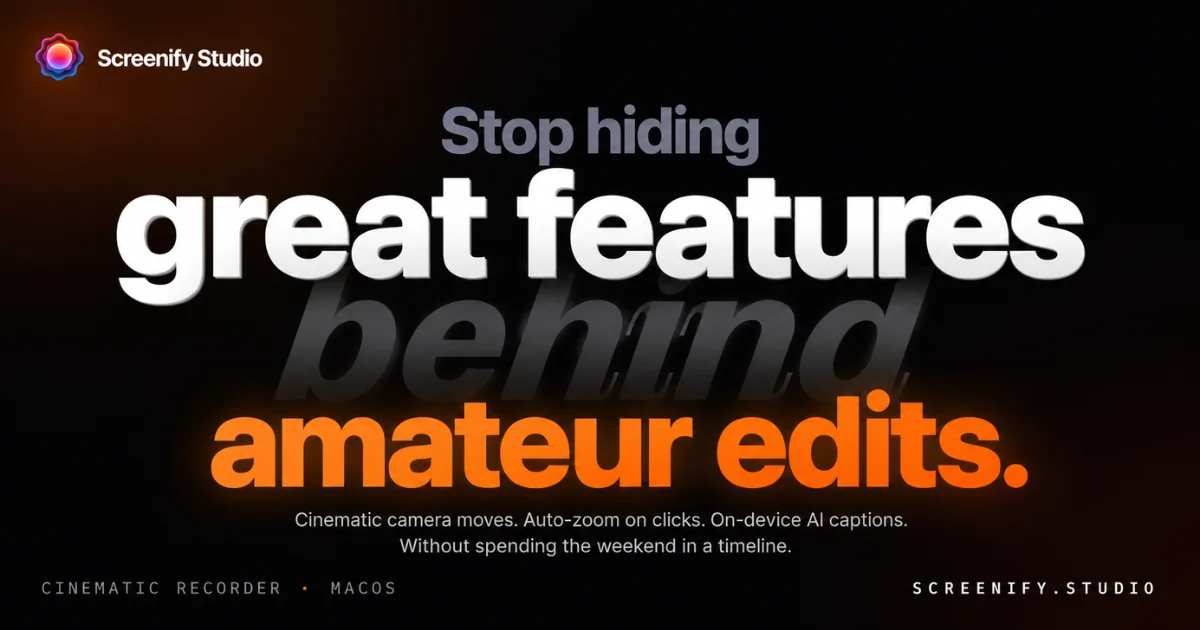
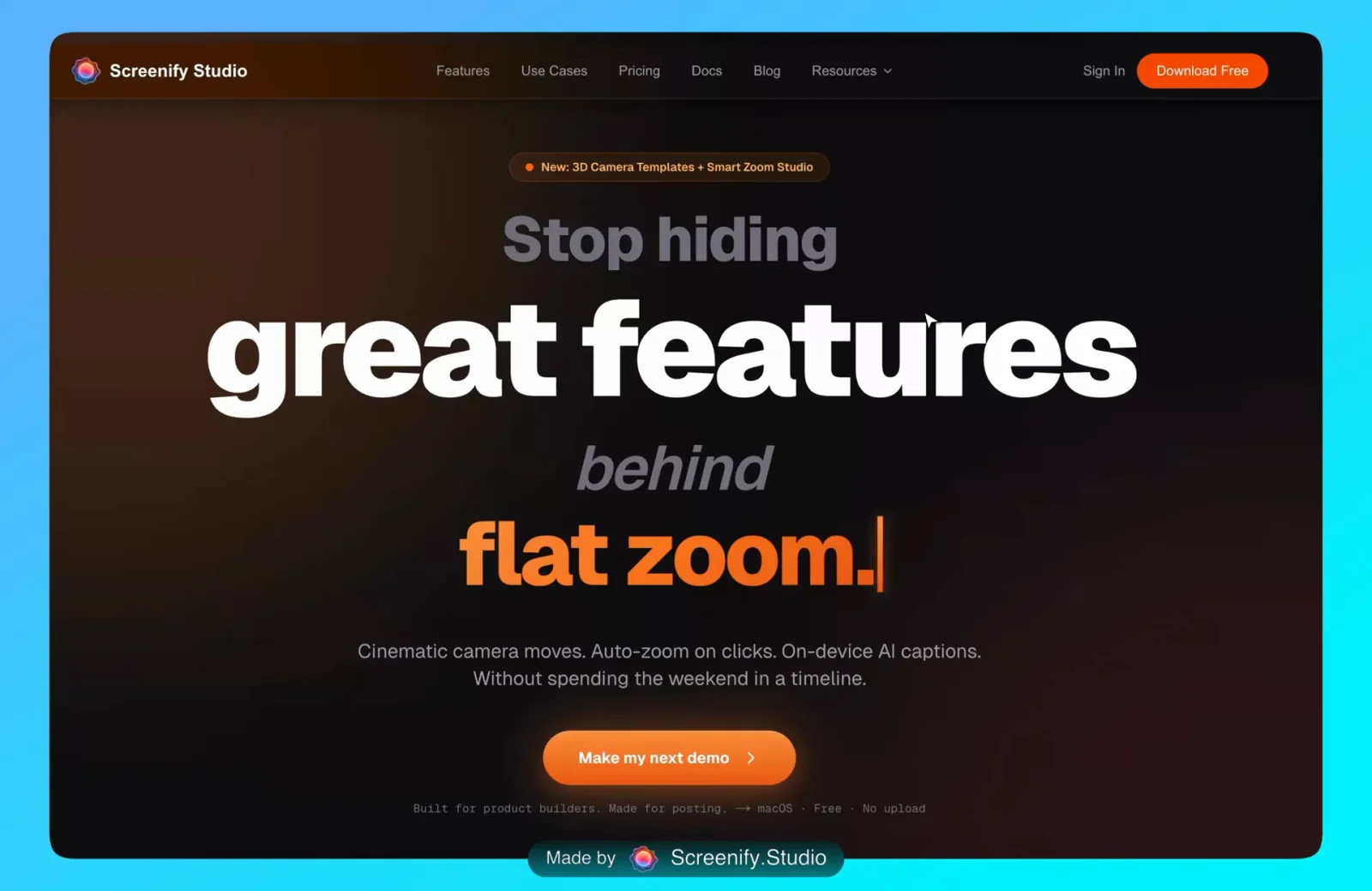
Screenify Studio is a native macOS screen recorder and mockup studio aimed at people who publish product demos rather than record meetings. It removes what its maker calls the editing tax: auto-zoom detects clicks, typing and mouse dwell and pushes the camera in automatically, 30+ 3D cinematic camera templates supply dolly, pan-tilt, orbit and crane moves on a keyframe timeline, and any recording can be staged inside a photoreal iPhone, iPad or MacBook body without an export round-trip. Every AI feature runs locally on Apple Silicon — Whisper via Core ML produces word-level karaoke captions and translates them into 50+ languages, the Neural Engine removes the webcam background in 5-20ms per frame, and zero-shot voice cloning generates narration from a three-second sample in 30+ languages — so nothing is uploaded and the app works offline. A screenify CLI plus MCP server and Claude Code skill let an AI agent film a web app end to end from a plain-English prompt, clicking through flows behind a login and returning a finished cinematic clip in one pass. Version 2.0 adds a multi-device mockup studio, and the app is sold with a real free tier and one-time lifetime licences instead of a subscription.
Screenshots
Key Features
Use Cases



Frequently asked questions about Screenify Studio
What is Screenify Studio?
macOS screen recorder that adds 3D cinematic camera moves, device mockups and fully on-device AI captions, voiceover and background removal.
How does Screenify Studio work?
Screenify Studio works by combining 3D Cinematic Camera: 30+ camera templates covering dolly, pan-tilt, orbit and crane moves, with unlimited keyframes, bezier camera routes and three camera modes on a real timeline., Smart Auto-Zoom: Detects clicks, typing and mouse dwell to zoom in on the moment automatically, with 24 callout bubble styles and automatic positioning so no manual keyframing is needed., On-Device AI Captions: Whisper running through Core ML produces word-level karaoke subtitles at a claimed 98%+ accuracy with real-time preview, entirely offline., AI Translation: One-click subtitle translation into 50+ languages with SRT and VTT export, also computed locally on the Mac., AI Voiceover: Zero-shot voice cloning from a three-second sample produces narration in 30+ languages across 54 voices, mixed against the original audio and music in a studio mixer. to help users with Launch Day Demos: Produce a feature demo for Product Hunt or X with 3D camera work and auto-zoom in about fifteen minutes instead of a weekend in a timeline., Build-in-Public Clips: Record a daily progress clip with camera picture-in-picture and a cinematic move, and post it the same lunchtime., Bug Walkthroughs: Capture a single window with callout glow and on-screen keystrokes to show a colleague exactly what changed., Localized Product Videos: Generate captions once, then translate them into dozens of languages on-device to ship the same demo to international markets., Narration Without Recording: Clone your voice from a short sample and generate a voiceover from a script when re-recording audio is impractical..
What are the main features of Screenify Studio?
Key features include 3D Cinematic Camera: 30+ camera templates covering dolly, pan-tilt, orbit and crane moves, with unlimited keyframes, bezier camera routes and three camera modes on a real timeline., Smart Auto-Zoom: Detects clicks, typing and mouse dwell to zoom in on the moment automatically, with 24 callout bubble styles and automatic positioning so no manual keyframing is needed., On-Device AI Captions: Whisper running through Core ML produces word-level karaoke subtitles at a claimed 98%+ accuracy with real-time preview, entirely offline., AI Translation: One-click subtitle translation into 50+ languages with SRT and VTT export, also computed locally on the Mac., AI Voiceover: Zero-shot voice cloning from a three-second sample produces narration in 30+ languages across 54 voices, mixed against the original audio and music in a studio mixer..
Who is Screenify Studio for?
Screenify Studio is useful for anyone interested in Launch Day Demos: Produce a feature demo for Product Hunt or X with 3D camera work and auto-zoom in about fifteen minutes instead of a weekend in a timeline., Build-in-Public Clips: Record a daily progress clip with camera picture-in-picture and a cinematic move, and post it the same lunchtime., Bug Walkthroughs: Capture a single window with callout glow and on-screen keystrokes to show a colleague exactly what changed., Localized Product Videos: Generate captions once, then translate them into dozens of languages on-device to ship the same demo to international markets., Narration Without Recording: Clone your voice from a short sample and generate a voiceover from a script when re-recording audio is impractical..
How much does Screenify Studio cost?
Screenify Studio offers a free tier with paid plans for advanced features.
How do I get started with Screenify Studio?
Visit https://screenify.studio/ to sign up and explore Screenify Studio.
Explore more AI Ai Tools tools
Browse all Ai Tools tools →Browse by use case: Video Generation · Automation & Productivity
Compare Screenify Studio: vs CleanSlop · vs Kalender Sync · vs UseIt Studio · vs Woven Video