

SayCraft
AICollaborative voice-driven vibe coding platform where a team talks through a live meeting and AI builds a working, deployable app in real time.
SayCraft
Collaborative voice-driven vibe coding platform where a team talks through a live meeting and AI builds a working, deployable app in real time.
About SayCraft
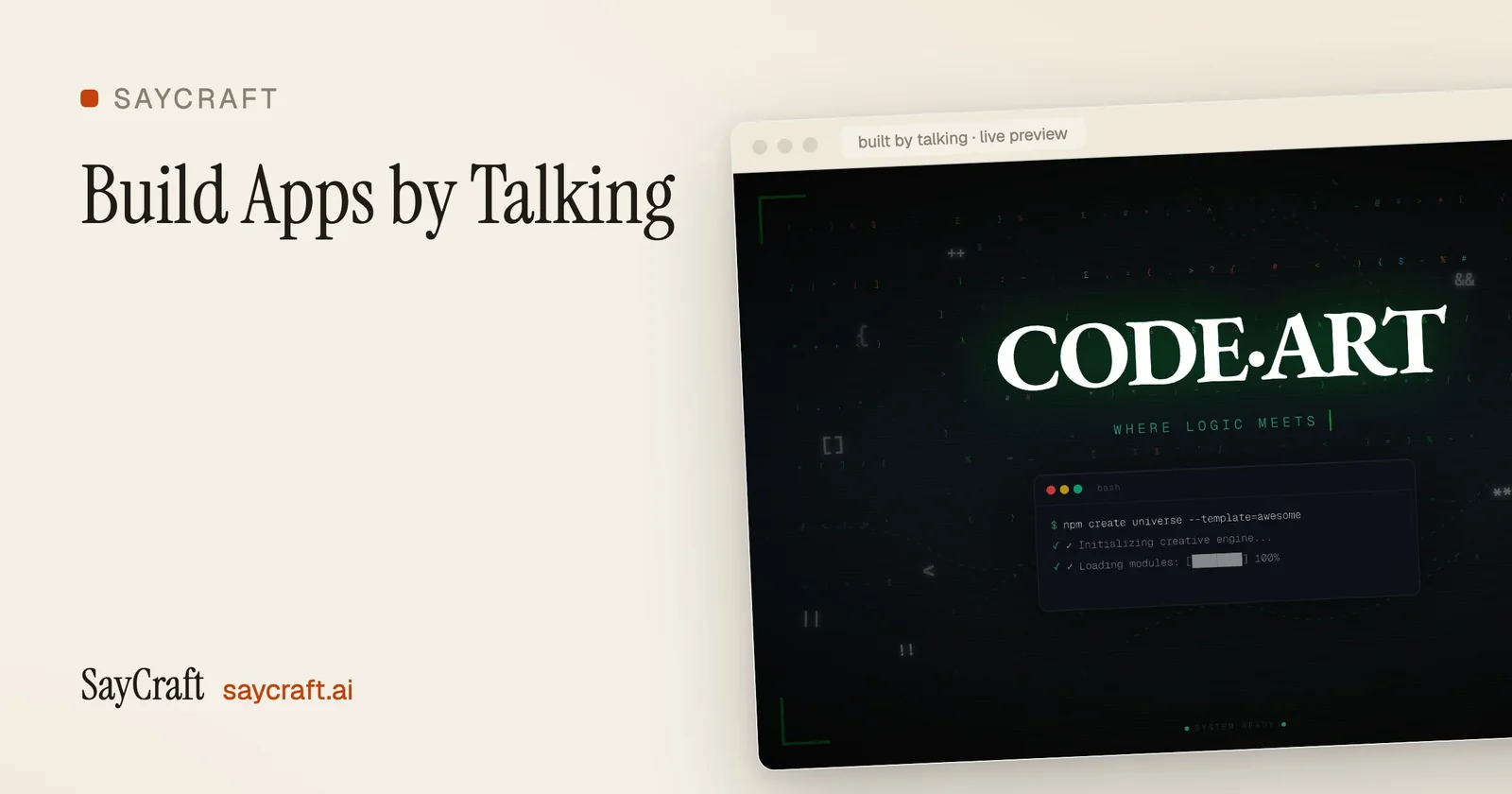
SayCraft is a collaborative voice-driven 'vibe coding' platform that turns a spoken meeting into a working application. The whole room talks while the AI builds live, and by the time the meeting ends there is a working app with a shareable link. It supports meeting replay and one-click deploy, so teams can revisit how a product was spoken into existence and ship it immediately. A live gallery showcases real outputs such as music visualizers, weather apps, and themed portfolio sites, each generated from short meetings. It is positioned around collaboration, letting a group co-create software by speaking rather than typing code. It is free to start and includes a 30-second demo and console for building.
Screenshots
Key Features
Use Cases


Frequently asked questions about SayCraft
What is SayCraft?
SayCraft is a collaborative, voice-driven platform that enables teams to create and deploy applications in real time. By discussing project requirements during live meetings, SayCraft’s AI translates spoken ideas into working code, streamlining the app development process and enhancing team productivity.
Key Points
- Real-time Collaboration: Enables teams to build apps through voice commands during live discussions.
- AI-Powered Development: Utilizes artificial intelligence to convert verbal instructions into functional code.
- User-Friendly Interface: Simplifies the app creation process for users of all technical backgrounds.
Detailed Explanation
SayCraft revolutionizes app development by merging voice interaction with AI technology. When teams enter a live meeting, participants can articulate their ideas and requirements. SayCraft’s sophisticated AI listens and interprets these discussions, generating code that can be deployed immediately.
For instance, a team brainstorming a project can dictate functionalities like user authentication and database integration. SayCraft processes these inputs and automatically compiles a working version of the app. This feature dramatically reduces the time traditionally spent on coding and debugging, making it ideal for startups and agile teams looking to innovate quickly.
Moreover, SayCraft supports various programming languages and frameworks, offering flexibility to cater to diverse project needs. Whether you’re developing a mobile app or a web application, the platform adapts to your requirements, ensuring a seamless development experience.
Best Practices / Tips
- Clearly Articulate Ideas: Use precise language when describing functionalities to enhance AI understanding.
- Utilize Templates: Start with existing templates provided by SayCraft to speed up the development process.
- Test Regularly: Frequently test the application as it develops to catch issues early.
- Involve All Team Members: Encourage participation from all stakeholders to gather diverse ideas and insights.
Additional Resources
By leveraging SayCraft, teams can harness the power of voice-driven technology to simplify app creation, making development more accessible and efficient.
How does SayCraft work?
SayCraft works by allowing teams to collaboratively build apps through voice commands, transforming discussions into deployable software. The AI constructs the app in real-time, enabling contributions from all participants, while features like meeting replays and one-click deployment streamline the prototyping process.
Key Points
- Voice-to-App Building: Teams speak, and the AI builds the app live.
- Real-Time Collaboration: Everyone contributes verbally, enhancing teamwork.
- One-Click Deployment: Quickly share and deploy the app with a link.
Detailed Explanation
SayCraft revolutionizes the app development process by integrating voice technology with collaborative tools. During a team meeting, participants can discuss ideas and features verbally. As they speak, the AI listens and constructs the app in real-time, creating a tangible product from spoken concepts. This process allows for immediate feedback and adjustments, fostering a dynamic brainstorming environment.
Voice-to-App Building
SayCraft utilizes advanced voice recognition technology to interpret commands and build applications instantly. For instance, a team can brainstorm a weather app; as they describe the features they want, the AI transforms those ideas into a functioning app right before their eyes.
Real-Time Collaboration
Unlike traditional coding methods, where one person types while others wait, SayCraft encourages all team members to participate actively. This collaborative approach enables non-coders to contribute valuable insights, democratizing the app development process. Team members can voice their ideas, suggestions, and critiques, leading to a more robust final product.
Meeting Replay & One-Click Deployment
SayCraft records every session, allowing teams to revisit discussions and refine their app ideas. This feature is valuable for tracking progress and ensuring that no important insights are lost. Once the app is finalized, a simple one-click deployment process enables teams to share their creations immediately via a link, facilitating quick demos and testing.
Best Practices / Tips
- Encourage Participation: Foster an inclusive environment where everyone feels comfortable sharing their ideas vocally.
- Be Clear and Direct: Use clear language when describing features to ensure the AI understands the requirements accurately.
- Review Sessions: Take advantage of meeting replays to refine ideas and improve the app iteratively.
Additional Resources
What are the main features of SayCraft?
SayCraft offers innovative features like voice-to-app building, real-time collaboration, meeting replay, one-click deployment, and a live gallery of apps created through voice commands. These tools empower teams to efficiently create and share functional applications, streamlining the development process in a unique, interactive manner.
Key Points
- Voice-to-App Building: Create apps by speaking ideas aloud.
- Real-Time Collaboration: Enhance teamwork by allowing multiple voices to contribute simultaneously.
- Meeting Replay: Review sessions to analyze the app-building process.
Detailed Explanation
SayCraft revolutionizes app development with its voice-to-app building feature, enabling teams to discuss their ideas verbally. The AI listens and translates spoken thoughts into a functional application in real time. This feature is particularly beneficial for brainstorming sessions, where capturing ideas quickly is crucial.
Real-time collaboration allows all participants in a meeting to contribute by speaking, rather than relying on one person to type code. This fosters an inclusive environment and encourages diverse input, leading to more innovative solutions. Teams can brainstorm, adjust designs, and refine functionalities on-the-fly, significantly speeding up the development process.
After a session, users can revisit recorded meetings to see how each app was created through the meeting replay feature. This is invaluable for training new team members or for stakeholders who wish to understand the app's evolution.
With one-click deployment, teams can ship their generated app immediately, facilitating quick feedback and iterative improvements. A shareable link is generated, allowing team members and stakeholders to access the app without any complicated setup.
The live gallery showcases real apps that have been spoken into existence, ranging from visualizers to weather consoles. This feature serves as both inspiration and validation of the platform's capabilities, demonstrating the diverse applications that can be built using voice commands.
Best Practices / Tips
- Utilize Clear Commands: To maximize the effectiveness of voice-to-app building, use clear and concise language when articulating app features.
- Engage All Team Members: Encourage participation from everyone in the meeting to leverage collective knowledge and creativity.
- Review Recorded Sessions: Regularly revisit recorded meetings to capture missed ideas and refine app functionalities.
Additional Resources
Who is SayCraft for?
SayCraft is designed for teams looking to prototype apps collaboratively, allowing non-coders to contribute through voice. It's ideal for transforming brainstorming sessions into deployable products, quickly sharing demos via links, and reviewing meeting replays to enhance or rebuild applications.
Key Points
- Collaborative prototyping for teams
- Non-coders can actively participate in app development
- Quick sharing of demos and visualizations
Detailed Explanation
SayCraft is an innovative platform that empowers teams to prototype applications seamlessly during meetings. It caters to a variety of users, including product managers, developers, designers, and stakeholders who wish to engage in the app development process.
Use Cases
-
Team Collaboration: Teams can gather in a single meeting to brainstorm ideas, sketch layouts, and generate app features collaboratively. SayCraft streamlines this process, allowing real-time input.
-
Non-Coder Involvement: SayCraft democratizes app development by enabling non-coders to voice their ideas. This allows companies to harness diverse perspectives, fostering creativity and innovation.
-
Rapid Prototyping: By turning brainstorming sessions into deployable products, SayCraft accelerates the development cycle. Users can create prototypes that are ready for testing or demoing to stakeholders almost instantly.
-
Demos and Visualizers: It provides a quick way to ship demos and visualizations through shareable links, making it easy for team members to showcase their ideas and gather feedback.
-
Meeting Replay Reviews: SayCraft allows users to revisit meeting recordings, enabling them to refine or rebuild applications based on discussions that took place. This feature enhances the development process by ensuring that valuable insights are not lost.
Best Practices / Tips
- Encourage Participation: Make sure all team members, especially non-coders, feel comfortable sharing their ideas. This will lead to a more well-rounded product.
- Use Visual Aids: Incorporate sketches and visual elements during your brainstorming sessions to enhance understanding and engagement.
- Document Feedback: Always document feedback received during demos and replays to track changes and improve future iterations.
- Set Clear Goals: Prior to meetings, establish clear objectives for what you want to achieve to keep discussions focused and productive.
Additional Resources
How much does SayCraft cost?
SayCraft offers a free tier that provides basic functionalities, while its paid plans start at $10 per month and offer advanced features such as enhanced analytics, custom branding, and priority support. This pricing structure makes SayCraft accessible for both individuals and businesses seeking more robust capabilities.
Key Points
- SayCraft's free tier provides essential features.
- Paid plans begin at $10 per month.
- Advanced features include custom branding and priority support.
Detailed Explanation
SayCraft is designed to cater to a wide range of users, from freelancers to large companies. The free tier allows users to explore fundamental features, such as basic project management and collaboration tools, making it an excellent starting point for individuals or small teams.
For users seeking more advanced capabilities, SayCraft offers several paid plans. The entry-level plan starts at $10 per month and includes features such as:
- Enhanced Analytics: Gain insights into project performance and team productivity.
- Custom Branding: Personalize the platform with your logo and colors, ideal for businesses wanting to maintain brand consistency.
- Priority Support: Get faster assistance from the SayCraft support team for urgent inquiries.
Other plans may offer additional features like integrations with third-party apps, advanced security options, and unlimited project hosting, making it easier for businesses to scale their operations.
Best Practices / Tips
- Evaluate Your Needs: Before committing to a paid plan, assess which features are essential for your workflow. The free tier is a great way to test the waters.
- Regularly Review Plans: As your needs change, be sure to review your subscription plan periodically. Upgrading or downgrading your plan can save costs and enhance productivity.
- Leverage Free Trials: If available, take advantage of any free trial periods for paid plans to fully experience the features before making a financial commitment.
Additional Resources
How do I get started with SayCraft?
To get started with SayCraft, visit saycraft.ai to sign up for an account. Once registered, you can explore the platform's features, including content creation tools powered by AI, and begin crafting engaging narratives for your projects.
Key Points
- Easy registration process on SayCraft's website.
- Access to AI-driven content creation tools.
- User-friendly interface for beginners.
Detailed Explanation
To begin using SayCraft, follow these steps:
-
Visit the Website: Go to saycraft.ai. This is your gateway to all SayCraft services.
-
Create an Account: Click on the “Sign Up” button and fill in the required fields, such as your email address and password. You may also have the option to sign up using social media accounts for convenience.
-
Explore Features: After logging in, take a tour of the platform. SayCraft provides various tools for different content needs, including blog posts, social media updates, and marketing copy. Familiarize yourself with the dashboard and available options.
-
Start Crafting: Utilize the AI tools to generate content. You can input prompts or themes, and SayCraft will assist you in creating tailored narratives. For instance, if you need a blog post about travel tips, simply enter that prompt, and the AI will generate a draft for you.
-
Refine and Publish: Review the generated content, make any necessary edits, and then publish or export your work as needed.
Best Practices / Tips
-
Use Clear Prompts: When generating content, be specific with your prompts. Instead of saying "write about pets," specify "write a blog post about the benefits of adopting dogs."
-
Leverage Templates: Check if SayCraft offers templates for specific content types. Utilizing these can save time and ensure structure.
-
Regularly Update: Keep your account active and explore new features as SayCraft updates its offerings. Regular usage can improve your familiarity and efficiency with the platform.
-
Feedback Loop: Experiment with different content styles and solicit feedback from your audience or peers to understand what resonates best.
Additional Resources
- SayCraft Official Documentation - Comprehensive guides and FAQs.
- SayCraft Blog - Tips and insights on maximizing content creation with AI.
- Webinars and Tutorials - Join live sessions to learn from experts and enhance your skills with SayCraft.
Explore more AI Ai Tools tools
Browse all Ai Tools tools →Compare SayCraft: vs Hookest · vs ToneBird · vs Decode · vs LibreChat