

Optivault
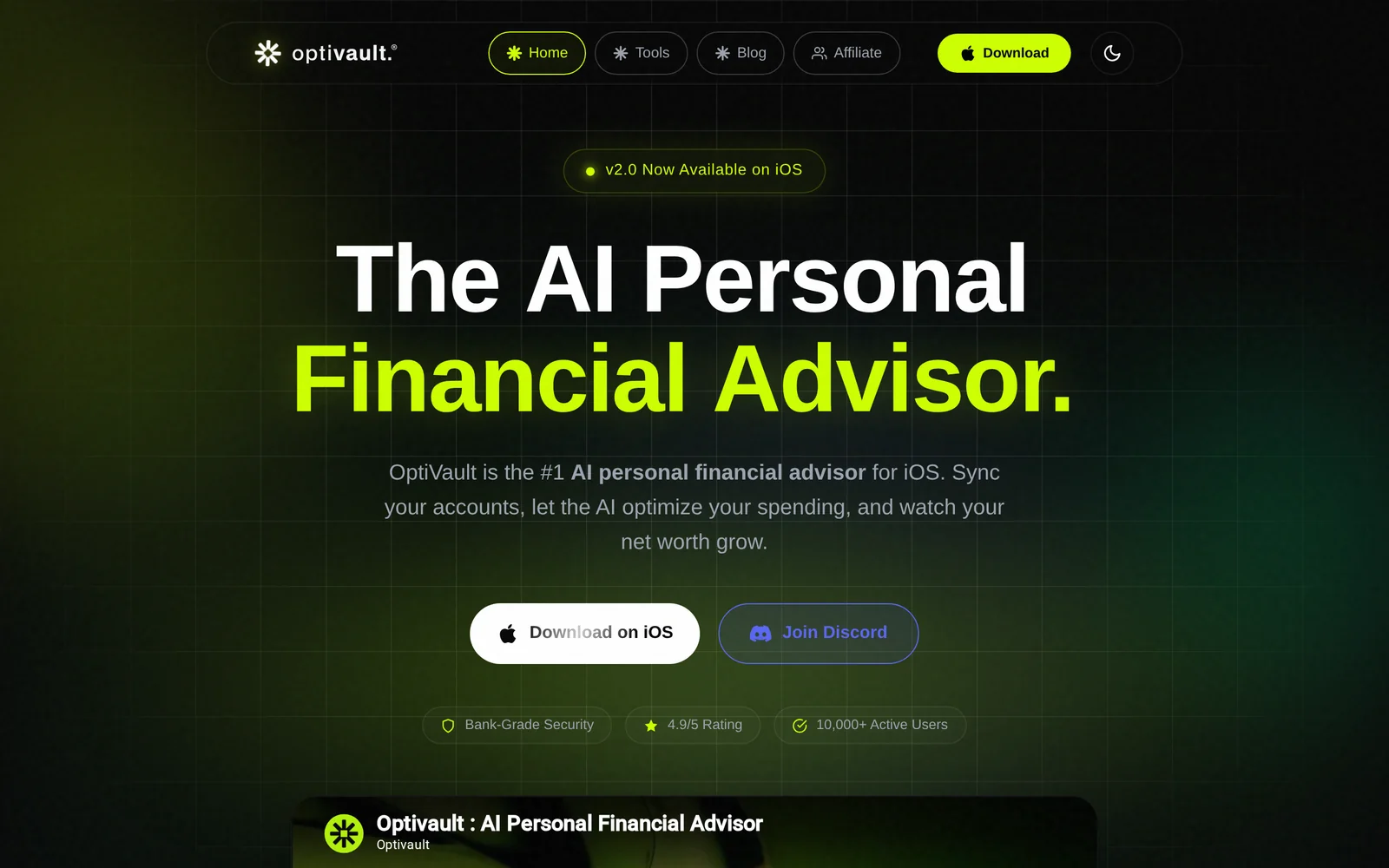
AIAI personal financial advisor iOS app that automates savings, tracks net worth, finds hidden subscriptions, and gives instant financial advice.
Optivault
AI personal financial advisor iOS app that automates savings, tracks net worth, finds hidden subscriptions, and gives instant financial advice.
About Optivault
OptiVault is an iOS personal finance app that uses AI to automate wealth-building tasks, optimize spending, and provide instant, personalized financial advice. The app aggregates transactional data to track net worth and spending trends, automates savings transfers based on user-defined rules, and analyzes historical bank statements to identify recurring or hidden subscriptions. Unique features include a recurring-cost scanner (the "Vampire Cost Detector") that surfaces sneaky recurring charges and actionable recommendations to reduce wasteful spending. OptiVault is positioned to replace spreadsheets and manual tracking by delivering real-time insights and automated money management workflows on mobile.
Screenshots
Key Features
Use Cases


Frequently asked questions about Optivault
What is Optivault?
Optivault is an AI-powered personal financial advisor app for iOS that automates savings, tracks net worth, uncovers hidden subscriptions, and provides instant financial advice. This innovative tool is designed to help users manage their finances efficiently and achieve their financial goals seamlessly.
Key Points
- Automated Savings: Optivault helps users save money automatically based on their spending habits.
- Net Worth Tracking: Users can monitor their financial progress by tracking assets and liabilities.
- Subscription Management: The app identifies and manages subscriptions to help users avoid unnecessary expenses.
Detailed Explanation
Optivault is designed to simplify personal finance management through its user-friendly interface and powerful AI capabilities.
-
Automated Savings: The app analyzes users' spending patterns and suggests optimal savings strategies. For example, it can automatically transfer small amounts from checking to savings accounts based on recent expenditures, enabling users to save without feeling the pinch.
-
Net Worth Tracking: Users can input their assets, such as bank accounts, investments, and properties, alongside their liabilities, like loans and credit card debt. Optivault then calculates and displays the net worth in real-time, allowing users to visualize their financial health and track improvements over time.
-
Subscription Management: One of the standout features of Optivault is its ability to scan bank statements and identify recurring subscriptions that users may have forgotten about. This includes services like streaming platforms, gym memberships, and more. By highlighting these expenses, users can make informed decisions about what to keep or cancel.
Best Practices / Tips
- Regularly Update Financial Information: Ensure all financial data is current for accurate insights.
- Utilize Notifications: Optivault can send alerts for upcoming bills or low balances, so enable notifications to stay on top of your finances.
- Explore Financial Advice: Take advantage of the instant financial advice feature. Ask questions related to budgeting or investment strategies to maximize your financial literacy.
Additional Resources
By leveraging tools like Optivault, users can take control of their finances, automate tedious processes, and enhance their financial decision-making with ease.
How does Optivault work?
Optivault operates by leveraging advanced AI technologies to streamline everyday workflows, enabling users to automate tasks, enhance productivity, and improve decision-making. It integrates various AI capabilities, making it easier for users to manage data and optimize their daily operations efficiently.
Key Points
- AI Integration: Combines multiple AI technologies for seamless functionality.
- Workflow Automation: Automates repetitive tasks to save time and increase productivity.
- User-Friendly Interface: Designed for ease of use, catering to both technical and non-technical users.
Detailed Explanation
Optivault utilizes a blend of artificial intelligence techniques, including machine learning, predictive analytics, and natural language processing, to enhance user experience. Here’s how it works:
-
Data Management: Optivault centralizes data from various sources, allowing users to access and analyze information effortlessly. For example, businesses can pull data from CRM systems, social media, and internal databases.
-
Task Automation: By automating routine tasks such as data entry or report generation, Optivault helps users focus on higher-level strategic work. For instance, a marketing team can schedule automated reports on campaign performance, freeing up time for creative planning.
-
Predictive Insights: The platform analyzes past data to provide actionable insights, helping users make informed decisions. For example, a sales team can use Optivault’s predictive analytics to identify potential leads and tailor their approaches effectively.
-
Customization: Users can personalize workflows and dashboards, ensuring the platform meets their specific needs. This adaptability makes Optivault suitable for various industries, including finance, healthcare, and retail.
Best Practices / Tips
- Leverage Customization: Take advantage of Optivault’s customization features to tailor the interface and workflows to your business needs. This will enhance efficiency and user satisfaction.
- Integrate with Other Tools: For maximum effectiveness, integrate Optivault with existing software solutions like CRM or project management tools to create a comprehensive ecosystem.
- Regular Training: Provide ongoing training for team members to ensure they are fully utilizing Optivault’s capabilities and staying updated on new features.
Additional Resources
What are the main features of Optivault?
Optivault is a cutting-edge AI-driven data management platform that offers core capabilities such as automated data classification, advanced analytics, and seamless integration with existing systems. These features enhance data accessibility, security, and decision-making processes for businesses of all sizes.
Key Points
- Automated Data Classification: Quickly organizes and categorizes data for easy access.
- Advanced Analytics: Provides deep insights through AI-driven analysis and reporting.
- Seamless Integration: Works smoothly with a variety of existing IT systems and applications.
Detailed Explanation
Optivault stands out in the market due to its robust AI capabilities designed for efficient data management.
1. Automated Data Classification
Optivault utilizes machine learning algorithms to automatically classify data into relevant categories. This feature significantly reduces the manual effort required for data organization, allowing businesses to focus on critical tasks. For example, a retail company can automatically classify customer data to enhance targeted marketing strategies.
2. Advanced Analytics
The platform offers powerful analytics tools that provide actionable insights based on data patterns and trends. Users can generate customized reports, visualizations, and predictive analytics that help inform business decisions. For instance, financial institutions can leverage these analytics to detect fraud or assess risk more accurately.
3. Seamless Integration
Optivault is designed to integrate with a wide range of existing systems, including CRM, ERP, and other data sources. This means businesses can implement Optivault without disrupting their current workflows. For example, a healthcare provider can integrate Optivault with its patient management system, allowing for comprehensive data access and improved patient care.
Best Practices / Tips
- Regularly Update Data: Ensure that data fed into Optivault is current to maximize the effectiveness of analytics.
- Utilize Custom Reporting: Take advantage of the customizable reporting features to align insights with specific business goals.
- Train Staff: Invest in training for employees to effectively utilize Optivault’s features.
Additional Resources
Who is Optivault for?
Optivault is designed for professionals and organizations seeking to streamline their AI workflows and enhance productivity. It is particularly beneficial for data analysts, project managers, and teams looking to leverage AI tools for daily tasks, project automation, and data-driven decision-making.
Key Points
- Target Audience: Professionals, teams, and organizations.
- Use Cases: Data analysis, project management, and task automation.
- Benefits: Increased efficiency, improved collaboration, and better decision-making.
Detailed Explanation
Optivault serves a diverse range of users including data analysts, marketers, project managers, and small-to-medium enterprises looking to integrate AI into their daily operations.
Who Can Benefit?
- Data Analysts: They can utilize Optivault to automate data processing tasks, analyze trends, and generate reports, saving significant time and resources.
- Marketing Teams: Marketers can streamline content generation, social media management, and customer engagement through AI-driven insights and automation tools.
- Project Managers: They can enhance team collaboration and monitor project progress more effectively, thanks to the platform’s integration capabilities with various tools.
Use Cases
- Automated Reporting: Optivault can generate real-time reports, allowing teams to access critical data without manual input.
- Task Automation: Users can automate repetitive tasks, enabling them to focus on strategic initiatives rather than mundane activities.
- Collaboration Enhancement: With features that facilitate communication and project tracking, teams can work more cohesively.
Best Practices / Tips
- Identify Key Tasks: Start by determining which repetitive tasks can be automated with Optivault to maximize efficiency.
- Integrate Seamlessly: Utilize Optivault’s integration capabilities with existing tools like Slack, Google Workspace, and CRM systems for smoother workflow.
- Continuous Learning: Stay updated with Optivault’s features and community resources to fully leverage its capabilities.
Additional Resources
By utilizing Optivault, users can significantly improve their daily AI workflows, leading to enhanced productivity and better outcomes in their professional endeavors.
How much does Optivault cost?
Optivault offers a free tier for basic features, while paid plans start at $29 per month, providing advanced functionalities and storage options. Pricing can vary based on the selected plan and additional features, making it accessible for both individuals and businesses seeking enhanced digital asset management.
Key Points
- Optivault features a free tier for basic access.
- Paid plans begin at $29 per month.
- Pricing varies based on features and storage needs.
Detailed Explanation
Optivault is designed for digital asset management, offering users a streamlined way to store and access their files. The free tier allows users to experiment with basic functionalities, making it ideal for individuals or small teams starting their digital organization journey.
For those needing more advanced features, paid plans are available, starting at $29 per month. These plans typically include enhanced storage capabilities, additional user accounts, and advanced security options. As your needs grow, Optivault provides scalable solutions, allowing you to upgrade your plan to accommodate larger teams or more extensive files.
There are several plans available:
- Basic Plan: Starting at $29/month, suitable for small teams.
- Professional Plan: Around $49/month, offering more storage and user support.
- Enterprise Plan: Custom pricing, designed for large organizations needing tailored solutions.
Best Practices / Tips
- Start with the Free Tier: If unsure about your needs, begin with the free version to familiarize yourself with the platform.
- Evaluate Your Usage: Regularly assess your storage and feature requirements to determine if an upgrade is necessary.
- Utilize Customer Support: Reach out for assistance with setup or feature inquiries to maximize your use of Optivault.
Additional Resources
How do I get started with Optivault?
To get started with Optivault, visit http://optivault.co/ to sign up for an account. After registration, you can explore Optivault's features, integrate your necessary applications, and begin managing your digital assets efficiently.
Key Points
- Easy Registration: Sign up quickly on the Optivault website.
- User-Friendly Interface: Navigate through features seamlessly.
- Integration Capabilities: Connect with various applications for enhanced functionality.
Detailed Explanation
Starting with Optivault is a straightforward process. Follow these steps to ensure you set up your account efficiently:
-
Visit the Website: Open your web browser and navigate to http://optivault.co/. The homepage provides an overview of services offered.
-
Create an Account: Click on the “Sign Up” button. Enter your email address, create a secure password, and fill in any required personal information. Optivault may send a verification email to confirm your account.
-
Explore Features: Once logged in, take a guided tour of the dashboard. Optivault provides tools for managing digital assets, tracking performance, and collaborating with team members.
-
Integration Setup: Go to the integrations section to connect Optivault with your existing applications such as cloud storage, project management tools, and analytics platforms. This enhances your workflow and data management.
-
Start Using the Platform: With everything set up, begin uploading and organizing your digital assets. Utilize features such as tagging, categorizing, and sharing to optimize your asset management.
Best Practices / Tips
- Choose a Strong Password: Ensure your account is secure by using a mix of letters, numbers, and symbols.
- Utilize Tutorials: Optivault offers tutorials and guides for new users. Make use of these resources to familiarize yourself with all functionalities.
- Regularly Update Assets: Keep your digital assets up-to-date by regularly reviewing and archiving outdated files.
- Backup Your Data: Regularly export and back up your assets to avoid data loss.
Additional Resources
- Optivault User Guide - Comprehensive information on using features effectively.
- Support and FAQs - Access common questions and troubleshooting tips.
- Optivault Blog - Stay updated on new features and best practices for asset management.
Explore more AI Ai Tools tools
Browse all Ai Tools tools →Browse by use case: Automation & Productivity
Compare Optivault: vs Decode · vs LibreChat · vs AppGrowthKit · vs Humanizer