

NocoBase 2.0
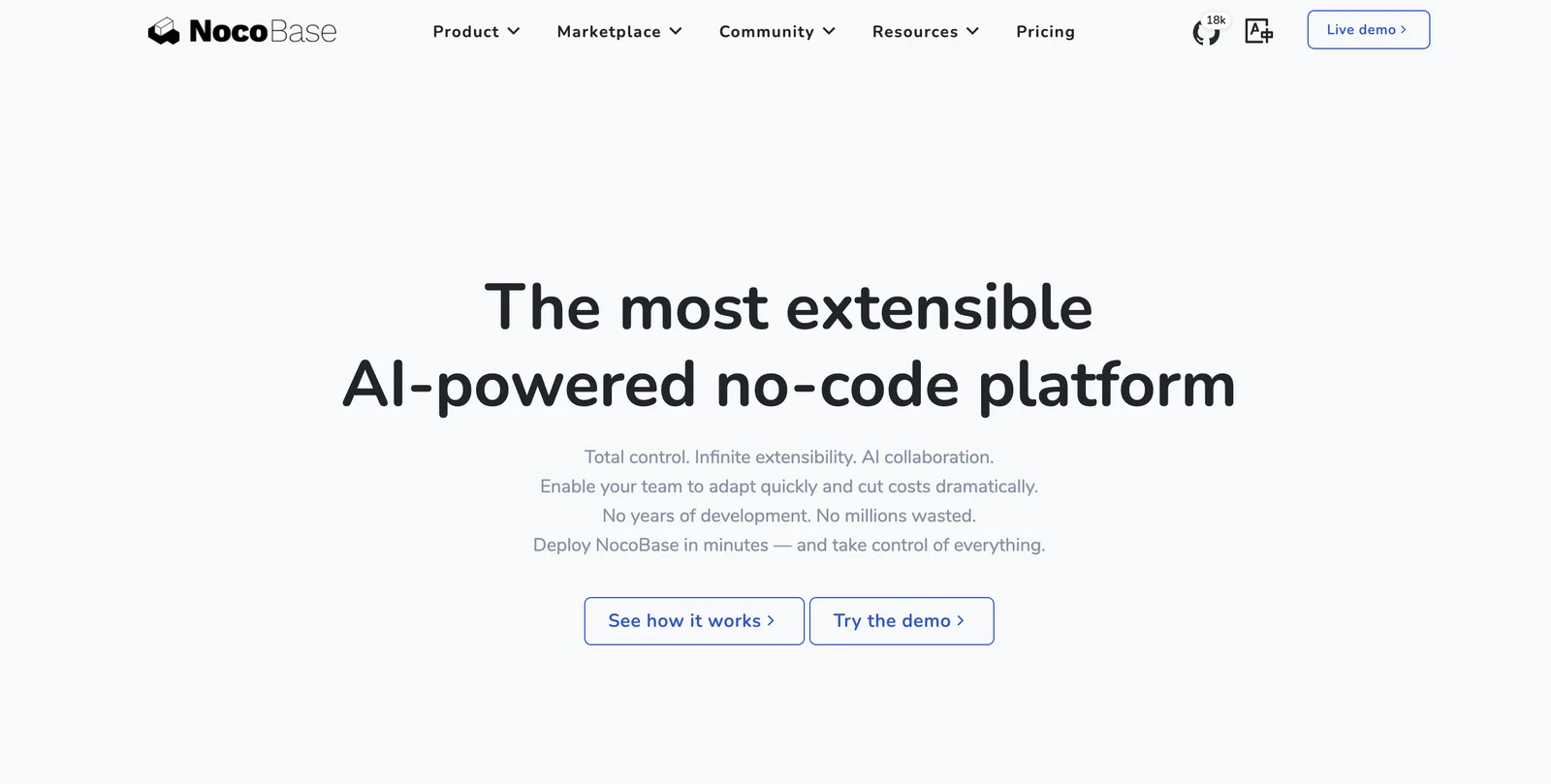
AIOpen SourceFreeOpen-source, self-hosted, AI-driven no-code/low-code platform for building extensible internal business applications and automation.
NocoBase 2.0
Open-source, self-hosted, AI-driven no-code/low-code platform for building extensible internal business applications and automation.
About NocoBase 2.0
NocoBase is an extensibility-first, open-source no-code and low-code development platform that enables teams to rapidly build internal tools, business applications, and workflows. It can be self-hosted for full data control or extended via plugins and custom code to meet enterprise requirements. The platform emphasizes scalability, AI-assisted capabilities for faster development, and deep integration with databases and external APIs to create customizable admin panels, CRMs, and management systems without starting from scratch.
Screenshots
Key Features
Use Cases



Frequently asked questions about NocoBase 2.0
What is the pricing structure for NocoBase 2.0?
NocoBase 2.0 is a free, open-source platform that allows users to self-host with full access to the source code. For enterprises, custom pricing is available, which includes additional support and managed services tailored to specific business needs.
Key Points
- Free Open-Source Access: NocoBase 2.0 offers complete source code for self-hosting.
- Custom Enterprise Pricing: Tailored to meet unique organizational requirements.
- Comprehensive Support Options: Additional services available for larger businesses.
Detailed Explanation
NocoBase 2.0 allows users to harness the power of an open-source platform without any upfront costs. The free version provides full access to the source code, enabling developers and businesses to customize and deploy the software according to their specific needs.
Pricing Structure Breakdown
-
Free Version: Ideal for individual developers and small businesses, the open-source version of NocoBase 2.0 can be downloaded and installed on your own servers. This version includes all core features necessary for creating and managing applications.
-
Enterprise Solutions: For organizations requiring more than just the basics, NocoBase 2.0 offers custom enterprise solutions. These solutions are priced according to the services and features required, which may include:
- Dedicated technical support
- Managed hosting services
- Custom feature development
- Training and onboarding for teams
-
Flexibility in Hosting: Users can choose between self-hosting on their own infrastructure or opting for managed hosting through NocoBase, depending on their technical capabilities and resource availability.
Best Practices / Tips
- Evaluate Your Needs: Before deciding between the free and enterprise versions, assess your project requirements and technical expertise.
- Consider Scalability: If you're planning to scale your operations, explore enterprise options that offer additional support and features.
- Utilize Community Resources: Engage with the NocoBase community for support, documentation, and shared experiences, which can enhance your implementation process.
Additional Resources
How does NocoBase 2.0 compare to other no-code platforms?
NocoBase 2.0 distinguishes itself from other no-code platforms by offering self-hosted deployment, an extensible plugin system, and AI-assisted features. These advantages make it particularly well-suited for enterprise-grade applications, unlike many no-code tools that limit users to cloud-based solutions.
Key Points
- Self-Hosted Deployment: Provides enhanced security and control.
- Extensible Plugin System: Allows customization and scalability.
- AI-Assisted Features: Streamlines workflow and enhances productivity.
Detailed Explanation
NocoBase 2.0 is tailored for businesses that require more than just basic no-code capabilities. Its self-hosted deployment option is a major plus, as it allows companies to maintain complete control over their data and applications. This is crucial for organizations with stringent security requirements, such as those in finance or healthcare.
Self-Hosted Deployment
Unlike many competitors that operate solely on cloud infrastructure, NocoBase 2.0 enables users to deploy applications on their own servers. This means enhanced data privacy, compliance with local regulations, and reduced dependency on third-party services. For instance, enterprises can integrate NocoBase with their existing IT environment, ensuring seamless workflows.
Extensible Plugin System
NocoBase’s plugin system is designed for flexibility. Developers can create custom plugins or utilize existing ones to add functionalities tailored to specific business needs. This extensibility allows NocoBase 2.0 to grow alongside the business, adapting to evolving requirements without the need to switch platforms.
AI-Assisted Features
AI integration in NocoBase 2.0 accelerates development processes. For example, AI algorithms can suggest templates or automate repetitive tasks, significantly reducing the time to market. This is particularly beneficial for teams working on tight deadlines or those with limited coding expertise, allowing them to deliver complex applications efficiently.
Best Practices / Tips
- Evaluate Security Needs: Before choosing a deployment option, assess your organization's security and compliance requirements.
- Leverage Plugins: Explore the available plugins to enhance your application’s functionality. Custom plugins can be developed for unique business needs.
- Utilize AI Features: Take full advantage of the AI-assisted tools to streamline development and improve productivity.
Additional Resources
Can NocoBase 2.0 integrate with other APIs and databases?
Yes, NocoBase 2.0 can integrate with multiple APIs and databases, making it a powerful tool for businesses. This capability allows it to connect with diverse external systems, serving as a central admin layer to streamline data management and enhance operational efficiency across various applications.
Key Points
- Multi-Database Support: Connects with various database systems.
- API Integrations: Seamlessly integrates with external APIs.
- Centralized Data Management: Acts as a unified interface for data sources.
Detailed Explanation
NocoBase 2.0 is designed with robust integration features that enable businesses to work with various data sources effortlessly. With its support for multi-database connections, users can link to SQL databases, NoSQL databases, and cloud storage solutions like Google Cloud or AWS. This flexibility allows teams to consolidate their data into a single platform, improving data accessibility and analysis.
For API integrations, NocoBase 2.0 can connect with popular services like CRM systems, marketing automation tools, and e-commerce platforms. This capability not only streamlines workflows but also enhances data accuracy by reducing manual entry and potential errors. For instance, a marketing team can automatically pull customer data from their CRM into NocoBase for real-time reporting and insights.
Use Cases
- Data Aggregation: Businesses can aggregate customer data from different sources into NocoBase for a comprehensive overview.
- Reporting and Analytics: Teams can create dashboards drawing data from multiple APIs, allowing for better decision-making.
- Workflow Automation: Integrating with project management tools can streamline task assignments and updates.
Best Practices / Tips
- Identify Key Integrations: Focus on integrating the most critical systems first to maximize efficiency.
- Test Integrations: Conduct thorough testing of API connections to ensure data flows correctly and consistently.
- Monitor Performance: Regularly review integration performance to optimize data handling and troubleshoot issues promptly.
Additional Resources
What are the key features of NocoBase 2.0?
NocoBase 2.0 offers a robust no-code/low-code builder for efficient application development, an extensible plugin system for tailored customization, and AI-powered features that enhance workflow automation and data management. These elements empower users to create sophisticated applications without extensive programming knowledge.
Key Points
- No-Code/Low-Code Builder: Streamlines app creation.
- Extensible Plugin System: Enables customization.
- AI-Driven Workflow Automation: Enhances efficiency.
Detailed Explanation
NocoBase 2.0 is designed to facilitate rapid application development through its intuitive no-code/low-code builder, which allows users to create applications quickly without extensive coding knowledge. This feature is particularly advantageous for small businesses and non-technical users aiming to digitize processes efficiently.
The extensible plugin system is another standout feature, enabling developers to customize their applications further. Users can integrate third-party tools or build their own plugins, ensuring that the platform can evolve alongside their business needs. For instance, businesses can add CRM capabilities or integrate with popular payment gateways seamlessly.
AI-driven capabilities enhance workflow automation and data handling by analyzing user behavior and suggesting improvements. For example, NocoBase 2.0 can automatically route tasks based on priority or user availability, reducing manual oversight and increasing productivity.
Best Practices / Tips
- Start Simple: Begin with basic applications to familiarize yourself with the platform's capabilities before diving into complex customizations.
- Utilize Templates: Leverage built-in templates to jumpstart your app development process, saving time and effort.
- Regularly Update Plugins: Keep your plugins updated to benefit from the latest features and security enhancements.
- Test Automation Features: Experiment with various AI-driven automation features to identify which ones best suit your workflow needs.
Additional Resources
These resources provide further insights and support to maximize your experience with NocoBase 2.0.
How do I get started using NocoBase 2.0?
To get started with NocoBase 2.0, download the open-source software from the official NocoBase website, set up your self-hosted environment on a compatible server, and explore the extensive community documentation for detailed guidance on building applications and workflows tailored to your needs.
Key Points
- Download the Software: Access NocoBase 2.0 from the official website.
- Set Up Your Environment: Choose a compatible server for self-hosting.
- Explore Documentation: Utilize community resources for learning and troubleshooting.
Detailed Explanation
Starting with NocoBase 2.0 is straightforward. First, visit the official NocoBase website to download the software. It is available for free as open-source, allowing you to modify and adapt it to your specific requirements.
Once downloaded, you need to set up your self-hosted environment. NocoBase can be hosted on various platforms, including cloud services like AWS, DigitalOcean, or locally on a dedicated server. Ensure your server meets the minimum requirements, such as having PHP and a database like MySQL or PostgreSQL installed.
After setup, it’s time to explore the community documentation. The documentation provides step-by-step tutorials on creating applications, managing data, and automating workflows. For example, you can learn how to build a simple inventory management system or a project tracking tool, enhancing productivity within your team.
Best Practices / Tips
- Follow Installation Guides: Always refer to the installation guide specific to your server to avoid configuration errors.
- Engage with the Community: Join forums or community groups related to NocoBase to share experiences and seek help.
- Backup Regularly: Implement a backup strategy for your database to prevent data loss during development or updates.
Additional Resources
By following these steps and leveraging available resources, you can effectively start using NocoBase 2.0 to optimize your application development process.
Explore more AI Ai Tools tools
Browse all Ai Tools tools →Browse by use case: Automation & Productivity
Compare NocoBase 2.0: vs CleanSlop · vs Kalender Sync · vs UseIt Studio · vs Woven Video