

Montage — The runtime for agentic user interfaces
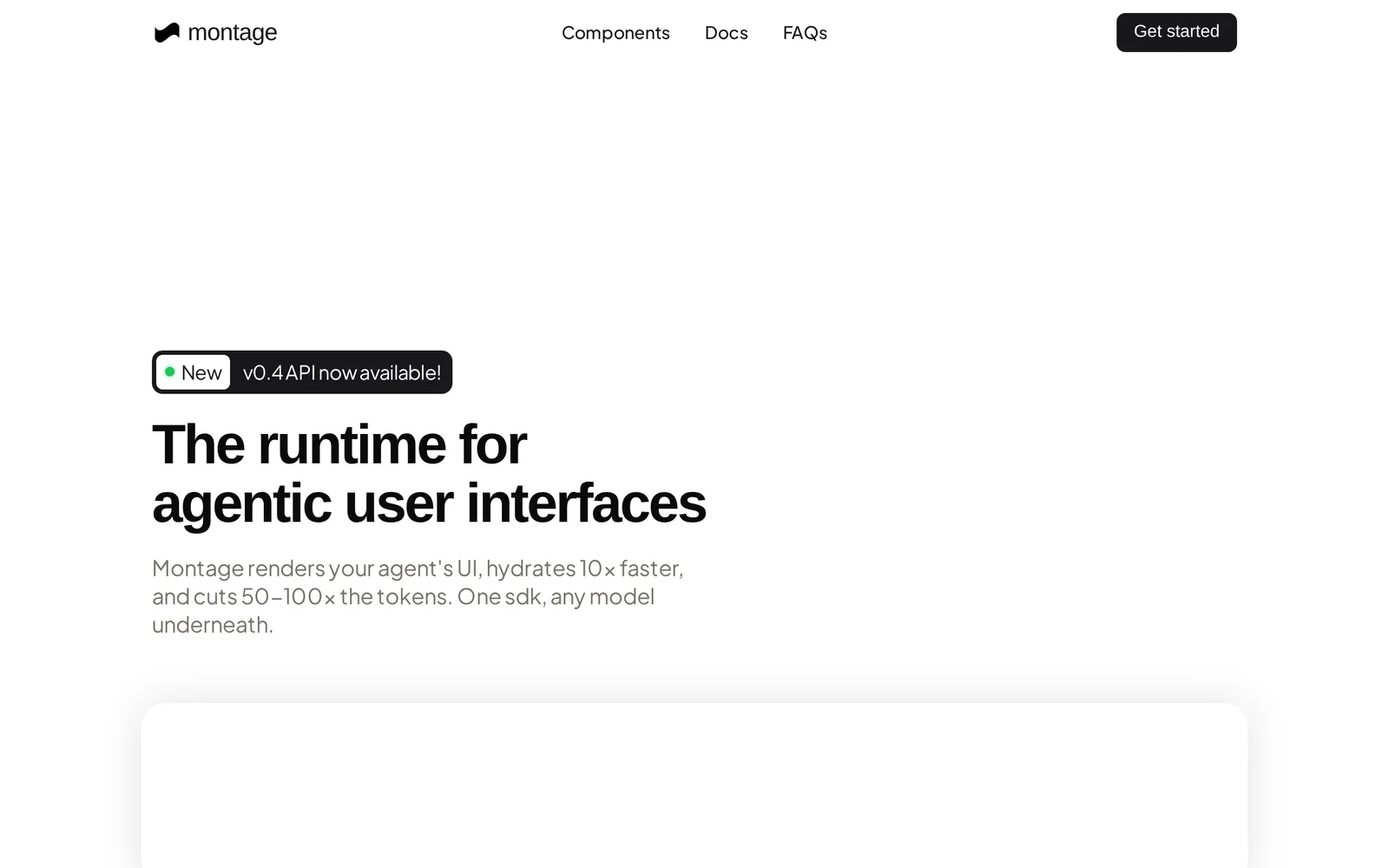
AIA model-agnostic SDK that renders agentic, interactive UIs, hydrates artifacts faster, and reduces token usage across underlying models.
Montage — The runtime for agentic user interfaces
A model-agnostic SDK that renders agentic, interactive UIs, hydrates artifacts faster, and reduces token usage across underlying models.
About Montage — The runtime for agentic user interfaces
Montage is a developer-focused runtime and SDK for rendering agentic user interfaces and interactive artifacts on the web. It provides a single, model-agnostic rendering layer that lets applications display and hydrate rich interactive components driven by agents, while optimizing prompt/state handling to reduce token consumption and latency. Montage’s value lies in accelerating front-end integration of agentic features, improving runtime performance for interactive artifacts, and allowing teams to swap or combine underlying models without rewriting UI logic.
Screenshots
Key Features
Use Cases



Frequently asked questions about Montage — The runtime for agentic user interfaces
What is Montage — The runtime for agentic user interfaces?
Montage is a runtime framework designed specifically for agentic user interfaces, enabling developers to create interactive applications that respond intelligently to user inputs. It simplifies the process of building these interfaces by providing essential tools and libraries to enhance user engagement and experience.
Key Points
- Framework Purpose: Montage focuses on facilitating agentic user interfaces.
- User Engagement: It allows applications to respond dynamically to user interactions.
- Development Tools: Montage provides essential libraries and tools for developers.
Detailed Explanation
Montage is a powerful runtime environment that empowers developers to create agentic user interfaces—interfaces that actively engage and respond to users. Unlike traditional user interfaces that are static, agentic interfaces adapt based on user behavior, preferences, and context.
For example, a personalized shopping application built with Montage can analyze customer interactions and suggest products based on past purchases, enhancing the user experience. This adaptability is crucial for applications in sectors like e-commerce, education, and healthcare, where user engagement significantly impacts outcomes.
Key Features of Montage:
- Reactive Framework: Montage uses a reactive programming model, allowing interfaces to update automatically in response to user actions.
- Component-Based Architecture: Developers can create reusable components, speeding up the development process and ensuring consistency across applications.
- Integration Capabilities: Montage can easily integrate with various APIs and services, making it versatile for different application needs.
Best Practices / Tips
- Embrace Component Reusability: By creating modular components, developers can save time and maintain consistency in design and functionality.
- Focus on User-Centric Design: Always prioritize user experience; design interfaces that are intuitive and responsive to user behaviors.
- Test and Iterate: Continuously test your applications with real users to gather feedback and improve the interface based on their interactions.
Additional Resources
How does Montage — The runtime for agentic user interfaces work?
Montage, the runtime for agentic user interfaces, integrates advanced AI capabilities to streamline and enhance daily workflows for users. By enabling intuitive interactions with AI tools, Montage simplifies complex tasks, allowing users to focus on productivity and efficiency in various applications.
Key Points
- AI Integration: Combines multiple AI functionalities for seamless user experience.
- User-Centric Design: Focuses on enhancing user interaction and productivity.
- Versatile Applications: Applicable in diverse fields such as education, business, and personal productivity.
Detailed Explanation
Montage serves as a powerful runtime environment for agentic user interfaces, leveraging artificial intelligence to optimize user workflows. The platform enables users to interact with various AI tools through a unified interface, making it easier to access and utilize AI capabilities without technical barriers.
How Montage Works
-
AI Capabilities: Montage integrates functionalities such as natural language processing, machine learning, and data analytics. This allows users to perform tasks like data analysis, content generation, and automated decision-making effortlessly.
-
User Interaction: The design of Montage emphasizes intuitive user interactions. Users can engage with AI tools via voice commands or simple clicks, facilitating a more natural workflow. This approach minimizes the learning curve and enhances overall user satisfaction.
-
Workflow Automation: By automating routine tasks, Montage enables users to save time and reduce errors. For example, a marketing professional can automate content scheduling and performance tracking through Montage, allowing them to focus on strategic decisions.
Use Cases
- Business Applications: Companies can utilize Montage to streamline project management tasks, automate reporting, and enhance team collaboration.
- Educational Tools: Educators can implement Montage to create interactive learning experiences, helping students engage with material more effectively.
- Personal Productivity: Individuals can use Montage for task management, scheduling, and reminders, making everyday life more organized.
Best Practices / Tips
- Start Small: Begin with a few core AI tools to understand how Montage enhances your workflow before scaling up.
- Customize Interfaces: Tailor the Montage interface to fit your specific needs, maximizing efficiency.
- Regularly Update Skills: Stay informed about new features and improvements in Montage to leverage its full potential.
Additional Resources
What are the main features of Montage — The runtime for agentic user interfaces?
Montage is a powerful runtime for agentic user interfaces, offering key features such as advanced AI capabilities, seamless integration with various platforms, and support for personalized user experiences. These features enable developers to create dynamic, responsive applications that adapt intelligently to user interactions.
Key Points
- Advanced AI Capabilities: Leverages machine learning for enhanced user interaction.
- Seamless Integration: Easily connects with existing platforms and technologies.
- Personalized User Experiences: Adapts interfaces based on user behavior and preferences.
Detailed Explanation
Montage stands out with its advanced AI capabilities, utilizing cutting-edge machine learning algorithms to analyze user behavior. This allows applications to provide intelligent suggestions and automate tasks, enhancing user satisfaction. For instance, a productivity app built on Montage can learn a user's work habits and suggest optimal schedules or shortcuts.
The seamless integration feature is crucial for developers. Montage can be integrated with popular frameworks like React, Angular, and Swift, allowing for a smooth transition from traditional UI development to agentic interfaces. This flexibility ensures that existing applications can be upgraded without a complete overhaul, saving time and resources.
Additionally, Montage prioritizes personalized user experiences. By employing user data and feedback, the platform can modify interface elements in real-time, catering to individual preferences. For example, an e-commerce application can showcase products based on the user's past purchases and browsing history, significantly boosting engagement and sales.
Best Practices / Tips
- Leverage AI Effectively: Regularly update your machine learning models to ensure they adapt to changing user behaviors.
- Test Integrations Thoroughly: Before launching, conduct comprehensive testing to ensure seamless integration with other technologies.
- Focus on User Feedback: Prioritize user feedback in the development process to refine personalization features continuously. This can lead to higher user retention rates.
Additional Resources
Who is Montage — The runtime for agentic user interfaces for?
Montage — the runtime for agentic user interfaces — is designed for developers, data scientists, and businesses looking to streamline AI-driven workflows. It enhances user interaction with AI systems, making it suitable for anyone wanting to integrate intelligent automation into their daily operations.
Key Points
- Target Audience: Developers, data scientists, and enterprises.
- Use Case: Ideal for enhancing AI workflows in various industries.
- Benefits: Increases efficiency and user engagement with AI applications.
Detailed Explanation
Montage serves a diverse audience interested in optimizing AI interactions. Developers benefit from its flexibility, enabling them to build custom agentic user interfaces that enhance user experience. Data scientists can leverage Montage to automate routine tasks, allowing them to focus on analysis rather than manual processes. Businesses can implement Montage to create tailored AI solutions that improve operational efficiency, customer service, and decision-making.
Use Cases
- Customer Support: Companies can deploy Montage to build chatbots that provide instant responses to customer inquiries, enhancing satisfaction and reducing wait times.
- Data Analysis: Data scientists can create interactive dashboards that allow non-technical users to explore data insights effortlessly.
- E-commerce: Businesses can utilize Montage to design recommendation systems that personalize shopping experiences based on user behavior.
Best Practices / Tips
- Understand Your Audience: Tailor the interface to meet the specific needs of your target users. Conduct user testing to refine functionality.
- Focus on Usability: Ensure that the agentic user interfaces are intuitive. A clear layout and straightforward navigation will enhance user engagement.
- Iterate Based on Feedback: Continuously gather user feedback to improve the interface and functionality. Regular updates can significantly enhance user satisfaction.
Additional Resources
How much does Montage — The runtime for agentic user interfaces cost?
Pricing for Montage — The runtime for agentic user interfaces varies based on usage and deployment needs. For the most accurate and up-to-date pricing details, it is best to visit the official Montage website or contact their sales team directly.
Key Points
- Pricing is tailored based on user requirements.
- Official website provides the latest information.
- Contacting the sales team can offer customized quotes.
Detailed Explanation
Montage offers flexible pricing structures designed to accommodate various user needs, including both individual developers and larger enterprise solutions. The cost can depend on several factors such as:
-
Deployment Scale: Pricing can vary based on whether you're deploying Montage for a small team or scaling it for a large organization. Larger deployments might benefit from volume discounts.
-
Licensing Model: Montage may offer different licensing options, such as subscription-based or one-time purchase models. It's essential to review these to determine which best fits your budget and project timeline.
-
Support and Services: Additional costs may be incurred for premium support services, training sessions, or custom development assistance. Understanding these options can help you make a more informed decision.
For example, if you are an independent developer looking to integrate Montage into a personal project, you may encounter a different pricing tier than a corporation seeking a full-scale implementation.
Best Practices / Tips
-
Evaluate Your Needs: Before reaching out for pricing, assess your project requirements. Determine how many users will need access and what features are essential for your workflow.
-
Leverage Free Trials: If available, take advantage of any free trial periods offered by Montage. This allows you to explore the platform's capabilities without financial commitment.
-
Ask for Custom Quotes: Don’t hesitate to contact the sales team for a customized quote that aligns with your specific use case. They can provide insights into potential discounts or bundled services.
Additional Resources
- Montage Official Website - For the latest pricing and product information.
- Montage Documentation - Comprehensive resources to understand all features and capabilities.
- User Forums - Engage with other users to share experiences and insights about pricing and usage.
How do I get started with Montage — The runtime for agentic user interfaces?
To get started with Montage, visit usemontage.ai to sign up for an account. Once registered, you can explore Montage's features for creating agentic user interfaces, access documentation, and start building your projects with the platform's powerful tools.
Key Points
- User-Friendly Interface: Montage offers an intuitive environment for developers.
- Comprehensive Documentation: Access guides and tutorials to enhance your experience.
- Community Support: Engage with other users and developers for tips and collaboration.
Detailed Explanation
Montage is a robust runtime designed for building agentic user interfaces that adapt and respond to user interactions. Here’s how to start:
-
Sign Up: Visit usemontage.ai and create your account. You’ll need to provide basic information such as your email address and a password.
-
Explore Features: Once logged in, familiarize yourself with the platform’s dashboard. Montage provides tools for UI design, integration options for APIs, and customizable templates.
-
Access Documentation: Navigate to the documentation section where you can find in-depth guides on how to utilize Montage effectively. This includes tutorials on creating dynamic interfaces, implementing user feedback mechanisms, and optimizing performance.
-
Build Your First Project: Start by following a simple tutorial to create your first agentic user interface. Use the provided templates to quickly set up your project, then customize it to suit your needs.
-
Testing and Feedback: Leverage Montage’s built-in testing tools to refine your interface. Gather user feedback to make iterative improvements.
Best Practices / Tips
- Utilize Templates: Start with pre-built templates to save time and ensure best practices in design.
- Engage with the Community: Join forums or social media groups related to Montage to share your experiences and learn from others.
- Regular Updates: Keep your projects updated with the latest features released by Montage to enhance functionality and security.
Additional Resources
- Montage Official Documentation
- Montage Community Forum
- Tutorials on YouTube for visual learning and tips.
Explore more AI Ai Tools tools
Browse all Ai Tools tools →Browse by use case: Code Generation
Compare Montage — The runtime for agentic user interfaces: vs CleanSlop · vs Kalender Sync · vs UseIt Studio · vs Woven Video