
Metoro
AIAI SRE for Kubernetes that autonomously verifies deployments, detects issues, roots causes and remediates without code changes.
Metoro
AI SRE for Kubernetes that autonomously verifies deployments, detects issues, roots causes and remediates without code changes.
About Metoro
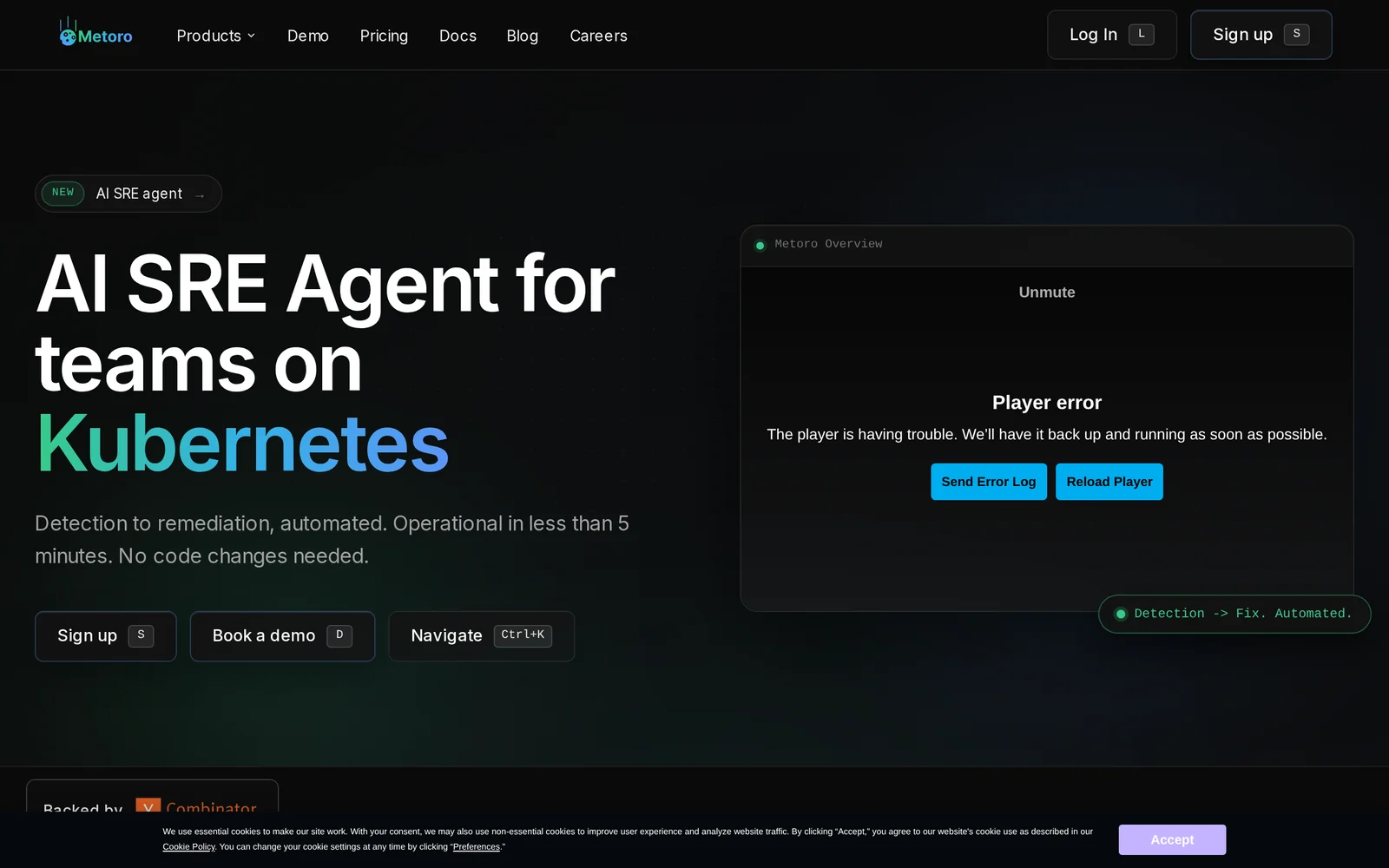
Metoro is an AI-driven Site Reliability Engineering (SRE) platform for Kubernetes that automates deployment verification, issue detection, root-cause analysis and remediation. It integrates into clusters via a small set of components (node agent, exporter, Helm charts and an MCP server) and can be operational in under a minute with no code changes required. Metoro combines telemetry collection, an MCP (Model Context Protocol) server, and AI reasoning to surface actionable diagnoses and optionally trigger automated remediation, reducing MTTD/MTTR for Kubernetes workloads and helping SREs debug distributed microservices.
Screenshots
Key Features
Use Cases


Frequently asked questions about Metoro
What is Metoro?
Metoro is an AI Site Reliability Engineering (SRE) tool designed for Kubernetes environments. It autonomously verifies deployments, detects issues, identifies root causes, and remediates problems without requiring code changes, significantly enhancing operational efficiency and reliability.
Key Points
- Autonomous Operations: Automates the monitoring and management of Kubernetes deployments.
- Root Cause Analysis: Quickly identifies underlying issues to prevent future occurrences.
- Seamless Integration: Works within existing Kubernetes environments without code modifications.
Detailed Explanation
Metoro leverages advanced artificial intelligence to provide autonomous site reliability engineering capabilities for Kubernetes clusters. Here’s how it works:
-
Deployment Verification: Metoro continuously monitors application deployments in real-time, ensuring that each deployment adheres to predefined criteria. This helps in early detection of discrepancies that could lead to system failures.
-
Issue Detection: The AI tool uses machine learning algorithms to analyze system performance metrics and logs. It identifies anomalies, such as increased error rates or latency, which could indicate a problem.
-
Root Cause Identification: Upon detecting an issue, Metoro employs diagnostic techniques to pinpoint the root cause. For instance, if a service is failing, it might analyze dependencies, configuration settings, or resource utilization to find the underlying problem.
-
Autonomous Remediation: Once the root cause is identified, Metoro can take corrective actions automatically. This might include rolling back a deployment, adjusting resource allocations, or modifying configurations—all without manual intervention.
-
Integration with Existing Tools: Metoro integrates seamlessly into Kubernetes environments, enabling teams to enhance their workflows without needing extensive changes to their existing setups.
Best Practices / Tips
- Regularly Update Metoro: Ensure you are using the latest version of Metoro to benefit from new features and improvements.
- Monitor Performance Metrics: Continuously analyze performance metrics provided by Metoro to gain insights into your application’s health.
- Customize Alerts: Tailor alert settings within Metoro to focus on the metrics that matter most to your operations, reducing noise from irrelevant notifications.
- Conduct Training Sessions: Educate your team on how to effectively use Metoro and interpret its findings to maximize its potential.
Additional Resources
How does Metoro work?
Metoro operates by integrating advanced artificial intelligence capabilities to streamline everyday workflows for users. It utilizes machine learning algorithms, natural language processing, and automation tools to enhance productivity, facilitate decision-making, and simplify complex tasks, making it a valuable tool for individuals and businesses alike.
Key Points
- AI Integration: Combines machine learning and natural language processing.
- Workflow Automation: Automates repetitive tasks to boost efficiency.
- User-Friendly Interface: Designed for ease of use, catering to all skill levels.
Detailed Explanation
Metoro leverages a robust AI framework that enables users to perform various tasks more efficiently. For instance, it can automate data entry by learning from existing datasets, significantly reducing human error and saving time.
How It Works:
-
Machine Learning Algorithms: Metoro analyzes user behavior and preferences to improve its recommendations over time. For example, if a user frequently generates reports, Metoro will suggest related templates and data sources.
-
Natural Language Processing (NLP): Users can interact with Metoro using simple, conversational language. This feature allows for easy query inputs, such as asking, "What are my top priorities for this week?" Metoro will interpret the question and provide tailored insights.
-
Workflow Automation: By automating repetitive tasks, such as scheduling meetings or sending reminders, Metoro allows users to focus on higher-value activities. For example, integrating with calendar applications ensures that important deadlines are never missed.
Use Cases:
- Project Management: Teams can utilize Metoro to track project progress, assign tasks, and manage deadlines seamlessly.
- Data Analysis: Businesses can analyze trends and generate actionable insights without extensive manual data manipulation.
- Customer Support: Automate responses to common customer inquiries, freeing up human agents for more complex issues.
Best Practices / Tips
- Regularly Update Data: Ensure that the data Metoro accesses is current to improve its accuracy and relevance.
- Customize Settings: Take advantage of Metoro's customization options to tailor the tool to your specific needs, enhancing its effectiveness.
- User Training: Invest time in training users to fully utilize Metoro’s features, ensuring that all team members can leverage its capabilities effectively.
Additional Resources
What are the main features of Metoro?
Metoro offers a range of advanced features including core AI capabilities such as natural language processing, data analytics, and machine learning. These tools enhance productivity, decision-making, and automation for businesses seeking innovative solutions to streamline their operations.
Key Points
- Natural Language Processing (NLP): Enables advanced communication and understanding.
- Data Analytics: Provides insights and trends for better decision-making.
- Machine Learning Automation: Automates repetitive tasks, improving efficiency.
Detailed Explanation
Metoro integrates several cutting-edge features that cater to various business needs:
1. Natural Language Processing (NLP)
NLP is a key component of Metoro, allowing users to interact with the system using conversational language. This feature can be utilized for chatbots, customer support, and content generation, making it easier for businesses to connect with customers and improve user experience. For example, Metoro can analyze customer inquiries and provide instant, context-aware responses.
2. Data Analytics
Metoro's data analytics capabilities empower businesses to collect, analyze, and visualize data effectively. Users can generate detailed reports that highlight key performance indicators (KPIs) and trends over time. This feature is particularly beneficial for marketing teams looking to understand customer behavior and optimize campaigns. By leveraging data analytics, organizations can make data-driven decisions that enhance their strategic planning.
3. Machine Learning Automation
Metoro employs machine learning algorithms to automate repetitive tasks such as data entry, inventory management, and customer segmentation. This not only saves time but also reduces human error, allowing employees to focus on more strategic initiatives. For instance, a retail business can use Metoro's machine learning capabilities to predict inventory needs based on sales trends, ensuring optimal stock levels.
Best Practices / Tips
- Integrate Metoro with Existing Systems: Ensure that Metoro seamlessly integrates with your current software for enhanced functionality.
- Regularly Update Data: Keep your data current to improve the accuracy of analytics and machine learning predictions.
- Train Staff: Provide training for your team to maximize the benefits of Metoro’s features, particularly in using NLP for customer interactions.
Additional Resources
Who is Metoro for?
Metoro is designed for individuals and businesses looking to enhance their daily operations through AI workflows. It's particularly beneficial for entrepreneurs, marketers, content creators, and teams seeking to automate repetitive tasks, improve productivity, and leverage AI-driven insights for decision-making.
Key Points
- Target Audience: Entrepreneurs, marketers, and teams.
- Core Benefits: Automation of tasks and improved productivity.
- Use Cases: Content creation, data analysis, and customer engagement.
Detailed Explanation
Metoro serves a diverse range of users, including:
-
Entrepreneurs: Small business owners can streamline their daily operations, manage customer inquiries, and generate marketing content efficiently. For example, an entrepreneur can use Metoro to automate email responses and schedule social media posts, saving valuable time.
-
Marketers: Digital marketers utilize Metoro to analyze data and optimize campaigns. With AI-driven analytics, marketers can identify trends and adjust their strategies in real time. For instance, Metoro can generate reports on campaign performance, allowing marketers to make data-backed decisions swiftly.
-
Content Creators: Writers and bloggers can leverage Metoro for idea generation and content optimization. The tool can suggest topics based on current trends or help with SEO optimization to enhance visibility. A content creator can input a keyword, and Metoro will provide relevant content suggestions and outline structures.
Best Practices / Tips
- Explore Integrations: Take advantage of Metoro's integrations with other tools like CRM systems and social media platforms for seamless workflows.
- Stay Updated: Regularly check for updates and new features to maximize the tool's capabilities.
- Utilize Templates: Use pre-built templates for common tasks to save time and ensure consistency in outputs.
Additional Resources
- Metoro Official Website – Explore features and case studies.
- Metoro User Guide – Comprehensive instructions for getting started.
- AI Workflows Explained – Learn more about how AI can enhance your daily tasks.
How much does Metoro cost?
Metoro offers a free tier that allows users to access basic features, while its paid plans start at $10 per month for advanced functionalities. Higher-tier plans provide additional tools and enhanced support, making it suitable for different user needs and budgets.
Key Points
- Metoro provides a free tier for basic use.
- Paid plans start at $10 per month.
- Advanced features are available in higher-tier subscriptions.
Detailed Explanation
Metoro is designed to cater to various user needs, from casual users to businesses requiring advanced analytics. The free tier is a great entry point, allowing users to explore the platform's essential features without any financial commitment. This tier includes basic functionalities such as access to data analytics and limited usage of Metoro's AI tools.
For users seeking more robust features, Metoro offers paid plans starting at $10 per month. These plans unlock advanced capabilities, including:
- Enhanced data visualizations
- Priority customer support
- Additional integrations with other software
- Customizable dashboards for better user experience
As you scale up, higher-tier plans may be available, often designed for businesses needing extensive data analysis and collaboration tools. Pricing may also vary based on the number of users or the level of service required, so it's advisable to check Metoro's official website for the most current pricing structures and feature sets.
Best Practices / Tips
- Evaluate Your Needs: Before choosing a plan, assess your requirements. If you only need basic features, the free tier might suffice.
- Take Advantage of Free Trials: If available, utilize trial periods for paid plans to test advanced features before committing financially.
- Regularly Review Usage: As your needs change, periodically review your plan to ensure you are not overpaying or missing out on necessary features.
Additional Resources
These resources can help you make informed decisions regarding the best plan for your needs and ensure you maximize the benefits of using Metoro.
How do I get started with Metoro?
To get started with Metoro, visit metoro.io to sign up for an account. Once registered, you can explore the platform's features, tools, and resources designed to enhance your productivity and project management experience.
Key Points
- Sign Up Process: Create an account on Metoro's website.
- Explore Features: Familiarize yourself with tools and functionalities.
- Utilize Resources: Access tutorials and community support.
Detailed Explanation
Getting started with Metoro is a straightforward process. First, navigate to metoro.io and click on the "Sign Up" button. You will need to provide your email address and create a password. After confirming your email, you’ll gain access to your dashboard.
1. Account Setup
Once logged in, you can set up your profile by adding your preferences and project details. This customization helps the platform tailor its features to your specific needs.
2. Explore Features
Metoro offers a variety of tools including task management, team collaboration, and project tracking. Spend some time exploring each section. For instance, the task management tool allows you to create, assign, and monitor tasks effectively.
3. Utilize Resources
To maximize your use of Metoro, check out the resources section. This includes user guides, FAQs, and community forums where you can ask questions and share experiences. Engaging with other users can provide valuable insights and tips.
Best Practices / Tips
- Take Advantage of Tutorials: Metoro provides various tutorials that can help you understand how to use specific tools effectively.
- Join Community Forums: Participate in discussions to learn best practices and connect with experienced users.
- Regularly Update Your Projects: Keep your project details and tasks updated to maintain optimal organization and productivity.
Additional Resources
- Metoro Help Center for user guides and troubleshooting.
- Metoro Blog for tips on productivity and project management.
- Community Forum to connect with other users and share experiences.
Explore more AI Ai Tools tools
Browse all Ai Tools tools →Browse by use case: Automation & Productivity
Compare Metoro: vs ToneBird · vs Decode · vs LibreChat · vs AppGrowthKit