

AppGrowthKit
AIAn AI screenshot maker that turns raw app screens into localized, store-ready App Store and Google Play listing images and app icons.
AppGrowthKit
An AI screenshot maker that turns raw app screens into localized, store-ready App Store and Google Play listing images and app icons.
About AppGrowthKit
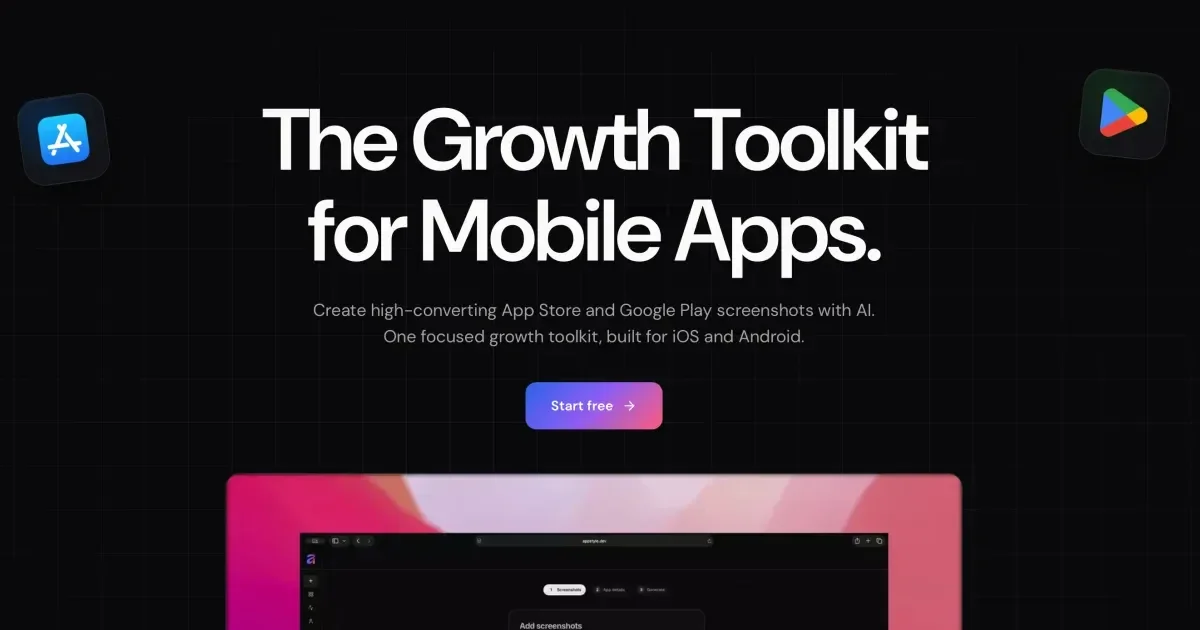
AppGrowthKit is a browser-based workspace for building App Store and Google Play screenshot sets from the raw captures you take in a simulator or on a device. You upload your screens and describe what the app does; the AI plans the layout, writes headlines and store copy, and applies backgrounds, device frames, and spacing directly on a layered canvas where every element stays editable. Localization adapts the copy for 42 App Store locales without rebuilding the set, so each market starts from a working master rather than a blank file. A separate AI pass generates app icon directions from a prompt, and a one-click export writes the exact pixel sizes App Store Connect and Play Console require. The editor composes on a canvas in the browser, so screens do not have to be uploaded to AppGrowthKit servers, and hand design work never consumes AI credits.
Screenshots
Key Features
Use Cases


Frequently asked questions about AppGrowthKit
What is AppGrowthKit?
An AI screenshot maker that turns raw app screens into localized, store-ready App Store and Google Play listing images and app icons.
How does AppGrowthKit work?
AppGrowthKit works by combining AI Layout and Copy Planning: Describe your product and the AI drafts layout, headlines, and store copy before anything changes, then applies the edits across every screen from a single prompt., AI Localization for 42 Locales: Pick a market and the AI translates and adapts titles, subtitles, and custom text while layouts, real app screens, and editable layers stay exactly where you put them., AI App Icon Generation: Describe the feeling, subject, and style you want and generate one, two, or four icon directions in a single pass to compare before choosing., Layered Canvas Editor: Organize screenshots, frames, text, and backgrounds as layers and tune fonts, colors, spacing, and sizing without leaving the editor., Current Device Frames: iPhone 17, iPhone Air, Pro Max, iPad, and Android frames kept up to date, with selectable finishes and automatic scaling when you drop in a screenshot. to help users with Indie App Launch: Producing a full App Store and Play Store screenshot set for a first release without hiring a designer., International Rollout: Generating localized screenshot copy for dozens of markets from one master set before expanding a listing worldwide., Listing Refresh: Rebuilding store visuals after a UI redesign or a new device size by dropping updated captures into existing layouts., App Icon Exploration: Comparing several AI-generated icon directions side by side before committing to the one that sits beside your screenshots., Store Conversion Testing: Iterating on headlines and layouts between releases to test which framing converts better on the listing page..
What are the main features of AppGrowthKit?
Key features include AI Layout and Copy Planning: Describe your product and the AI drafts layout, headlines, and store copy before anything changes, then applies the edits across every screen from a single prompt., AI Localization for 42 Locales: Pick a market and the AI translates and adapts titles, subtitles, and custom text while layouts, real app screens, and editable layers stay exactly where you put them., AI App Icon Generation: Describe the feeling, subject, and style you want and generate one, two, or four icon directions in a single pass to compare before choosing., Layered Canvas Editor: Organize screenshots, frames, text, and backgrounds as layers and tune fonts, colors, spacing, and sizing without leaving the editor., Current Device Frames: iPhone 17, iPhone Air, Pro Max, iPad, and Android frames kept up to date, with selectable finishes and automatic scaling when you drop in a screenshot..
Who is AppGrowthKit for?
AppGrowthKit is useful for anyone interested in Indie App Launch: Producing a full App Store and Play Store screenshot set for a first release without hiring a designer., International Rollout: Generating localized screenshot copy for dozens of markets from one master set before expanding a listing worldwide., Listing Refresh: Rebuilding store visuals after a UI redesign or a new device size by dropping updated captures into existing layouts., App Icon Exploration: Comparing several AI-generated icon directions side by side before committing to the one that sits beside your screenshots., Store Conversion Testing: Iterating on headlines and layouts between releases to test which framing converts better on the listing page..
How much does AppGrowthKit cost?
AppGrowthKit is a paid product. Check the official site for current pricing.
How do I get started with AppGrowthKit?
Visit https://appgrowthkit.com/ to sign up and explore AppGrowthKit.
Explore more AI Ai Tools tools
Browse all Ai Tools tools →Browse by use case: Automation & Productivity
Compare AppGrowthKit: vs Decode · vs LibreChat · vs Humanizer · vs Worktrunk