

Lamatic 3.0
AIPlatform to build, deploy, and optimize agentic apps using pre-built workflows, a visual builder, and serverless infrastructure.
Lamatic 3.0
Platform to build, deploy, and optimize agentic apps using pre-built workflows, a visual builder, and serverless infrastructure.
About Lamatic 3.0
Lamatic is a platform that lets teams convert domain expertise into reliable agentic applications. It provides pre-built AI workflows, a visual builder for composing agent behaviors, and serverless infrastructure to deploy and scale apps quickly. The platform emphasizes rapid launches and operational optimization so organizations can create domain-specific agents without managing underlying infrastructure.
Screenshots
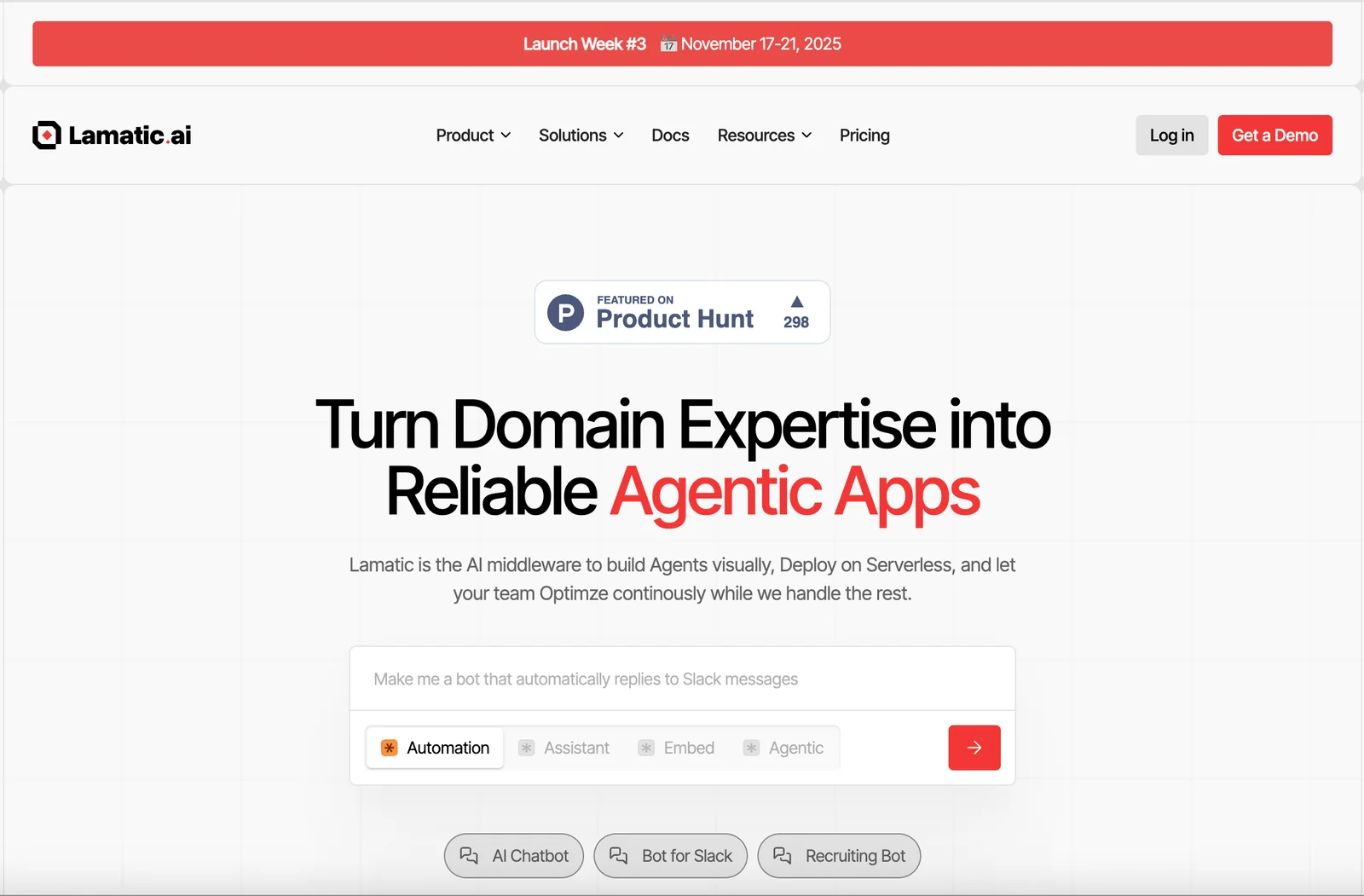
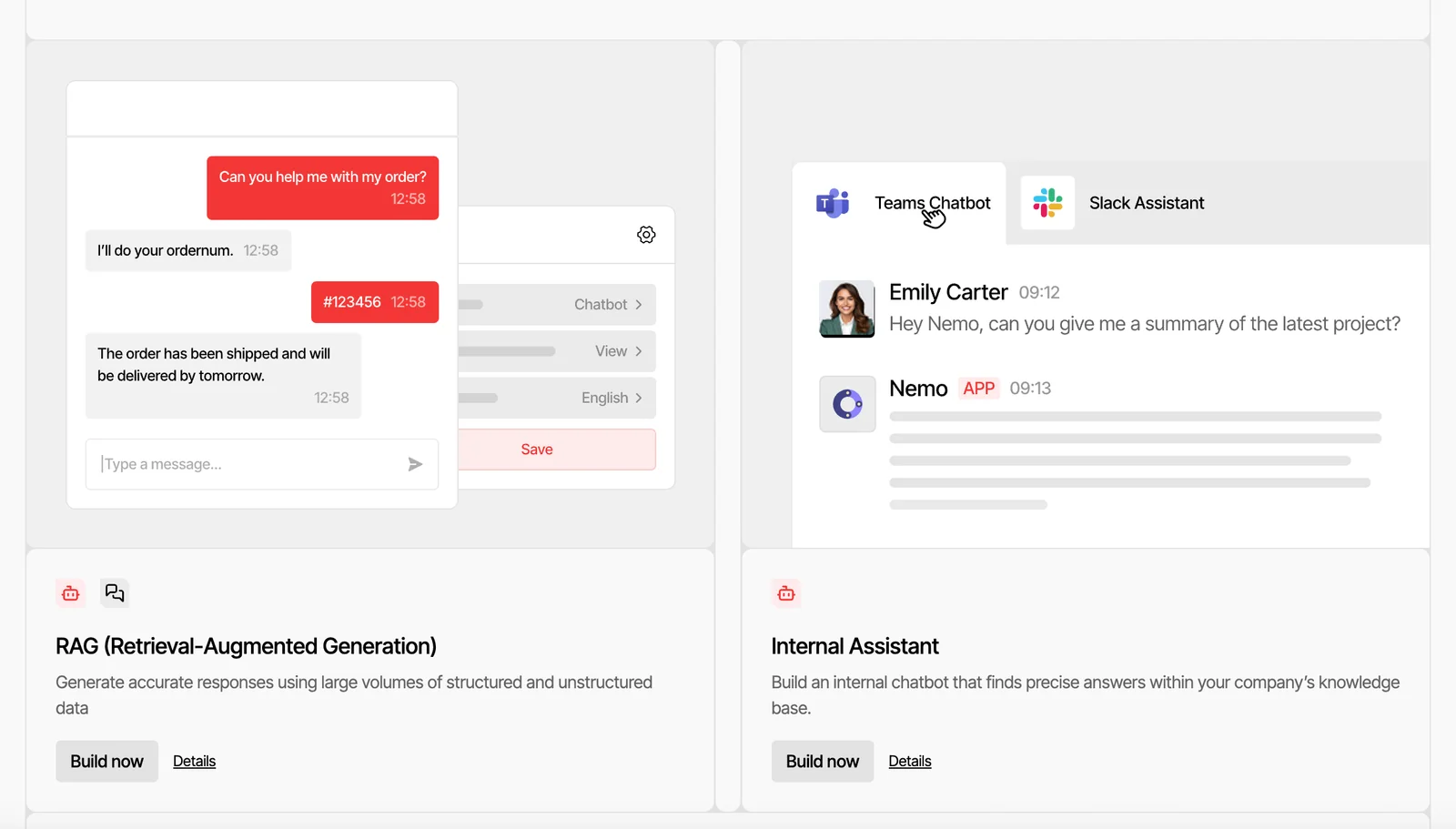
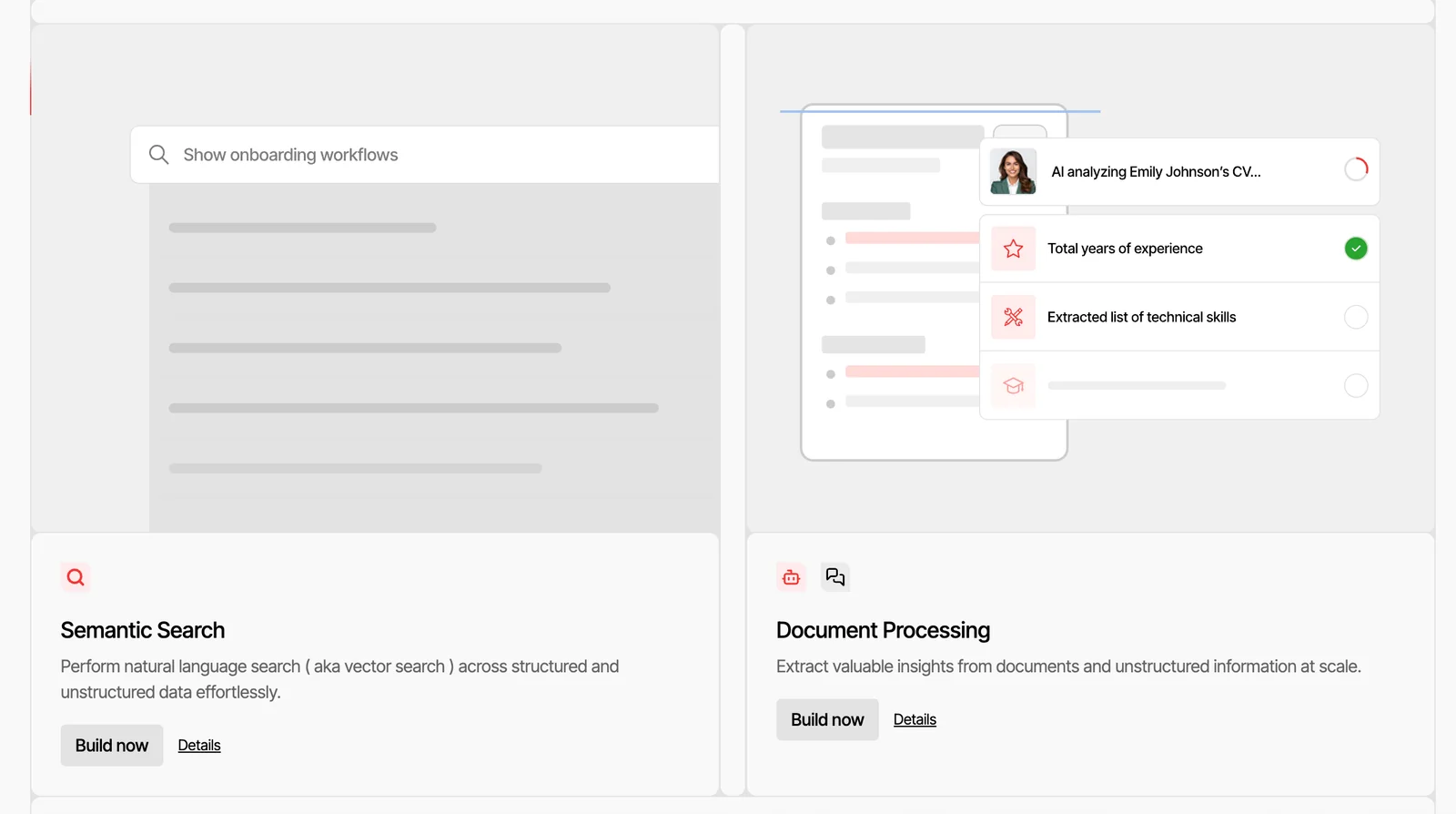
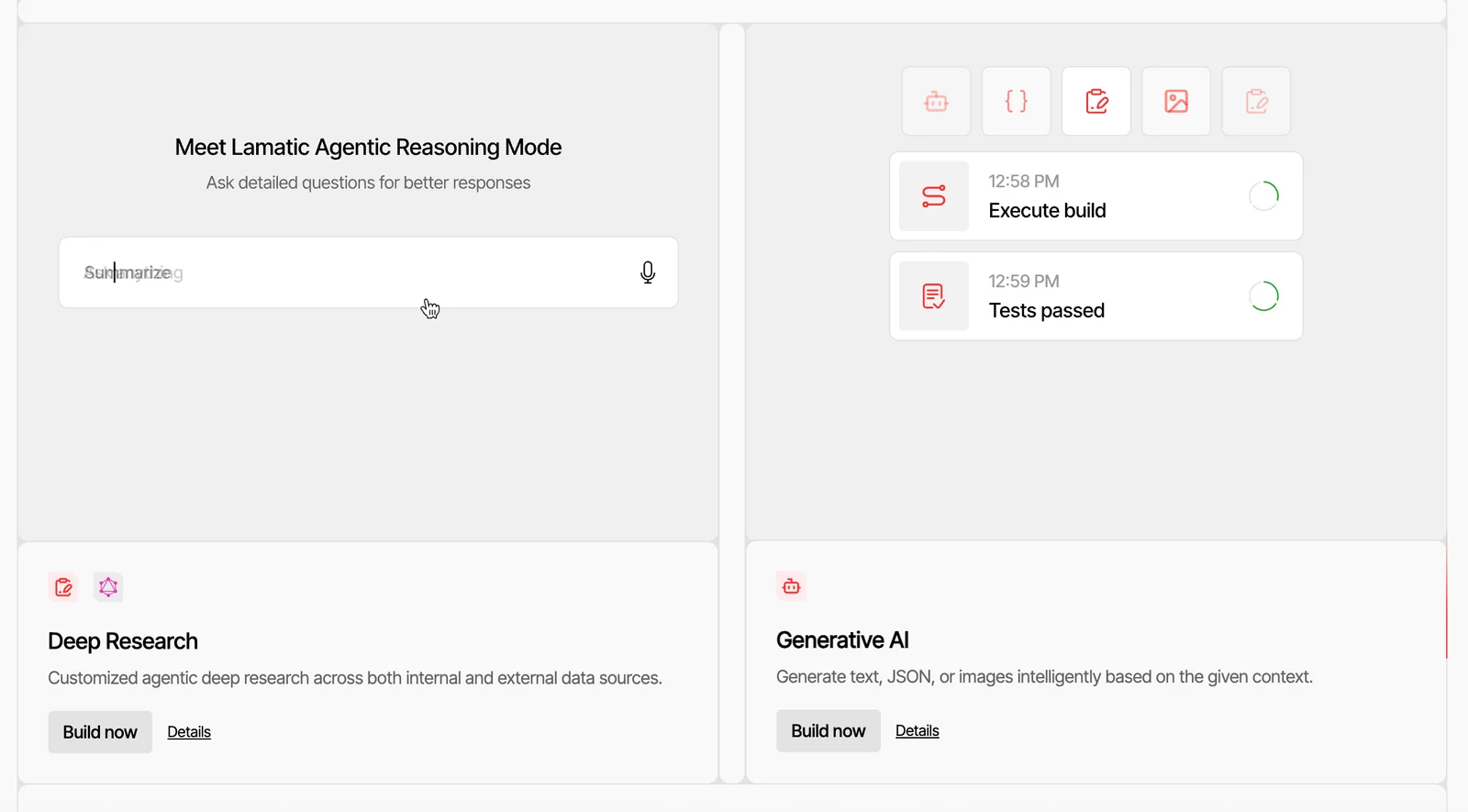
Key Features
Use Cases


Frequently asked questions about Lamatic 3.0
What are the pricing options for Lamatic 3.0?
Lamatic 3.0 provides a FREEMIUM pricing structure with a free tier that includes essential features, while its Enterprise plan is available for $30,000 per year, offering advanced capabilities and dedicated support for businesses seeking comprehensive solutions.
Key Points
- FREEMIUM Model: Offers a free tier with limited features.
- Enterprise Plan: Priced at $30,000 per year for enhanced functionalities.
- Scalability: Options to upgrade based on business needs.
Detailed Explanation
Lamatic 3.0 is designed to cater to various user needs through its flexible pricing model. The FREEMIUM tier allows users to access basic features without any cost, ideal for individuals or small teams looking to explore the platform's capabilities. This includes access to fundamental tools that facilitate workflow automation and data management.
For organizations that require more robust solutions, the Enterprise plan is available at $30,000 per year. This plan includes advanced features such as:
- Custom integrations: Connect Lamatic with other enterprise tools.
- Priority support: Receive dedicated assistance and faster response times.
- Enhanced security: Advanced security measures to protect sensitive data.
This tier is particularly beneficial for larger teams or businesses with specific needs, offering scalability and customization that can grow with your organization.
Example Use Cases
- Small startups can utilize the free tier to test Lamatic’s capabilities before committing financially.
- Large corporations can benefit from the Enterprise plan by integrating Lamatic into their existing infrastructure, optimizing workflows across departments.
Best Practices / Tips
- Evaluate Needs: Assess your business requirements before choosing between the free and Enterprise plans.
- Utilize Free Tier: Make the most out of the free tier by exploring all available features and capabilities.
- Consider Future Growth: If your organization plans to expand, investing in the Enterprise plan early can save time and resources.
Additional Resources
How do I start using Lamatic 3.0 for app development?
To start using Lamatic 3.0 for app development, visit https://lamatic.ai/ and sign up for the free tier. This allows you to access an intuitive visual app builder and a variety of pre-built workflows, enabling you to create your agentic applications quickly and efficiently.
Key Points
- Sign Up for Free Tier: Gain access to essential features without any cost.
- Visual App Builder: Utilize drag-and-drop functionality to design applications effortlessly.
- Pre-Built Workflows: Leverage existing templates to accelerate your app development process.
Detailed Explanation
Getting started with Lamatic 3.0 is straightforward. First, visit the official website and create an account on the free tier. This tier provides a robust platform equipped with tools essential for developers at any skill level.
-
Visual App Builder: The drag-and-drop interface allows you to design your application intuitively. You can add elements like buttons, forms, and images with ease, making it perfect for those who may not have extensive coding experience.
-
Pre-Built Workflows: Lamatic 3.0 offers a library of pre-built workflows tailored to various use cases, such as e-commerce, user feedback, and customer support applications. These workflows can be customized to fit your specific needs, significantly reducing development time.
-
Tutorials and Documentation: Lamatic provides comprehensive documentation and tutorials that guide users through the process of building and deploying applications. Take advantage of these resources to familiarize yourself with the platform.
-
Integrations: Explore how to integrate Lamatic with other tools you may already be using, such as CRM systems or payment gateways. This expands your app's functionality and enhances user experience.
Best Practices / Tips
- Start Small: Begin with a simple project to familiarize yourself with the platform's features before taking on more complex applications.
- Utilize Templates: Use available templates as a foundation to save time and gain inspiration for your app design.
- Regularly Check Updates: Stay informed about new features or updates from Lamatic to leverage the latest tools and improvements.
- Engage with Community: Join forums or user groups focused on Lamatic 3.0 to share insights, ask questions, and learn from others' experiences.
Additional Resources
What are the key features of Lamatic 3.0 that set it apart from other platforms?
Lamatic 3.0 stands out from other platforms due to its visual builder, pre-built workflows, and serverless infrastructure, which significantly accelerate app development and deployment. This innovative approach allows users to create applications without extensive coding knowledge, streamlining the development process for businesses of all sizes.
Key Points
- Visual Builder: Intuitive drag-and-drop interface.
- Pre-Built Workflows: Ready-to-use templates for common tasks.
- Serverless Infrastructure: Scalable and cost-effective resource management.
Detailed Explanation
Lamatic 3.0 revolutionizes app development with three core features:
-
Visual Builder: The drag-and-drop interface allows users to design applications visually, eliminating the need for extensive coding. This feature is particularly beneficial for non-technical users, enabling them to build and modify apps quickly.
-
Pre-Built Workflows: Lamatic 3.0 includes a variety of pre-built workflows that cater to common business processes. These templates can be customized to fit specific needs, reducing the time spent on configuration. For instance, businesses can implement customer onboarding or inventory management workflows in just a few clicks.
-
Serverless Infrastructure: With a serverless architecture, Lamatic 3.0 automatically manages the scaling of applications. This means that users only pay for the resources they consume, making it a cost-effective solution for businesses. It also enhances performance since the platform can quickly adapt to varying loads without manual intervention.
Best Practices / Tips
- Leverage the Visual Builder: Familiarize yourself with the drag-and-drop tools to maximize efficiency in app design.
- Utilize Pre-Built Workflows: Start with existing templates to accelerate development; customize them to meet your unique requirements.
- Monitor Resource Usage: Regularly review your serverless infrastructure usage to optimize costs and performance.
Additional Resources
- Lamatic Official Documentation
- Getting Started with Lamatic 3.0
- Case Studies on Lamatic 3.0 Implementations
These resources provide further insights into maximizing the benefits of Lamatic 3.0 for your business.
Can Lamatic 3.0 integrate with other tools and services?
Yes, Lamatic 3.0 seamlessly integrates with various tools and services, enhancing its functionality by allowing users to connect their agentic applications with existing systems. This capability improves workflow efficiency and collaboration across different platforms.
Key Points
- Wide Range of Integrations: Supports multiple applications and platforms.
- Enhanced Functionality: Improves overall performance and user experience.
- Seamless Workflow: Facilitates collaboration among different teams and systems.
Detailed Explanation
Lamatic 3.0 stands out in the market due to its robust integration capabilities. It allows users to connect with popular applications such as Slack, Google Workspace, Microsoft Teams, and CRM systems like Salesforce. By integrating these tools, users can automate tasks, sync data, and streamline communication, leading to increased productivity.
Use Cases
- Project Management: Integrate with Trello or Asana to manage tasks and deadlines efficiently.
- Communication: Connect with Slack for real-time updates and team collaboration.
- Data Synchronization: Use APIs to link with CRM systems, ensuring that customer data is always up-to-date.
To set up an integration, users can follow these steps:
- Navigate to the settings menu within Lamatic 3.0.
- Select the 'Integrations' tab.
- Choose the desired tool from the list and follow the prompts to authenticate and connect.
Best Practices / Tips
- Evaluate Your Needs: Assess which integrations will add the most value to your workflow.
- Stay Updated: Regularly check for new integrations or updates from Lamatic 3.0 to leverage additional features.
- Test Integrations: Before fully implementing, test the integrations to ensure they work as intended and provide the desired benefits.
Additional Resources
Why should I choose Lamatic 3.0 over other agentic app development platforms?
Choosing Lamatic 3.0 over other app development platforms is advantageous due to its user-friendly visual builder, pre-built workflows, and seamless integration capabilities. These features empower non-developers to create sophisticated applications quickly, significantly reducing time to market and increasing productivity.
Key Points
- User-Friendly Visual Builder: Simplifies app creation for non-technical users.
- Pre-Built Workflows: Accelerates development by utilizing ready-made processes.
- Seamless Integrations: Connects effortlessly with popular tools and services.
Detailed Explanation
Lamatic 3.0 stands out in the crowded agentic app development market for several reasons.
User-Friendly Visual Builder
The intuitive drag-and-drop interface allows users without coding experience to design applications easily. For instance, a marketing manager can build a customer feedback app in hours instead of weeks. This visual approach not only enhances creativity but also minimizes the learning curve.
Pre-Built Workflows
Lamatic 3.0 offers an extensive library of pre-built workflows tailored for various industries. These templates save time and reduce errors by providing a solid foundation. For example, a startup can quickly implement a sales funnel or an onboarding process, allowing teams to focus on other critical tasks.
Seamless Integrations
Integration capabilities with popular platforms like Slack, Google Workspace, and CRM systems make Lamatic 3.0 a versatile choice. Users can streamline operations by connecting their apps with existing tools, facilitating real-time data exchange and enhancing overall efficiency.
Best Practices / Tips
- Maximize Templates: Start with pre-built templates to understand the platform's capabilities and customize them to fit your needs.
- Regular Updates: Keep an eye on new features and integrations released by Lamatic 3.0 to leverage the latest tools for app development.
- Community Engagement: Participate in the Lamatic community for tips and shared experiences, which can provide valuable insights and solutions to common challenges.
Additional Resources
Choosing Lamatic 3.0 means equipping yourself with a powerful, efficient tool that makes app development accessible for everyone, driving innovation and reducing time to market.
Explore more AI Ai Agents tools
Browse all Ai Agents tools →Browse by use case: Automation & Productivity
Compare Lamatic 3.0: vs jcode · vs HarnessRouter · vs AgentLoop · vs ACME.BOT