

Knowly
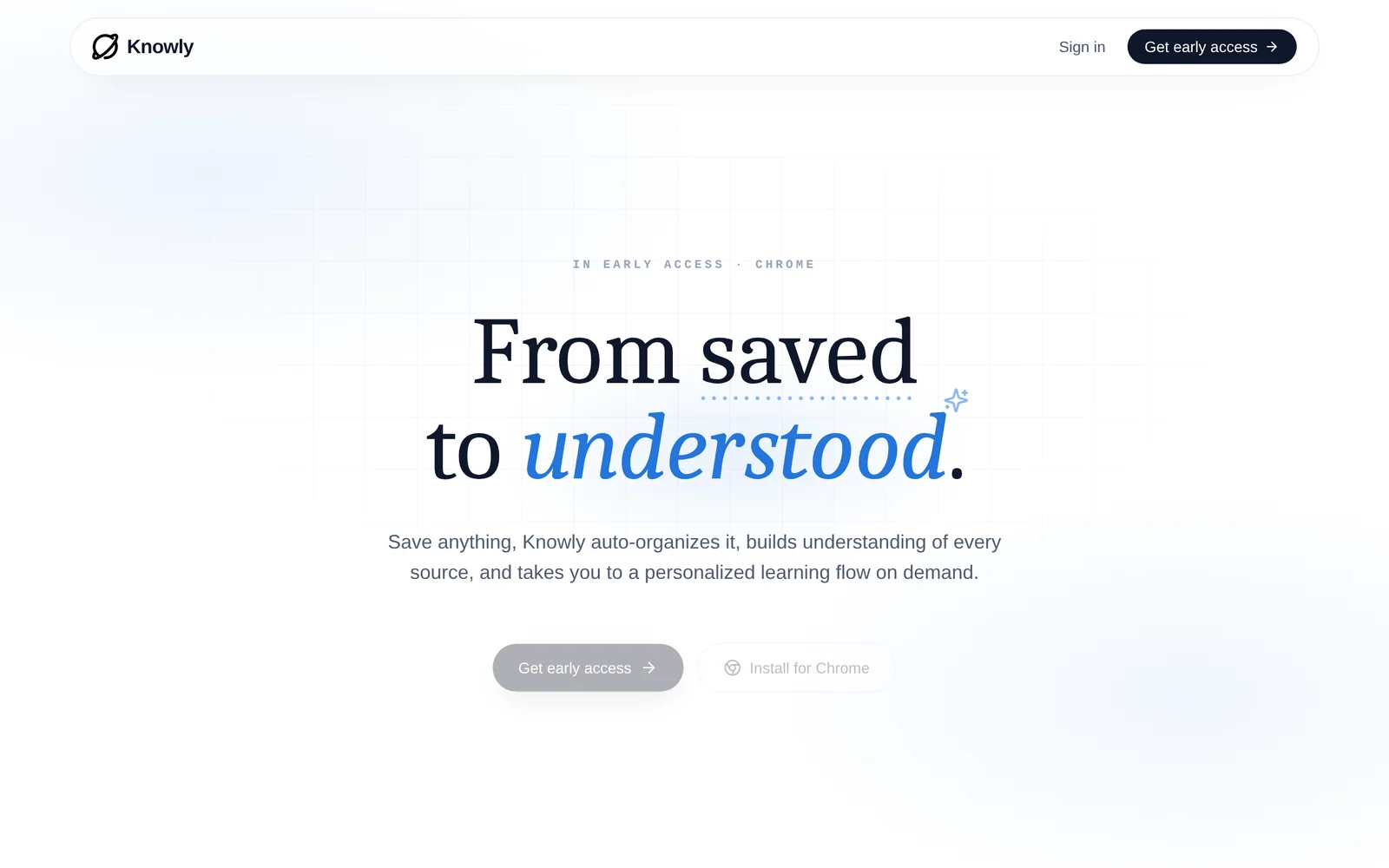
AITurns saved articles, videos, and ideas into an organized living library with pages that teach what you captured.
Knowly
Turns saved articles, videos, and ideas into an organized living library with pages that teach what you captured.
About Knowly
Knowly captures content from anywhere—articles, videos, and ideas—and organizes it into a persistent, structured library. It automatically generates teachable pages that synthesize and explain the core concepts of saved material, helping users convert collected resources into usable knowledge. The tool is focused on reducing friction between saving content and actually understanding and retaining it, providing a single place to revisit and learn from captured resources.
Screenshots
Key Features
Use Cases



Frequently asked questions about Knowly
What is Knowly?
Knowly is an innovative platform that transforms your saved content—such as articles, videos, and ideas—into organized knowledge. It creates a personalized library and generates educational pages that facilitate deeper understanding of the information you capture, making learning more efficient and engaging.
Key Points
- Content Organization: Knowly categorizes saved materials into a user-friendly library.
- Interactive Learning: It generates pages that enhance comprehension and retention.
- Cross-Platform Compatibility: Access Knowly from various devices for seamless learning.
Detailed Explanation
Knowly acts as a digital repository where users can save various types of content from the internet. Whether you’re bookmarking an insightful article, saving a tutorial video, or jotting down an idea, Knowly organizes these resources into a cohesive library tailored to your learning needs.
How It Works:
- Capture Content: Users can save content directly from their browsers or mobile devices.
- Organize Resources: Knowly automatically sorts saved items into categories, making it easy to navigate.
- Generate Learning Pages: The platform analyzes your saved content and creates interactive pages that summarize key points, enhancing your understanding.
Use Cases:
- Students: Perfect for organizing research materials and study guides.
- Professionals: Great for compiling industry insights and training resources.
- Lifelong Learners: Ideal for anyone looking to accumulate knowledge in various fields.
Best Practices / Tips
- Regularly Update Your Library: Make it a habit to save new content regularly to keep your knowledge current.
- Utilize Tags and Categories: Use tagging features to further organize your materials for easy retrieval.
- Engage with the Content: Spend time reviewing generated pages to reinforce learning and retention.
Additional Resources
By effectively utilizing Knowly, users can transform the way they engage with information, making learning an interactive and enjoyable experience.
How does Knowly work?
Knowly works by leveraging advanced AI technologies to streamline everyday workflows for users. It integrates tools for tasks like data analysis, content generation, and automation, enabling individuals and teams to enhance productivity and focus on higher-value activities.
Key Points
- AI Integration: Knowly combines various AI tools for seamless task management.
- Workflow Automation: It automates repetitive tasks to save time.
- User-Friendly Interface: Designed for ease of use, catering to both novices and experts.
Detailed Explanation
Knowly utilizes a suite of AI capabilities to optimize daily workflows. For instance, it can analyze large datasets swiftly, generating insights that help businesses make informed decisions. Users can input their requirements, and Knowly’s algorithms will suggest the most efficient tools and processes to use.
Use Cases
- Content Creation: Marketers can use Knowly to generate blog posts or social media content by simply providing a topic.
- Data Analysis: Analysts can upload spreadsheets, and Knowly will automatically identify trends and anomalies, presenting them in an easy-to-understand format.
- Task Automation: Businesses can set up Knowly to handle repetitive tasks like email sorting or report generation, allowing team members to concentrate on strategic initiatives.
By integrating multiple AI technologies, Knowly ensures that users experience a cohesive and efficient workflow. The platform is designed to be intuitive, meaning that even those unfamiliar with AI can navigate it effectively.
Best Practices / Tips
- Start Small: Begin by automating simple tasks to familiarize yourself with Knowly's features.
- Customize Workflows: Tailor the automation processes to fit your specific needs for maximum effectiveness.
- Regularly Update: Keep your AI tools updated to leverage the latest features and improvements.
- Monitor Performance: Analyze the outcomes of automated tasks to ensure they are meeting your expectations, adjusting as necessary.
Additional Resources
What are the main features of Knowly?
Knowly offers several key features, including advanced AI capabilities, personalized learning experiences, and robust analytics tools. These features are designed to enhance user engagement, streamline content delivery, and provide actionable insights for educators and learners alike.
Key Points
- Advanced AI Capabilities: Automates content creation and adapts to user needs.
- Personalized Learning Experiences: Tailors educational content to individual learning styles.
- Robust Analytics Tools: Tracks progress and performance for informed decision-making.
Detailed Explanation
Knowly stands out in the educational technology landscape due to its advanced AI capabilities. This feature automates the generation of learning materials, which saves time for educators and ensures that content remains relevant and up-to-date. The AI system learns from user interactions, allowing it to adapt the complexity and style of content according to individual learning preferences.
Another critical aspect of Knowly is its personalized learning experiences. By leveraging machine learning algorithms, Knowly analyzes user data to create customized pathways for learners. For instance, if a student excels in math but struggles with language arts, Knowly can adjust the curriculum to provide additional resources and practice in language arts while maintaining engagement through math challenges.
The platform also includes robust analytics tools that empower educators and administrators to monitor student progress effectively. With real-time data, teachers can identify areas where students may need additional support or enrichment. This feature enhances communication between educators and students, fostering a more collaborative learning environment.
Best Practices / Tips
- Utilize AI Insights: Regularly review AI-generated reports to adapt teaching methods based on student performance trends.
- Encourage Feedback: Actively seek student feedback on personalized content to refine learning pathways.
- Integrate with Existing Tools: Ensure Knowly complements your existing educational technology stack to maximize benefits.
Additional Resources
Who is Knowly for?
Knowly is designed for a diverse audience, including entrepreneurs, small business owners, educators, and professionals seeking to enhance their daily workflows with AI tools. It's particularly beneficial for those looking to automate tasks, improve productivity, and integrate AI seamlessly into their operations.
Key Points
- Target Audience: Entrepreneurs, educators, and professionals.
- Use Cases: Automating repetitive tasks and enhancing productivity.
- Accessibility: User-friendly for individuals with varying tech skills.
Detailed Explanation
Knowly serves as a valuable resource for anyone interested in optimizing their daily activities using artificial intelligence. Here are a few specific groups that can greatly benefit from Knowly:
-
Entrepreneurs and Small Business Owners: For individuals running small businesses, Knowly offers tools that can help automate day-to-day operations, such as scheduling, customer communication, and data analysis. For instance, businesses can use Knowly to create chatbots for customer service or automate email marketing campaigns, saving time and resources.
-
Educators and Students: In the educational sector, Knowly can assist teachers in creating engaging lesson plans and grading assignments more efficiently. Students can leverage AI tools for research, content generation, and even study assistance. An example is using AI to summarize lengthy articles or generate quiz questions based on study materials.
-
Freelancers and Remote Workers: Freelancers can use Knowly to manage projects, track time, and communicate with clients efficiently. The platform provides templates and automation features that streamline project management, making it easier for remote workers to stay organized and productive.
-
Tech Enthusiasts and Developers: Those with an interest in technology can explore Knowly’s advanced features, such as API integrations and custom workflows. Developers can leverage the platform to create tailored solutions that meet specific business needs.
Best Practices / Tips
- Explore All Features: Familiarize yourself with all the tools Knowly offers to maximize productivity. Take advantage of tutorials and webinars available on the platform.
- Integrate with Existing Tools: Connect Knowly with your current software and applications to create a seamless workflow. This integration can enhance the functionality of existing tools and minimize redundancy.
- Set Clear Goals: Before implementing AI workflows, define specific objectives you want to achieve, such as reducing response times or increasing productivity. This clarity will help you utilize Knowly more effectively.
Additional Resources
How much does Knowly cost?
Knowly's pricing varies based on the user’s needs and the specific plans offered. For the most accurate and up-to-date pricing details, it's best to visit the official Knowly website, where you can find various subscription options tailored to different user requirements.
Key Points
- Pricing is tiered according to user needs.
- Plans may include free trials or demos.
- Visit the official website for the latest updates.
Detailed Explanation
Knowly offers several pricing tiers designed to accommodate different users, ranging from individuals to teams and enterprises. Typically, pricing structures include:
- Individual Plan: This entry-level plan often includes basic features and may be available for free or at a low monthly fee.
- Team Plan: Aimed at small to medium-sized businesses, this plan usually offers collaborative features, increased storage, and enhanced support. Expect a monthly price range from $10 to $30 per user.
- Enterprise Plan: For larger organizations, this customizable plan provides advanced features, dedicated support, and potential integrations with other platforms. Pricing often requires direct consultation with the sales team.
Many of these plans offer a free trial period, allowing potential users to explore the features before committing financially. It’s beneficial to compare the features of each plan on the official website to determine which best suits your needs.
Best Practices / Tips
- Evaluate Your Needs: Before selecting a plan, assess what features you need. For instance, if you only require basic functionality, an individual plan may suffice.
- Take Advantage of Free Trials: Utilize free trials to test out the platform and ensure it fits your workflow.
- Stay Updated: Pricing can change, so regularly check the Knowly website or subscribe to their newsletter for updates on new features or pricing changes.
Additional Resources
How do I get started with Knowly?
To get started with Knowly, visit goknowly.ai and sign up for an account. Once registered, you can explore its features, customize your preferences, and integrate it into your workflow for enhanced productivity.
Key Points
- Easy registration process on the Knowly website.
- Explore features tailored for personalized learning experiences.
- Integration with various tools to enhance productivity.
Detailed Explanation
Getting started with Knowly is simple and user-friendly. First, navigate to the Knowly sign-up page. Here’s a step-by-step breakdown:
-
Sign Up: Click on the "Sign Up" button. You may be prompted to enter your email address and create a password. Alternatively, you can register using your Google or Facebook account for quicker access.
-
Explore Features: Once registered, you will have access to a dashboard showcasing various features. Familiarize yourself with the interface and explore options like personalized learning paths, AI-driven insights, and community engagement tools.
-
Customization: Tailor your experience by adjusting settings that fit your learning style. You can set preferences for notifications, content types, and learning goals.
-
Integration: Knowly supports integration with tools like Google Workspace, Microsoft Teams, and others, allowing you to seamlessly incorporate it into your existing workflow.
-
Start Learning: Access a variety of resources, including tutorials, community forums, and customer support, to guide you through your initial experience.
Best Practices / Tips
- Take Advantage of Tutorials: Utilize the tutorials available on the platform to maximize your understanding of Knowly’s features.
- Engage with the Community: Participate in forums and discussions to learn from other users’ experiences and tips.
- Regularly Update Preferences: As your learning needs evolve, revisit your settings to ensure they align with your current objectives.
- Avoid Overloading Features: Start with a few key features that interest you most before exploring more advanced functionalities.
Additional Resources
Explore more AI Ai Tools tools
Browse all Ai Tools tools →Compare Knowly: vs Mise · vs BiBimba · vs VoiceCap · vs NM Signals