

iisee.me
AIWeb app to create customizable AI-generated expression grids for design, character exploration, and visualization.
iisee.me
Web app to create customizable AI-generated expression grids for design, character exploration, and visualization.
About iisee.me
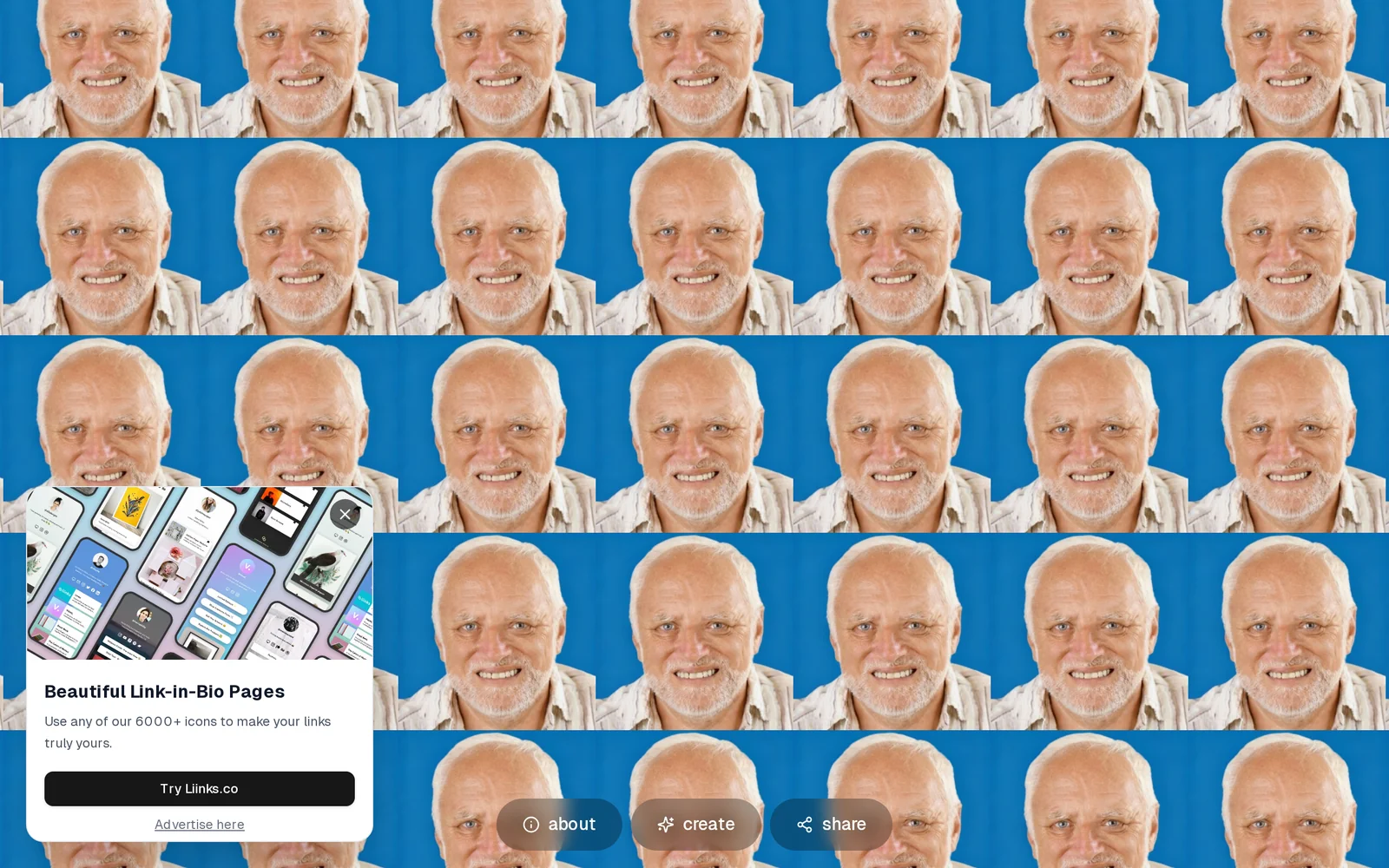
iisee.me is a web-based tool that generates expression grids—collections of AI-generated images arranged to show varied facial or character expressions. Users can create, preview, and customize grids to explore variations in emotion, style, and pose for characters or avatars. The project appears to be open-source with a corresponding GitHub repository, enabling self-hosting or developer customization. Its value lies in rapid visual ideation and consistent multi-expression outputs for designers, illustrators, and animators.
Screenshots
Key Features
Use Cases



Frequently asked questions about iisee.me
What is iisee.me?
iisee.me is a web application that enables users to create customizable AI-generated expression grids, specifically designed for design projects, character exploration, and visualization. This tool allows for innovative and personalized outcomes, making it a valuable resource for designers, artists, and storytellers.
Key Points
- Customizable Expression Grids: Users can tailor grids to their specific needs and preferences.
- AI-Driven Technology: Leverages artificial intelligence to generate unique designs and character traits.
- Versatile Applications: Useful for various fields including graphic design, animation, and game development.
Detailed Explanation
iisee.me stands out in the realm of creative tools by offering customizable AI-generated expression grids. These grids serve as a foundational resource for artists and designers seeking to explore character designs, visualize concepts, or enhance storytelling elements.
Customization Features
Users can personalize their grids by selecting from various templates and adjusting parameters such as colors, shapes, and expressions. For instance, a game developer could create a grid tailored to different character expressions, enhancing character development and emotional storytelling.
AI Integration
The AI technology behind iisee.me generates creative outputs based on user inputs, ensuring that the designs are not only unique but also contextually relevant. This capability allows artists to experiment with various aesthetics and styles without starting from scratch.
Use Cases
- Character Design: Artists can visualize a range of emotions and traits for characters, aiding in the creation of relatable and complex characters.
- Design Projects: Graphic designers can utilize the grids to brainstorm visual concepts, ensuring a diverse array of ideas and designs.
- Educational Tools: Educators can use iisee.me to teach students about design principles and character development through interactive grids.
Best Practices / Tips
- Experiment with Settings: Don’t hesitate to adjust multiple parameters to discover unexpected and creative results.
- Save Your Grids: Regularly save your custom grids to revisit and refine them in future projects.
- Collaborate: Share your grids with peers for feedback and collaborative brainstorming, enhancing the creative process.
Additional Resources
By leveraging iisee.me’s capabilities, users can significantly enhance their design and storytelling processes, making it an essential tool for anyone in creative fields.
How does iisee.me work?
iisee.me is an advanced platform that integrates multiple AI capabilities to streamline day-to-day workflows for users. By automating tasks, providing intelligent insights, and enhancing productivity, iisee.me makes leveraging AI technology accessible and efficient for everyone from individuals to businesses.
Key Points
- AI Integration: Combines various AI tools for seamless workflows.
- User-Friendly: Designed for both individuals and businesses to enhance productivity.
- Task Automation: Automates repetitive tasks, saving time and resources.
Detailed Explanation
iisee.me operates on a robust AI framework that encompasses several core functionalities, making it an indispensable tool for users looking to enhance their productivity. Here are some of the key features:
-
AI Task Automation: iisee.me automates routine tasks such as data entry, scheduling, and email management. For example, users can set up workflows that automatically sort emails or generate reports based on incoming data.
-
Intelligent Insights: The platform provides actionable insights by analyzing user data and suggesting optimizations. For instance, if you're managing a project, iisee.me can analyze team performance and suggest improvements based on previous outcomes.
-
Custom Workflows: Users can create personalized workflows tailored to their specific needs. This flexibility allows for integration with existing tools, enhancing overall efficiency. For example, a marketing team can integrate iisee.me with their CRM to streamline lead management processes.
-
Collaboration Features: iisee.me supports collaborative projects, allowing teams to work together seamlessly. Users can share workflows, track progress, and communicate effectively within the platform.
-
Scalability: Whether you’re an individual or a large organization, iisee.me scales to meet your needs. Plans are available for different user requirements, making it suitable for freelancers, startups, and enterprises alike.
Best Practices / Tips
- Start Small: Begin by automating a few simple tasks to familiarize yourself with the platform’s capabilities before scaling up.
- Utilize Templates: Take advantage of pre-built templates for common workflows to save time and effort.
- Regularly Update Workflows: As your needs evolve, revisit and refine your workflows to ensure they remain aligned with your goals.
- Monitor Performance: Use the analytics features to track the effectiveness of your automated tasks and make adjustments as needed.
Additional Resources
What are the main features of iisee.me?
iisee.me offers a suite of advanced AI capabilities designed to enhance productivity and streamline workflows. Key features include intelligent data analysis, automated content generation, and personalized user experiences, making it a versatile tool for businesses and individuals seeking efficiency and innovation in their operations.
Key Points
- Intelligent Data Analysis: Leverage AI to gain insights from large datasets.
- Automated Content Generation: Quickly create high-quality written content.
- Personalized User Experiences: Tailor interactions based on user behavior and preferences.
Detailed Explanation
iisee.me stands out with its intelligent data analysis tools that utilize machine learning algorithms to sift through vast amounts of data, providing actionable insights and predictive analytics. For instance, businesses can use these features to identify trends and make data-driven decisions that enhance their strategies.
The automated content generation feature allows users to produce a variety of content types, including articles, reports, and social media posts, in a fraction of the time it would normally take. This is particularly useful for marketers and content creators who need to maintain a consistent flow of material without sacrificing quality. Users can input specific keywords or topics, and iisee.me’s AI will generate relevant and engaging content tailored to their needs.
Additionally, iisee.me excels in creating personalized user experiences. By analyzing user behavior, the platform can suggest tailored recommendations, improving customer satisfaction and engagement. For example, e-commerce sites can utilize these features to provide personalized product suggestions that increase conversion rates.
Best Practices / Tips
- Utilize Data Insights: Regularly engage with the data analysis tools to identify emerging trends that can inform your business decisions.
- Optimize Content Inputs: When using the content generation feature, provide clear and specific guidelines to achieve the best results.
- Monitor User Behavior: Continuously track how users interact with your content to refine and enhance the personalized experiences offered.
Additional Resources
Who is iisee.me for?
iisee.me is designed for individuals and organizations looking to enhance their daily workflows using AI. It caters to professionals, educators, and developers who want to integrate AI tools seamlessly into their routine tasks for improved efficiency and productivity.
Key Points
- Target Audience: Professionals, educators, and developers.
- Use Cases: Enhancing productivity, automating tasks, and improving decision-making.
- Accessibility: User-friendly platform for various skill levels.
Detailed Explanation
iisee.me serves a diverse audience by providing an intuitive platform that simplifies the implementation of AI in everyday tasks. Professionals can use iisee.me to automate repetitive tasks, such as scheduling, email management, and data analysis. For example, a marketer can leverage AI to analyze customer data and generate targeted campaigns, saving time and enhancing effectiveness.
Educators can utilize iisee.me to create interactive learning experiences, allowing students to engage with AI tools for research and problem-solving. A teacher might use it to develop customized learning materials that adapt to individual student needs.
Developers benefit from iisee.me by streamlining workflow processes and integrating various AI applications. For instance, a software developer can use iisee.me to automate code testing, enabling faster deployment and higher quality software products.
Best Practices / Tips
- Start Small: Begin by integrating one AI tool into your workflow to gauge its effectiveness before expanding.
- Regular Updates: Stay informed about new features and tools offered by iisee.me to maximize your productivity.
- Feedback Loop: Encourage team members to share their experiences and improvements to ensure everyone benefits from the AI integration.
Additional Resources
By leveraging iisee.me, users can transform their daily tasks into more efficient processes, ultimately leading to enhanced productivity and better outcomes.
How much does iisee.me cost?
iisee.me is completely free to use, offering users access to its features without any hidden costs or subscription fees. This makes it an excellent option for individuals and businesses looking for AI-driven insights without financial commitment.
Key Points
- Cost-Free Usage: iisee.me does not charge for its services.
- Accessibility: Users can access a range of features at no cost.
- User-Friendly Interface: Designed for ease of use, making it accessible for everyone.
Detailed Explanation
iisee.me provides an innovative platform that leverages AI to offer various tools and features without any cost. This includes functionalities such as data analysis, predictive modeling, and other advanced analytics designed to help users make informed decisions.
Key Features
- Data Analysis: The platform allows users to analyze datasets effectively, identifying trends and insights without incurring costs.
- Predictive Modeling: Users can utilize AI to forecast trends based on historical data, enhancing strategic planning.
- User Support: iisee.me offers community support and resources, ensuring users have access to assistance when needed.
Use Cases
- Small Businesses: Entrepreneurs can leverage iisee.me for market analysis without worrying about subscription fees.
- Researchers: Academics can use the platform to analyze data for studies without financial constraints.
- Students: Learners can access powerful tools to enhance their educational projects or assignments without any cost.
Best Practices / Tips
- Explore Features: Take time to familiarize yourself with all available features to maximize the benefits of using iisee.me.
- Engage with the Community: Join forums or discussion groups related to iisee.me for tips and shared experiences.
- Stay Updated: Regularly check for updates or new features that may enhance your experience and expand functionality.
Additional Resources
By utilizing the free features of iisee.me, users can harness the power of AI to gain valuable insights and improve their decision-making processes.
How do I get started with iisee.me?
To get started with iisee.me, visit their official website at https://www.iisee.me/. Create an account by following the sign-up process, then explore the platform's features to enhance your insights and access valuable AI-driven tools.
Key Points
- Easy Sign-Up: Register quickly on the iisee.me platform.
- Explore Features: Familiarize yourself with the available AI tools and resources.
- Utilize Support: Access help and tutorials for a smooth experience.
Detailed Explanation
To begin using iisee.me, first navigate to the iisee.me website. Here’s a step-by-step guide:
-
Sign-Up Process: Click on the "Sign Up" button located prominently on the homepage. You'll need to provide your email address, create a password, and agree to the terms of service. Alternatively, you might have the option to sign up using social media accounts for quicker access.
-
Account Verification: After signing up, check your email for a verification link. Click on this link to activate your account. This step is crucial for ensuring the security of your profile and data.
-
Explore the Dashboard: Once your account is activated, log in to your iisee.me dashboard. You'll find various tools and features designed to help you analyze data, generate reports, and gain insights using AI.
-
Access Tutorials and Resources: Familiarize yourself with the platform by exploring tutorials available in the help section. These resources provide comprehensive guidance on maximizing the use of iisee.me's features.
-
Start Using the Tools: Begin utilizing the tools available on iisee.me for your specific needs, whether it's data analysis, project management, or AI-driven insights.
Best Practices / Tips
- Regularly Update Your Profile: Keep your account information updated to receive personalized insights and recommendations.
- Explore Community Forums: Engage with other users in community forums for tips and shared experiences.
- Utilize Customer Support: Don’t hesitate to reach out to customer support for any issues or questions you may have during your onboarding process.
Additional Resources
By following these steps, you'll be well on your way to effectively utilizing iisee.me's powerful AI tools to enhance your projects and insights.
Explore more AI Ai Tools tools
Browse all Ai Tools tools →Browse by use case: Image Generation
Compare iisee.me: vs CleanSlop · vs Kalender Sync · vs UseIt Studio · vs Woven Video