
Haystack
AIOpen SourceOpen-source framework to build production-ready LLM applications, RAG pipelines, semantic search and agentic systems.
Haystack
Open-source framework to build production-ready LLM applications, RAG pipelines, semantic search and agentic systems.
About Haystack
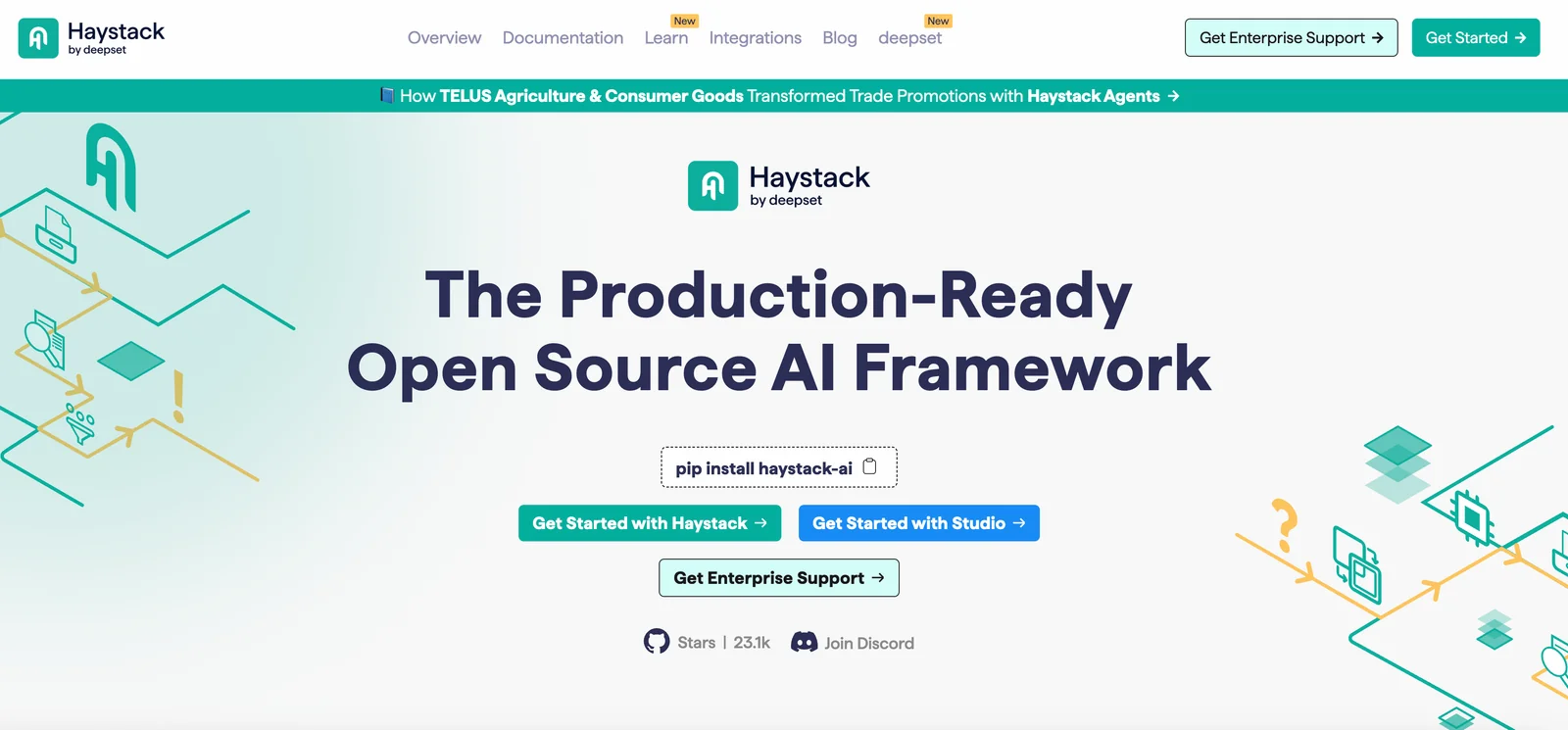
Haystack is an open-source, modular framework for building production-ready applications that combine large language models, embeddings, and vector search. It provides composable building blocks — models, vector stores, file converters, retrievers, generators and agents — that can be connected into pipelines or multi-agent systems for retrieval-augmented generation (RAG), question answering, semantic search and conversational agents. Haystack emphasizes extensibility and real-world deployment with integrations for many model providers and vector DBs, a curated integrations ecosystem, experimental extensions, and commercial options (deepset Studio and Haystack Enterprise) for visual pipeline development, support and scaling.
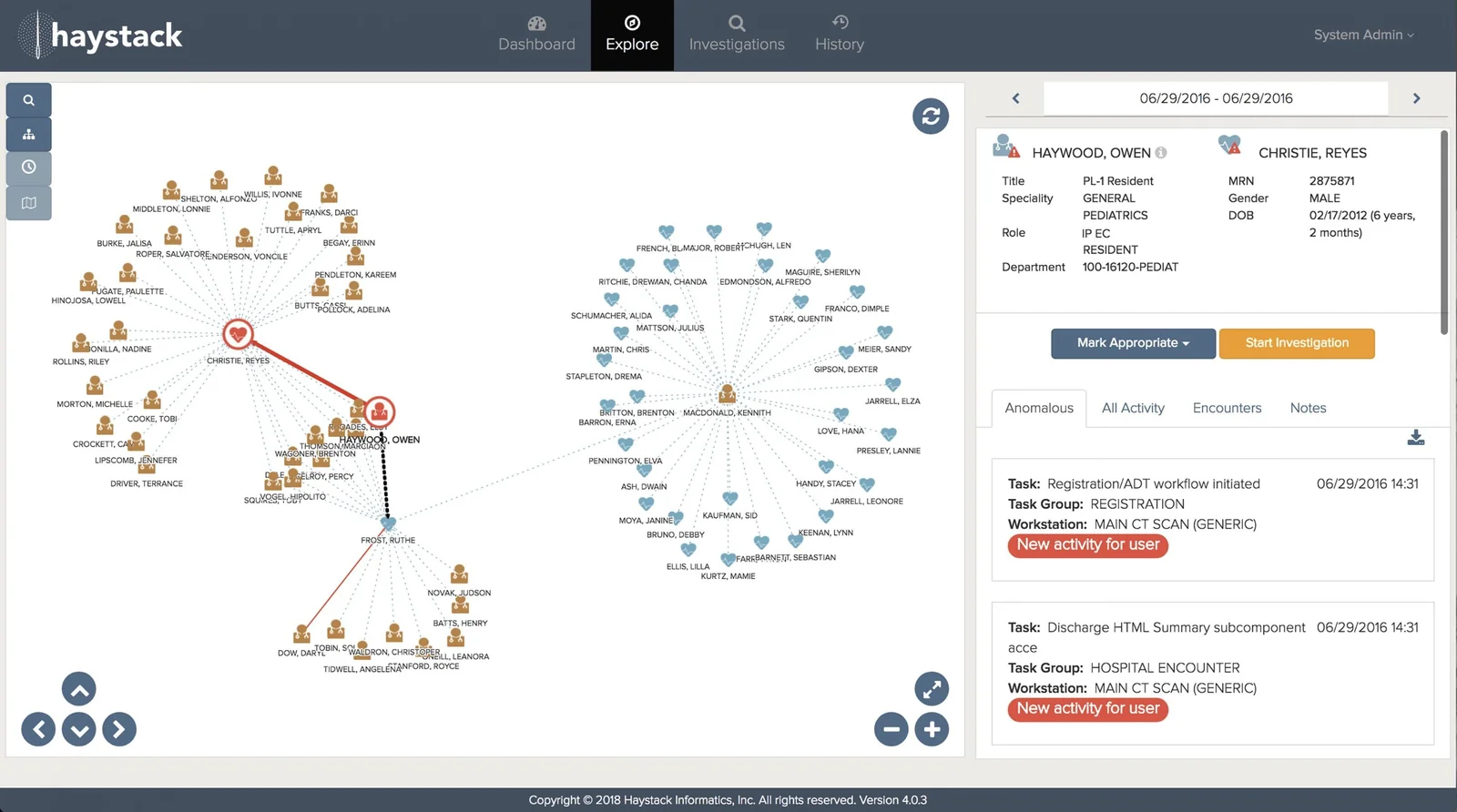
Screenshots
Key Features
Use Cases

Frequently asked questions about Haystack
What are the pricing options for Haystack?
Haystack offers three pricing options: a free Community edition, a freemium Deepset Studio, and a custom-priced Enterprise plan. The Community edition provides full access to the framework, while the Studio includes a managed environment for developing AI pipelines, designed for ease of use in building and deploying models.
Key Points
- Community Edition: Free and open-source access to Haystack’s core features.
- Deepset Studio: Freemium model with added convenience for pipeline management.
- Enterprise Plan: Custom pricing tailored to specific organizational needs.
Detailed Explanation
Haystack provides a flexible pricing structure to cater to different user needs:
-
Community Edition:
- Ideal for developers and researchers.
- Fully open-source; users can access all the essential features of Haystack.
- Great for experimenting with AI and NLP projects without financial commitment.
-
Deepset Studio:
- A freemium offering that allows users to build and manage AI pipelines in a user-friendly interface.
- Provides additional tools and support to streamline the development process.
- Users can start for free, with the option to upgrade for advanced features and capabilities.
-
Enterprise Plan:
- Custom pricing based on the scale of deployment and specific requirements of the organization.
- Includes tailored support, advanced features, and potentially an on-premise deployment option.
- Ideal for large organizations or teams needing comprehensive solutions and dedicated support.
These options make Haystack accessible to a wide range of users, from individual developers to large enterprises seeking advanced NLP solutions.
Best Practices / Tips
- Evaluate Your Needs: Before choosing a pricing tier, assess your project requirements and team size.
- Start with Community Edition: If you’re new to Haystack, begin with the Community edition to gain familiarity with the framework.
- Leverage Freemium Features: Utilize the freemium Deepset Studio to explore advanced functionalities before committing to a paid plan.
- Contact Sales for Enterprise: For the Enterprise plan, reach out to Haystack's sales team to discuss specific needs and get a tailored solution.
Additional Resources
How do I get started with Haystack?
To get started with Haystack, install the Community edition using pip by running pip install haystack. Visit the official Haystack website for comprehensive tutorials and demos that will guide you through creating production-ready applications with this powerful framework for building search systems.
Key Points
- Installation: Use pip for easy setup.
- Documentation: Access extensive tutorials and examples online.
- Community Support: Engage with forums and community resources for assistance.
Detailed Explanation
Haystack is an open-source framework designed to simplify the development of search systems powered by machine learning and AI. To begin, follow these steps:
-
Install Haystack: Open your terminal and execute the command:
pip install haystackThis command downloads the latest Community edition of Haystack, which is free to use.
-
Explore Documentation: The official Haystack documentation offers a wealth of resources, including:
- Getting Started Guide: A step-by-step tutorial that walks you through the installation process and basic usage.
- Example Projects: Hands-on examples that illustrate how to implement various features such as document retrieval and question answering.
-
Build Your First Application: Start by creating a simple search application. Follow the provided tutorials to understand how to:
- Define your data sources.
- Implement pipelines to process and retrieve data.
- Customize your search queries and user interface.
-
Utilize Demos: The website also provides demo applications that showcase Haystack's capabilities. Experimenting with these demos allows you to see the framework in action, which can inspire your project ideas.
Best Practices / Tips
- Stay Updated: Regularly check for updates to Haystack to access new features and improvements. Version control is important for maintaining compatibility with your applications.
- Leverage Community Support: Join forums like GitHub discussions or community chats to ask questions and share experiences. Engaging with other users can significantly enhance your learning.
- Experiment with Different Backends: Haystack supports various backends (like Elasticsearch and FAISS). Test different setups to find the best fit for your application’s needs.
Additional Resources
- Haystack GitHub Repository: Access the source code and contribute to the project.
- Haystack Tutorial Videos: Visual learning through video content.
- Haystack Community Forum: Connect with other developers and seek help.
By following these guidelines, you can successfully start using Haystack and build powerful search applications tailored to your needs.
What are the key features of Haystack?
Haystack offers advanced features including composable pipelines for Retrieval-Augmented Generation (RAG), a versatile agent framework for multi-agent systems, and seamless integrations with various vector databases. Additionally, it supports sophisticated retrieval methods and provides a user-friendly visual development environment through Deepset Studio.
Key Points
- Composable Pipelines for RAG: Streamline data processing and enhance AI model performance.
- Agent Framework: Facilitate complex multi-agent interactions and workflows.
- Vector Database Integrations: Improve data retrieval efficiency and accuracy.
Detailed Explanation
Haystack is designed to simplify and enhance the development of AI applications, particularly those that involve natural language processing (NLP) and machine learning (ML).
-
Composable Pipelines for RAG: This feature allows developers to create flexible data processing pipelines that can be customized according to specific project requirements. By using RAG, Haystack enables models to retrieve relevant information from external databases, improving the accuracy and context of generated responses. For instance, businesses can integrate RAG to enhance customer support chatbots, allowing them to pull in real-time data for more informed interactions.
-
Agent Framework: The multi-agent framework empowers developers to build and deploy systems where multiple AI agents can work collaboratively. This is particularly useful in scenarios such as automated customer service or collaborative document editing, where different agents can handle distinct tasks simultaneously. For example, one agent might manage user queries, while another retrieves data from a vector database.
-
Integrations with Vector Databases: Haystack supports various vector databases, which are crucial for efficient data retrieval and storage. This integration allows users to leverage the speed and accuracy of vector-based search algorithms, making it easier to find relevant information quickly. Companies utilizing Haystack can expect to see improved response times in search applications, significantly enhancing user experience.
-
Visual Development Environment: Deepset Studio offers a user-friendly interface that simplifies the development process. Developers can visually design and test pipelines, making it easier to iterate on designs and implement complex features without extensive coding.
Best Practices / Tips
- Start Small: When implementing Haystack, start with simple pipelines and gradually add complexity. This approach helps identify potential issues early.
- Leverage Community Resources: Utilize community forums and documentation for troubleshooting and best practices.
- Monitor Performance: Regularly assess the performance of your pipelines to ensure they meet the desired accuracy and efficiency metrics.
- Stay Updated: Keep an eye on updates and new features in Haystack to take advantage of improvements and optimizations.
Additional Resources
How does Haystack compare to other AI models?
Haystack distinguishes itself from other AI models through its open-source nature, multi-Large Language Model (LLM) support, and a vibrant community. Its advanced retrieval-augmented generation capabilities make it ideal for document search and question-answering (QA) tasks, providing flexibility and scalability for developers and businesses alike.
Key Points
- Open-Source Flexibility: Haystack's architecture allows for customization and integration with various AI frameworks.
- Multi-LLM Support: It supports multiple large language models, enabling diverse applications.
- Community-Driven Development: A strong community contributes to ongoing improvements and shared knowledge.
Detailed Explanation
Haystack is an innovative framework designed for building AI-powered applications like chatbots, document search engines, and intelligent question-answering systems. Its open-source nature allows developers to modify and enhance the model according to specific project needs. This flexibility is unmatched by many proprietary systems.
Open-Source Flexibility
Being open-source means that Haystack allows developers to utilize its codebase freely, modify it, and contribute to its ongoing development. This fosters a collaborative ecosystem where users can share enhancements and optimizations. For example, businesses can tailor Haystack to better suit their unique data processing requirements without incurring licensing fees.
Multi-LLM Support
One of Haystack's standout features is its support for multiple large language models, including popular ones like GPT-3, BERT, and others. This enables users to choose the best model for their specific use case, optimizing performance and accuracy. For instance, a business focused on technical documentation may prefer a model fine-tuned for that type of content.
Community-Driven Development
Haystack boasts an active community that contributes to its growth. Users can access forums, GitHub repositories, and documentation that provide insights into best practices, troubleshoot issues, and share innovative uses of the framework. This community support can significantly reduce development time and enhance the overall user experience.
Best Practices / Tips
- Start with Documentation: Familiarize yourself with the official Haystack documentation to understand its core functionalities and how to implement them effectively.
- Experiment with Different Models: Take advantage of Haystack’s multi-LLM support by testing various models to determine which best suits your application’s needs.
- Engage with the Community: Join forums and discussions to learn from other users’ experiences, share your challenges, and gain insights on best practices.
Additional Resources
By leveraging Haystack’s unique features and community support, businesses can streamline their AI implementation processes and achieve more effective document search and QA solutions.
What are the technical requirements for using Haystack?
Haystack requires Python 3.6 or higher for installation via pip and is compatible with various large language models (LLMs) and vector databases. For optimal performance, ensure your environment meets specific dependencies outlined in the extensive API documentation available on the official Haystack website.
Key Points
- Python Version: Requires Python 3.6 or higher.
- Compatibility: Supports multiple LLMs and vector databases.
- API Documentation: Comprehensive resources available on the official site.
Detailed Explanation
Haystack is an open-source framework designed to facilitate the development of search systems powered by large language models (LLMs). To get started, you must have Python installed on your system. The recommended version is Python 3.6 or higher, which you can install from the official Python website.
Installation Steps
- Install Python: Download and install Python from python.org.
- Set Up a Virtual Environment (optional but recommended):
- Create a new virtual environment using
python -m venv haystack-env - Activate it with
source haystack-env/bin/activate(Linux/Mac) orhaystack-env\Scripts\activate(Windows).
- Create a new virtual environment using
- Install Haystack: Use pip to install Haystack by running:
pip install farm-haystack - Verify Installation: Check if Haystack is installed correctly by running:
python -c "import haystack; print(haystack.__version__)"
Haystack is designed to work seamlessly with several vector databases, such as Elasticsearch or FAISS, and supports multiple LLMs like Hugging Face Transformers and OpenAI models. The framework's architecture facilitates building complex search pipelines, enabling users to create effective question-answering systems and document retrieval applications.
Best Practices / Tips
- Keep Python Updated: Regularly update your Python version to ensure compatibility with the latest features and security updates.
- Use Virtual Environments: Isolate dependencies by using virtual environments to avoid package conflicts.
- Review Documentation: Familiarize yourself with the extensive API documentation on the Haystack website to maximize functionality and features.
- Experiment with Models: Test different LLMs to find the best fit for your specific use case, whether it's document retrieval or conversational AI.
Additional Resources
- Haystack Installation Guide
- Haystack API Documentation
- Community Forum for support and discussions.
Explore more AI Ai Tools tools
Browse all Ai Tools tools →Browse by use case: Automation & Productivity
Compare Haystack: vs ToneBird · vs Decode · vs LibreChat · vs AppGrowthKit