

Golf
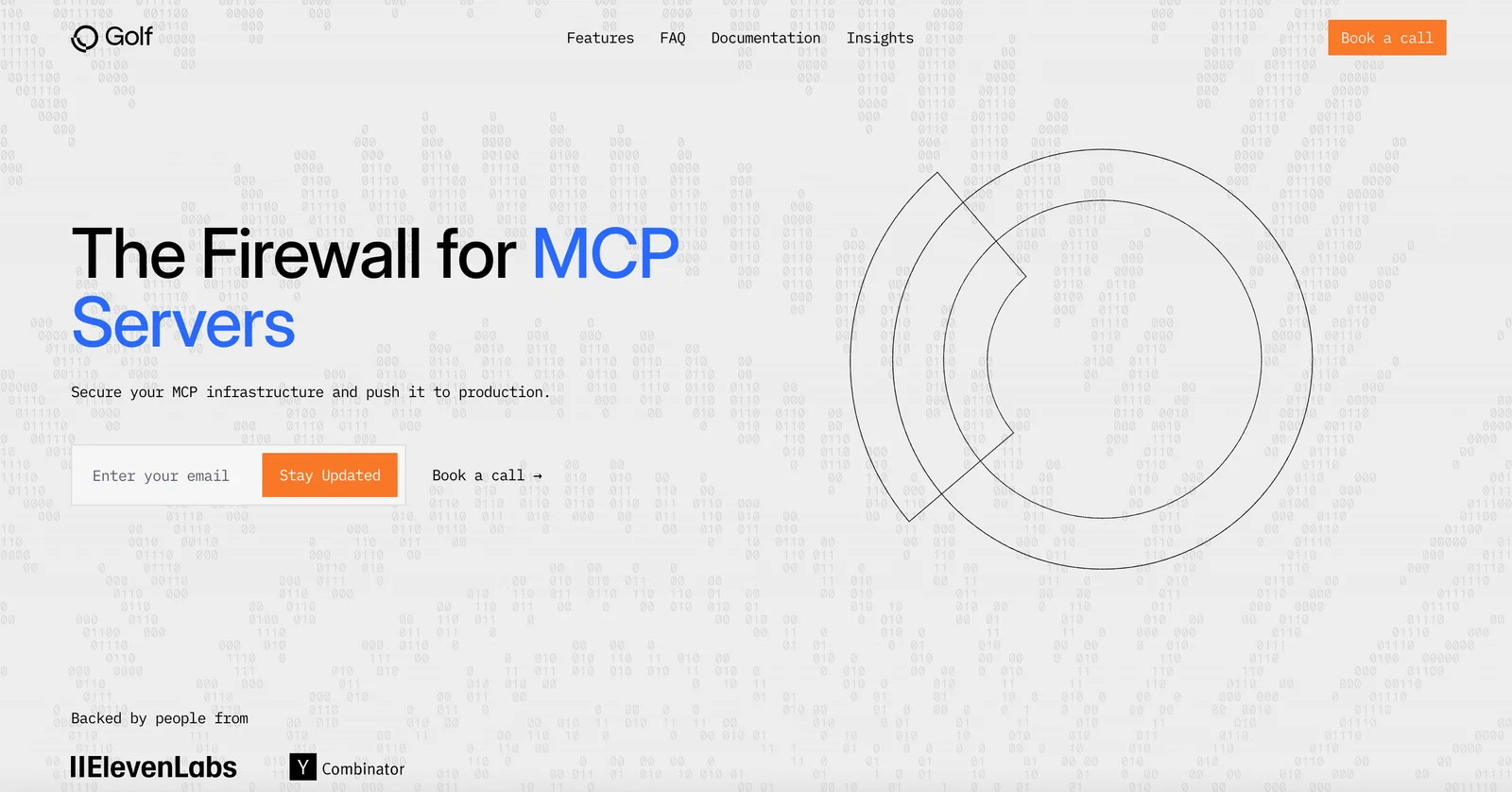
AIOpen SourceFreeProduction-ready MCP server framework and firewall that protects MCP providers from prompt injections and PII leaks.
Golf
Production-ready MCP server framework and firewall that protects MCP providers from prompt injections and PII leaks.
About Golf
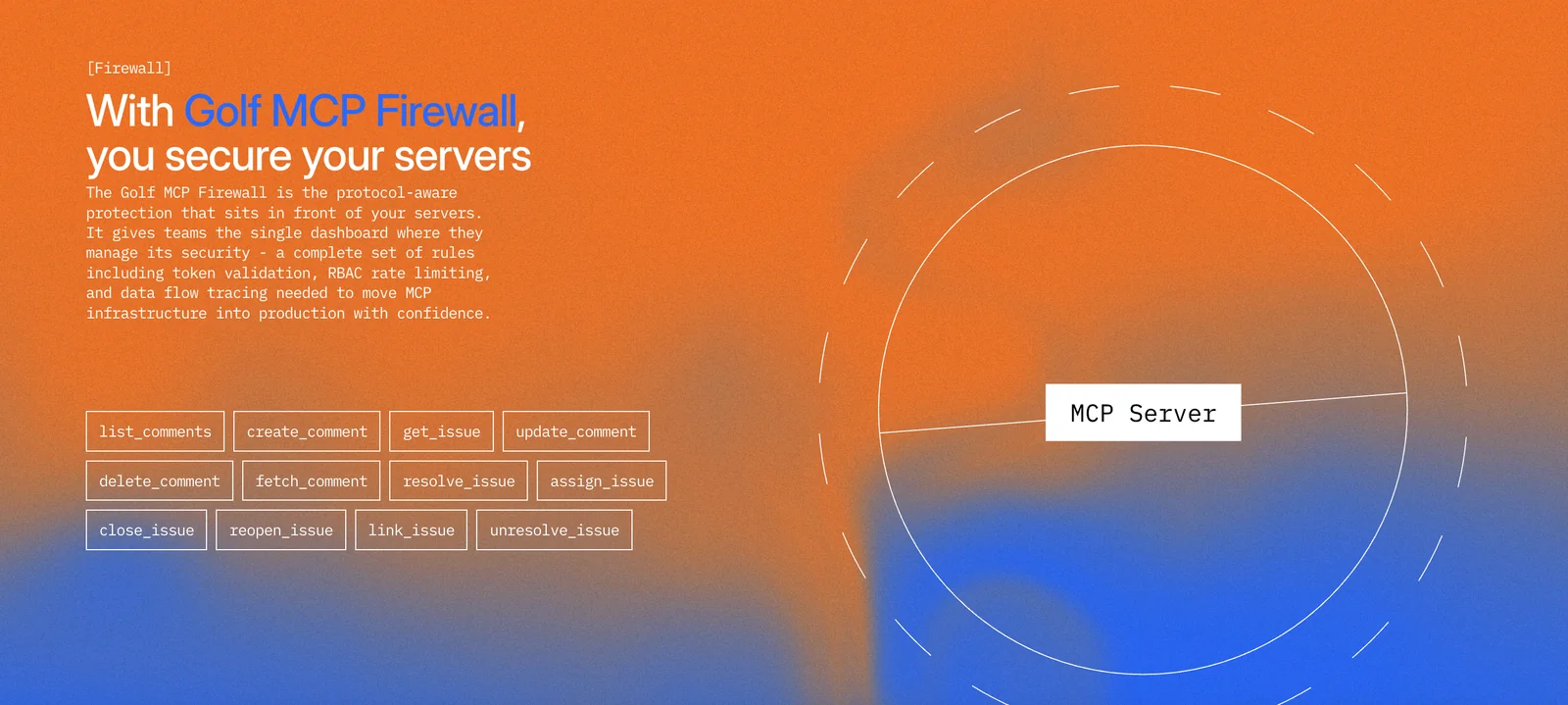
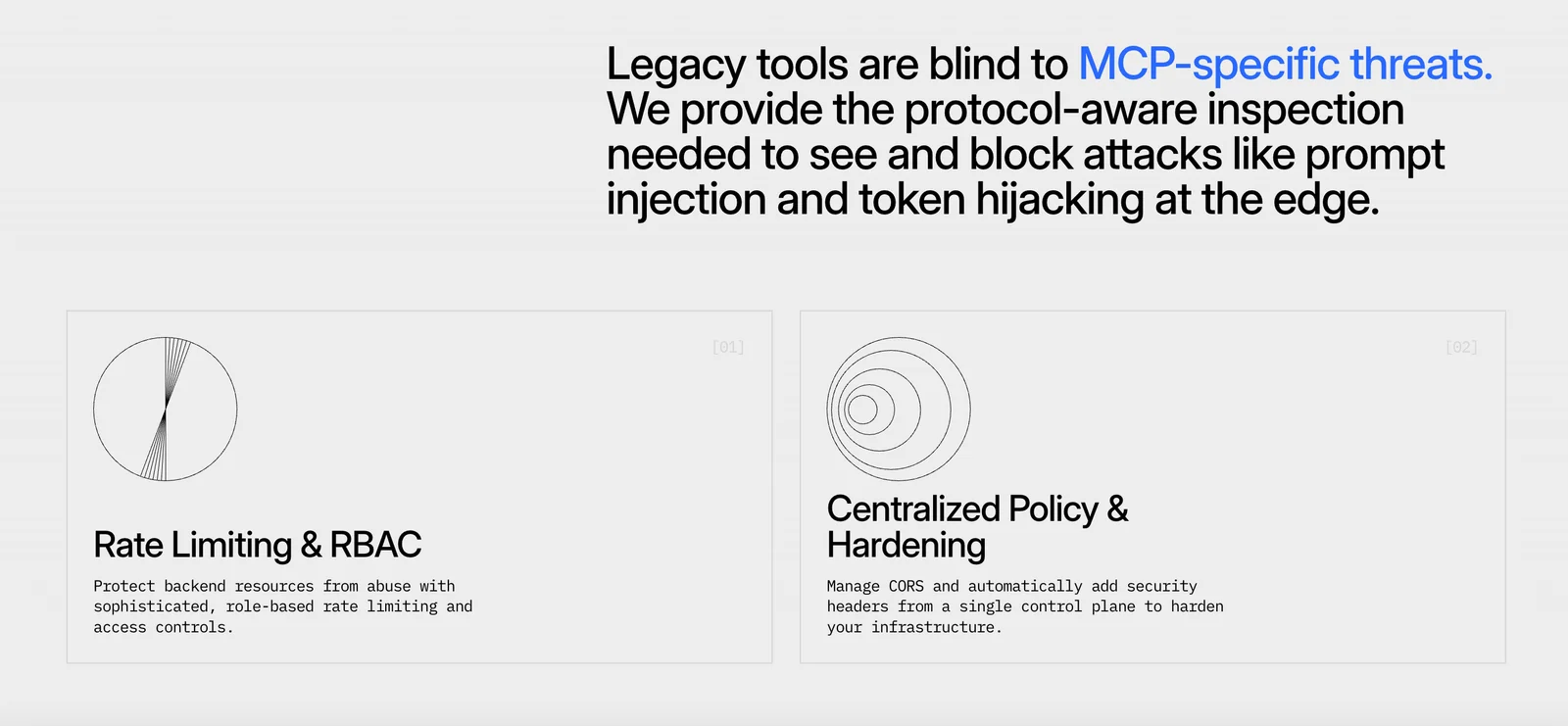
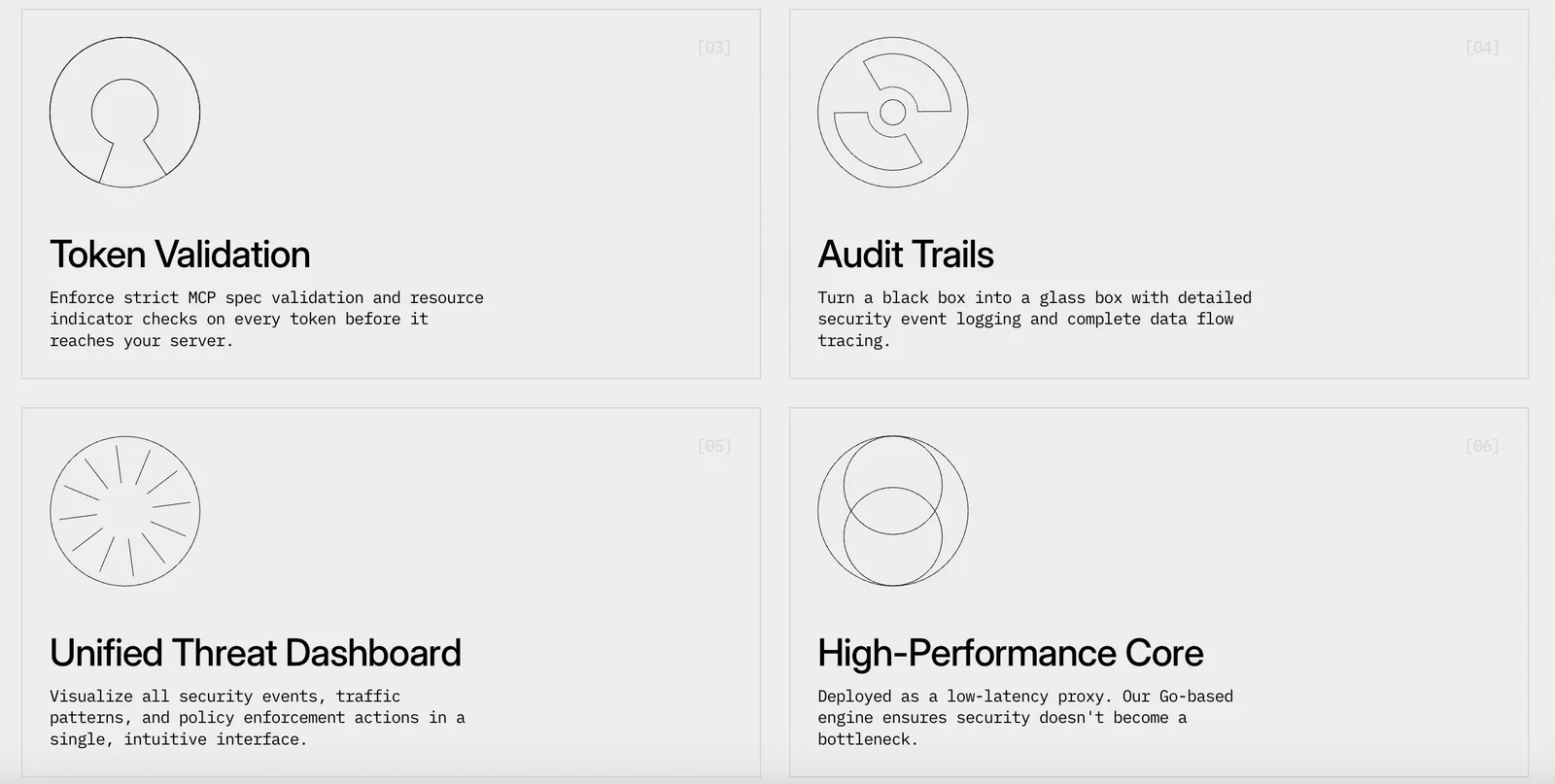
Golf is an open-source, production-ready MCP server framework and security layer for MCP providers. It lets developers define an MCP's capabilities — tools, prompts, and resources — as simple Python files which Golf discovers, compiles, and runs as a secure MCP server powering AI agents. Golf adds a firewall/security layer to detect and mitigate prompt-injection, PII leakage, and other agent-safety issues while providing built-in Auth, Observability, Debugger, Telemetry and Runtime components for production deployments. The project includes testing tooling to validate performance, security and compliance of MCPs and collects anonymous CLI usage data to improve the framework over time.
Screenshots
Key Features
Use Cases



Frequently asked questions about Golf
What are the different pricing options for Golf?
Golf offers a free open-source version under the Apache-2.0 license, ideal for self-hosting. For organizations needing enhanced support and features, custom enterprise pricing is available. Contact Golf directly for specific rates tailored to your deployment requirements.
Key Points
- Free open-source version available under the Apache-2.0 license.
- Custom enterprise pricing for enhanced support and features.
- Direct contact needed for specific enterprise rates.
Detailed Explanation
Golf is a powerful tool for developers, providing a free open-source version that allows for flexibility and customization. This version is suited for self-hosting, making it an appealing choice for individual developers and small teams.
For larger organizations or those requiring more robust solutions, Golf offers custom enterprise pricing. This option includes additional support, tailored features, and possibly enhanced security measures, depending on the organization’s needs. Organizations interested in these features should reach out to Golf directly to discuss their requirements and receive a tailored quote.
Use Cases:
- Small Teams or Individual Developers: Utilize the free version to build and test applications without upfront costs.
- Large Enterprises: Opt for the enterprise version for comprehensive support and features necessary for large-scale deployments.
Best Practices / Tips
- Evaluate Your Needs: Before choosing between the free and enterprise versions, assess your project requirements to determine if the additional features justify the cost.
- Contact for Quotes: Always reach out to Golf for the most accurate and customized pricing options; they can provide insights into potential savings and necessary features.
- Stay Updated: Regularly check Golf's official site for updates on pricing and new features, as pricing structures and offerings may evolve.
Additional Resources
What key features does Golf provide to protect against PII leaks?
Golf utilizes a robust MCP firewall to detect and block prompt injections, effectively preventing Personally Identifiable Information (PII) leakage. This advanced security feature ensures secure interactions between users and AI agents, making it crucial for maintaining data privacy and compliance with regulations like GDPR.
Key Points
- MCP Firewall: Protects against unauthorized access and injections.
- Data Encryption: Secures sensitive information during transmission.
- User Authentication: Ensures only authorized users can access the system.
Detailed Explanation
Golf’s MCP (Multi-Layered Control Protocol) firewall acts as the first line of defense against cyber threats, specifically designed to identify and mitigate prompt injections. Prompt injections are malicious attempts to manipulate AI responses by delivering harmful inputs. By preventing these attacks, Golf safeguards users' sensitive data, including PII, from unauthorized access.
In addition to the MCP firewall, Golf employs robust data encryption methods. This means that any data transmitted between users and AI agents is encrypted, making it nearly impossible for interceptors to access or decipher sensitive information. For example, when a user inputs their personal details, the data is encrypted before being sent to the server, ensuring that it remains confidential.
Furthermore, Golf implements strong user authentication protocols, requiring users to verify their identity before accessing sensitive features. This two-factor authentication (2FA) process adds an additional layer of security, ensuring that only authorized personnel can interact with the AI, further protecting against potential data breaches.
Best Practices / Tips
- Regular Updates: Keep the Golf system updated to benefit from the latest security patches and features.
- User Training: Educate users about potential phishing attempts and safe practices when interacting with AI systems.
- Monitor Access Logs: Regularly review access logs to identify any unauthorized access attempts, allowing for quick response measures.
Additional Resources
By implementing these features and best practices, Golf not only protects against PII leaks but also fosters a secure environment for all users, ensuring confidence in AI interactions.
How can I get started with using Golf for my AI project?
To get started with using Golf for your AI project, download the open-source framework from the official Golf website, set up a Python environment, and consult the comprehensive documentation to define your tools and prompts for the MCP server effectively.
Key Points
- Download the Framework: Access the official Golf website to download the latest version.
- Set Up Python Environment: Ensure you have Python installed and create a virtual environment for your project.
- Consult Documentation: Follow the provided documentation to configure tools and prompts correctly.
Detailed Explanation
-
Download the Framework: Begin by visiting the official Golf website. Choose the version compatible with your operating system. The installation files are provided in various formats, including ZIP and TAR.GZ for easy extraction.
-
Set Up Python Environment: Install Python (preferably version 3.7 or above). Use a virtual environment to manage dependencies without conflicts. You can create a virtual environment by running:
python -m venv golf_env
source golf_env/bin/activate  # On Windows use `golf_env\Scripts\activate`
This isolates your Golf project and its libraries.
-
Consult Documentation: The documentation is your best resource for learning how to use Golf effectively. Navigate to the docs section on the Golf website, where you'll find:
- Installation Guides: Step-by-step instructions to install and set up Golf.
- Tool Definitions: Guidelines on defining tools within the framework.
- Prompt Configuration: Examples of how to configure prompts for your MCP server, tailored to your specific AI application.
Best Practices / Tips
- Use Virtual Environments: Always work within a virtual environment to avoid dependency issues and keep your setup clean.
- Regularly Update: Keep your Golf framework updated by checking for new releases on the official site to benefit from improvements and security patches.
- Engage with the Community: Join forums or GitHub discussions related to Golf. Engaging with other users can provide insights, troubleshooting tips, and innovative use cases.
- Test Prompts Thoroughly: When defining prompts, conduct thorough testing to ensure they yield the desired outcomes in your AI project.
Additional Resources
- Official Golf Documentation
- Golf GitHub Repository
- Python Official Website for Python installation and resources.
What technical requirements are needed to deploy Golf?
Golf requires a compatible Python environment, typically Python 3.6 or higher, along with necessary libraries such as NumPy and Pandas. It's essential to configure your deployment environment correctly to ensure optimal performance and compatibility with various platforms.
Key Points
- Python Compatibility: Requires Python 3.6 or higher.
- Essential Libraries: Libraries like NumPy and Pandas must be installed.
- Deployment Configurations: Supports various configurations for flexibility.
Detailed Explanation
To deploy Golf effectively, start by ensuring you have Python 3.6 or later installed on your system. You can download the latest version from the official Python website. After installing Python, verify your installation by running python --version in your command line or terminal.
Next, install the necessary libraries. You can do this easily using pip, Python's package installer. Open your command line and execute the following commands:
pip install numpy
pip install pandas
These libraries are crucial for Golf’s data handling and computational tasks. Depending on the specific features you plan to utilize within Golf, you might also need other libraries, such as Matplotlib for plotting or SciPy for additional scientific computations.
Once your environment is set up, you can choose from different deployment configurations. Golf supports local deployment for testing and development, as well as cloud deployment for production scenarios. For local deployment, simply run your scripts in your terminal. For cloud-based deployment, consider using platforms like AWS, Google Cloud, or Azure, which provide infrastructure tailored for Python applications.
Best Practices / Tips
- Environment Management: Use virtual environments (e.g.,
venvorconda) to manage dependencies and avoid conflicts between projects. - Documentation: Regularly check the official Golf documentation for updates on library versions and compatibility.
- Testing: Implement unit tests to ensure that all components work seamlessly after deployment.
By following these best practices, you can minimize common pitfalls, such as library version conflicts and deployment errors.
Additional Resources
How does Golf compare to other MCP frameworks in terms of security features?
Golf excels in security features compared to other MCP frameworks, primarily due to its dedicated MCP firewall that safeguards against prompt injections and personally identifiable information (PII) leaks. Additionally, its integrated telemetry allows for real-time monitoring, making it a highly secure choice for AI agent deployment.
Key Points
- Dedicated MCP Firewall: Protects against prompt injections and PII leaks.
- Integrated Telemetry: Enables real-time monitoring of security threats.
- Robust Security Protocols: Implements advanced algorithms to ensure data integrity.
Detailed Explanation
Golf’s security framework is built around a dedicated MCP firewall that actively monitors and filters incoming and outgoing traffic. This firewall is essential for preventing prompt injections, a common attack vector where malicious inputs are inserted into AI prompts, potentially leading to data breaches or unauthorized actions.
The firewall's capability to protect against PII leaks is equally significant, ensuring that sensitive user information remains confidential. This is crucial in industries that handle personal data, such as finance and healthcare. For example, if an AI agent processes customer queries in a financial service, the firewall ensures that sensitive information like bank account numbers and social security numbers are not exposed.
Further enhancing Golf's security is its integrated telemetry system, which continuously tracks performance and security events. This allows organizations to quickly identify and respond to potential threats. Real-time monitoring means that security teams can act swiftly, reducing the risk of data breaches or other security incidents.
Best Practices / Tips
- Regular Updates: Ensure that Golf and its security features are updated regularly to protect against the latest threats.
- User Training: Educate users about safe practices when interacting with AI agents to minimize risks.
- Threat Simulation: Conduct regular security audits and threat simulations to test the effectiveness of the firewall and telemetry systems.
Additional Resources
Explore more AI Mcps tools
Browse all Mcps tools →Compare Golf: vs ai-memory · vs CrawlForge MCP · vs Popcraft · vs Pomerado