

GhostSnap - Snap. Pack. Paste.
AIA tiny macOS utility that auto-compresses and packs multiple screenshots into a single clipboard paste optimized for LLM/chat workflows.
GhostSnap - Snap. Pack. Paste.
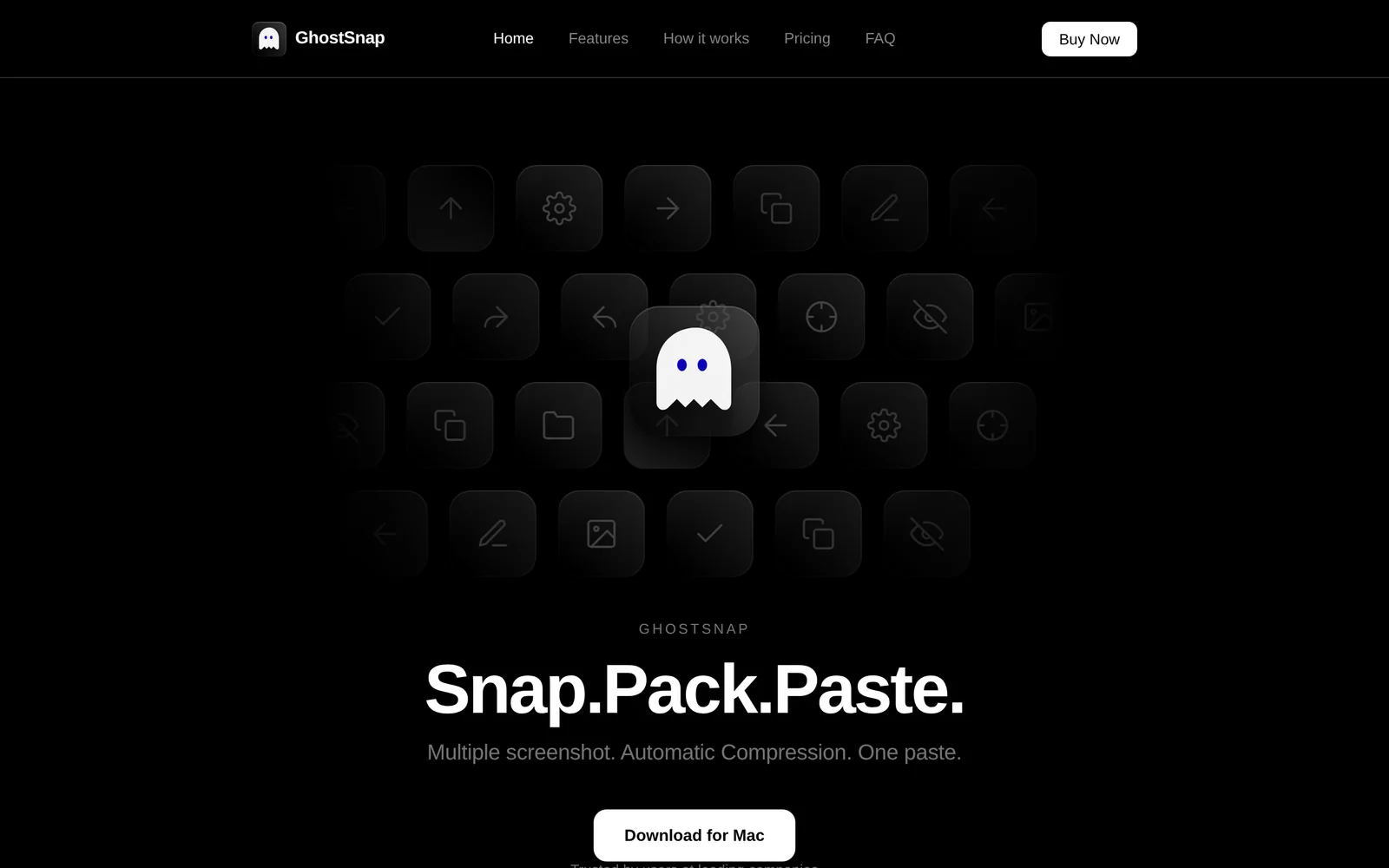
A tiny macOS utility that auto-compresses and packs multiple screenshots into a single clipboard paste optimized for LLM/chat workflows.
About GhostSnap - Snap. Pack. Paste.
GhostSnap is a lightweight macOS utility designed to streamline sending screenshots to large language models and chat assistants. It automatically compresses images to reduce upload size and token usage, bundles multiple captures into one consolidated output, and pastes them together as a single clipboard payload for chat windows or other apps. The tool targets everyday AI workflows where users repeatedly share screenshots with ChatGPT, Claude, Gemini, or similar services, saving time and simplifying context delivery.
Screenshots
Key Features
Use Cases



Explore more AI Ai Tools tools
Browse all Ai Tools tools →Browse by use case: Automation & Productivity
Compare GhostSnap - Snap. Pack. Paste.: vs CleanSlop · vs Kalender Sync · vs UseIt Studio · vs Woven Video