

Doop
AIOpen-source infinite design canvas where humans and AI agents design together live, with agents joining through a built-in MCP server.
Doop
Open-source infinite design canvas where humans and AI agents design together live, with agents joining through a built-in MCP server.
About Doop
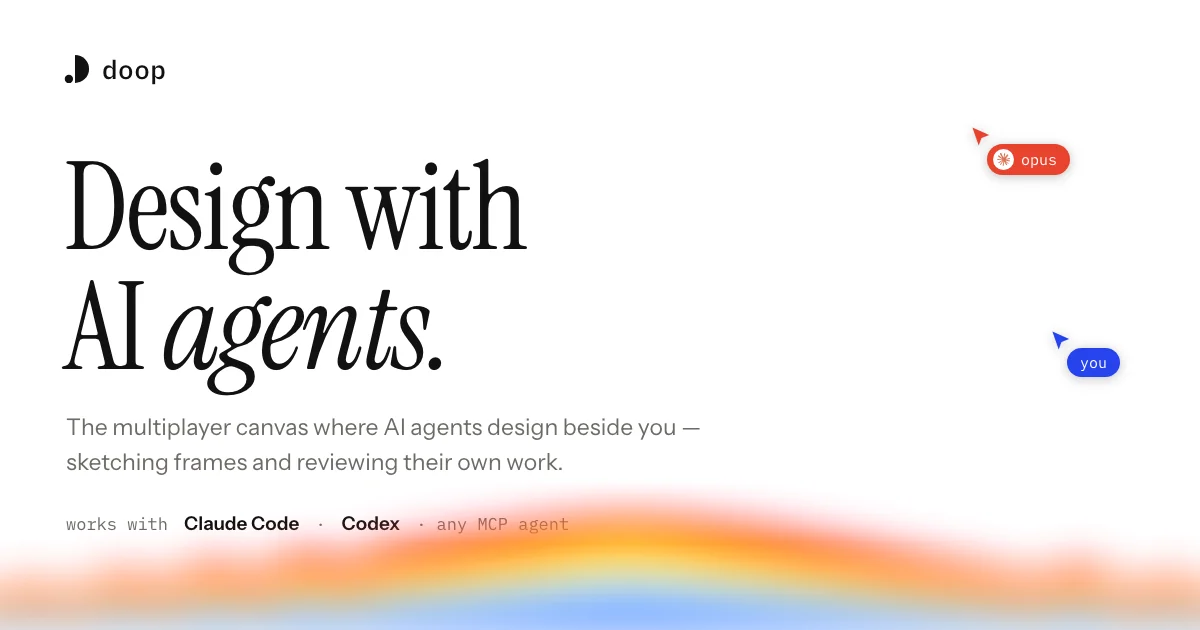
Doop is a multiplayer infinite canvas where AI agents design alongside you rather than returning finished files. People edit in the browser or a macOS app while agents connect through Doop's built-in MCP server over OAuth, acting as you and attributed to you, so no API keys change hands and no second AI subscription is required. Frames stream in as agents write them, section by section, and a headless renderer hands agents screenshots of their own output so they can self-review fit, spacing and contrast and fix problems before you see them. All agents share the canvas's memory - tasks, decisions, comments and a distilled taste profile learned from your offhand feedback - so whoever joins next continues mid-thought instead of starting over. Comments left anywhere on the canvas become the backlog: the right agent picks the note up, does the work and replies with a screenshot. It works with Claude Code, Codex and any MCP-capable agent, and is open source and free during beta.
Screenshots
Key Features
Use Cases



Frequently asked questions about Doop
What is Doop?
Open-source infinite design canvas where humans and AI agents design together live, with agents joining through a built-in MCP server.
How does Doop work?
Doop works by combining Agent-Native MCP Canvas: Agents connect over an HTTP MCP endpoint with a single command and one browser OAuth approval, then edit the canvas as you, attributed and accountable, with no API keys handed over., Streaming Frames: Every section an agent writes renders on the canvas the moment it lands, so you watch the design arrive rather than waiting on a spinner., Comments as Tasks: A note left anywhere on the canvas becomes a task the right agent picks up, works on, and replies to with a screenshot, turning feedback directly into the backlog., Agent Self-Review: A built-in headless renderer gives agents screenshots of their own frames so they judge fit, spacing and contrast like a senior designer and correct issues before handoff., Shared Canvas Memory: Tasks, decisions and comments live on the canvas rather than in one agent's context, so any agent that joins later plugs into the same state and continues. to help users with Agent-Assisted Landing Pages: Steering Claude Code or Codex through hero, pricing and footer frames on one canvas and watching each render live., Design Review Loops: Leaving contrast or spacing notes on a frame and letting an agent apply the fix and return a screenshot without a synchronous handoff., Redesign Comparison: Importing an existing public page as an editable snapshot so agent-generated variants sit next to the original instead of replacing it blind., Team Design Sessions: Multiple people and multiple agents working the same canvas, each seeing what the others' agents are doing in real time., Style Consistency: Building a canvas taste profile once so every subsequent frame and every new agent inherits the same corner radius, palette and type decisions..
What are the main features of Doop?
Key features include Agent-Native MCP Canvas: Agents connect over an HTTP MCP endpoint with a single command and one browser OAuth approval, then edit the canvas as you, attributed and accountable, with no API keys handed over., Streaming Frames: Every section an agent writes renders on the canvas the moment it lands, so you watch the design arrive rather than waiting on a spinner., Comments as Tasks: A note left anywhere on the canvas becomes a task the right agent picks up, works on, and replies to with a screenshot, turning feedback directly into the backlog., Agent Self-Review: A built-in headless renderer gives agents screenshots of their own frames so they judge fit, spacing and contrast like a senior designer and correct issues before handoff., Shared Canvas Memory: Tasks, decisions and comments live on the canvas rather than in one agent's context, so any agent that joins later plugs into the same state and continues..
Who is Doop for?
Doop is useful for anyone interested in Agent-Assisted Landing Pages: Steering Claude Code or Codex through hero, pricing and footer frames on one canvas and watching each render live., Design Review Loops: Leaving contrast or spacing notes on a frame and letting an agent apply the fix and return a screenshot without a synchronous handoff., Redesign Comparison: Importing an existing public page as an editable snapshot so agent-generated variants sit next to the original instead of replacing it blind., Team Design Sessions: Multiple people and multiple agents working the same canvas, each seeing what the others' agents are doing in real time., Style Consistency: Building a canvas taste profile once so every subsequent frame and every new agent inherits the same corner radius, palette and type decisions..
How much does Doop cost?
Doop is free to use.
How do I get started with Doop?
Visit https://doop.design/ to sign up and explore Doop.
Explore more AI Ai Tools tools
Browse all Ai Tools tools →Browse by use case: Automation & Productivity
Compare Doop: vs UseIt Studio · vs Woven Video · vs Sorcerer · vs Praex