

chat-recall
AIMakes every conversation your team has had with AI coding assistants searchable, and flags secrets leaked into those chats.
chat-recall
Makes every conversation your team has had with AI coding assistants searchable, and flags secrets leaked into those chats.
About chat-recall
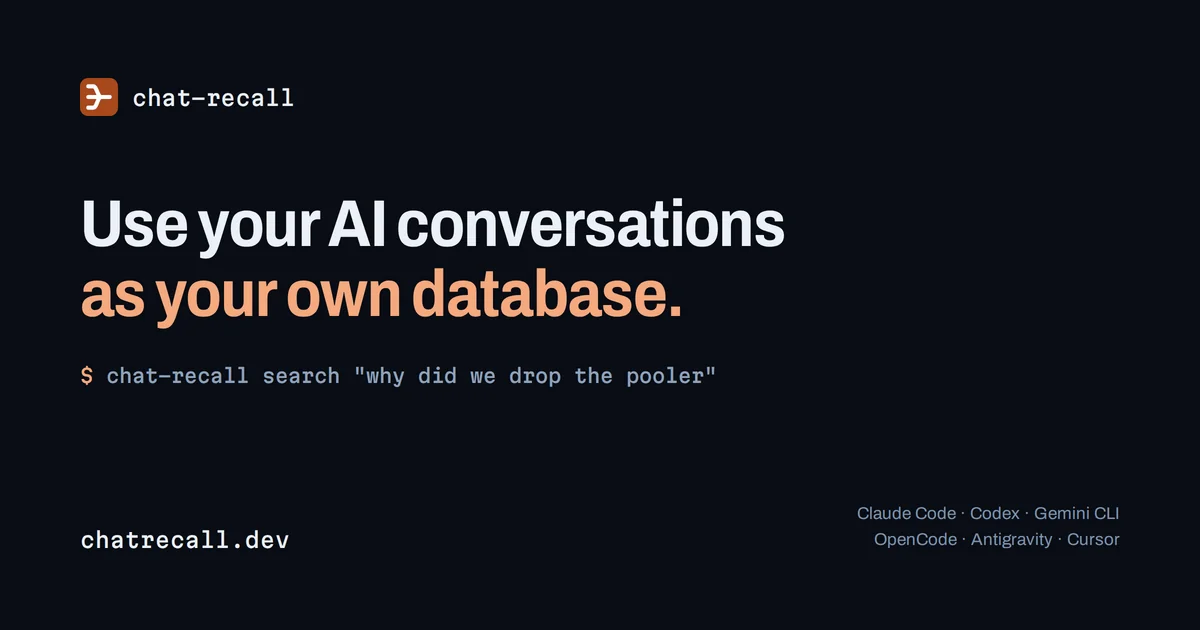
chat-recall collects what AI coding assistants have already written on your machine — chats, plans, task lists and notes across five supported tools — and turns them into one searchable history with full-text search, a knowledge graph, and notes. Setup is a single command (npx chat-recall init), and the first three steps run locally: it reads the assistant transcripts, strips credentials before anything leaves the computer, and assembles the unified history. Beyond search, it scans that history for leaked API keys and passwords, reporting each key it found, whether it still works, and how many conversations it appeared in, with only the last few characters ever visible to the service. It also derives a ranked action plan and turns recurring bugs into tasks that close themselves once the underlying problem is gone, and distributes skills and MCP configuration so a new laptop or a newly adopted assistant inherits your whole setup. The recall tools are exposed through an MCP server, so assistants themselves can query the history.
Screenshots

Key Features
Use Cases



Frequently asked questions about chat-recall
What is chat-recall?
Makes every conversation your team has had with AI coding assistants searchable, and flags secrets leaked into those chats.
How does chat-recall work?
chat-recall works by combining Unified Conversation Search: Full-text search across the chats, plans, task lists and notes written by five supported AI coding tools, searchable the moment they arrive., Local Secret Redaction: Passwords and API keys are stripped on your own computer before anything is uploaded; only the last few characters are ever received., Leaked Key Reporting: Shows every key found, whether it is still live, and how many conversations it appeared in, with support for custom in-house key formats you register., MCP Server and Recall Tools: Exposes the history to your assistants through an MCP server so they can query past work directly rather than starting cold., Ranked Action Plan: Derives code findings and a prioritized list of what to fix next, written out as CODE_TASKS.md. to help users with Credential Incident Response: Find which keys were pasted into assistant conversations, whether they are still valid, and where they spread., Recovering Past Decisions: Search months of AI conversations to recover a plan or rationale instead of asking the same question again., Onboarding a New Machine: Sign in on a new laptop and get the full conversation history and every accumulated skill without copying files by hand., Switching Assistants: Try a different AI coding tool without losing the add-ons and context built up in the previous one., Team Knowledge Sharing: Share project history selectively with teammates and assign follow-up work from a shared task board..
What are the main features of chat-recall?
Key features include Unified Conversation Search: Full-text search across the chats, plans, task lists and notes written by five supported AI coding tools, searchable the moment they arrive., Local Secret Redaction: Passwords and API keys are stripped on your own computer before anything is uploaded; only the last few characters are ever received., Leaked Key Reporting: Shows every key found, whether it is still live, and how many conversations it appeared in, with support for custom in-house key formats you register., MCP Server and Recall Tools: Exposes the history to your assistants through an MCP server so they can query past work directly rather than starting cold., Ranked Action Plan: Derives code findings and a prioritized list of what to fix next, written out as CODE_TASKS.md..
Who is chat-recall for?
chat-recall is useful for anyone interested in Credential Incident Response: Find which keys were pasted into assistant conversations, whether they are still valid, and where they spread., Recovering Past Decisions: Search months of AI conversations to recover a plan or rationale instead of asking the same question again., Onboarding a New Machine: Sign in on a new laptop and get the full conversation history and every accumulated skill without copying files by hand., Switching Assistants: Try a different AI coding tool without losing the add-ons and context built up in the previous one., Team Knowledge Sharing: Share project history selectively with teammates and assign follow-up work from a shared task board..
How much does chat-recall cost?
chat-recall offers a free tier with paid plans for advanced features.
How do I get started with chat-recall?
Visit https://chatrecall.dev/ to sign up and explore chat-recall.
Explore more AI Ai Tools tools
Browse all Ai Tools tools →Browse by use case: Automation & Productivity
Compare chat-recall: vs CleanSlop · vs Kalender Sync · vs UseIt Studio · vs Woven Video