

Chalked
AIMac assistant that drafts the reply you'd actually send, grounded in the open conversation, your calendar and kept commitments.
Chalked
Mac assistant that drafts the reply you'd actually send, grounded in the open conversation, your calendar and kept commitments.
About Chalked
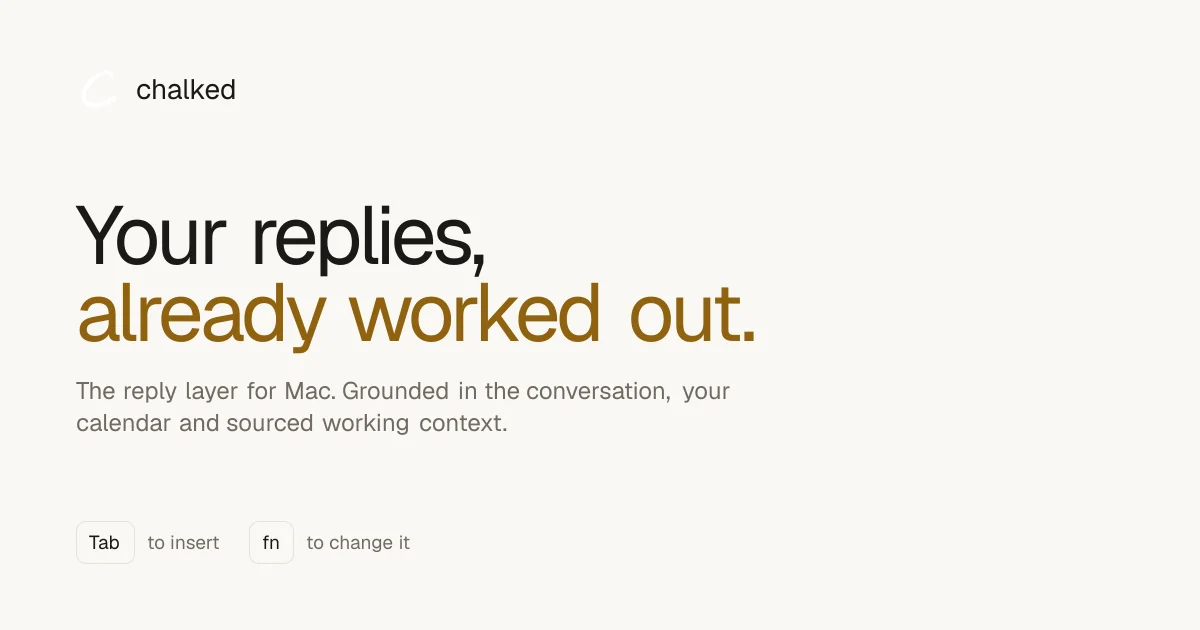
Chalked is a macOS assistant that prepares replies instead of generating generic text. It reads the conversation currently on screen through macOS Accessibility — no screenshots and no screen recording — and composes a response grounded in that thread, your calendar, and a store of commitments you have explicitly kept. In the current beta it works inside one-to-one English Messages conversations, writing a draft into the existing composer that you insert with Tab or redirect by holding fn and saying what you want instead; global fn dictation is available in every other Mac app. Kept commitments retain their source and status, so when a delivery date or budget changes Chalked supersedes the old entry rather than treating both as current. On-screen text it reads stays on the Mac, and the product deliberately requests the minimum context needed for the reply at hand. It targets people whose short messages carry real decisions — agency operators, consultants and founders protecting a client, a margin or a week.
Screenshots

Key Features
Use Cases



Frequently asked questions about Chalked
What is Chalked?
Mac assistant that drafts the reply you'd actually send, grounded in the open conversation, your calendar and kept commitments.
How does Chalked work?
Chalked works by combining Context-grounded replies: Reads the open conversation via Accessibility and drafts the reply you would actually send, Tab to insert: Prepared drafts land in the existing Messages composer and are inserted with a single Tab press, fn to redirect: Hold fn and say what you want instead to steer the draft before inserting it, Commitment ledger: Captured commitments keep their source and status, and superseded entries are marked rather than duplicated, Calendar grounding: Pulls availability from your calendar so proposed times are real, not invented to help users with An agency operator answers a client asking about a delivery date without re-checking the calendar and the approved budget by hand, A consultant returns to a client thread days later and replies with the engagement's commitments intact instead of rebuilding them from memory, A founder moves between customer, investor and team conversations in one sitting without losing which promise belongs to whom, A team lead confirms a meeting time that is actually free because the draft was written against the live calendar, Someone dictates a longer message into any Mac app using the global fn shortcut rather than typing it out.
What are the main features of Chalked?
Key features include Context-grounded replies: Reads the open conversation via Accessibility and drafts the reply you would actually send, Tab to insert: Prepared drafts land in the existing Messages composer and are inserted with a single Tab press, fn to redirect: Hold fn and say what you want instead to steer the draft before inserting it, Commitment ledger: Captured commitments keep their source and status, and superseded entries are marked rather than duplicated, Calendar grounding: Pulls availability from your calendar so proposed times are real, not invented.
Who is Chalked for?
Chalked is useful for anyone interested in An agency operator answers a client asking about a delivery date without re-checking the calendar and the approved budget by hand, A consultant returns to a client thread days later and replies with the engagement's commitments intact instead of rebuilding them from memory, A founder moves between customer, investor and team conversations in one sitting without losing which promise belongs to whom, A team lead confirms a meeting time that is actually free because the draft was written against the live calendar, Someone dictates a longer message into any Mac app using the global fn shortcut rather than typing it out.
How much does Chalked cost?
Chalked is free to use.
How do I get started with Chalked?
Visit https://usechalked.com/ to sign up and explore Chalked.
Explore more AI Ai Tools tools
Browse all Ai Tools tools →Compare Chalked: vs Ponytail · vs dif.sh · vs GitWarren · vs Causal