

Ahrefs
AIMarketing platform for discoverability that helps marketers drive visibility across search, AI, content, and social using large search databases.
Ahrefs
Marketing platform for discoverability that helps marketers drive visibility across search, AI, content, and social using large search databases.
About Ahrefs
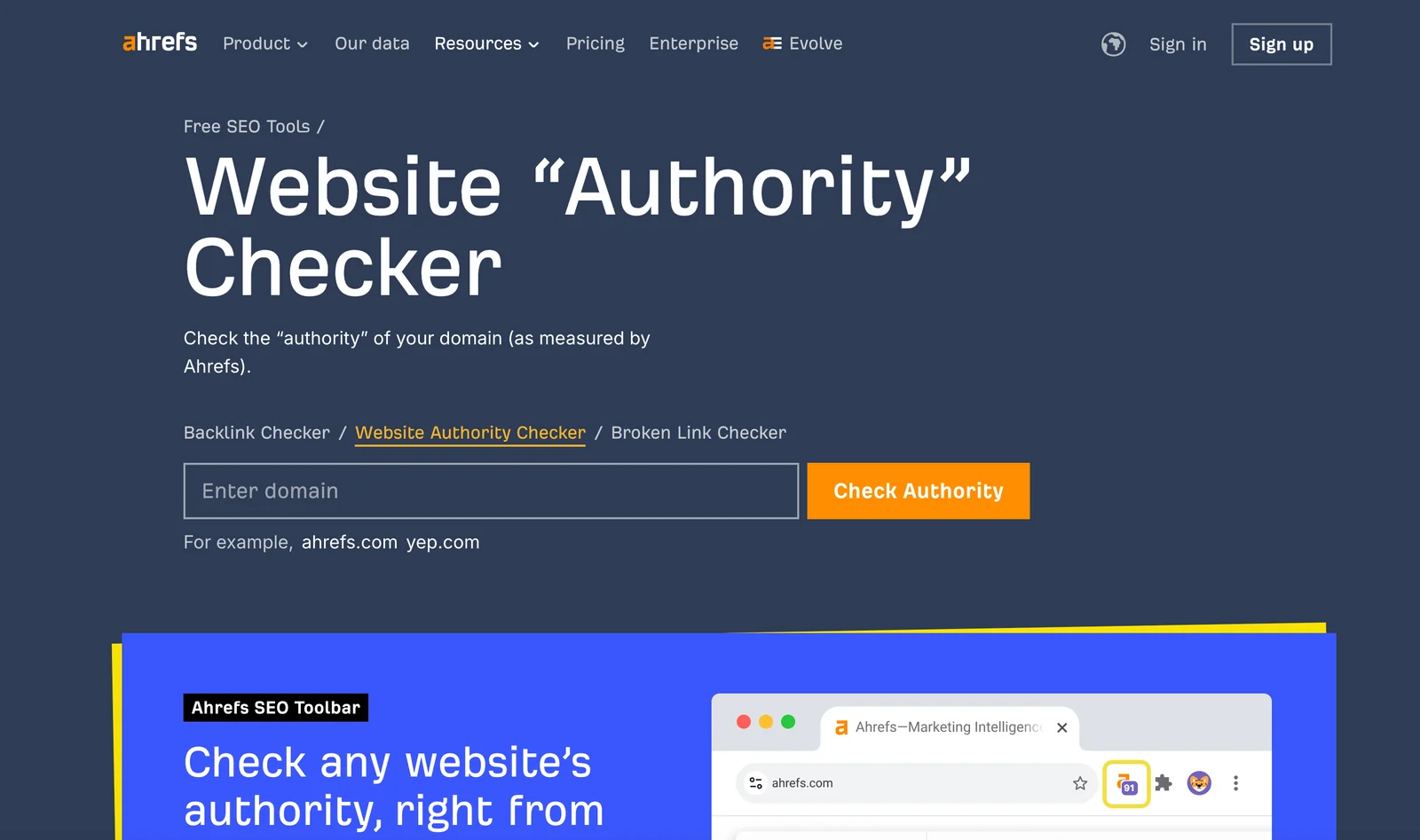
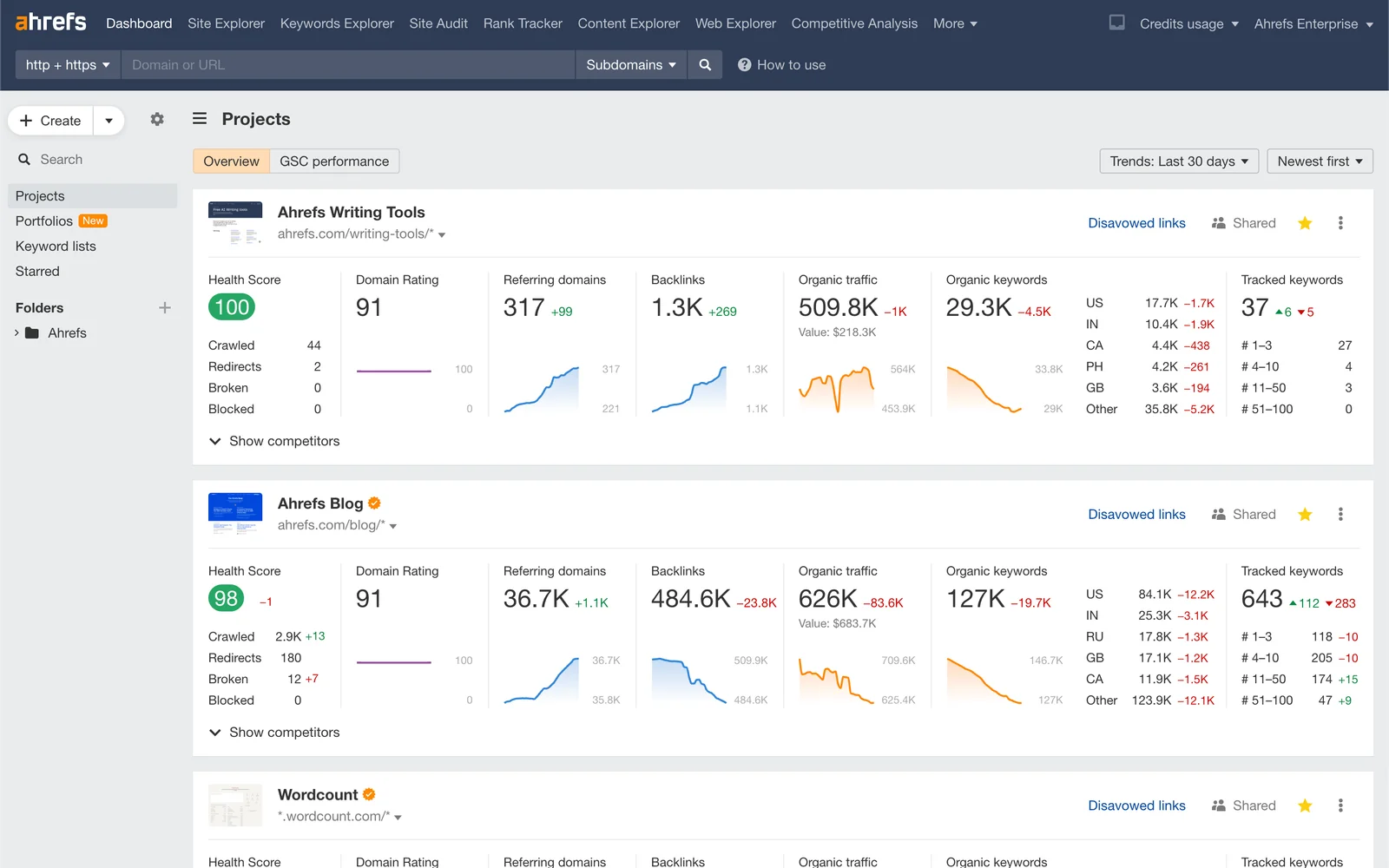
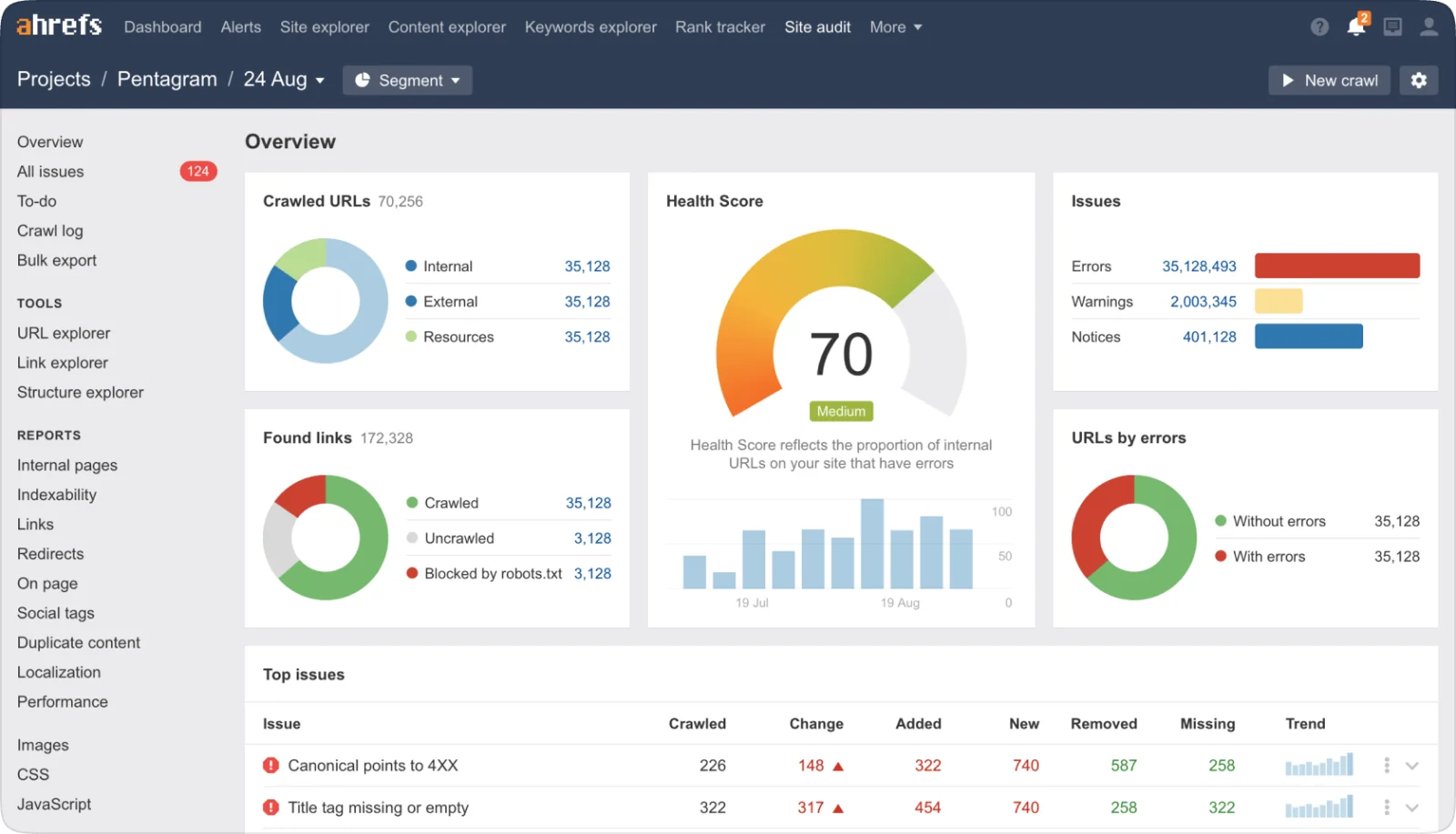
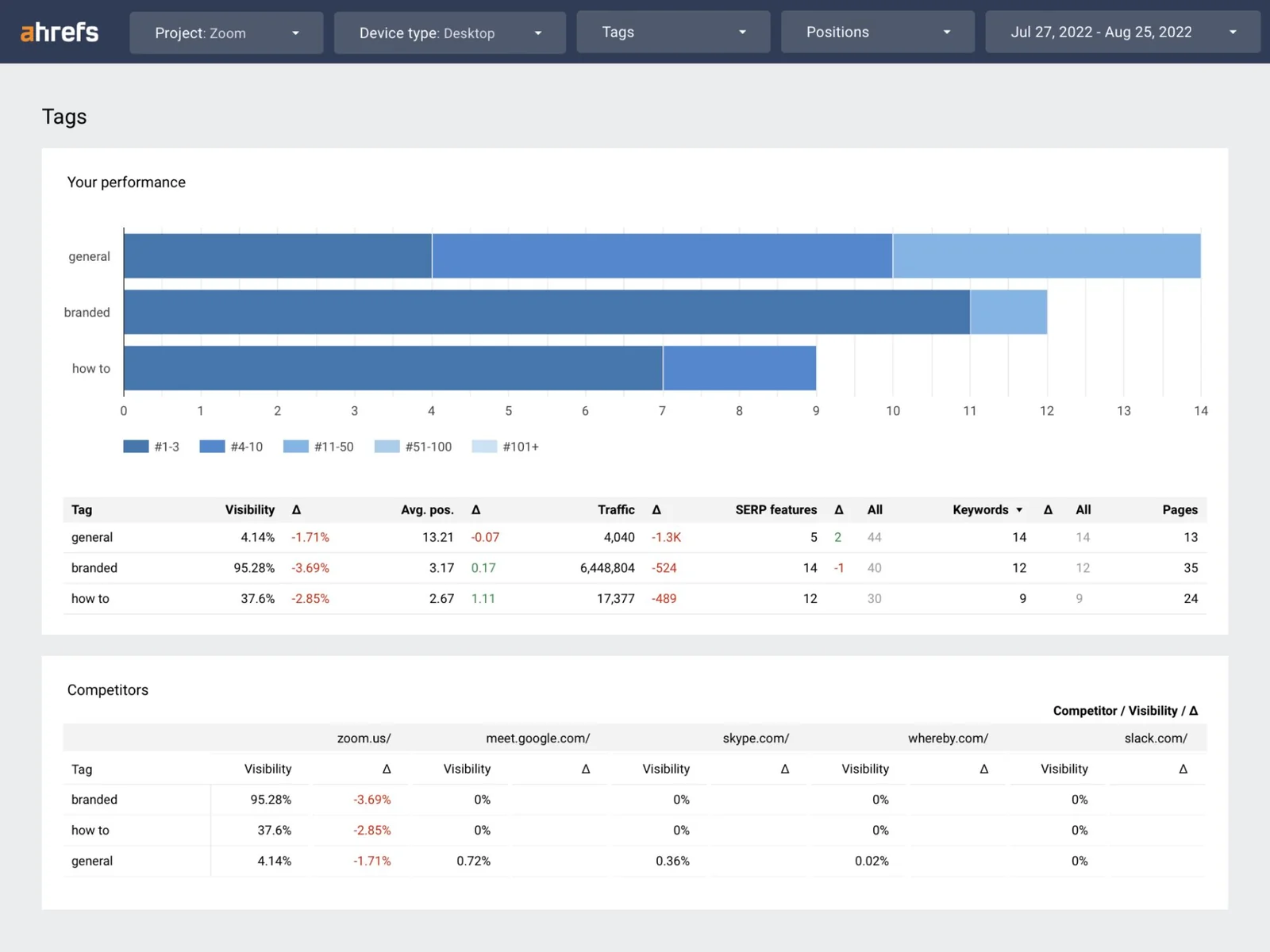
Ahrefs is a marketing and discoverability platform that helps marketers improve visibility across AI search, organic search, content, and social by leveraging one of the largest search and link databases. It provides core SEO toolsets—such as keyword research, site exploration, backlink analysis, and traffic estimation—so users can research competitors, uncover high-value keywords, and monitor site performance. Ahrefs also exposes data and developer resources (repositories and APIs referenced in public projects) enabling integrations and third-party tooling that consume Ahrefs datasets for automated workflows and MCP-style services.
Screenshots
Key Features
Use Cases



Frequently asked questions about Ahrefs
What are the pricing options for Ahrefs?
Ahrefs offers a variety of pricing plans tailored to different user needs, starting with a free trial option. Paid plans include the Starter plan at $29/month and the Enterprise plan at $1,499/month, ensuring flexibility for individual users, small businesses, and large enterprises.
Key Points
- Free Trial: Start exploring Ahrefs at no cost.
- Starter Plan: Affordable option for individuals and small businesses.
- Enterprise Plan: Comprehensive features for large organizations.
Detailed Explanation
Ahrefs provides several pricing options to accommodate various user requirements:
-
Free Trial: New users can explore Ahrefs’ features without a financial commitment. This trial allows users to test the platform's capabilities, including site audits, keyword research, and competitive analysis tools.
-
Starter Plan ($29/month): Ideal for freelancers and small businesses, this plan includes access to essential tools such as the Site Explorer, Keywords Explorer, and limited crawl credits. It’s perfect for users who need to improve their SEO strategy without breaking the bank.
-
Standard Plan ($99/month): This option suits growing businesses that require more extensive features and higher limits on site crawls and data exports. It includes advanced tools and additional support for a better user experience.
-
Advanced Plan ($179/month): Targeted towards digital marketing agencies and larger teams, this plan provides extensive data and features, including higher crawl limits and priority support.
-
Enterprise Plan ($1,499/month): Designed for large enterprises with significant SEO needs, this plan offers unlimited access to all features, tailored solutions, and dedicated account management. It’s ideal for organizations that require comprehensive data analysis and reporting.
Best Practices / Tips
- Evaluate Your Needs: Before selecting a plan, assess your SEO goals and the scale of your operations. Start with the free trial to understand how Ahrefs can benefit you.
- Consider Upgrades: As your business grows, consider upgrading to access advanced features that can provide deeper insights and data.
- Utilize Resources: Take advantage of Ahrefs’ extensive resources, including tutorials and webinars, to maximize your understanding of the tool and optimize your SEO efforts effectively.
Additional Resources
- Ahrefs Pricing Page
- Getting Started with Ahrefs
- Ahrefs Academy for tutorials and SEO best practices.
How do I use Ahrefs for keyword research?
To use Ahrefs for keyword research, open the Keyword Explorer tool, input your target keywords, and evaluate metrics like search volume, keyword difficulty, and clicks to uncover valuable content opportunities and optimize your website strategy effectively.
Key Points
- Keyword Explorer Tool: The main feature for discovering keywords.
- Metrics Analysis: Focus on search volume, keyword difficulty, and clicks.
- Content Opportunities: Identify gaps in your content strategy.
Detailed Explanation
Ahrefs' Keyword Explorer is a powerful tool designed to streamline the keyword research process. Here’s how to utilize it effectively:
-
Access Keyword Explorer: Log into your Ahrefs account and navigate to the Keyword Explorer tool. This is where you will enter the keywords you want to analyze.
-
Enter Target Keywords: Type in your primary keywords or phrases related to your niche. You can input multiple keywords separated by commas for a broader analysis.
-
Analyze Metrics: Once you submit your keywords, Ahrefs provides a wealth of data:
- Search Volume: This indicates how many searches a keyword receives monthly. High search volume typically suggests greater interest.
- Keyword Difficulty (KD): A score from 0 to 100 that estimates how hard it would be to rank for a keyword. A lower KD is generally more achievable.
- Clicks: This metric shows the estimated number of clicks generated from searches for that keyword, which helps you understand the actual traffic potential.
-
Explore Related Keywords: Ahrefs also suggests related keywords and questions, which can uncover additional content ideas. Use these opportunities to diversify your content strategy.
-
Check SERP Overview: Analyze the current search engine results pages (SERPs) for your keywords. This gives insights into competitors' content and ranking strategies.
Best Practices / Tips
- Focus on Long-Tail Keywords: These keywords often have lower competition and can drive highly targeted traffic. For example, instead of "shoes," try "best running shoes for flat feet."
- Combine Metrics: Don't rely solely on search volume; balance it with keyword difficulty and potential clicks for a well-rounded view.
- Regular Updates: Keyword trends can change; regularly revisit your keyword strategies to stay current with industry shifts.
- Utilize Filters: Use filters to narrow down results based on language, search volume, and region, ensuring your keywords are relevant to your target audience.
Additional Resources
What features does Ahrefs offer for backlink analysis?
Ahrefs offers an extensive backlink analysis tool that includes features such as discovering referring domains, tracking new and lost backlinks, assessing link authority with metrics like Domain Rating (DR), and analyzing anchor text distribution, all essential for developing effective SEO strategies.
Key Points
- Discovering referring domains
- Tracking new and lost backlinks
- Assessing link authority and anchor text distribution
Detailed Explanation
Ahrefs' backlink analysis tool is renowned for its robustness and user-friendly interface. Users can easily discover referring domains by entering their website or a competitor's URL. This feature allows you to see where backlinks are coming from, which is crucial for understanding your link profile.
Key Features:
- Referring Domains: Access a list of all unique domains that link to your website. This helps identify potential partners for outreach or collaboration.
- New and Lost Links: Track new backlinks acquired over time and identify any lost links to take corrective actions. This feature is vital for maintaining a healthy backlink profile.
- Link Authority Metrics: Each backlink is assigned a Domain Rating (DR) score, which indicates the strength of the linking domain. Higher DR scores generally signify more authoritative sources, which can positively impact your SEO ranking.
- Anchor Text Analysis: Analyze the anchor texts used in backlinks to understand how your site is being referenced. This can reveal opportunities for keyword optimization and content alignment.
For instance, if you notice a significant number of backlinks with the same anchor text, it may indicate a need to diversify your anchor text strategy to avoid penalties from search engines.
Best Practices / Tips
- Regular Monitoring: Regularly check your backlink profile to stay updated on new and lost links. This helps in quickly addressing any lost links that might impact your rankings.
- Quality Over Quantity: Focus on acquiring high-quality backlinks from reputable sites rather than a large number of low-quality links. This will enhance your link authority and improve your SEO standing.
- Diversify Anchor Text: Ensure that your anchor text is varied and relevant to the content it links to. This not only helps avoid penalties but also improves the relevancy of your backlinks.
- Competitor Analysis: Use Ahrefs to analyze competitors' backlinks. This can provide insights into potential link-building opportunities and strategies that could benefit your site.
Additional Resources
How does Ahrefs compare to other SEO tools?
Ahrefs is a powerful SEO tool that excels in providing comprehensive data sets, particularly through its Site Explorer and Keyword Explorer features. Compared to other tools like SEMrush and Moz, Ahrefs offers deeper insights into competitor strategies, backlink analysis, and keyword research to enhance SEO performance.
Key Points
- Comprehensive Data Sets: Ahrefs boasts one of the largest backlink databases, allowing for extensive analysis.
- User-Friendly Interface: The platform is intuitive, making it accessible for both beginners and advanced users.
- Competitive Analysis: Ahrefs provides unique insights into competitor strategies, including traffic estimates and keyword rankings.
Detailed Explanation
Ahrefs distinguishes itself with its robust data capabilities. The Site Explorer allows users to analyze any website's backlink profile, organic traffic, and keyword rankings. This feature is particularly beneficial for identifying competitor strengths and weaknesses. For instance, by inputting a competitor's URL, you can see their top-performing content and the keywords driving traffic.
The Keyword Explorer tool is equally impressive, providing keyword suggestions, search volume, and difficulty scores. Unlike many tools, Ahrefs updates its keyword database frequently, ensuring you access the latest trends. For example, if you're targeting long-tail keywords for a niche market, Ahrefs can deliver precise data on search intent and potential traffic.
In comparison to SEMrush, which offers similar features, Ahrefs often provides more accurate backlink data. SEMrush is great for all-in-one marketing strategies, while Ahrefs is typically favored for in-depth SEO analysis. Moz is known for its community and educational resources but may fall short in data depth compared to Ahrefs.
Best Practices / Tips
- Utilize Regular Updates: Make it a habit to check your website's performance using Ahrefs regularly to keep up with changes in your SEO strategy.
- Leverage Content Gap Analysis: Use the content gap feature to find keywords your competitors rank for that you don’t, helping you identify new content opportunities.
- Monitor Backlinks: Regularly review your backlink profile to identify toxic links and opportunities for link-building.
Additional Resources
- Ahrefs Blog - Offers valuable insights and guides on using Ahrefs effectively.
- Ahrefs Academy - Provides free courses on SEO techniques and tool usage.
- SEO Tools Comparison - A detailed comparison of Ahrefs with SEMrush, Moz, and other SEO tools.
Does Ahrefs have an API for developers?
Yes, Ahrefs provides an API for developers, allowing seamless integration with third-party applications. This API facilitates automated SEO workflows, making it easier to access and analyze SEO data programmatically through public repositories and client libraries.
Key Points
- Comprehensive Data Access: The Ahrefs API offers extensive access to backlink, keyword, and site audit data.
- Integration Capabilities: Developers can easily integrate the API with various applications, enhancing workflow efficiency.
- Client Libraries Availability: Ahrefs provides client libraries in multiple programming languages for simplified usage.
Detailed Explanation
The Ahrefs API is designed for developers looking to harness the power of Ahrefs' extensive SEO tools programmatically. It allows users to access valuable SEO metrics including:
- Backlink Data: Retrieve detailed information about backlinks pointing to a website, including anchor text and referring domains.
- Keyword Data: Access keyword search volume, difficulty, and competition metrics to enhance keyword research efforts.
- Site Audit Reports: Automate site audits to check for SEO issues and get actionable insights for improvements.
For instance, a developer can create a custom dashboard that pulls in real-time data from the Ahrefs API, enabling businesses to monitor their SEO performance on a single platform. To get started, you can refer to the Ahrefs API documentation for specific endpoints and parameters.
Best Practices / Tips
- Understand Rate Limits: Familiarize yourself with the API's rate limits to avoid disruptions in data retrieval.
- Start with Sample Projects: Leverage available sample projects and public repository resources to quickly understand implementation.
- Optimize API Usage: Use caching mechanisms to reduce redundant API calls and improve application performance.
- Plan for Data Management: Ensure you have a strategy for managing the large volumes of data that the API can provide.
Additional Resources
- Ahrefs API Documentation - Official documentation with detailed instructions and examples.
- Client Libraries on GitHub - Explore available libraries in various programming languages for quick integration.
- SEO Automation Tools - Learn about other SEO tools that can complement your API usage.
Explore more AI Ai Tools tools
Browse all Ai Tools tools →Compare Ahrefs: vs sizeless · vs ABrush · vs Jackalope · vs Loqua