

Repo Prompt
AIA native macOS context-engineering toolbox for building prompts and exposing repo-aware workflows to agents via MCP.
Repo Prompt
A native macOS context-engineering toolbox for building prompts and exposing repo-aware workflows to agents via MCP.
About Repo Prompt
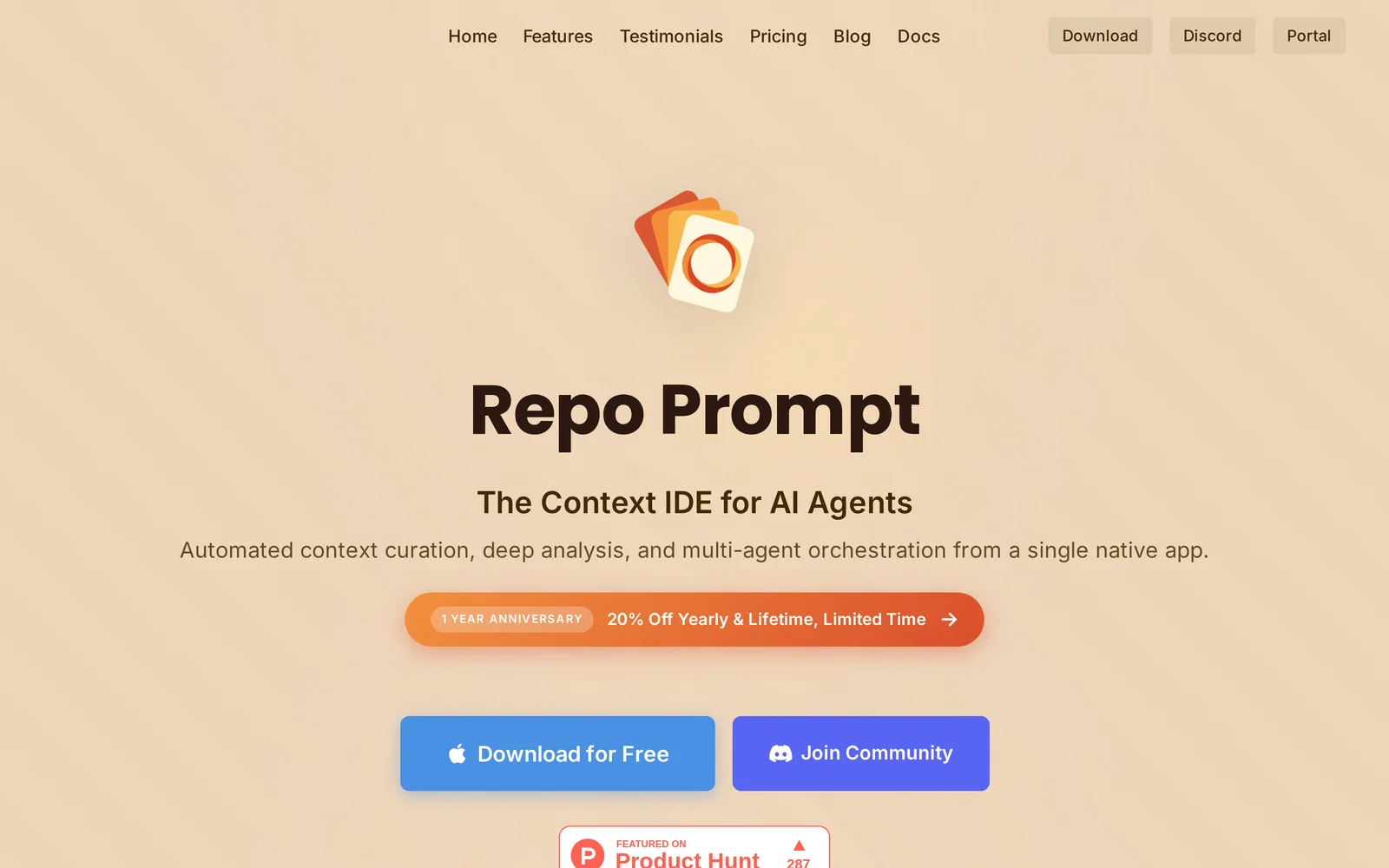
Repo Prompt is a macOS-native application and MCP server that helps developers iterate on code by building, managing, and exposing context-aware prompts and structured workflows. It creates deep, repo-specific context bundles (context_builder) for large models, provides a prompt library and parameterized workflows (e.g., rp-build, rp-investigate), and can be run as a local MCP server or CLI (repoprompt_cli) so editors and agents can discover and execute its tools. Its unique value is combining local, live-updatable prompt engineering with a protocol (MCP) interface so third-party editors and AI agents can invoke up-to-date, centrally maintained code workflows without copying or rewriting prompts.
Screenshots
Key Features
Use Cases


Frequently asked questions about Repo Prompt
What is Repo Prompt?
Repo Prompt is a macOS context-engineering toolbox designed for creating prompts and providing repository-aware workflows to AI agents via the Model Control Panel (MCP). This tool enhances productivity by streamlining interactions between developers and AI models, allowing more efficient project management.
Key Points
- Native macOS Tool: Optimized for seamless integration with macOS environments.
- Context Engineering: Facilitates the creation of tailored prompts for AI interactions.
- Repository Awareness: Enhances AI agents' understanding of project repositories.
Detailed Explanation
Repo Prompt empowers developers by offering a robust platform for context engineering. This tool allows users to build specific prompts that communicate effectively with AI agents. By utilizing the Model Control Panel (MCP), developers can expose these prompts to agents, ensuring that they are aware of the project repository’s structure and content.
Use Cases
-
Software Development: Imagine a scenario where a developer needs to generate documentation for a codebase. Repo Prompt can create prompts that reference specific files or functions, allowing the AI to produce accurate, context-relevant documentation.
-
Debugging Assistance: When troubleshooting issues within a repository, developers can use Repo Prompt to craft prompts that guide AI agents to analyze code, suggest fixes, or even automate the testing process based on the current state of the repository.
-
Project Management: For teams working on multiple projects, Repo Prompt can streamline task assignments by generating prompts that detail each team member's responsibilities based on their code contributions, enhancing collaboration and efficiency.
Best Practices / Tips
- Customize Prompts: Tailor your prompts to the specific needs of your project for better results. Include details like project goals, file names, and context.
- Leverage Repository Data: Use the AI’s ability to access repository data to inform your prompts. This maximizes the relevance and accuracy of the AI's responses.
- Iterate and Test: Continuously refine your prompts based on feedback from the AI's outputs. Testing different variations can lead to more effective interactions.
Additional Resources
How does Repo Prompt work?
Repo Prompt works by integrating advanced AI technologies to streamline daily workflows for users. It assists in automating tasks, generating content, and enhancing productivity, making it an invaluable tool for professionals seeking efficiency in their AI-driven projects.
Key Points
- AI Integration: Combines various AI technologies for seamless user experience.
- Workflow Automation: Automates repetitive tasks to save time and effort.
- Content Generation: Assists in creating high-quality written material quickly.
Detailed Explanation
Repo Prompt utilizes cutting-edge artificial intelligence to facilitate a variety of tasks that users encounter in their daily operations. By leveraging natural language processing (NLP) and machine learning algorithms, it enables users to accomplish tasks such as:
-
Task Automation: Users can automate mundane tasks like data entry, scheduling, and report generation. For example, if you regularly compile weekly reports, Repo Prompt can fetch relevant data and format it automatically, reducing the time spent on this repetitive work.
-
Content Creation: Whether you need blog posts, marketing materials, or social media captions, Repo Prompt can generate high-quality content based on user prompts. By simply inputting a topic, users can receive well-structured drafts that can be further refined, enhancing productivity.
-
Collaborative Features: Repo Prompt supports team collaboration by allowing users to share prompts and outputs easily. This feature is particularly useful for teams working on joint projects, ensuring everyone is aligned and informed.
For example, a marketing team can use Repo Prompt to brainstorm campaign ideas. By inputting key themes and objectives, the AI can suggest multiple creative directions, allowing the team to build on these ideas efficiently.
Best Practices / Tips
- Define Clear Prompts: When using Repo Prompt, the clarity of your input significantly affects the output. Be specific in your requests to get the best results.
- Iterate and Refine: Don’t hesitate to ask for revisions. Utilize the feedback loop by refining prompts based on the responses you receive.
- Integrate with Existing Tools: To maximize efficiency, integrate Repo Prompt with other tools you use, like project management software, to streamline your workflow further.
Additional Resources
What are the main features of Repo Prompt?
Repo Prompt offers advanced AI capabilities, including natural language processing, code generation, and integration with various programming languages. These features empower developers to streamline their workflows, enhance productivity, and create more efficient code solutions, making Repo Prompt a valuable tool for software development.
Key Points
- Natural Language Processing: Understands and interprets user input effectively.
- Code Generation: Automatically generates code snippets based on user prompts.
- Integration Capabilities: Supports multiple programming languages and frameworks.
Detailed Explanation
Repo Prompt leverages cutting-edge AI technology to enhance software development.
-
Natural Language Processing (NLP):
- Repo Prompt utilizes advanced NLP algorithms to comprehend user queries. This means developers can type in requests in plain language, and the tool will accurately interpret and respond with relevant code suggestions or actions.
- Example: A user may input, “Create a function to calculate the Fibonacci sequence,” and Repo Prompt will generate the corresponding code structure.
-
Code Generation:
- The tool can automatically produce code snippets that adhere to best practices, significantly reducing the time developers spend on repetitive tasks.
- Use Case: When asked to generate a REST API endpoint, Repo Prompt can deliver a complete, functional code block, including necessary imports and error handling.
-
Integration Capabilities:
- Repo Prompt is designed to work seamlessly with various programming languages like Python, JavaScript, Java, and C#. This versatility allows teams to use it across multiple projects without compatibility issues.
- Technical Detail: The tool can be integrated into IDEs like Visual Studio Code or JetBrains, making it easily accessible within developers’ existing workflows.
Best Practices / Tips
- Be Specific with Prompts: The more detailed your request, the better the output. For example, instead of asking for “a loop,” specify the type of loop and the context.
- Iterate on Outputs: Use the generated code as a foundation. Modify and adapt it to fit your specific project needs.
- Stay Updated: Regularly check for new features or updates in Repo Prompt to utilize the latest enhancements in AI capabilities.
Additional Resources
- Repo Prompt Official Documentation
- AI in Software Development: Best Practices
- Understanding Natural Language Processing
By leveraging these features, Repo Prompt stands out as a powerful assistant for developers, helping them save time and improve the quality of their code.
Who is Repo Prompt for?
Repo Prompt is designed for individuals and teams looking to streamline their daily AI workflows. It caters to a variety of users including business professionals, developers, researchers, and educators who aim to enhance productivity and efficiency through AI-driven solutions.
Key Points
- Target Audience: Business professionals, developers, researchers, and educators.
- Use Cases: Automating repetitive tasks, enhancing data analysis, and facilitating learning.
- Benefits: Increased productivity, reduced operational costs, and improved decision-making.
Detailed Explanation
Repo Prompt is an AI tool that serves a diverse audience. Business professionals can leverage it to automate routine tasks such as scheduling and reporting, freeing up time for strategic work. Developers utilize Repo Prompt for optimizing code, debugging, and managing project workflows, which enhances their overall efficiency.
Researchers benefit from Repo Prompt by using it to analyze large datasets quickly, generate insights, and streamline the documentation process. Educators find value in creating personalized learning materials, automating grading, and providing real-time feedback to students.
For example, a marketing team might use Repo Prompt to generate content ideas based on current trends, while a software development team could automate code reviews to ensure best practices are followed.
Best Practices / Tips
- Identify Your Needs: Determine which specific tasks you want to automate or enhance with Repo Prompt.
- Start Small: Begin with a few workflows to test the tool’s effectiveness before scaling up.
- Integrate with Existing Tools: Ensure Repo Prompt works seamlessly with your current software stack for maximum efficiency.
- Monitor Performance: Regularly assess how Repo Prompt improves your workflows and make adjustments as needed.
Additional Resources
How much does Repo Prompt cost?
Repo Prompt is completely free to use, enabling users to access its robust features without any financial commitment. This makes it an attractive option for individuals and businesses looking to leverage AI tools for efficient project management and code generation.
Key Points
- Repo Prompt is free for all users.
- No hidden fees or subscription costs.
- Ideal for developers and teams looking to maximize productivity without financial strain.
Detailed Explanation
Repo Prompt is an AI-driven tool designed to assist developers and teams in managing repositories and generating code efficiently. Since it is free to use, there are no barriers to entry, making it accessible for everyone from hobbyist programmers to large development teams.
Features of Repo Prompt:
- Code Generation: Users can generate code snippets quickly, helping to reduce development time.
- Project Management: Tools within Repo Prompt facilitate better organization of repositories, streamlining workflows.
- Collaboration: It supports team collaboration, allowing multiple users to work on projects simultaneously.
By eliminating costs, Repo Prompt allows users to experiment with its features without financial risks. This encourages widespread adoption and innovation among developers, enhancing overall productivity.
Best Practices / Tips
- Explore All Features: Fully utilize Repo Prompt’s capabilities to maximize its benefits.
- Integrate with Existing Workflows: Use Repo Prompt alongside other tools you currently employ to enhance efficiency.
- Stay Updated: Keep an eye on any updates or new features released, as they can further enhance your experience.
Additional Resources
- [Repo Prompt Official Website](https://www.rep prompt.com)
- [User Guide and Documentation](https://www.rep prompt.com/docs)
- [Community Forums for Tips and Support](https://www.rep prompt.com/community)
By leveraging Repo Prompt’s free offerings, users can enhance their coding skills and project efficiency without incurring costs, making it a valuable resource in today's tech landscape.
How do I get started with Repo Prompt?
To get started with Repo Prompt, visit repoprompt.com to sign up for an account. Once registered, you can explore its features, including prompt generation, collaboration tools, and customizable settings tailored to enhance your AI-driven project workflows.
Key Points
- Easy Signup: Simple registration process on the website.
- Feature Exploration: Access to various tools and functionalities.
- Customization Options: Tailor the platform to fit your project needs.
Detailed Explanation
Repo Prompt is an innovative platform designed to streamline the use of AI in software development and project management. To begin, follow these steps:
- Visit the Official Website: Navigate to repoprompt.com.
- Sign Up: Click on the 'Sign Up' button and provide the required information, such as your email address and password. A confirmation email may be sent to verify your account.
- Explore Features: After logging in, take a tour of the dashboard. Key features include:
- Prompt Generation: Create AI prompts tailored to your specific needs.
- Collaboration Tools: Work with team members in real-time, share prompts, and manage projects collectively.
- Customization: Adjust settings and preferences to improve your experience based on your project requirements.
Repo Prompt is particularly useful for developers, content creators, and project managers looking to enhance productivity through AI.
Best Practices / Tips
- Utilize Tutorials: Check for any onboarding tutorials on the platform to get acquainted with its features quickly.
- Start Small: Begin with simple projects to understand how to best utilize the prompt generation tools.
- Engage with Community: Join forums or social media groups related to Repo Prompt for tips and peer support.
- Regular Check-ins: Frequently revisit the platform to discover new updates and features that can optimize your workflow.
Additional Resources
By following these steps and utilizing the resources available, you can effectively maximize your experience with Repo Prompt and enhance your AI project management capabilities.
Explore more AI Mcps tools
Browse all Mcps tools →Browse by use case: Code Generation
Compare Repo Prompt: vs Kit for AI · vs In Parallel MCP · vs Fudge MCP · vs AgentKey