

Langfuse
AIOpen SourceFreeOpen-source LLM engineering platform for tracing, evaluation, prompt management and metrics to debug and improve LLM applications.
Langfuse
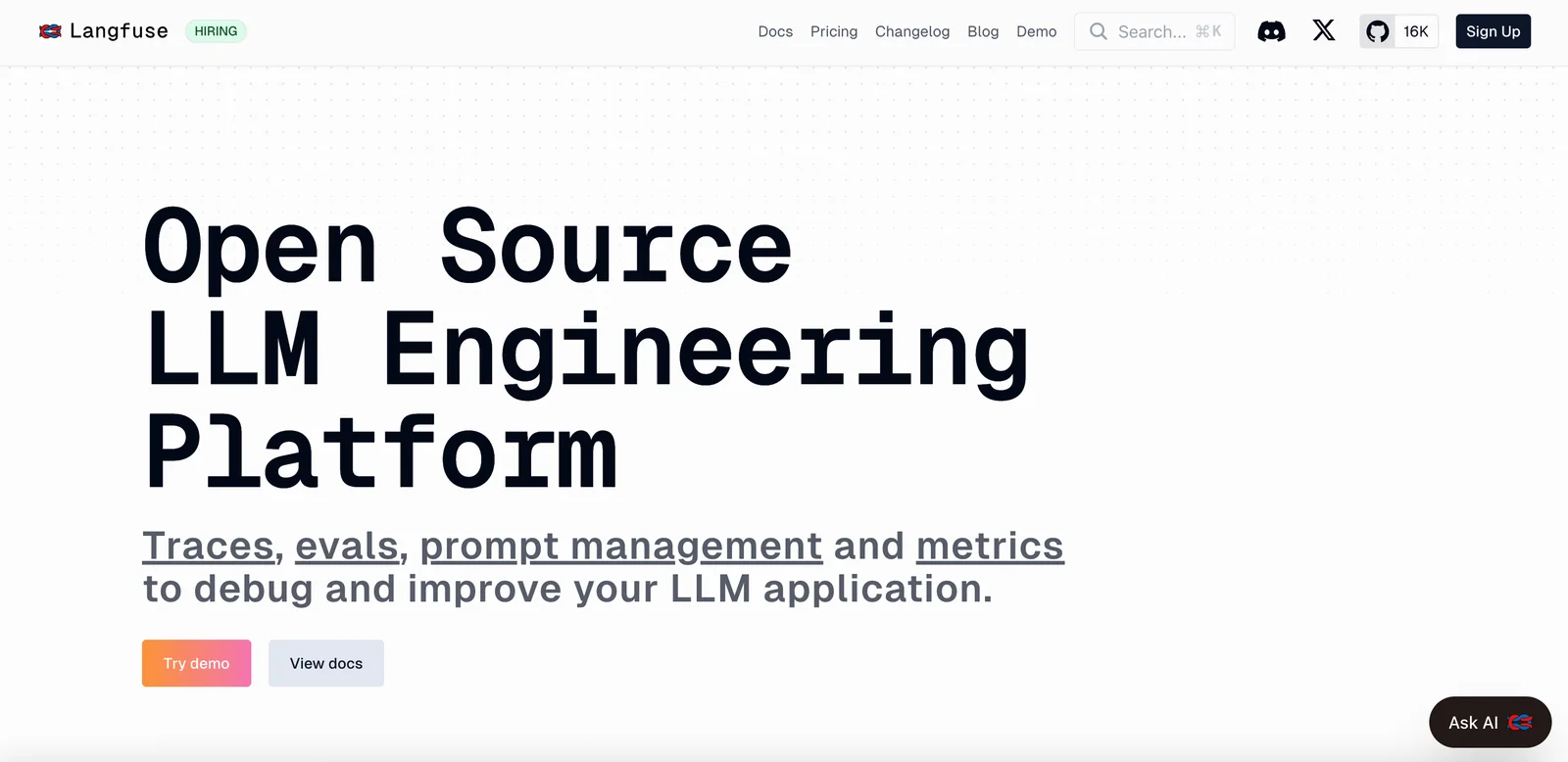
Open-source LLM engineering platform for tracing, evaluation, prompt management and metrics to debug and improve LLM applications.
About Langfuse
Langfuse is an open-source LLM engineering platform that provides observability, evaluation, and prompt management for applications built on large language models. It instruments LLM calls with detailed traces and metrics, captures prompts and responses, supports evaluation pipelines, and integrates with frameworks like LangChain, LlamaIndex, OpenAI, and LiteLLM. Langfuse can be self-hosted quickly or used with hosted offerings, and provides SDKs (Python, JavaScript) and UI components to help teams collaboratively debug, monitor, and iterate on model behavior and prompts.
Screenshots
Key Features
Use Cases



Frequently asked questions about Langfuse
What are the pricing options for Langfuse?
Langfuse offers a flexible pricing model that includes a freemium option, self-hosting for free, a managed cloud free tier, and usage-based pricing starting from $0 for up to 100,000 units. For further details on pricing plans, visit the official Langfuse website.
Key Points
- Freemium model with various tiers
- Self-hosting and managed cloud options
- Usage-based pricing structure
Detailed Explanation
Langfuse provides a comprehensive pricing structure designed to cater to different user needs. The freemium model allows users to explore the platform without upfront costs. Users can choose self-hosting for complete control and customization at no charge. Alternatively, the managed cloud free tier offers easy setup with limited features, making it ideal for startups and individuals testing the waters.
The usage-based pricing begins at $0 for up to 100,000 units. This means users can access basic functionalities without paying until their usage exceeds this limit. Pricing scales based on usage beyond this threshold, ensuring that you only pay for what you use, which is particularly beneficial for growing businesses. For instance, if your project expands and your usage rises to 200,000 units, Langfuse will charge you according to their tiered pricing model, which is transparent and straightforward.
Best Practices / Tips
- Evaluate your needs: Before choosing a plan, assess your project requirements. If you're a small operation, the self-hosting option might be sufficient.
- Start with the free tier: Utilize the managed cloud free tier to understand Langfuse's capabilities before committing financially.
- Monitor usage: Keep track of your unit usage to avoid unexpected costs. Use their dashboard to gain insights into your consumption patterns.
Additional Resources
- Langfuse Pricing Page
- Langfuse Documentation
- Langfuse Community for user discussions and support
How do I get started with Langfuse?
To get started with Langfuse, sign up for the free cloud tier or download the open-source version from GitHub. Follow the setup and integration documentation to effectively track and evaluate your LLM applications, ensuring you maximize performance and insights from your models.
Key Points
- Free Cloud Tier: Access Langfuse without cost.
- Open-Source Version: Download from GitHub for local deployment.
- Comprehensive Documentation: Follow guides for effective setup.
Detailed Explanation
Langfuse is an innovative tool designed for monitoring and evaluating Language Model (LLM) applications. To begin, you can choose between two options:
-
Free Cloud Tier: Sign up on the Langfuse website. This option allows you to start tracking your applications with no financial commitment. Once registered, you can access the user-friendly dashboard to monitor your LLM performance metrics easily.
-
Open-Source Version: For those interested in customizing their environment, you can download the open-source version from GitHub. After downloading, follow the included installation instructions for setting up the software on your local machine or server.
Setup Process
- Installation: For the cloud tier, simply create an account. For the open-source version, clone the repository and install dependencies using package managers like npm or pip.
- Integration: Use the provided API keys to integrate Langfuse with your existing LLM applications. The documentation offers detailed steps to ensure a smooth connection.
- Tracking: Once integrated, you can start tracking key metrics such as response times, user interactions, and model performance.
Best Practices / Tips
- Understand Your Metrics: Familiarize yourself with the different metrics Langfuse tracks to utilize the tool effectively.
- Regular Updates: If using the open-source version, keep the software updated to benefit from the latest features and security patches.
- Community Engagement: Join the Langfuse community forums or Discord channels for support and tips from other users.
Additional Resources
What are the key features of Langfuse?
Langfuse provides essential features for managing LLM applications, including detailed tracing of LLM calls, effective prompt management, robust evaluation pipelines, and multi-language SDKs for seamless integration. These capabilities are designed to help developers debug, evaluate, and enhance their LLM applications efficiently.
Key Points
- Detailed Tracing of LLM Calls: Monitor and analyze LLM interactions.
- Effective Prompt Management: Create, test, and optimize prompts easily.
- Robust Evaluation Pipelines: Assess model performance systematically.
Detailed Explanation
Langfuse stands out with its comprehensive suite of features aimed at improving the development and deployment of large language model (LLM) applications.
-
Detailed Tracing of LLM Calls: This feature allows developers to track each interaction with the LLM, providing insights into how the model responds to various inputs. With this tracing capability, teams can identify bottlenecks, understand user interactions, and refine the model’s responses. For example, if a model consistently misinterprets specific prompts, developers can adjust their approach based on the tracing data.
-
Effective Prompt Management: Langfuse simplifies the process of creating and managing prompts. Users can store, categorize, and modify prompts within an intuitive interface, making it easier to experiment with different wording or structures. This is particularly useful in environments where iterative testing is key to improving model accuracy and user satisfaction.
-
Robust Evaluation Pipelines: The evaluation pipelines in Langfuse allow for systematic assessment of model performance. Users can define metrics, run tests, and analyze results to ensure that the LLM meets desired standards. This feature is crucial for maintaining quality control, especially in production environments where user experience is paramount.
-
Multi-Language SDKs: Langfuse supports integration across multiple programming languages, making it flexible for developers working in diverse tech stacks. This ensures that teams can incorporate Langfuse into their existing workflows seamlessly, regardless of their primary development language.
Best Practices / Tips
- Regular Monitoring: Utilize the tracing feature regularly to keep track of LLM interactions and make adjustments as necessary.
- Iterative Testing with Prompts: Continuously test and refine your prompts based on performance data to optimize user interactions.
- Set Clear Evaluation Metrics: Establish specific criteria for model evaluation to ensure that you can effectively measure improvements and identify areas needing attention.
Additional Resources
These resources can provide further insights and guidance on leveraging Langfuse for your LLM applications.
How does Langfuse compare to other LLM tools?
Langfuse distinguishes itself from other LLM tools with its open-source option, advanced tracing capabilities, and comprehensive evaluation tools. It offers flexible pricing and strong community support, making it an adaptable choice for developers seeking a powerful and cost-effective solution for machine learning projects.
Key Points
- Open-Source Flexibility: Langfuse provides an open-source version, allowing customization and integration.
- Advanced Tracing Capabilities: Its tracing tools offer in-depth insights into model performance.
- Cost-Effective Pricing: Flexible pricing models cater to various budgets, enhancing accessibility.
Detailed Explanation
Langfuse is a powerful tool for developers looking to leverage Large Language Models (LLMs). One of its standout features is the open-source option, which allows developers the freedom to modify and adapt the software to meet their specific needs. This flexibility is a significant advantage over many proprietary LLM tools that limit customization.
Another key feature is advanced tracing capabilities. Langfuse enables users to track and analyze model performance in real time, helping identify areas for improvement. For instance, when deploying a language model in a customer service chatbot, Langfuse can provide detailed logs of interactions, allowing developers to fine-tune responses and improve user satisfaction.
Langfuse also excels in providing robust evaluation tools. Users can easily assess the efficiency and accuracy of their models through comprehensive metrics and visualizations. This functionality is vital for businesses aiming to optimize their AI implementations, ensuring they deliver high-quality results.
In terms of pricing, Langfuse offers a range of options suitable for different budgets. With tiered plans starting from a free version to more advanced paid tiers, organizations can choose a plan that aligns with their financial capabilities while still accessing powerful features.
Best Practices / Tips
- Explore Open-Source Features: Take full advantage of the customization options available in the open-source version to tailor the tool to your specific project needs.
- Utilize Tracing Tools: Regularly use the tracing capabilities to monitor model performance and capture valuable data that can guide improvements.
- Engage with the Community: Leverage the strong community support around Langfuse for advice, troubleshooting, and best practices. Participating in forums and discussions can enhance your understanding and application of the tool.
Additional Resources
Does Langfuse provide an API for integration?
Yes, Langfuse provides APIs and SDKs in Python and JavaScript for seamless integration with various LLM (Large Language Model) frameworks. These tools facilitate the enhancement of application functionality with minimal code changes while effectively tracking essential metrics.
Key Points
- Integration Flexibility: Supports Python and JavaScript.
- Minimal Code Changes: Easily instrument applications.
- Tracking Metrics: Enhances performance monitoring.
Detailed Explanation
Langfuse’s API allows developers to integrate their applications with advanced LLM frameworks effortlessly. By offering SDKs in both Python and JavaScript, Langfuse caters to a wide range of developers and projects.
Example Use Case
For instance, if you have a web application that uses a language model for chat functionalities, you can quickly integrate Langfuse’s API to monitor user interactions. This integration can be done with just a few lines of code, enabling you to focus on developing features rather than managing complex integrations.
Step-by-Step Guidance
- Choose Your Language: Decide whether to use Python or JavaScript based on your project’s requirements.
- Install the SDK: Use package managers like pip for Python or npm for JavaScript to install the Langfuse SDK.
- Setup API Credentials: Obtain your API keys from the Langfuse dashboard and securely store them in your application.
- Initialize the SDK: Write a few lines of code to initialize the SDK with your API credentials.
- Implement Tracking: Use the provided methods to instrument key events within your application, allowing for detailed analytics.
Best Practices / Tips
- Documentation: Always refer to the official Langfuse documentation for the latest updates and best practices.
- Security: Keep your API keys secure; use environment variables instead of hardcoding them into your application.
- Test Integrations: Conduct thorough testing in a staging environment before deploying your integrations to production.
Additional Resources
Explore more AI Ai Tools tools
Browse all Ai Tools tools →Compare Langfuse: vs Agnost AI · vs Assistly · vs Memoria · vs nodeterm