

Next-generation autonomous research agents from Google that plan, gather, analyze, and synthesize multimodal research at scale.
Next-generation autonomous research agents from Google that plan, gather, analyze, and synthesize multimodal research at scale.
About Google
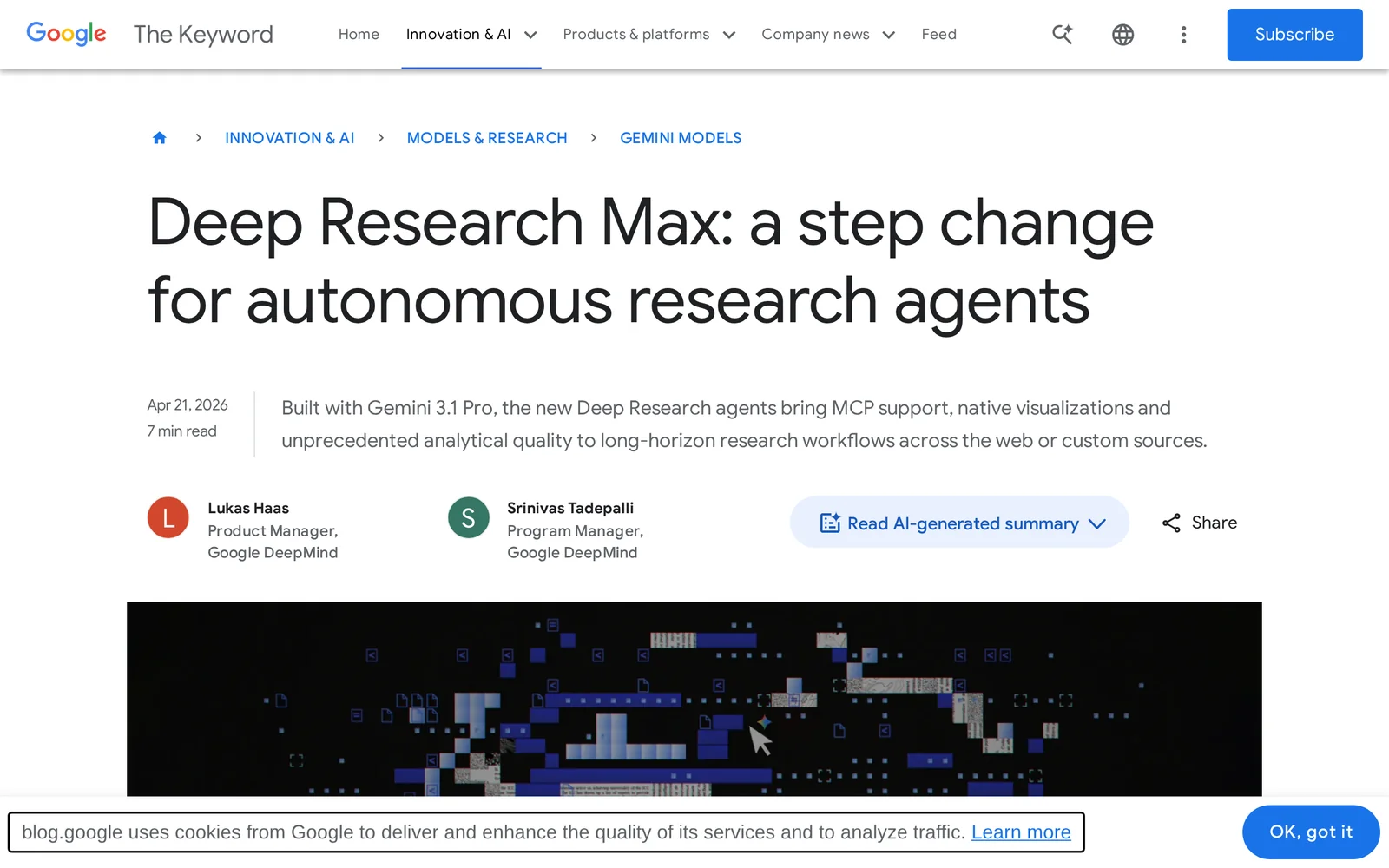
Deep Research and Deep Research Max are Google's next-generation autonomous research agents designed to accelerate and scale complex research workflows. Built on the Gemini family of models, they can plan multi-step research tasks, autonomously gather and synthesize information from diverse sources, integrate analytical tools and datasets, and produce structured, reproducible outputs. The agents emphasize long-context reasoning and multimodal understanding to handle scientific literature, data, and experimental artifacts, while incorporating safety, oversight, and collaboration features to support trustworthy research at scale.
Screenshots
Key Features
Use Cases


Frequently asked questions about Google
What is Google?
Google is a multinational technology company best known for its search engine, which utilizes advanced algorithms to provide relevant results. Additionally, Google offers a suite of services including cloud computing, advertising platforms, and productivity tools, enhancing both personal and professional digital experiences.
Key Points
- Google Search: The most widely used search engine globally.
- Google Workspace: A collection of productivity tools including Gmail, Docs, and Drive.
- Autonomous Research Agents: Innovations like Deep Research and Deep Research Max for advanced information retrieval.
Detailed Explanation
Google, founded in 1998 by Larry Page and Sergey Brin, started as a search engine that revolutionized how users access information online. Its unique algorithms rank web pages based on relevance and authority, making it the preferred tool for over 3.5 billion searches daily.
Google Search
The Google Search engine stands out due to its sophisticated features such as:
- Natural Language Processing (NLP): Understands user queries more effectively.
- Featured Snippets: Provides quick answers at the top of search results, enhancing user experience.
- Voice Search: Allows users to speak their queries, catering to mobile users and those with accessibility needs.
Google Workspace
Formerly known as G Suite, Google Workspace integrates various tools for both individual and business productivity. Key applications include:
- Gmail: A widely used email service with advanced spam filters.
- Google Docs: A collaborative word processor that allows real-time editing.
- Google Drive: A cloud storage service that provides 15GB of free storage, with paid plans available.
Autonomous Research Agents
With the introduction of Deep Research and Deep Research Max, Google is pushing the boundaries of information retrieval. These autonomous agents can:
- Conduct In-depth Research: Gather and summarize data from multiple sources.
- Generate Insights: Analyze trends and provide actionable recommendations.
- Enhance Decision-Making: Assist businesses and researchers in making informed choices based on comprehensive data analysis.
Best Practices / Tips
- Optimize Your Search Queries: Use specific keywords and phrases to improve the quality of search results.
- Explore Google’s Tools: Familiarize yourself with tools like Google Trends and Google Analytics for enhanced insights.
- Utilize Google Workspace Efficiently: Leverage collaborative features in Docs and Sheets to boost team productivity.
Additional Resources
How does Google work?
Google operates by utilizing advanced algorithms and artificial intelligence to index, rank, and deliver relevant search results based on user queries. It combines machine learning, natural language processing, and data analytics to enhance the user experience and streamline day-to-day workflows.
Key Points
- Search Algorithms: Google uses complex algorithms to understand and rank web pages.
- AI and Machine Learning: These technologies enhance the accuracy of search results.
- User Intent: Google focuses on understanding the intent behind user searches.
Detailed Explanation
Google's search engine is a sophisticated tool that employs a series of algorithms designed to crawl, index, and rank billions of web pages.
-
Crawling: Google uses web crawlers, also known as spiders or bots, to discover publicly available webpages. These bots follow links from one page to another, gathering information.
-
Indexing: Once a page is crawled, it is indexed, which means Google analyzes the content and stores it in its vast database. This includes understanding the page's keywords, metadata, and overall relevance.
-
Ranking: When a user enters a query, Google’s algorithms sift through the indexed pages to find the most relevant results. Factors influencing this ranking include keyword relevance, site speed, mobile-friendliness, and quality of content.
-
Natural Language Processing (NLP): Google uses NLP to understand search queries more like a human. This helps in interpreting user intent and providing precise answers, even for complex questions.
-
Machine Learning: Google's algorithms continuously learn from user interactions. For example, if users frequently click on a specific link after searching for a term, that link may be ranked higher in future searches.
Best Practices / Tips
- Optimize Content: Use relevant keywords naturally throughout your content to improve visibility.
- Mobile Optimization: Ensure your website is mobile-friendly, as Google prioritizes mobile-first indexing.
- Page Speed: Improve loading times to enhance user experience and search rankings.
- Schema Markup: Use structured data to help Google understand your content better, which can enhance visibility in search results.
- Regular Updates: Keep content fresh and relevant by updating it regularly to maintain rankings.
Additional Resources
What are the main features of Google?
Google's main features include powerful search algorithms, advanced AI capabilities, a suite of productivity tools (like Google Workspace), and diverse services such as Google Maps, Google Drive, and Google Photos. These features work cohesively to enhance user experience and provide comprehensive solutions across various domains.
Key Points
- Search Algorithms: Deliver precise and relevant search results.
- AI Capabilities: Enhance user interaction with smart suggestions and features.
- Productivity Tools: Offer collaborative solutions to improve workflow.
Detailed Explanation
Google's search algorithms are renowned for their sophisticated methods of indexing and ranking web pages. This ensures that users receive the most relevant results based on their queries. For example, Google's PageRank system evaluates the quality and quantity of links to a page, significantly impacting its visibility.
AI capabilities in Google products, such as Google Assistant and Google Search, utilize machine learning to provide personalized experiences. For instance, Google Assistant can schedule appointments, answer questions, and control smart home devices, making it an essential tool for everyday tasks.
Google Workspace (formerly G Suite) includes applications like Google Docs, Sheets, and Slides, which facilitate real-time collaboration. These tools enable teams to work together seamlessly, regardless of their location, enhancing productivity and communication.
Additionally, services like Google Maps and Google Photos provide users with intuitive navigation and photo management solutions. Google Maps offers real-time traffic updates and route optimization, while Google Photos employs AI to organize and enhance images automatically.
Best Practices / Tips
- Optimize for Search: Use relevant keywords and phrases to improve search visibility.
- Leverage AI Tools: Utilize Google Assistant for task automation and personalized recommendations.
- Collaborate Effectively: Make use of Google Workspace features to streamline team communication and project management.
Additional Resources
Who is Google for?
Google is designed for a diverse range of users, including individuals seeking information, businesses looking to enhance their online presence, and developers interested in integrating AI tools into their workflows. Its versatile functionalities make it a go-to resource for anyone interested in optimizing their daily tasks with technology.
Key Points
- Individuals: Users seeking personal information, entertainment, and learning resources.
- Businesses: Companies aiming to improve visibility, attract customers, and analyze market trends.
- Developers: Tech professionals looking to leverage Google’s APIs and AI tools for software development.
Detailed Explanation
Google serves a broad audience by providing a comprehensive suite of tools and services.
-
Individuals:
- People use Google for everyday queries, such as finding local services, exploring hobbies, and accessing educational content. For instance, students often utilize Google Scholar for academic research.
-
Businesses:
- Small and large enterprises utilize Google My Business to enhance their local SEO and attract potential customers. With tools like Google Ads and Analytics, businesses can track performance and optimize marketing strategies. For example, a restaurant can create a Google My Business listing to appear in local searches and showcase its menu.
-
Developers:
- Tech-savvy users and developers harness Google’s cloud services and AI capabilities, such as Google Cloud Platform (GCP) and Google’s machine learning APIs. These tools enable them to build scalable applications and integrate advanced functionalities like image recognition and natural language processing.
Best Practices / Tips
- For Individuals: Use Google Search operators to refine your queries. For example, using quotes around a phrase ("best coffee shops") can yield more accurate results.
- For Businesses: Regularly update your Google My Business profile with current information, photos, and customer reviews to enhance visibility.
- For Developers: Familiarize yourself with Google’s API documentation. Start with small projects to understand the capabilities before scaling up to more complex applications.
Additional Resources
How much does Google cost?
Google offers a range of products and services with varying costs. For example, Google Workspace starts at $6 per user per month, while Google Ads operates on a pay-per-click model, allowing users to set their own budgets. For detailed pricing, visit the official Google website.
Key Points
- Google Workspace pricing begins at $6 per user/month.
- Google Ads uses a flexible pay-per-click pricing model.
- Many Google services, like Search and Maps, are free for users.
Detailed Explanation
Google provides various services, each with its own pricing structure:
-
Google Workspace: This suite of productivity tools includes Gmail, Google Drive, Docs, and more. Pricing starts at $6 per user per month for the Business Starter plan. Higher tiers (Business Standard at $12/user/month and Business Plus at $18/user/month) offer additional storage and features.
-
Google Ads: This advertising platform allows businesses to create ads that appear in Google search results and on partner websites. Users can set their own budget, paying only when someone clicks their ad. The average cost-per-click (CPC) varies widely by industry, typically ranging from $1 to $2 for search ads.
-
Free Services: Google also provides several services at no cost, including Google Search, Google Maps, and Google Photos. These services are funded through advertising revenue and data collection.
-
Google Cloud Platform: For businesses needing cloud services, Google Cloud offers a pay-as-you-go model. Pricing depends on usage, such as storage needs and computing power, with a free tier available for new users.
Understanding these pricing structures helps users choose the right Google services based on their needs and budget.
Best Practices / Tips
- Evaluate Needs: Before subscribing to Google Workspace, assess your team's requirements to select the appropriate plan.
- Set a Budget for Ads: If using Google Ads, start with a small budget to test the effectiveness of your campaigns before scaling.
- Utilize Free Trials: Take advantage of free trials offered by Google Cloud to explore its functionalities without immediate costs.
- Monitor Usage: Regularly review your Google services usage to ensure you're not overspending, especially on cloud services.
Additional Resources
How do I get started with Google?
To get started with Google, visit the Google Blog to explore the next-generation Gemini models and sign up for updates. This page provides insights into Google's innovations in AI and research, offering a gateway to discover various tools and resources available for users.
Key Points
- Access Google's innovations and AI research.
- Sign up for updates on Gemini models.
- Explore tools and resources tailored for users.
Detailed Explanation
Starting with Google involves understanding its offerings and how they can benefit you. To begin, navigate to the Google Blog, where you'll find detailed information about Google's latest AI advancements, specifically the Gemini models.
-
Explore the Gemini Models: These models represent Google's ongoing commitment to deep learning and AI innovation. Understanding their capabilities can help you leverage them for personal or business applications.
-
Sign Up for Notifications: By signing up, you’ll receive the latest updates, research breakthroughs, and insights directly from Google. This keeps you informed about new features and tools that can enhance your user experience.
-
Utilize Google’s Tools: Google offers a variety of tools including search capabilities, cloud services, and productivity applications. Familiarize yourself with these resources to maximize what you can achieve with Google.
Best Practices / Tips
- Stay Informed: Regularly check the Google Blog for the latest updates and announcements concerning new features and capabilities.
- Engage with the Community: Participate in forums or social media groups focused on Google tools, allowing you to gain insights and tips from other users.
- Experiment with Tools: Don’t hesitate to try out different Google services, such as Google Docs, Google Sheets, or Google Cloud Platform, to see how they can improve your workflow.
Additional Resources
- Google AI Blog - For detailed insights into AI developments.
- Google Cloud Documentation - To explore cloud-based solutions.
- Google Support - For troubleshooting and help with Google products.
Explore more AI Ai Agents tools
Browse all Ai Agents tools →Browse by use case: Automation & Productivity
Compare Google: vs jcode · vs HarnessRouter · vs AgentLoop · vs ACME.BOT