
Syllaby V3.0
AIAll-in-one AI studio to turn ideas into faceless or cinematic social videos with scripts, AI avatars, voiceovers, editing and publishing tools.
Syllaby V3.0
All-in-one AI studio to turn ideas into faceless or cinematic social videos with scripts, AI avatars, voiceovers, editing and publishing tools.
About Syllaby V3.0
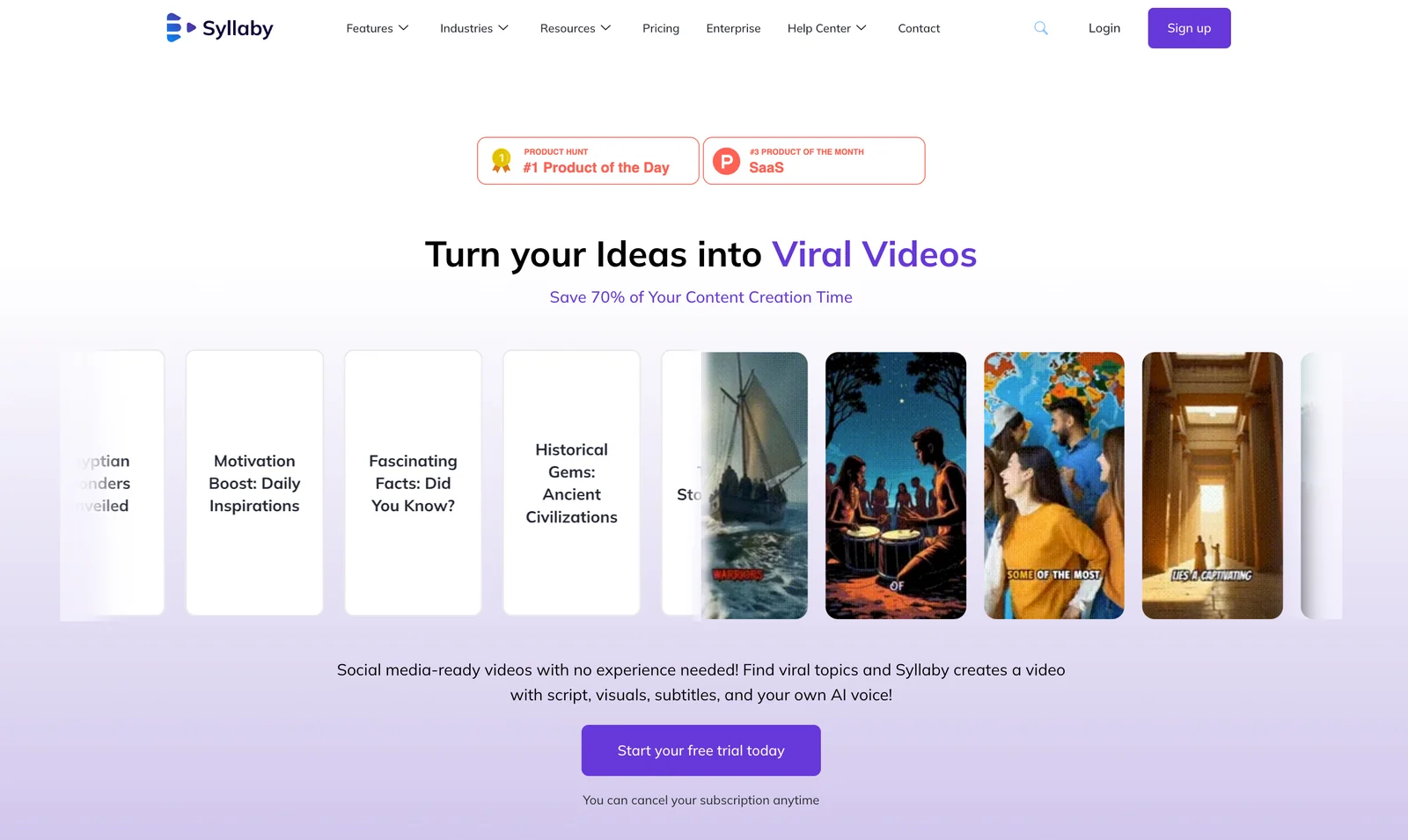
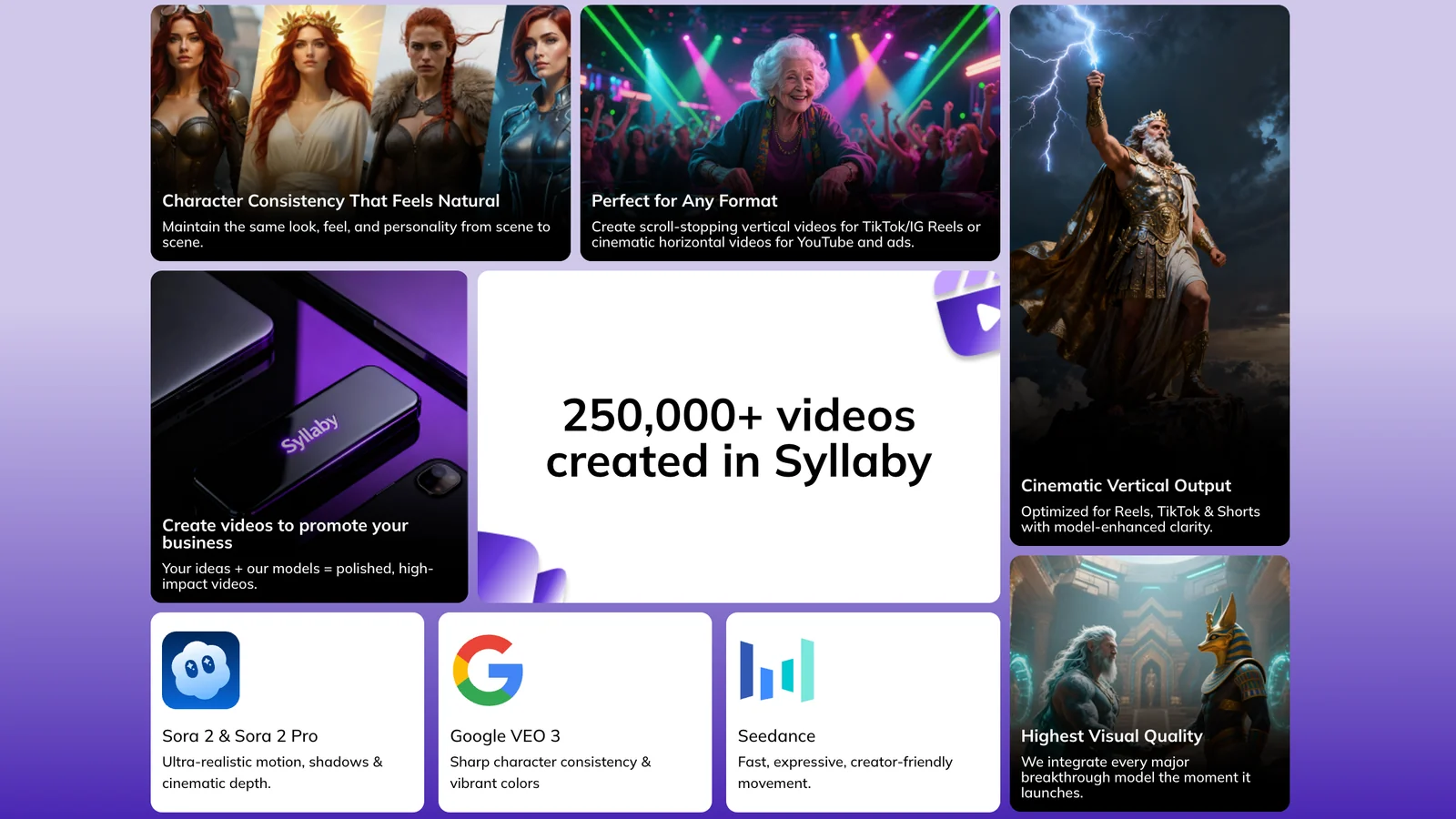
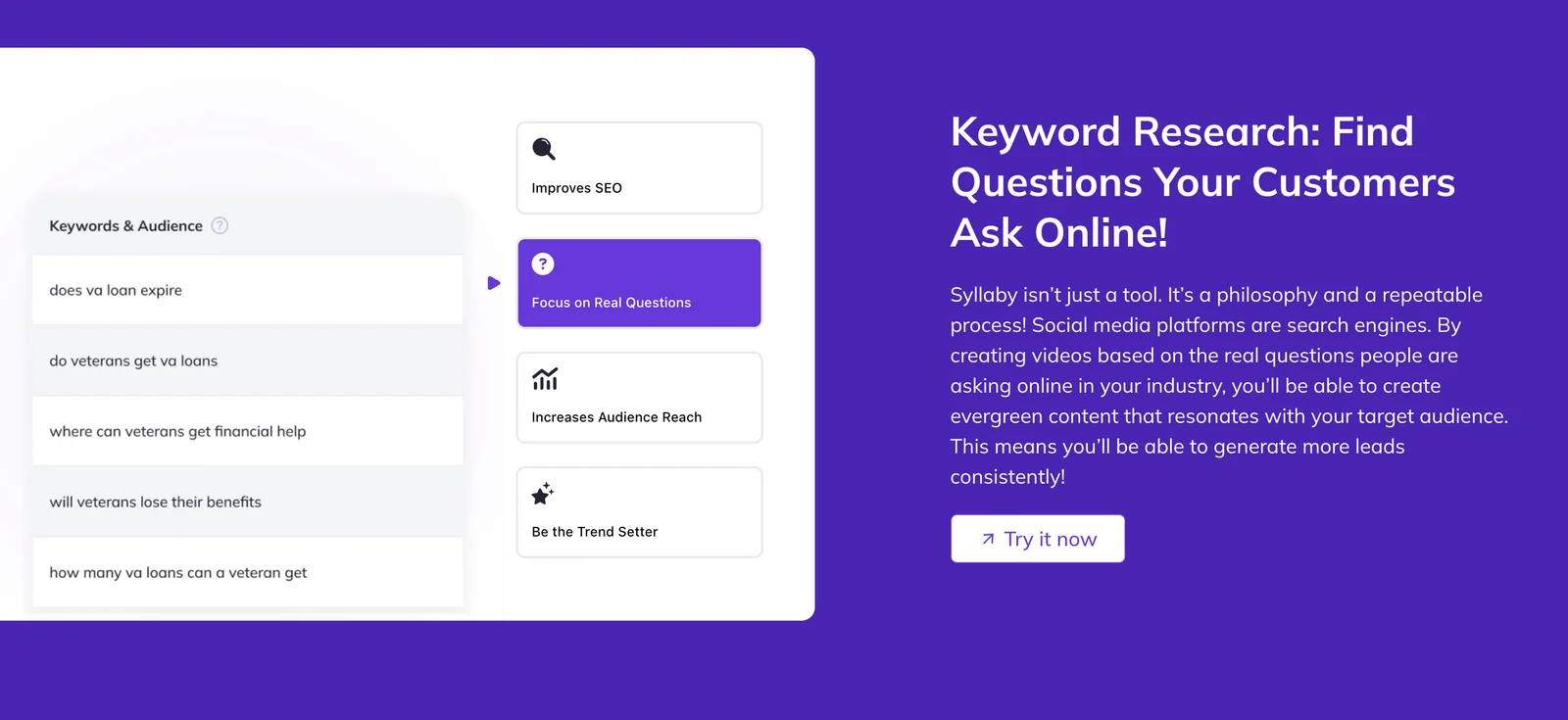
Syllaby V3.0 is a video creation platform that automates the end-to-end production of social-media videos: it finds trending topics, drafts scripts, generates visuals and subtitles, synthesizes AI voices and offers AI avatar options for faceless or cinematic content. The platform targets creators and marketing teams by streamlining ideation, content strategy and publishing workflows so teams can produce viral-ready videos quickly and at lower cost. Syllaby positions itself as an agency-friendly toolkit for scaling video marketing through templates, automations, and integrated publishing.
Screenshots

Key Features
Use Cases



Frequently asked questions about Syllaby V3.0
What are the pricing options for Syllaby V3.0?
Syllaby V3.0 provides a Basic plan priced at $29 per month, including 500 credits for monthly billing and 1000 credits for annual billing. Opting for annual payment allows you to save 15%, making it an economical choice for users who require consistent access to the platform.
Key Points
- Basic Plan: $29/month for 500 credits.
- Annual Savings: 1000 credits available for annual billing with a 15% discount.
- Flexible Billing: Options for both monthly and annual payments.
Detailed Explanation
Syllaby V3.0's pricing structure is designed to cater to various user needs, making it accessible for both casual users and businesses requiring extensive usage. The Basic plan at $29 per month is ideal for individuals or small teams, offering 500 credits to utilize on the platform's features.
For users looking for longer-term savings, the annual plan is a compelling option. By paying annually, users receive 1000 credits for just $297, which is effectively $24.75 per month after the 15% discount. This makes it a cost-effective choice for those who anticipate regular use of Syllaby's features over time.
Use Cases
- Freelancers can use the Basic plan to manage projects without incurring high monthly costs.
- Small businesses might find the annual plan beneficial, ensuring continuous access to advanced features while saving money.
Best Practices / Tips
- Consider your usage needs: If you plan to use Syllaby frequently, the annual plan offers significant savings.
- Monitor your credit consumption to maximize the value of your plan; understanding how many credits are used per feature can help you make informed decisions.
- Explore potential upgrades or additional features that may be available for users on different plans for enhanced functionality.
Additional Resources
- Syllaby Pricing Page - For the latest updates on plans and credits.
- Syllaby Features Overview - Learn more about what each plan offers and how they can benefit your workflow.
How does Syllaby V3.0 help in video production?
Syllaby V3.0 streamlines video production by automating script generation, creating AI avatars, and producing faceless cinematic videos. This technology is especially beneficial for brands and agencies aiming to scale content efficiently and effectively, saving time while enhancing creativity.
Key Points
- Automated Script Generation: Syllaby V3.0 creates unique scripts tailored to your content needs.
- AI Avatar Creation: Users can design realistic avatars to present their videos without needing a human presenter.
- Faceless Video Production: The platform enables the creation of engaging videos without on-camera talent, ideal for diverse content types.
Detailed Explanation
Syllaby V3.0 leverages advanced AI algorithms to revolutionize video production. Here’s how it works:
-
Automated Script Generation: Syllaby uses natural language processing to analyze your input topics and generate engaging scripts. For instance, if you input a subject like "sustainable living," it can produce a comprehensive script that covers key points on the topic. This feature significantly reduces content creation time.
-
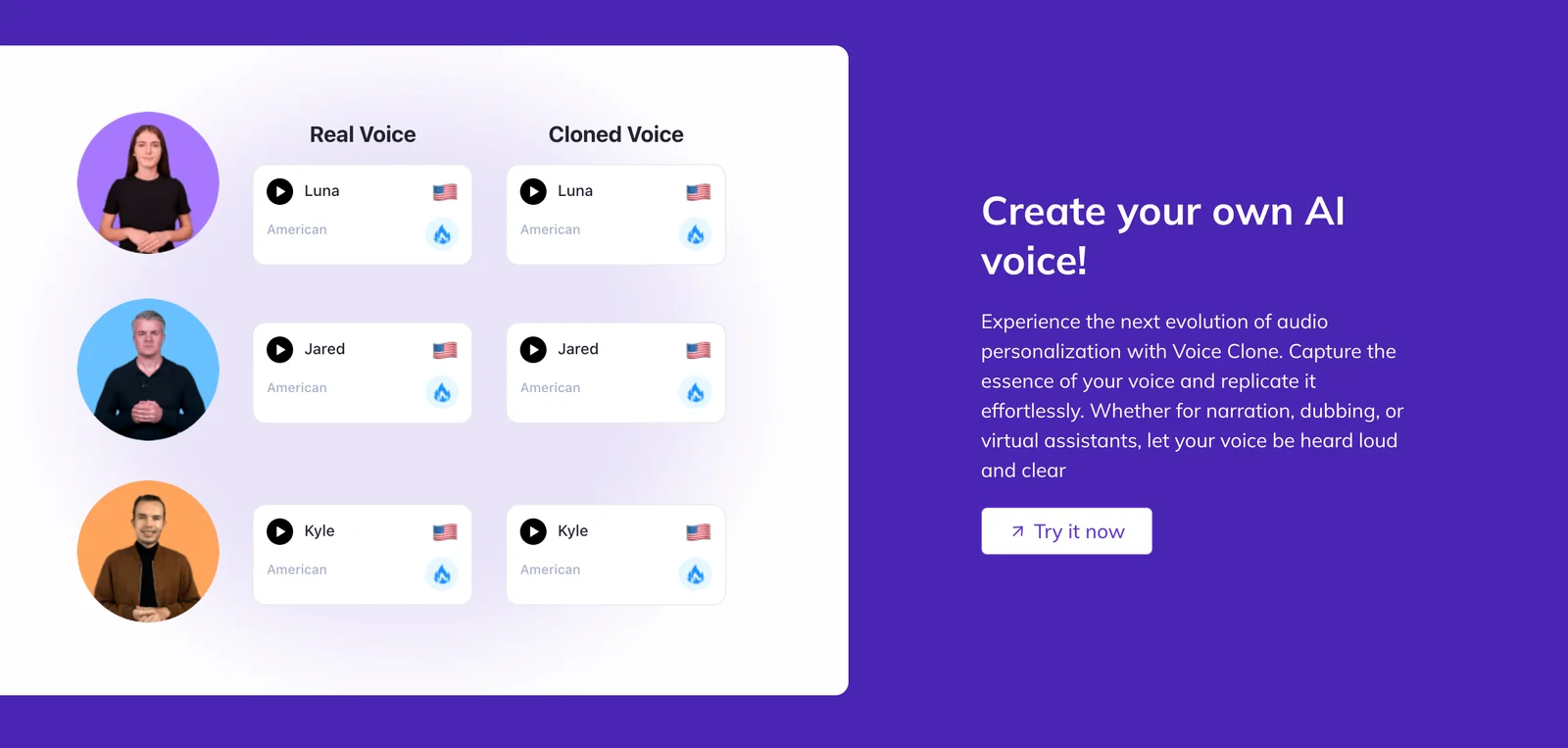
AI Avatar Creation: The software allows you to create and customize AI avatars that represent your brand. Users can choose from various styles, voices, and appearances. This capability is perfect for brands that want to maintain a consistent image without the logistical challenges of hiring human presenters.
-
Faceless Video Production: With Syllaby V3.0, you can produce cinematic-quality videos without showing a face. This is particularly useful for educational content, advertisements, or tutorials where the focus is on the information rather than the presenter. The platform offers various templates and editing tools to enhance your videos visually.
For example, a marketing agency could use Syllaby to produce a series of promotional videos for different clients, adapting scripts and avatars for each brand quickly.
Best Practices / Tips
- Define Your Audience: Before using Syllaby, outline your target audience to tailor scripts and avatars effectively.
- Utilize Templates: Take advantage of Syllaby’s templates to maintain consistency across your video content.
- Test Different Avatars: Experiment with various avatars to see which resonates best with your audience.
- Regular Updates: Stay updated with Syllaby’s new features and improvements to maximize your production capabilities.
Additional Resources
How can I get started with using Syllaby V3.0?
To get started with Syllaby V3.0, visit their official website to sign up for an account. Once registered, explore the user-friendly dashboard where you can discover trending topics, generate engaging scripts, and create videos using a variety of templates and built-in tools.
Key Points
- User Registration: Sign up on the official Syllaby website.
- Dashboard Navigation: Familiarize yourself with the dashboard interface.
- Content Creation: Utilize templates to generate scripts and videos.
Detailed Explanation
-
User Registration:
- Go to Syllaby's official website and click on the "Sign Up" button. Fill out the required fields, including your name, email, and password. After submitting, verify your email address to activate your account.
-
Dashboard Navigation:
- After logging in, you'll be directed to the Syllaby dashboard. Take a moment to explore its features:
- Trending Topics: Discover what’s currently popular in your niche. This will help guide your content creation strategy and ensure you’re producing relevant material.
- Script Generation: Use the AI-powered script generator to create engaging scripts. Specify your content type, and the tool will provide suggestions based on your input.
- After logging in, you'll be directed to the Syllaby dashboard. Take a moment to explore its features:
-
Content Creation:
- Once you have your script, navigate to the video creation section. Choose from various templates designed for different platforms such as YouTube, Instagram, or TikTok. Customize visuals, add voiceovers, and apply effects to enhance viewer engagement.
- Publishing: After finalizing your video, export it in the desired format for upload to your preferred platform.
Best Practices / Tips
- Explore Tutorials: Take advantage of tutorial videos available on the platform to understand features better.
- Experiment with Templates: Don’t hesitate to try different templates to find the best fit for your content style.
- Regular Updates: Check for updates regularly as Syllaby frequently adds new features and templates to enhance user experience.
- Engagement Metrics: Monitor viewer engagement metrics post-publishing to refine your content strategy over time.
Additional Resources
- Syllaby Official Documentation
- Video Creation Best Practices
- Community Forums for user tips and support.
What technical requirements do I need to use Syllaby V3.0?
Syllaby V3.0 is a web-based platform requiring a stable internet connection and a modern web browser, such as Google Chrome, Mozilla Firefox, or Microsoft Edge. No additional software or hardware specifications are necessary, making it accessible from various devices.
Key Points
- Internet Connection: A reliable and fast internet connection is essential.
- Web Browser Compatibility: Use updated versions of popular web browsers.
- No Additional Software: No specific software or hardware requirements needed.
Detailed Explanation
To effectively use Syllaby V3.0, ensure you have a stable internet connection, as this platform operates entirely online. A broadband connection is recommended to avoid latency issues, especially during peak usage times.
For web browser compatibility, Syllaby V3.0 supports the latest versions of major browsers, including:
- Google Chrome: Ideal for speed and security.
- Mozilla Firefox: Known for privacy features.
- Microsoft Edge: A great option for Windows users.
Regularly updating your browser ensures you benefit from the latest security patches and features, enhancing your experience with Syllaby V3.0.
No specific hardware requirements mean you can access the platform using various devices, including laptops, desktops, tablets, and even smartphones. However, for optimal performance, a device with decent RAM (at least 4GB) and a modern processor will enhance usability, especially if multitasking.
Best Practices / Tips
- Keep Your Browser Updated: Always use the latest version of your preferred browser for better performance and security.
- Check Internet Speed: Use online tools to test your internet speed; aim for at least 5 Mbps for smooth operation.
- Use a Wired Connection: If possible, connect via Ethernet for a more stable connection, especially during important tasks.
Avoid using outdated browsers or slow internet connections, as this can lead to a frustrating experience with Syllaby V3.0.
Additional Resources
- Syllaby V3.0 Official Documentation for installation and troubleshooting.
- Browser Update Instructions to check and update your browser.
How does Syllaby V3.0 compare to other video production tools?
Syllaby V3.0 distinguishes itself from other video production tools through its innovative AI-driven features, such as automatic script generation and customizable AI avatars. These capabilities significantly reduce manual input and resources required, making it a more efficient choice for content creators compared to traditional video editing software.
Key Points
- AI-Driven Features: Syllaby V3.0 utilizes advanced AI for script generation and avatar creation.
- Efficiency: Reduces the time and resources needed for video production.
- User-Friendly Interface: Designed to be accessible for both beginners and experienced users.
Detailed Explanation
Syllaby V3.0 leverages artificial intelligence to streamline video production processes. Unlike traditional video editing tools, which often require extensive manual input for scripting and editing, Syllaby automates these tasks. For example, its automatic script generation can create a draft based on user-defined topics or keywords, allowing creators to focus on finalizing content rather than starting from scratch.
Additionally, the integration of AI avatars enables users to produce videos without the need for live actors, saving costs on casting and production. This feature is particularly useful for educational content, marketing videos, and social media posts, where engaging visuals are essential. Users can customize avatars to match their brand identity, enhancing the overall viewer experience.
Moreover, Syllaby V3.0's user-friendly interface is designed to cater to individuals at all skill levels. This accessibility means that even those new to video production can quickly learn to use its features without a steep learning curve.
Best Practices / Tips
- Define Your Goals: Before using Syllaby V3.0, clearly outline your video objectives to utilize its features effectively.
- Explore AI Features: Take full advantage of the automatic script generator and avatar customization to enhance your video’s quality and appeal.
- Use Templates: Start with built-in templates for different video types to save time and ensure consistency.
- Regularly Update: Keep abreast of updates and new features released by Syllaby to maximize the tool's potential.
Additional Resources
Explore more AI Ai Models tools
Browse all Ai Models tools →Browse by use case: Video Generation · Voice & Audio · Automation & Productivity
Compare Syllaby V3.0: vs Mouse-1 · vs Milliseconds.ai · vs SWE-2 · vs Desert Ant Labs