

Stakpak 3.0 CLI
AIOpen-source Rust-based CLI DevOps agent that uses AI to secure, deploy, and maintain production infrastructure from your terminal.
Stakpak 3.0 CLI
Open-source Rust-based CLI DevOps agent that uses AI to secure, deploy, and maintain production infrastructure from your terminal.
About Stakpak 3.0 CLI
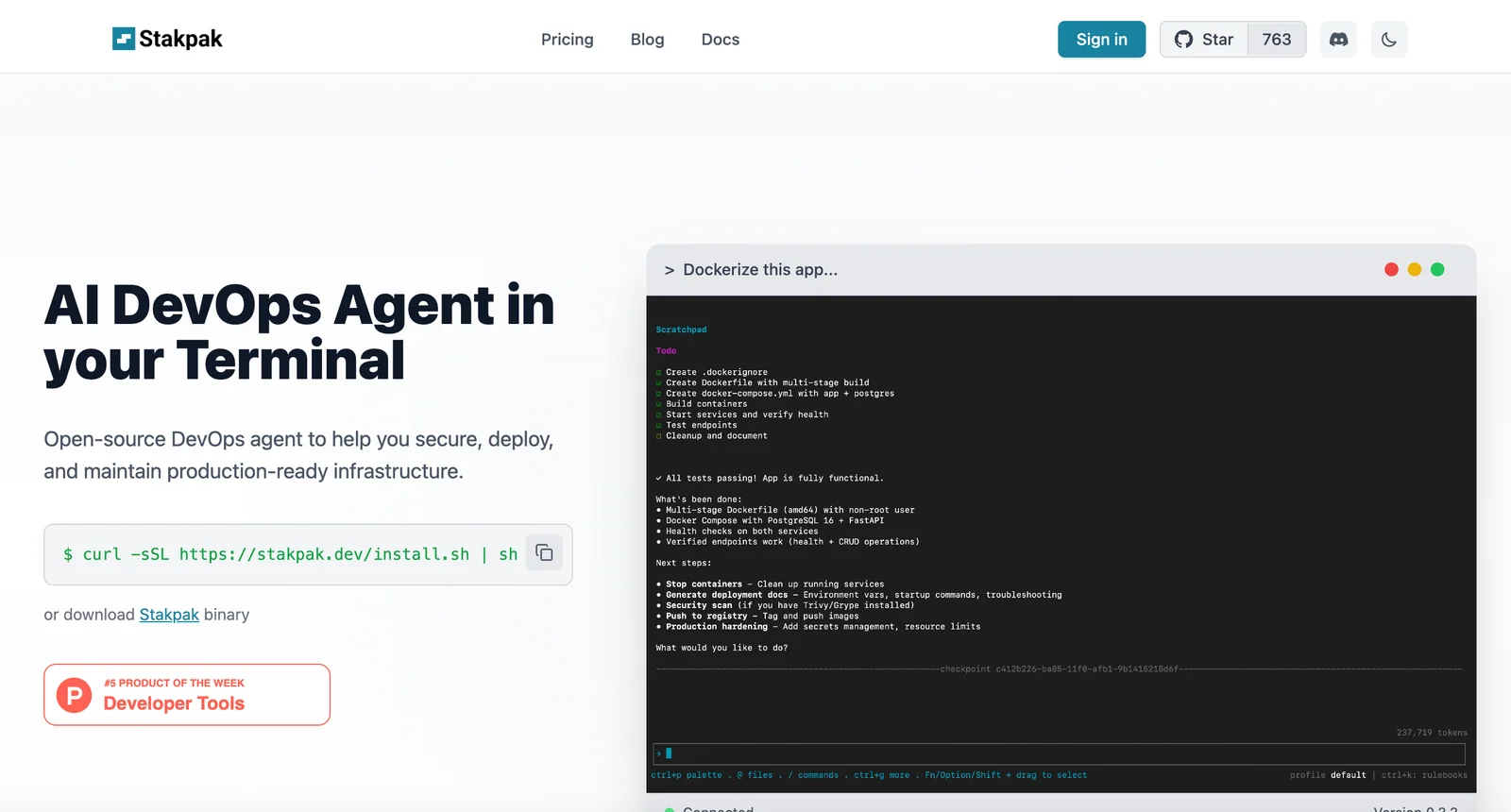
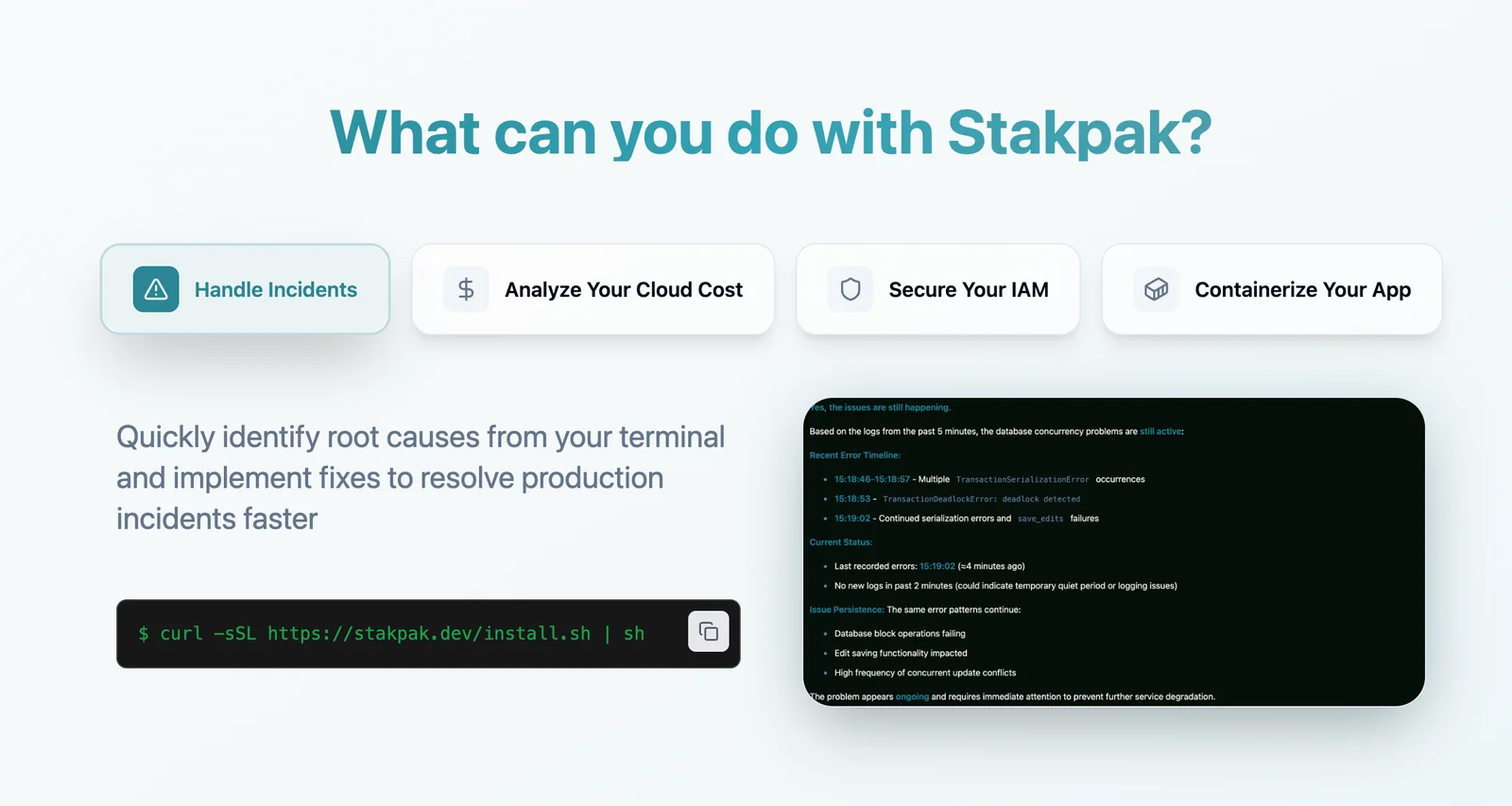
Stakpak is an open-source DevOps agent that runs in the terminal to help developers secure, deploy, and maintain production-ready infrastructure. Implemented as a Rust-based CLI, it interprets developer intent (via AI-driven command understanding) and automates common infrastructure and deployment tasks, reducing the need to manage complex configs manually. Stakpak's terminal-first interface provides a conversational and scriptable workflow for infrastructure operations while remaining extensible through its open-source repository.
Screenshots
Key Features
Use Cases


Frequently asked questions about Stakpak 3.0 CLI
What is the pricing structure for Stakpak 3.0 CLI?
Stakpak 3.0 CLI features a versatile pricing structure that includes a free open-source version with community support. Paid options consist of the 'Hacker' plan at $10/month, the 'Builder' plan at $49/month, and the 'Pro Hacker' plan for $50/month, with a team plan priced at $59/user/month and custom enterprise pricing available upon request.
Key Points
- Free Version: Stakpak 3.0 CLI offers an open-source version with community support.
- Paid Tiers: Various subscription plans cater to different user needs and budgets.
- Custom Enterprise Pricing: Tailored pricing options for larger organizations are available.
Detailed Explanation
Stakpak 3.0 CLI provides a range of pricing tiers to accommodate both individual developers and larger teams. The free open-source version is ideal for those who want to explore the tool without financial commitment. Users can access community support, which is beneficial for troubleshooting and learning resources.
Paid Plans
- Hacker Plan: At $10/month, this plan is perfect for hobbyists or independent developers who need basic features.
- Builder Plan: Priced at $49/month, this plan includes advanced functionalities suitable for small to medium-sized projects, offering more robust support and features.
- Pro Hacker Plan: For $50/month, this tier is targeted towards professionals requiring extensive resources and capabilities.
Team & Enterprise Options
- Team Plan: Available at $59/user/month, this plan is designed for collaborative projects, making it easy for teams to manage workflows and share resources.
- Custom Enterprise Pricing: Organizations with specific requirements can contact Stakpak for tailored pricing solutions, ensuring they receive the support and features necessary for their operations.
Best Practices / Tips
- Evaluate Your Needs: Before selecting a plan, assess your project requirements. If you're just starting, the free version may suffice.
- Consider Team Collaboration: If you're working with others, the team plan might be the most cost-effective option.
- Stay Updated: Regularly check for any promotions or updates from Stakpak, as pricing and features may change.
Additional Resources
How does Stakpak 3.0 CLI compare to other DevOps tools?
Stakpak 3.0 CLI distinguishes itself from other DevOps tools through its Rust-based performance, AI-driven command interpretation, and open-source flexibility. Unlike proprietary solutions, which often restrict access to source code, Stakpak 3.0 enables users to customize and enhance their workflows effectively.
Key Points
- Rust-based Performance: Stakpak 3.0 is built using Rust, providing enhanced speed and reliability.
- AI-Driven Command Interpretation: The tool leverages AI to simplify complex commands, improving user experience.
- Open-Source Nature: Customization options are abundant, allowing teams to tailor the tool to their specific needs.
Detailed Explanation
Stakpak 3.0 CLI offers significant advantages over traditional DevOps tools. Its Rust-based performance ensures that tasks are executed quickly and efficiently. This is particularly beneficial for large-scale projects where speed is critical, as Rust is known for its low-level memory control and thread safety.
The AI-driven command interpretation feature is another standout aspect. By using machine learning algorithms, Stakpak 3.0 can analyze user input and suggest optimized commands, reducing the learning curve for new users and enhancing productivity. For instance, if a developer types a partial command, the AI can suggest the complete version, streamlining the workflow.
Moreover, its open-source nature allows developers to dive into the code, customize features, and even contribute to the project. This community-driven approach fosters innovation and helps users implement tailored solutions that proprietary tools, which often come with strict licensing agreements, cannot offer.
Best Practices / Tips
- Leverage AI Features: Take full advantage of the AI-driven command suggestions to improve efficiency.
- Explore Customization Options: Dive into the code and modify the tool to better fit your workflow.
- Stay Updated: Regularly check for updates and community contributions to enhance your Stakpak experience.
Additional Resources
What are the key features of Stakpak 3.0 CLI?
Stakpak 3.0 CLI features an AI-driven terminal interface, secure deployment automation, infrastructure management tools, and open-source extensibility. It empowers developers to streamline automation tasks directly from the terminal while effectively managing production infrastructure, enhancing productivity and efficiency.
Key Points
- AI-Driven Terminal Interface: Enhances user experience and productivity.
- Secure Deployment Automation: Ensures safe and efficient deployment processes.
- Infrastructure Management: Simplifies the management of production environments.
Detailed Explanation
Stakpak 3.0 CLI revolutionizes the command-line interface experience by integrating AI capabilities that assist developers in executing commands more efficiently. The AI-driven terminal interface offers smart suggestions and predictive text features, which can save time and reduce errors.
Secure Deployment Automation
One of the standout features of Stakpak 3.0 CLI is its secure deployment automation. This feature allows developers to automate the deployment process, significantly reducing manual effort and the potential for human error. For instance, using built-in templates, developers can deploy applications with a single command, ensuring that all necessary configurations are applied consistently.
Infrastructure Management Tools
Stakpak 3.0 includes robust infrastructure management tools that enable developers to monitor and manage their production environments effortlessly. With features like real-time monitoring dashboards and automated scaling, developers can ensure optimal performance and availability of their applications. This is especially useful in cloud environments, where resources can be dynamically allocated based on demand.
Open-Source Extensibility
Another key feature is its open-source extensibility. Developers can contribute to the Stakpak ecosystem by creating plugins or enhancements tailored to specific needs. This flexibility allows for a customizable experience, catering to a wide range of development and deployment scenarios.
Best Practices / Tips
- Leverage AI Features: Take full advantage of the AI-driven suggestions to streamline command execution.
- Automate Regular Tasks: Identify repetitive tasks in your workflow and create automation scripts using Stakpak 3.0 CLI to save time.
- Stay Updated: Regularly check for updates and community plugins to ensure you’re utilizing the latest features and improvements.
Additional Resources
How can I start using Stakpak 3.0 CLI for my projects?
To start using Stakpak 3.0 CLI for your projects, visit the official website to access the open-source code. You can self-host it, tailor it to your specific needs, and benefit from community support for onboarding and troubleshooting.
Key Points
- Access the open-source code from the official website.
- Self-host and customize Stakpak 3.0 CLI for your projects.
- Utilize community support for effective onboarding and problem resolution.
Detailed Explanation
Stakpak 3.0 CLI is a powerful command-line interface designed to simplify project management and deployment. To get started:
-
Download and Install: Begin by visiting the Stakpak official website and downloading the latest version of Stakpak 3.0 CLI. Follow the installation instructions specific to your operating system, whether it’s Windows, macOS, or Linux.
-
Self-Hosting: Once installed, you can self-host Stakpak 3.0 on your local machine or a server. This flexibility allows you to customize the environment to meet your project requirements. For example, configure the CLI to work seamlessly with your existing tools and workflows.
-
Customization: Stakpak 3.0 CLI is highly customizable. You can modify configurations according to your project’s needs, such as setting up different environments (development, staging, production). This ensures that your deployments are tailored precisely to the requirements of each phase of your project.
-
Community Support: Leverage the Stakpak community for guidance. Join forums and discussion groups where you can ask questions and share experiences. This collaborative environment can be invaluable for troubleshooting and discovering best practices.
Best Practices / Tips
- Documentation: Always refer to the official Stakpak documentation for the most accurate and detailed guidance. This resource can help you troubleshoot issues and learn advanced features.
- Version Control: Utilize version control systems, like Git, alongside Stakpak 3.0 CLI to track changes and collaborate effectively with your team.
- Regular Updates: Keep Stakpak 3.0 CLI updated to benefit from the latest features and security patches. Subscribe to the release notes for important updates.
- Backup Configurations: Before making significant changes, back up your configurations. This ensures that you can easily revert to a previous state if needed.
Additional Resources
- Stakpak Official Documentation
- GitHub Repository - Explore the source code and contribute to the project.
- Community Forum - Engage with other users to share knowledge and troubleshoot issues together.
Can Stakpak 3.0 CLI integrate with existing CI/CD pipelines?
Yes, Stakpak 3.0 CLI seamlessly integrates with existing CI/CD pipelines, facilitating deterministic deployment flows and environment setups. This integration enhances automation and efficiency within build and release processes, making it easier to manage software delivery cycles.
Key Points
- Seamless Integration: Compatible with popular CI/CD tools.
- Deterministic Deployment: Ensures consistent environment setups.
- Enhanced Automation: Streamlines build and release processes.
Detailed Explanation
Stakpak 3.0 CLI is designed to work with various Continuous Integration and Continuous Deployment (CI/CD) tools such as Jenkins, GitLab CI, CircleCI, and GitHub Actions. By integrating Stakpak into your CI/CD pipeline, you can automate the process of setting up environments and deploying applications consistently across different stages of the development lifecycle.
Example Use Case
For instance, if you have a microservices architecture, Stakpak can help you define the necessary dependencies in a configuration file. When a build is triggered in your CI/CD system, it can utilize Stakpak to spin up the required environments automatically. This not only saves time but also reduces the possibility of errors that can occur during manual setups.
Configuration Steps
- Install Stakpak CLI: Begin by installing Stakpak 3.0 CLI on your build server.
- Define Environments: Create a Stakpak configuration file (e.g.,
stakpak.yml) that outlines your deployment environment and dependencies. - Integrate with CI/CD: Update your CI/CD pipeline configuration to include commands that invoke Stakpak during the build and deployment phases.
Best Practices / Tips
- Start Small: Begin with a simple integration to understand the workflow before scaling up.
- Version Control: Keep your Stakpak configurations in version control to track changes and collaborate effectively.
- Testing: Regularly test your CI/CD pipeline with Stakpak to ensure that all components work together as expected.
Additional Resources
By following these guidelines, you can effectively integrate Stakpak 3.0 CLI into your CI/CD pipeline, leading to improved automation, consistency, and efficiency in your software development processes.
Explore more AI Ai Tools tools
Browse all Ai Tools tools →Browse by use case: Automation & Productivity
Compare Stakpak 3.0 CLI: vs Decode · vs LibreChat · vs AppGrowthKit · vs Humanizer