

SpicyChat
AIAn uncensored conversational platform for designing custom AI characters with deep customization, long memory, TTS and image replies.
SpicyChat
An uncensored conversational platform for designing custom AI characters with deep customization, long memory, TTS and image replies.
About SpicyChat
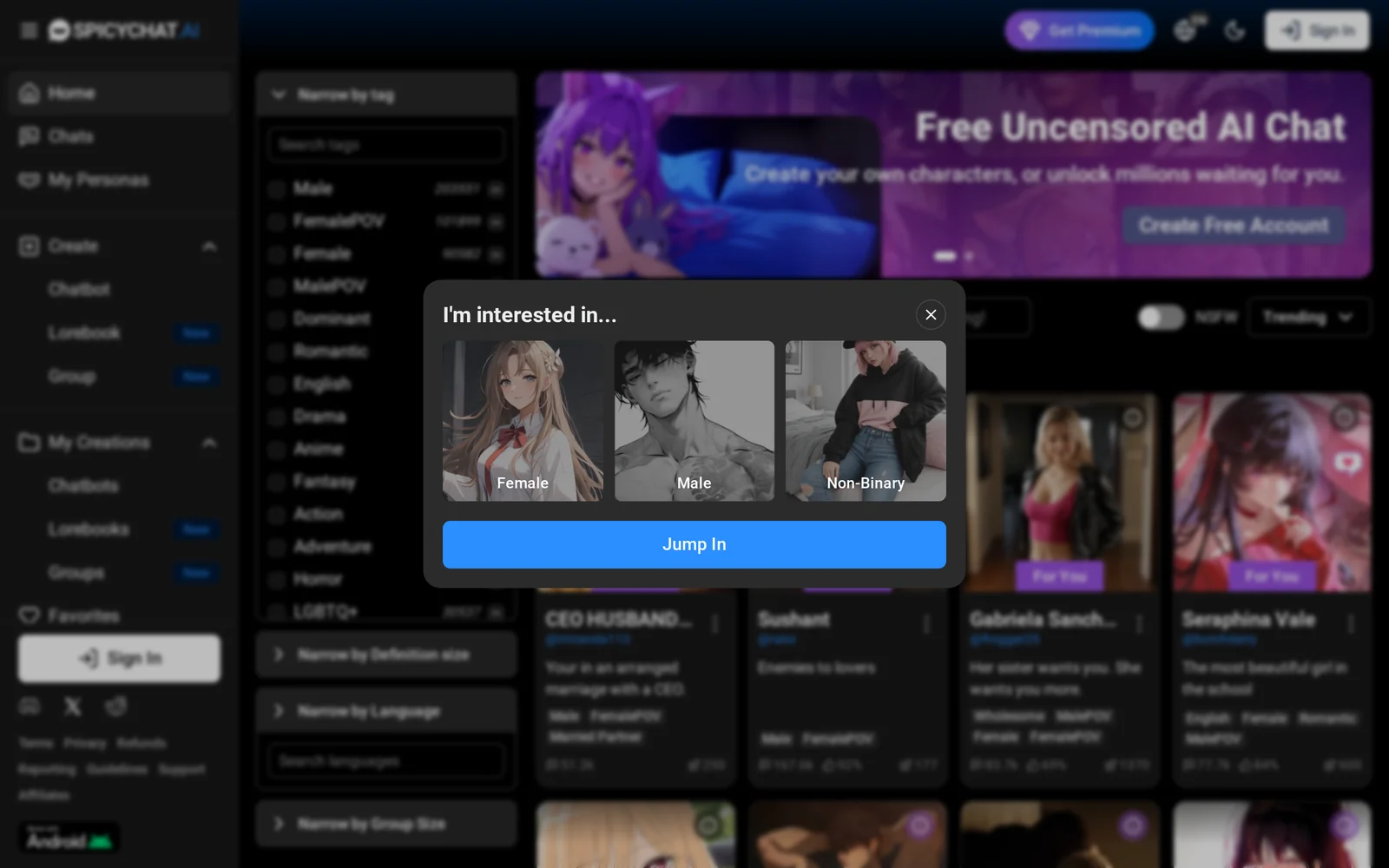
SpicyChat is a conversational platform that lets users design fully custom AI partners and characters with rich back-stories and deep slider-based customization. It emphasizes uncensored conversations and adult-friendly roleplay by removing common platform content filters, while offering privacy controls (encrypted chats and private/public sharing). The service supports multiple underlying models (notably Chronos-Hermes 13B and Pygmalion 7B), remembers extended context (premium context up to ~8k tokens), speaks 40+ languages, and includes text-to-speech and image reply capabilities. SpicyChat positions itself as a more permissive, character-focused alternative to mainstream persona chat platforms and provides community sharing and unlimited character creation.
Screenshots
Key Features
Use Cases



Frequently asked questions about SpicyChat
What is SpicyChat?
SpicyChat is an innovative conversational platform that allows users to create and customize AI characters. It offers deep customization options, long-term memory capabilities, text-to-speech (TTS) functionality, and the ability to generate image replies, making conversations more interactive and engaging.
Key Points
- Deep Customization: Tailor AI characters to fit specific personalities and preferences.
- Long Memory: AI retains conversation history for more meaningful interactions.
- Multimedia Responses: Supports text-to-speech and image replies for a richer user experience.
Detailed Explanation
SpicyChat stands out as a versatile platform for anyone interested in engaging with AI in a personalized way. Here’s how its features work:
Custom Character Design
Users can design their AI characters to reflect unique traits and quirks. From choosing a name and appearance to defining specific personality traits, SpicyChat allows for extensive customization. For example, you can create a friendly assistant, a witty companion, or even a character based on a fictional persona.
Long-Term Memory
One of the standout features of SpicyChat is its long-term memory capability. Unlike many chatbots that forget previous interactions, SpicyChat's AI can remember past conversations, preferences, and user-defined instructions. This results in a more coherent and context-aware dialogue, enhancing the overall user experience.
Multimedia Interaction
SpicyChat not only engages users through text but also incorporates TTS technology, allowing characters to "speak" responses. Additionally, users can receive image replies, making discussions more visually appealing. This multimedia approach enriches the interaction, catering to various preferences and learning styles.
Best Practices / Tips
- Experiment with Customization: Take advantage of the deep customization options to create a unique character that resonates with your needs or interests.
- Utilize Memory Features: Regularly update the AI’s memory with relevant information to enhance future interactions.
- Engage with Multimedia: Use TTS and image replies to create engaging conversations, particularly in educational or entertainment contexts.
Additional Resources
Explore SpicyChat today and redefine how you interact with AI!
How does SpicyChat work?
SpicyChat operates by utilizing advanced AI algorithms to streamline daily workflows, enhancing productivity and user interaction. It integrates features like chatbots, automation tools, and data analysis, allowing users to manage tasks efficiently while minimizing manual effort.
Key Points
- AI-Powered Automation: Automates repetitive tasks to save time.
- User-Friendly Interface: Designed for easy navigation and interaction.
- Integration Capabilities: Works seamlessly with various platforms and tools.
Detailed Explanation
SpicyChat leverages cutting-edge artificial intelligence to assist users in multiple aspects of their daily operations. By integrating chatbots, users can automate customer service inquiries, significantly reducing response times and improving user satisfaction. For instance, businesses can set up a SpicyChat bot to handle FAQs, allowing human agents to focus on more complex queries.
Moreover, SpicyChat's automation capabilities extend to scheduling, notifications, and data entry, streamlining workflow processes across teams. Users can create customized workflows that trigger actions based on specific events, like sending reminders for upcoming meetings or automating report generation based on real-time data analysis.
For example, a marketing team could employ SpicyChat to automate social media postings, ensuring consistent engagement without manual effort. This not only saves time but also enhances the brand's online presence consistently.
Best Practices / Tips
- Define Clear Objectives: Before implementing SpicyChat, identify specific tasks that can be automated to maximize efficiency.
- Utilize Templates: Take advantage of pre-built templates and workflows to jumpstart your automation process.
- Regularly Update: Keep your AI tools updated to leverage the latest features and improvements, ensuring optimal performance.
Additional Resources
What are the main features of SpicyChat?
SpicyChat’s main features include advanced AI capabilities for personalized conversations, real-time language translation, and multi-platform integration. These features allow users to engage in seamless interactions across various channels, enhancing user experience and accessibility.
Key Points
- Advanced AI Capabilities: Tailored conversations using machine learning.
- Real-Time Language Translation: Instant translation for global accessibility.
- Multi-Platform Integration: Compatibility with various messaging platforms.
Detailed Explanation
SpicyChat harnesses cutting-edge AI technology to create personalized chat experiences. Its advanced AI capabilities enable the platform to learn from user interactions, offering tailored responses that cater to individual preferences. For example, if a user frequently discusses travel, SpicyChat can prioritize travel-related information in future conversations.
Another standout feature is real-time language translation, which allows users to communicate effortlessly across language barriers. This functionality is particularly beneficial for businesses operating in diverse markets, as it ensures that all customers can interact in their preferred language without delays. For instance, a Spanish-speaking customer can seamlessly chat with an English-speaking support agent, enhancing customer satisfaction.
Multi-platform integration is crucial for maximizing user engagement. SpicyChat can be embedded into various messaging applications, such as WhatsApp, Facebook Messenger, and Slack. This flexibility allows businesses to reach their audience wherever they are already active, streamlining communication and improving response times.
Best Practices / Tips
- Leverage AI Insights: Regularly analyze user interactions to refine AI responses and improve personalization.
- Utilize Multi-Platform Features: Ensure that SpicyChat is integrated across all relevant platforms to maximize reach.
- Monitor Translation Accuracy: Continuously assess and tweak the translation feature to maintain high-quality communication across languages.
Additional Resources
Who is SpicyChat for?
SpicyChat is designed for individuals and organizations seeking to enhance their daily workflows through AI integration. It's particularly beneficial for professionals in marketing, customer support, content creation, and project management who want to streamline processes and improve efficiency using AI tools.
Key Points
- Target Audience: Professionals and teams in various industries.
- Use Cases: Marketing, customer support, content creation, and project management.
- Benefits: Increased efficiency, improved communication, and enhanced productivity.
Detailed Explanation
SpicyChat is ideal for a diverse range of users including freelancers, small business owners, and corporate teams looking to leverage AI in their daily operations. Here are some key use cases:
-
Marketing Professionals: SpicyChat can assist marketers by automating social media posts, analyzing customer data, and generating content ideas. For example, using SpicyChat, a marketer can quickly create engaging social media content tailored to their audience's preferences.
-
Customer Support Teams: Customer service representatives can use SpicyChat to handle common inquiries through AI-driven chatbots, reducing response times and increasing customer satisfaction. This allows human agents to focus on more complex issues.
-
Content Creators: Writers and content strategists can utilize SpicyChat for brainstorming topics, optimizing SEO, and generating drafts. The AI can analyze trending topics and suggest keywords to enhance online visibility.
-
Project Management: Teams can streamline project communication and task delegation with SpicyChat, ensuring everyone is aligned and informed. It can automate reminders and updates, helping to keep projects on track.
Best Practices / Tips
- Integrate with Existing Tools: Ensure SpicyChat works seamlessly with your current software stack, such as CRM and project management tools, to maximize efficiency.
- Regularly Update Workflows: Continuously assess and refine your AI workflows as your business needs evolve, ensuring SpicyChat remains a valuable asset.
- Train Your Team: Invest time in training your team on how to effectively use SpicyChat to ensure they maximize its potential.
Additional Resources
How much does SpicyChat cost?
SpicyChat offers a free tier for basic usage, while its paid plans range from $10 to $30 per month, providing advanced features like enhanced messaging capabilities and customizable options. Users can choose plans based on their specific needs and engagement requirements.
Key Points
- Free Tier: Basic features available at no cost.
- Paid Plans: Range from $10 to $30 per month.
- Advanced Features: Enhanced messaging and customization options.
Detailed Explanation
SpicyChat is designed to cater to various users, from casual chatters to businesses seeking robust communication tools. The free tier allows users to access basic functionalities such as one-on-one messaging and simple chat rooms. This is ideal for individuals or small teams looking to try the platform without any financial commitment.
For those requiring more advanced features, SpicyChat offers paid plans. These plans enhance user experience by introducing functionalities such as:
- Group Chat: Ability to create and manage group conversations.
- Media Sharing: Sending images, videos, and documents seamlessly.
- Analytics Tools: Insights into chat engagement and user activity.
The pricing starts at $10 per month for the basic paid plan, which includes additional features but still limits some functionalities. The premium plan, priced at $30 per month, unlocks the full suite of tools, making it suitable for businesses or users with high engagement needs.
Best Practices / Tips
- Evaluate Your Needs: Before choosing a plan, assess how you intend to use SpicyChat. If basic messaging suffices, the free tier may be all you need.
- Trial Period: Take advantage of the free tier to explore the platform's capabilities before committing to a paid plan.
- Stay Updated: Regularly check for updates or promotional offers on SpicyChat’s website to ensure you are getting the best value for your investment.
Additional Resources
How do I get started with SpicyChat?
To get started with SpicyChat, visit https://spicychat.ai/ to sign up for an account. Once registered, you can explore its features, customize your settings, and begin engaging in conversations powered by AI.
Key Points
- Easy Sign-Up: Quick registration process.
- Feature Exploration: Access various tools and settings.
- User-Friendly Interface: Intuitive design for seamless navigation.
Detailed Explanation
To begin your journey with SpicyChat, follow these steps:
- Visit the Website: Go to https://spicychat.ai/ using your web browser.
- Sign Up: Click on the “Sign Up” button and fill in the required information, including your email address and a secure password. You may also have the option to sign up using social media accounts for quicker access.
- Verify Your Account: Check your email for a verification link. Click on it to activate your SpicyChat account.
- Explore the Dashboard: After verification, log in to your account. You'll be greeted by a user-friendly dashboard where you can explore various features like chat settings, AI capabilities, and customization options.
- Set Up Your Profile: Personalize your SpicyChat experience by completing your profile and adjusting settings according to your preferences. This may include choosing your chat style, tone, and preferred topics of conversation.
- Engage with AI: Start chatting with the AI. You can ask questions, seek advice, or engage in casual conversation, making full use of the platform's capabilities.
Best Practices / Tips
- Take Advantage of Tutorials: Many AI tools provide tutorials or guides; don’t skip them! They can help you maximize your experience.
- Experiment with Settings: Try different configurations to see what works best for your communication style and needs.
- Stay Updated: Regularly check for updates or new features on SpicyChat to enhance your user experience.
- Be Mindful of Privacy: Review privacy settings to ensure your data is secure while using SpicyChat.
Additional Resources
- SpicyChat Help Center - Access FAQs and support articles.
- SpicyChat Blog - Read about tips, tricks, and updates on AI technology.
- User Community - Join discussions with other SpicyChat users for shared insights and experiences.
Explore more AI Ai Agents tools
Browse all Ai Agents tools →Browse by use case: Image Generation · Chatbots & Assistants · Voice & Audio
Compare SpicyChat: vs Playad · vs Concierge by Juniors AI · vs Scout by Fini · vs Ruflo