

Reference
AILocal, offline semantic search for your files and code — built for AI agents like Claude Code, with an MCP server.
Reference
Local, offline semantic search for your files and code — built for AI agents like Claude Code, with an MCP server.
About Reference
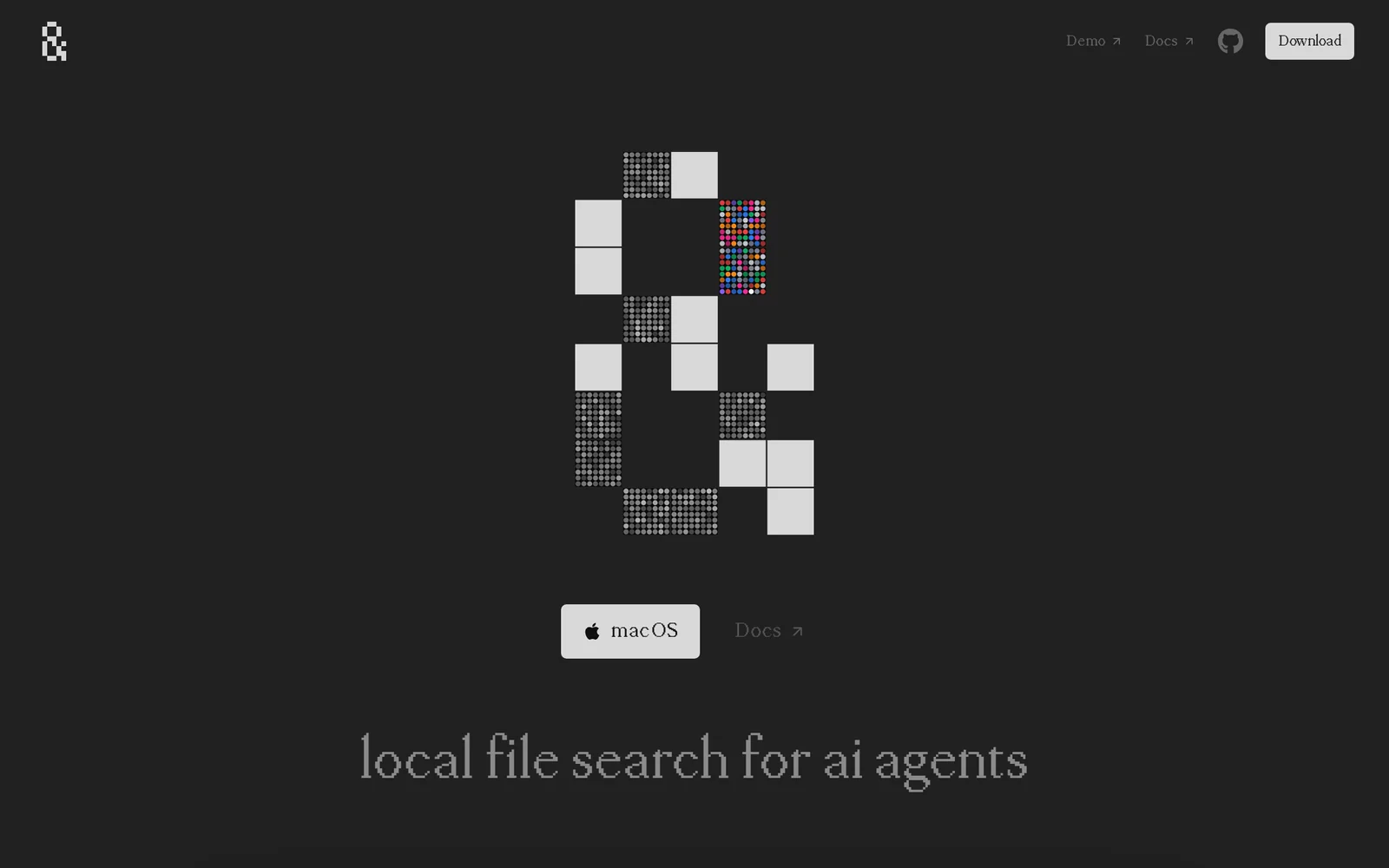
Reference is a fully local semantic search engine for your files and code, purpose-built to feed AI coding agents like Claude Code. Nothing leaves your machine — a lightweight embedding model runs on-device and keeps a live index that updates as you save, using tree-sitter for code-aware chunking so results come back cited to the exact function or block. Instead of coding assistants burning tokens on grep loops, they can query Reference over its built-in MCP server (/search, /explain, /find_similar, /check_doc_drift) and get precise, citation-linked context. It ships as a Mac desktop app built with Tauri, is open source on GitHub, and is offered free during launch.
Screenshots
Key Features
Use Cases



Frequently asked questions about Reference
What is Reference?
Reference is a local, offline semantic search tool designed to efficiently manage and retrieve files and code, specifically tailored for AI agents like Claude Code. It operates with an MCP (Multi-Core Processing) server, enhancing the search capabilities within various programming environments.
Key Points
- Local Semantic Search: Reference provides a way to search files and code locally without relying on internet connectivity.
- Designed for AI Agents: The tool is optimized for integration with AI systems such as Claude Code, boosting their efficiency.
- MCP Server Utilization: Leveraging an MCP server allows for faster processing and retrieval of complex queries.
Detailed Explanation
Reference operates by creating a local database of your files and code, allowing users to execute semantic searches. This means you can search not just for exact phrases but also for concepts and related terms. For example, if you search for "data analysis," Reference might return files related to "data interpretation," "statistical methods," or other relevant topics, providing a wider range of results.
Its design is particularly beneficial for software developers and data scientists who often work in environments with sensitive information or limited internet access. By using an MCP server, Reference can handle multiple queries simultaneously, dramatically improving search speed and efficiency.
Use Cases
- Software Development: Developers can quickly find relevant code snippets or documentation without sifting through numerous files.
- Data Science Projects: Data scientists can locate datasets or analysis scripts effectively, enhancing productivity.
- Educational Purposes: Students can search through project files and notes seamlessly, aiding in study and revision processes.
Best Practices / Tips
- Index Regularly: Ensure that your files and code are indexed frequently to keep the search results relevant.
- Organize Files Logically: Use clear naming conventions and structured folders to improve search accuracy.
- Leverage Keywords: Incorporate relevant keywords in your files to enhance the semantic search capabilities of Reference.
Additional Resources
How does Reference work?
Reference operates by leveraging a Local Semantic Index that runs on your machine, ensuring data privacy. It features Live Auto-Reindexing for real-time updates, Code-Aware Chunking for precise code citation, and built-in MCP Server endpoints for efficient querying, all enhancing grounded coding Q&A.
Key Points
- Local Semantic Index: Keeps data secure on your machine.
- Live Auto-Reindexing: Updates search results automatically.
- Built-in MCP Server: Offers endpoints for direct queries.
Detailed Explanation
Reference is a powerful tool designed to enhance coding efficiency and accuracy. Here’s how each component works:
-
Local Semantic Index: This functionality runs a specialized embedding model directly on your local files and code, meaning sensitive data never leaves your environment, providing enhanced security for developers concerned about privacy.
-
Live Auto-Reindexing: As you save changes in your code, Reference automatically updates its index. This ensures that any search queries reflect the most current state of your codebase, which is critical for maintaining accuracy in real-time coding environments.
-
Code-Aware Chunking: By utilizing tree-sitter, a parser generator tool, Reference breaks down code into specific functions and syntactic units. This allows users to pinpoint results down to the exact region of their code, making it easier to find and reference specific implementations.
-
Built-in MCP Server: This server exposes several endpoints, including
/search,/explain,/find_similar, and/check_doc_drift. These endpoints enable AI agents like Claude Code to query your codebase directly, facilitating more intelligent and context-aware responses. -
Cited Answers: Unlike traditional AI advice that may lack specificity, every response from Reference links back to the exact file and function in your code. This grounded approach ensures that users receive verifiable references, providing clarity and confidence in their coding practices.
-
Claude Code Context Injection: By using the MCP server, Claude Code can pull precise snippets from your code without resorting to resource-intensive grep loops, resulting in faster and more relevant responses.
-
Refactoring Prep: The
/find_similarendpoint helps identify analogous implementations across your repository, making it easier to consolidate or standardize your code. -
Doc-Code Alignment: With the
/check_doc_driftendpoint, developers can quickly identify discrepancies between documentation and actual code, ensuring that your documentation remains accurate and up-to-date. -
Offline / Air-Gapped Work: Reference provides semantic code search capabilities for environments that cannot upload source code to cloud services, ensuring that developers can still leverage advanced search functionalities even in restricted settings.
Best Practices / Tips
- Utilize Live Auto-Reindexing: Regularly save your work to benefit from real-time updates in your search results.
- Explore MCP Endpoints: Familiarize yourself with the various MCP server endpoints to maximize the utility of Reference for your coding tasks.
- Maintain Documentation: Regularly run the
/check_doc_driftcommand to ensure your documentation aligns with your code changes, preventing confusion for yourself and your team.
Additional Resources
What are the main features of Reference?
Reference offers powerful features like Local Semantic Indexing, Live Auto-Reindexing, Code-Aware Chunking, a built-in MCP Server, and Cited Answers. These capabilities ensure that developers have an efficient, real-time, and grounded search experience tailored to their specific codebases without compromising data privacy.
Key Points
- Local Semantic Index: Keeps all data on your machine for security.
- Live Auto-Reindexing: Ensures up-to-date search results as you code.
- Code-Aware Chunking: Precisely chunks code for accuracy in results.
Detailed Explanation
Local Semantic Index
This feature runs an embedding model locally, meaning that your files and code stay on your machine. It enhances privacy and security, allowing developers to query their code without sending sensitive information to external servers. For instance, a developer can quickly find relevant functions or classes in a large codebase without risking exposure.
Live Auto-Reindexing
Live Auto-Reindexing updates the search index automatically as developers save their files. This means that every time you modify your code, the search results reflect these changes in real-time. For example, if you add a new function, you can immediately search for it without needing to manually refresh or reindex the database.
Code-Aware Chunking
Utilizing tree-sitter, Code-Aware Chunking helps break down code into syntactic units or functions. This intelligent parsing allows the search to pinpoint results down to the specific line of code. Imagine searching for a function name and receiving results that include the exact code snippet, enhancing both accuracy and context.
Built-in MCP Server
The built-in MCP Server provides several endpoints such as /search, /explain, /find_similar, and /check_doc_drift. This allows other AI agents, like Claude Code, to interact seamlessly with your codebase. For example, a query to /find_similar could return other functions that perform similar tasks, aiding in code reuse and optimization.
Cited Answers
Each result generated by Reference includes citations back to specific files and functions. This feature replaces generic AI suggestions with grounded, verifiable references, enhancing reliability. A developer can trust the answer because it points directly to the code, facilitating better decision-making and learning.
Best Practices / Tips
- Regularly Update Your Codebase: Ensure your files are saved frequently to take full advantage of Live Auto-Reindexing.
- Utilize Chunking Effectively: Familiarize yourself with tree-sitter to maximize the benefits of Code-Aware Chunking by structuring your code logically.
- Leverage MCP Endpoints: Experiment with the various endpoints provided by the MCP Server for different functionalities, such as finding similar functions or exploring documentation drift.
Additional Resources
Who is Reference for?
Reference is designed for developers, programmers, and technical teams who need precise coding assistance. It enhances Grounded Coding Q&A, refactoring prep, documentation alignment, and enables offline semantic code searches, making it an invaluable tool for maintaining high-quality codebases.
Key Points
- Grounded Coding Q&A: Get specific function implementations rather than generic explanations.
- Claude Code Context Injection: Utilize MCP server for precise code snippets.
- Doc-Code Alignment: Ensure documentation matches the current code.
Detailed Explanation
Reference is a versatile tool tailored for individuals and teams involved in software development. Here’s a deeper look at its capabilities:
Grounded Coding Q&A
When developers encounter issues like rate limiting, they can ask specific questions such as, "How did I implement rate limiting here?" Reference returns the exact function used in the implementation. This feature saves time and provides clarity, enabling developers to focus on solutions rather than searching through endless documentation.
Claude Code Context Injection
Using the MCP server, Reference allows for the extraction of precisely cited snippets. This method avoids the inefficiencies of traditional grep loops, which can be computationally expensive and time-consuming. By leveraging this tool, developers can optimize their coding processes and enhance productivity.
Refactoring Prep
Before undertaking refactoring, developers can use the /find_similar command to identify analogous implementations across the code repository. This feature aids in recognizing patterns and consolidating similar code, facilitating a smoother standardization process.
Doc-Code Alignment
The /check_doc_drift command is crucial for maintaining accurate documentation. This tool helps catch discrepancies between the code and its documentation, ensuring that developers always have up-to-date information. This alignment is vital for onboarding new team members and maintaining project integrity.
Offline / Air-Gapped Work
For teams working in secure environments where source code cannot be uploaded to cloud services, Reference provides semantic code search capabilities. This allows developers to efficiently search code locally, ensuring that they can still access valuable insights without compromising security protocols.
Best Practices / Tips
- Ask Specific Questions: To get the most accurate answers, phrase your queries clearly and specifically.
- Utilize Commands Effectively: Familiarize yourself with commands like
/find_similarand/check_doc_driftto streamline your workflow. - Regularly Update Documentation: Make it a habit to check for documentation drift during development cycles to ensure alignment.
Additional Resources
How much does Reference cost?
Reference is completely free to use, making it accessible for anyone looking to leverage its features. There are no hidden fees or premium subscriptions, ensuring that users can benefit from the platform without any financial commitment.
Key Points
- Reference is free to use for all users.
- No hidden fees or premium subscriptions are involved.
- Ideal for individuals and businesses seeking cost-effective solutions.
Detailed Explanation
Reference offers a user-friendly platform that is entirely free, allowing users to access its tools and features without any payment. This makes it an attractive option for students, professionals, and small businesses that may have budget constraints. The absence of fees means that users can explore various functionalities and benefits without the risk of incurring unexpected costs.
For example, if you're a student researching for a project, you can use Reference to gather data and insights without worrying about subscription fees. Similarly, small business owners can utilize the platform for marketing or operational needs at no cost, making it a valuable resource.
Additionally, Reference's free model can help foster a community of users who share tips, insights, and experiences, further enhancing the platform's utility. This collaborative environment allows users to learn from one another while accessing valuable resources.
Best Practices / Tips
- Leverage Community Resources: Engage with other users in forums or groups to share advice and best practices.
- Explore All Features: Take full advantage of the platform's offerings to maximize its benefits.
- Stay Updated: Regularly check for any updates or new features that may enhance your experience.
Additional Resources
How do I get started with Reference?
To get started with Reference, visit tryreference.com to sign up for an account. After creating your account, explore various features and tools offered by Reference to enhance your research and writing process.
Key Points
- Easy Sign-Up Process: Create an account quickly.
- Feature Exploration: Discover tools that aid research.
- User Support: Access help and tutorials as needed.
Detailed Explanation
Starting with Reference is straightforward. First, navigate to tryreference.com and click on the “Sign Up” button. You will need to provide your email address and create a password. Once your account is created, you’ll receive a confirmation email to verify your account.
After logging in, take time to explore the dashboard. Reference offers various tools designed to streamline your research and writing. For instance, you can utilize citation generators, collaborative writing spaces, and document sharing features. These tools help researchers manage their references and create bibliographies efficiently.
Additionally, Reference provides tutorials and guides within the platform. These resources are beneficial for both beginners and seasoned users, helping you maximize the features available. If you encounter any issues, the support team is readily accessible to assist you.
Best Practices / Tips
- Utilize Tutorials: Engage with the tutorials to familiarize yourself with the platform quickly.
- Explore All Features: Take advantage of all tools, such as citation management and collaboration features, for a more effective research experience.
- Stay Organized: Create folders or categories for your research materials to streamline your workflow.
Additional Resources
By following these steps and utilizing the available resources, you’ll be well on your way to effectively using Reference for your research and writing needs.
Explore more AI Ai Tools tools
Browse all Ai Tools tools →Compare Reference: vs Mise · vs BiBimba · vs VoiceCap · vs NM Signals