

Proofly
AILightweight Chrome extension for on-device, privacy-first AI grammar, proofreading and writing assistance that works offline.
Proofly
Lightweight Chrome extension for on-device, privacy-first AI grammar, proofreading and writing assistance that works offline.
About Proofly
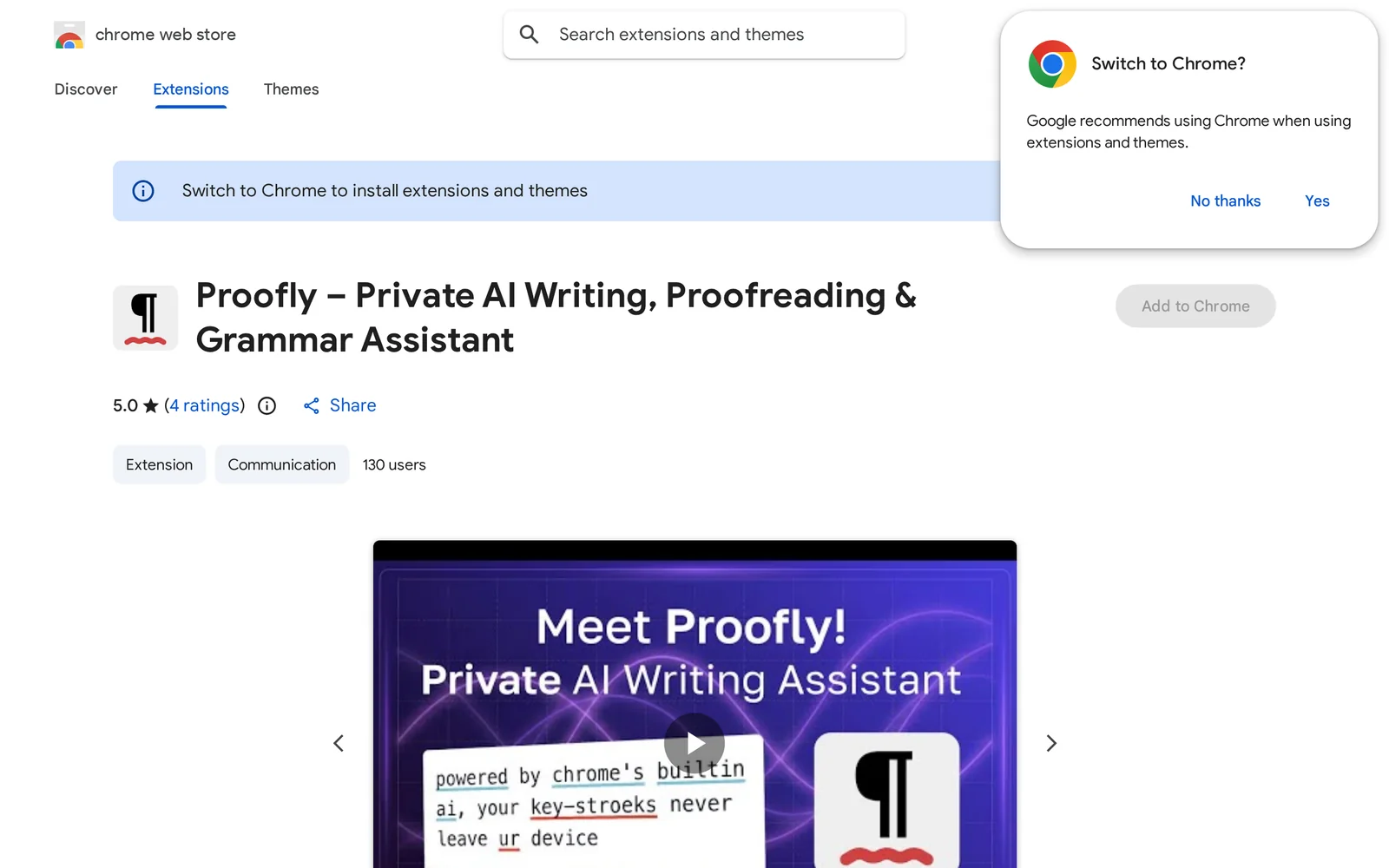
Proofly is a Chrome extension that provides grammar, punctuation, style and proofreading suggestions using models that run 100% on the user's device. It is designed to be lightweight and non-invasive, giving real-time writing assistance without sending text to external servers, preserving user privacy and enabling offline use. The project is available as an open-source browser extension (GitHub) and targets users who need private, local language checks directly in the browser.
Screenshots
Key Features
Use Cases


Frequently asked questions about Proofly
What is Proofly?
Proofly is a lightweight Chrome extension designed for on-device, privacy-first AI grammar, proofreading, and writing assistance that operates offline. It enhances your writing experience by providing real-time feedback and suggestions, ensuring that your content is polished and error-free without compromising your privacy.
Key Points
- Privacy-First Approach: Ensures that user data remains secure and confidential.
- Offline Functionality: Allows users to access grammar and writing tools without an internet connection.
- User-Friendly Interface: Simplifies the writing process with intuitive features and easy navigation.
Detailed Explanation
Proofly is an innovative Chrome extension that integrates seamlessly into your web browser, offering powerful AI-driven grammar and writing assistance. Unlike many traditional writing tools that require internet access, Proofly operates entirely offline. This means you can refine your documents, emails, and other writing tasks without worrying about your data being sent to external servers.
Key Features:
- AI Grammar Check: Proofly employs advanced AI algorithms to identify grammatical errors, punctuation mistakes, and stylistic issues, providing users with accurate suggestions.
- Writing Assistance: The extension offers context-aware writing tips, helping users enhance clarity and engagement in their writing. For instance, it can suggest more impactful vocabulary or sentence structure improvements based on the text’s tone and purpose.
- User Privacy: By processing everything on the device, Proofly guarantees that your writing remains private, a crucial feature for users who work with sensitive information.
Use Cases:
- Professionals: Ideal for business emails, reports, and presentations that require a polished finish.
- Students: Assists with essays and research papers, ensuring academic integrity and adherence to grammar rules.
- Content Creators: Enhances blog posts and articles, making them more compelling and error-free.
Best Practices / Tips
- Regular Updates: Ensure that you keep the extension updated to access the latest features and improvements.
- Feedback Utilization: Take advantage of the suggestions provided by Proofly to strengthen your writing skills over time.
- Combine with Other Tools: While Proofly is powerful on its own, consider using it alongside other writing tools or software for enhanced productivity.
Additional Resources
By integrating Proofly into your writing routine, you can significantly improve the quality of your content while ensuring your privacy remains intact.
How does Proofly work?
Proofly works by leveraging advanced AI technologies to streamline and enhance daily workflows for users. It integrates machine learning, natural language processing, and automation tools, enabling efficient data analysis, content generation, and task management across various applications.
Key Points
- AI Integration: Combines multiple AI technologies for enhanced functionality.
- Workflow Automation: Automates repetitive tasks to save time and increase productivity.
- User-Friendly Interface: Designed for ease of use, making AI accessible even for non-technical users.
Detailed Explanation
Proofly operates by integrating several core AI capabilities that cater to various user needs. Here’s how it works:
-
AI Integration: Proofly utilizes machine learning algorithms that adapt over time, allowing the system to learn from user interactions. This means that the more you use Proofly, the better it becomes at predicting your needs and preferences.
-
Workflow Automation: With its automation features, Proofly helps users eliminate repetitive tasks. For instance, if a user frequently generates reports, Proofly can automate data collection and presentation, reducing the time spent on manual input.
-
Natural Language Processing (NLP): This feature enables users to interact with the system via conversational language. Users can input requests in plain English, and Proofly will interpret and execute them. For example, asking “Summarize last week’s sales data” will yield a concise overview without needing complex commands.
-
Task Management: Proofly includes tools for managing tasks effectively. Users can organize projects, set deadlines, and assign tasks, all while leveraging AI to prioritize based on urgency and importance.
Use Cases
- Content Creation: Writers can use Proofly to generate article outlines, suggest headlines, and even draft entire pieces based on specified topics.
- Data Analysis: Businesses can analyze customer feedback or sales trends rapidly, allowing for informed decision-making without extensive manual data crunching.
- Personal Assistants: Individuals can manage their schedules, reminders, and emails seamlessly, making daily life more organized.
Best Practices / Tips
- Explore Features: Take time to explore all features of Proofly to maximize its potential in your workflows.
- Regular Updates: Keep the software updated to benefit from the latest AI enhancements and security features.
- Feedback Loop: Provide feedback on outputs to help the AI learn and improve accuracy over time.
Additional Resources
What are the main features of Proofly?
Proofly offers a range of powerful features, primarily centered around its core AI capabilities. These include advanced data analytics, real-time reporting, customizable dashboards, and seamless integrations with various platforms, enhancing productivity and decision-making for users across different industries.
Key Points
- Advanced Data Analytics: Leverage AI to analyze vast datasets for actionable insights.
- Real-Time Reporting: Instant access to critical metrics and performance indicators.
- Customizable Dashboards: Tailor visual displays to meet specific user needs and preferences.
Detailed Explanation
Proofly's advanced data analytics harnesses AI algorithms to sift through large volumes of data, identifying trends and patterns that can inform strategic decisions. For example, businesses can utilize these insights to optimize their marketing campaigns, improving ROI by targeting specific customer segments more effectively.
Real-time reporting is another cornerstone of Proofly's functionality. This feature ensures that users have immediate access to key performance metrics, allowing for prompt adjustments to business strategies. For instance, if a sales campaign is underperforming, teams can quickly pivot to new tactics based on live data insights.
Customizable dashboards empower users to visualize data in a way that aligns with their unique goals. Users can select which metrics to display, creating a personalized experience that enhances user engagement and comprehension. This feature is particularly beneficial for teams that require specific data sets for their roles, such as marketing, finance, or operations.
Best Practices / Tips
- Utilize Real-Time Data: Regularly check your dashboards to make timely decisions based on the latest insights.
- Customize Dashboards: Take advantage of the customizable features to create a dashboard that reflects your key performance indicators.
- Integrate with Other Tools: Maximize Proofly’s potential by integrating it with CRM systems, marketing platforms, or other business tools for a holistic view of your operations.
Additional Resources
- Proofly Official Documentation - Explore in-depth guides and tutorials.
- Proofly Blog - Stay updated on the latest features and best practices.
- Case Studies - Learn how other businesses successfully utilize Proofly for their needs.
Who is Proofly for?
Proofly is designed for a wide range of users, including business professionals, marketers, developers, and anyone seeking to enhance their daily AI workflows. It simplifies tasks such as data analysis, content generation, and process automation, making it valuable for both individuals and teams.
Key Points
- Target Audience: Business professionals, marketers, and developers.
- Functionality: Enhances daily workflows through AI-driven tools.
- Use Cases: Data analysis, content generation, and process automation.
Detailed Explanation
Proofly caters to various users by providing AI tools that streamline everyday tasks. Here’s a breakdown of its primary audience and functionalities:
-
Business Professionals: Proofly helps professionals automate routine tasks like report generation and data entry. For example, it can analyze sales data and provide insights, allowing users to make informed decisions quickly.
-
Marketers: Marketers can leverage Proofly for content creation, social media management, and email marketing. The platform can generate tailored content based on audience analysis and trends, saving time while improving engagement.
-
Developers: Developers can use Proofly to integrate AI capabilities into applications, enhancing user experience through features like predictive analytics and natural language processing. This can result in smarter applications that learn from user interactions.
-
Small to Medium Enterprises (SMEs): SMEs benefit from Proofly's cost-effective solutions that allow them to compete with larger organizations. With AI tools, they can optimize marketing campaigns and reduce operational costs.
-
Freelancers and Creatives: Freelancers can utilize Proofly for project management and creative tasks. The platform can assist in generating ideas, creating drafts, and managing timelines, making it easier for creatives to focus on their craft.
Best Practices / Tips
- Explore All Features: Users should take time to explore Proofly’s diverse features. This ensures they are leveraging the platform to its full potential.
- Integrate with Existing Tools: Connect Proofly with other tools like CRM systems and project management software for seamless workflows.
- Stay Updated: Regularly check for new features and updates, as AI technology evolves rapidly. This can help users maintain a competitive edge.
- Utilize Analytics: Make use of analytics provided by Proofly to track performance and optimize usage based on real data.
Additional Resources
How much does Proofly cost?
Proofly is completely free to use, providing users with essential features at no cost. This makes it an accessible option for individuals and businesses looking to leverage its capabilities without financial commitment.
Key Points
- Cost: Proofly is free to use, offering essential features without any charges.
- User Accessibility: The free model allows a broad range of users to access its tools.
- No Hidden Fees: There are no subscription plans or hidden costs associated with using Proofly.
Detailed Explanation
Proofly stands out in the crowded market of AI tools by offering a completely free-to-use platform. This allows individuals, startups, and even established companies to access powerful features that facilitate their tasks, such as data analysis, automation, and reporting, all without any financial burden.
For instance, users can utilize Proofly for optimizing their marketing strategies, enhancing customer engagement, and analyzing web traffic. By providing these functionalities at zero cost, Proofly removes barriers that often inhibit smaller enterprises from accessing advanced tools.
Moreover, Proofly's user-friendly interface ensures that both tech-savvy users and novices can navigate the platform effortlessly. This democratization of technology has made it a popular choice among freelancers, small business owners, and students who want to leverage AI for their projects without incurring expenses.
Best Practices / Tips
- Maximize Features: Even though Proofly is free, users should familiarize themselves with all features to maximize its potential. Take advantage of tutorials and guides available on the platform.
- Stay Updated: Regularly check for updates and additional features, as the platform may introduce new tools that enhance its functionality.
- Community Engagement: Join forums or online communities of Proofly users to share tips and learn from others’ experiences, which can help in utilizing the tool more effectively.
Additional Resources
How do I get started with Proofly?
To get started with Proofly, simply visit the Chrome Web Store at this link to sign up. After installation, you can explore its features and begin using its AI writing tools to enhance your content creation process.
Key Points
- Easy Sign-Up: Access the Chrome Web Store link to create an account.
- User-Friendly Interface: Navigate the application with intuitive features.
- AI Writing Tools: Leverage advanced AI capabilities for content generation.
Detailed Explanation
Getting started with Proofly is straightforward. First, navigate to the Chrome Web Store. Here, you can click the "Add to Chrome" button to install the extension on your browser.
Once installed, you will be prompted to create an account. Fill in the required information, and after verification, you’ll have full access to Proofly’s AI writing tools. The interface is designed to be user-friendly, making it easy for both beginners and experienced users to navigate.
Use Cases
- Content Creation: Use Proofly to generate blog posts, articles, or social media updates efficiently.
- Editing and Proofreading: Automatically improve your writing with AI suggestions for grammar and style.
- SEO Optimization: Leverage AI-driven insights to enhance keyword usage and readability.
Best Practices / Tips
- Explore Features: Take time to explore various features like content templates and style suggestions.
- Regular Updates: Keep the extension updated to access the latest features and improvements.
- Feedback Loop: Utilize the feedback feature to report bugs or suggest improvements, enhancing your experience and helping developers.
Additional Resources
- Proofly Official Website
- Chrome Web Store Listing
- User Guide and Documentation for detailed instructions and tips on maximizing the tool's potential.
Explore more AI Ai Tools tools
Browse all Ai Tools tools →Compare Proofly: vs Decode · vs LibreChat · vs AppGrowthKit · vs Humanizer