

PromptLayer
AIPlatform for prompt management, evaluation, observability, and collaboration to track, test, and deploy LLM prompts and API calls.
PromptLayer
Platform for prompt management, evaluation, observability, and collaboration to track, test, and deploy LLM prompts and API calls.
About PromptLayer
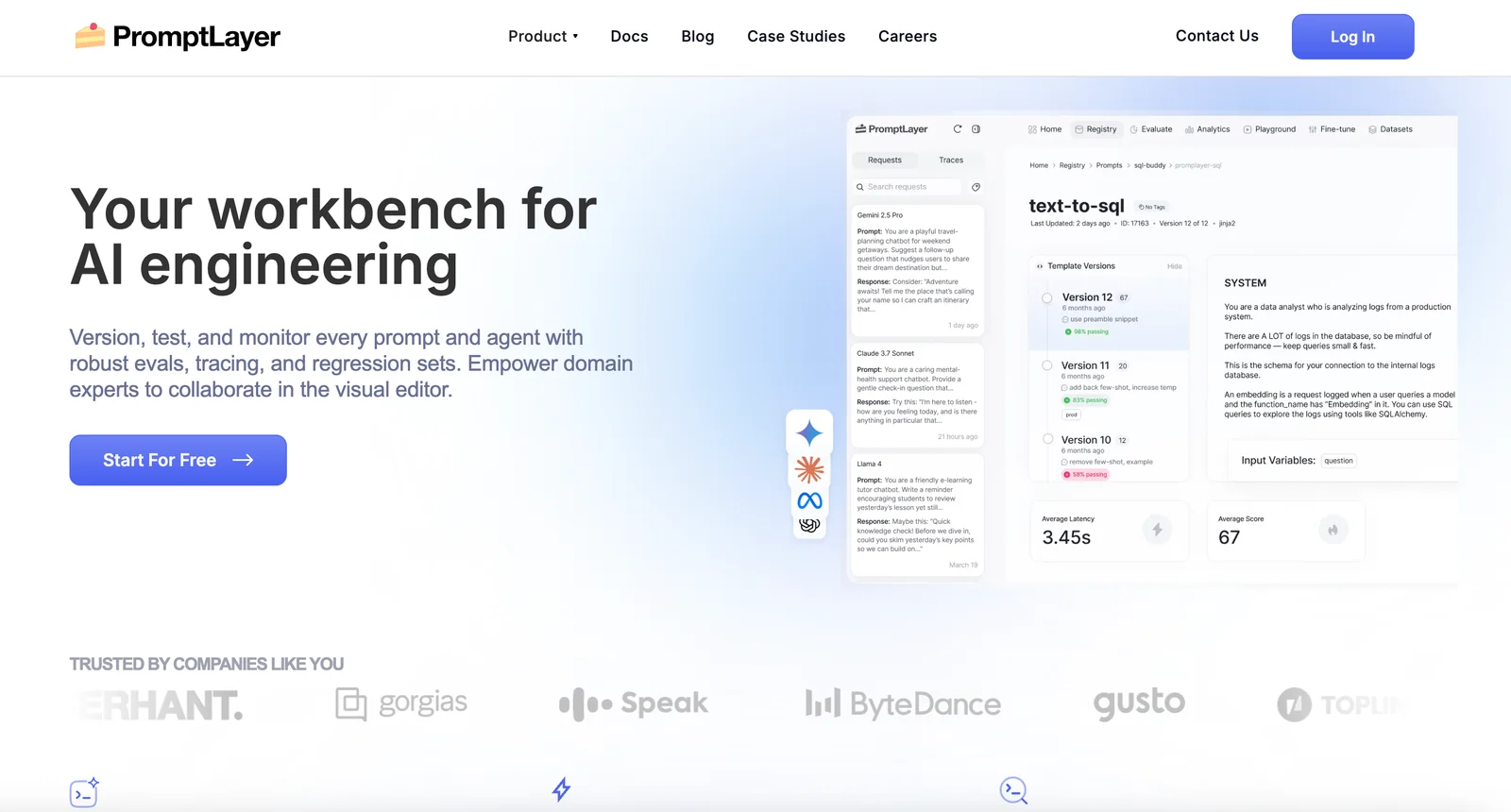
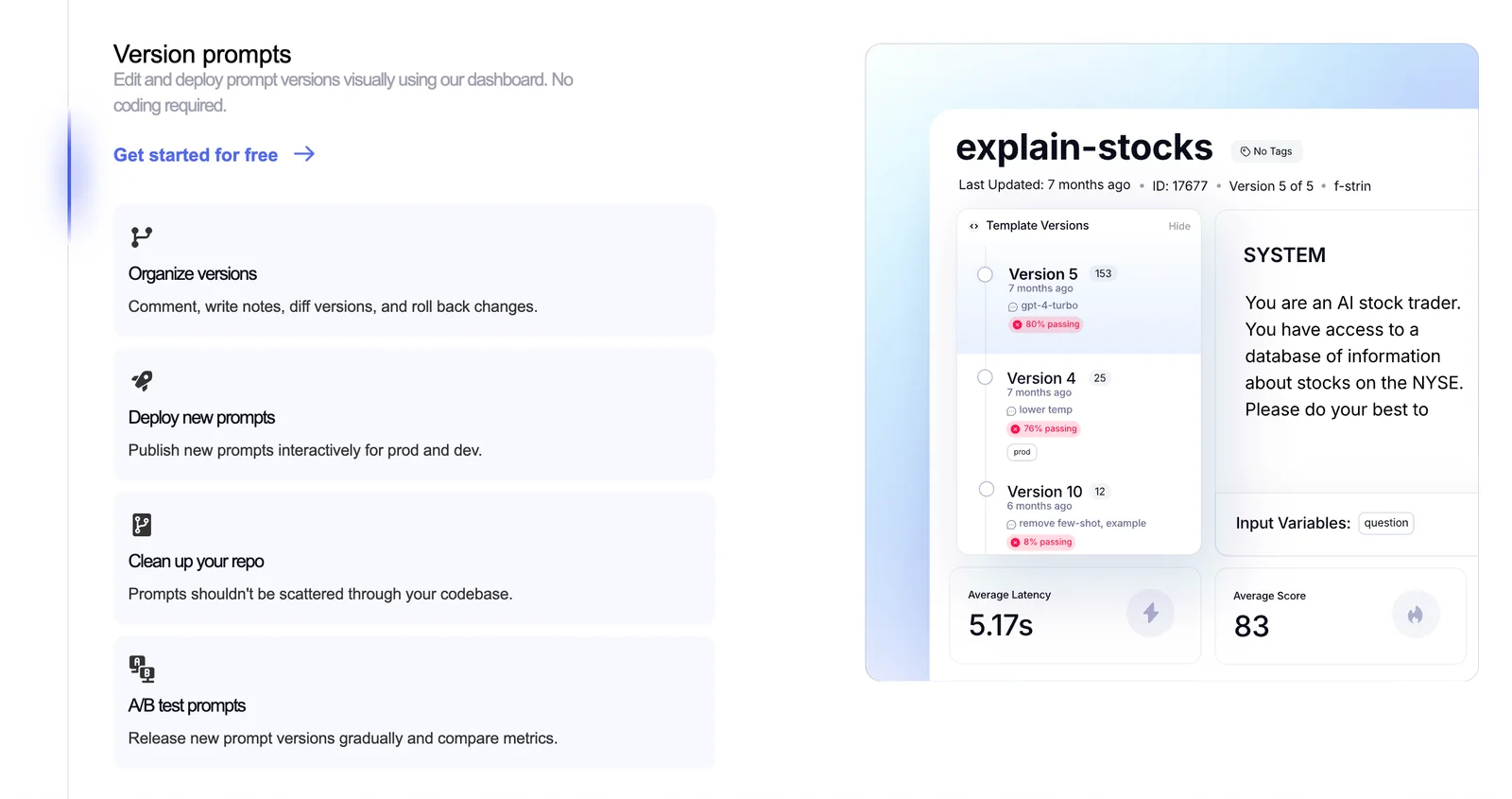
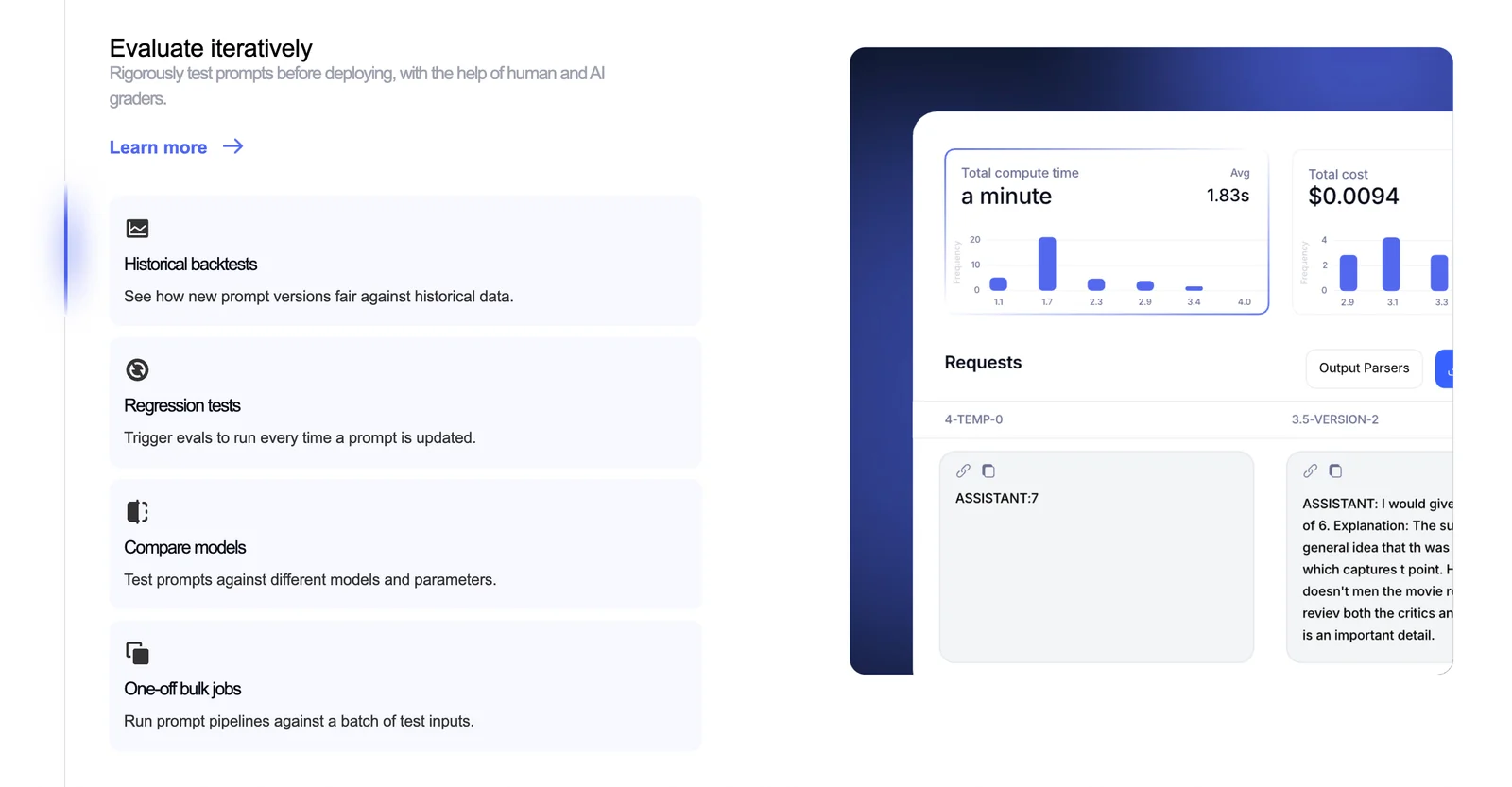
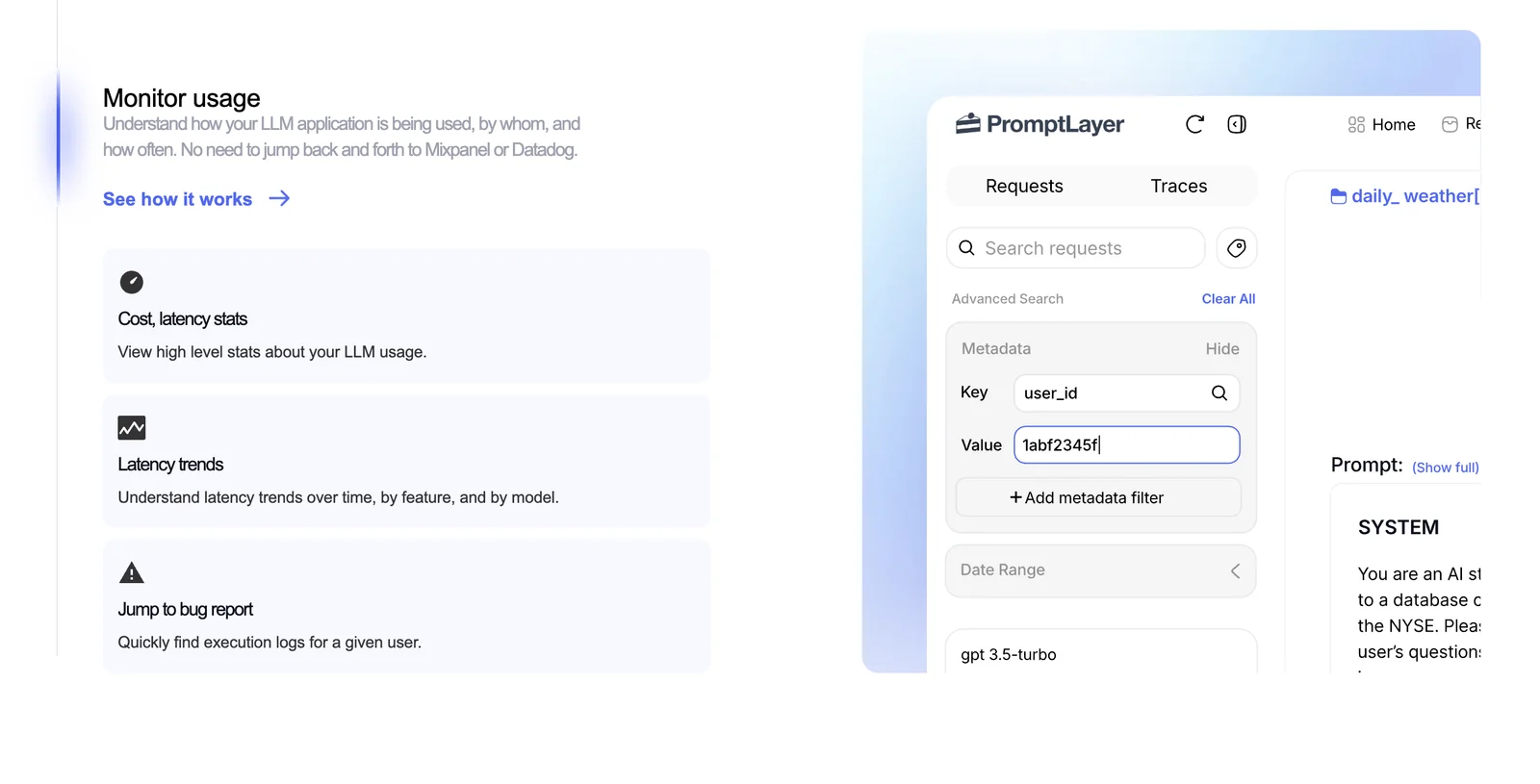
PromptLayer is a prompt engineering workbench that sits between your code and LLM APIs to record, manage, evaluate, and monitor prompt usage. It logs OpenAI API requests (and other LLM calls) so teams can search request history, tag and group prompts, replay completions, and debug pipelines. The platform provides prompt evaluation tooling, analytics and observability for model behavior and prompt performance, plus team collaboration features for sharing, versioning, and improving prompts. SDKs and a Python wrapper allow easy integration into existing codebases without sending users' OpenAI API keys to PromptLayer's servers.
Screenshots
Key Features
Use Cases


Frequently asked questions about PromptLayer
What are the pricing options for PromptLayer?
PromptLayer offers a freemium pricing model with three distinct plans: Free ($0/month), Pro ($50/month/user), and Enterprise (custom pricing). The Free plan includes up to 5,000 requests and 7 days of log retention, while the Pro plan features unlimited log retention and advanced functionalities tailored for power users.
Key Points
- Freemium Model: Three pricing tiers to suit different needs.
- Request Limits: Free plan allows 5,000 requests; Pro offers unlimited.
- Log Retention: Varies by plan, essential for data analysis.
Detailed Explanation
PromptLayer's pricing structure is designed to accommodate a variety of user needs, from casual users to large enterprises.
-
Free Plan: Ideal for individuals or small teams looking to explore the platform without financial commitment. It supports up to 5,000 requests per month and retains logs for 7 days. This plan is perfect for testing features and understanding the platform's capabilities.
-
Pro Plan: At $50 per month per user, the Pro plan is tailored for professionals and teams requiring more extensive features. It includes unlimited log retention, which is crucial for businesses that need to keep a comprehensive history of their prompts and results for analysis and reporting. The Pro plan also unlocks advanced features such as priority support and additional API integrations.
-
Enterprise Plan: For larger organizations or those with specific needs, the Enterprise plan offers custom pricing. This plan can be tailored to include additional features, more extensive usage limits, and enhanced support options. It is ideal for teams that require scalability and robust data management capabilities.
Best Practices / Tips
- Evaluate Your Needs: Before choosing a plan, assess your anticipated usage. If you are just starting, the Free plan might be sufficient.
- Utilize the Trial: Take advantage of the Free plan to familiarize yourself with PromptLayer's interface and functionality.
- Consider Long-term Goals: If you foresee growth or collaboration, investing in the Pro plan early can save costs and provide necessary features from the start.
- Monitor Usage: Keep an eye on your usage metrics to avoid exceeding the limits of your chosen plan, especially if you opt for the Free version.
Additional Resources
How do I get started with PromptLayer?
To get started with PromptLayer, visit the official website and sign up for a free account. After registration, you can explore features such as prompt tracking, logging, and basic observability. Comprehensive guides are available to help you effectively set up and optimize your prompts.
Key Points
- Sign Up: Create a free account on the PromptLayer website.
- Explore Features: Utilize prompt tracking and logging functionalities.
- Guides and Resources: Access comprehensive guides for prompt setup and optimization.
Detailed Explanation
1. Sign Up Process
To begin, navigate to the PromptLayer website. Click on the "Sign Up" button located prominently on the homepage. Fill out the required fields, including your email address and a secure password. Upon successful registration, you will receive a confirmation email. Click the link in the email to verify your account.
2. Exploring Features
Once logged in, you can start exploring various features:
-
Prompt Tracking: Monitor the performance of your prompts to understand which ones yield the best results. This feature allows you to analyze metrics such as response times and success rates.
-
Logging: Keep a log of all interactions with the AI. This helps in debugging and optimizing your prompts based on historical data.
-
Basic Observability: Gain insights into how your prompts are functioning over time. This feature is crucial for identifying trends and making informed adjustments.
3. Utilizing Guides and Resources
PromptLayer provides extensive documentation to assist new users. Access the guides section from your dashboard, where you can find tutorials on:
- Setting up prompts effectively.
- Best practices for tracking and logging.
- Tips on enhancing prompt performance through data insights.
Best Practices / Tips
- Start Simple: Begin with basic prompts and gradually incorporate more complex queries as you become comfortable with the platform.
- Regularly Review Logs: Periodically check your logs to identify patterns or issues that may need addressing for better performance.
- Engage with the Community: Join forums or community discussions related to PromptLayer to share experiences and gather tips from other users.
Additional Resources
By following these steps and utilizing the resources provided, you can effectively start using PromptLayer to enhance your AI prompt management processes.
What are the key features of PromptLayer?
PromptLayer provides essential features like request logging middleware, prompt tagging, replay and debugging tools, team collaboration capabilities, and observability analytics. These functionalities enable users to effectively monitor, optimize, and enhance the performance of large language model (LLM) prompts across various projects.
Key Points
- Request Logging Middleware: Captures and records all prompt requests and responses.
- Prompt Tagging: Allows users to categorize and organize prompts for easier retrieval and analysis.
- Replay and Debugging Tools: Facilitates troubleshooting by replaying past prompts and observing model behavior.
Detailed Explanation
PromptLayer is designed to streamline the process of working with large language models (LLMs) by providing robust tools that enhance performance and collaboration.
-
Request Logging Middleware: This feature automatically logs every interaction with the LLM, including requests and responses. By tracking this data, teams can analyze usage patterns, identify bottlenecks, and ensure that the model performs optimally in various scenarios. For instance, if a specific prompt consistently yields poor results, the logs can help pinpoint why and what adjustments are needed.
-
Prompt Tagging: With prompt tagging, users can assign labels to their prompts, making it simpler to categorize and retrieve them later. This is particularly useful for teams that manage numerous prompts across different projects. For example, a marketing team can tag prompts related to customer engagement, while a research team can tag theirs according to project phases.
-
Replay and Debugging Tools: These tools allow developers to replay previous prompts and analyze the LLM's responses in detail. This feature is crucial for debugging issues, as it provides insights into how the model interprets different inputs. A practical use case is when a prompt unexpectedly fails; the replay tool helps investigate if the prompt was constructed correctly or if the model’s understanding has shifted.
-
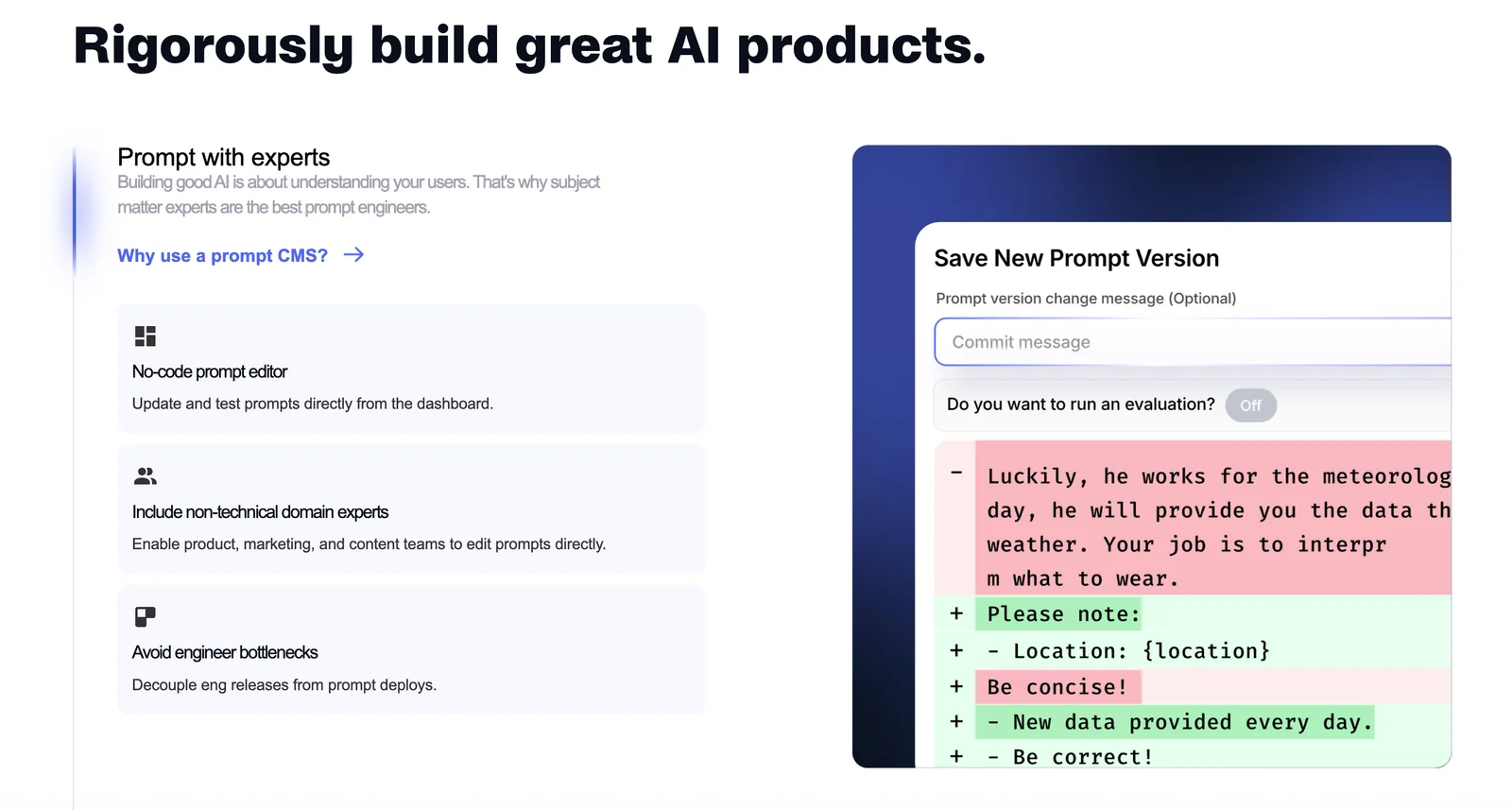
Team Collaboration: PromptLayer supports collaborative work by enabling multiple team members to access and modify prompts. This feature promotes knowledge sharing and ensures that everyone is on the same page regarding the prompts used in ongoing projects.
-
Observability Analytics: This feature provides detailed analytics on prompt performance, allowing teams to visualize success rates and areas for improvement. By using these insights, teams can refine their prompt strategies, leading to better outcomes in their projects.
Best Practices / Tips
- Utilize Request Logging: Regularly review the logged data to spot trends and make informed decisions on prompt adjustments.
- Leverage Tagging Effectively: Create a consistent tagging system that all team members adhere to, facilitating better organization and retrieval of prompts.
- Engage in Regular Debugging: Use the replay tool frequently to test and refine prompts, especially after making significant changes or updates to the LLM.
- Collaborate and Share Knowledge: Encourage team members to share successful prompts and strategies to foster a culture of continuous improvement.
Additional Resources
How does PromptLayer compare to other prompt management tools?
PromptLayer excels among prompt management tools due to its freemium model, comprehensive logging capabilities, and collaborative features. It provides enhanced observability and a user-friendly dashboard, making it easier for teams to manage and optimize prompts effectively compared to its competitors.
Key Points
- Freemium Model: Access basic features for free, with options to upgrade.
- Extensive Logging: Track prompt performance and usage metrics.
- Collaboration Features: Facilitate teamwork with shared prompts and insights.
Detailed Explanation
PromptLayer's freemium model allows users to start with essential features at no cost, making it accessible for individuals and teams exploring prompt management without immediate financial commitment. This model includes basic prompt creation, usage tracking, and analytics, with premium features available for advanced users or teams that require more extensive capabilities.
The platform’s extensive logging capabilities are crucial for organizations that rely on data-driven decisions. Users can monitor prompt performance, analyze response times, and evaluate the effectiveness of different prompts. This logging feature empowers teams to refine their strategies based on real-time insights, ensuring that prompts are continuously optimized for better outcomes.
Moreover, PromptLayer stands out with its team collaboration features. Users can easily share prompts and results within their teams, allowing for collective brainstorming and improvement. The user-friendly dashboard simplifies the workflow, enabling users to manage prompts efficiently and collaborate seamlessly on projects, which enhances productivity and innovation.
Best Practices / Tips
- Utilize Logging: Regularly review your prompt logs to identify patterns and areas for improvement.
- Engage Your Team: Leverage the collaboration tools to gather diverse insights and enhance prompt quality.
- Start Free, Upgrade Wisely: Begin with the free version, and evaluate if premium features add value before committing financially.
Additional Resources
Does PromptLayer support API integration?
Yes, PromptLayer supports API integration by providing an official Python wrapper and SDK. This allows users to seamlessly connect with OpenAI, log requests securely, and enhance performance through local execution, ensuring compliance and improved efficiency.
Key Points
- Official Python Wrapper: Facilitates easy integration with OpenAI's API.
- Secure Logging: Protects API keys while logging requests for performance tracking.
- Local Execution Support: Enhances speed and compliance by allowing local processing of requests.
Detailed Explanation
PromptLayer's API integration is designed to streamline the process of utilizing OpenAI's capabilities. With the official Python wrapper, developers can easily set up their environment and start making API calls without the hassle of manual configurations.
-
Installation: Begin by installing the PromptLayer SDK using pip:
pip install promptlayer -
Configuration: Once installed, you can configure your API keys in a secure manner using environment variables or a configuration file. This ensures your keys remain confidential.
-
Making API Calls: Use the SDK to make requests to OpenAI’s models. For example:
from promptlayer import PromptLayer pl = PromptLayer(api_key='YOUR_API_KEY') response = pl.call_api('text-davinci-003', prompt='What is AI?') print(response) -
Logging Requests: PromptLayer logs all requests automatically, helping you monitor usage and performance without additional overhead. This feature is crucial for analyzing usage patterns and optimizing costs.
-
Local Execution: With local execution capabilities, you can run models directly on your hardware, reducing latencies and ensuring compliance with data regulations.
Best Practices / Tips
- Secure Your API Keys: Always keep your API keys private. Use environment variables or vault services to manage sensitive information.
- Monitor Your Usage: Regularly review logs to understand how your application interacts with OpenAI’s API, which can help in optimizing API calls and reducing costs.
- Optimize Model Selection: Choose the right model based on your needs. For instance, use smaller models for simple tasks to save costs and resources.
Additional Resources
Explore more AI Ai Tools tools
Browse all Ai Tools tools →Compare PromptLayer: vs Decode · vs LibreChat · vs AppGrowthKit · vs Humanizer