
Opencode
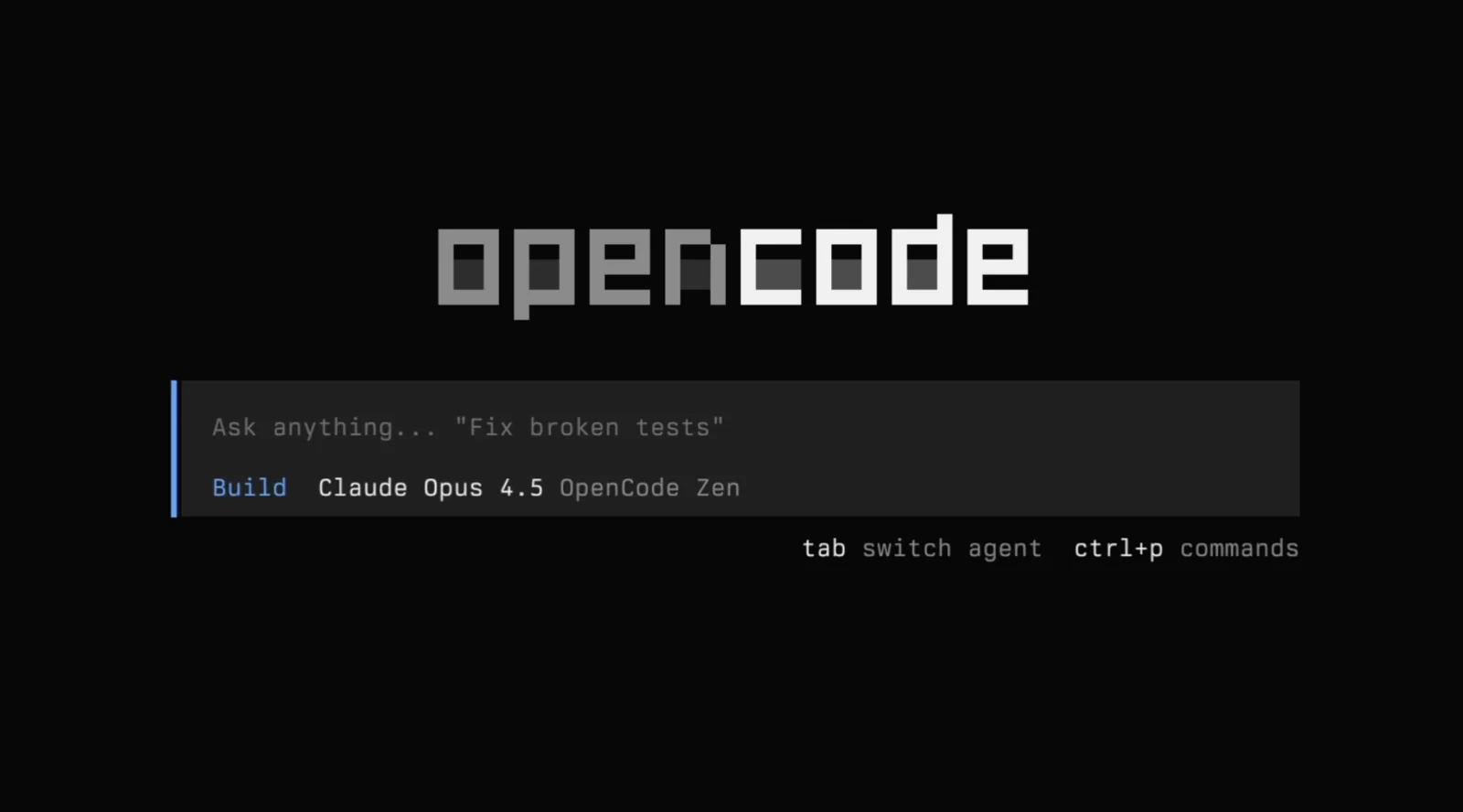
AIOpen SourceFreeOpenCode is an open-source, terminal-first coding agent that provides AI-driven coding assistance, debugging, and workflow automation.
Opencode
OpenCode is an open-source, terminal-first coding agent that provides AI-driven coding assistance, debugging, and workflow automation.
About Opencode
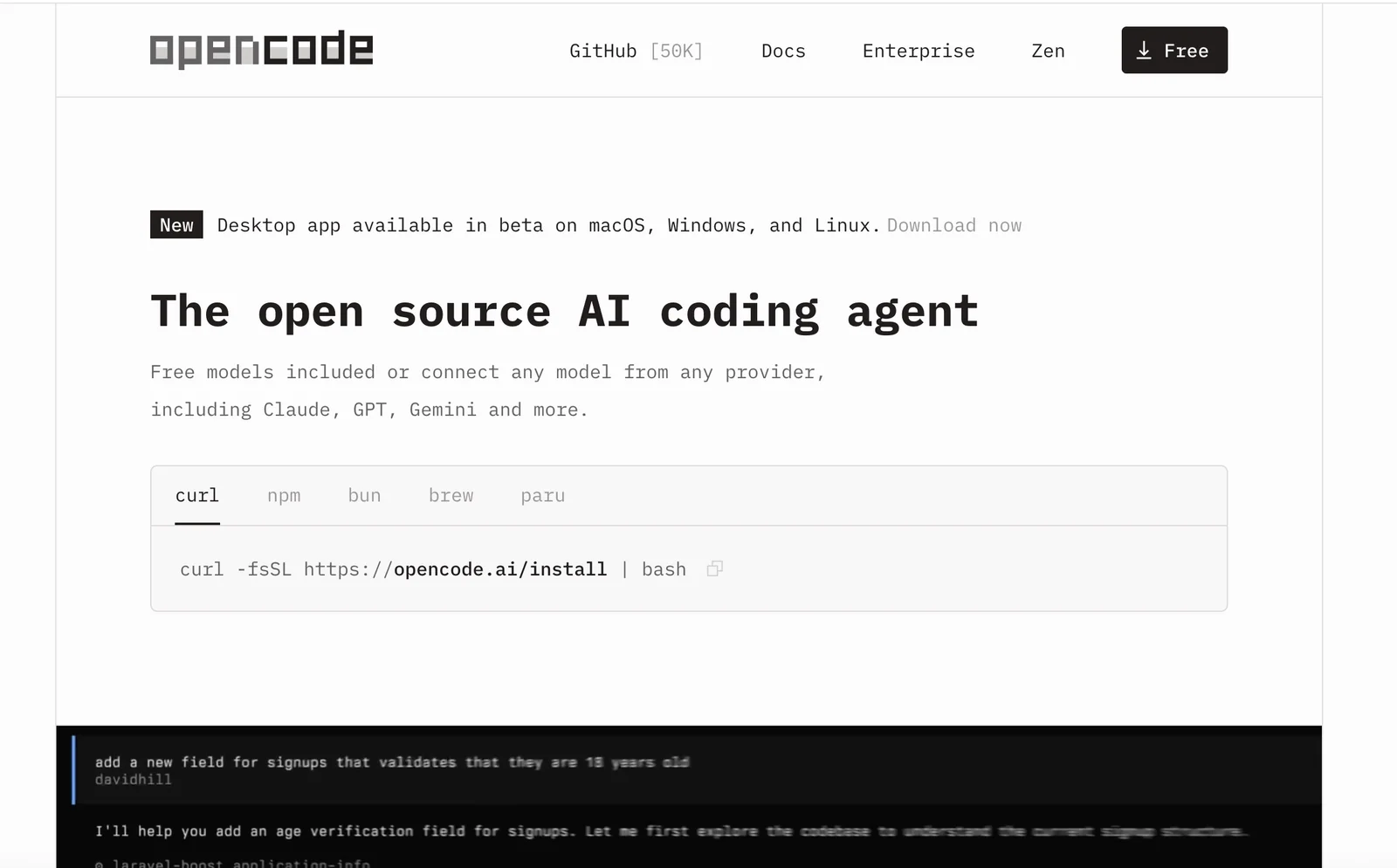
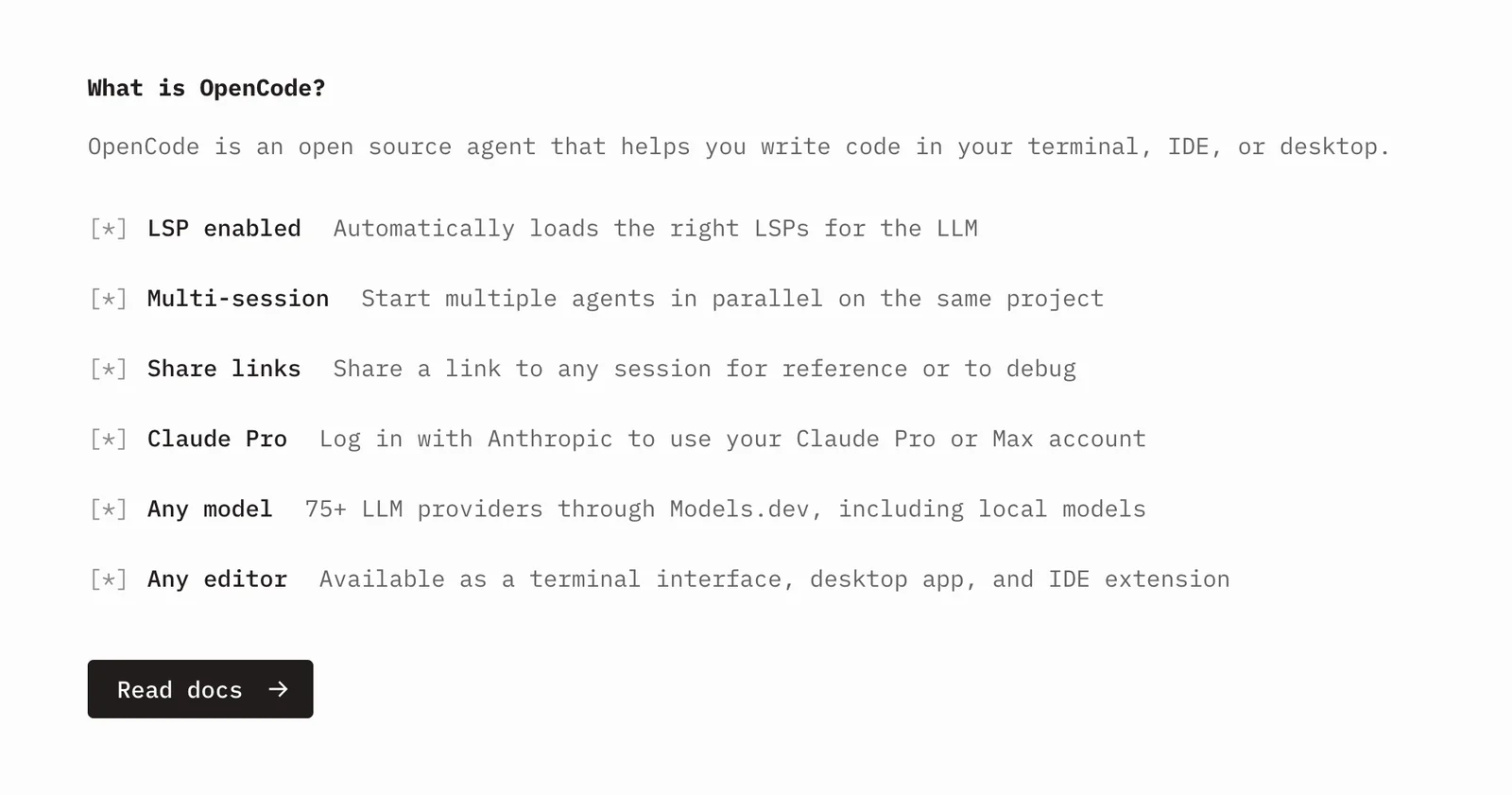
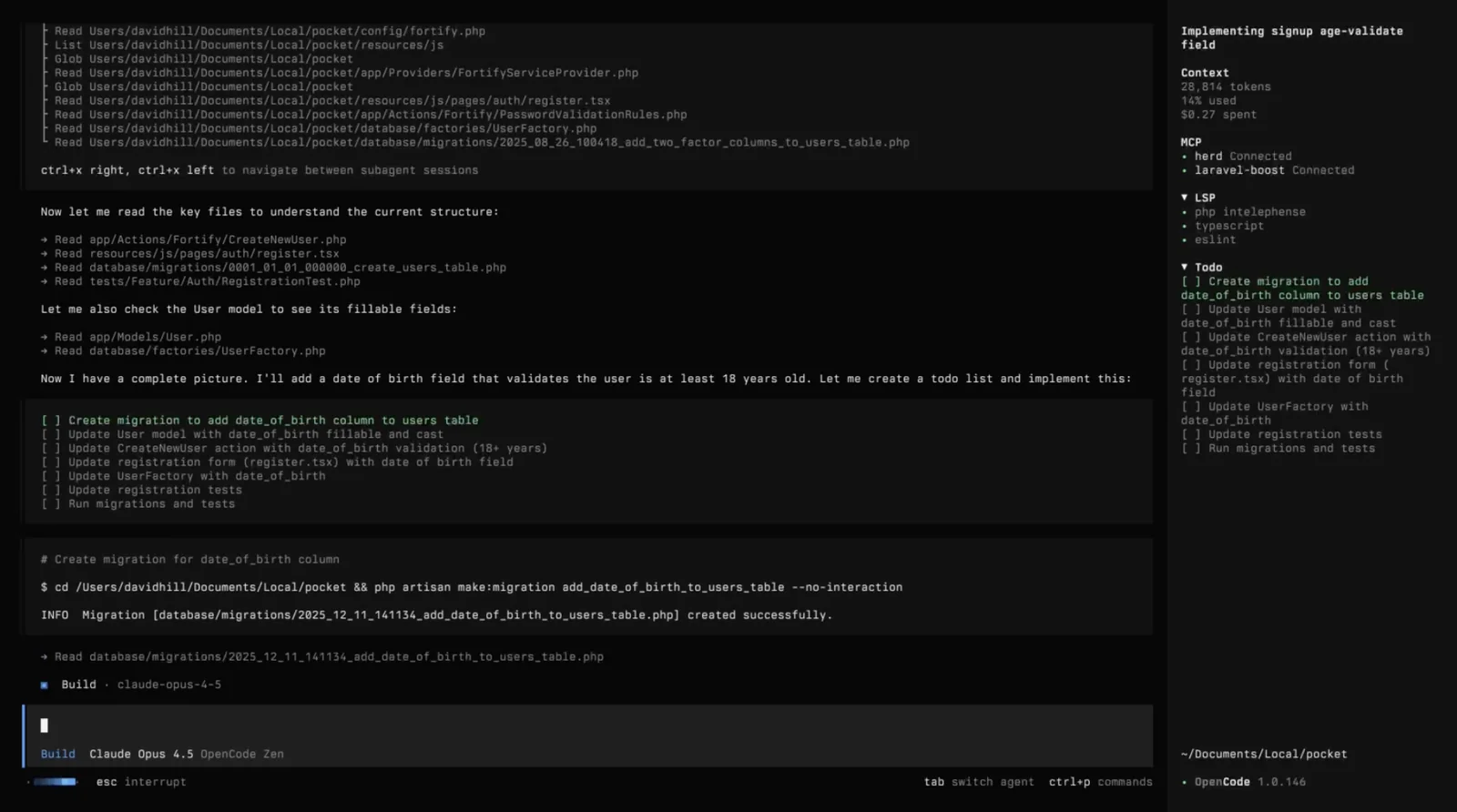
OpenCode is a Go-based, open-source coding agent that brings AI-powered coding assistance directly to the terminal via a TUI and CLI. It supports multiple model providers (OpenAI, Anthropic/Claude, Google/Vertex, OpenCode Zen and local models), is provider-agnostic, and emphasizes privacy and configurability. The project offers desktop builds (macOS, Windows, Linux), persistent model/configuration settings, LSP support, non-interactive/automation modes, and extensible custom commands—designed by terminal and Neovim users to maximize productivity in terminal-first development workflows.
Screenshots
Key Features
Use Cases



Frequently asked questions about Opencode
What is the pricing structure for OpenCode?
OpenCode features a free, open-source core version with no hidden costs. Additionally, users can access the Zen service for $20, which offers optimized models charged at a pay-per-use rate, ensuring flexibility and scalability for different user needs.
Key Points
- Free Open-Source Core: No hidden fees, accessible to all.
- Zen Service: Available for $20, providing enhanced features.
- Pay-Per-Use Model: Flexible pricing based on usage.
Detailed Explanation
OpenCode is designed to cater to a wide range of users, from hobbyists to enterprises. The free open-source core version allows anyone to use the basic functionalities without any financial commitment. This version is ideal for developers looking to explore the platform or integrate it into smaller projects.
For users requiring advanced features and optimized performance, the Zen service is available for a modest fee of $20. This service unlocks access to enhanced models that are specifically designed for better efficiency and output quality. The pay-per-use model means that users only pay for what they consume, making it a cost-effective solution for businesses that may experience fluctuating workloads.
Use Cases:
- Hobbyists and Developers: Utilize the free version to build or prototype applications.
- Small Businesses: Leverage the Zen service to enhance their applications without significant upfront costs.
- Enterprises: Scale usage based on demand, ensuring that costs align with actual usage.
Best Practices / Tips
- Evaluate Your Needs: Start with the free version to assess whether you require the features of the Zen service.
- Monitor Usage: If opting for the Zen service, keep track of your usage to avoid unexpected costs.
- Explore Community Resources: Engage with forums and user groups to gain insights and share experiences related to OpenCode.
Additional Resources
This structure not only provides clear and actionable information about OpenCode's pricing but also enhances visibility in search engines, making it easier for users to find relevant details quickly.
What are the key features of OpenCode that set it apart from other coding tools?
OpenCode stands out from other coding tools due to its terminal-first interface, provider-agnostic model support, desktop builds for various operating systems, and privacy-focused local model configurations. These features make OpenCode a versatile and efficient choice for developers seeking flexibility and enhanced privacy in their coding tasks.
Key Points
- Terminal-First Interface: Streamlined command-line experience.
- Provider-Agnostic Model Support: Compatibility with multiple coding environments.
- Desktop Builds for Multiple OS: Flexibility across different operating systems.
- Privacy-Focused Local Model Configurations: Enhanced data protection for users.
Detailed Explanation
OpenCode's terminal-first interface allows developers to interact with the tool primarily through command-line commands, enhancing speed and efficiency. This approach is ideal for experienced coders who prefer a minimalistic workspace without the distractions of graphical user interfaces (GUIs).
The provider-agnostic model support means that OpenCode can seamlessly integrate with various coding frameworks and environments. This flexibility allows users to work on multiple projects simultaneously without being locked into a specific provider or platform, unlike many other coding tools that restrict users to their ecosystems.
With desktop builds available for multiple operating systems, including Windows, macOS, and Linux, OpenCode ensures that developers can use it regardless of their preferred platform. This cross-platform functionality is crucial for teams that work in diverse environments.
Moreover, OpenCode prioritizes user privacy through local model configurations. This feature allows developers to run models on their local machines instead of relying on cloud-based solutions. This setup not only enhances data security but also improves performance by reducing latency associated with online processing.
Best Practices / Tips
- Utilize the Terminal: Familiarize yourself with command-line operations to maximize efficiency.
- Explore Configuration Options: Take advantage of local model configurations to maintain control over your data.
- Stay Updated: Regularly check for updates to ensure you have the latest features and security enhancements.
- Test Across Platforms: If working in a team, test your projects on different operating systems to ensure compatibility.
Additional Resources
By leveraging these features and following best practices, developers can fully harness the capabilities of OpenCode, making it an exceptional tool in their coding arsenal.
How do I get started using OpenCode for coding assistance?
To get started with OpenCode for coding assistance, download the correct desktop build for your operating system from the official OpenCode website. Follow the installation instructions provided, and use the terminal interface to easily interact with the coding models for effective coding support.
Key Points
- Download the correct desktop version for your operating system.
- Follow clear installation instructions.
- Utilize the terminal interface for efficient coding assistance.
Detailed Explanation
OpenCode is a powerful coding assistance tool designed to enhance your programming experience. To start, visit the official OpenCode website and select the version compatible with your operating system—Windows, macOS, or Linux.
- Download the Software: Navigate to the downloads section and choose the appropriate build. Ensure your system meets the minimum requirements for installation.
- Installation Process: Once the download completes, open the installer and follow the on-screen prompts. This typically includes accepting the license agreement and selecting the installation directory.
- Using the Terminal Interface: After installation, launch OpenCode. You can interact with its coding models through the terminal. Familiarize yourself with commands to execute coding tasks efficiently. For example, typing
opencode startinitializes the assistant.
OpenCode supports multiple programming languages, making it a versatile tool for developers.
Best Practices / Tips
- Check Compatibility: Always verify that your operating system version is compatible with the OpenCode build you download to avoid installation issues.
- Explore Documentation: Use the official documentation to understand all features and capabilities, enhancing your coding productivity.
- Practice Commands: Spend some time practicing common commands in the terminal interface to streamline your workflow and minimize errors.
- Stay Updated: Regularly check for updates to ensure you have the latest features and security improvements.
Additional Resources
- OpenCode Official Website
- Installation Guide
- User Documentation
- Community Forum for troubleshooting and tips from other users.
What are the technical requirements for integrating OpenCode with other coding tools?
OpenCode integrates smoothly with various coding editors and terminal environments through the Language Server Protocol (LSP). It requires a compatible desktop operating system and supports connections to multiple AI model providers for enhanced functionality and versatility in coding tasks.
Key Points
- Compatibility with Editors: OpenCode works with popular code editors like Visual Studio Code, Atom, and Sublime Text.
- System Requirements: A compatible operating system is essential for optimal performance.
- AI Model Integration: Connects to various AI model providers for enhanced coding assistance.
Detailed Explanation
OpenCode is designed to enhance the coding experience by integrating with multiple development environments. To ensure a seamless integration, it leverages the Language Server Protocol (LSP), which allows various editors to utilize the same language features, such as autocompletion and error checking.
Compatibility with Editors
OpenCode supports a range of popular editors, including:
- Visual Studio Code: Offers rich plugins and support for LSP.
- Atom and Sublime Text: Lightweight editors that can efficiently utilize OpenCode's features.
System Requirements
To run OpenCode effectively, you need:
- Operating System: Windows 10 or higher, macOS Mojave or higher, or a modern Linux distribution.
- Hardware: A minimum of 4GB RAM is recommended for smooth operation, along with a dual-core processor.
AI Model Integration
OpenCode can connect to various AI model providers, enhancing functionalities such as code suggestions and error detection. This allows developers to leverage machine learning capabilities for smarter coding practices. Examples of AI providers include OpenAI and Google's AI tools.
Best Practices / Tips
- Keep Your Editor Updated: Regular updates ensure compatibility with OpenCode and access to the latest features.
- Monitor System Performance: Ensure your system meets the recommended specs to avoid slowdowns.
- Explore AI Model Options: Test different AI providers to find the best fit for your coding style and project needs.
Additional Resources
How does OpenCode compare to other AI coding assistants like GitHub Copilot?
OpenCode is a free and open-source AI coding assistant that stands out from GitHub Copilot, which is a paid service. OpenCode supports multiple model providers, offering users the flexibility to choose based on their budget and specific coding needs, enhancing accessibility and versatility in coding tasks.
Key Points
- Cost-effective: OpenCode is completely free and open-source.
- Flexibility: It supports multiple AI model providers for different capabilities.
- Community-driven: OpenCode is built on community contributions, fostering innovation.
Detailed Explanation
OpenCode and GitHub Copilot serve similar purposes as AI coding assistants but differ significantly in their structure and accessibility. GitHub Copilot is a subscription-based service, requiring users to pay monthly or annually for access, which can be a barrier for hobbyists or small teams. In contrast, OpenCode is free, allowing anyone to leverage AI tools for coding without financial constraints.
OpenCode's support for multiple model providers is a notable feature. Users can select from various AI models depending on their specific needs, whether they require natural language processing, code generation, or debugging assistance. This flexibility allows developers to optimize their tools based on project requirements and budget.
For example, a team working on a large-scale project might choose a more advanced model that offers extensive capabilities, while an individual developer working on a personal project might opt for a simpler, less resource-intensive model to save on costs.
Best Practices / Tips
- Explore Different Models: Take advantage of the multiple model providers to find one that best fits your coding style and project requirements.
- Participate in the Community: Engage with the OpenCode community for support, updates, and shared experiences to enhance your usage.
- Stay Updated: Regularly check for updates and enhancements in OpenCode to leverage new features and improvements.
Additional Resources
- OpenCode GitHub Repository - Access the source code and documentation.
- GitHub Copilot Pricing - Learn about GitHub Copilot’s subscription details.
- AI Coding Assistants Comparison - A comprehensive guide comparing various AI coding tools.
Explore more AI Ai Agents tools
Browse all Ai Agents tools →Browse by use case: Automation & Productivity
Compare Opencode: vs Proto-Mind · vs Ami · vs Duvi · vs AskDeck