

MakeUGC
AICreate authentic-looking UGC videos by writing a script, choosing actors, and generating platform-optimized videos in minutes.
MakeUGC
Create authentic-looking UGC videos by writing a script, choosing actors, and generating platform-optimized videos in minutes.
About MakeUGC
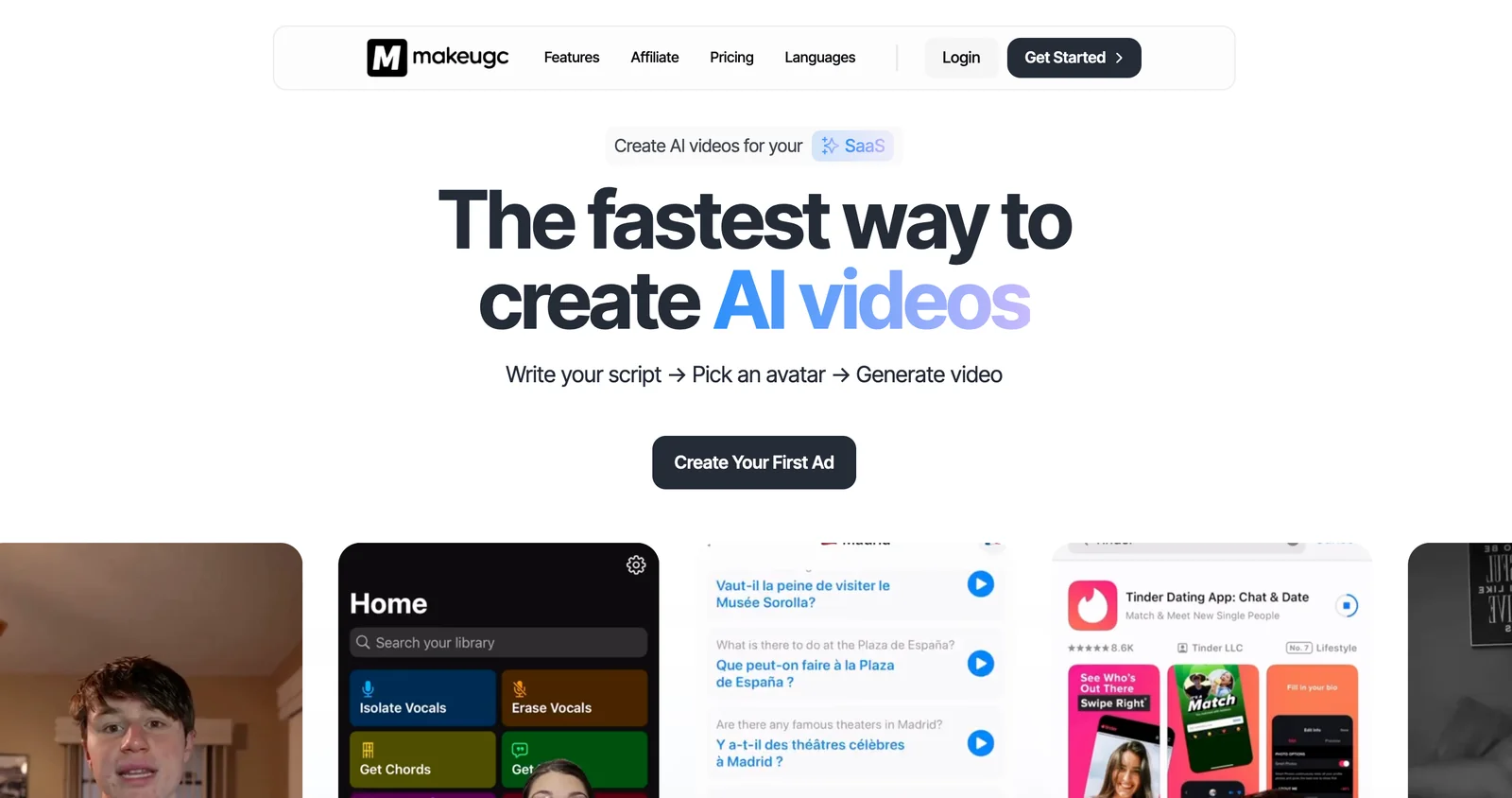
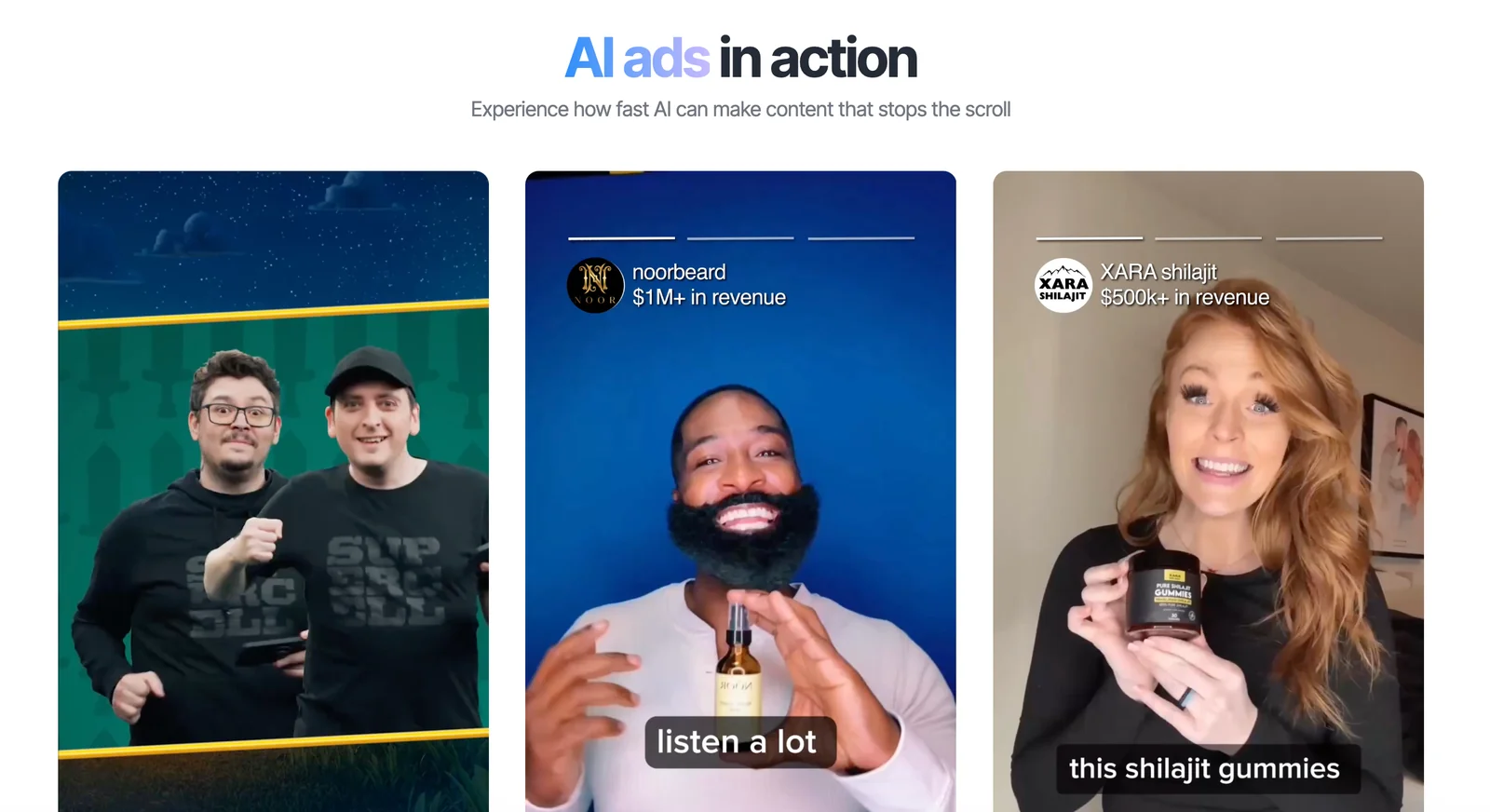
MakeUGC is a web platform that generates user-generated-content (UGC) style videos using proprietary generative models and a library of customizable human avatars. Users can write or auto-generate scripts, select from presenter avatars, and produce finished, platform-formatted UGC videos in minutes. The system optimizes scripts for virality, applies trending hooks and platform-specific formatting, and supports one-click localization to scale campaigns globally. Its value is reducing cost and turnaround for ad creatives while producing naturalistic, imperfect delivery that mimics organic UGC.
Screenshots
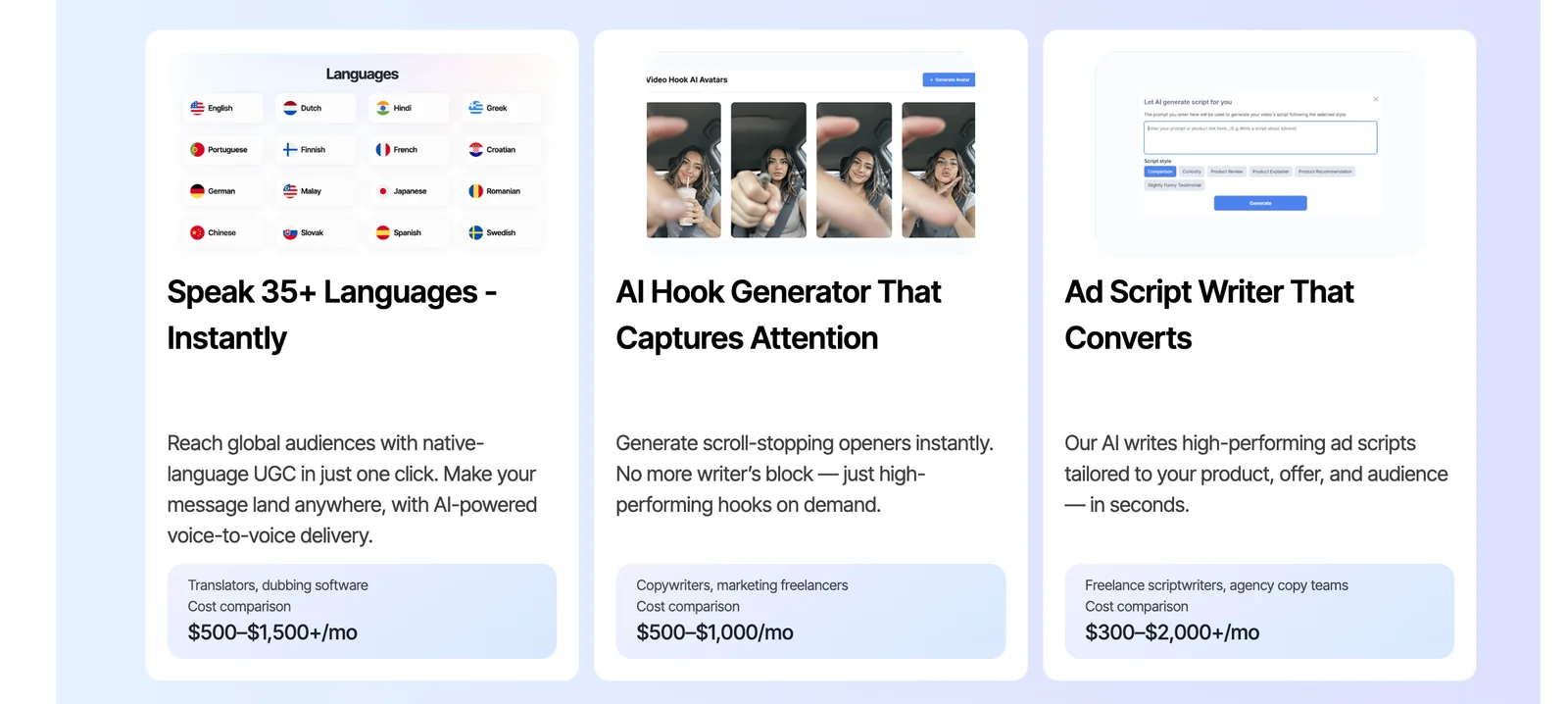
Key Features
Use Cases



Frequently asked questions about MakeUGC
What are the pricing options for MakeUGC?
MakeUGC offers four pricing plans: Starter at $49/month, Growth at $99/month, Pro/Scale at $119/month, and custom plans for enterprises. Each plan includes different video allotments and features tailored to various business needs, making it easy to choose based on your content creation requirements.
Key Points
- Starter Plan: Ideal for individuals or small teams.
- Growth Plan: Suited for medium-sized businesses needing more video content.
- Pro/Scale Plan: Best for larger enterprises with high-volume video needs.
- Custom Plans: Flexible options for unique enterprise requirements.
Detailed Explanation
MakeUGC's pricing structure is designed to cater to a wide range of users, from solo entrepreneurs to large corporations.
1. Starter Plan ($49/month)
This entry-level plan is perfect for individuals or small teams starting their content creation journey. It typically includes basic features, allowing users to create a limited number of videos monthly, making it budget-friendly for those testing the waters.
2. Growth Plan ($99/month)
The Growth Plan is ideal for medium-sized businesses that require more robust video creation tools. This plan offers a higher video allotment and additional features, such as advanced analytics and collaboration tools, to help teams work efficiently.
3. Pro/Scale Plan ($119/month)
Aimed at larger businesses, the Pro/Scale Plan provides comprehensive features and the highest video allotment. Users benefit from priority support, enhanced customization options, and performance tracking tools, which are essential for scaling video marketing efforts.
4. Custom Plans
For enterprises with unique needs, MakeUGC offers custom pricing plans. These plans can be tailored to specific requirements, ensuring that organizations receive the exact features and support necessary to drive their content strategies.
Best Practices / Tips
- Evaluate Your Needs: Before selecting a plan, assess your video creation needs, including frequency and complexity.
- Test the Starter Plan: If you're unsure, start with the Starter Plan. It allows you to explore the platform without a significant financial commitment.
- Utilize Features Wisely: Make full use of analytics and collaboration tools to maximize your video content's effectiveness and reach.
Additional Resources
By understanding the pricing options and selecting the most suitable plan, users can leverage MakeUGC's capabilities to enhance their video marketing efforts effectively.
How do I use MakeUGC to create videos?
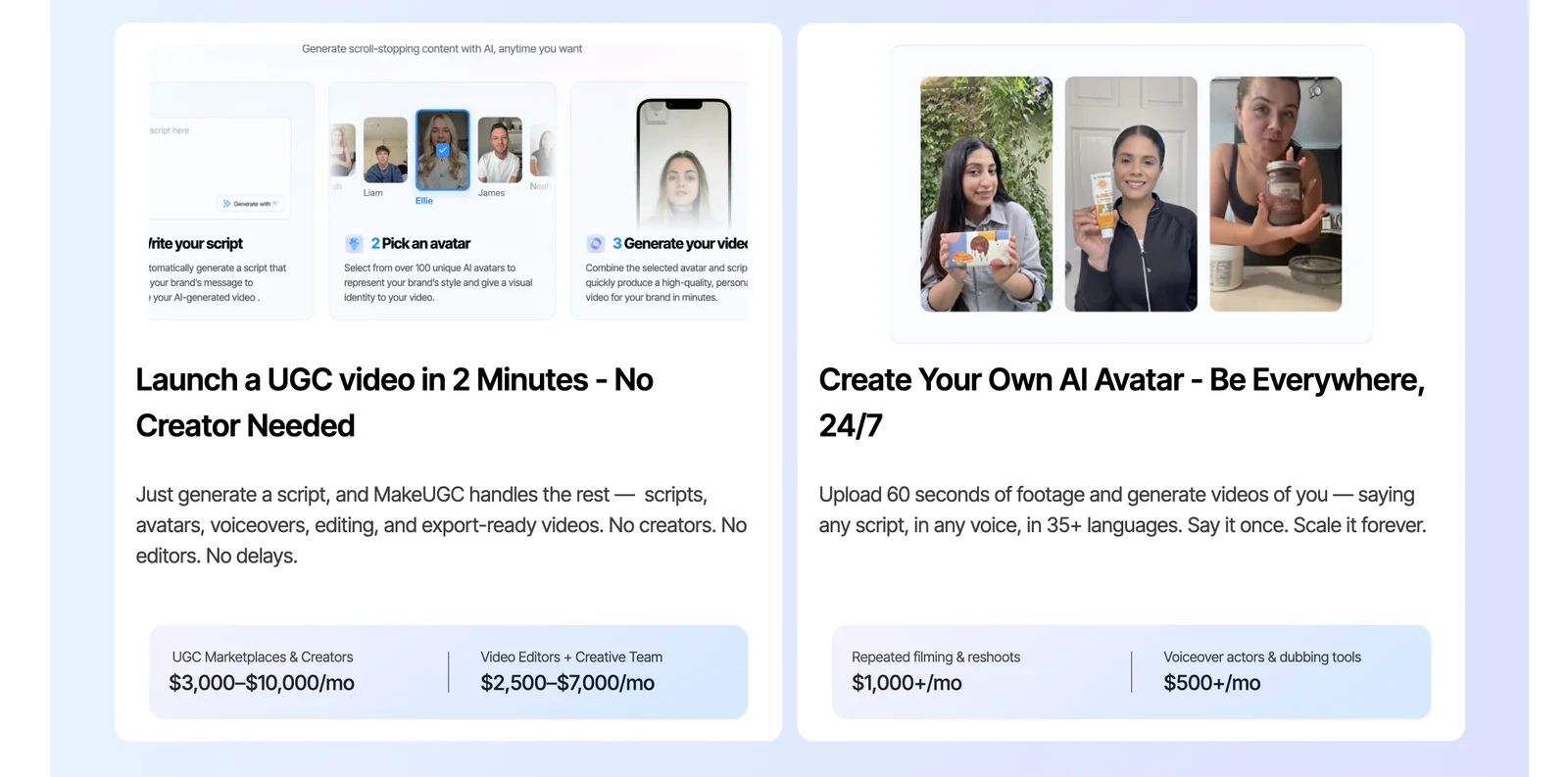
To use MakeUGC to create videos, write your script, select an avatar from the extensive library, and generate a video tailored for your desired platform. This efficient process typically takes around two minutes, allowing for quick content creation without sacrificing quality.
Key Points
- Script Writing: Craft a compelling script that conveys your message.
- Avatar Selection: Choose an avatar that resonates with your audience.
- Platform Optimization: Customize your video for the specific platform you intend to use.
Detailed Explanation
Using MakeUGC for video creation is straightforward. Follow these steps:
-
Script Writing: Start by drafting a clear and engaging script. Focus on the main message you want to convey, keeping the target audience in mind. Aim for brevity and clarity to ensure your content is digestible.
-
Avatar Selection: After finalizing your script, browse through MakeUGC's library of avatars. Choose one that aligns with your brand identity and appeals to your audience demographic. The right avatar can enhance engagement and relatability.
-
Video Generation: Once your script and avatar are ready, input the information into the MakeUGC platform. The tool will process your inputs and generate a video in approximately two minutes. You can customize features like background music, text overlays, and animation styles to fit your branding.
-
Platform Optimization: Finally, select the format tailored for your chosen platform (e.g., Instagram, YouTube, TikTok). Ensure the video dimensions, length, and style meet the platform's specific requirements for optimal performance.
Best Practices / Tips
- Quality Over Quantity: Focus on creating high-quality scripts and visuals rather than churning out numerous videos. Engage your audience with meaningful content.
- Test Different Avatars: Experiment with various avatars to determine which ones resonate best with your target audience. Analyze engagement metrics to inform future choices.
- Optimize for SEO: Incorporate relevant keywords into your script. This boosts discoverability on platforms and improves search rankings.
Common pitfalls to avoid:
- Neglecting Audience Needs: Always keep your audience's preferences and pain points in mind. Failing to do so can lead to disengagement.
- Ignoring Platform Guidelines: Each social media platform has specific requirements. Ensure compliance to avoid your content being overlooked or rejected.
Additional Resources
What are the key features of MakeUGC?
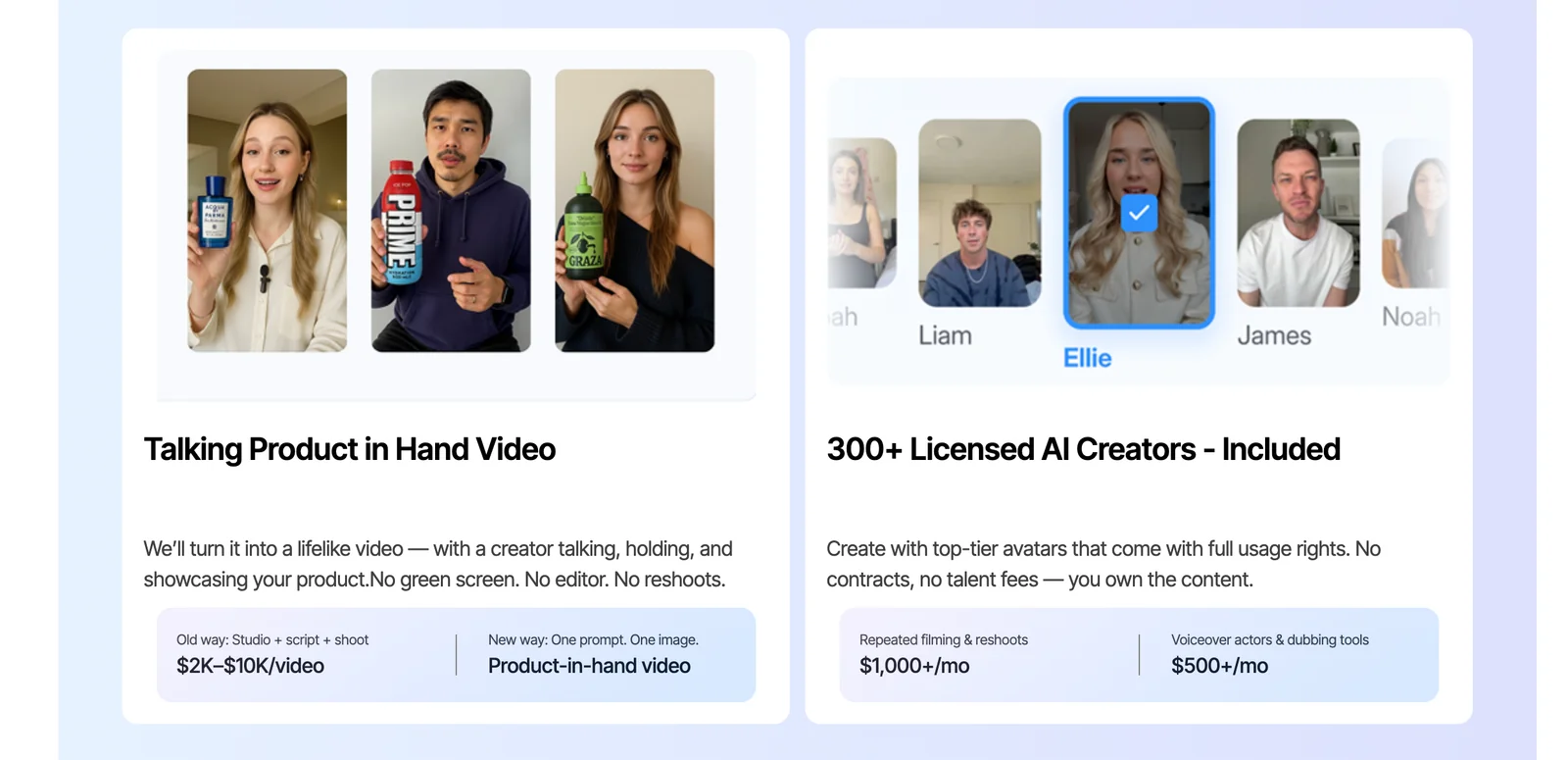
MakeUGC offers key features such as rapid video production, an extensive library of over 200 avatars, AI-driven script optimization, one-click localization, and formatting tailored for various social media platforms. These tools enable users to create engaging content quickly and effectively, enhancing their marketing strategies.
Key Points
- Rapid Video Production: Create videos in minutes.
- Extensive Avatar Library: Choose from 200+ customizable avatars.
- AI Script Optimization: Enhance content quality with AI tools.
Detailed Explanation
MakeUGC is designed to streamline the content creation process, making it accessible for marketers and businesses of all sizes.
-
Rapid Video Production: With MakeUGC, users can produce high-quality videos within minutes. This feature is ideal for social media managers or content creators who need to deliver timely content. The platform simplifies the video-making process by providing templates and pre-set styles, allowing users to focus on creativity rather than technical details.
-
Extensive Avatar Library: The platform boasts a library of over 200 avatars that can be easily customized. Users can select avatars that represent their brand or target audience, enhancing relatability and engagement. This feature is particularly useful for brands looking to personalize their video content while maintaining a professional aesthetic.
-
AI Script Optimization: MakeUGC employs advanced AI to optimize scripts, ensuring that the messaging is clear and impactful. This tool analyzes the script for effectiveness, making suggestions for improvements based on industry standards and audience preferences. For instance, businesses can use this feature to craft compelling narratives that resonate with their viewers.
-
One-Click Localization: This feature allows users to localize content instantly, adapting videos for different languages and cultural contexts. Marketing teams targeting global audiences will find this particularly beneficial, as it ensures that their message is relevant regardless of the viewer's location.
-
Platform-Specific Formatting: MakeUGC automatically formats videos for various social media platforms, such as Instagram, Facebook, and YouTube. This ensures that videos meet the specifications required by each platform, enhancing visibility and engagement. For example, a video optimized for Instagram Stories will be formatted differently than one for YouTube.
Best Practices / Tips
- Utilize Templates: Start with templates provided by MakeUGC to save time and maintain consistency across your content.
- Test Different Avatars: Experiment with various avatars to see which resonates best with your audience.
- Leverage AI Insights: Take full advantage of AI script optimization by reviewing its suggestions to enhance your message's clarity and impact.
- Localize Early: If targeting multiple regions, consider localizing your content early in the production process to streamline workflow.
Additional Resources
How does MakeUGC compare to other UGC video creation tools?
MakeUGC stands out among UGC video creation tools due to its exceptional speed and high degree of customization. With a vast avatar library and automated script generation, it efficiently supports high-volume campaigns, making it more effective than many competitors in the market.
Key Points
- Speed and Efficiency: MakeUGC enables rapid video creation.
- Customization Options: Offers a large library of avatars and templates.
- Automated Features: Includes script generation for seamless content production.
Detailed Explanation
MakeUGC is designed to cater to businesses that require quick turnaround times for user-generated content (UGC) videos. Unlike many other tools that may be slower or less flexible, MakeUGC allows users to produce videos in minutes rather than hours.
Speed and Efficiency
Businesses can create multiple videos simultaneously, making it ideal for marketing campaigns that need to launch quickly. For instance, brands can generate 10-20 videos in a single afternoon, efficiently promoting products across various platforms.
Customization Options
The platform boasts a large library of avatars, allowing users to select characters that resonate with their target audience. This customization extends to backgrounds, colors, and themes, ensuring that each video aligns with the brand's identity. Users can easily tweak these elements to create unique content.
Automated Features
MakeUGC's automated script generation is a game-changer. Users can input a few keywords or phrases, and the tool generates a complete script for the video. This feature reduces the time spent on content creation, enabling marketers to focus on strategy rather than tedious writing tasks.
Best Practices / Tips
- Utilize the Avatar Library: Experiment with different avatars to see which ones engage your audience best.
- Incorporate Keywords: Use relevant keywords in your automated scripts to enhance SEO and visibility.
- Test Variations: Create multiple versions of a video to determine which performs best through A/B testing.
Additional Resources
Does MakeUGC provide API integration?
Currently, MakeUGC does not offer a publicly available API for integration. For businesses with specific technical requirements or enterprise solutions, it is advisable to reach out to their support team for personalized assistance or potential custom integration options.
Key Points
- MakeUGC lacks a public API for integration.
- Support team can provide assistance for enterprise solutions.
- Custom integration may be available upon request.
Detailed Explanation
MakeUGC, a platform designed to streamline user-generated content, has not listed an API for public use as of now. This means that standard users or developers cannot directly connect or integrate the platform with their applications or services autonomously. However, businesses requiring specialized functionalities or integrations can benefit from contacting MakeUGC's support team.
Use Cases
-
Enterprise Solutions: Large organizations often have unique needs for integrating platforms like MakeUGC with existing systems. For instance, a marketing team may want to automate content collection from social media. The support team can discuss potential custom solutions.
-
Technical Requirements: If your business has specific software or hardware integrations, the support team can clarify if any options exist, even if a public API isn’t available.
-
Third-Party Integrations: Consider discussing the possibility of integrating MakeUGC with third-party tools through alternative methods, such as webhooks or manual data exports.
Best Practices / Tips
- Contact Support: If you have unique integration needs, reach out to MakeUGC’s support team to explore potential custom solutions.
- Documentation: Review any available documentation or FAQs on MakeUGC’s website to understand their offerings better.
- Plan Ahead: If you anticipate needing integration in the future, consider discussing these needs during your initial setup with MakeUGC.
Additional Resources
- MakeUGC Support Page
- User Guides and Documentation
- Contact MakeUGC for personalized assistance and inquiries about integrations.
Explore more AI Ai Models tools
Browse all Ai Models tools →Browse by use case: Video Generation · Voice & Audio · Automation & Productivity
Compare MakeUGC: vs Mouse-1 · vs Milliseconds.ai · vs SWE-2 · vs Desert Ant Labs