

Lovable
AIBuild software products using a conversational chat interface that edits and runs your web app in real time.
Lovable
Build software products using a conversational chat interface that edits and runs your web app in real time.
About Lovable
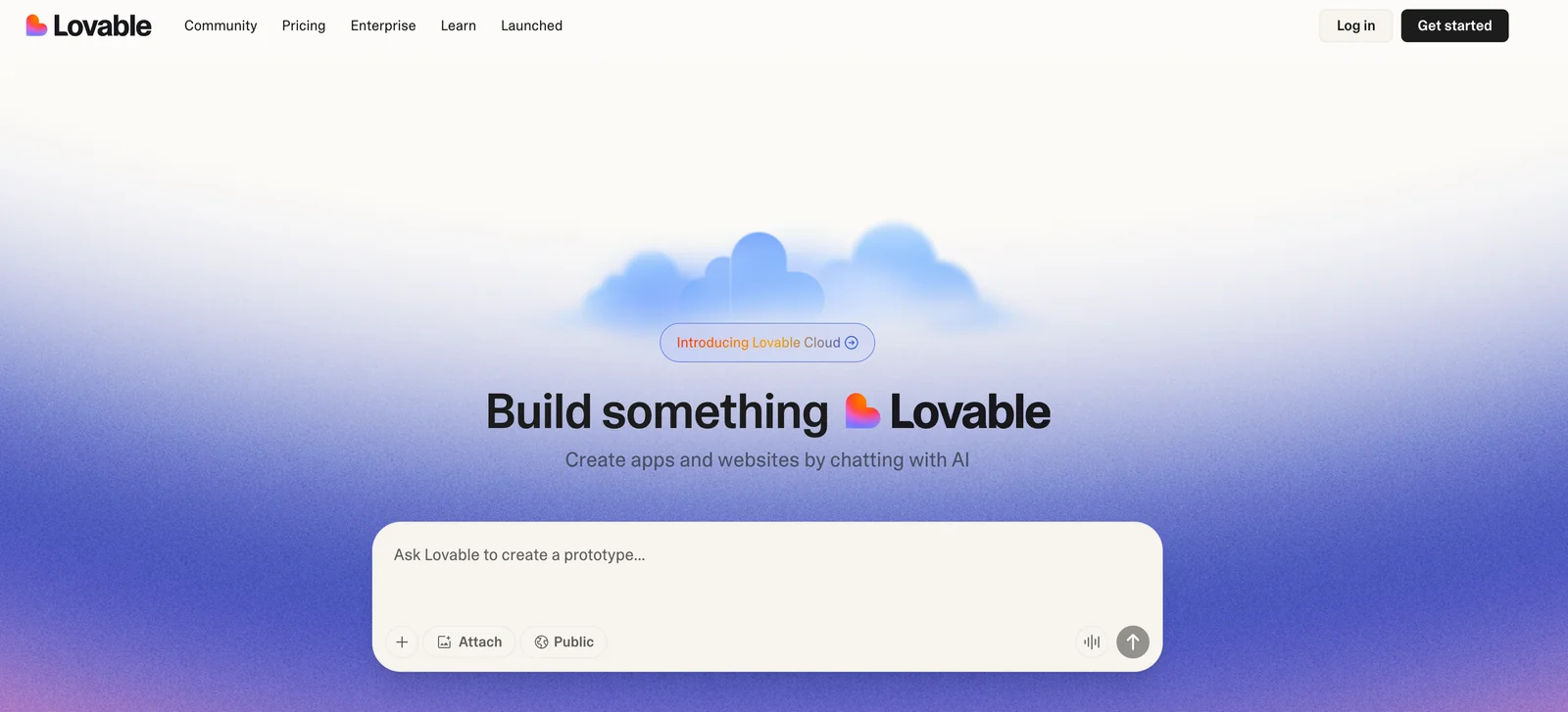
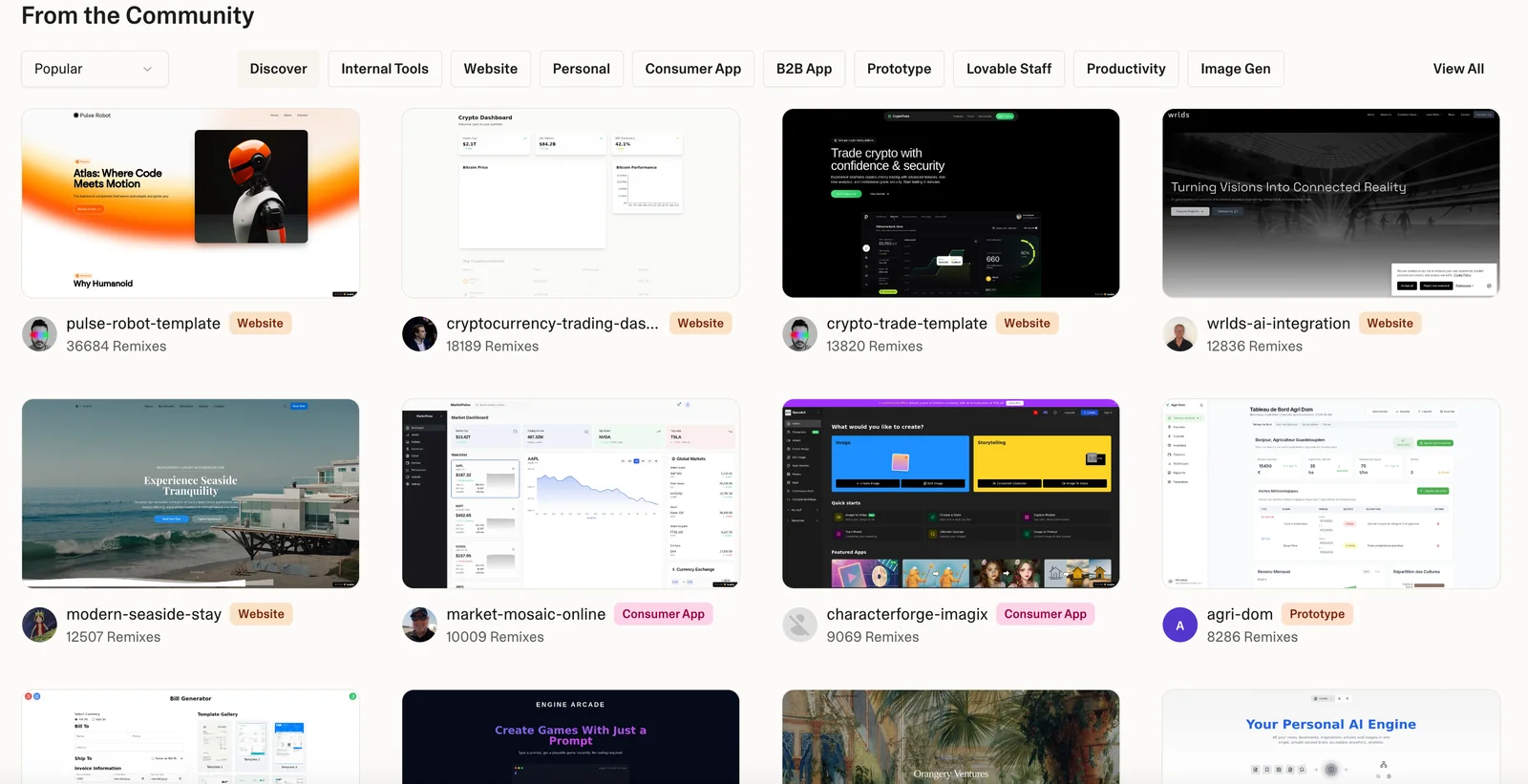
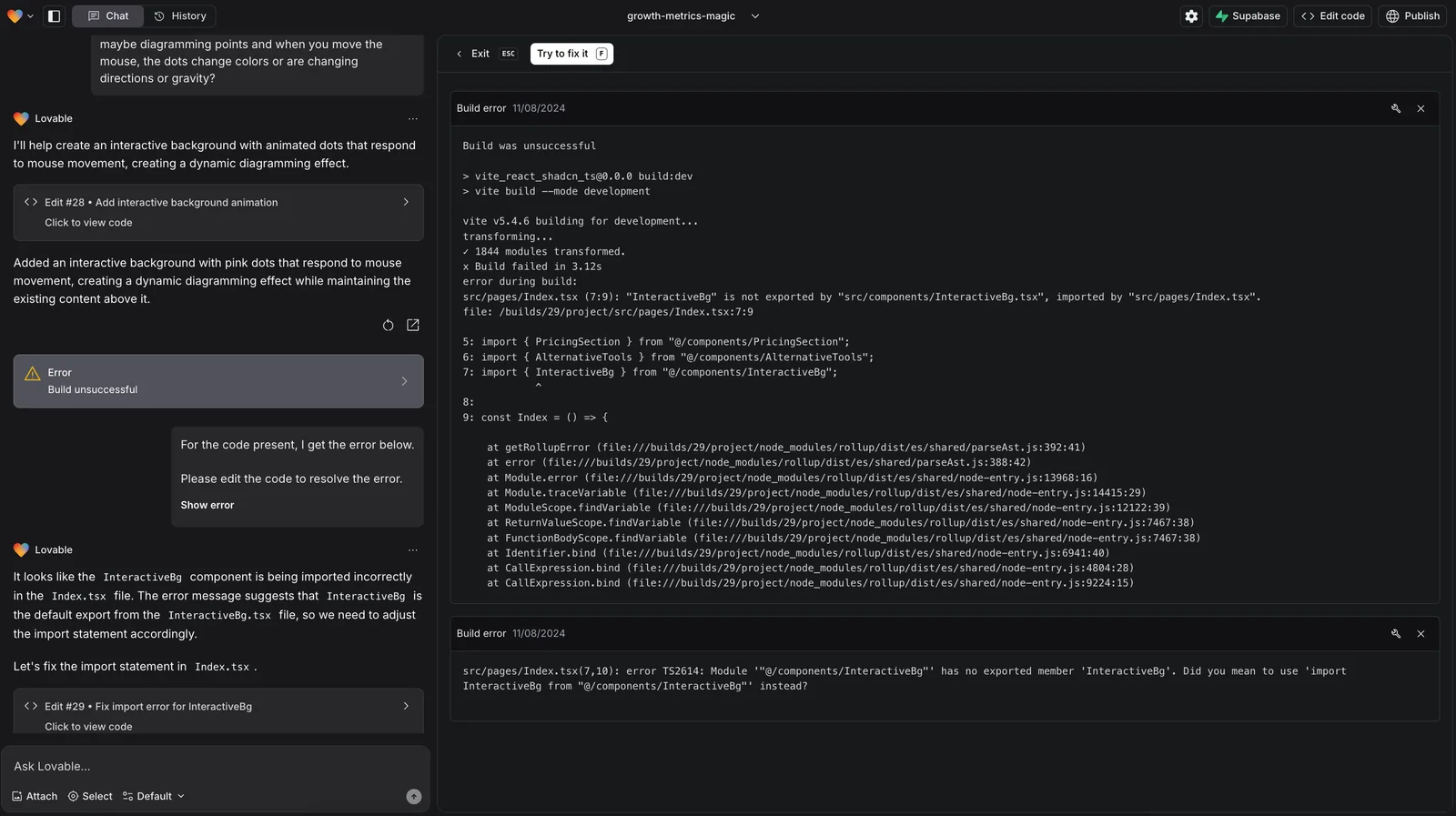
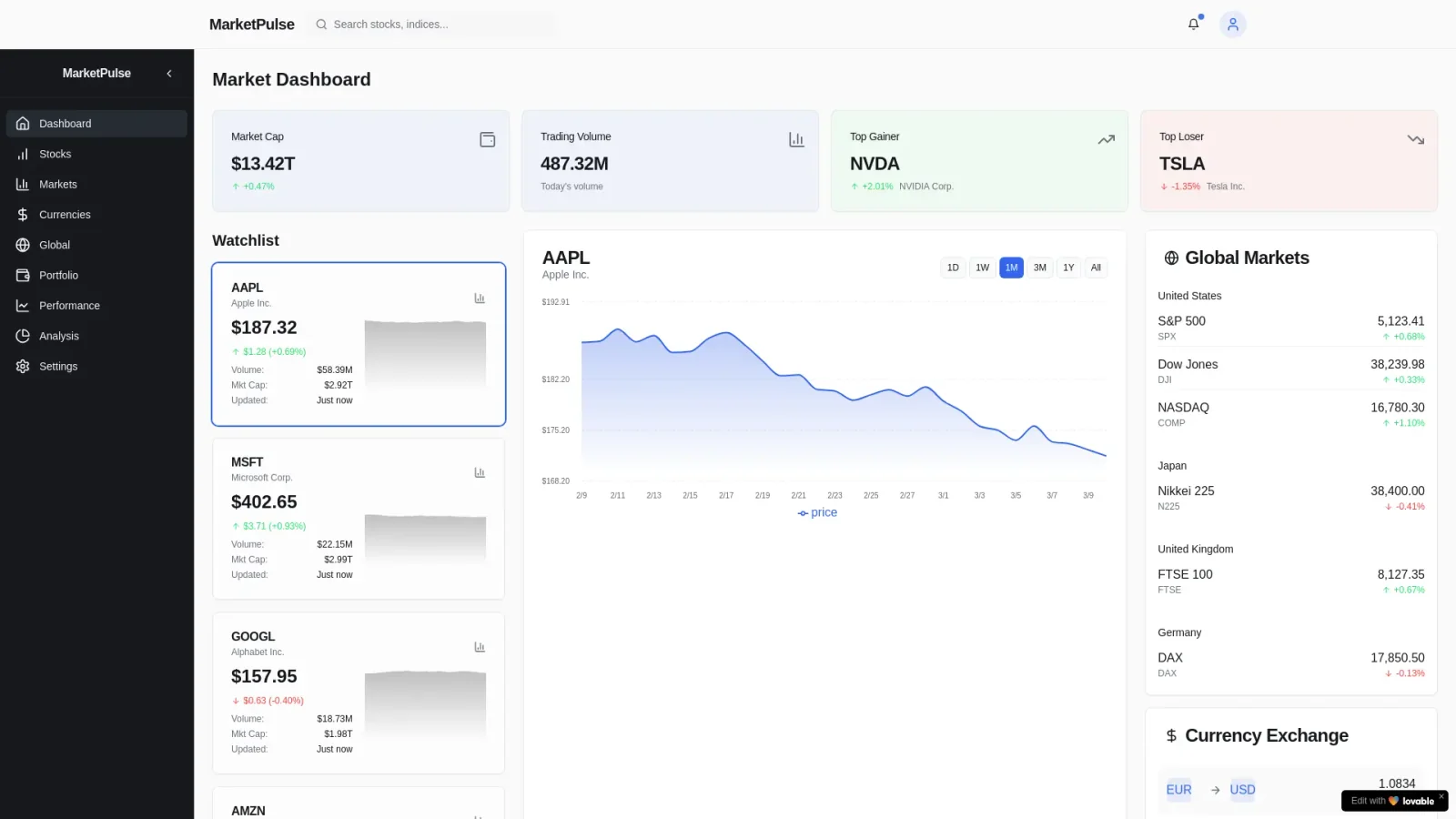
Lovable is a chat-first code editor and agent that creates, modifies, and ships web applications through conversation. Users interact via a chat UI while Lovable makes concrete code changes, immediately rebuilds the project, and renders a live preview in an iframe so results are visible instantly. The agent can access application console logs and uploaded assets (images) to debug and incorporate resources, enforces complete and consistent edits (no partial or broken imports), and follows opinionated frontend conventions and library preferences to keep implementations simple and consistent. Lovable's value is turning product requirements and iterative feedback into functioning web app code with instant visual feedback and integrated debugging, streamlining prototyping and developer collaboration.
Screenshots
Key Features
Use Cases



Frequently asked questions about Lovable
What are the pricing options for Lovable?
Lovable offers a flexible pricing model that includes a freemium tier and paid plans. The paid options start at $25/month for the Pro plan, which is suitable for individuals, and $30/month for the Teams plan, designed for collaborative environments. Each plan includes unique features and credit allocations.
Key Points
- Freemium Model: Lovable provides a free tier with basic functionalities.
- Paid Plans: Pro plan starts at $25/month; Teams plan starts at $30/month.
- Features & Credits: Each plan offers distinct features and varying credit allocations tailored to user needs.
Detailed Explanation
Lovable's pricing structure caters to a diverse audience, from individual users to teams.
-
Freemium Tier: The free tier allows users to explore basic functionalities without any financial commitment. Ideal for startups or freelancers, this option provides essential tools to manage projects effectively.
-
Pro Plan ($25/month): This plan is designed for individuals who require advanced features. It includes enhanced customization options, priority support, and increased credit allocations for optimal performance. Suitable for professionals looking to maximize productivity, the Pro plan offers tools tailored for individual use.
-
Teams Plan ($30/month): Aimed at collaborative work environments, the Teams plan includes all Pro features plus additional functionalities for team management. This plan supports multiple users, enabling better collaboration through shared resources, real-time updates, and communication tools.
For both paid plans, users can benefit from free trials, allowing them to assess the platform's capabilities before committing financially.
Best Practices / Tips
- Choose the Right Plan: Analyze your needs carefully. If you’re an individual, start with the Pro plan; teams should opt for the Teams plan to maximize collaboration.
- Utilize the Free Tier: Take full advantage of the free tier to determine if Lovable meets your requirements before upgrading.
- Explore Features: Review the features included in each plan; ensure they align with your project management needs.
Additional Resources
- Lovable Pricing Page: View detailed pricing options and feature comparisons.
- Lovable Documentation: Access guides and FAQs for further assistance.
- Customer Reviews: Read user experiences to help inform your decision.
How do I start using Lovable for my web app development?
To start using Lovable for your web app development, visit their official website, create an account, select a suitable pricing plan, and begin using the chat-driven interface to build and modify your web app in real-time.
Key Points
- Sign up easily on Lovable's website.
- Choose from various pricing plans based on your needs.
- Utilize the intuitive chat-driven interface for real-time app development.
Detailed Explanation
Using Lovable for your web app development begins with signing up on their official website at lovable.com. Here’s a step-by-step guide:
-
Create an Account: Click on the sign-up button and fill out the required fields with your email and password. You may also have the option to sign up using Google or other social accounts for convenience.
-
Choose a Pricing Plan: Lovable offers multiple pricing tiers, including a free trial to test the platform’s features. Carefully assess each plan's offerings—like the number of projects and user seats—to determine which best fits your development needs.
-
Explore the Interface: Once registered, log in to the Lovable dashboard. The chat-driven interface is designed for seamless interaction. You can ask questions, request features, and receive real-time suggestions while building your web app.
-
Start Building Your App: Follow guided prompts or tutorials provided by Lovable to create your web app. You can add components, customize layouts, and implement functionalities based on your specific requirements.
-
Collaborate and Iterate: Utilize collaboration features that allow you to invite team members to work together on the app. Feedback can be gathered directly through the chat, enabling an agile development process.
Best Practices / Tips
- Utilize the Free Trial: Take advantage of the free trial to familiarize yourself with the platform's capabilities without financial commitment.
- Engage with Support: Use the chat feature not just for building but also for troubleshooting. Lovable's support team is available to assist you as you navigate the platform.
- Regularly Save Your Work: Ensure you save your progress frequently. While Lovable is built for real-time edits, it’s always good practice to back up changes manually.
- Explore Community Resources: Join forums or community groups that focus on Lovable to exchange tips and best practices with other users.
Additional Resources
By following these steps and tips, you can effectively start using Lovable to develop your web app and leverage its unique features for an efficient development process.
What are the key features of Lovable?
Lovable is a powerful web app development tool that features a chat-driven editor, live rebuild and preview capabilities, a debugging console, and asset integration. These features enable users to create web applications efficiently through conversational instructions, streamlining the development process for both beginners and experienced developers.
Key Points
- Chat-Driven Editor: Simplifies coding with conversational commands.
- Live Rebuild and Preview: Instantly see changes without refreshing.
- Debugging Console Access: Enables real-time error tracking and resolution.
Detailed Explanation
Lovable’s chat-driven editor allows users to input commands in natural language, making it accessible for individuals with varying technical expertise. For instance, a user can type "Create a button with a red background," and Lovable translates that command into code automatically.
The live rebuild and preview feature is particularly beneficial for rapid prototyping. As developers make changes to their app, they can see the results in real-time, eliminating the need for constant manual refreshes. This immediate feedback loop speeds up the development cycle significantly.
Furthermore, debugging console access provides developers with the tools to identify and fix errors on the fly. By displaying error messages and warnings directly in the interface, Lovable saves valuable time and enhances the overall user experience.
Additionally, Lovable supports asset integration, which allows users to easily incorporate images, fonts, and other assets into their web apps. This feature is crucial for maintaining a consistent and appealing design throughout the application.
Best Practices / Tips
- Utilize the Chat-Driven Editor: Take advantage of the natural language processing feature for quick coding tasks.
- Frequent Previews: Regularly use the live rebuild feature to catch design issues early in the development process.
- Error Monitoring: Keep an eye on the debugging console to proactively address issues instead of waiting until later stages of development.
- Explore Asset Integration: Familiarize yourself with asset management to enrich your web app’s visual appeal.
Additional Resources
By leveraging these features and following best practices, users can maximize their productivity and efficiency when developing web applications with Lovable.
How does Lovable compare to other AI development tools?
Lovable distinguishes itself from other AI development tools by offering a user-friendly conversational interface for code editing and real-time previews. This innovative approach simplifies coding, making it more accessible for beginners and efficient for experienced developers, while specific features may differ across competing platforms.
Key Points
- Conversational Interface: Lovable's unique design allows users to interact naturally, enhancing code editing.
- Real-Time Previews: Immediate feedback on code changes helps users visualize results instantly.
- User Accessibility: The platform is tailored to both novice and experienced developers, promoting ease of use.
Detailed Explanation
Lovable integrates conversational AI into its coding environment, allowing users to type commands in a natural language format. This contrasts sharply with traditional coding tools, which often require precise syntax knowledge. For example, instead of needing to remember complex commands, a user can simply ask Lovable to "create a button that says 'Submit'."
The real-time preview feature is particularly beneficial; as users write code, they can instantly see how their changes will affect the final product. This feature not only enhances productivity but also reduces errors, as developers can quickly identify and rectify issues.
Comparatively, other AI development tools may focus on code generation without the same level of interactivity or immediate feedback, which can lead to a steeper learning curve for new users. Additionally, tools like GitHub Copilot or Replit serve different purposes and often require a more traditional coding approach, making Lovable a refreshing alternative.
Best Practices / Tips
- Leverage the Conversational Interface: Familiarize yourself with natural language prompts to maximize Lovable's capabilities.
- Utilize Real-Time Previews: Always keep the preview window open while coding to instantly see the effects of your changes.
- Explore Community Resources: Engage with user forums and tutorials to learn about innovative ways to use Lovable effectively.
Additional Resources
Does Lovable offer API integrations?
Lovable does not explicitly offer API integrations on its website. For businesses seeking custom integrations or enterprise solutions, it is advised to contact Lovable's sales team directly for further information and tailored assistance.
Key Points
- Lovable lacks publicly available API integration details.
- Custom integrations may be possible upon request.
- Direct contact with Lovable's sales team is recommended for enterprise needs.
Detailed Explanation
Lovable primarily focuses on providing user-friendly tools for relationship management and engagement. While they do not specifically advertise API integrations, businesses often require connectivity with other platforms. Custom solutions can enhance functionality by linking Lovable with existing systems like CRMs, ERPs, or marketing automation tools.
To explore potential integrations, businesses are encouraged to reach out to Lovable’s sales team. This team can discuss specific requirements, assess feasibility, and provide details on available options tailored to business needs. For example, if your company uses Salesforce or HubSpot for CRM, Lovable may have custom integration capabilities that can streamline processes.
Use Cases
- Marketing Automation: Integrating Lovable with tools like Mailchimp can automate customer engagement.
- Data Analysis: Linking Lovable with analytics platforms can provide deeper insights into user interactions.
- Customer Service: Connecting with support platforms can enhance customer experience by providing seamless communication.
Best Practices / Tips
- Define Requirements: Clearly outline what you need from the integration to facilitate a productive conversation with Lovable’s sales team.
- Explore Alternatives: If API integration is critical, consider other platforms that might offer more robust API support.
- Stay Updated: Regularly check Lovable's website or subscribe to updates for any announcements regarding potential API features or integrations.
Additional Resources
Explore more AI Ai Agents tools
Browse all Ai Agents tools →Browse by use case: Code Generation · Chatbots & Assistants · Automation & Productivity
Compare Lovable: vs Proto-Mind · vs Ami · vs Duvi · vs AskDeck