

GetResponse
AIAll-in-one marketing platform for email, automation, landing pages, and revenue tracking to convert leads into customers.
GetResponse
All-in-one marketing platform for email, automation, landing pages, and revenue tracking to convert leads into customers.
About GetResponse
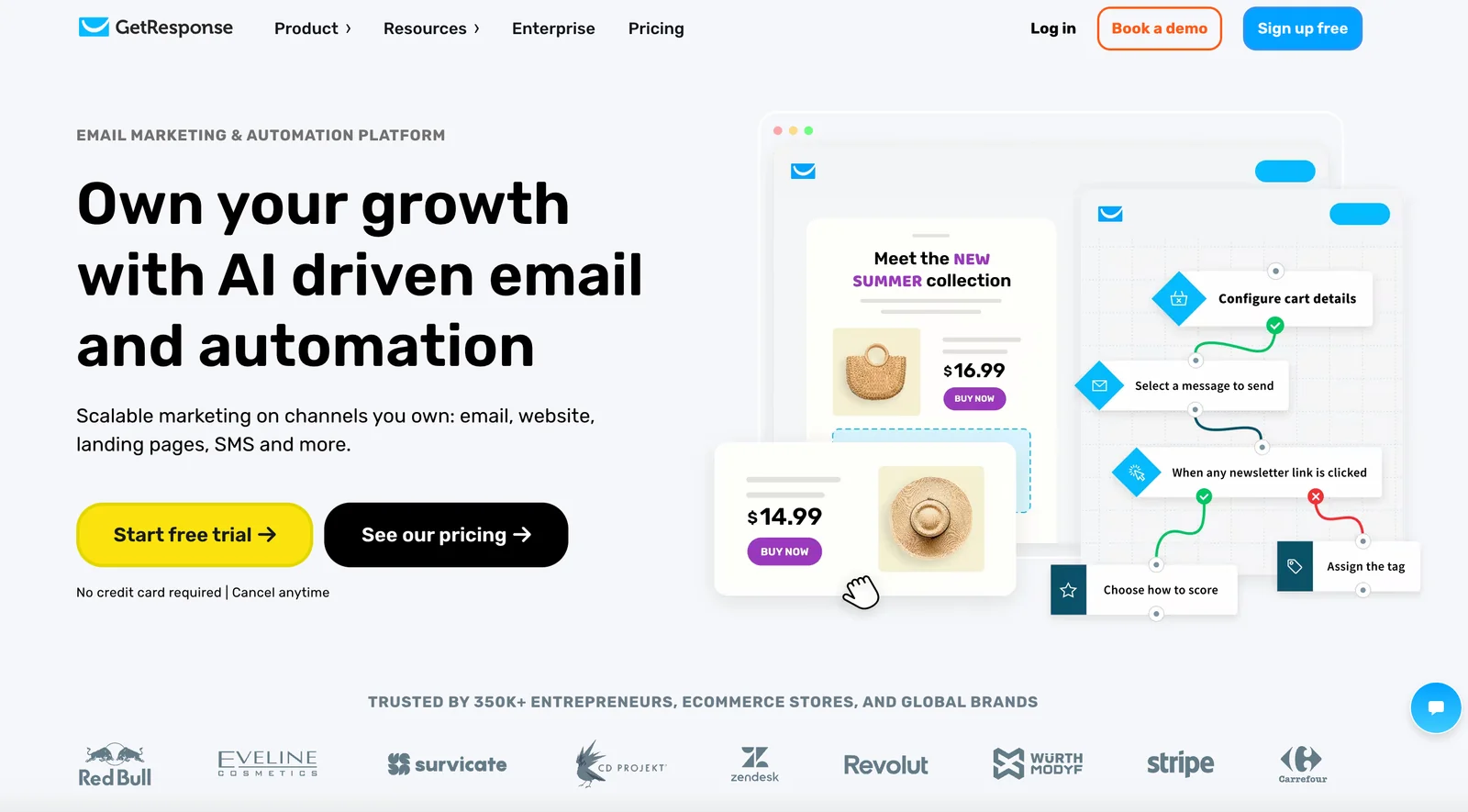
GetResponse is a marketing platform that combines email marketing, marketing automation, and landing page creation to help businesses capture leads, automate sales funnels, and track revenue. It provides a visual automation workflow builder with event-based triggers, tools for designing and publishing landing pages, integrations and plugins (including a WordPress plugin), and developer SDKs/APIs for custom integrations. GetResponse positions itself to simplify campaign creation, improve conversion tracking, and enable partners through an affiliate program and desktop tooling.
Screenshots
Key Features
Use Cases



Frequently asked questions about GetResponse
What are the pricing options for GetResponse?
GetResponse offers a variety of pricing plans, including a free option for up to 500 contacts. Paid plans begin at $19 per month for basic email marketing, $59 per month for advanced marketing automation, and $119 per month for eCommerce marketing solutions.
Key Points
- Free plan available for up to 500 contacts
- Paid plans start at $19/month for basic features
- Advanced features priced at $59/month and $119/month for eCommerce
Detailed Explanation
GetResponse provides flexible pricing options suitable for businesses of all sizes. The free plan allows users to manage up to 500 contacts with access to essential email marketing tools, making it ideal for startups or those testing the platform.
Paid Plans:
-
Basic Plan ($19/month): This plan includes unlimited email sending, autoresponders, and landing pages. It's perfect for small businesses looking to enhance their email marketing efforts without a significant investment.
-
Plus Plan ($59/month): Designed for growing businesses, this plan includes all Basic features plus marketing automation, webinars, and sales funnels. It supports up to 1,000 contacts, making it a robust choice for more complex marketing strategies.
-
Professional Plan ($119/month): This plan is tailored for eCommerce businesses and includes advanced automation features, customizable workflows, and support for up to 2,500 contacts. Ideal for businesses focused on maximizing their online sales through integrated marketing solutions.
-
Enterprise Plan: For larger organizations, GetResponse offers a custom pricing option that includes dedicated account management, enhanced deliverability, and tailored solutions.
Best Practices / Tips
- Evaluate Your Needs: Determine your email marketing goals and choose a plan that aligns with those objectives. If you're just starting, the free plan is an excellent way to test the waters.
- Take Advantage of Discounts: GetResponse often offers discounts for annual subscriptions, which can save you up to 18% compared to monthly payments.
- Utilize Features: Explore all available features like landing pages, autoresponders, and analytics to maximize your investment.
Additional Resources
How do I start using GetResponse for email marketing?
To start using GetResponse for email marketing, visit the official website to sign up for a free account or select a paid plan. After registration, you can easily create your first email campaign using the user-friendly drag-and-drop editor.
Key Points
- Sign up for a free or paid account.
- Familiarize yourself with the drag-and-drop email editor.
- Explore automation features for effective marketing.
Detailed Explanation
-
Create an Account: Go to the GetResponse website and click on "Sign Up." You can choose a free trial or opt for one of their paid plans, which start as low as $15 per month depending on your needs.
-
Set Up Your Profile: After signing up, complete your profile by providing necessary information like your email address, business name, and website. This helps in personalizing your campaigns.
-
Explore the Dashboard: Once logged in, you’ll be taken to your dashboard. Familiarize yourself with the layout, where you can find options for creating campaigns, landing pages, and managing your contacts.
-
Create Your First Email Campaign: Click on “Email Marketing” and then “Create Campaign.” Utilize the drag-and-drop editor to design your email. You can choose templates or start from scratch. The editor allows you to add images, adjust text, and customize buttons easily.
-
Set Up Automation: Take advantage of GetResponse’s automation features. You can create autoresponders that send emails based on user actions, such as signing up for your newsletter or clicking on a link.
-
Test and Send: Before sending, use the preview feature to check how your email will appear on different devices. Once satisfied, select your audience and send your campaign.
Best Practices / Tips
- Segment Your Audience: Utilize GetResponse's list segmentation tools to target specific groups based on interests or behaviors, increasing engagement rates.
- Optimize for Mobile: Ensure your emails are mobile-friendly, as a significant portion of users will read your emails on smartphones.
- A/B Testing: Experiment with different subject lines, content, and designs to see what resonates best with your audience. GetResponse allows you to conduct A/B tests easily.
Additional Resources
What are the key features of GetResponse?
GetResponse is a comprehensive marketing platform that offers key features such as email campaign creation, a visual automation workflow builder, landing page creation, revenue tracking, and seamless integrations with WordPress and custom APIs, making it an ideal choice for businesses looking to enhance their online marketing efforts.
Key Points
- Email Marketing: Create targeted email campaigns easily.
- Automation: Utilize a visual workflow builder for efficient marketing automation.
- Landing Pages: Design high-converting landing pages with ease.
Detailed Explanation
GetResponse is designed for businesses of all sizes, providing a user-friendly interface that simplifies marketing tasks.
Email Marketing
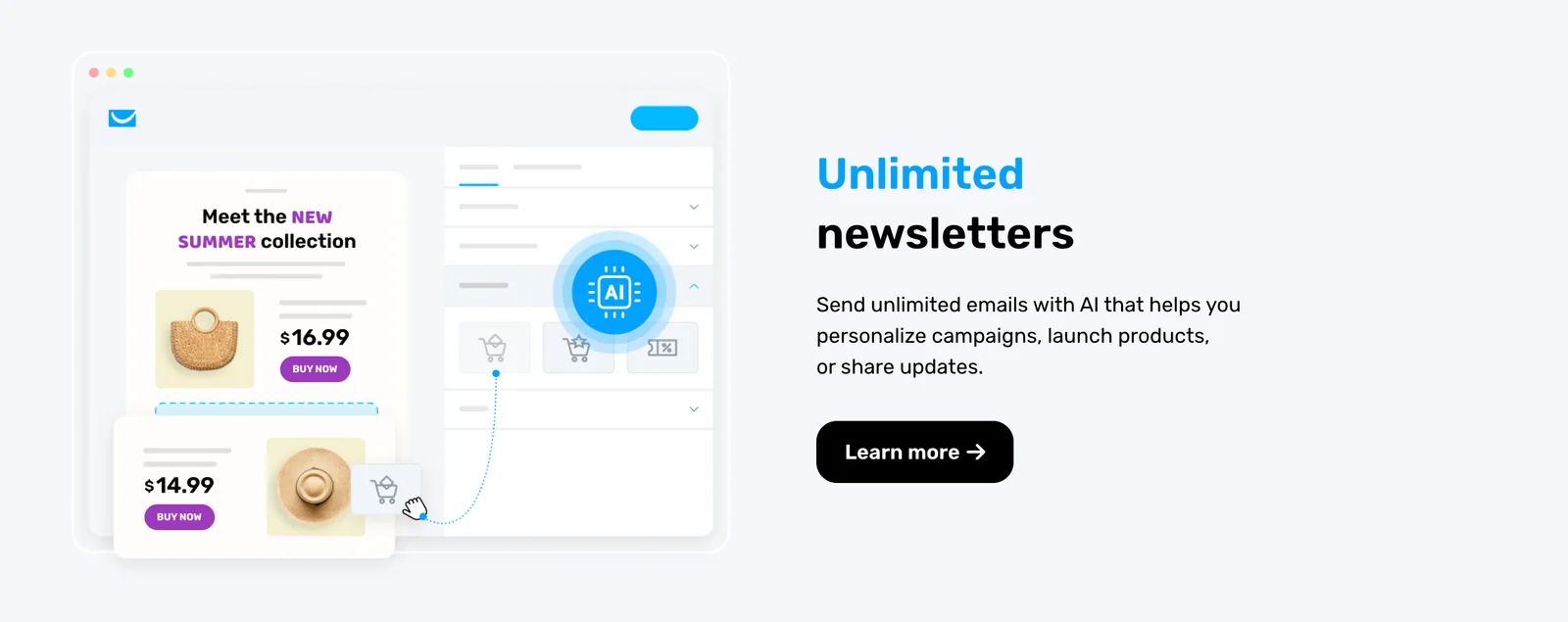
With GetResponse, users can create visually appealing newsletters and promotional emails. The platform offers customizable templates, allowing marketers to tailor their messages for specific audiences. For instance, businesses can segment their lists based on user behavior or demographics, ensuring that the right message reaches the right people.
Automation Workflow Builder
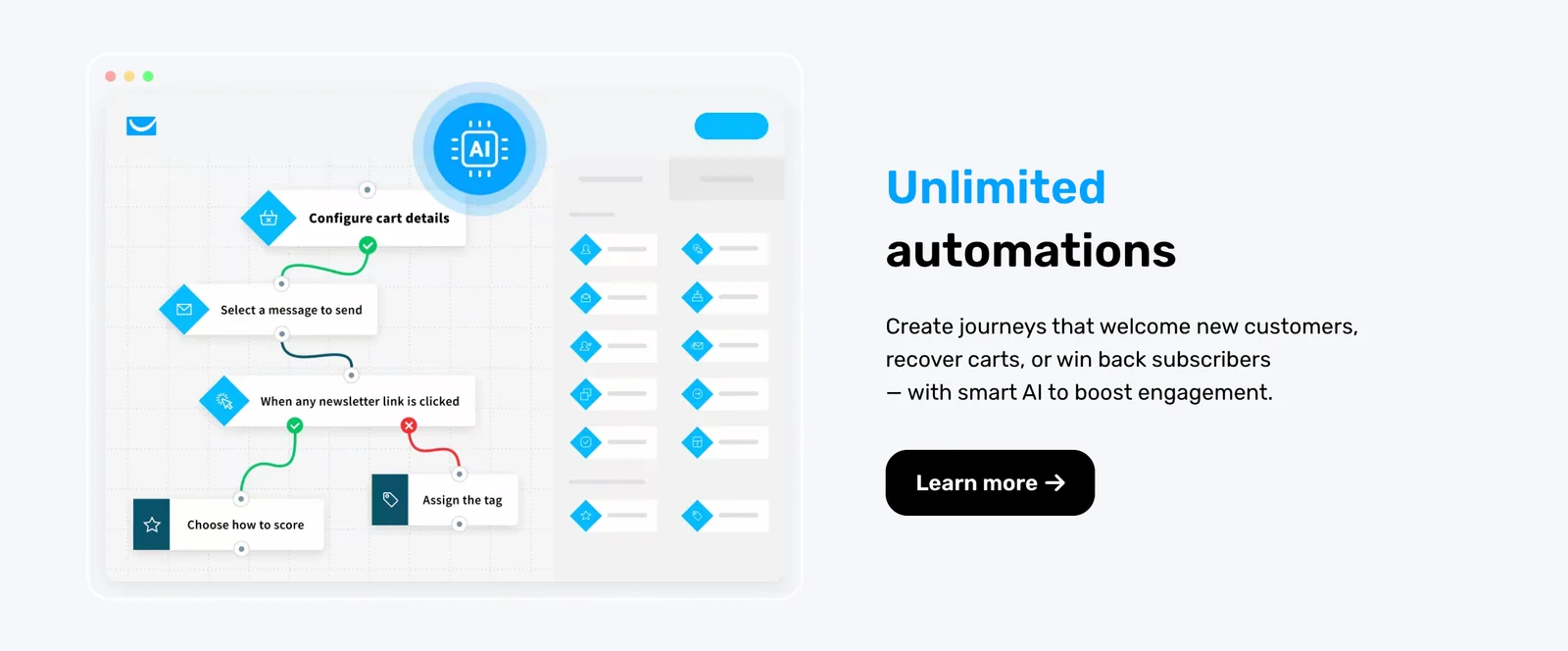
The visual workflow builder is a standout feature that allows users to automate their marketing processes effortlessly. You can set up triggers based on user actions, such as signing up for a newsletter or clicking a link in an email. For example, if a subscriber clicks a product link, they can automatically receive a follow-up email with a discount offer, increasing the chances of conversion.
Landing Page Creation
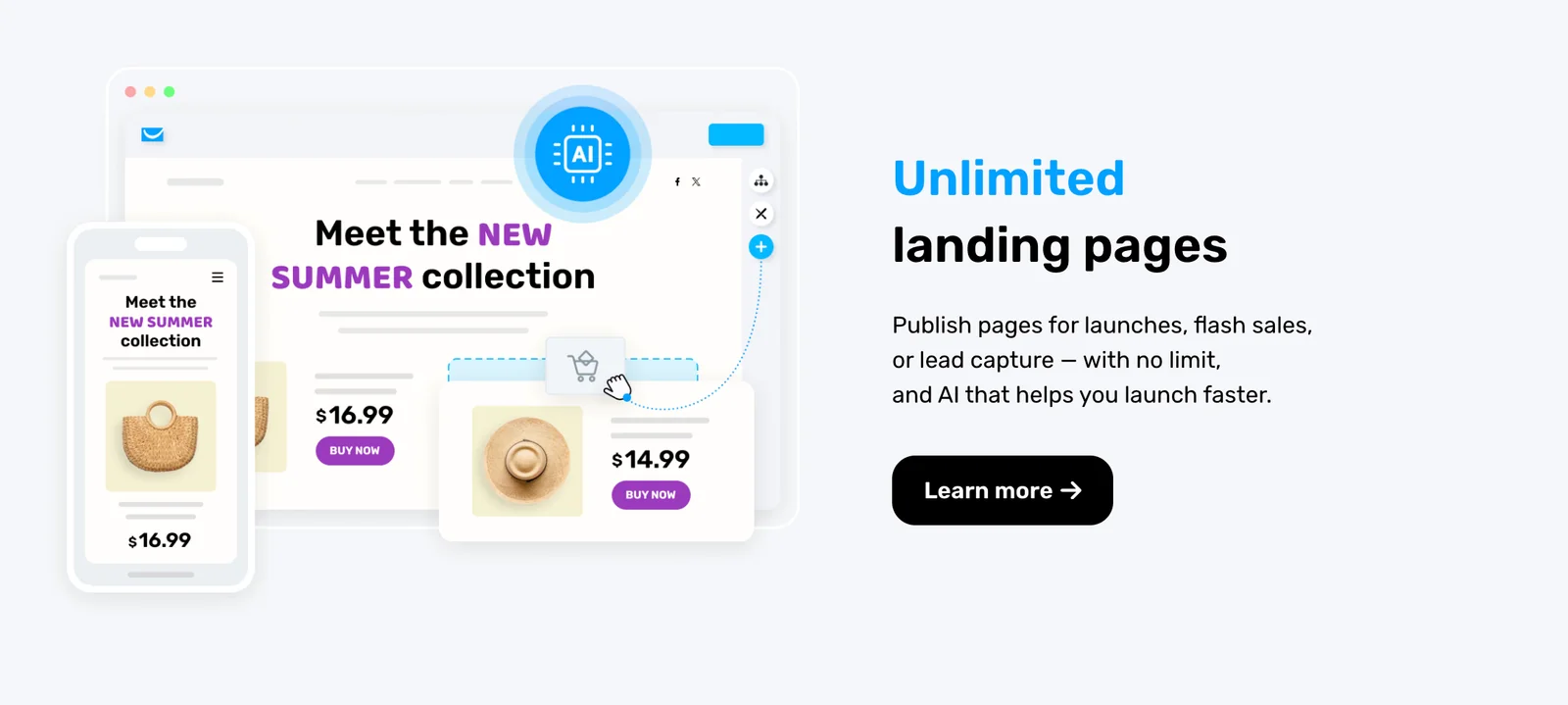
GetResponse offers a drag-and-drop landing page builder, making it easy to create landing pages optimized for conversions. Users can choose from a variety of templates tailored for different campaigns, such as product launches or webinars. Additionally, A/B testing features enable marketers to experiment with different designs and content to determine what resonates best with their audience.
Revenue Tracking
This feature allows businesses to monitor the performance of their campaigns closely. Users can track metrics like open rates, click-through rates (CTR), and overall revenue generated from each campaign. By analyzing this data, businesses can refine their strategies to enhance future campaigns.
Integrations
GetResponse integrates seamlessly with various platforms, including WordPress, Shopify, and major social media channels. This connectivity allows businesses to streamline their marketing efforts across different channels, ensuring a cohesive experience for their audience.
Best Practices / Tips
- Utilize Segmentation: Take advantage of GetResponse’s segmentation features to tailor your messages to specific audience groups, enhancing engagement.
- Leverage Automation: Automate follow-up emails and workflows to save time and ensure timely communication with your audience.
- Test and Optimize: Regularly conduct A/B tests on your emails and landing pages to identify what works best, adjusting your strategies accordingly.
Additional Resources
How does GetResponse compare to Mailchimp?
GetResponse excels in advanced automation features and offers robust landing page builders, making it ideal for marketers seeking comprehensive tools. Conversely, Mailchimp is often preferred by beginners due to its intuitive interface and straightforward setup process, providing a simpler entry into email marketing.
Key Points
- Automation Features: GetResponse provides superior automation capabilities.
- User Experience: Mailchimp is more user-friendly for novices.
- Pricing: Both platforms have different pricing structures and plans.
Detailed Explanation
GetResponse is recognized for its sophisticated automation tools, allowing users to create complex workflows that can be triggered by specific actions or behaviors. For instance, users can set up automated email sequences based on subscriber behavior, such as opening previous emails or clicking on links. This feature is particularly beneficial for businesses looking to enhance engagement through personalized marketing campaigns.
On the other hand, Mailchimp is known for its user-friendly interface. Its drag-and-drop editor makes it easy for beginners to design attractive email campaigns without needing coding skills. Additionally, Mailchimp offers a free tier, which is advantageous for startups or small businesses that are just starting out and need to manage budgets effectively.
When it comes to landing pages, GetResponse stands out with its dedicated landing page builder, which includes customizable templates and A/B testing capabilities. This feature is essential for businesses aiming to optimize their conversion rates. Mailchimp, while offering landing pages, provides fewer customization options compared to GetResponse.
Best Practices / Tips
- Assess Your Needs: Determine whether advanced automation or ease of use is more critical for your business model.
- Start with Free Trials: Both platforms offer trial periods; take advantage of these to explore features firsthand.
- Utilize Templates: Use pre-designed templates in both platforms to save time and effort in campaign creation.
- Monitor Analytics: Regularly analyze your email campaign performance through built-in analytics to refine your strategies.
Additional Resources
Does GetResponse support API integrations?
Yes, GetResponse supports API integrations, offering a public API that allows users to seamlessly connect with various CRMs, eCommerce platforms, and custom applications. This functionality enhances data flow and operational efficiency, making it easier for businesses to synchronize their marketing efforts.
Key Points
- Public API Accessibility: GetResponse offers easy access to its API for developers.
- Integration Versatility: Compatible with multiple platforms, including popular CRMs and eCommerce solutions.
- Enhanced Data Flow: Facilitates seamless synchronization between applications for improved marketing efficiency.
Detailed Explanation
GetResponse’s API integration capabilities are designed to enhance the functionality of its marketing tools. The public API allows developers to connect GetResponse with various third-party applications, such as Salesforce, Shopify, and WooCommerce. By leveraging RESTful API endpoints, users can automate tasks, synchronize contacts, and manage email campaigns more effectively.
For example, integrating GetResponse with an eCommerce platform can help automate the process of adding new customers to your email lists. This means whenever a purchase is made, the customer's details are automatically transferred to your GetResponse account, allowing you to target them with personalized follow-up emails or promotional campaigns.
Use Cases:
- CRM Synchronization: Automatically import leads from your CRM into GetResponse for targeted email marketing.
- eCommerce Automation: Sync customer purchase data to tailor marketing efforts based on buying behavior.
- Custom Application Development: Build custom solutions that utilize GetResponse's functionalities through API calls.
Best Practices / Tips
- Read the API Documentation: Familiarize yourself with the official API documentation provided by GetResponse to understand available endpoints and capabilities.
- Start with Basic Integrations: Begin by integrating with popular platforms like Shopify or Salesforce to gauge performance and refine your approach.
- Monitor API Usage: Keep track of your API call limits to avoid service disruptions and optimize your integration strategies.
- Test Thoroughly: Before deploying integrations, conduct thorough testing to ensure data transfers correctly and seamlessly.
Additional Resources
Explore more AI Ai Tools tools
Browse all Ai Tools tools →Browse by use case: Code Generation · Automation & Productivity
Compare GetResponse: vs Mise · vs BiBimba · vs VoiceCap · vs NM Signals