

Fullstory
AIBehavioral data platform that records user sessions and surfaces sentiment and insights to improve product experience.
Fullstory
Behavioral data platform that records user sessions and surfaces sentiment and insights to improve product experience.
About Fullstory
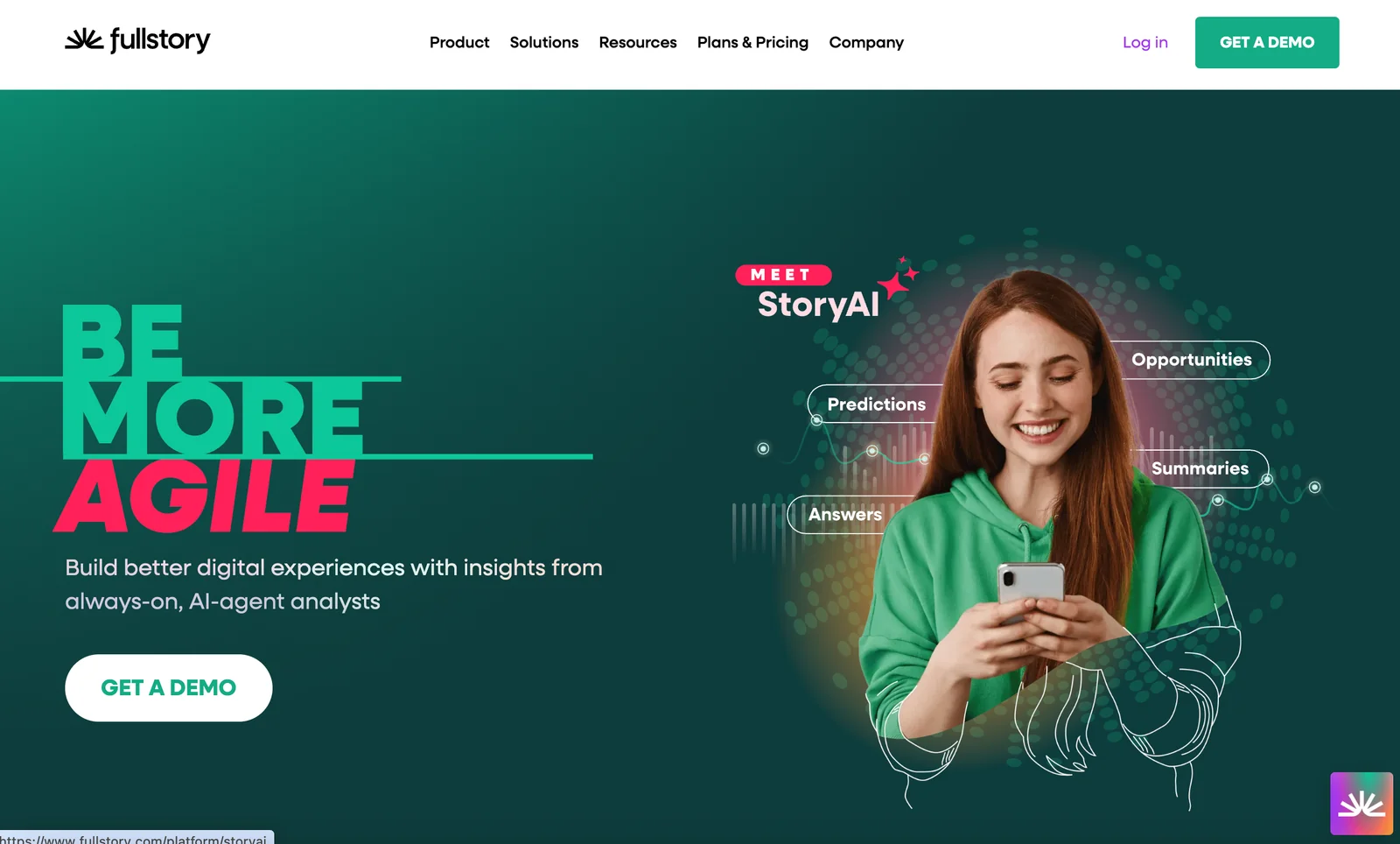
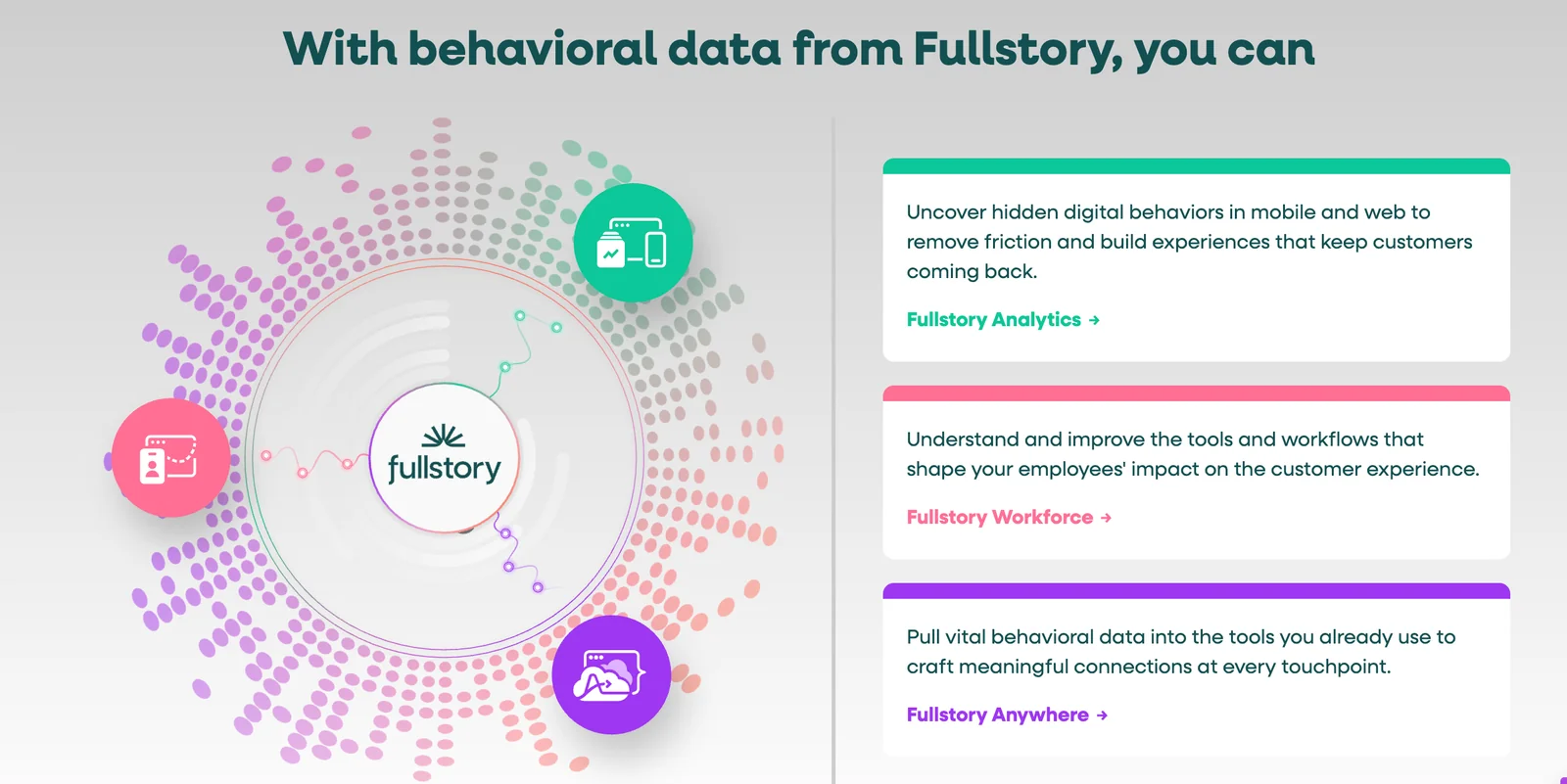
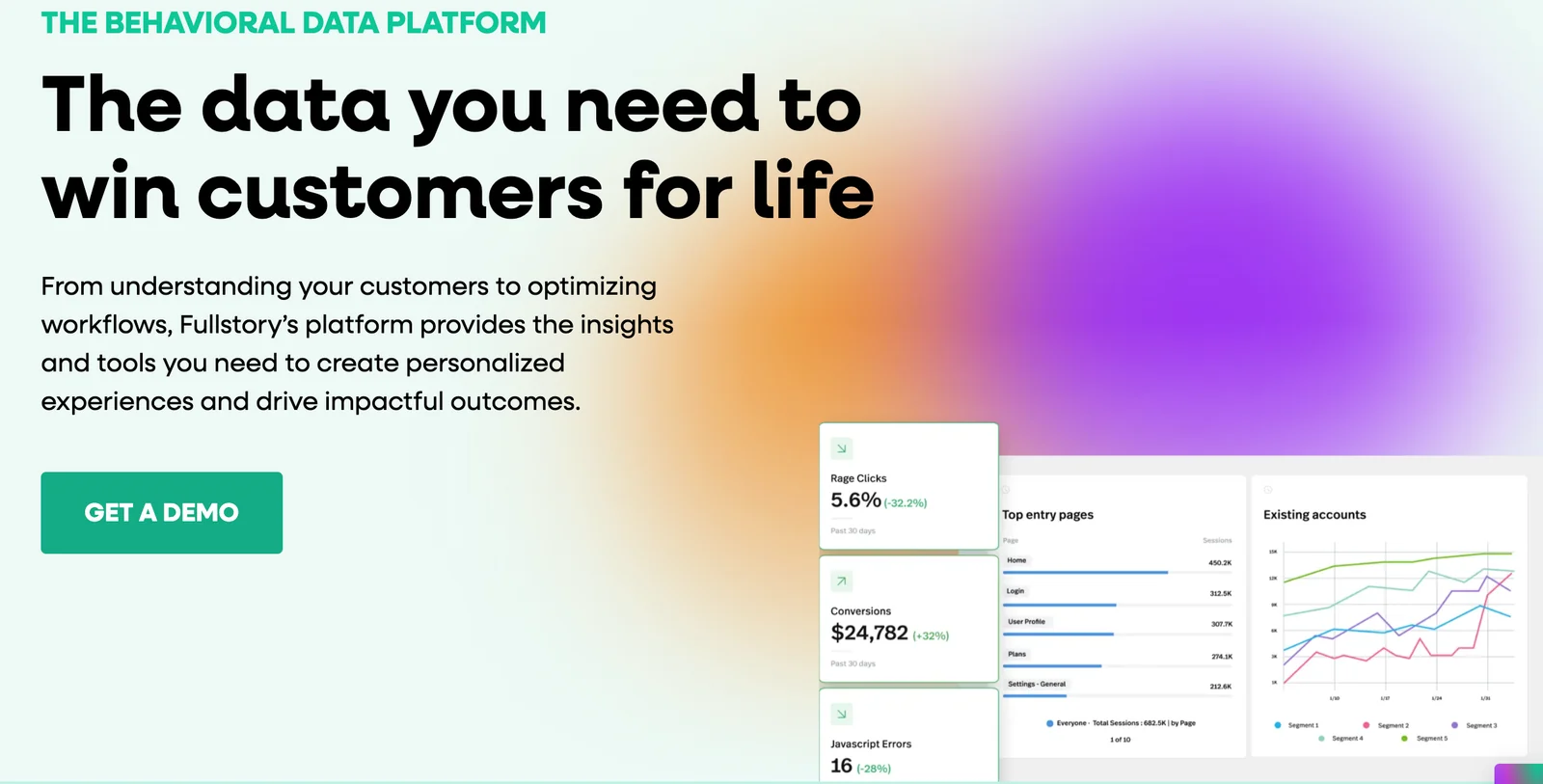
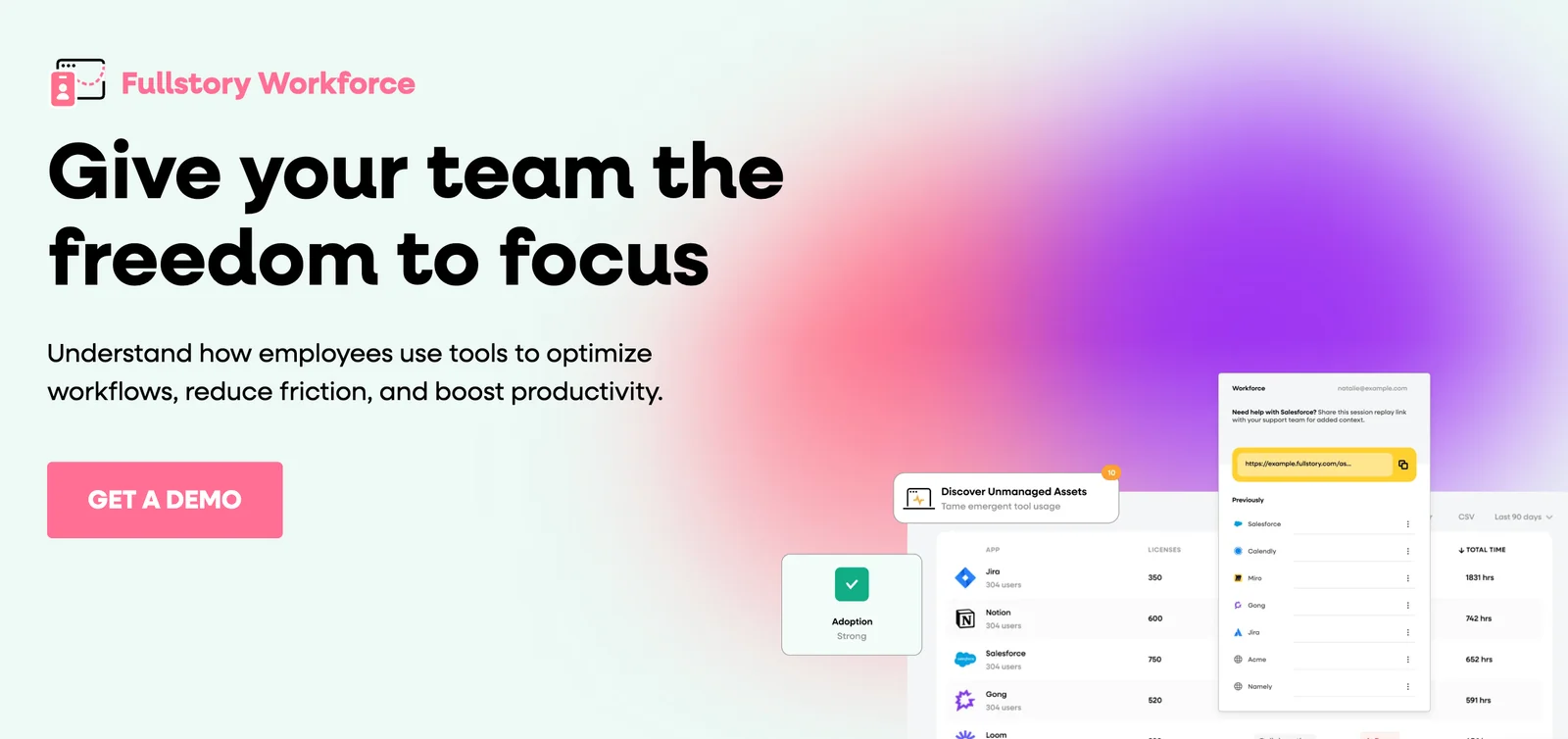
FullStory is a behavioral data and digital experience intelligence platform that captures user interactions on websites and native mobile apps to help teams understand user sentiment and behavior. It records session replays (clicks, scrolls, inputs, navigation), captures custom events and user attributes, and exposes APIs and SDKs for web, server, and mobile instrumentation. FullStory provides searchable sessions and segmentation, integrations for exporting and analyzing data in warehouses, and developer tools and middleware for SPA and analytics platform integration. Its value lies in enabling product, engineering, and support teams to reproduce issues, optimize flows, and make data-driven UX improvements by combining replayable behavioral data with event-driven analytics.
Screenshots
Key Features
Use Cases



Frequently asked questions about Fullstory
What are the pricing options for FullStory?
FullStory offers a freemium pricing model that includes four tiers: Free ($0/month), Business ($199/month), Advanced ($499/month), and custom Enterprise plans starting at $999/month. Each tier provides different features, session limits, and data retention options, catering to various business needs and sizes.
Key Points
- Freemium Model: Free option available alongside paid tiers.
- Tiered Pricing: Business, Advanced, and Enterprise plans have increasing costs and features.
- Feature Variability: Each tier includes different session limits and data retention policies.
Detailed Explanation
FullStory's pricing structure is designed to accommodate businesses of all sizes, providing a flexible range of options to fit varying needs.
-
Free Tier: The Free plan offers essential features for small businesses or startups, allowing users to experience FullStory without any financial commitment. This plan typically includes basic session replay and limited data retention, ideal for initial user testing and feedback.
-
Business Tier ($199/month): This plan is suited for growing businesses that require advanced analytics. It includes increased session limits, enhanced data retention, and additional features like advanced search capabilities and integrations with other tools.
-
Advanced Tier ($499/month): Perfect for larger businesses, the Advanced plan offers even more features, such as customizable dashboards, priority support, and extended data retention. Businesses can analyze user behavior in depth and optimize their customer experience effectively.
-
Enterprise Tier (starting at $999/month): Tailored for large enterprises with complex needs, this custom pricing option includes all features from the Advanced tier, along with personalized onboarding, dedicated account management, and the ability to configure the platform to specific business requirements.
Best Practices / Tips
- Assess Your Needs: Before selecting a tier, evaluate your business goals and user interaction levels to choose the most appropriate plan.
- Utilize the Free Plan: Take advantage of the Free tier to familiarize yourself with FullStory’s functionalities before committing to a paid plan.
- Consider Future Growth: If you anticipate rapid growth, opt for a higher tier that offers scalability and more features.
- Explore Custom Solutions: For large organizations, discussing your requirements with FullStory’s sales team can yield a tailored plan that meets specific needs.
Additional Resources
How do I get started with FullStory?
To get started with FullStory, simply sign up for the Free tier on their official website. For those interested in advanced features, requesting a demo for paid plans is an excellent option. FullStory also provides comprehensive documentation to guide you through the setup process.
Key Points
- Sign up for the Free tier for basic features.
- Request a demo to explore advanced options.
- Access detailed documentation for setup guidance.
Detailed Explanation
FullStory is a powerful digital experience analytics tool that helps businesses understand user behavior on their websites or applications.
-
Sign Up for the Free Tier: Visit the FullStory website and click on the "Sign Up" button. The Free tier allows you to record user sessions, analyze their interactions, and gain insights into user behavior without any cost. This is ideal for small businesses or individual projects.
-
Request a Demo for Paid Plans: If you're considering more advanced features, such as custom event tracking, user segmentation, or advanced analytics, you can schedule a demo with FullStory’s sales team. This personalized session will help you understand how FullStory can be tailored to your business needs.
-
Consult Documentation: FullStory offers extensive documentation that covers everything from initial setup to advanced functionalities. You can find guides and tutorials in their help center. This resource is particularly useful for troubleshooting or exploring features in-depth.
Best Practices / Tips
- Start Small: Use the Free tier to familiarize yourself with the tool’s interface and functionalities before committing to a paid plan.
- Utilize Documentation: Regularly refer to the documentation for updates and best practices to maximize your use of FullStory.
- Engage with Support: Don’t hesitate to contact FullStory’s support team if you encounter technical issues or have specific questions regarding your setup.
Additional Resources
- FullStory Official Website
- FullStory Help Center
- FullStory Blog - for tips on improving user experience and maximizing analytics insights.
What are the key features of FullStory?
FullStory's key features include session replay, behavioral event capture, and privacy controls, empowering teams to analyze user interactions effectively. It enables tracking of custom events and ensures compliance with data governance regulations, offering a comprehensive suite for optimizing user experience and enhancing product performance.
Key Points
- Session Replay: View real-time user sessions to understand behavior.
- Behavioral Event Capture: Track and analyze specific user interactions.
- Privacy Controls: Ensure compliance with data regulations and protect user data.
Detailed Explanation
FullStory provides powerful tools designed to help businesses improve their user experience through detailed insights into user behavior.
-
Session Replay: This feature allows teams to watch recordings of user sessions on their website or app. By observing how users navigate, where they click, and where they drop off, teams can identify usability issues and areas for improvement. For example, if many users abandon their cart at a specific point, teams can analyze that session to pinpoint the problem.
-
Behavioral Event Capture: FullStory captures events such as clicks, form submissions, and page views. Users can set up custom events to track specific actions relevant to their business goals, such as downloads or registrations. This helps teams understand which features are most engaging and which may require enhancements.
-
Privacy Controls: FullStory prioritizes user privacy with robust data governance tools. Teams can easily mask sensitive information and comply with regulations like GDPR and CCPA. This ensures that while businesses gather valuable insights, they remain committed to protecting user privacy.
Best Practices / Tips
- Utilize Session Replay for Testing: Use session replay during A/B testing to evaluate how users interact with different versions of your site or app.
- Set Up Custom Events Wisely: Identify key performance indicators (KPIs) for your business and set up custom events to track these effectively.
- Regularly Review Privacy Settings: Ensure that your privacy settings are up-to-date and aligned with current regulations to maintain user trust.
Additional Resources
Using FullStory can dramatically enhance your understanding of user behavior and help you create a more engaging and user-friendly experience.
How does FullStory compare to other analytics tools?
FullStory stands out among analytics tools due to its robust session replay feature and detailed user interaction analytics, providing deeper insights into user behavior. However, it may come at a higher price point compared to simpler analytics solutions like Google Analytics or Hotjar.
Key Points
- Session Replays: FullStory captures real user sessions, allowing for detailed analysis of user interactions.
- User-Centric Insights: It offers advanced segmentation and filtering, enabling businesses to understand specific user behaviors.
- Pricing Considerations: FullStory's pricing can be higher compared to basic analytics tools, making it important for businesses to evaluate ROI.
Detailed Explanation
FullStory’s unique capabilities make it a powerful tool for companies aiming to optimize user experience.
Session Replays
FullStory’s session replay feature records real-time user interactions, allowing businesses to watch how users navigate their site. This capability is particularly useful for identifying pain points in the user journey. For instance, if a significant number of users drop off on a checkout page, session replays can reveal whether design issues or confusing navigation are the culprits.
User Interaction Analytics
In addition to replays, FullStory provides in-depth user interaction analytics. This includes heatmaps, click tracking, and scroll tracking, which help businesses understand which elements engage users the most. For example, if users frequently click on a non-clickable element, it may indicate a need for redesign.
Pricing and Value
While FullStory’s pricing starts at around $199 per month for small teams and can escalate based on usage and features, its value lies in the actionable insights it provides. For businesses with a focus on enhancing customer experience, this investment often leads to increased conversion rates and customer satisfaction.
Best Practices / Tips
- Define Clear Objectives: Before implementing FullStory, set specific goals for insights you want to gain (e.g., optimizing checkout processes).
- Integrate with Other Tools: Combine FullStory with other analytics platforms like Google Analytics or CRM tools for a holistic view of your data.
- Regularly Review Data: Schedule periodic reviews of session replays and user interaction reports to stay updated on user behavior trends and make informed adjustments.
Additional Resources
Does FullStory provide API integrations?
Yes, FullStory provides extensive API integrations, including SDKs for Browser, NodeJS, and mobile platforms. It also offers HTTP APIs for tracking events and managing user data, facilitating seamless integration across various tech stacks and enhancing product analytics.
Key Points
- Comprehensive SDKs: FullStory offers SDKs for multiple platforms.
- HTTP APIs: Enables event tracking and user data management.
- Seamless Integration: Easily integrates with various tech stacks.
Detailed Explanation
FullStory's integration capabilities allow developers to implement robust analytics and user experience tracking in their applications. The available SDKs are designed for different environments:
-
Browser SDK: This enables you to capture user interactions directly within web applications, providing insights into user behavior, session replays, and event tracking.
-
NodeJS SDK: Perfect for server-side applications, this SDK allows you to send data from Node.js applications to FullStory, enhancing your ability to analyze user journeys that involve backend processing.
-
Mobile SDKs: FullStory supports iOS and Android platforms, enabling mobile developers to track user interactions and performance metrics seamlessly within their mobile applications.
Additionally, the HTTP APIs allow developers to send custom events and manage user data efficiently. This means you can tailor your tracking to specific user actions, making it easier to understand user engagement and optimize the user experience.
Use Cases
- E-commerce Platforms: Integrate FullStory to analyze user behavior on product pages, track cart abandonment, and optimize the checkout process.
- SaaS Applications: Use FullStory’s SDKs to monitor user interactions and improve onboarding experiences, helping reduce churn rates.
Best Practices / Tips
- Plan Your Integration: Before implementing FullStory, define what user interactions you want to track. This helps streamline the integration process.
- Use Custom Events Wisely: Leverage the HTTP APIs to send custom events that align with your business goals, ensuring you gather meaningful insights.
- Monitor Performance: After integration, regularly review the data collected to refine your tracking strategy and improve user experience continually.
Additional Resources
Explore more AI Ai Tools tools
Browse all Ai Tools tools →Compare Fullstory: vs Mise · vs BiBimba · vs VoiceCap · vs NM Signals