

DeepAI
AIAll-in-one creative platform offering browser-based generation, editing, chat, video, music and voice tools plus developer APIs.
DeepAI
All-in-one creative platform offering browser-based generation, editing, chat, video, music and voice tools plus developer APIs.
About DeepAI
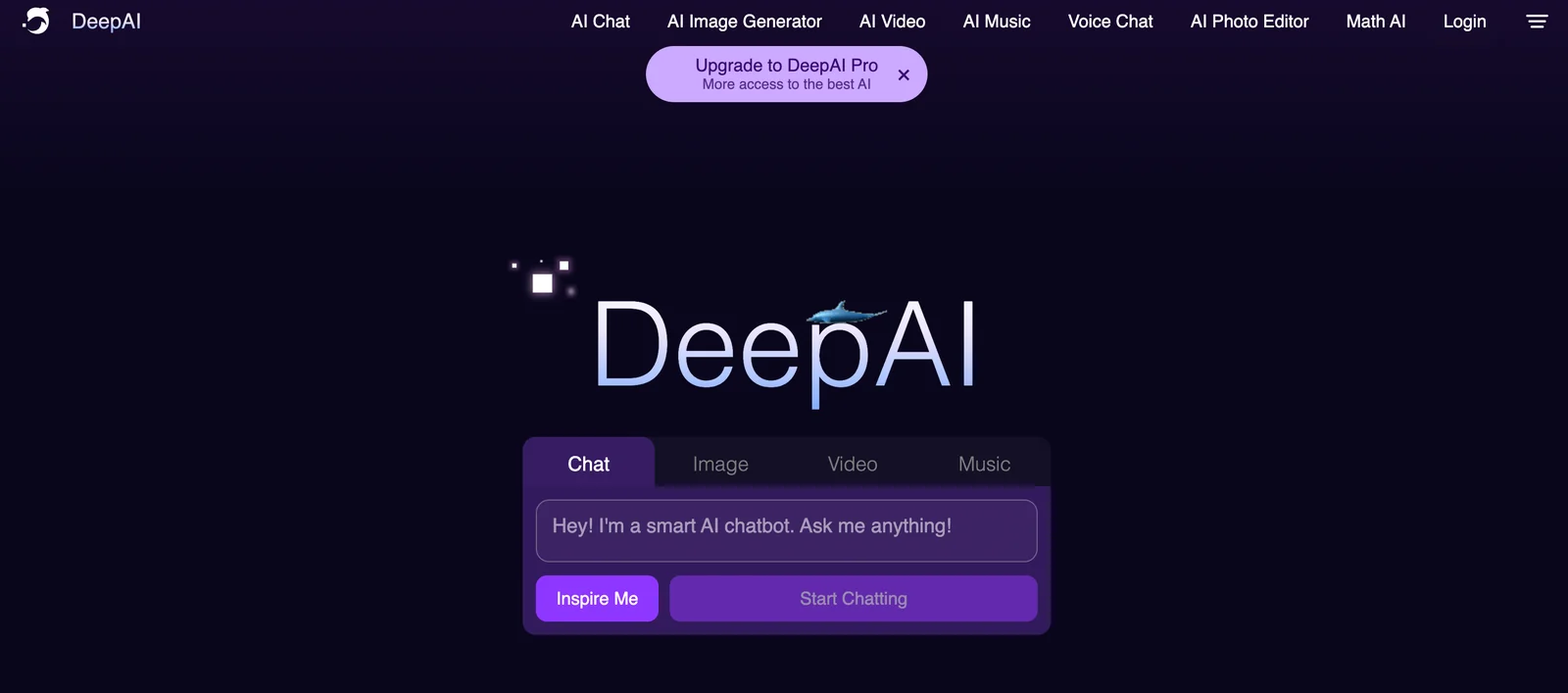
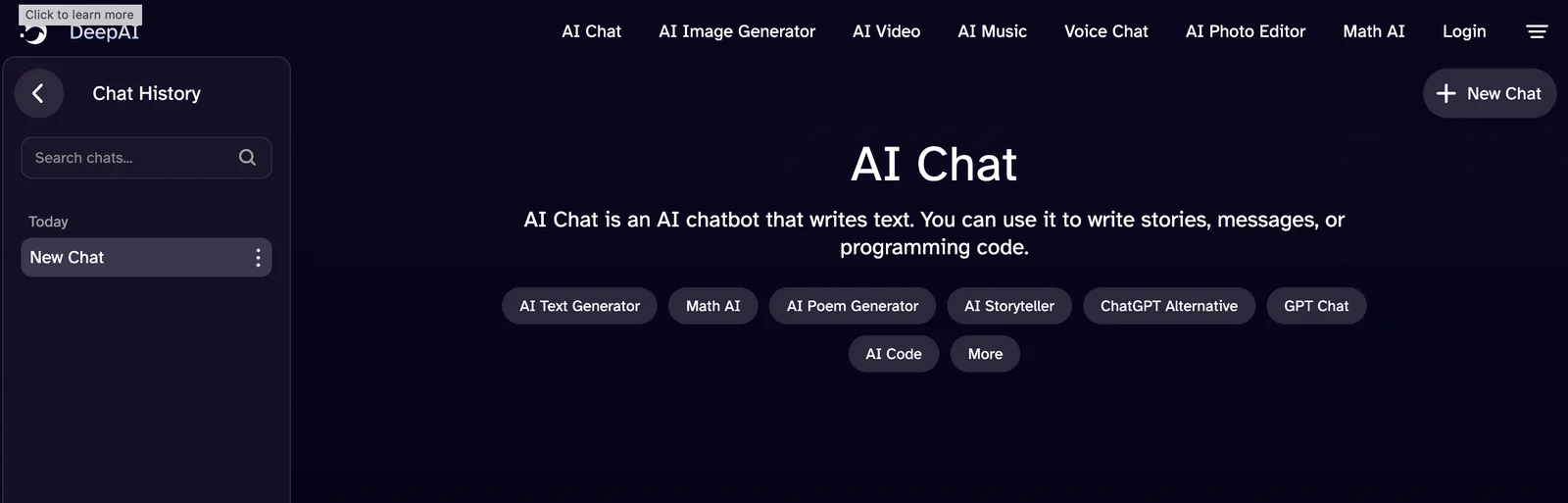
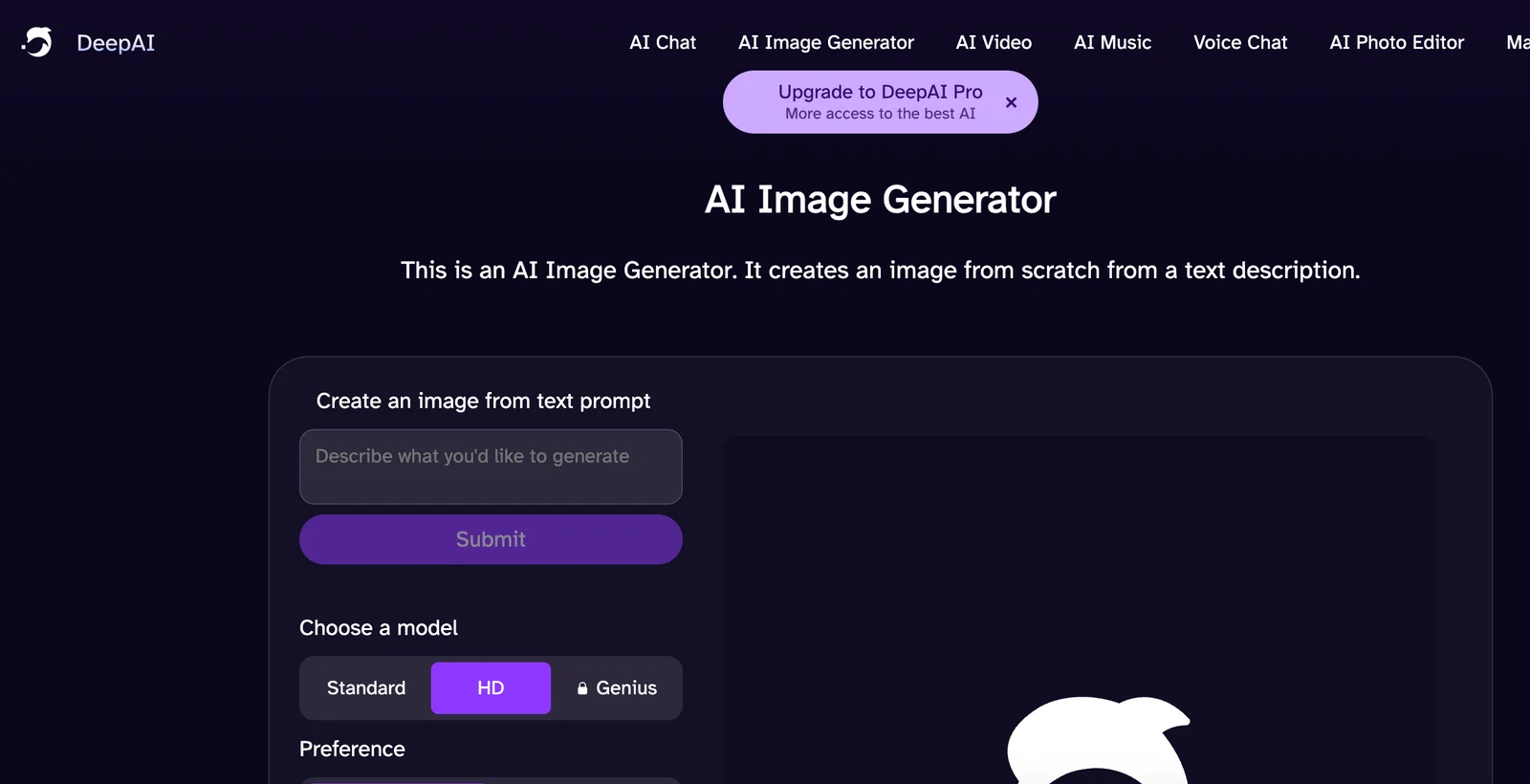
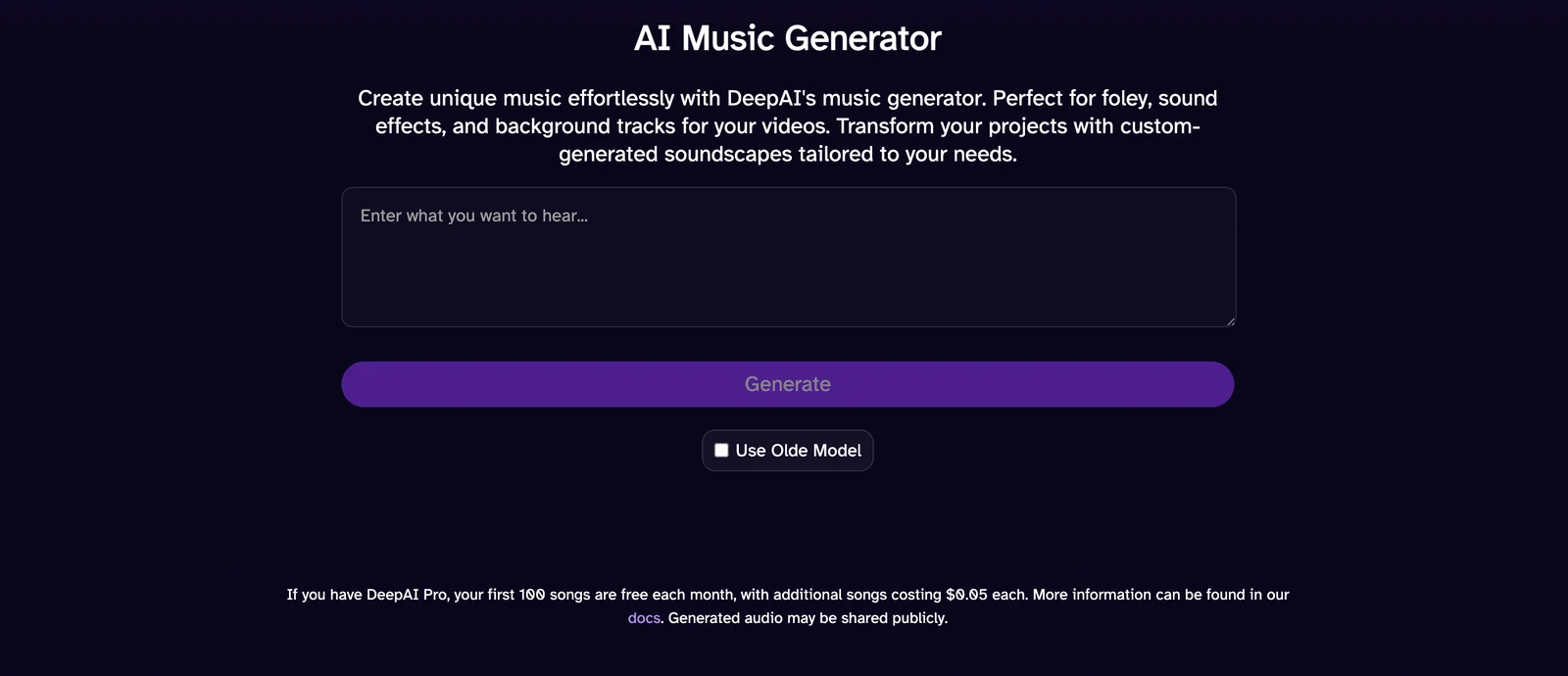
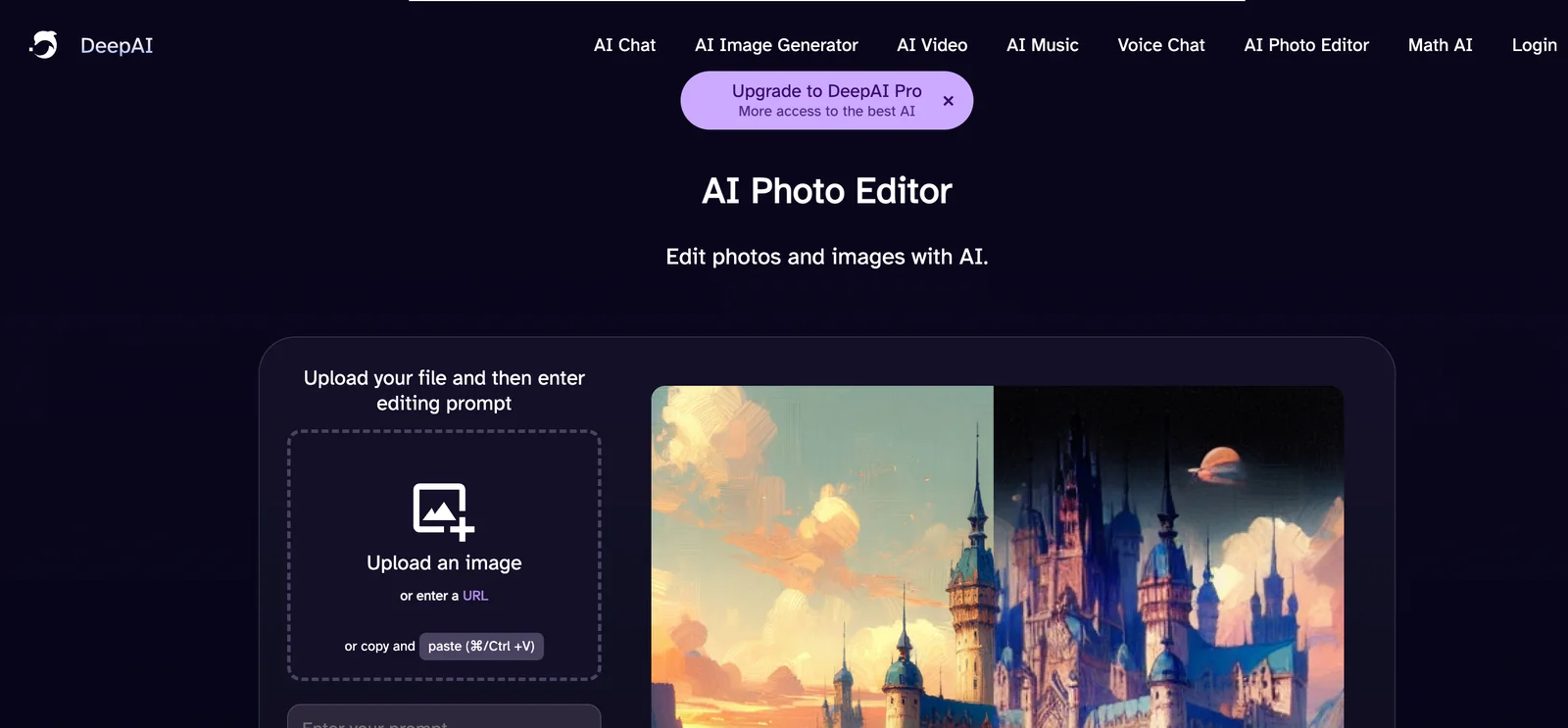
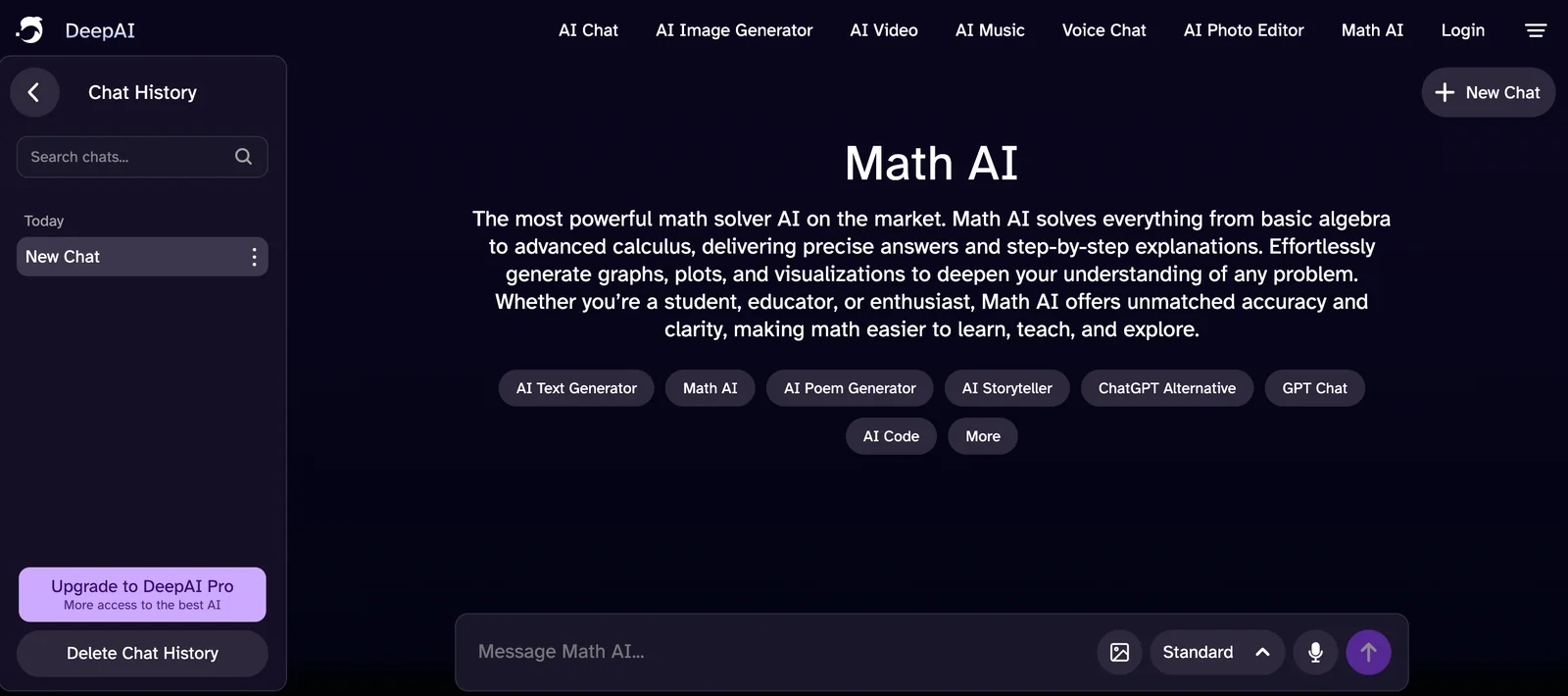
DeepAI is a web-first creative AI platform that provides a suite of generative and analysis tools accessible via browser and APIs. With a single prompt users can generate images, edit photos, create short videos, compose original music, and interact with chat assistants that can browse the web or speak with realistic voices. DeepAI also exposes many of its models through simple SDKs and REST APIs (including a JavaScript client), enabling developers to integrate generation, moderation and multimodal capabilities into applications. The platform emphasizes accessibility for both non-technical creators and developers by offering instant browser experiences and programmatic endpoints for automation and production use.
Screenshots
Key Features
Use Cases



Frequently asked questions about DeepAI
What are the pricing options for DeepAI?
DeepAI offers various pricing options including a Free tier with limited usage, a Pro subscription for $4.99 per month, pay-as-you-go packages starting at $5, and custom pricing tailored for enterprise solutions. For detailed information, visit the DeepAI website.
Key Points
- Free Tier: Access basic features with limited usage.
- Pro Subscription: Affordable monthly plan at $4.99.
- Pay-As-You-Go: Flexible packages starting at $5 for varied usage.
- Custom Solutions: Tailored pricing for enterprise needs.
Detailed Explanation
DeepAI provides a range of pricing options designed to cater to different user needs.
-
Free Tier: This option allows users to explore DeepAI's capabilities without any cost. However, it comes with limitations on usage, making it ideal for casual users or those wishing to test the platform before committing financially.
-
Pro Subscription: At just $4.99 per month, the Pro plan offers enhanced features and increased usage limits. This is suitable for freelancers, small businesses, and individuals looking for more robust AI functionalities without breaking the bank.
-
Pay-As-You-Go: Starting at $5, this flexible pricing model allows users to pay based on their actual usage. This option is perfect for those who might not need consistent access or who prefer to manage costs tightly. Users can purchase credits that can be used whenever needed.
-
Custom Solutions: For larger organizations or enterprises, DeepAI offers custom pricing tailored to specific needs. This includes advanced features, higher usage limits, and dedicated support. Interested users should contact DeepAI directly for a personalized quote.
Best Practices / Tips
- Assess Your Needs: Before choosing a plan, evaluate your usage patterns to select the best option. The Free Tier is great for testing, while the Pro plan can provide more features for regular users.
- Monitor Usage: If you opt for the Pay-As-You-Go plan, keep track of your usage to avoid unexpected costs.
- Contact Sales for Custom Plans: If you’re part of a larger organization, don’t hesitate to reach out to DeepAI’s sales team for tailored enterprise solutions that can save costs and enhance productivity.
Additional Resources
By considering these options and tips, users can effectively select the right pricing plan that aligns with their AI needs.
How do I get started with DeepAI?
To get started with DeepAI, visit their website and sign up for an account. Once registered, you can use a variety of AI tools directly in your browser or access them via APIs. The Free tier allows you to explore many features with limited usage.
Key Points
- User-Friendly Interface: DeepAI offers a straightforward interface ideal for beginners.
- API Access: Developers can integrate AI functionalities into applications effortlessly.
- Free Tier Availability: Explore features without financial commitment.
Detailed Explanation
To begin using DeepAI, first navigate to DeepAI's official website. Click on the "Sign Up" button and create an account by providing your email and creating a password. After confirming your email, you can log in and start exploring various AI tools available on the platform.
Available Tools
DeepAI offers a wide range of AI tools, including:
- Text Generation: Create unique content using their text generation AI.
- Image Processing: Use tools for image generation, colorization, and style transfer.
- APIs: Developers can access APIs for tasks like generating images or analyzing text, making it easier to incorporate AI into your own projects.
The Free tier allows users to access these features with limitations, such as a cap on the number of uses per day. For those looking for more extensive access, DeepAI also offers paid plans that unlock additional features and higher usage limits.
Best Practices / Tips
- Start with the Free Tier: Utilize the free tier to familiarize yourself with the tools.
- Explore Documentation: Review the DeepAI API documentation for detailed guidance on using their APIs effectively.
- Test Different Tools: Experiment with various tools to identify which ones best meet your needs before considering an upgrade.
Common Pitfalls
- Ignoring API Limits: Make sure to understand the limitations of the free tier to avoid unexpected interruptions.
- Neglecting Documentation: Always refer to the official documentation to maximize your understanding and efficiency with the tools.
Additional Resources
Getting started with DeepAI is simple, and understanding these elements can help you make the most of your experience.
What are the main features of DeepAI?
DeepAI offers a range of innovative features, including single-prompt multimodal generation for images, videos, and music, advanced photo editing capabilities, a voice-based chat interface, and developer APIs. These tools empower users to explore diverse creative applications while leveraging AI technology effectively.
Key Points
- Multimodal Generation: Create images, videos, and music from a single prompt.
- Photo Editing: Enhance and modify images with intuitive tools.
- Voice-Based Chat: Engage in interactive conversations using voice commands.
- Developer APIs: Integrate AI functionalities into applications easily.
Detailed Explanation
DeepAI's multimodal generation feature allows users to input a single prompt and receive outputs across different media types, such as images, videos, and music. This versatility makes it invaluable for artists, content creators, and marketers looking to generate cohesive multimedia experiences.
Example Use Case
For instance, a digital artist can input a descriptive text prompt to generate an accompanying video or a piece of music that complements their artwork. This capability enhances storytelling and content creation by ensuring all elements are aligned with a unified theme.
The photo editing tools in DeepAI are designed for both professionals and casual users. With features like automatic background removal, filters, and customizable effects, users can transform their images effortlessly. This is particularly useful for social media influencers and marketers needing eye-catching visuals.
The voice-based chat feature offers a unique interactive experience. Users can converse with the AI using natural language, making it easier to obtain information, brainstorm ideas, or seek creative assistance without navigating complex menus or commands.
For developers, DeepAI provides comprehensive APIs that allow seamless integration of its AI capabilities into existing applications. This opens up opportunities for businesses to enhance their software with advanced AI functionalities, improving user engagement and expanding service offerings.
Best Practices / Tips
- Experiment with Prompts: Try varied prompts to see how different inputs affect the output. This exploration can yield unexpected and creative results.
- Utilize API Documentation: For developers, thoroughly read the API documentation to understand endpoints, authentication, and usage limits effectively.
- Leverage Photo Editing Features: Take advantage of the photo editing tools to create stunning visuals without needing extensive graphic design skills.
- Voice Commands: Familiarize yourself with voice commands to enhance interaction with the AI, making it a more efficient tool in your creative process.
Additional Resources
This comprehensive overview highlights DeepAI's capabilities and how users can maximize their experience while leveraging AI technology for creative and development purposes.
How does DeepAI compare to other AI platforms?
DeepAI excels among AI platforms due to its unique multimodal generation capabilities and intuitive developer-friendly APIs. It also provides a free tier and flexible pricing options, making it accessible for casual users and developers alike, thus fostering wider use and experimentation with AI technologies.
Key Points
- Multimodal Generation: Supports various data types including text and images.
- Developer-Friendly APIs: Easy integration for developers seeking to implement AI features.
- Flexible Pricing: Offers a free tier and competitive pricing plans.
Detailed Explanation
DeepAI distinguishes itself in the crowded AI landscape through its robust multimodal generation capabilities. This feature allows users to create content using different types of data, including text, images, and more, enhancing the versatility of applications. For instance, developers can generate images from text descriptions or vice versa, which can be particularly useful in creative industries like marketing and design.
When it comes to developer-friendly APIs, DeepAI provides straightforward documentation and tools that enable seamless integration into existing applications. This is crucial for developers looking to implement AI functionalities without investing significant time in learning complex architectures. The APIs support various programming languages, making it adaptable for a wide range of projects.
DeepAI's flexible pricing options cater to both casual users and enterprise-level clients. The free tier allows anyone to explore AI capabilities without upfront costs, while paid plans offer additional features and higher usage limits. For example, users can access premium features starting at $10 per month, making it an attractive option for startups and individual developers.
Best Practices / Tips
- Explore the Free Tier: Take advantage of the free tier to test the platform's capabilities before committing to a paid plan.
- Utilize the Documentation: Thoroughly review DeepAI’s documentation to maximize the potential of its APIs and features.
- Experiment with Multimodal Features: Use the multimodal generation capabilities to create innovative applications that combine different types of data, enhancing user experience.
Additional Resources
Can I integrate DeepAI's API into my application?
Yes, you can integrate DeepAI's API into your application. DeepAI offers simple REST APIs and official SDKs that facilitate easy integration into both web and mobile applications. Developers can authenticate using an API key to access a diverse range of AI models tailored to various tasks.
Key Points
- DeepAI provides REST APIs and SDKs for integration.
- Authentication is done using an API key.
- A wide variety of AI models is accessible for different applications.
Detailed Explanation
DeepAI's API is designed for developers to seamlessly incorporate AI functionalities into their applications. By utilizing their REST APIs, you can execute various operations like image generation, text analysis, and much more. The official SDKs are available for popular programming languages, making it easier to implement AI capabilities without extensive coding.
-
Authentication: To get started, you need to sign up on the DeepAI website and obtain your API key. This key is essential for authenticating your application’s requests to the API.
-
Making API Calls: Once you have your API key, you can make HTTP requests to the DeepAI endpoints. For example, a simple POST request to the image generation API can yield high-quality images based on your input parameters.
curl -X POST "https://api.deepai.org/api/text2img" \ -H "api-key: YOUR_API_KEY" \ -d "text=Your desired image description" -
Handling Responses: The API returns responses in JSON format, which you can easily parse in your application. This allows you to display results dynamically based on user input or system requirements.
-
Use Cases: Common use cases include enhancing mobile apps with image recognition, integrating chatbots for customer service, and employing natural language processing for content generation.
Best Practices / Tips
- Read the Documentation: Familiarize yourself with the official DeepAI API documentation to understand the various endpoints and their functionalities.
- Error Handling: Implement robust error handling to manage API response errors effectively. This ensures your application remains user-friendly even when issues arise.
- Rate Limiting: Be aware of the API rate limits to avoid throttling. Exceeding these limits can result in temporary access restrictions.
- Optimize for Performance: Cache responses where applicable to minimize API calls and enhance your application’s performance.
- Experiment with Models: Test different AI models provided by DeepAI to find the best fit for your application's needs.
Additional Resources
Explore more AI Ai Models tools
Browse all Ai Models tools →Browse by use case: Image Generation · Video Generation · Chatbots & Assistants · Voice & Audio
Compare DeepAI: vs Mouse-1 · vs Milliseconds.ai · vs SWE-2 · vs Desert Ant Labs