

Clipchamp
AIBrowser-based video editor with templates, royalty-free assets, and exports up to 4K for web, Windows, and iOS.
Clipchamp
Browser-based video editor with templates, royalty-free assets, and exports up to 4K for web, Windows, and iOS.
About Clipchamp
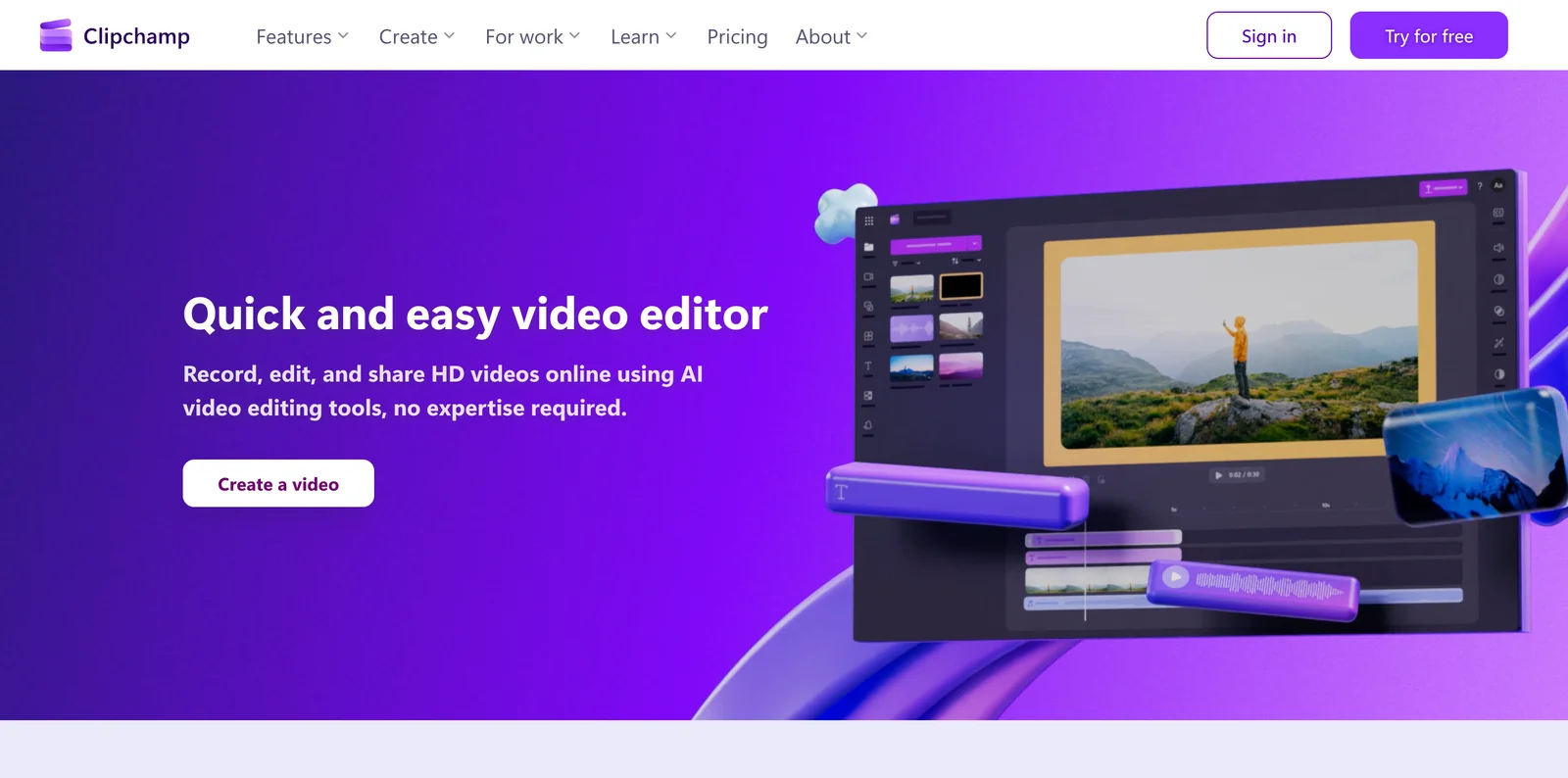
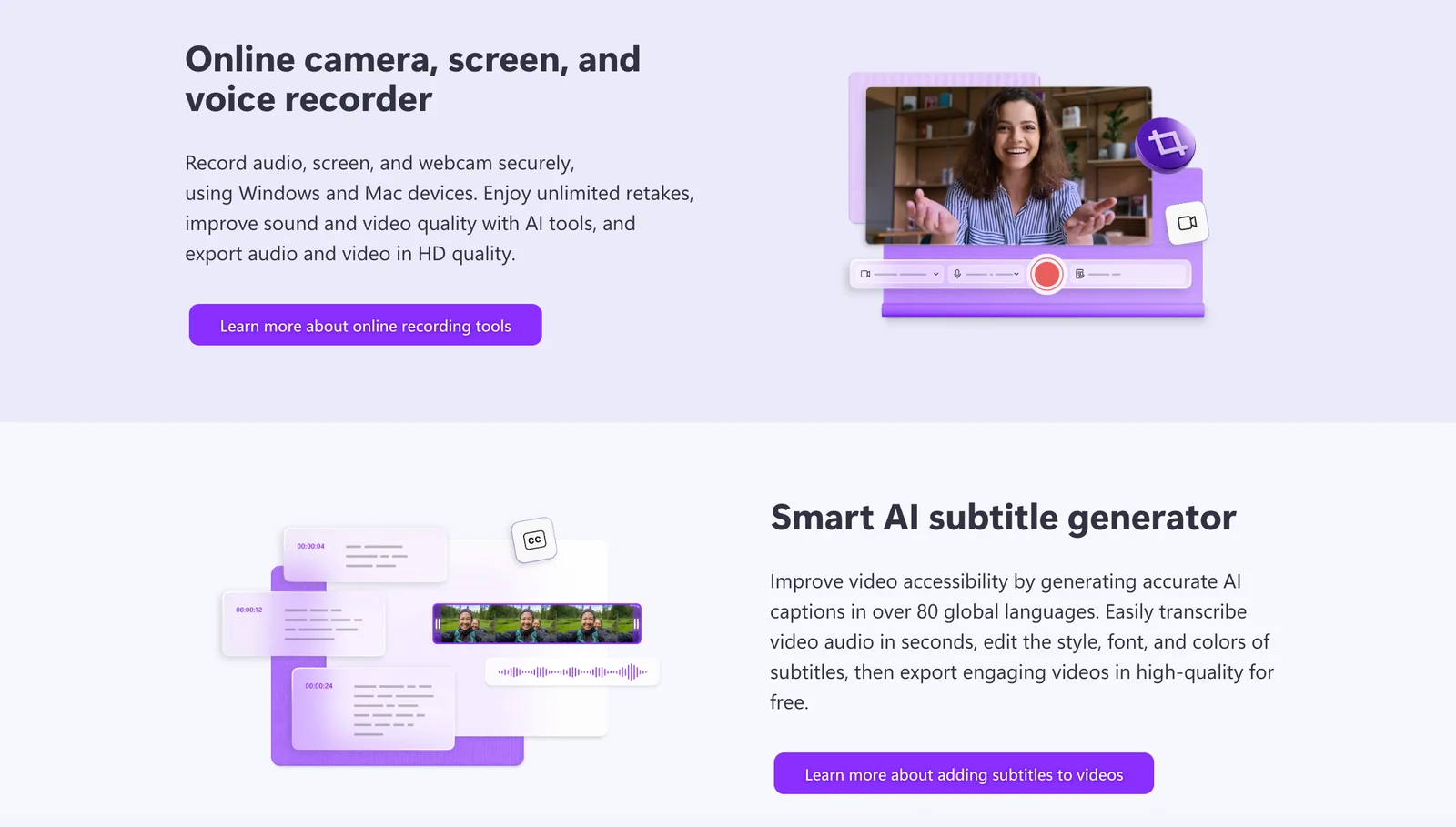
Clipchamp is an online video editing platform for creating and exporting videos using built-in royalty-free music, stock footage, and pre-made templates. It runs in-browser and also provides downloadable apps for Windows and iOS, enabling cross-device editing and mobile workflows. The platform includes tools for video compression, conversion, webcam recording, and integrations (developer APIs and plugins) for embedding or automating video workflows. Owned by Microsoft, Clipchamp targets creators and businesses that need fast templated video production, asset libraries, and high-resolution exports.
Screenshots
Key Features
Use Cases



Frequently asked questions about Clipchamp
What are the pricing options for Clipchamp?
Clipchamp offers a freemium model that includes a free plan with unlimited exports and basic editing tools. Premium features, such as 4K exports and advanced capabilities, are accessible through Microsoft 365 subscriptions or standalone premium plans, which start at $9 per month.
Key Points
- Freemium Model: Access basic features for free.
- Premium Options: Enhanced features available via subscriptions.
- Microsoft 365 Integration: Premium features included with Microsoft 365 subscriptions.
Detailed Explanation
Clipchamp's pricing structure provides flexibility for various user needs:
-
Free Plan: The free version of Clipchamp allows users to access essential editing tools without any cost. Users can perform basic edits, add text overlays, and utilize stock footage, all while enjoying unlimited exports. This plan is ideal for casual users or those just starting with video editing.
-
Premium Plans: For more advanced features, users can opt for premium plans. These plans start at $9 per month if billed annually. Premium users gain access to:
- 4K Video Exports: Ideal for professional-quality video production.
- Advanced Editing Tools: Features like green screen, video stabilization, and more extensive stock asset libraries.
- Branded Templates: Customizable templates for businesses needing consistent branding.
-
Microsoft 365 Subscription: If you already have a Microsoft 365 subscription, you may find Clipchamp’s premium features included at no additional cost. This integration is particularly beneficial for businesses and professionals who rely on Microsoft tools.
Best Practices / Tips
- Evaluate Your Needs: Before choosing a plan, assess your video editing requirements. If you only need basic tools, the free plan might suffice.
- Test Features: Utilize the free plan to explore Clipchamp’s interface and capabilities before committing to a premium subscription.
- Stay Updated: Keep an eye on promotional offers or updates to Clipchamp’s pricing and features, as these can change and may provide additional savings or functionality.
Additional Resources
How do I get started using Clipchamp for video editing?
To get started with Clipchamp for video editing, visit the official Clipchamp website to create a free account. After logging in, you can explore the intuitive in-browser editor, select a video template, and utilize the drag-and-drop feature to begin editing your videos seamlessly.
Key Points
- Create a Free Account: Sign up on the Clipchamp website.
- In-Browser Editing: Access the video editor directly in your browser.
- Templates and Drag-and-Drop: Use customizable templates and an easy drag-and-drop interface.
Detailed Explanation
To begin your video editing journey with Clipchamp, follow these steps:
-
Visit the Clipchamp Website: Go to Clipchamp.com and click on “Sign Up” to create a new account. You can sign up using your email or link the account to Google or Microsoft.
-
Choose a Plan: Clipchamp offers a free plan with basic features, but for advanced editing tools and higher resolution exports, consider their paid plans starting at approximately $9 per month.
-
Access the Editor: Once logged in, you will land on the dashboard. Click on “Create a Video” to open the in-browser editor. Here, you can find various templates categorized by purpose, such as social media, marketing, or personal projects.
-
Select a Template: Browse through the library of templates. Click on a template that fits your project, and it will open in the editor where you can start customizing it.
-
Editing Your Video: Use the drag-and-drop functionality to add videos, audio, text, and images from your files or the built-in media library. You can trim clips, adjust audio levels, and apply filters with ease.
-
Export Your Video: Once you are satisfied with your edits, click on “Export” to save your video. You can choose the resolution and format, depending on your subscription plan.
Best Practices / Tips
- Explore Tutorials: Clipchamp offers various tutorials and resources to help you maximize your editing skills. Check out their support page for guides on specific features.
- Use Stock Assets: Leverage the free stock footage and audio available within Clipchamp to enhance your videos without worrying about copyright issues.
- Plan Your Content: Before editing, outline your video content to streamline the editing process and ensure a coherent flow.
- Regularly Save Your Work: Although the platform auto-saves, periodically saving your progress ensures you won’t lose changes.
Additional Resources
What are the key features of Clipchamp?
Clipchamp offers a user-friendly video editing platform featuring a royalty-free assets library, customizable pre-made templates, high-resolution exports up to 4K, and efficient tools for video compression and conversion. These key features enable users to create professional-quality videos quickly and easily, catering to both beginners and experienced editors.
Key Points
- Royalty-Free Assets Library: Access to music, sound effects, and stock footage.
- Pre-Made Templates: A wide variety of customizable templates for different video types.
- High-Resolution Exports: Ability to export videos in resolutions up to 4K.
Detailed Explanation
Clipchamp is an all-in-one video editing tool designed to simplify the video creation process.
Royalty-Free Assets Library
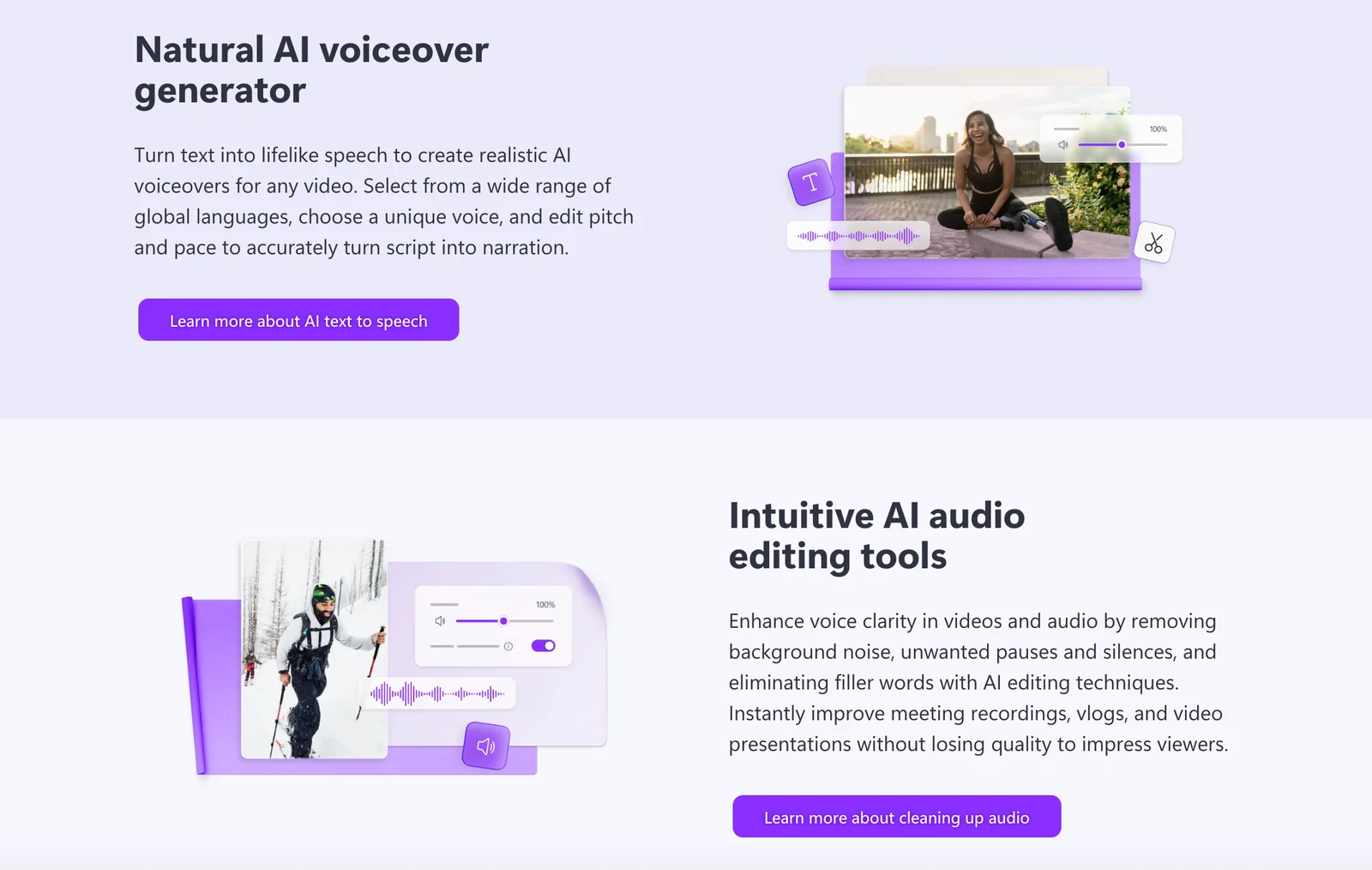
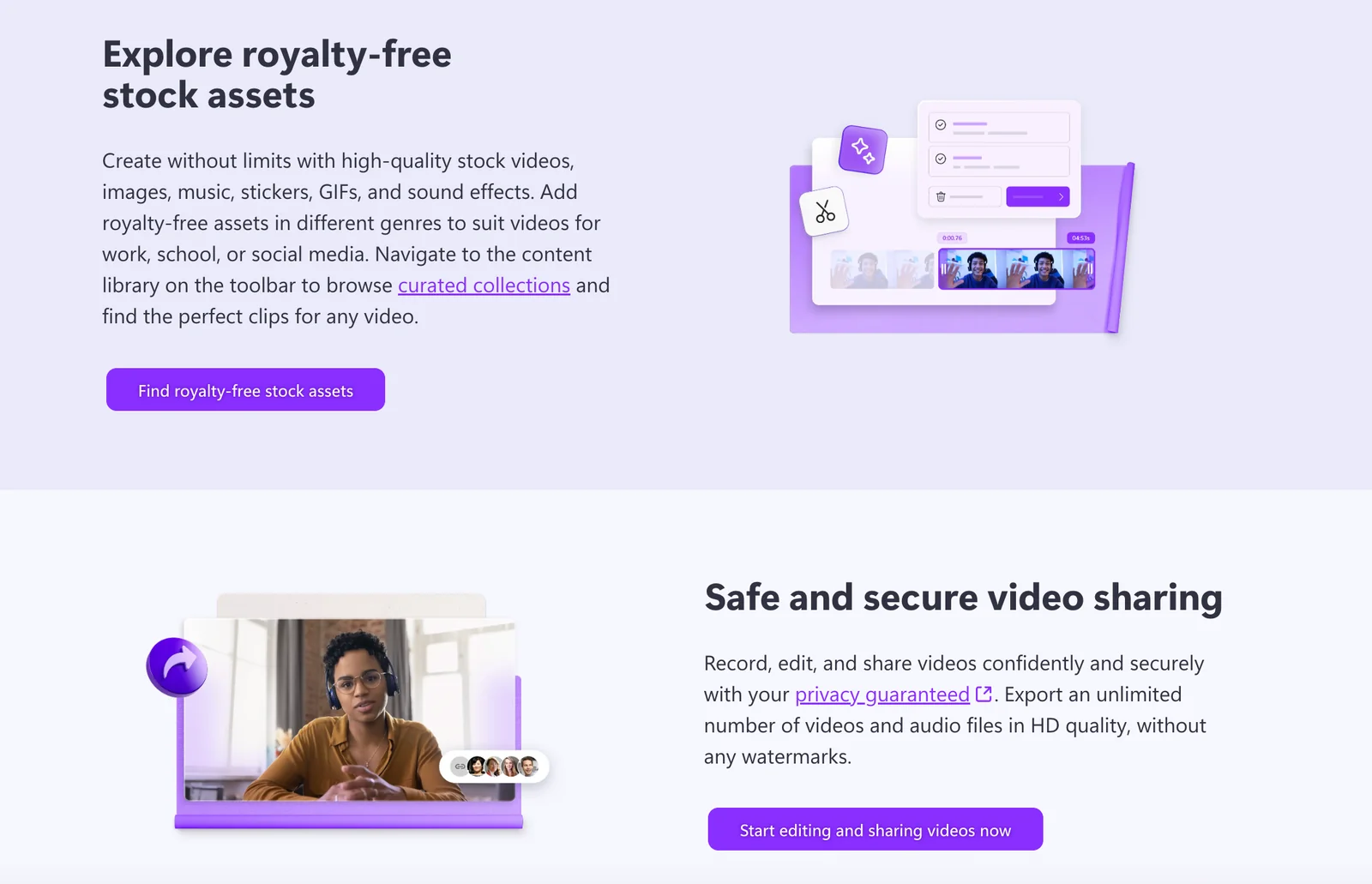
The royalty-free assets library includes a vast selection of music tracks, sound effects, and stock images/videos, allowing users to enhance their videos without worrying about copyright issues. This feature is particularly beneficial for content creators and marketers who need high-quality materials to engage their audience.
Pre-Made Templates
Clipchamp provides a diverse range of pre-made templates tailored for various purposes such as social media, marketing, presentations, and more. Users can easily customize these templates by adding their own text, images, and branding to create unique and professional-looking videos swiftly.
High-Resolution Exports
With high-resolution exports up to 4K, Clipchamp ensures that your final video looks stunning on all platforms. This feature is crucial for professionals who require high-quality outputs for presentations, online courses, or video marketing campaigns.
Video Compression and Conversion Tools
Clipchamp’s built-in video compression and conversion tools allow users to optimize their videos for different platforms and devices without losing quality. This is essential for ensuring that videos load quickly and play smoothly on various devices, enhancing viewer experience.
Best Practices / Tips
- Utilize Templates: Start with a template to save time and get inspiration for your project.
- Optimize for Platforms: Use the compression tool to tailor video sizes for specific social media platforms, ensuring fast load times.
- Leverage Library Assets: Take advantage of the royalty-free assets to elevate the quality of your videos without additional costs.
Additional Resources
By understanding and utilizing these features, users can maximize their video production capabilities with Clipchamp, leading to more engaging and effective content.
How does Clipchamp compare to other video editing tools?
Clipchamp distinguishes itself from other video editing tools through its user-friendly interface, robust freemium model, and browser-based editing capabilities. Unlike competitors like Adobe Premiere Pro or Final Cut Pro, Clipchamp allows seamless editing on web, Windows, and iOS devices without requiring downloads or installations.
Key Points
- Ease of Use: Clipchamp is designed for users at all skill levels, making video editing accessible.
- Freemium Model: Offers a free tier with essential features, encouraging users to explore before committing financially.
- Cross-Platform Functionality: Allows editing across multiple devices without compatibility issues.
Detailed Explanation
Clipchamp is particularly beneficial for beginners and professionals alike. Its intuitive drag-and-drop interface simplifies the editing process, allowing users to quickly cut, trim, and enhance videos without extensive training.
Comparison with Other Tools
- Adobe Premiere Pro: While Premiere Pro is a powerful tool for advanced users, its steep learning curve and subscription cost can be a barrier. Clipchamp’s freemium model allows users to start editing without financial commitment.
- Final Cut Pro: This Mac-exclusive software offers extensive features but lacks the flexibility of browser-based editing. Clipchamp’s cross-platform capabilities enable users to access their projects from anywhere.
- Canva Video Editor: While Canva offers basic video editing features, it lacks the depth and specialized tools that Clipchamp provides, such as stock video libraries and advanced export options.
Use Cases
- Social Media Creators: Users can easily create engaging content for platforms like Instagram or TikTok using Clipchamp's pre-set templates.
- Business Professionals: Businesses can utilize Clipchamp to produce promotional videos or tutorials quickly without needing a dedicated video editing team.
- Educators: Teachers can create educational videos or presentations, enhancing student engagement with minimal effort.
Best Practices / Tips
- Explore Templates: Utilize Clipchamp’s templates to save time and maintain a professional look.
- Leverage Stock Resources: Take advantage of the integrated stock video and audio libraries to add high-quality elements to your projects.
- Regularly Save Work: Since it's browser-based, ensure your work is saved frequently to avoid any potential loss due to connectivity issues.
- Utilize Keyboard Shortcuts: Familiarize yourself with keyboard shortcuts to speed up your editing process.
Additional Resources
Does Clipchamp have an API for integrations?
Yes, Clipchamp offers a developer API that enables seamless integrations into various applications. This API facilitates the automation of content workflows and empowers developers to leverage Clipchamp’s video editing capabilities. For additional resources and community support, visit their GitHub page, which includes examples and documentation.
Key Points
- Developer API Availability: Clipchamp provides a robust API for integration.
- Automation Capabilities: The API allows automation of content workflows.
- Community Support: Resources available on GitHub for developers.
Detailed Explanation
Clipchamp’s API is designed for developers looking to enhance their applications with powerful video editing features. By utilizing this API, you can embed video editing functionalities directly into your apps, streamlining content creation and editing processes.
Use Cases
- Content Creation Platforms: Integrate Clipchamp into blogging platforms to allow users to edit and upload videos seamlessly.
- Educational Tools: Use the API to create an interactive learning environment where students can edit video assignments directly.
- Social Media Applications: Enhance user engagement by incorporating video editing tools that allow users to create and share videos instantly.
Step-by-Step Guidance
- Get Started: Visit the Clipchamp API documentation on their official site to understand the capabilities and requirements.
- API Key: Sign up for an account and generate your API key to authenticate your requests.
- Integration: Follow the provided examples on GitHub to integrate Clipchamp into your application, focusing on the endpoints that suit your needs.
- Testing: Test your integration in various scenarios to ensure functionality and user experience.
Best Practices / Tips
- Read Documentation Thoroughly: Familiarize yourself with the API’s capabilities and limitations to avoid integration issues.
- Use GitHub Examples: Leverage community contributions and examples on GitHub for better implementation strategies.
- Optimize for Performance: Ensure that your application handles video uploads and processing efficiently to enhance user experience.
- Error Handling: Implement robust error handling to manage API responses effectively, providing users with clear feedback.
Additional Resources
By following these guidelines, you can successfully integrate Clipchamp's API and enhance your application's video editing capabilities.
Explore more AI Ai Agents tools
Browse all Ai Agents tools →Browse by use case: Video Generation · Voice & Audio
Compare Clipchamp: vs TryCase · vs Aside · vs Wisry · vs Cline