

Algolia
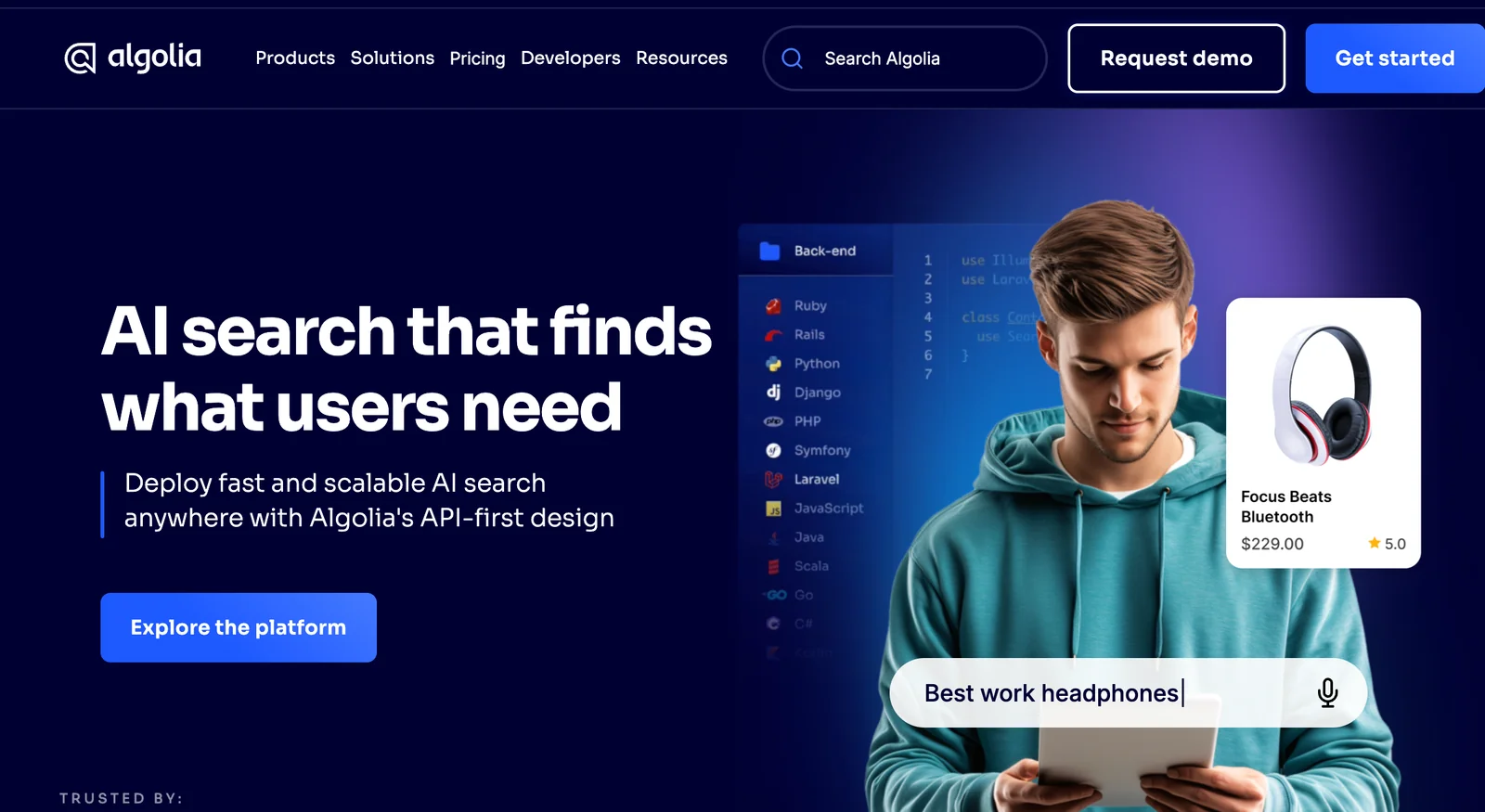
AIFast, hosted Search & Discovery platform that delivers relevant, low-latency results and semantic Answers for websites and apps.
Algolia
Fast, hosted Search & Discovery platform that delivers relevant, low-latency results and semantic Answers for websites and apps.
About Algolia
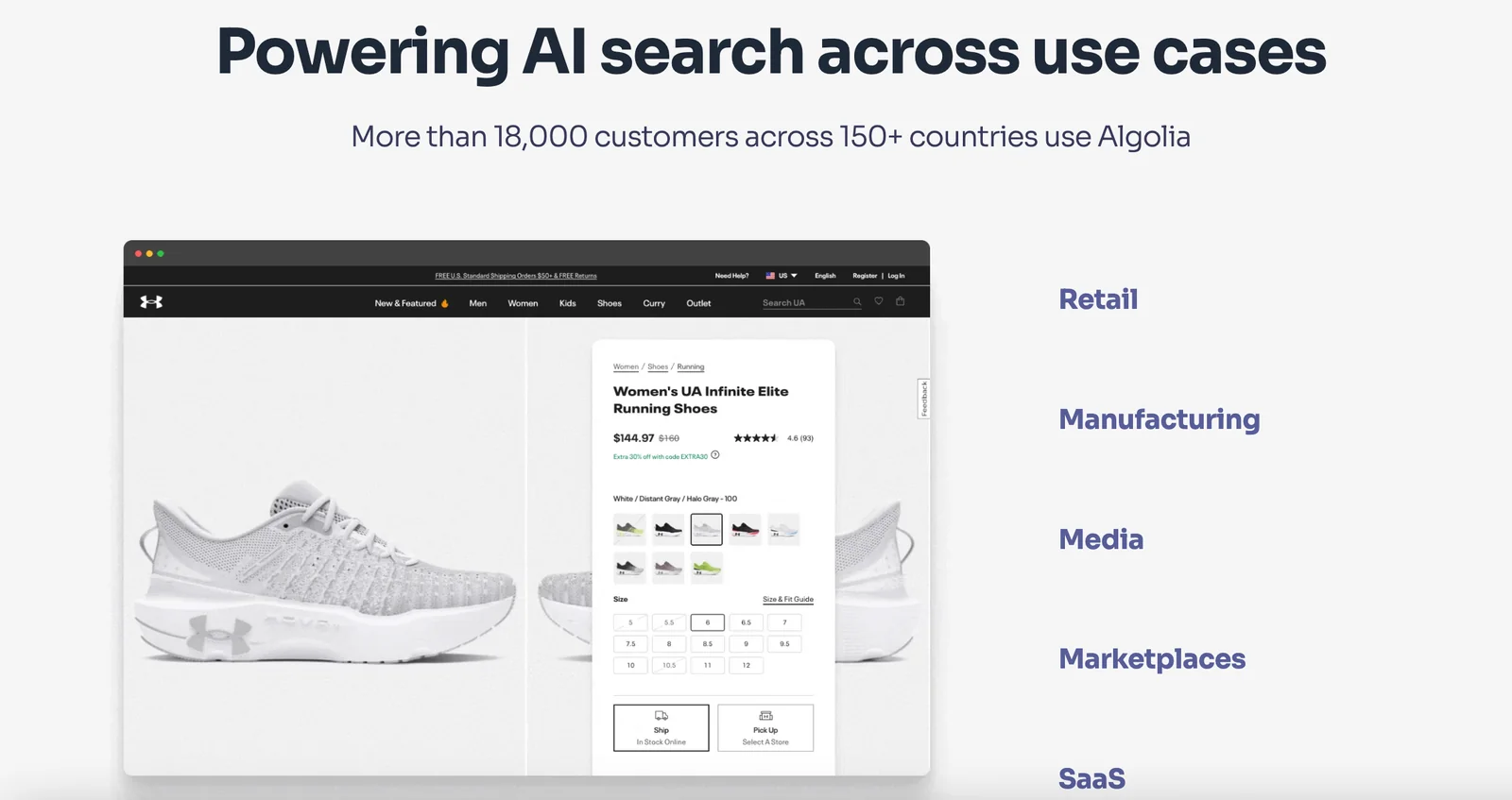
Algolia provides a hosted Search & Discovery infrastructure that helps enterprises and developers index content and deliver fast, relevant, and personalized search experiences. It combines traditional ranking, typo-tolerance and relevance tuning with modern features like semantic Answers (natural-language question answering) powered by large language models and integrations (e.g., OpenAI) to surface precise passages of content. Algolia offers client libraries, UI libraries (InstantSearch, Autocomplete), and operational tooling to integrate, monitor, and scale search across e-commerce, publishing, support desks, and documentation portals while maintaining low latency and high throughput.
Screenshots


Key Features
Use Cases



Frequently asked questions about Algolia
What are the pricing options for Algolia?
Algolia offers four pricing tiers: a free 'Build' plan with 10,000 search requests per month, a flexible 'Grow' plan that operates on a pay-as-you-go basis, a customizable 'Premium/Elevate' option for advanced features, and an 'Enterprise' plan tailored for large organizations.
Key Points
- Build Plan: Free with 10,000 search requests/month.
- Grow Plan: Pay-as-you-go pricing for scalability.
- Premium/Elevate and Enterprise Plans: Custom options for advanced needs.
Detailed Explanation
Algolia's pricing structure is designed to cater to various business needs, making it accessible for startups and scalable for growing enterprises.
-
Build Plan: This tier is ideal for developers and small projects. It allows up to 10,000 search requests per month without incurring any costs. It includes essential features to get started with Algolia’s powerful search capabilities, making it perfect for testing and development.
-
Grow Plan: For businesses that require more search requests and features, the Grow plan is a flexible, pay-as-you-go option. This plan charges based on usage, enabling companies to scale their search functionality as they grow. Users can expect pricing that adapts based on the number of search requests and additional features like analytics and custom ranking.
-
Premium/Elevate Plan: This tier is customizable, designed for businesses that need advanced features such as dedicated support, increased search capacity, and tailored solutions. Pricing varies based on specific needs and the complexity of the implementation.
-
Enterprise Plan: Tailored for large organizations, the Enterprise plan offers robust performance, enhanced security features, and personalized support. Companies interested in this option should contact Algolia directly for a quote, as pricing can vary significantly based on customized requirements.
Best Practices / Tips
- Evaluate Needs: Assess your project requirements carefully to choose the right plan. Consider factors such as expected traffic and necessary features.
- Utilize the Free Plan: If you are just starting, take full advantage of the 'Build' plan to understand Algolia’s features without financial commitment.
- Monitor Usage: Regularly track your search requests and features used under the Grow plan to avoid unexpected costs.
- Consult for Enterprise: Engage with Algolia’s sales team to explore the best fit for your organization's needs, especially if considering the Enterprise plan.
Additional Resources
How do I get started with Algolia?
To get started with Algolia, sign up for a free account on their website, explore the developer playground, and review the documentation to effectively integrate Algolia's powerful search capabilities into your application. This process allows you to harness real-time search and analytics features seamlessly.
Key Points
- Sign Up: Create a free account on Algolia's official website.
- Explore Developer Playground: Test and visualize search configurations.
- Utilize Documentation: Follow guides for integration into your application.
Detailed Explanation
Starting with Algolia involves several straightforward steps:
-
Create an Account: Visit Algolia’s website and click on "Sign Up." Fill in the required information to access your dashboard. The free tier offers generous limits, making it ideal for developers and small projects.
-
Explore the Developer Playground: After signing up, navigate to the Developer Playground. This interactive tool allows you to experiment with search settings, indexing, and API calls without affecting your live application. You can test different search queries and see results in real-time, helping you understand how Algolia’s features operate.
-
Review the Documentation: Algolia provides comprehensive documentation, which is crucial for effective integration. The documentation includes:
- Getting Started Guides: Step-by-step instructions for various programming languages and frameworks.
- API Reference: Detailed descriptions of API endpoints you can use for search and indexing.
- Best Practices: Recommendations on optimizing search performance and user experience.
-
Integration: Choose a suitable client library based on your tech stack (JavaScript, Python, Ruby, etc.). Follow the integration guide relevant to your framework to set up Algolia’s search functionalities in your application. This includes initializing the Algolia client, configuring indices, and implementing search interfaces.
Best Practices / Tips
- Start Small: Focus on a single feature or index to avoid overwhelm. Gradually add more features as you become comfortable.
- Use Analytics: Leverage Algolia's analytics to track user behavior and optimize your search experience based on actual usage data.
- Implement Faceting: Enhance user experience by allowing users to filter search results with facets, improving relevance.
- Monitor Quotas: Be aware of your usage limits on the free plan to avoid unexpected charges.
Additional Resources
What are the key features of Algolia?
Algolia's key features include advanced semantic search powered by natural language processing, instant search UI libraries, typo tolerance, relevance tuning, and personalized recommendations. These functionalities work together to significantly enhance user engagement and improve search experience across various applications and websites.
Key Points
- Semantic Search: Leverages natural language processing for better understanding of user queries.
- Instant Search UI Libraries: Provides ready-to-use components for fast integration.
- Relevance Tuning: Allows customization of search ranking based on user behavior and preferences.
Detailed Explanation
Algolia is a powerful search-as-a-service platform designed to deliver lightning-fast search experiences.
-
Semantic Search: Algolia's semantic search capabilities utilize natural language processing (NLP) to understand user intent better. For instance, when a user types “best running shoes,” Algolia can provide results that match the context and meaning, not just the individual keywords.
-
Instant Search UI Libraries: Algolia offers various UI libraries, such as InstantSearch.js, React InstantSearch, and Vue InstantSearch. These tools allow developers to quickly implement responsive search interfaces that update in real-time as users type. This results in a seamless and engaging user experience.
-
Typo Tolerance: Users often make typos. Algolia's typo tolerance feature ensures that even with misspellings, relevant search results are returned. For example, if a user searches for "iphne," they will still receive results for "iPhone," which enhances usability and reduces frustration.
-
Relevance Tuning: Algolia allows businesses to optimize their search results based on specific criteria, such as user interaction data or product popularity. This means that the most relevant results are shown first, improving conversion rates.
-
Personalized Recommendations: Leveraging user behavior insights, Algolia can provide personalized search results and recommendations. This can significantly enhance user experience by showcasing products or content tailored to individual preferences, thereby increasing engagement and sales.
Best Practices / Tips
- Utilize Analytics: Regularly review Algolia's analytics to understand user behavior and improve search relevance.
- A/B Testing: Experiment with different relevance tuning settings to find the most effective configuration for your audience.
- Optimize Query Suggestions: Implement query suggestions to guide users and reduce search effort.
- Monitor Performance: Keep an eye on search speed and responsiveness, as a slow search can lead to user drop-off.
Additional Resources
How does Algolia compare to other search tools?
Algolia is a powerful search tool that excels in low-latency performance, advanced relevance controls, and semantic search capabilities. Compared to other search solutions, it provides easier integration, a developer-friendly API, and customizable front-end libraries, making it a preferred choice for businesses seeking optimal search functionality.
Key Points
- Low-Latency Performance: Algolia delivers rapid search results, enhancing user experience.
- Advanced Relevance Controls: Fine-tune search results based on various criteria.
- Easier Integration: Simplifies the process of adding search functionality to applications.
Detailed Explanation
Algolia is known for its low-latency performance, which means it can return search results in milliseconds, making it ideal for applications that require real-time data, such as e-commerce sites and news platforms. For example, a retail website might use Algolia to provide instant product suggestions as users type in their queries.
Its advanced relevance controls allow businesses to customize how search results are ranked and displayed. This feature is invaluable for companies that want to prioritize certain products or content based on user behavior or business goals. For instance, a travel site can highlight popular destinations or seasonal offers to guide users effectively.
The platform's easier integration with various frameworks and programming languages sets it apart from competitors. Algolia's robust API supports quick setup and customization, allowing developers to seamlessly incorporate search features into their existing applications. Furthermore, the availability of front-end libraries means that developers can create highly interactive search interfaces with minimal effort, which is a significant advantage over tools that require extensive coding.
Best Practices / Tips
- Optimize Your Indexing: Regularly update your data and ensure it is well-structured for optimal search performance.
- Leverage Analytics: Use Algolia’s analytics to understand user behavior and refine search relevance over time.
- Implement Faceting: Allow users to filter search results by categories, price ranges, or other attributes to enhance their search experience.
- Test Search Queries: Frequently test different queries and configurations to ensure users are getting the best results.
Additional Resources
What are the technical requirements for integrating Algolia?
Algolia integration requires a fundamental understanding of APIs and programming skills in various languages, as it offers SDKs for seamless implementation. Ensure your application aligns with the compatibility standards detailed in Algolia's documentation for optimal integration and functionality.
Key Points
- Basic understanding of APIs is essential for integration.
- Algolia supports multiple programming languages through SDKs.
- Compatibility with Algolia’s guidelines is crucial for seamless integration.
Detailed Explanation
Integrating Algolia into your application involves several technical requirements. First, you should have a basic understanding of APIs, as Algolia’s services are API-driven. This means that you will need to make API calls to utilize Algolia's search capabilities effectively.
Supported Programming Languages
Algolia provides SDKs for various programming languages, including:
- JavaScript: Ideal for web applications.
- Python: Great for backend services.
- Ruby: Suitable for web applications using Ruby on Rails.
- Java and PHP: Commonly used in enterprise-level applications.
Using the appropriate SDK simplifies the integration process. For example, with the JavaScript SDK, you can quickly implement search features by following straightforward examples in their documentation.
Compatibility Standards
Before integrating, ensure your application meets the necessary compatibility standards outlined in Algolia’s documentation. This includes:
- Using HTTPS for secure API calls.
- Ensuring your backend supports the required SDK version.
- Configuring your API keys properly to ensure secure access to your Algolia indices.
Best Practices / Tips
- Read the Documentation: Thoroughly review Algolia’s official documentation for the SDK you plan to use, as it provides detailed integration steps and examples.
- Test Your Integration: Before going live, test your integration in a development environment to identify any potential issues.
- Monitor Performance: Utilize Algolia's analytics tools to monitor search performance and optimize query responses.
- Avoid Rate Limiting: Be aware of your plan's rate limits to avoid hitting maximum API call thresholds, which could impact your application's performance.
Additional Resources
Integrating Algolia effectively can significantly enhance your application's search capabilities, making it essential to follow the above guidelines and best practices.
Explore more AI Ai Agents tools
Browse all Ai Agents tools →Compare Algolia: vs Proto-Mind · vs Ami · vs Duvi · vs AskDeck