
Agenta
AIOpen-source LLMOps platform for prompt management, evaluation, debugging, and observability of production LLM applications.
Agenta
Open-source LLMOps platform for prompt management, evaluation, debugging, and observability of production LLM applications.
About Agenta
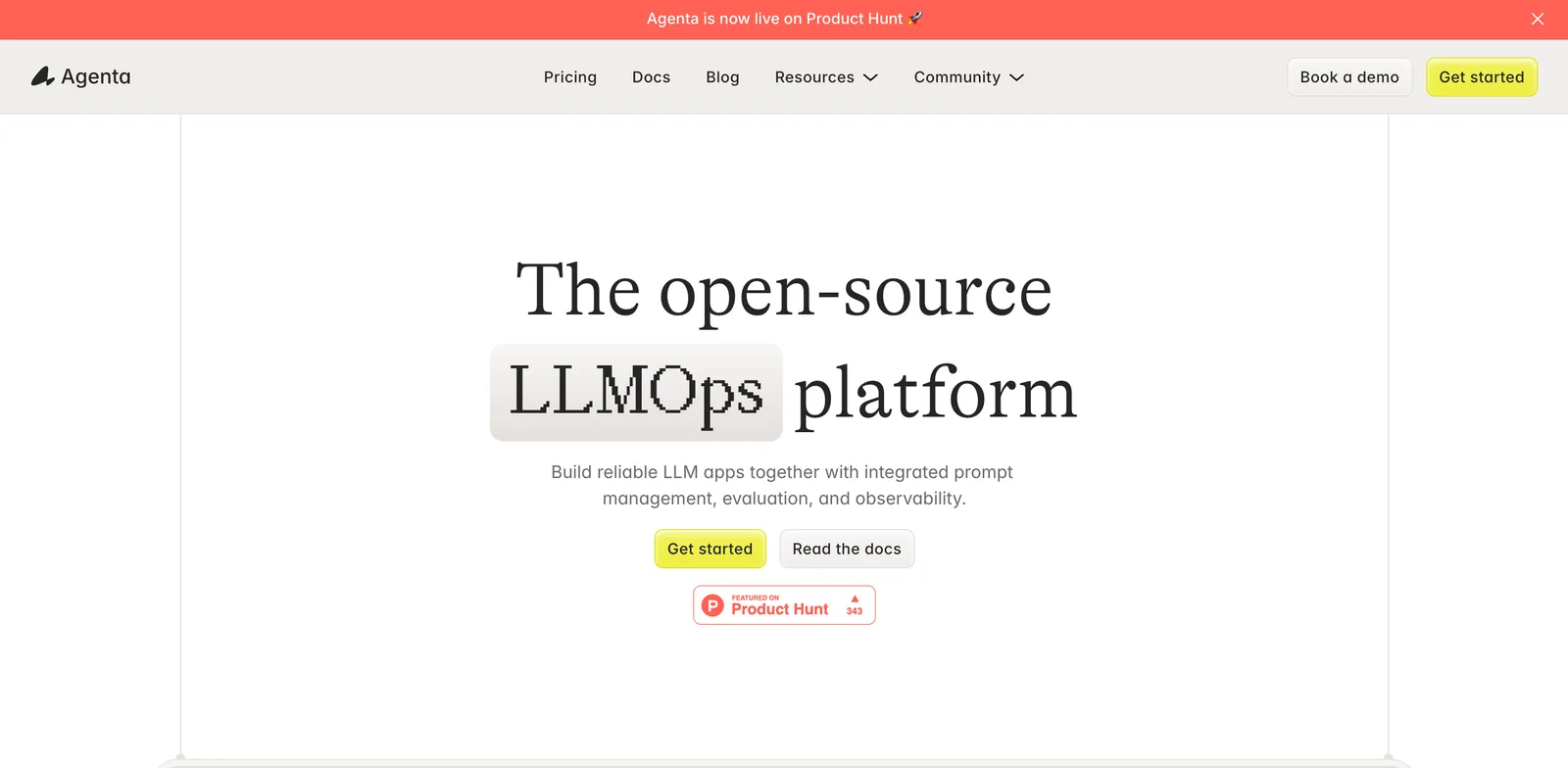
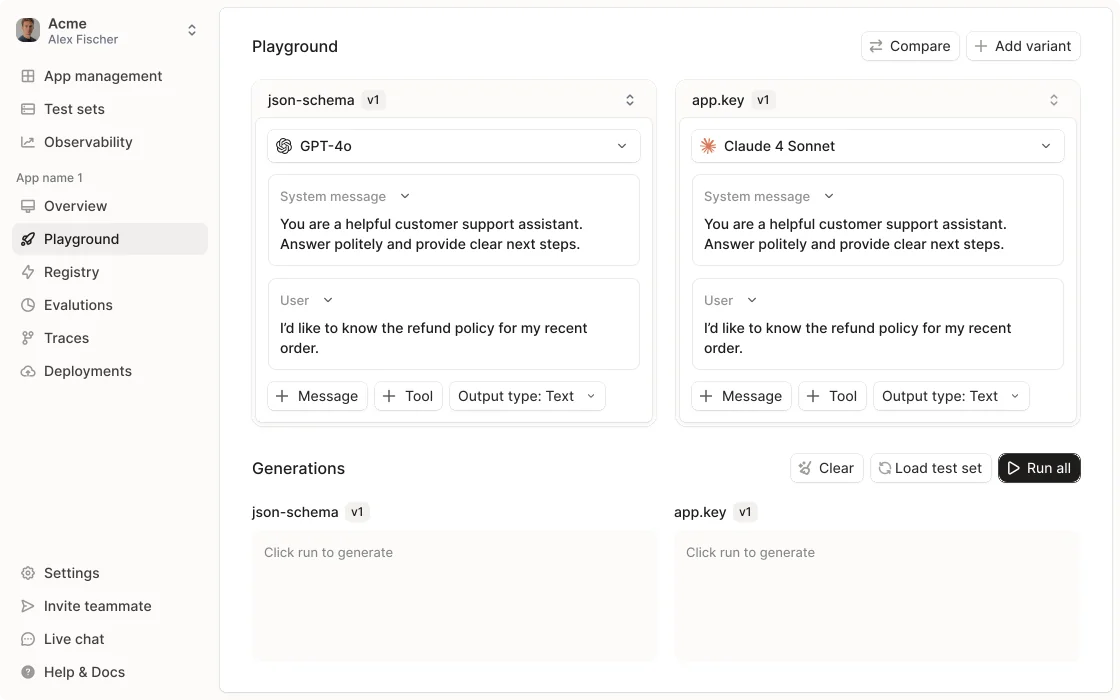
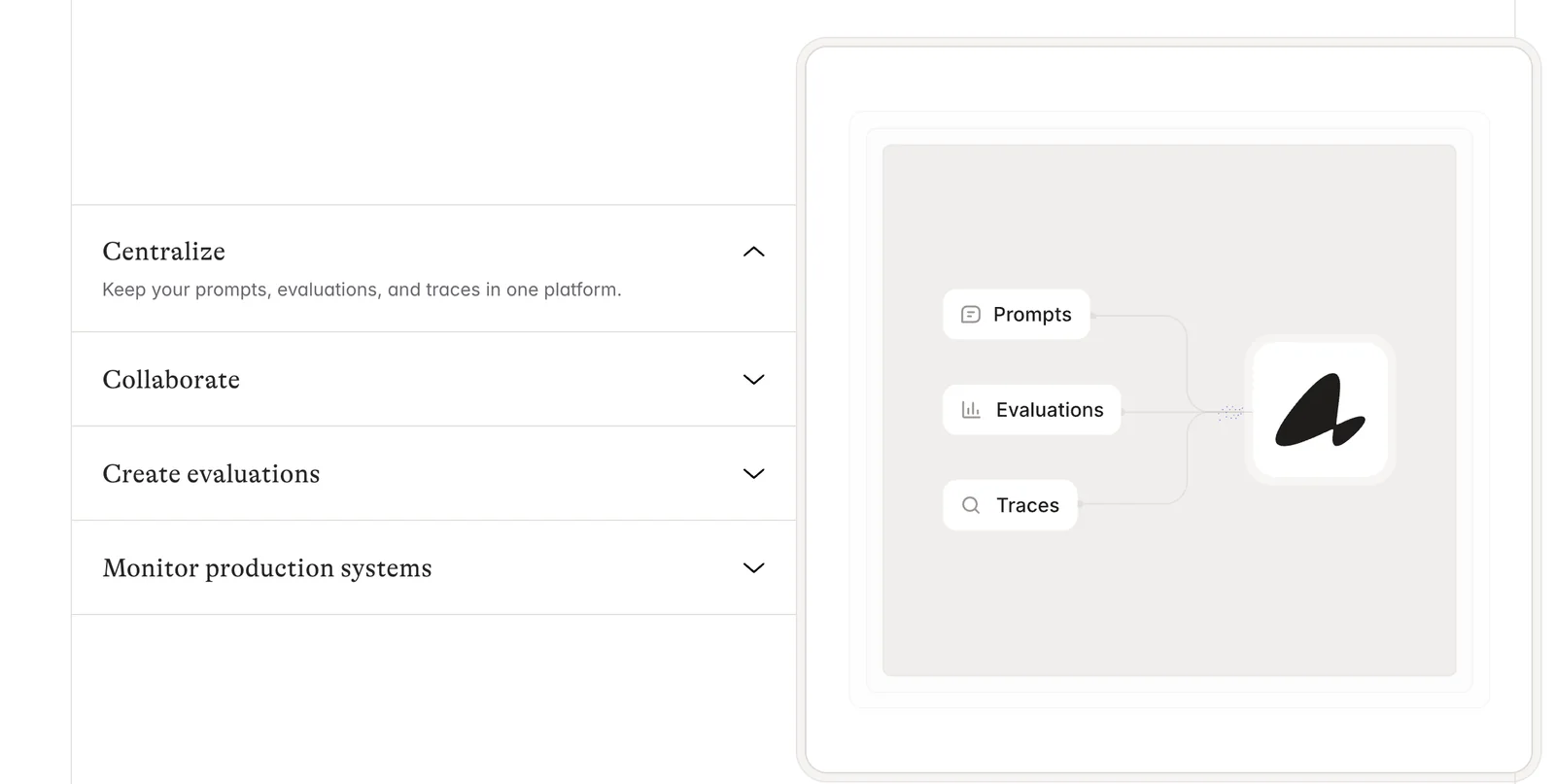
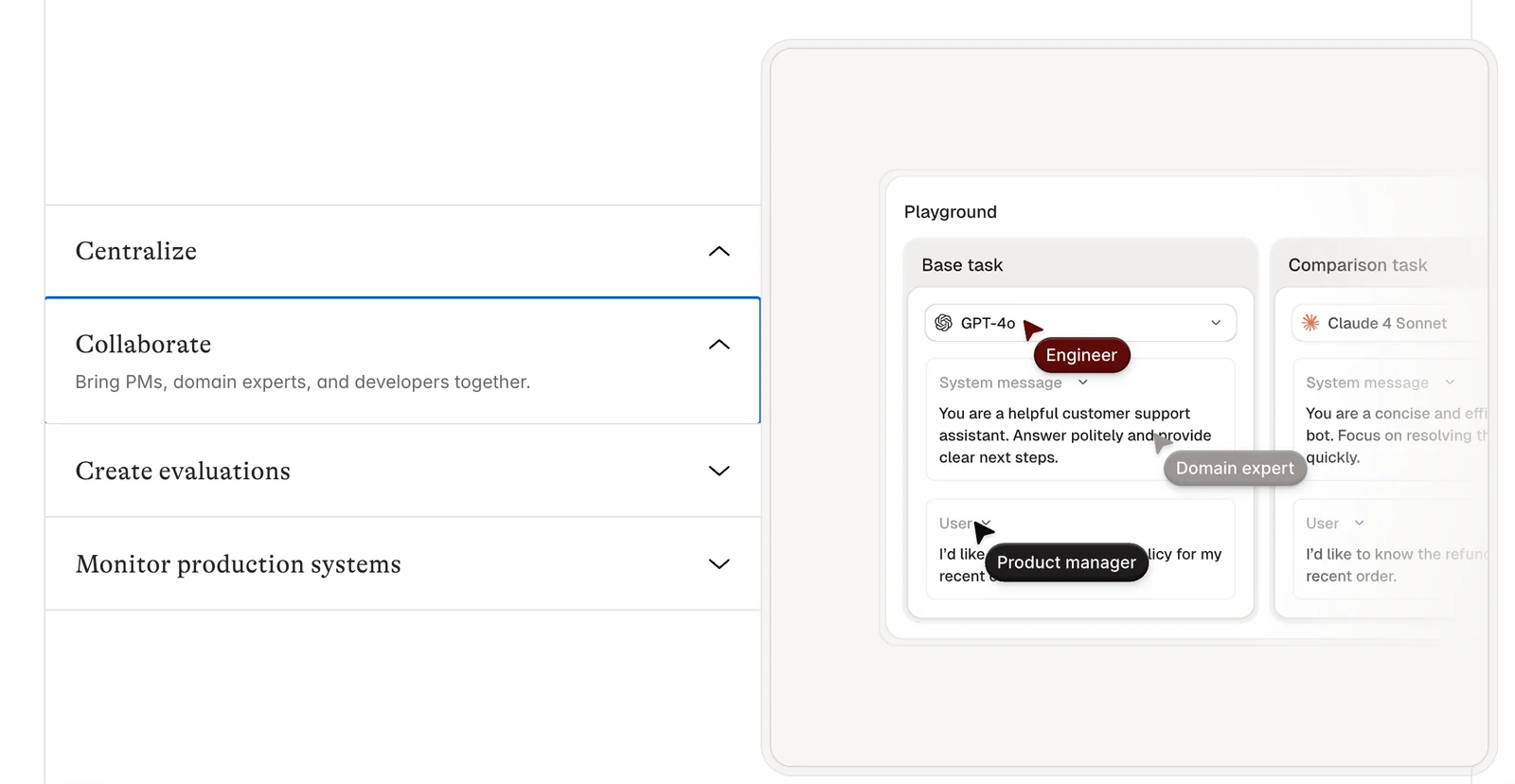
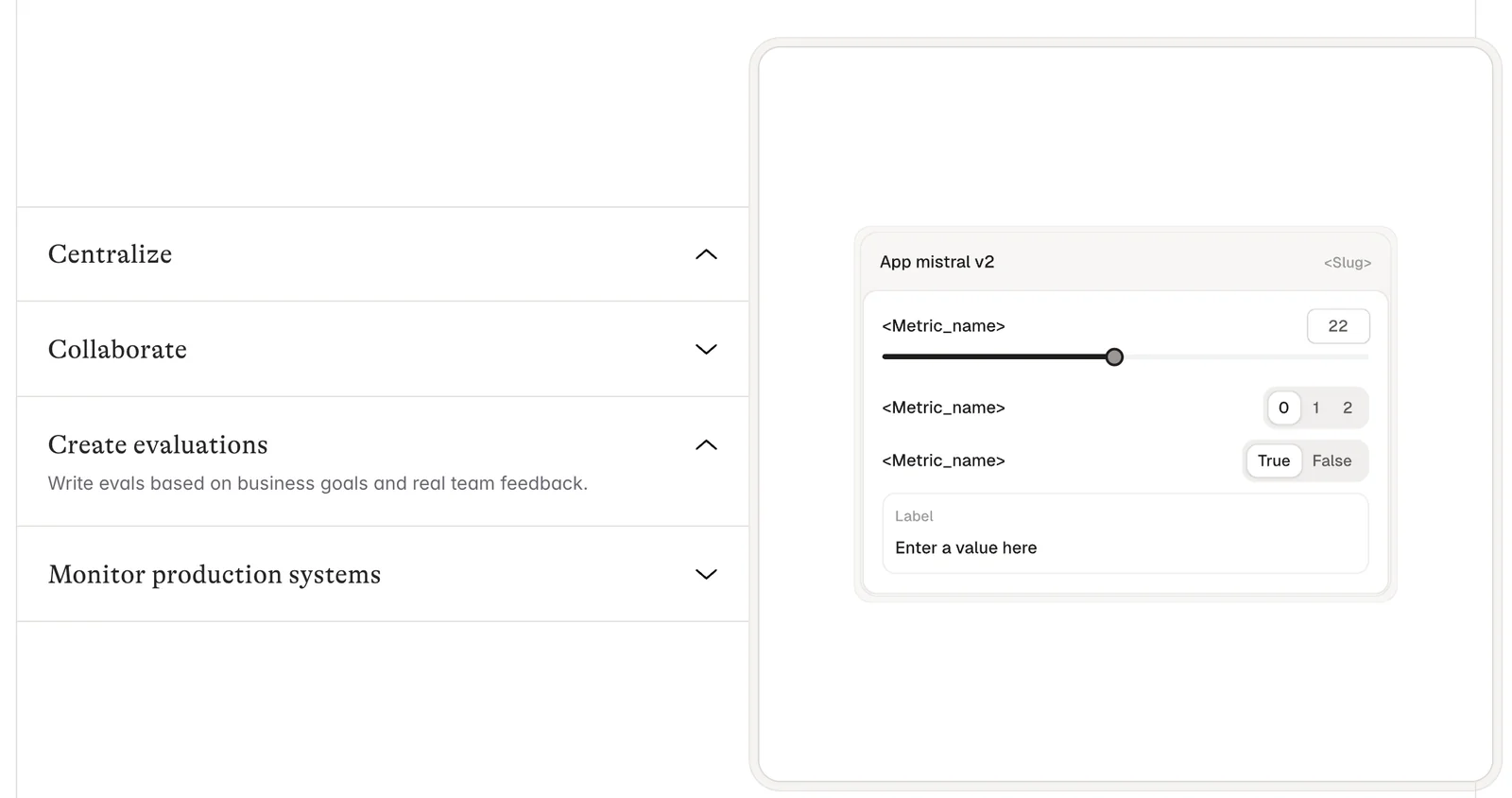
Agenta is an open-source LLMOps platform that helps engineering and product teams build, evaluate, debug, and monitor production-grade LLM applications. It provides a web UI and toolset for prompt engineering, versioning, deployment to environments, automated evaluation pipelines, and observability dashboards to track model behavior and performance. By combining prompt management, testing, and runtime monitoring in a single platform, Agenta reduces iteration time, improves reliability, and enables teams to adopt best practices for building robust LLM apps.
Screenshots
Key Features
Use Cases



Frequently asked questions about Agenta
What is the pricing structure for Agenta and are there any free options?
Agenta provides a free open-source option for self-hosting, while its cloud-hosted services begin at $49 per month. The open-source edition includes essential features at no cost, making it accessible for users seeking budget-friendly solutions or those wanting to explore Agenta's capabilities.
Key Points
- Free Open-Source Option: Agenta is available for self-hosting without any fees.
- Paid Plans: Cloud-hosted services start at $49/month, with various tiers available.
- Core Functionalities: The open-source version offers essential features suitable for basic needs.
Detailed Explanation
Agenta's pricing structure is designed to cater to a wide range of users, from individual developers to large enterprises. The free open-source option allows users to download and install Agenta on their own servers, providing flexibility and control over their setup. This version includes core functionalities such as task management and basic collaboration tools, making it ideal for users who prefer a hands-on approach.
For those looking for convenience and support, the paid plans offer additional features and hosting solutions. Starting at $49 per month, the cloud-hosted plans include enhanced functionalities like advanced analytics, priority support, and automatic updates. These plans are tailored for teams that require a more robust solution without the hassle of managing their own servers.
In addition to the base pricing, Agenta may offer tiered plans, which could include additional features like increased user limits, additional storage, or more sophisticated integrations with other tools and applications. This pricing model ensures that organizations of all sizes can find a suitable option that meets their specific needs.
Best Practices / Tips
- Evaluate Your Needs: Determine whether the free open-source option meets your requirements or if the paid plans with additional features are necessary for your workflow.
- Explore Community Support: If using the open-source version, leverage community forums and resources for troubleshooting and enhancements.
- Consider Scalability: If you anticipate growth, starting with a paid plan may save you time and effort in transitioning later.
Additional Resources
What are the main features of Agenta that set it apart from other LLMOps platforms?
Agenta stands out among LLMOps platforms with its unique features like prompt management, automated evaluation pipelines, interactive debugging tools, and observability dashboards. These tools enable comprehensive monitoring and management of large language model applications, enhancing performance and efficiency.
Key Points
- Prompt Management: Streamlined control over input prompts.
- Automated Evaluation Pipelines: Continuous assessment of model performance.
- Interactive Debugging Tools: Immediate troubleshooting capabilities.
- Observability Dashboards: Real-time monitoring and analytics.
Detailed Explanation
Agenta offers a robust suite of features designed to enhance the development and deployment of large language models (LLMs).
1. Prompt Management
Agenta’s prompt management system allows users to organize and test various input prompts efficiently. This feature helps teams refine prompts based on model responses, ensuring optimal output quality. By providing a centralized repository for prompts, Agenta streamlines collaboration across teams.
2. Automated Evaluation Pipelines
The automated evaluation pipelines in Agenta continuously assess model performance against predefined metrics. This ensures that LLMs are not only functioning correctly but are also improving over time. For instance, users can set up automated tests to evaluate different model versions, quickly identifying which configurations yield the best results.
3. Interactive Debugging Tools
Agenta’s interactive debugging tools provide developers with immediate feedback when issues arise. This feature is essential for resolving problems swiftly, allowing for real-time modifications and adjustments. Users can visualize how changes in prompts or parameters affect model outputs, significantly reducing development time.
4. Observability Dashboards
The observability dashboards offer a comprehensive view of model performance metrics, including latency, throughput, and user interaction data. These dashboards enable teams to monitor LLM applications in real-time, facilitating proactive optimizations. For example, if a drop in performance is detected, teams can quickly investigate and address the underlying issues.
Best Practices / Tips
- Regularly Update Prompts: Continuously refine and update prompts based on user feedback and model performance.
- Leverage Automated Pipelines: Set up automated evaluation pipelines for ongoing performance assessment, adjusting based on results to maintain high-quality outputs.
- Utilize Debugging Tools Effectively: Make full use of interactive debugging tools to identify and resolve issues as they arise rather than waiting for planned review cycles.
- Monitor Analytics: Regularly review the observability dashboards to spot trends and anomalies early, ensuring that the LLMs remain efficient and effective.
Additional Resources
How do I get started with using Agenta for my LLM applications?
To get started with Agenta for your LLM applications, visit the official Agenta website to download the open-source version or sign up for a hosted plan. The user-friendly web interface facilitates easy prompt creation and management, making it accessible even for beginners.
Key Points
- Download the open-source version or opt for a hosted plan.
- Utilize the web UI for prompt creation and management.
- Explore community resources for support and best practices.
Detailed Explanation
Agenta is a powerful tool designed for building and managing applications powered by Large Language Models (LLMs). Here's how to begin using it effectively:
-
Download or Sign Up:
- Navigate to the Agenta website where you can either download the open-source version for local installation or sign up for a hosted plan. The hosted version is ideal for users who prefer not to manage the technical aspects of deployment.
-
Setting Up Your Environment:
- If opting for the open-source version, ensure you have the necessary system requirements, such as Python 3.8 or higher, and any dependencies listed in the installation guide. Follow the provided setup instructions for a smooth installation.
-
Exploring the Web UI:
- Once installed or signed up, log in to the web interface. Here, you can create prompts, manage your projects, and access various templates. The interface is designed to be intuitive, allowing you to focus on crafting effective prompts without getting bogged down by technical details.
-
Creating Prompts:
- Start by defining the specific use case for your application. Whether it’s for content generation, chatbots, or data processing, tailor your prompts accordingly. The platform includes example prompts to help you begin.
-
Testing and Iteration:
- Utilize the built-in testing features to refine your prompts. Experiment with different parameters and analyze the responses to ensure your application meets the desired outcomes.
Best Practices / Tips
- Start Simple: Begin with basic prompts to understand how Agenta interacts with your inputs before moving to more complex configurations.
- Leverage Community Resources: Join Agenta’s community forums or groups on platforms like GitHub or Discord for support, advice, and shared experiences from other users.
- Regular Updates: Keep your Agenta installation updated to benefit from new features and security improvements.
- Documentation Review: Familiarize yourself with the official Agenta documentation for in-depth tutorials and troubleshooting tips.
Additional Resources
By following these steps and utilizing the available resources, you can effectively harness the capabilities of Agenta for your LLM applications.
Can Agenta integrate with other AI tools and what are the technical requirements?
Yes, Agenta can integrate with various AI tools, thanks to its open-source architecture that supports multiple LLM (Large Language Model) providers. The primary technical requirement is a compatible hosting environment for self-deployment, ensuring seamless integration and functionality.
Key Points
- Agenta's open-source architecture allows for flexible integrations.
- Supports various LLM providers, enhancing functionality.
- Requires a compatible hosting environment for optimal performance.
Detailed Explanation
Agenta's open-source architecture is designed to facilitate integration with a wide array of AI tools and services. This flexibility allows users to connect Agenta with popular LLM providers such as OpenAI, Google Cloud AI, and others, enabling enhanced capabilities in natural language processing and machine learning.
Compatibility Requirements
To successfully integrate Agenta with other AI tools, ensure that your hosting environment meets the following technical requirements:
- Server Specifications: A minimum of 4 GB RAM and a multicore processor is recommended for optimal performance.
- Operating System: Compatible with Linux (Ubuntu preferred) or Windows Server.
- Database Support: Must support SQL databases (e.g., MySQL or PostgreSQL) for storing user data and configurations.
- Network Configuration: Ensure a stable internet connection for API calls to external LLM providers.
Example Use Cases
- Customer Support: Integrating Agenta with an AI tool can automate responses in customer service chatbots.
- Content Generation: Pairing Agenta with a powerful LLM can streamline content creation for blogs, articles, or social media posts.
- Data Analysis: Use Agenta to analyze large datasets by integrating it with AI tools that provide advanced analytics capabilities.
Best Practices / Tips
- Documentation Review: Always refer to Agenta's official documentation for detailed integration steps and configurations.
- Testing: Conduct thorough testing after integration to ensure seamless functionality.
- Monitoring: Utilize monitoring tools to track performance and troubleshoot any issues promptly.
- Scalability: Consider future needs and scalability during the initial setup to avoid reconfiguration later.
Additional Resources
By following these guidelines, users can effectively leverage Agenta's capabilities alongside other AI tools, enhancing their overall functionality and performance.
How does Agenta compare to other AI tools in terms of pricing and features?
Agenta distinguishes itself from other AI tools with a free open-source version and several flexible pricing plans. Its robust features, such as comprehensive prompt management and debugging tools, are competitively priced, making it a cost-effective choice for businesses looking to leverage AI technology.
Key Points
- Free Open-Source Option: Agenta provides a no-cost alternative for users.
- Flexible Pricing Plans: Various pricing tiers cater to different user needs.
- Robust Features: Offers advanced prompt management and debugging tools.
Detailed Explanation
Agenta's pricing model is particularly appealing due to its free open-source option, which allows users to access core functionalities without any investment. This makes it an excellent choice for startups, developers, and small businesses looking to experiment with AI without financial risk.
Pricing Tiers
Agenta offers a variety of pricing plans:
- Free Plan: Access to essential features, ideal for individual users or small teams.
- Basic Plan: Starting at $19 per month, this tier includes additional features like priority support and enhanced prompt management.
- Pro Plan: At $49 per month, users gain access to advanced debugging tools and integrations with other software, catering to growing businesses.
Feature Comparison
When comparing Agenta to competitors like OpenAI and Google’s AI tools, Agenta excels in prompt management, allowing users to create, save, and optimize prompts efficiently. The debugging tools are particularly useful for developers, as they can identify issues in real-time, leading to faster troubleshooting and improved productivity.
Best Practices / Tips
- Utilize the Free Version: Before committing to a paid plan, explore Agenta’s free option to understand its capabilities.
- Assess Your Needs: Carefully evaluate which features are necessary for your project to choose the most suitable pricing plan.
- Stay Updated: Regularly check for updates or new features that Agenta may release, ensuring you’re always using the latest tools.
Additional Resources
For more detailed information, visit Agenta’s official documentation or explore their community forum for user tips and experiences. Additionally, consider reviewing comparisons on sites like G2 or Capterra for user-generated insights on Agenta versus other AI tools.
Explore more AI Ai Tools tools
Browse all Ai Tools tools →Compare Agenta: vs nodeterm · vs A.I.G (AI Infra Guard) · vs Trama · vs Agents Never Sleep