

GitHub
AIOfficial MCPCloud-based collaborative developer platform for hosting code, CI/CD, project management, security, and AI-powered developer tools.
GitHub
Cloud-based collaborative developer platform for hosting code, CI/CD, project management, security, and AI-powered developer tools.
About GitHub
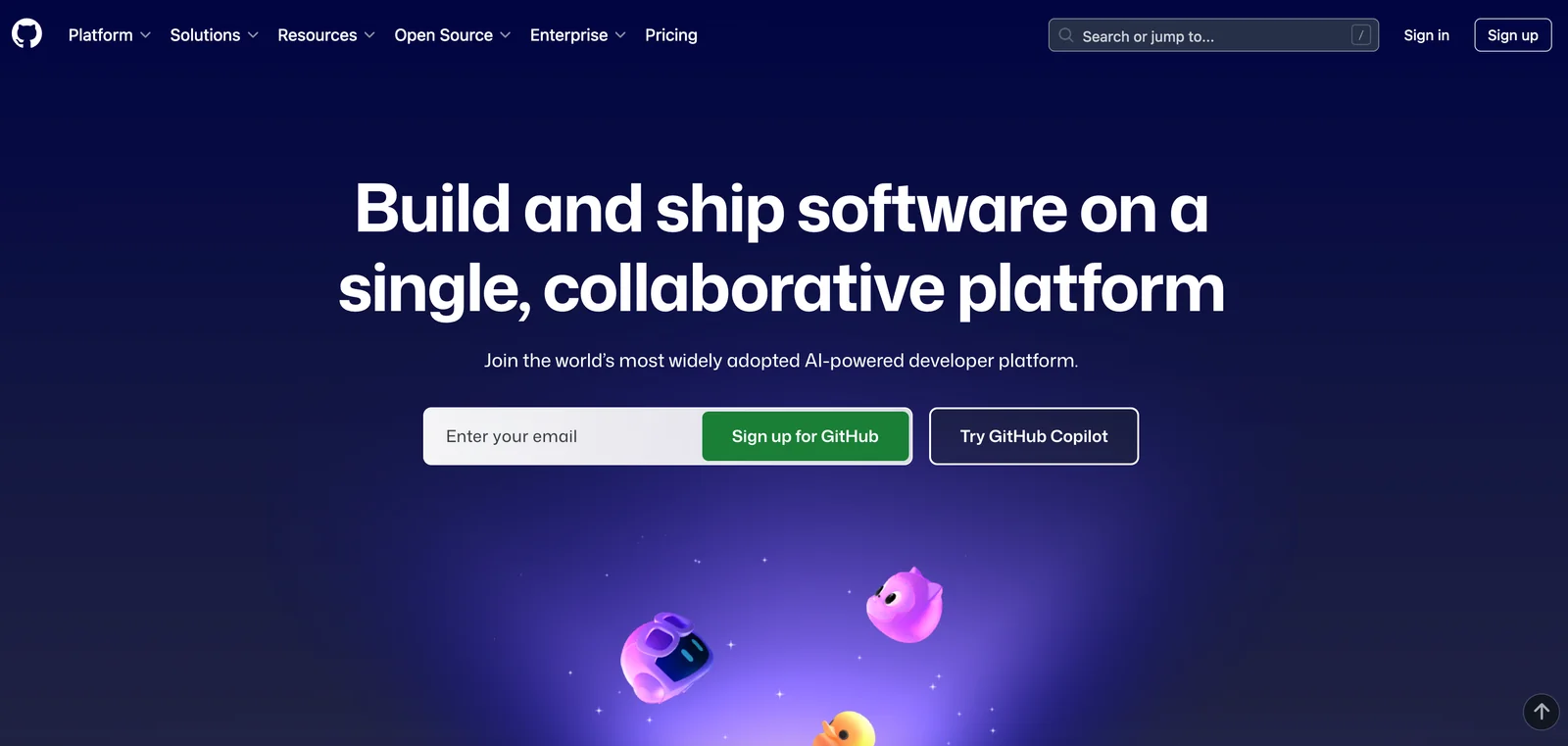
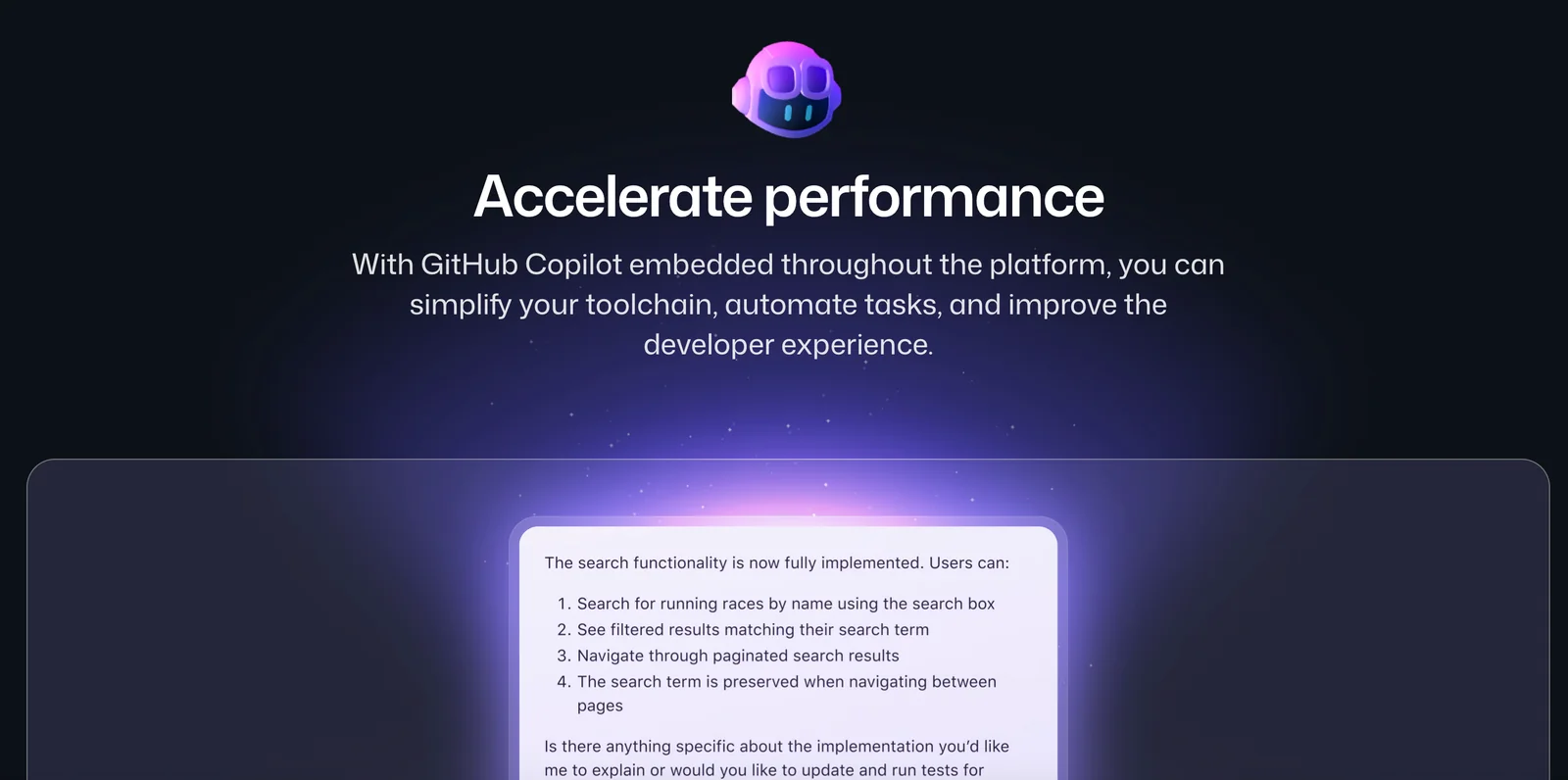
GitHub is a cloud-based developer platform built on Git that enables teams and individuals to host, review, and ship software collaboratively. It combines repository hosting, pull requests and code review, issue tracking, project planning, package registries, CI/CD automation, and security tooling into a single platform. In recent years GitHub has integrated AI-native capabilities — including GitHub Copilot, agent modes, Spark for natural-language-to-deploy workflows, and selectable GitHub Models — to speed development, automate tasks, and assist with code generation, testing, and validation. GitHub also provides extensibility via APIs, a marketplace for actions and integrations, and enterprise-grade controls for security, compliance, and administration.
Screenshots
Key Features
Use Cases
MCP Server
https://github.com/github/github-mcp-serverhttps://api.githubcopilot.com/mcp/💡 MCP (Model Context Protocol) enables AI assistants to securely interact with local and remote resources.


Frequently asked questions about GitHub
What are the pricing options for GitHub?
GitHub offers a freemium pricing model with four main tiers: GitHub Free at $0/month, GitHub Pro for individuals at $4/month, GitHub Team at $4/user/month, and GitHub Enterprise with custom pricing based on organizational needs. Each tier provides varying features to suit different user requirements.
Key Points
- GitHub Free: Ideal for personal projects and open-source collaborations.
- GitHub Pro: Designed for individual developers who need advanced features.
- GitHub Team: Tailored for small to medium teams requiring collaboration tools.
- GitHub Enterprise: Custom solutions for large organizations with specific needs.
Detailed Explanation
GitHub's pricing structure caters to diverse users, from hobbyists to large enterprises.
-
GitHub Free:
- This tier is perfect for individual developers or open-source projects. Users can host unlimited public repositories and collaborate without cost.
- Features include GitHub Pages, issue tracking, and community support.
-
GitHub Pro:
- At $4/month, this plan adds enhanced functionality, including private repositories and access to GitHub's premium features like code review tools and insights.
- It's ideal for freelancers or developers who work on multiple private projects.
-
GitHub Team:
- Priced at $4/user/month, this plan is focused on team collaboration. It includes features like team discussions, access control, and security features such as required reviews before merging.
- This tier is suitable for startups or small businesses looking to streamline their workflows.
-
GitHub Enterprise:
- This tier has custom pricing and is meant for large organizations. It offers advanced security, compliance features, and dedicated support.
- GitHub Enterprise can be hosted on-premises or in the cloud, accommodating various infrastructures.
Best Practices / Tips
- Evaluate Needs: Before choosing a plan, assess your project requirements and team size to ensure you select the most suitable tier.
- Consider Future Growth: Opting for GitHub Team or Enterprise may be beneficial if you anticipate scaling your team.
- Utilize Free Trials: Take advantage of free trials for GitHub Pro or Enterprise to explore features before committing to a subscription.
Additional Resources
How do I get started with GitHub?
To get started with GitHub, visit github.com to create an account, select a plan that suits your needs, and set up your first repository. You can also explore existing projects and utilize GitHub's beginner tutorials to enhance your understanding of version control and collaborative coding.
Key Points
- Create an account on GitHub.
- Choose a suitable plan based on your needs.
- Set up a new repository or explore existing ones.
Detailed Explanation
-
Create Your Account: Go to github.com and click on "Sign up." Fill out the required fields such as your email, username, and password. Choose between a free plan, which is great for individual users and open-source projects, or a paid plan for more advanced features.
-
Choose Your Plan: GitHub offers a free tier with unlimited public repositories, and paid plans starting at $4 per month for private repositories. Consider your project requirements before selecting a plan.
-
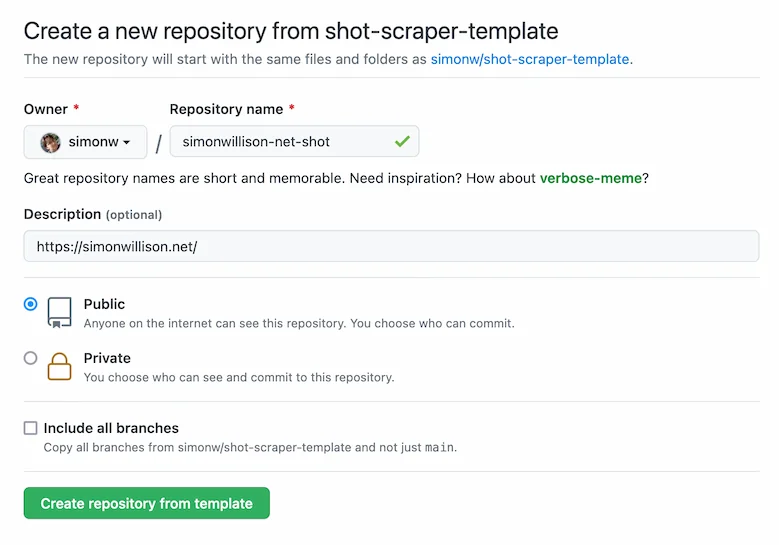
Set Up Your Repository: Once you have created your account, you can create a new repository by clicking on the "+" icon in the upper-right corner. Name your repository, add a description, and choose to initialize it with a README file to provide essential information about your project.
-
Explore Existing Projects: Utilize GitHub’s search functionality to find repositories that interest you. You can learn by examining other developers' code, contributing to projects, or forking repositories to make your own changes.
-
Learn with Tutorials: GitHub provides a wealth of tutorials and documentation tailored for beginners. Check out the GitHub Learning Lab for interactive courses that cover the basics of Git and GitHub usage.
Best Practices / Tips
- Familiarize with Git: Understanding Git, the version control system behind GitHub, is crucial. Spend some time learning basic commands such as
git clone,git commit, andgit push. - Utilize README Files: Always include a well-crafted README file in your repositories. It should explain what your project does, how to install it, and how to use it.
- Stay Organized: Use branches to manage different features or versions of your project, making it easier to collaborate with others without disrupting the main codebase.
- Engage with the Community: Follow other developers, star projects you like, and participate in discussions to build your network and improve your skills.
Additional Resources
- GitHub Documentation
- GitHub Learning Lab
- Introduction to Git and GitHub on Codecademy
- Git Cheat Sheet for quick reference
What are the main features of GitHub?
GitHub is a powerful platform that offers repository hosting, advanced code review tools, continuous integration and deployment (CI/CD) automation through GitHub Actions, project management capabilities, and AI-driven developer tools such as GitHub Copilot, which enhances coding efficiency by providing intelligent code suggestions.
Key Points
- Repository Hosting: Store and manage code efficiently.
- Code Review Tools: Facilitate collaboration and improve code quality.
- CI/CD Automation: Streamline the development workflow.
Detailed Explanation
GitHub is an essential tool for developers, providing a wide array of features that enhance the software development process:
-
Repository Hosting: GitHub allows users to create and manage repositories for their projects. Each repository can hold code, documentation, and other project resources. Users can collaborate on public or private repositories, making it easier to share work with teams or the open-source community.
-
Code Review Tools: GitHub's code review features, such as pull requests, enable developers to propose changes to projects. Team members can comment on the code, suggest improvements, and approve changes, fostering collaboration and ensuring high-quality code before merging it into the main branch.
-
CI/CD Automation with GitHub Actions: GitHub Actions allows developers to automate workflows such as testing, building, and deploying code. This CI/CD feature helps teams deliver software more reliably and quickly. For example, developers can set up automatic testing that triggers with every code push, ensuring that new changes do not break existing functionality.
-
Project Management Features: GitHub includes tools like issues, project boards, and milestones to help teams plan and track their work. Issues can be assigned, labeled, and prioritized, while project boards provide a visual overview of tasks in progress, making it easy to manage sprints and releases.
-
AI-Powered Developer Tools: GitHub Copilot is an AI-driven code completion tool that suggests code snippets and entire functions based on the context of what the developer is writing. This feature accelerates coding by reducing the time spent on repetitive tasks and enhancing productivity.
Best Practices / Tips
- Utilize Branching Strategies: Implement a branching strategy (like Git Flow) to manage features and fixes effectively.
- Regular Code Reviews: Encourage frequent code reviews to maintain code quality and foster knowledge sharing among team members.
- Automate Testing: Regularly integrate automated tests into your workflow using GitHub Actions to catch bugs early.
- Leverage GitHub Copilot: Use GitHub Copilot to enhance your coding experience, but always review the suggestions for accuracy.
Additional Resources
How does GitHub compare to other development platforms?
GitHub is a leading development platform known for its exceptional collaboration features and version control capabilities. Unlike alternatives like GitLab or Bitbucket, GitHub provides extensive third-party integrations, a vast community for support, and powerful CI/CD (Continuous Integration/Continuous Delivery) tools, making it a preferred choice for developers worldwide.
Key Points
- Collaboration Features: GitHub offers an intuitive interface for team collaboration.
- Community Support: A large community contributes to a wealth of resources and plugins.
- CI/CD Capabilities: Robust tools that streamline development processes.
Detailed Explanation
GitHub stands out in the software development landscape primarily due to its user-friendly interface and strong emphasis on collaboration. Features like pull requests, code reviews, and issue tracking enhance team productivity. For instance, developers can easily propose changes, discuss them, and merge them into the main codebase without disrupting the workflow.
In comparison, GitLab offers built-in CI/CD capabilities but lacks the same level of community support and third-party integrations as GitHub. Bitbucket, on the other hand, is also a solid option but is often seen as more suited for smaller teams or those heavily using Atlassian products, such as Jira. GitHub's Marketplace allows for seamless integrations with tools like Slack, Trello, and more, enhancing its functionality.
GitHub also provides GitHub Actions, a powerful feature that allows developers to automate workflows directly from the repository. This means you can run tests, deploy applications, and automate tasks without needing to leave the platform, offering a significant advantage over GitLab and Bitbucket.
Best Practices / Tips
- Utilize GitHub Actions: Streamline your workflows by automating tasks such as testing and deployment.
- Leverage Community Resources: Engage with the vast GitHub community for support, tutorials, and plugins to enhance your projects.
- Explore GitHub Marketplace: Integrate tools that best fit your development needs to maximize productivity.
Additional Resources
Does GitHub have an API for integration?
Yes, GitHub provides both REST and GraphQL APIs for seamless integration. These APIs enable developers to automate workflows, manage repositories, and interact with issues programmatically, streamlining various development processes and enhancing collaboration through customization.
Key Points
- REST and GraphQL APIs: GitHub supports both API types for flexibility.
- Automation: Developers can automate repetitive tasks to improve efficiency.
- Access Control: APIs help in managing permissions and user roles effectively.
Detailed Explanation
GitHub's REST API allows developers to perform CRUD (Create, Read, Update, Delete) operations on GitHub resources such as repositories, branches, issues, and pull requests. For example, you can use the REST API to automate the creation of issues in a repository based on specific triggers, such as the completion of a build process.
On the other hand, the GraphQL API offers a more efficient way to access data. Instead of multiple requests required in REST, GraphQL allows you to fetch exactly the data you need in a single request, which can significantly reduce the amount of data transferred and improve performance. For instance, you can retrieve information about a repository, its issues, and contributors in one API call, making it ideal for complex applications.
Use Cases
- Continuous Integration/Continuous Deployment (CI/CD): Integrate GitHub API with CI/CD tools to automate deployment processes.
- Issue Management: Create bots that manage issues and automate responses based on project needs.
- Data Analysis: Leverage APIs to gather data for analytics on repository activity, contributions, and more.
Best Practices / Tips
- Authentication: Use OAuth tokens for secure API access and to manage permissions appropriately.
- Rate Limiting: Be aware of GitHub's rate limits and implement error handling to manage quota exceedances.
- Versioning: Keep track of API versions to ensure compatibility with your applications as GitHub updates its APIs.
Additional Resources
Utilizing GitHub’s APIs can greatly enhance your development processes, making your workflows more efficient and your applications more powerful.
Explore more AI Mcps tools
Browse all Mcps tools →Browse by use case: Automation & Productivity
Compare GitHub: vs DocsAlot · vs Toolport · vs Kit for AI · vs In Parallel MCP