

Multifactor
AISecure platform for trustless account sharing, authentication, authorization, and auditing between humans and AI agents.
Multifactor
Secure platform for trustless account sharing, authentication, authorization, and auditing between humans and AI agents.
About Multifactor
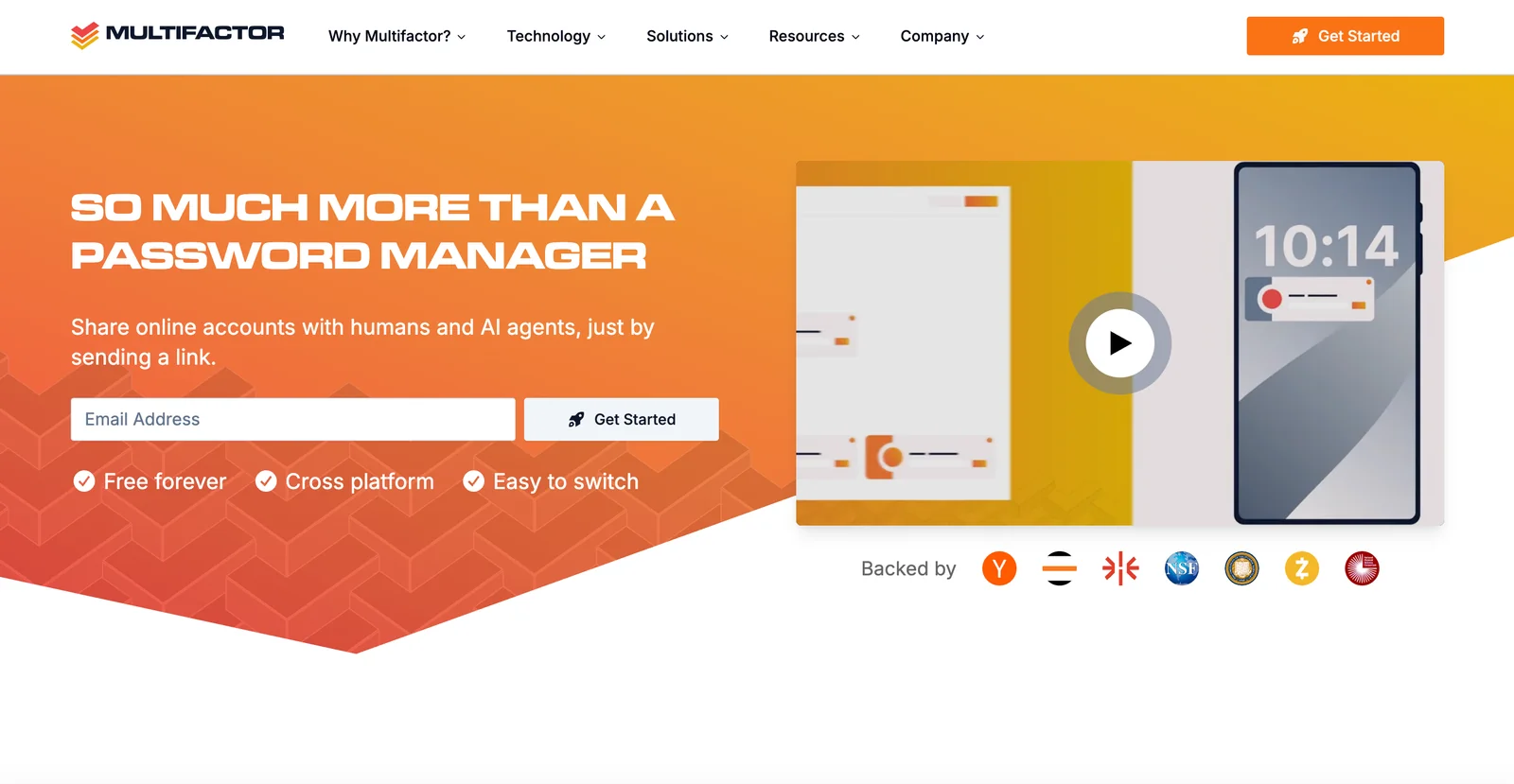
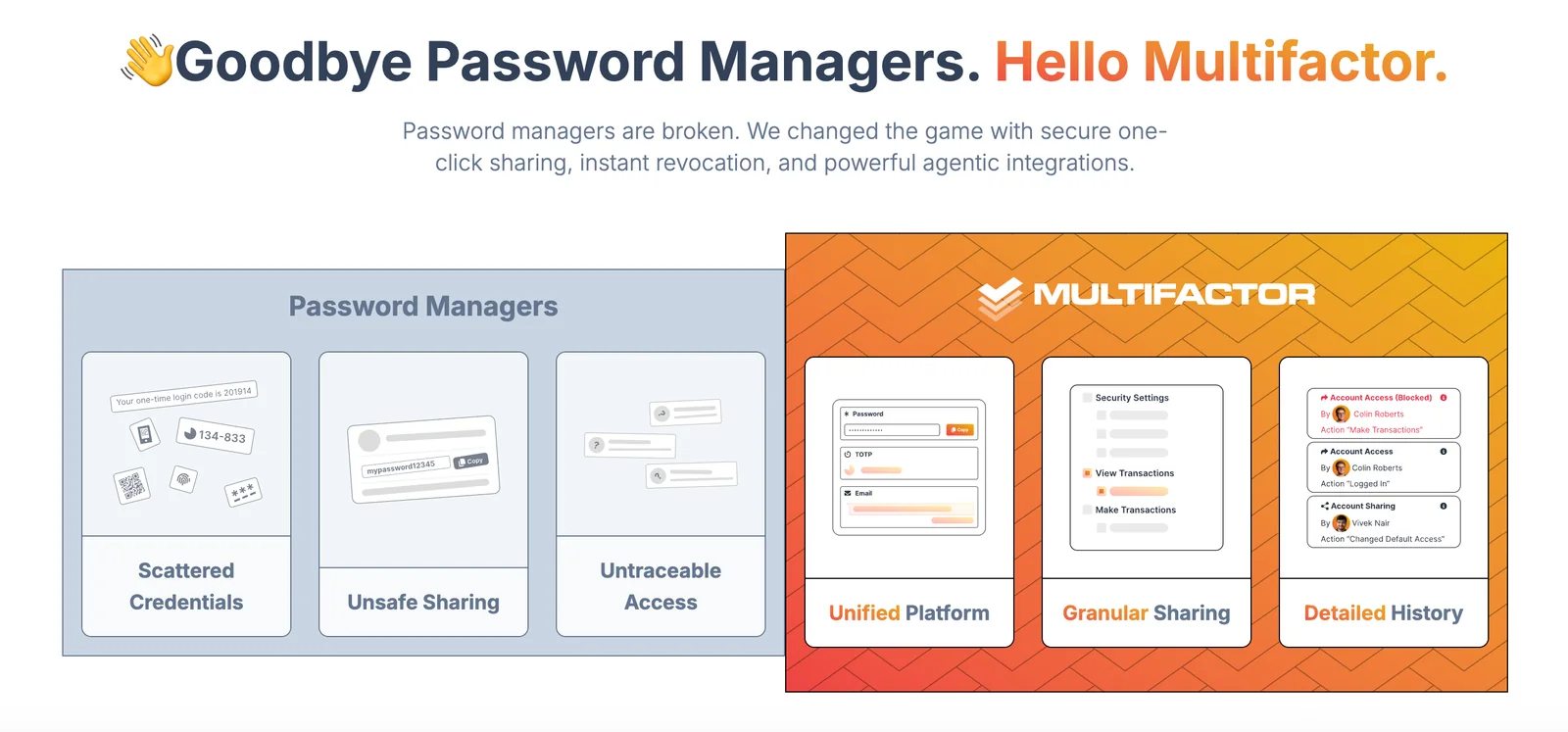
Multifactor provides a secure system to share online accounts and secrets with both humans and AI agents using trustless authentication, authorization, and auditing. It offers cryptographic primitives and open-source components — including a trust center for enclave attestation verification and a multi-factor key derivation function (MFKDF) — to enable secure secret issuance, verification, and lifecycle management. The platform is designed for modern web integrations and developer workflows, enabling programmatic validation of hardware enclave attestations, generation of enclave secrets, deterministic password generation, and demonstrator password-management applications. Multifactor emphasizes public auditability and shipping reference implementations (Rust, JavaScript) and SDKs to integrate secure sharing and attestation verification into applications and CI/CD pipelines.
Screenshots

Key Features
Use Cases



Frequently asked questions about Multifactor
How do I get started with Multifactor?
To get started with Multifactor, visit the official website and sign up for free beta access. You can join the waitlist for early access to features like secure vaults and trustless authentication, allowing you to enhance your digital security seamlessly.
Key Points
- Visit the Multifactor website: Access the sign-up page for beta testing.
- Join the waitlist: Get early access to essential features.
- Explore core functionalities: Understand secure vaults and trustless authentication.
Detailed Explanation
To begin using Multifactor, head over to the Multifactor official website. The sign-up process is straightforward and user-friendly. By registering for the free beta, you can experience the platform's innovative features designed to enhance your digital security.
Once you sign up, you can join the waitlist, which ensures that you receive notifications when new features are available. This includes access to secure vaults for safely storing sensitive information and trustless authentication methods that allow seamless verification without compromising security.
Features to Explore
- Secure Vaults: Store important documents, passwords, and sensitive data in a highly secure environment.
- Trustless Authentication: Authenticate users through decentralized methods that do not require a central authority, enhancing privacy and security.
Best Practices / Tips
- Stay Updated: Regularly check your email for updates from Multifactor regarding new features and enhancements.
- Engage with the Community: Join forums or social media groups to connect with other users for tips and experiences.
- Use Strong Passwords: When setting up your Multifactor account, ensure you use a strong, unique password to maximize security.
Additional Resources
- Multifactor Official Documentation: Comprehensive guides and FAQs.
- Community Forum: A place to discuss features and share feedback.
- Blog on Digital Security Trends: Stay informed on the latest developments in digital security practices.
What pricing options does Multifactor offer?
Multifactor offers a freemium model, which includes a free beta plan with essential features. For enterprises, custom pricing is available upon request, and there is also an open-source version that users can access at no cost.
Key Points
- Freemium Model: Free beta plan with essential features.
- Custom Enterprise Pricing: Tailored solutions for larger organizations.
- Open-Source Option: Free access to the open-source version.
Detailed Explanation
Multifactor’s pricing structure is designed to cater to a wide range of users, from individual developers to large enterprises.
-
Freemium Model:
- The free beta plan provides essential features perfect for small projects or users wanting to test the platform’s capabilities. This allows users to explore functionalities without any financial commitment.
-
Custom Enterprise Solutions:
- For businesses with specific needs, Multifactor offers custom pricing. This approach ensures that organizations can obtain tailored solutions that fit their operational requirements. Interested companies can reach out directly to discuss their needs, and a representative will assist in creating a pricing structure that aligns with their unique circumstances.
-
Open-Source Version:
- The open-source version is an excellent option for developers and tech enthusiasts who prefer more control over their software. This version is free and allows users to modify and enhance the software according to their needs. It’s particularly beneficial for startups or those on a tight budget.
Best Practices / Tips
- Explore the Free Beta: Take full advantage of the free beta plan to understand the features that Multifactor offers before committing to a paid solution.
- Request a Demo: For enterprise solutions, scheduling a demo can help clarify how Multifactor can address specific business challenges.
- Community Contributions: If you opt for the open-source version, consider contributing to the community by sharing enhancements or reporting bugs, which can improve the software for all users.
Additional Resources
By leveraging these options, users can find a pricing plan that best suits their needs while maximizing the benefits of Multifactor's services.
Is Multifactor easy to use for beginners?
Yes, Multifactor is designed to be user-friendly, making it accessible for beginners. With its intuitive features, users can easily navigate secure authentication processes and account sharing, all without needing advanced technical skills. This ease of use empowers individuals and small businesses to enhance their security effortlessly.
Key Points
- User-Friendly Interface: Multifactor offers a straightforward layout suitable for all skill levels.
- Intuitive Features: Key functionalities simplify secure authentication and account management.
- No Technical Skills Required: Beginners can easily set up and manage their accounts without prior experience.
Detailed Explanation
Multifactor's design focuses on simplicity and user experience. The platform offers step-by-step wizards that guide users through the setup process, ensuring that even those with limited technical knowledge can effectively implement multi-factor authentication (MFA).
For example, when first logging in, users are prompted to set up their authentication methods—this could include options like SMS verification, email confirmation, or authenticator apps. Each method is explained clearly, making it easy for beginners to choose their preferred security option.
Furthermore, account sharing features allow users to grant access to others securely. This is particularly useful for small businesses that need to share access to sensitive data without compromising security. Multifactor provides clear instructions on how to manage permissions effectively, ensuring that users feel confident in their security settings.
Best Practices / Tips
- Start with Basic Features: Beginners should first familiarize themselves with the fundamental features before exploring advanced options, such as custom authentication methods.
- Utilize Tutorials: Take advantage of available tutorials and customer support resources offered by Multifactor to enhance your understanding of the platform.
- Regularly Update Security Settings: Encourage regular checks and updates to your security settings, ensuring that all authentication methods are functioning correctly and remain secure.
Additional Resources
What are the key features of Multifactor?
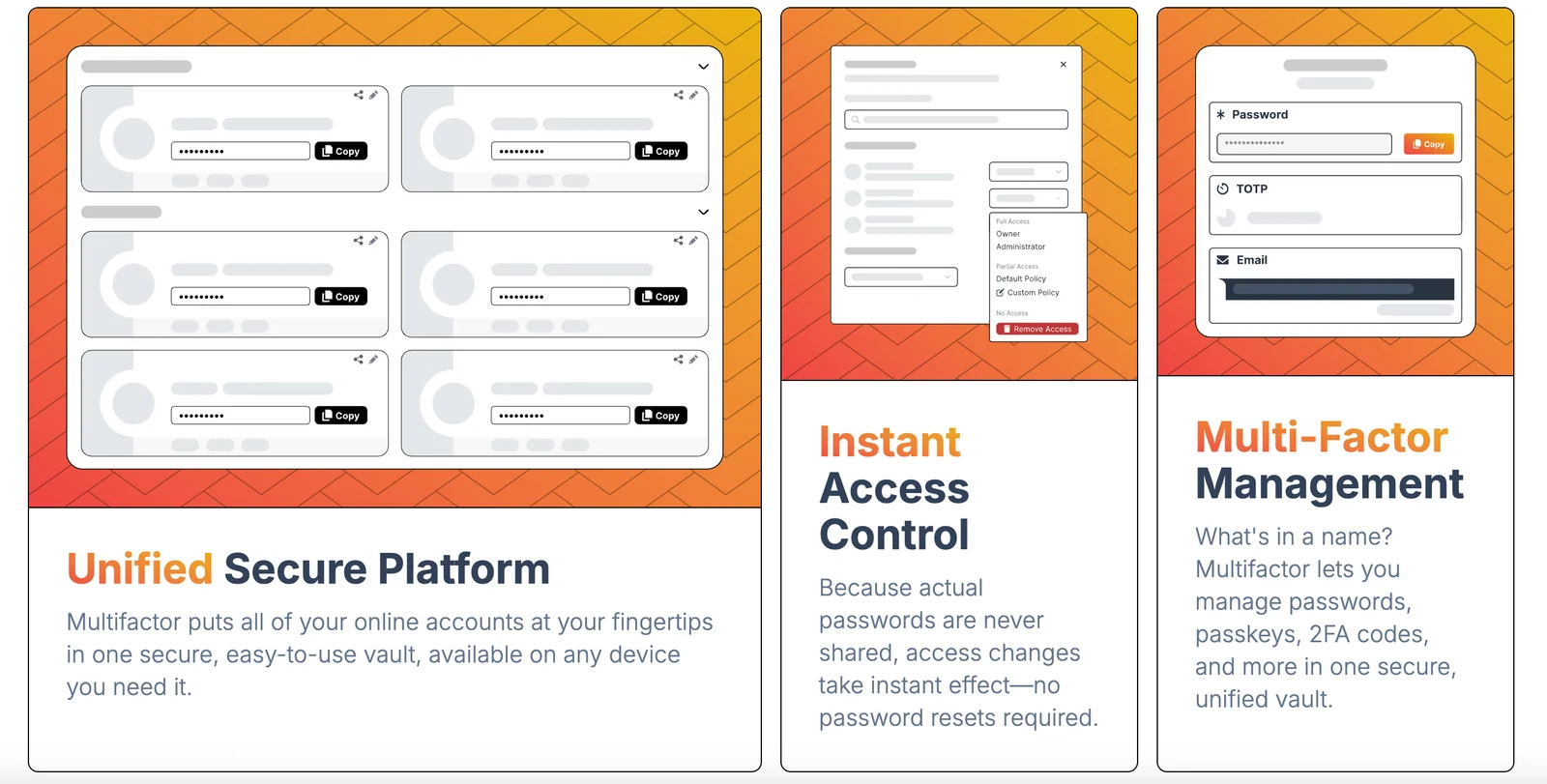
Multifactor provides robust security features including trustless authentication, fine-grained permissions, cross-platform access, and an open-source trust center. These capabilities ensure secure account sharing and auditing between users and AI agents, enhancing overall data protection and user experience.
Key Points
- Trustless Authentication: Ensures secure access without requiring third-party verification.
- Fine-Grained Permissions: Allows precise control over user access levels.
- Cross-Platform Access: Supports seamless integration across various devices and operating systems.
Detailed Explanation
Multifactor's trustless authentication eliminates the need for traditional password systems, using cryptographic methods to verify user identities directly. This approach mitigates risks associated with password theft and phishing attacks. For example, users can authenticate transactions or access sensitive data without exposing their credentials.
The fine-grained permissions feature enables administrators to define specific access levels for different users. This means that an AI agent can be granted limited access to certain data while preventing unauthorized access to more sensitive information. In practice, a marketing team might have access to customer analytics, while finance personnel could access budgetary data only.
Cross-platform access ensures that users can securely interact with Multifactor from any device, whether it’s a desktop, tablet, or smartphone. This flexibility is crucial in today’s remote work environment, where employees may need to access systems from various locations and devices.
Additionally, the open-source trust center allows developers to review and contribute to the security framework, fostering community trust and innovation. This transparency helps organizations customize the solution to fit their specific security needs while benefiting from collective improvements made by other developers.
Best Practices / Tips
- Regularly Update Permissions: Regularly review and update user permissions to align with current roles and responsibilities.
- Implement Two-Factor Authentication: Enhance security further by enabling two-factor authentication for added protection.
- Monitor Access Logs: Regularly audit access logs to detect any unauthorized attempts or unusual activities.
Additional Resources
Can I integrate Multifactor with my existing systems?
Yes, you can easily integrate Multifactor with your existing systems using its developer SDKs. These SDKs facilitate programmatic attestation verification and can be seamlessly embedded in applications for automated trust checks, enhancing your security infrastructure without significant disruptions.
Key Points
- Developer SDKs Available: Multifactor offers robust SDKs for integration.
- Programmatic Verification: Supports automated attestation checks for security.
- Seamless Embedding: Can be integrated into existing applications with ease.
Detailed Explanation
Integrating Multifactor into your existing systems is straightforward thanks to its developer SDKs. These software development kits allow developers to implement multifactor authentication without the need to overhaul current systems. The process typically involves:
- Downloading the SDK: Access the Multifactor SDK from their official website or repository.
- Implementation: Follow the provided documentation to embed the SDK into your application. This involves adding specific code snippets to your authentication workflow.
- Configuration: Adjust settings for attestation verification to ensure seamless communication between your application and Multifactor's services.
- Testing: Conduct thorough testing to confirm that the integration functions as intended, allowing users to authenticate using multifactor methods.
For example, if you're developing a mobile application, you can use Multifactor's SDK to prompt users for additional authentication via SMS or email after they've entered their password. This layered security approach significantly reduces the risk of unauthorized access.
Best Practices / Tips
- Start Small: Begin with a pilot project to test the integration in a controlled environment before scaling up.
- Regular Updates: Keep your SDK and any dependencies updated to leverage the latest security features and improvements.
- User Training: Educate your team on how to implement and manage the multifactor authentication process effectively.
- Monitor Performance: Use analytics to track the performance of the integration and make adjustments as necessary.
Additional Resources
Explore more AI Ai Tools tools
Browse all Ai Tools tools →Compare Multifactor: vs Mise · vs BiBimba · vs VoiceCap · vs NM Signals