

Leonardo AI
AIWeb-based image and video generation platform for creating and editing visuals from text prompts, with SDKs and plugins for integration.
Leonardo AI
Web-based image and video generation platform for creating and editing visuals from text prompts, with SDKs and plugins for integration.
About Leonardo AI
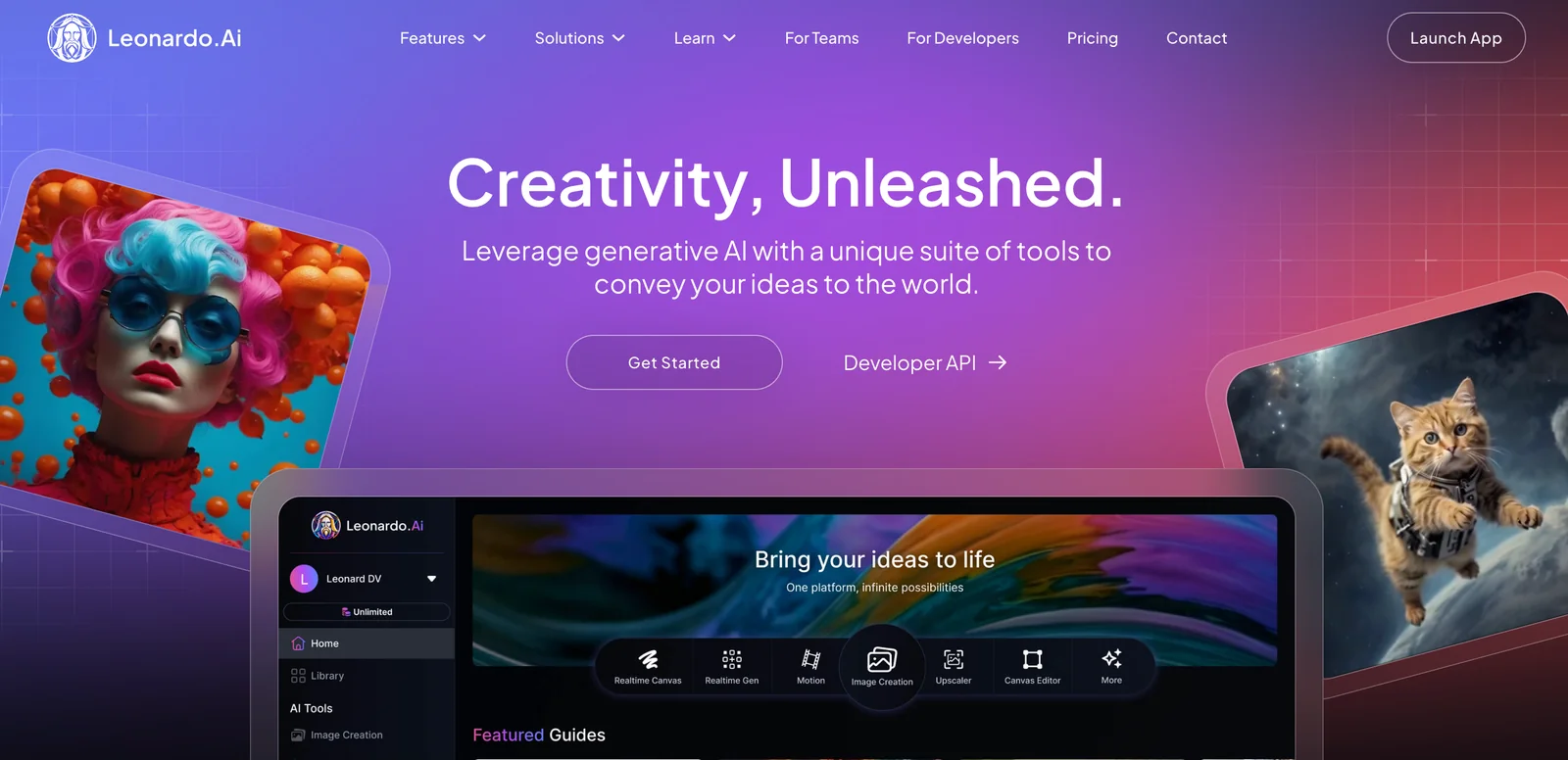
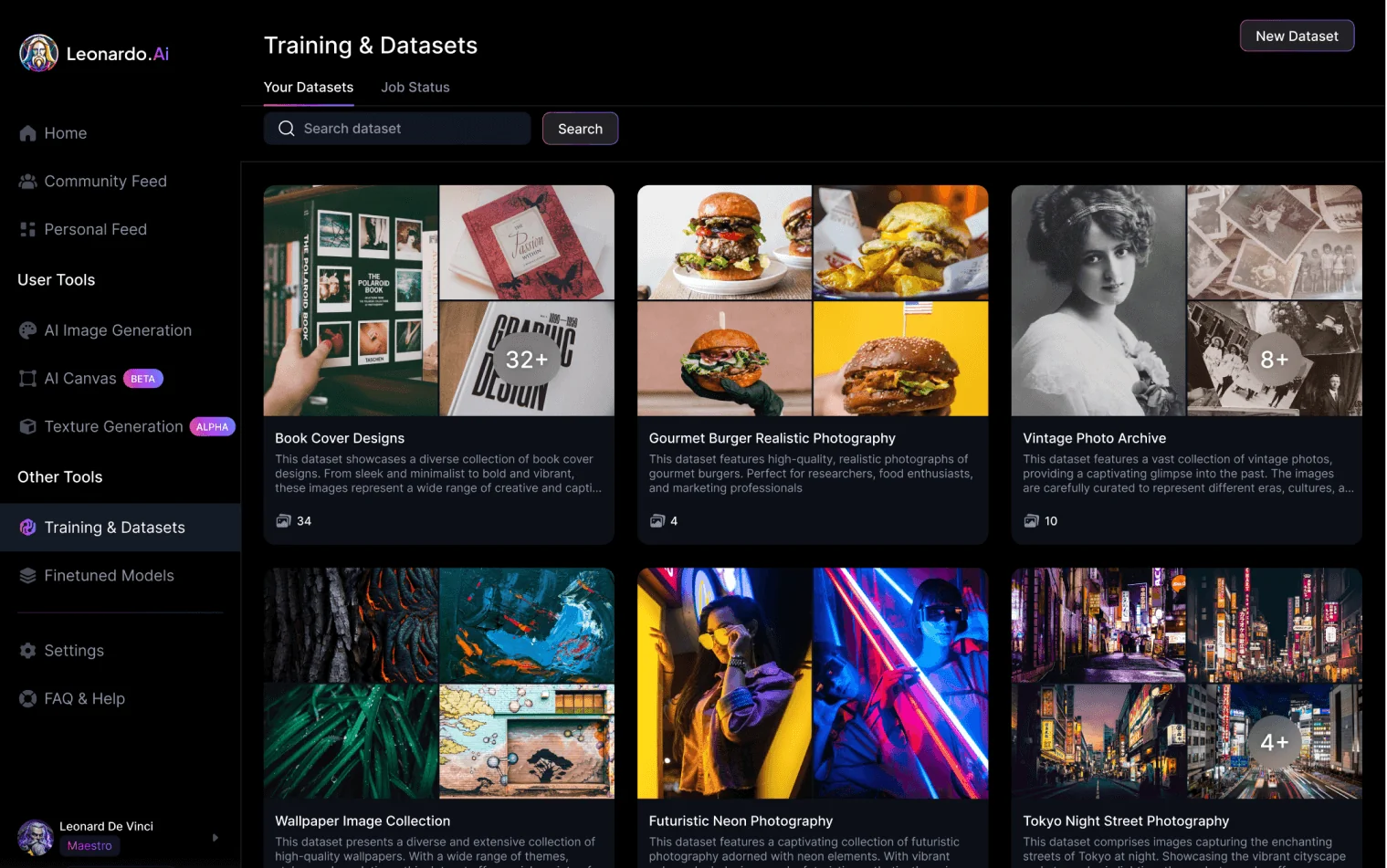
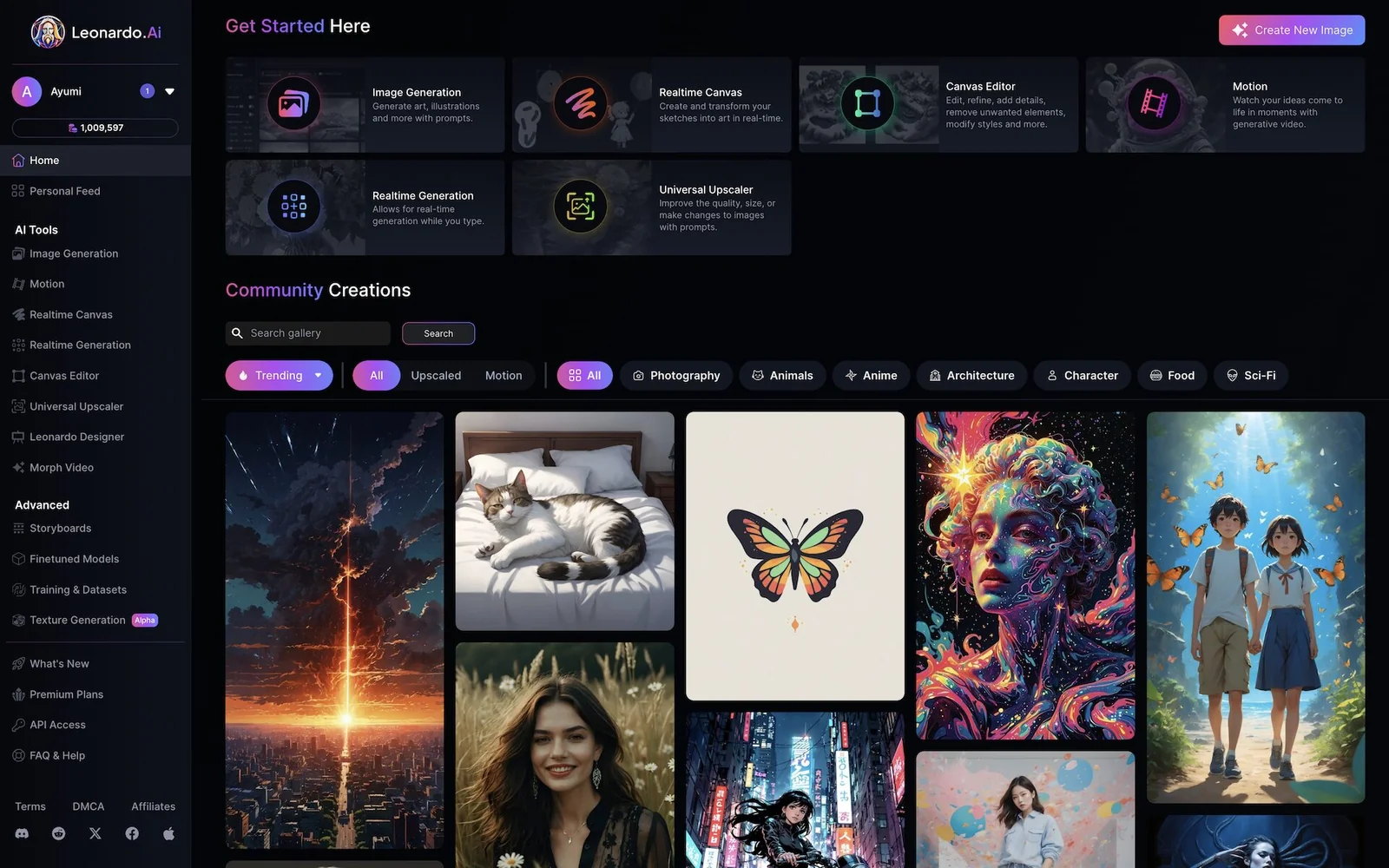
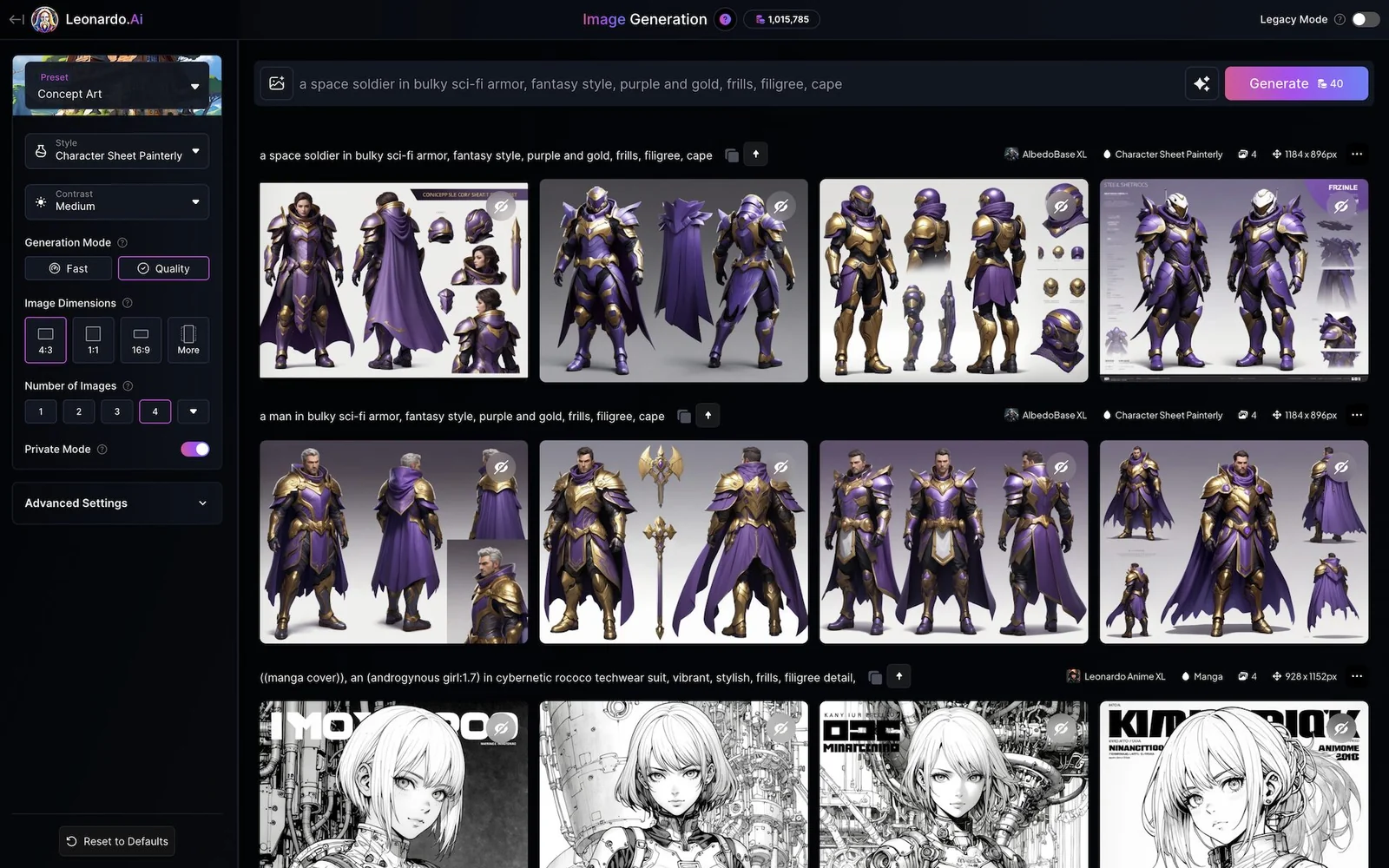
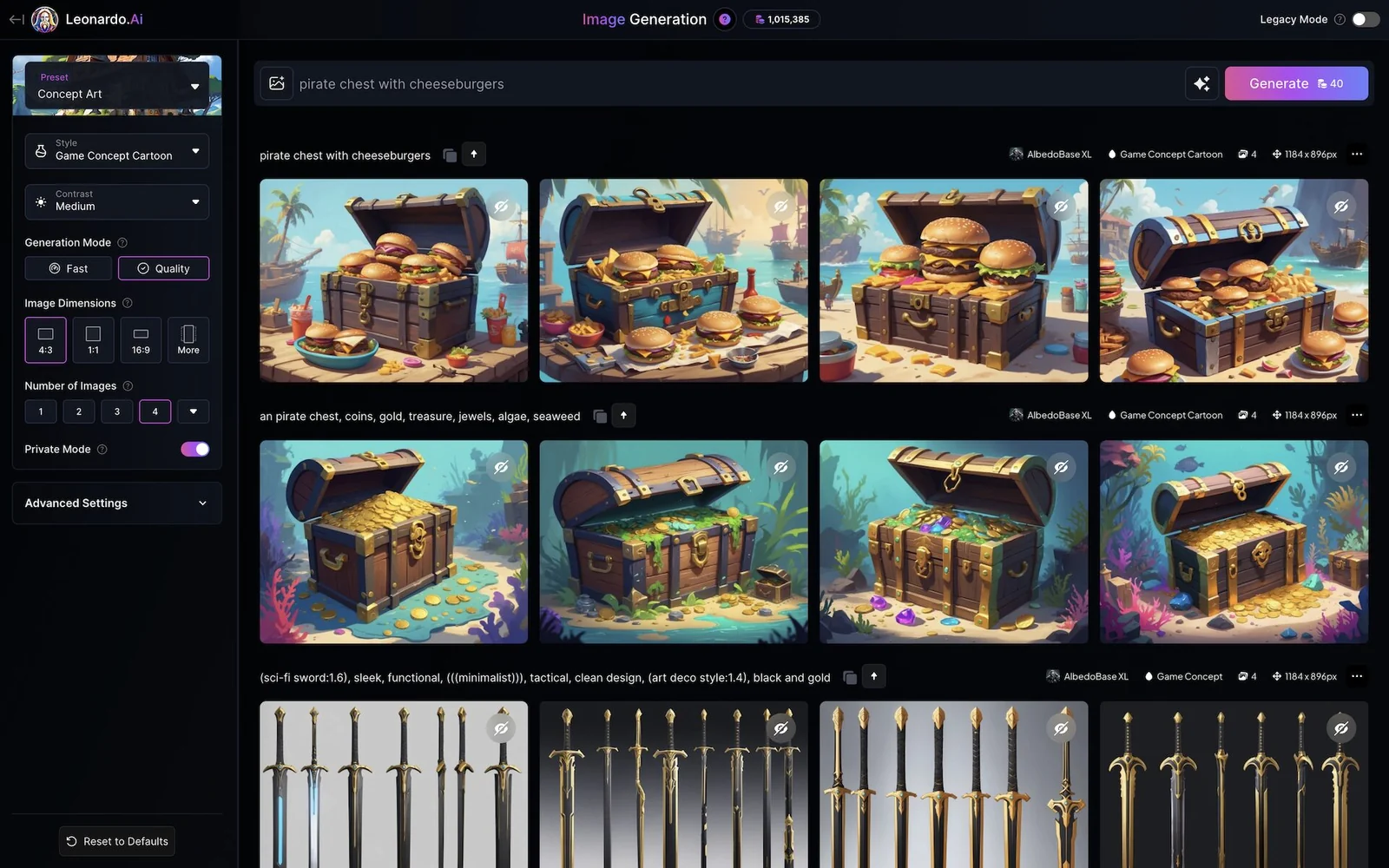
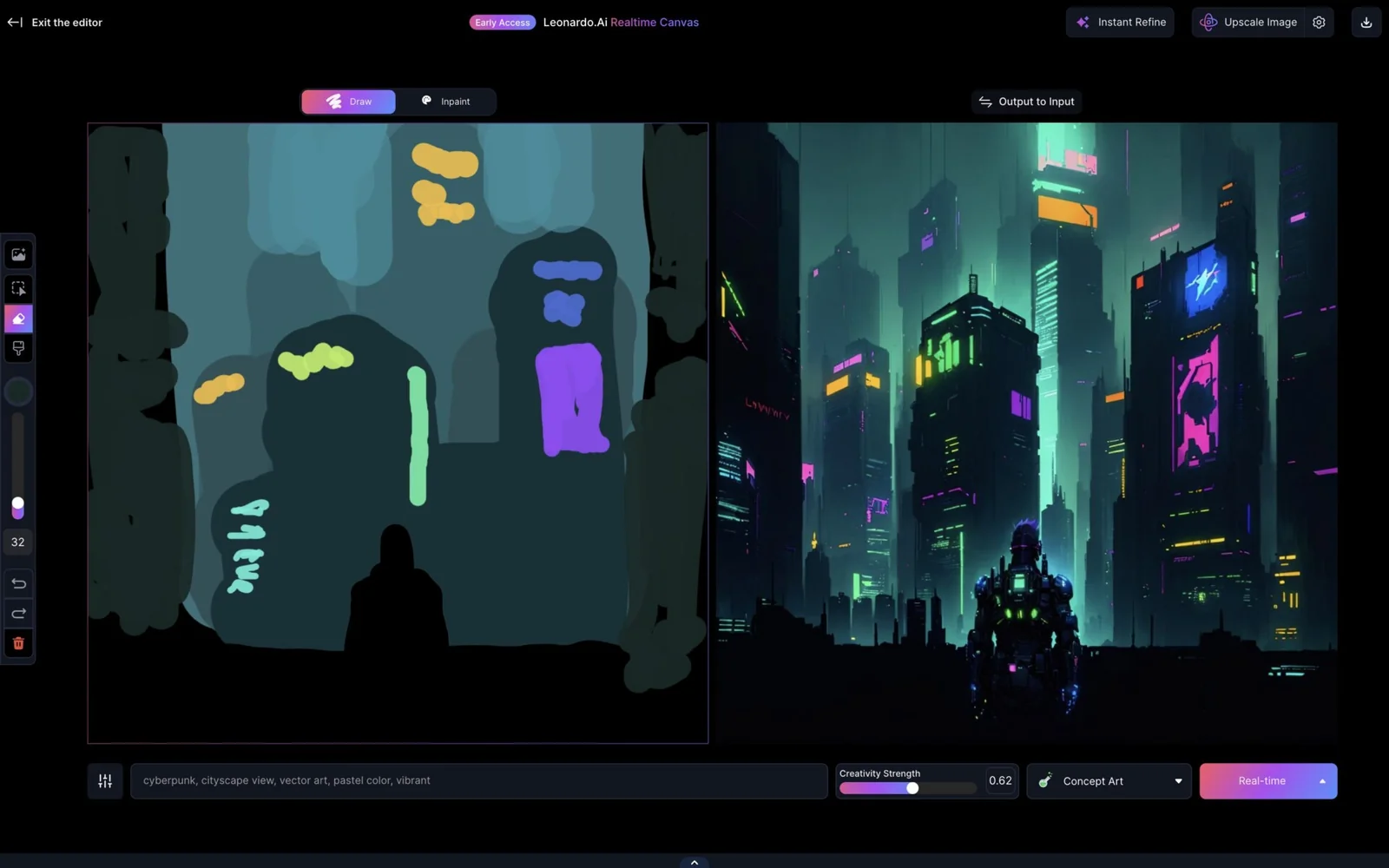
Leonardo AI (Leonardo.Ai) is a creative platform for generating and manipulating images and videos from text prompts and user inputs. It provides text-to-image generation, multiple artistic styles and presets, image editing tools (including background removal), and exportable assets. The platform offers official SDKs (TypeScript, Python) and plugins (Blender, Krita) and a REST/OpenAPI-based API to integrate generation and editing into external workflows and applications. Leonardo positions itself as a production-oriented creator toolset that reduces manual design time and supports developers and artists through programmatic access and editor integrations.
Screenshots
Key Features
Use Cases



Frequently asked questions about Leonardo AI
What are the pricing options for Leonardo AI?
Leonardo AI offers four pricing options: Free ($0/month), Starter ($10/month), Pro ($24/month), and Enterprise (custom pricing). Each tier includes varying token allowances and features, catering to different user needs, from casual users to businesses requiring advanced capabilities.
Key Points
- Free Plan: Basic features with limited token access.
- Starter Plan: Affordable entry-level option for individuals.
- Pro Plan: Advanced features suitable for professionals and businesses.
- Enterprise Plan: Customizable pricing for large organizations.
Detailed Explanation
Leonardo AI provides a range of pricing tiers designed to accommodate various user requirements.
-
Free Plan ($0/month): Ideal for beginners exploring AI capabilities without financial commitment, this plan offers limited access to features and tokens, making it suitable for casual experimentation. Users can create basic projects and get a feel for the platform's offerings.
-
Starter Plan ($10/month): This entry-level option is tailored for individuals or small teams who need more flexibility. It provides a reasonable token allowance, enabling users to access additional features like enhanced templates and basic analytics. This plan is perfect for freelancers or hobbyists looking to integrate AI into their projects.
-
Pro Plan ($24/month): Aimed at professionals and small businesses, the Pro plan offers a substantial increase in token access and advanced features. Users can benefit from priority support, in-depth analytics, and collaboration tools, making it suitable for those looking to leverage AI for more significant projects.
-
Enterprise Plan (custom pricing): Tailored for larger organizations, this plan offers custom pricing based on specific business needs. Features include dedicated support, extensive token allowances, and enhanced security measures. This option is ideal for enterprises that require robust AI solutions to scale their operations effectively.
Best Practices / Tips
- Evaluate Your Needs: Before choosing a plan, assess your usage requirements and project scale. The Free Plan is great for testing, while the Pro and Enterprise plans are better for regular, intensive use.
- Utilize the Free Trial: Take advantage of any free trials or promotional periods to test features before committing to a paid plan.
- Monitor Token Usage: Keep track of your token consumption to avoid unexpected charges and ensure you are on the most cost-effective plan for your needs.
Additional Resources
How can I use Leonardo AI to generate images?
To use Leonardo AI for image generation, first sign up for an account and select a pricing plan. Next, input your text prompts on the platform. You can further customize the generated images by choosing various artistic styles and settings to match your vision.
Key Points
- Sign Up Process: Create an account and choose a suitable pricing plan.
- Inputting Prompts: Enter descriptive text prompts to guide the image generation.
- Customization Options: Select from multiple artistic styles and settings for tailored results.
Detailed Explanation
Using Leonardo AI for image generation involves a straightforward process. Here’s a step-by-step guide:
-
Create an Account: Visit the Leonardo AI website and sign up for an account. You will need to provide basic information and verify your email.
-
Select a Pricing Plan: Leonardo AI offers various pricing tiers, from free trials to premium subscriptions. Choose a plan that fits your needs based on features and usage limits.
-
Input Your Text Prompts: Once your account is set up, navigate to the image generation section. You'll find a text box where you can enter descriptive prompts. Be specific about the elements you want in your image, such as colors, subjects, and styles.
-
Customize Your Image: After entering your prompt, you can adjust settings like artistic style (e.g., realism, abstract, cartoonish) and other parameters to refine your output.
-
Generate and Download: Click the generate button, and within moments, Leonardo AI will create your image. Review the output, and if it meets your expectations, download it for your use.
For example, if you input “a serene landscape with mountains at sunset,” you can further specify styles like “watercolor” or “oil painting” to get the desired effect.
Best Practices / Tips
- Use Descriptive Prompts: The more detailed your prompt, the better the results. Include adjectives and specific themes.
- Experiment with Styles: Don’t hesitate to try various artistic styles to see what resonates best with your vision.
- Review and Refine: If the generated image isn’t what you expected, tweak your prompt or settings and try again.
- Stay Updated: Follow Leonardo AI’s updates to learn about new features and enhancements that can improve your results.
Additional Resources
What are the key features of Leonardo AI?
Leonardo AI offers advanced features such as text-to-image and video generation, background removal, and SDKs for seamless integration. It supports high-resolution outputs and enables users to create assets directly within popular creative applications like Photoshop and After Effects, enhancing the creative workflow.
Key Points
- Text-to-Image Generation: Convert text prompts into high-quality images.
- Video Generation: Create videos from scripts or storyboards.
- Background Removal: Effortlessly remove backgrounds for cleaner visuals.
Detailed Explanation
Leonardo AI stands out with its text-to-image generation capability, allowing users to transform written descriptions into stunning visuals. For example, an artist can input "a serene sunset over a mountain," and Leonardo AI will generate a corresponding image, making it a powerful tool for designers and marketers alike.
The video generation feature is equally remarkable, enabling users to produce videos based on detailed scripts or storyboards. This functionality is particularly useful for content creators and businesses looking to streamline their video production processes.
Additionally, the background removal tool simplifies the editing process. Users can easily eliminate unwanted backgrounds from images, making it ideal for e-commerce and social media applications. This feature saves time and enhances the overall quality of visual content.
Leonardo AI also provides SDKs for integration, allowing developers to embed its capabilities into existing applications. This flexibility fosters innovation and extends the tool's usability across various platforms.
Best Practices / Tips
- Experiment with Prompts: To get the best results from text-to-image generation, be specific and descriptive in your prompts.
- Combine Features: Utilize the background removal tool in conjunction with text-to-image features for professional-looking composite images.
- Stay Updated: Regularly check for updates or new features in Leonardo AI to maximize its potential in your projects.
Additional Resources
How does Leonardo AI's pricing compare to other image generation tools?
Leonardo AI's pricing is competitive, starting from $0 for basic use and going up to $24 for advanced features. Its token-based model allows for flexible scalability, catering to both casual users and professionals seeking high-quality image generation.
Key Points
- Pricing Structure: Starts at $0; advanced features cost up to $24.
- Token-Based Model: Scalable usage options for various needs.
- Target Audience: Suitable for casual creators and professional designers alike.
Detailed Explanation
Leonardo AI stands out in the image generation market with its flexible pricing structure. The basic plan is free, allowing users to explore the platform without any financial commitment. For those seeking enhanced features, the advanced plan is available for just $24 per month. This tier includes additional functionalities, enabling users to create more complex images and customize their output more effectively.
The token-based model is particularly advantageous, as it allows users to purchase tokens that can be spent on generating images. This means that users only pay for the features they actually use, making it an economical choice for both occasional and frequent creators. For instance, a casual user might only need a few tokens a month for personal projects, while a professional designer can scale up their usage significantly without incurring unnecessary costs.
Leonardo AI's pricing compares favorably to other popular image generation tools like DALL-E and Midjourney. While DALL-E offers a subscription model that can be pricier depending on usage, Leonardo AI provides a more customizable experience that can adapt to individual user needs.
Best Practices / Tips
- Start with the Free Plan: If you're new to image generation, begin with the $0 plan to understand Leonardo AI's capabilities before investing.
- Utilize Tokens Wisely: Track your token usage to avoid overspending. Consider purchasing in bulk for better value if you plan to use the tool frequently.
- Explore Advanced Features: If you're a professional, the advanced features at $24 can significantly enhance your creative projects, so test them out during the free trial period.
Additional Resources
Can I integrate Leonardo AI's API into my application?
Yes, you can integrate Leonardo AI's API into your application. It offers programmatic image generation through a REST API, but you'll need a paid subscription to access the API and SDKs, which streamline automated workflows for enhanced functionality.
Key Points
- API Access: Integration available via REST API
- Subscription Required: A paid plan is necessary
- Automated Workflows: Facilitates seamless application functionality
Detailed Explanation
Leonardo AI provides robust API access designed for developers looking to incorporate AI-driven image generation into their applications. By subscribing to one of their paid plans, you can unlock the full potential of the REST API and software development kits (SDKs).
Steps to Integrate the API:
- Select a Subscription Plan: Choose a pricing tier that meets your usage needs. Plans may vary based on features, API call limits, and support levels.
- Obtain API Keys: After subscribing, access your API keys from your Leonardo AI account dashboard. These keys are essential for authentication and secure API calls.
- Documentation Review: Familiarize yourself with the official API documentation, which provides detailed endpoints, request/response formats, and error handling guidelines.
- Implement API Calls: Use the SDKs or direct HTTP requests in your application to generate images. For example, you can send a POST request with parameters defining the image output you desire.
Use Cases:
- E-Commerce: Automatically generate product images based on user specifications.
- Marketing: Create visually appealing graphics for social media campaigns.
- Content Creation: Assist writers and designers by generating images tailored to specific themes or topics.
Best Practices / Tips
- Monitor Usage: Regularly check your API usage to avoid exceeding your plan limits.
- Error Handling: Implement robust error handling to manage issues like rate limiting or invalid requests gracefully.
- Optimize Requests: Minimize API calls by caching frequent requests or using batch processing when possible.
- Stay Updated: Keep an eye on updates from Leonardo AI regarding new features or changes to API endpoints.
Additional Resources
- Leonardo AI API Documentation - Comprehensive guide on endpoints and integration.
- Subscription Plans - Overview of available pricing options and features.
- Community Forums - Engage with other developers for support and tips on using the API effectively.
Explore more AI Ai Models tools
Browse all Ai Models tools →Browse by use case: Image Generation · Video Generation · Voice & Audio
Compare Leonardo AI: vs Mouse-1 · vs Milliseconds.ai · vs SWE-2 · vs Desert Ant Labs