
Seedance 1.5 AI Video
AIAn AI video generator from ByteDance focused on smoother motion and stable character control for polished cinematic visuals.
Seedance 1.5 AI Video
An AI video generator from ByteDance focused on smoother motion and stable character control for polished cinematic visuals.
About Seedance 1.5 AI Video
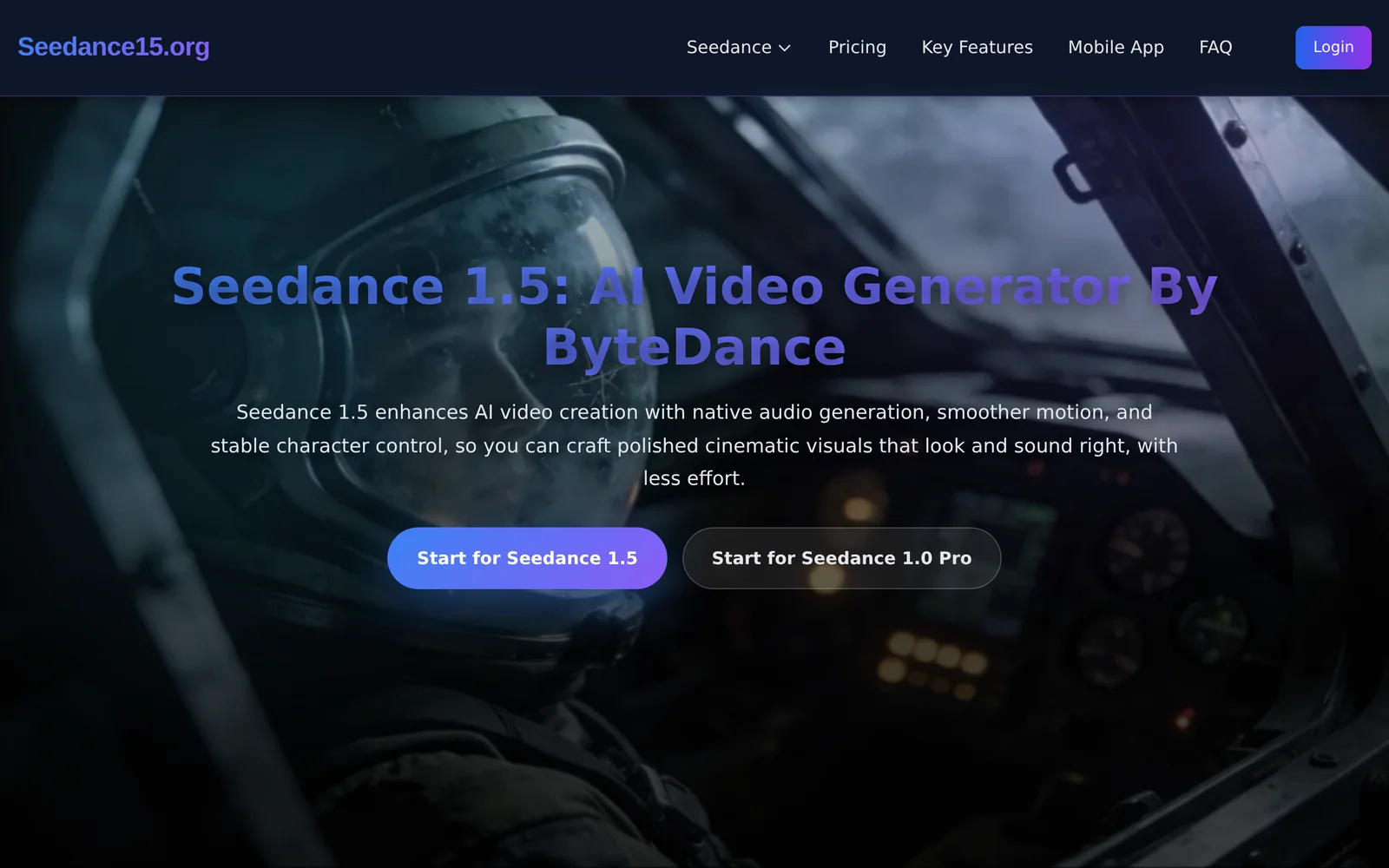
Seedance 1.5 is an AI-driven video generation tool from ByteDance designed to produce smoother motion and maintain stable character control across frames. It focuses on reducing temporal artifacts and character drift, enabling creators to generate more polished, cinematic visuals with less manual correction. The tool streamlines the iteration process for animated or synthetic video content, helping users achieve consistent character behavior and fluid camera or subject movement for short-form and cinematic outputs.
Screenshots
Key Features
Use Cases



Frequently asked questions about Seedance 1.5 AI Video
What is Seedance 1.5 AI Video?
Seedance 1.5 AI Video is an advanced AI video generator developed by ByteDance, designed to create high-quality cinematic visuals with enhanced motion smoothness and stable character control. This tool empowers users to produce professional-grade videos quickly and efficiently, making it ideal for content creators and marketers.
Key Points
- Enhanced Motion Smoothness: Seedance 1.5 ensures fluid transitions and movements in video productions.
- Stable Character Control: The AI technology maintains consistent character positioning, crucial for storytelling.
- User-Friendly Interface: The platform is designed for ease of use, catering to both beginners and experienced creators.
Detailed Explanation
Seedance 1.5 utilizes cutting-edge artificial intelligence to elevate video production quality. Its key features include:
-
Enhanced Motion Smoothness: This feature minimizes jitter and enhances the overall fluidity of movements in videos. For instance, if you're creating an animation of a character dancing, Seedance 1.5 ensures that each movement transitions seamlessly, resulting in a more engaging visual experience.
-
Stable Character Control: This capability allows users to maintain consistent character positioning and movement, which is vital for narrative-driven content. For example, in a short film where a character interacts with various elements in the scene, Seedance 1.5 ensures that the character remains in focus and interacts naturally with the environment.
-
User-Friendly Interface: The platform's intuitive design makes it accessible for users of all skill levels. Whether you're a novice looking to create simple video clips or a seasoned professional aiming for complex animations, Seedance 1.5 provides the tools necessary to achieve your vision without a steep learning curve.
Best Practices / Tips
- Experiment with Settings: Take advantage of the customizable settings within Seedance 1.5 to find the best configuration for your specific project.
- Utilize Templates: Start with pre-designed templates available in the platform to streamline your workflow and inspire creativity.
- Regular Updates: Keep your software up to date to access the latest features and improvements introduced by ByteDance.
Additional Resources
How does Seedance 1.5 AI Video work?
Seedance 1.5 AI Video utilizes advanced artificial intelligence to streamline video production workflows. By automating tasks such as editing, captioning, and scene selection, it enables users to create professional-quality videos efficiently, enhancing productivity and creativity in various applications, from marketing to education.
Key Points
- Automated Video Editing: Quickly edit videos with intelligent algorithms.
- Smart Captioning: Generate accurate captions and subtitles automatically.
- Scene Recognition: Identify and select optimal scenes for enhanced storytelling.
Detailed Explanation
Seedance 1.5 AI Video harnesses machine learning and computer vision to revolutionize video workflows. Here's how it works:
-
Automated Video Editing: The platform analyzes raw footage to automatically cut and assemble clips based on predefined criteria or user preferences. This significantly reduces the editing time from hours to minutes. For example, a user can upload a one-hour video and receive a polished 10-minute highlight reel in no time.
-
Smart Captioning: Seedance 1.5 offers advanced speech recognition to create captions and subtitles in real-time. This functionality is not only useful for accessibility but also enhances viewer engagement. Users can choose from various languages and styles for captions, making it a versatile tool for global audiences.
-
Scene Recognition: The AI can identify key moments in videos, such as transitions or significant actions, allowing users to select the best footage without manually sifting through hours of content. This feature is particularly beneficial for content creators who need to deliver compelling narratives quickly.
Best Practices / Tips
- Leverage Templates: Utilize pre-designed templates available in Seedance for quicker video creation. This helps maintain a professional look without starting from scratch.
- Experiment with Editing Styles: Try different editing styles and formats to discover what resonates best with your audience. The platform allows you to easily switch between styles.
- Optimize for SEO: When exporting videos, use relevant keywords in titles and descriptions to improve visibility on platforms like YouTube.
- Regular Updates: Stay updated with Seedance’s latest features and enhancements to maximize your video production efficiency.
Additional Resources
What are the main features of Seedance 1.5 AI Video?
Seedance 1.5 AI Video offers advanced features that enhance video creation processes, including AI-driven content generation, automatic video editing, and customizable templates. These capabilities enable users to create engaging videos quickly and efficiently, making it ideal for marketers, educators, and content creators.
Key Points
- AI-Driven Content Generation: Automatically generates scripts and visuals based on user input.
- Automatic Video Editing: Streamlines the editing process with intelligent scene selection and transitions.
- Customizable Templates: Offers a variety of templates tailored for different video styles and purposes.
Detailed Explanation
Seedance 1.5 AI Video is a powerful tool designed to simplify the video production process.
-
AI-Driven Content Generation: This feature allows users to input keywords or topics, and the AI generates scripts, including suggested visuals and audio tracks. For instance, if a user wants to create a marketing video for a new product launch, they can enter relevant keywords, and Seedance will provide a draft script and matching imagery.
-
Automatic Video Editing: With its intelligent editing capabilities, Seedance analyzes footage and automatically selects the best clips, ensuring a polished final product. Users can save hours of manual editing time, as the software applies seamless transitions and effects that enhance the viewing experience.
-
Customizable Templates: Seedance offers a library of professionally designed templates suited for various needs, including social media promotions, educational tutorials, and corporate presentations. Users can easily customize these templates to fit their branding and messaging, making video creation accessible even to those with little design experience.
Best Practices / Tips
- Utilize Keywords Effectively: When using the AI content generation feature, be specific with your keywords to get the most relevant content.
- Preview Edits: Always preview the automatic edits made by the software. While the AI is powerful, personal adjustments can enhance the final output.
- Experiment with Templates: Don't hesitate to try different templates to find the best fit for your video style and audience engagement.
Additional Resources
Who is Seedance 1.5 AI Video for?
Seedance 1.5 AI Video is designed for a wide audience, including content creators, marketers, educators, and businesses seeking to enhance their day-to-day AI workflows. It simplifies video production, making it accessible for anyone wanting to leverage AI technology for effective communication and creative projects.
Key Points
- Target Audience: Content creators, marketers, educators, and businesses.
- Use Cases: Enhancing video production, automated editing, and content personalization.
- Accessibility: User-friendly interface suitable for non-technical users.
Detailed Explanation
Seedance 1.5 AI Video caters to a diverse range of users by providing tools that streamline video creation and editing processes.
-
Content Creators: YouTube vloggers and social media influencers can utilize Seedance to produce high-quality videos with minimal effort. The AI features automate editing tasks like cutting, transitions, and adding effects, thereby saving significant time.
-
Marketers: Businesses can leverage Seedance for creating promotional videos, product demonstrations, and social media content. The AI-driven analytics help tailor video messaging to target audiences, improving engagement rates.
-
Educators: Teachers and trainers can create informative and engaging video lessons. The platform allows for quick integration of visual aids and interactive elements, making learning more effective and enjoyable.
By utilizing AI, Seedance not only enhances creativity but also makes video production more efficient. Users can expect features like automatic scene detection, voiceover generation, and customizable templates that cater to various needs.
Best Practices / Tips
- Explore Templates: Make use of the pre-built templates to kickstart projects. This can save time and ensure a professional look.
- Leverage AI Features: Take advantage of the automatic editing features to streamline your workflow, but always review the final product for quality control.
- Engage Your Audience: Use personalized video content that resonates with your audience by analyzing viewer preferences through the platform's insights.
Additional Resources
How much does Seedance 1.5 AI Video cost?
Seedance 1.5 AI Video provides a free tier for basic use, while paid plans with advanced features start at approximately $15 per month. This pricing structure allows users to access enhanced capabilities for video creation, editing, and AI-driven functionalities, making it suitable for both individuals and businesses.
Key Points
- Free Tier Available: Seedance 1.5 offers a no-cost option with limited features.
- Paid Plans Start at $15: Monthly subscriptions with advanced capabilities begin at this price.
- Scalable Options: Plans cater to both casual users and professional creators.
Detailed Explanation
Seedance 1.5 AI Video is an innovative tool designed to simplify video creation with AI technology. The free tier allows users to explore basic functionalities, such as simple video editing and limited template access. This is ideal for users who want to test the platform without financial commitment.
For those seeking more robust features, the paid plans start at around $15 per month. These plans typically offer enhanced functionalities like:
- Extended Library Access: Users gain access to a broader selection of templates, stock footage, and audio tracks.
- Advanced Editing Tools: Features like AI-powered scene detection, automatic subtitle generation, and customizable graphics become available.
- Higher Output Quality: Paid users can export videos in higher resolutions, which is crucial for professional presentations or marketing materials.
Additionally, Seedance may offer tiered plans, which means pricing can vary based on specific needs, such as team collaboration features or additional storage.
Best Practices / Tips
- Start with the Free Tier: Experiment with the free version to gauge the platform’s capabilities before committing financially.
- Evaluate Your Needs: Assess whether the basic features suffice for your projects or if the paid features are necessary.
- Look for Promotions: Occasionally, Seedance may offer discounts or promotional rates for new users, so it’s worth checking their website regularly.
Additional Resources
- Seedance Official Website – Explore features, pricing, and sign-up options.
- Seedance User Guides – Access tutorials and tips to maximize your use of the tool.
- Pricing Comparison – Detailed breakdown of all plans and features available.
How do I get started with Seedance 1.5 AI Video?
To get started with Seedance 1.5 AI Video, visit https://www.seedance15.org/ to sign up for an account. After registration, you can explore the platform's features, including AI-driven video creation tools, templates, and editing options tailored for various content needs.
Key Points
- User Registration: Sign up to access features.
- Feature Exploration: Familiarize yourself with the tools available.
- Content Creation: Start producing videos using AI assistance.
Detailed Explanation
Seedance 1.5 AI Video is designed to simplify video production with advanced AI technology. To begin:
-
Sign Up: Navigate to Seedance 1.5 and complete the registration form. You will need to provide your email and create a password.
-
Explore Features: Once registered, log in to your dashboard. Here, you will find a user-friendly interface with various tools. Key features include:
- AI Video Generation: Input text, and the AI generates video content automatically, making it ideal for marketing, social media, or educational purposes.
- Templates: Choose from a library of customizable templates to suit different video styles and themes.
- Editing Tools: Use the built-in editing tools to refine your videos, add effects, or incorporate music.
-
Start Creating: Select a template or use AI to generate a video from scratch. Follow the prompts to upload images, adjust text, and finalize your project.
Best Practices / Tips
- Utilize Templates: Leverage pre-designed templates for quicker video creation, especially if you are new to video editing.
- Experiment with AI Features: Don’t hesitate to explore different AI features to see which combination best suits your content needs.
- Keep Videos Engaging: Use high-quality visuals and clear audio to maintain viewer interest. Shorter, concise videos often perform better.
Additional Resources
- Seedance 1.5 Official Documentation: Comprehensive guides on using various features.
- Video Marketing Best Practices: Strategies to enhance your video reach and engagement.
- AI in Video Production: Insights into how AI is changing the landscape of video content creation.
By following these steps and utilizing the resources provided, you can effectively harness the power of Seedance 1.5 AI Video to create compelling video content.
Explore more AI Ai Tools tools
Browse all Ai Tools tools →Browse by use case: Video Generation
Compare Seedance 1.5 AI Video: vs Speech To Markdown · vs FluentDB · vs ReExplain · vs YC Has It