

Lovie
AIForm, run, and convert LLCs or C‑Corps directly from your IDE with Lovie's MCP handling formation, EIN, registered agent, and compliance.
Lovie
Form, run, and convert LLCs or C‑Corps directly from your IDE with Lovie's MCP handling formation, EIN, registered agent, and compliance.
About Lovie
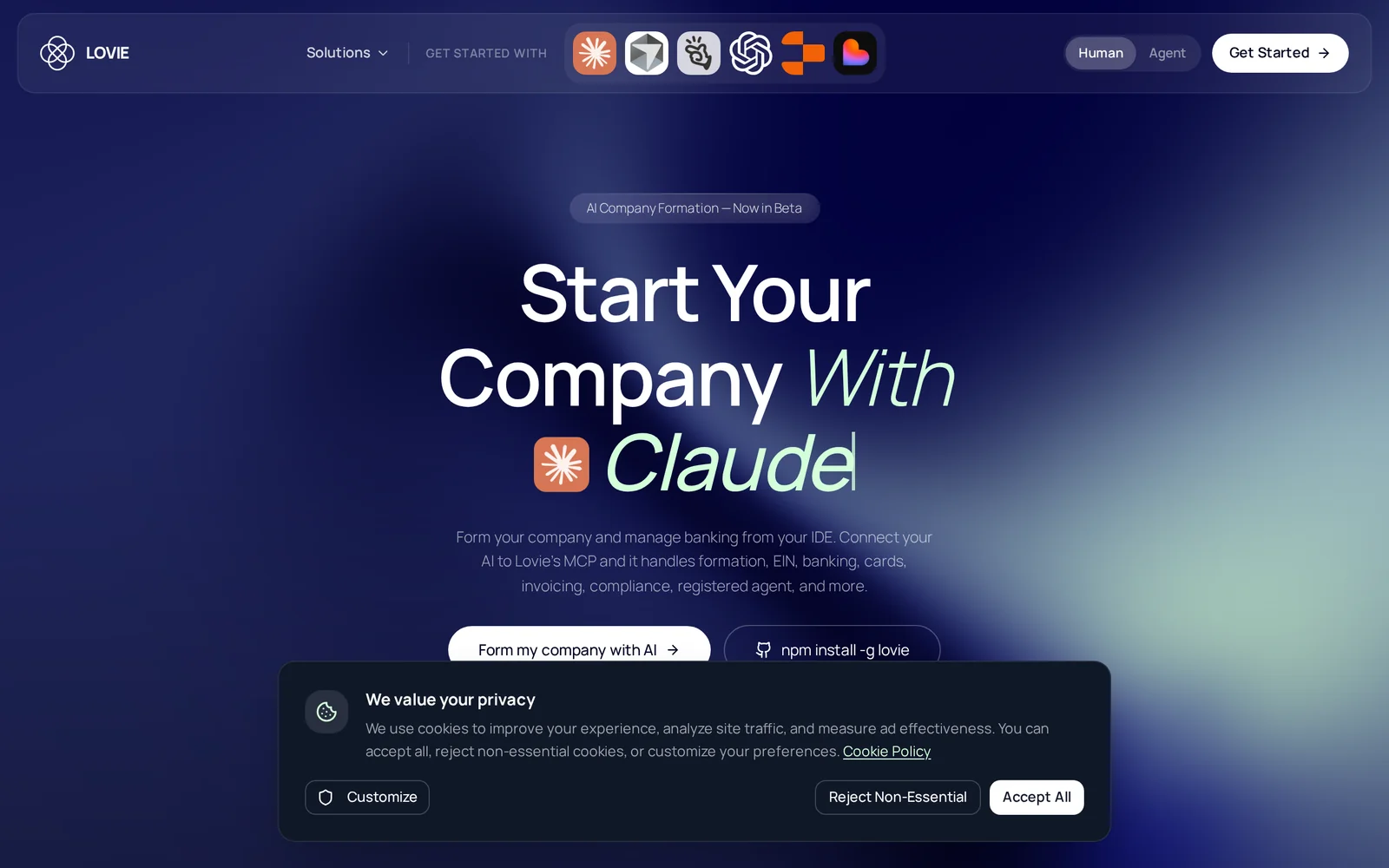
Lovie is a Company Formation MCP that lets developers create, manage, and convert business entities (LLC or C‑Corp) from within their development environment. Its MCP server automates key legal and administrative workflows — including formation filings, EIN acquisition, registered agent services, and ongoing compliance — and integrates with developer platforms like Claude Code, Cursor, and Replit. By embedding company formation into developer tooling, Lovie reduces friction for operators and makers who need fast, programmatic control of entity creation and maintenance without switching to traditional legal or accounting flows.
Screenshots
Key Features
Use Cases


Frequently asked questions about Lovie
What is Lovie?
Lovie is an innovative platform that allows you to form your LLC or C-Corp seamlessly from your Integrated Development Environment (IDE). It manages essential tasks like formation, obtaining an EIN, providing a registered agent, and ensuring compliance, and integrates with tools like Claude Code, Cursor, and Replit.
Key Points
- Streamlined Business Formation: Easily create an LLC or C-Corp directly from your IDE.
- Comprehensive Compliance Services: Lovie handles EIN registration, registered agent services, and ongoing compliance.
- Integration with Popular Development Tools: Works seamlessly with Claude Code, Cursor, and Replit.
Detailed Explanation
Lovie simplifies the business formation process by allowing developers to set up their LLC or C-Corp directly within their coding environment. This integration means that you don't have to switch between multiple platforms, making the process more efficient.
Features of Lovie:
- Business Entity Formation: Lovie guides you through the necessary steps to establish your business entity, ensuring all legal documents are prepared correctly.
- EIN Acquisition: Obtaining an Employer Identification Number (EIN) is crucial for tax purposes. Lovie automates this process, saving you time and effort.
- Registered Agent Services: Lovie provides registered agent services, allowing you to maintain compliance with state requirements without the hassle of managing this separately.
- Compliance Management: Regular compliance checks and reminders keep your business in good standing with state regulations.
Use Cases:
- Startups: Entrepreneurs can quickly set up their business without needing extensive legal knowledge.
- Freelancers: Independent contractors can easily formalize their business structure, providing legitimacy and access to certain benefits.
- Developers: Those working with tools like Claude Code or Replit can handle business formation while coding, enhancing productivity.
Best Practices / Tips
- Research Local Regulations: Ensure you understand your state’s requirements for LLC or C-Corp formation.
- Keep Records: Use Lovie’s tools to maintain digital records of all your filings and compliance documents.
- Regularly Review Compliance: Set reminders within Lovie to check compliance status and deadlines to avoid penalties.
Additional Resources
How does Lovie work?
Lovie works by leveraging advanced artificial intelligence technologies to streamline everyday workflows for users. It integrates features like automation, natural language processing, and data analysis, enabling users to efficiently manage tasks, enhance productivity, and make informed decisions with minimal effort.
Key Points
- AI Integration: Combines various AI technologies for optimal performance.
- User-Centric Design: Focuses on enhancing user experience and productivity.
- Versatile Applications: Suitable for a range of workflows across different industries.
Detailed Explanation
Lovie operates through a robust framework that incorporates several AI capabilities. Here’s how it functions:
-
Automation: Lovie automates repetitive tasks, allowing users to focus on critical aspects of their work. For example, it can schedule appointments, manage emails, and generate reports without manual intervention.
-
Natural Language Processing (NLP): By utilizing NLP, Lovie understands and interprets user commands in everyday language. This means users can interact with Lovie as they would with a human assistant, making the technology accessible to everyone, regardless of technical expertise.
-
Data Analysis and Insights: Lovie analyzes user data to identify trends and generate actionable insights. For instance, businesses can use Lovie to evaluate customer feedback, track performance metrics, and optimize marketing strategies based on real-time data.
-
Customization: Users can customize Lovie to fit their specific needs, selecting which tasks to automate and how to interact with the tool. This adaptability makes Lovie a versatile solution for both individuals and organizations.
Best Practices / Tips
- Define Clear Objectives: Before using Lovie, outline clear goals for what you want to automate or improve. This helps in tailoring the tool to meet your specific needs effectively.
- Regular Updates: Keep Lovie updated to benefit from the latest features and improvements. This ensures optimal performance and security.
- Training: Take advantage of training resources available for Lovie to maximize its capabilities. Understanding how to utilize its features will significantly enhance productivity.
- Monitor Performance: Regularly review the outcomes of tasks automated by Lovie. This helps you assess its effectiveness and make necessary adjustments.
Additional Resources
What are the main features of Lovie?
Lovie offers a range of advanced features, including robust AI capabilities for personalized user experiences, seamless integration with existing workflows, and powerful analytics tools for performance tracking. These features help optimize productivity and drive engagement in various applications.
Key Points
- Core AI Capabilities: Advanced machine learning and natural language processing.
- Seamless Integration: Works with various software and applications.
- Analytics Tools: In-depth performance tracking and reporting features.
Detailed Explanation
Lovie stands out due to its core AI capabilities that enable personalized user experiences. Using advanced machine learning algorithms, Lovie can analyze user behavior and preferences to offer tailored recommendations. For instance, in customer service, Lovie can automate responses based on previous interactions, thus enhancing user satisfaction.
The platform also supports seamless integration with existing workflows. Lovie can connect with popular software like Slack, Google Workspace, and CRM systems, allowing teams to maintain their current processes while leveraging AI efficiencies. This integration helps streamline tasks, reducing the learning curve associated with adopting new tools.
Additionally, Lovie provides analytics tools for comprehensive performance tracking. Users can access real-time data on engagement metrics, user interactions, and conversion rates. This data is crucial for making informed decisions and optimizing strategies. For example, a marketing team can use Lovie's analytics to adjust campaigns based on user feedback and engagement statistics.
Best Practices / Tips
- Utilize AI Insights: Regularly review the AI-generated insights to enhance decision-making processes.
- Integrate Gradually: Start with key integrations first to ensure smooth transitions before expanding to other applications.
- Monitor Analytics: Consistently track metrics and adjust strategies accordingly to maximize effectiveness and ROI.
Additional Resources
- Lovie Official Documentation for detailed guides on features and integrations.
- Lovie Analytics Overview for insights on using analytics tools effectively.
- Lovie Community Forum for user discussions and tips.
Who is Lovie for?
Lovie is designed for a diverse range of users, including individuals, teams, and businesses seeking to enhance their daily operations with AI workflows. It's particularly beneficial for professionals in marketing, content creation, and project management who want to automate tasks and improve productivity.
Key Points
- Target Audience: Lovie caters to individuals, teams, and businesses.
- Use Cases: Ideal for marketing, content creation, and project management.
- Productivity Boost: Aims to streamline daily workflows through automation.
Detailed Explanation
Lovie is an innovative AI tool that simplifies day-to-day workflows for various users. Whether you're a freelancer looking to optimize your task list or a corporate team aiming for seamless collaboration, Lovie has something to offer.
Who Can Use Lovie?
-
Freelancers and Entrepreneurs: Lovie can help streamline client communication, project management, and task prioritization, allowing freelancers to focus more on their work and less on administrative tasks.
-
Marketing Professionals: For marketers, Lovie offers tools to automate social media posting, generate content ideas, and analyze campaign performance, thus enhancing efficiency and creativity.
-
Content Creators: Writers and designers can leverage Lovie’s capabilities to brainstorm topics, edit content, and manage deadlines, ensuring timely delivery of high-quality work.
-
Project Managers: Lovie assists project managers in tracking progress, assigning tasks, and reporting insights, facilitating better project execution and team alignment.
Examples of Use Cases
- Social Media Management: Automatically schedule posts, track engagement metrics, and receive content suggestions.
- Content Generation: Use AI to brainstorm ideas, create outlines, or even draft articles in a fraction of the time.
- Task Automation: Integrate Lovie with other tools to automate repetitive tasks, such as data entry and reporting.
Best Practices / Tips
- Integrate with Existing Tools: Maximize Lovie’s potential by connecting it with applications you already use, such as Google Workspace or project management software.
- Experiment with Features: Don’t hesitate to test different functionalities within Lovie to find the best fit for your workflow.
- Regularly Review Automations: Update and refine your automated processes to ensure they align with your evolving business needs.
Additional Resources
- Lovie Official Website for detailed features and pricing.
- Lovie User Guide for step-by-step instructions on getting started.
- Lovie Blog for tips on enhancing productivity using AI tools.
How much does Lovie cost?
Lovie's pricing varies based on the specific services and features you choose. For the most accurate and up-to-date pricing details, visit the official Lovie website, where you can find different plans and any current promotions or discounts.
Key Points
- Lovie offers multiple pricing plans tailored to different needs.
- Regular updates and promotions may affect pricing.
- Consider the features included in each plan for better value.
Detailed Explanation
Lovie provides a range of pricing options designed to accommodate various user needs. Pricing typically includes several tiers, such as basic, standard, and premium plans. Each tier offers different features, such as advanced analytics, enhanced customer support, and additional integrations.
For example, the basic plan may cost around $15 per month and include essential functionalities suitable for individual users or small businesses. In contrast, the premium plan might be priced at $50 per month, offering extensive features ideal for larger organizations or those needing advanced capabilities.
To find the most current pricing information, it's recommended to check Lovie's official website directly. They may also offer special promotions or discounts for new users, which can significantly reduce initial costs.
Best Practices / Tips
- Evaluate Your Needs: Before selecting a plan, assess which features are most critical for your use case. This ensures you don't overspend on unnecessary services.
- Watch for Promotions: Lovie occasionally runs special offers or discounts, so check their site regularly or subscribe to their newsletter for updates.
- Utilize Free Trials: If available, take advantage of free trials to test the features before committing to a paid plan.
Additional Resources
How do I get started with Lovie?
To get started with Lovie, visit Lovie's official sign-up page and create an account. After signing up, you can explore the platform's features and tools designed for AI operators, allowing you to maximize your productivity and efficiency.
Key Points
- Easy Sign-Up Process: Access Lovie by creating an account quickly.
- Explore Features: Navigate through various tools tailored for AI operators.
- User Support: Benefit from resources and support as you begin.
Detailed Explanation
To begin your journey with Lovie, follow these steps:
-
Visit the Sign-Up Page: Go to Lovie's official sign-up link. This page provides all necessary information regarding the platform.
-
Create an Account: Fill in your details to set up your account. This typically includes your name, email address, and a secure password. Ensure you use a valid email, as you may need to verify it.
-
Explore the Dashboard: Once logged in, take a tour of the dashboard. Familiarize yourself with various tools such as AI training modules, analytics, and workflow management systems.
-
Utilize Resources: Lovie offers tutorials and guides to help you understand its features. Don’t hesitate to explore these resources to get the most out of the platform.
-
Join the Community: Engage with other users through forums and social media groups. This can provide insights and tips on how to leverage Lovie effectively in your projects.
Best Practices / Tips
- Complete Your Profile: Ensure your profile is fully completed to access personalized features and recommendations.
- Take Advantage of Tutorials: Watch introductory videos and read documentation to enhance your understanding.
- Set Clear Goals: Define what you want to achieve with Lovie. This could be improving efficiency or automating tasks, helping you stay focused.
- Stay Updated: Regularly check for updates or new features released by Lovie to stay ahead.
Additional Resources
By following these steps and utilizing the available resources, you can effectively start using Lovie to enhance your AI operations.
Explore more AI Mcps tools
Browse all Mcps tools →Browse by use case: Code Generation · Automation & Productivity
Compare Lovie: vs DocsAlot · vs Toolport · vs Kit for AI · vs In Parallel MCP