

Box
AIOfficial MCPSecure content management and collaboration platform with AI-powered automation, workflows, and data protection.
Box
Secure content management and collaboration platform with AI-powered automation, workflows, and data protection.
About Box
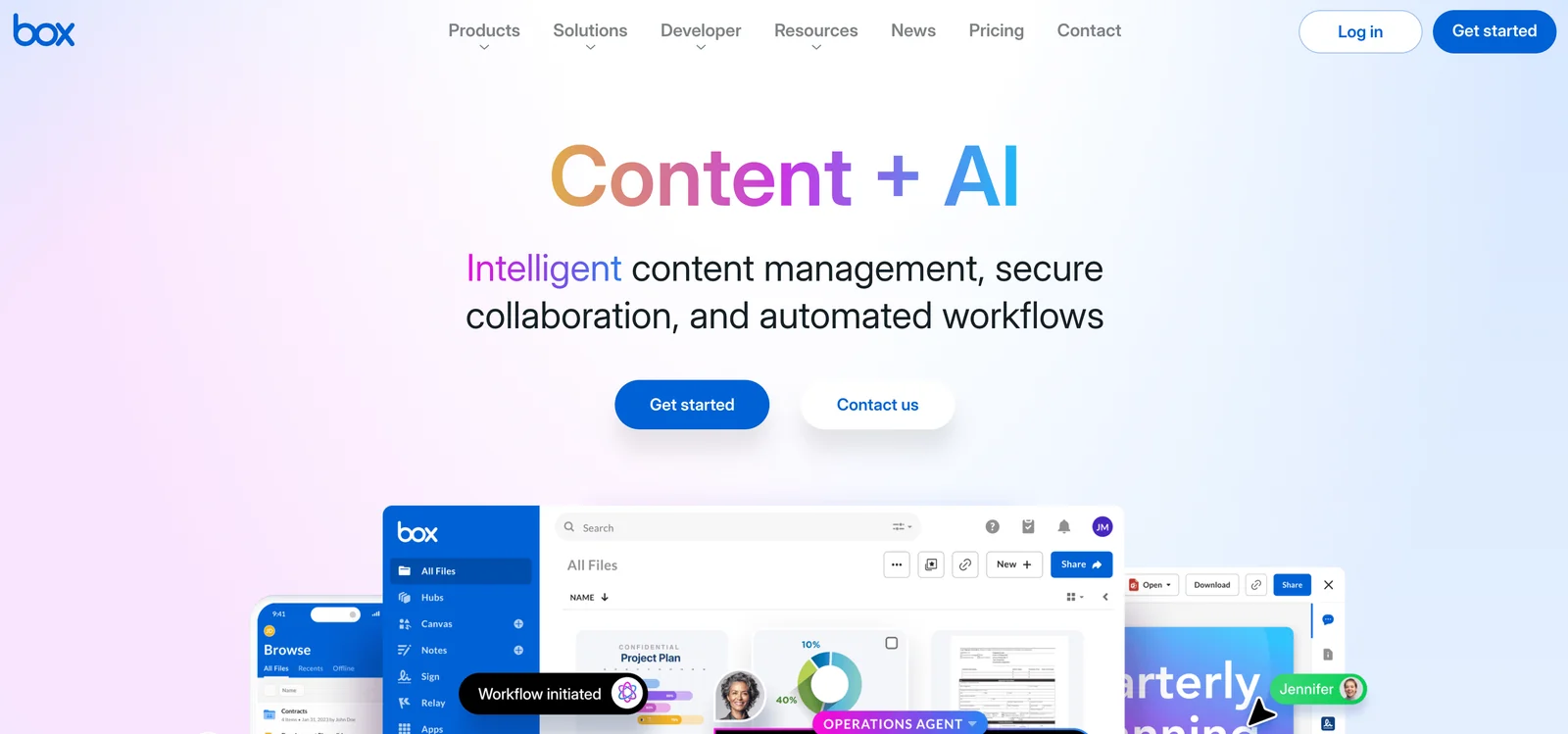
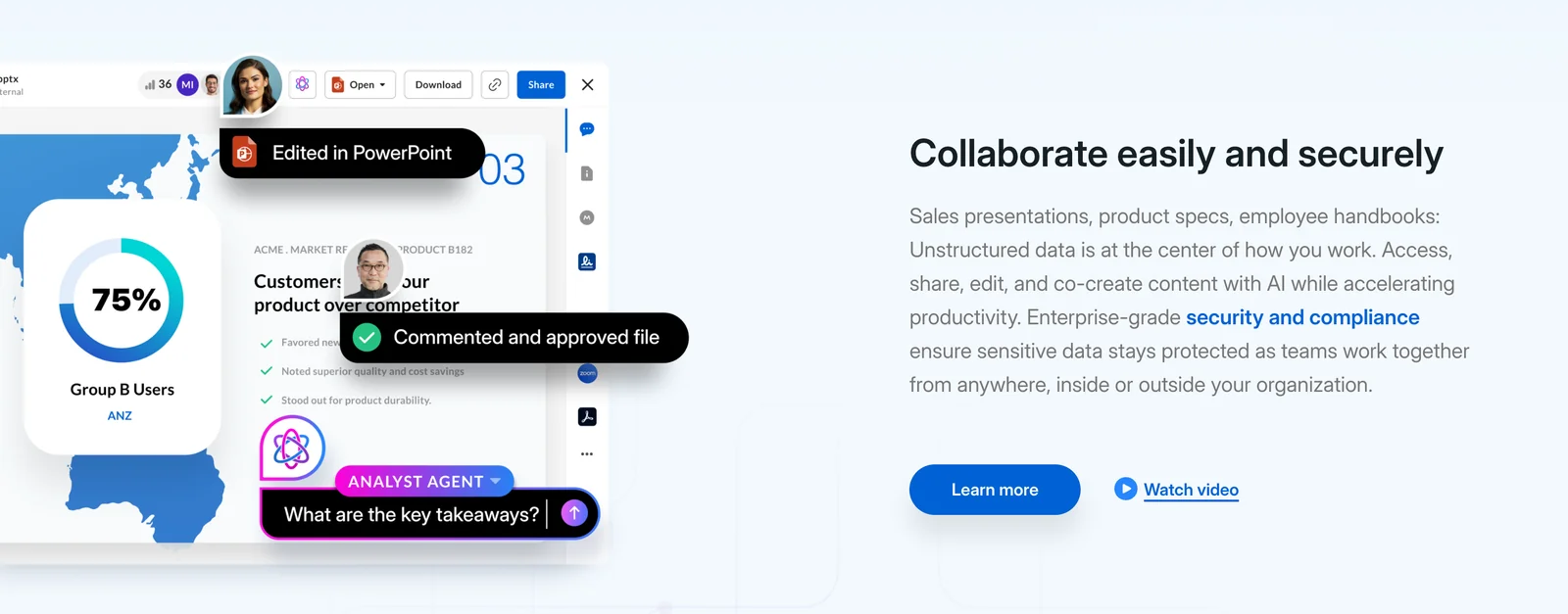
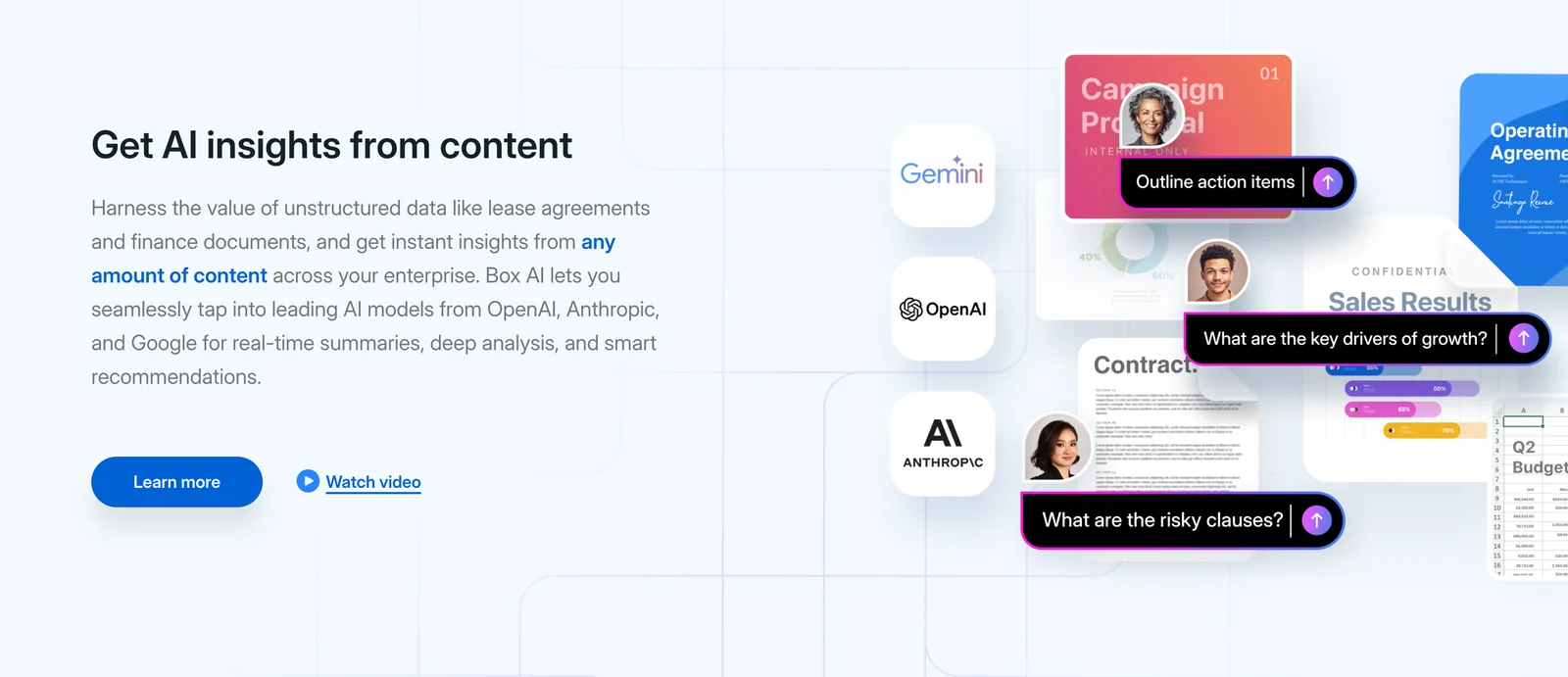
Box's Content Cloud is a unified platform for secure content storage, collaboration, workflow automation, and governance. It enables organizations to store and share files internally and externally, automate content-centric business processes, and apply security and compliance controls across the content lifecycle. Box layers AI-driven capabilities — such as automated metadata extraction, intelligent search, and workflow automation — with integrations to common enterprise apps to streamline collaboration and reduce manual work while protecting sensitive data.
Screenshots
Key Features
Use Cases
MCP Server
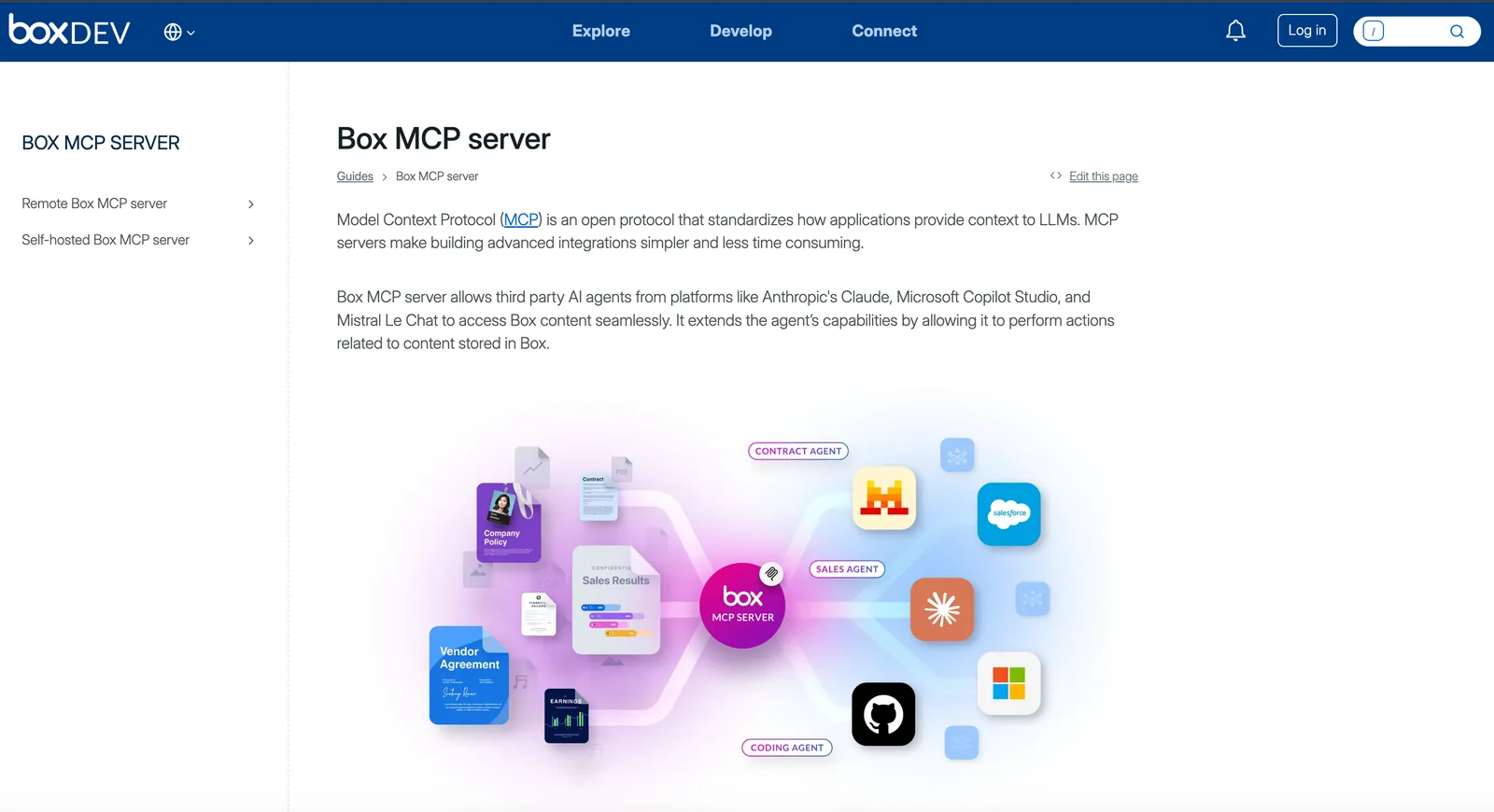
https://developer.box.com/guides/box-mcp/https://mcp.box.com💡 MCP (Model Context Protocol) enables AI assistants to securely interact with local and remote resources.


Frequently asked questions about Box
What are the pricing options for Box?
Box offers a flexible pricing structure that includes a free Individual plan at $0/month, a Personal Pro plan starting at $10/month, and business plans beginning at €18/user/month. For a complete breakdown of their pricing tiers and features, visit the Box website.
Key Points
- Freemium Model: Box provides a free plan alongside paid options.
- Personal Pro Plan: Starting at $10/month, this plan offers enhanced features.
- Business Plans: Begin at €18/user/month, tailored for team collaboration.
Detailed Explanation
Box’s pricing options cater to various user needs, from individual to enterprise levels.
-
Individual Plan:
- Free of charge, ideal for personal use.
- Includes basic storage and sharing capabilities.
-
Personal Pro Plan:
- Costs $10/month, suitable for users needing more storage and advanced features.
- Offers 100 GB of storage, file versioning, and enhanced security.
-
Business Plans:
- Prices start at €18/user/month and vary based on the number of users and feature sets.
- Designed for teams, these plans include unlimited storage, advanced collaboration tools, and enterprise-level security.
Use cases for Box include file sharing for freelancers, collaborative projects for small to medium businesses (SMBs), and comprehensive document management for large enterprises.
Best Practices / Tips
- Evaluate Your Needs: Before selecting a plan, assess your storage needs and collaboration requirements.
- Take Advantage of Free Trials: Consider using the free plan or any available trials to gauge if Box meets your expectations.
- Monitor Usage: Regularly check your storage and feature needs to ensure you're on the most cost-effective plan.
Additional Resources
What features does Box provide for content management?
Box offers robust features for content management, including unified content storage, AI-driven metadata and advanced search capabilities, workflow automation, detailed security controls, and tools for external collaboration. These features streamline document management, enhance team productivity, and ensure secure sharing of files.
Key Points
- Unified content storage
- AI-powered metadata and advanced search
- Workflow automation and security controls
Detailed Explanation
Box is a cloud-based content management platform that provides a comprehensive solution for businesses to store, manage, and collaborate on files.
-
Unified Content Storage: Box centralizes all your documents in a single, secure cloud environment, which allows for easy access from any device. This unified approach eliminates the chaos of multiple storage solutions and ensures that all team members are on the same page.
-
AI-Powered Metadata and Advanced Search: With Box's AI capabilities, users can automatically generate metadata for their documents, making it easier to categorize and search for files. The advanced search features allow users to find documents quickly using keywords, file types, or specific metadata tags. This capability significantly enhances efficiency, especially for large organizations with extensive document libraries.
-
Workflow Automation: Box enables users to automate repetitive tasks through customizable workflows. For example, you can set up automated notifications for document approvals or reminders for due dates. This automation not only saves time but also minimizes the risk of human error.
-
Granular Security Controls: Security is a top priority for Box. It offers granular security settings that allow administrators to control access at various levels, ensuring sensitive information is protected. Features such as password protection, watermarking, and expiration dates on shared links enhance document security.
-
External Collaboration Tools: Box simplifies collaboration with external partners by providing secure sharing options. Users can invite external collaborators to view or edit documents while maintaining control over permissions and access levels. This feature is particularly useful for organizations that work closely with clients or vendors.
Best Practices / Tips
- Leverage Templates: Use Box's pre-built templates for common documents to save time and ensure consistency across your organization.
- Regularly Review Permissions: Periodically audit user permissions to ensure that only authorized personnel have access to sensitive documents.
- Utilize Version Control: Take advantage of Box's version control features to track changes and maintain a history of document edits, which is essential for compliance and auditing.
Additional Resources
How do I get started with Box?
To get started with Box, sign up for a free account on their website. After registration, you can upload files, create folders, and explore collaboration options with team members. Box offers intuitive features that enhance productivity and streamline file management for individuals and teams alike.
Key Points
- Free Account Setup: Easy registration process.
- File Management: Upload, organize, and share files seamlessly.
- Collaboration Features: Invite team members for real-time collaboration.
Detailed Explanation
Getting started with Box is a straightforward process that allows users to harness the power of cloud storage and collaboration.
-
Sign Up for a Free Account:
- Visit the Box website.
- Click on "Sign Up" and fill in your details.
- Confirm your email address to activate your account.
-
Upload Files:
- Once logged in, navigate to your main dashboard.
- Click on the “Upload” button to add files from your computer.
- You can also drag and drop files directly into the Box interface.
-
Create Folders:
- Organize your files by creating folders.
- Click on the “New” button and select “Folder” to create a new directory.
- Name your folder and start categorizing your documents.
-
Explore Collaboration Options:
- Use Box's sharing features to collaborate with team members.
- Click on a file or folder, select “Share,” and enter the email addresses of collaborators.
- Set permissions for viewing or editing as needed.
-
Utilize Advanced Features:
- Explore integrations with applications like Microsoft Office, Google Workspace, and Slack for enhanced productivity.
- Use Box Notes for real-time document editing and collaboration.
Best Practices / Tips
- Regularly Organize Files: Keep your files and folders organized for easy access and management.
- Utilize Tags: Use tags to categorize and quickly locate files, enhancing your searchability.
- Set Permissions Wisely: Be mindful of sharing settings to control access to sensitive information.
- Explore Mobile Apps: Download the Box mobile app for on-the-go access to your files.
- Stay Updated: Keep an eye on Box updates and features to maximize your usage.
Additional Resources
- Box Help Center
- Getting Started with Box
- Box Community for tips and user discussions.
By following these steps and utilizing Box's features, you'll efficiently manage and collaborate on files in no time.
Does Box offer API integration for developers?
Yes, Box offers robust API integration capabilities for developers. This allows them to seamlessly embed content workflows into various applications and connect with popular tools like Microsoft 365 and Google Workspace, enhancing productivity and collaboration in their software solutions.
Key Points
- Comprehensive API Access: Box provides a wide range of APIs for various functionalities.
- Integration with Major Platforms: Integrate with platforms like Microsoft 365 and Google Workspace.
- Security and Compliance: APIs are designed with enterprise-level security standards.
Detailed Explanation
Box's API ecosystem includes several key components, such as the Box Content API, Box Webhooks, and the Box SDK. These APIs enable developers to create custom applications that can interact with Box's cloud storage, manage files, and automate workflows.
Use Cases:
- Document Management Systems: Developers can create applications that leverage Box's storage capabilities to manage documents, share files, and control access.
- Collaboration Tools: Integrating Box with tools like Microsoft Teams or Slack allows teams to collaborate on files directly within their preferred platforms.
- Custom Workflows: Businesses can automate repetitive tasks by using Box's workflow APIs to trigger actions based on specific events.
For example, a company might use the Box API to automatically upload documents from a web form to their Box account, streamlining the document collection process.
Best Practices / Tips
- Familiarize with Documentation: Thoroughly read Box's API documentation to understand the capabilities and limitations of each API endpoint.
- Leverage SDKs: Use Box SDKs available for various programming languages to speed up development and ensure best practices in API usage.
- Monitor API Usage: Implement logging and monitoring to track API calls and optimize performance based on usage patterns.
Avoid common pitfalls such as neglecting security practices, which can expose sensitive data. Always implement OAuth 2.0 for authentication to ensure secure access.
Additional Resources
This structured approach not only enhances the user experience but also boosts the SEO performance of your application and increases visibility in search results.
How does Box compare to other collaboration tools?
Box is superior to other collaboration tools like Dropbox and Google Drive due to its advanced security features, unlimited storage options, and AI-enhanced search capabilities. This makes Box particularly suitable for enterprises that prioritize data protection and require comprehensive collaboration solutions.
Key Points
- Robust Security Features: Box prioritizes data security with encryption and compliance.
- Unlimited Storage Options: Box offers scalable storage solutions tailored for businesses.
- AI-Powered Search Capabilities: Enhanced search allows users to efficiently find and manage documents.
Detailed Explanation
Box distinguishes itself from competitors through its focus on security and enterprise-level features.
-
Robust Security Features: Box employs end-to-end encryption, multi-factor authentication (MFA), and detailed access controls, ensuring that sensitive information is well-protected. For example, enterprises in regulated industries such as healthcare or finance can achieve compliance with regulations like HIPAA and GDPR easily through Box’s dedicated features.
-
Unlimited Storage Options: Unlike Dropbox, which has tiered storage limits based on plans, Box provides unlimited storage on its enterprise plans. This is particularly beneficial for growing businesses that need to store large amounts of data without worrying about hitting storage caps.
-
AI-Powered Search Capabilities: Box uses artificial intelligence to enhance its search functionality. Users can quickly locate documents by searching for content within files, not just file names. This capability is invaluable for teams working with extensive document libraries.
Best Practices / Tips
- Utilize Tags and Metadata: To maximize the efficiency of Box's AI search, ensure all documents are tagged appropriately and contain relevant metadata.
- Regularly Review Permissions: Periodically audit user permissions to maintain security and ensure that only authorized personnel have access to sensitive information.
- Leverage Integrations: Take advantage of Box’s integrations with other tools like Slack, Microsoft Teams, and Salesforce to streamline workflows and enhance collaboration.
Additional Resources
By considering these factors, organizations can make informed choices about their collaboration tools, ensuring they select the best fit for their specific needs.
Explore more AI Mcps tools
Browse all Mcps tools →Browse by use case: Automation & Productivity
Compare Box: vs DocsAlot · vs Toolport · vs Kit for AI · vs In Parallel MCP