

Wan2.5 AI Video Generator
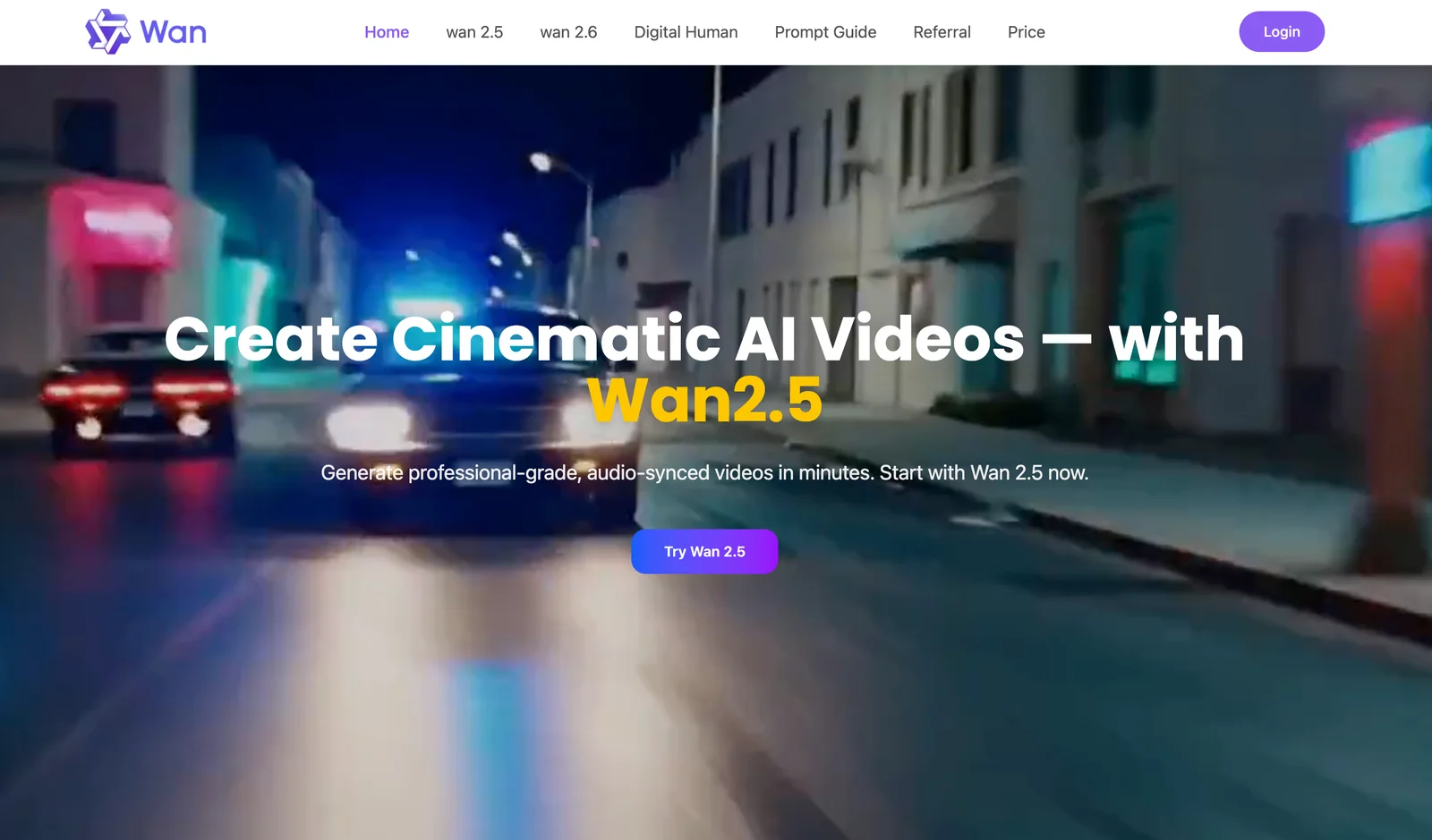
AIWan2.5 is Alibaba’s open-source video generation model that creates cinematic text- or image-driven videos with advanced motion and control.
Wan2.5 AI Video Generator
Wan2.5 is Alibaba’s open-source video generation model that creates cinematic text- or image-driven videos with advanced motion and control.
About Wan2.5 AI Video Generator
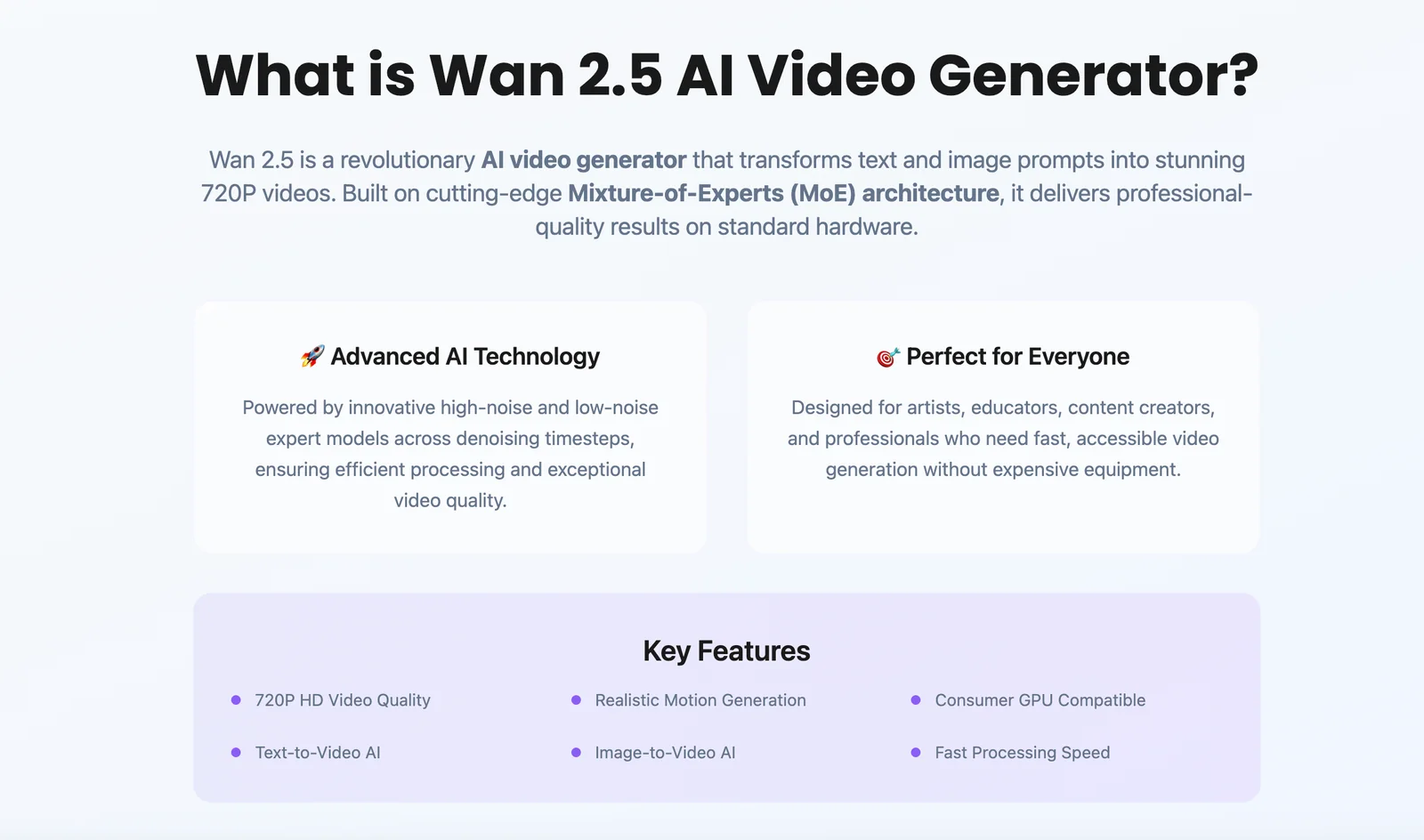
Wan2.5 is a cutting-edge video generation model released by Alibaba that produces short cinematic videos from text prompts and/or images. It leverages a specialized 3D causal VAE architecture (Wan‑VAE) and large-scale training to improve spatio-temporal compression, temporal causality, and motion realism, enabling high-quality motion synthesis and cinematic controls. The model supports multiple resolutions and aspect ratios (commonly 480p and 1080p with 6+ aspect ratios), smart prompt rewriting for better results, and is open-sourced for third-party integrations; lightweight platforms (e.g., WAN AI) expose Wan2.5 capabilities without requiring powerful local GPUs. Wan2.5’s strengths include complex motion generation, efficient long-sequence encoding/decoding for high-resolution outputs, and fast generation times when deployed on optimized infrastructure.
Screenshots
Key Features
Use Cases



Frequently asked questions about Wan2.5 AI Video Generator
What is the pricing structure for Wan2.5 AI Video Generator?
Wan2.5 AI Video Generator has three pricing tiers: Starter at $10 for 100 credits, Basic at $30 for 330 credits, and Professional at $99 for 1200 credits. Each tier includes features such as HD video quality and commercial use licenses, with credits that never expire.
Key Points
- Three Pricing Tiers: Starter, Basic, and Professional plans.
- Credit System: Credits are used to generate videos and never expire.
- Included Features: Each plan offers HD quality and commercial usage rights.
Detailed Explanation
Wan2.5 AI Video Generator's pricing structure is designed to cater to various user needs, from casual creators to professional marketers. Here's a breakdown of each tier:
-
Starter Plan: Priced at $10, this entry-level option provides 100 credits. It's ideal for occasional users or those wanting to test the platform. Each credit allows you to create one video, making it a budget-friendly choice to explore basic features.
-
Basic Plan: At $30, the Basic plan offers 330 credits, suitable for small businesses or content creators looking to produce a moderate amount of video content. This tier includes enhanced features, such as advanced editing tools and additional templates, providing greater flexibility.
-
Professional Plan: For $99, the Professional tier grants 1200 credits. This extensive package is designed for heavy users, such as agencies or firms requiring substantial video content. It includes all features from the Basic plan, plus priority support and advanced analytics to track performance.
Each tier offers HD video quality and commercial use licenses, ensuring that users can produce high-quality videos for various purposes without worrying about copyright issues. The credit system is particularly user-friendly, as credits do not expire, allowing users to generate videos at their own pace.
Best Practices / Tips
- Choose the Right Plan: Consider your video production needs carefully before selecting a plan. If you're new, starting with the Starter Plan can help you gauge your requirements without a significant financial commitment.
- Maximize Credits: Use your credits wisely. Plan your video content strategy to ensure each video created serves your goals effectively.
- Stay Updated: Regularly check for any promotional offers or discounts that Wan2.5 might provide, as this could help you save on your subscription.
Additional Resources
What are the key features of Wan2.5 AI Video Generator?
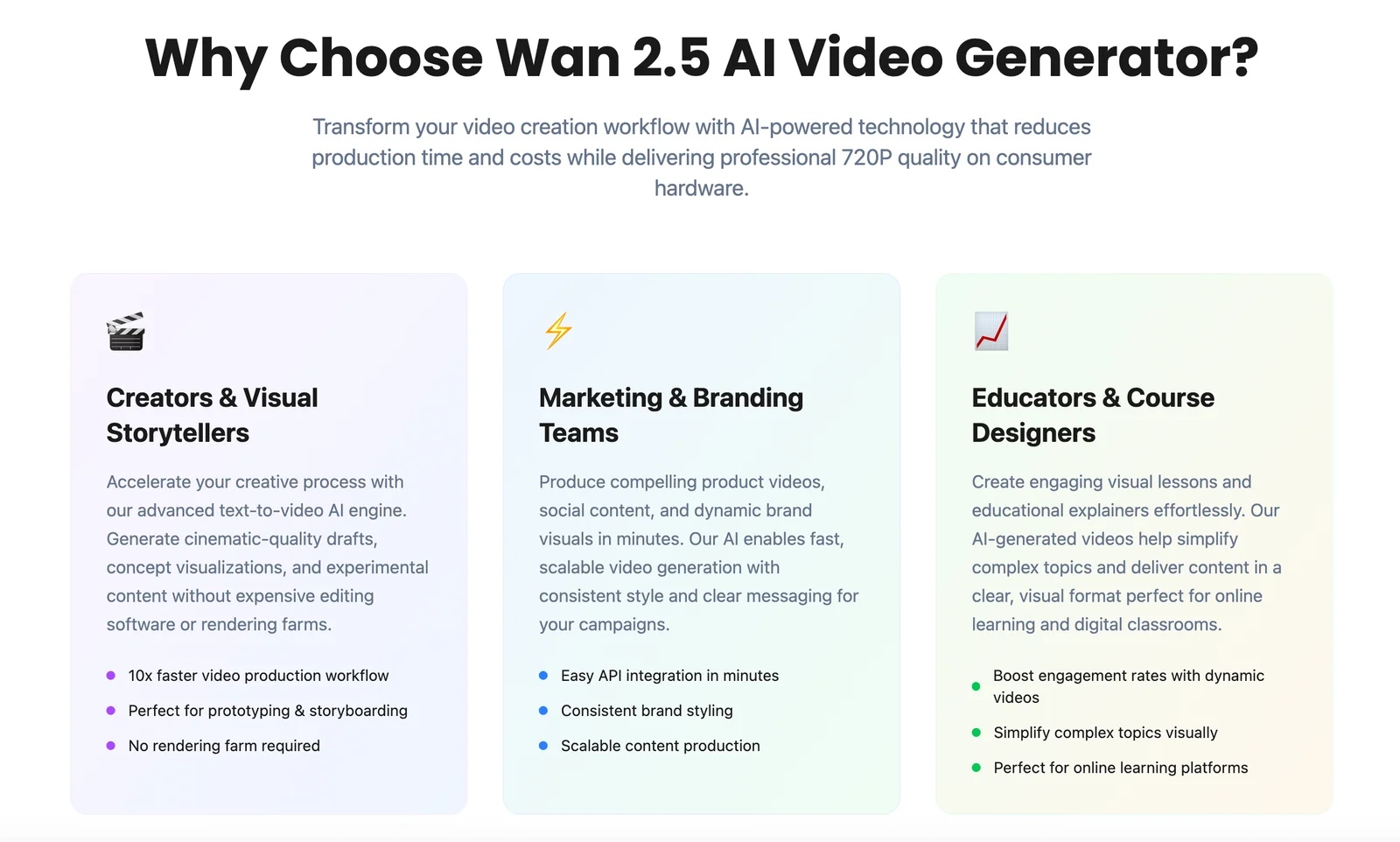
Wan2.5 AI Video Generator features multi-modal generation, allowing users to create videos from text or images. It offers advanced cinematic controls, complex motion synthesis, high-resolution outputs, and smart prompt rewriting for enhanced video quality. These capabilities make it a powerful tool for content creators and marketers.
Key Points
- Multi-modal Generation: Create videos from both text and images.
- Cinematic Control: Fine-tune video aesthetics and dynamics.
- High-Resolution Outputs: Produce professional-quality videos.
Detailed Explanation
Wan2.5 AI Video Generator stands out for its versatility in generating videos through various inputs. The multi-modal generation feature enables users to transform written scripts or images into engaging video content seamlessly. For instance, a marketer can input a blog post, and Wan2.5 will generate a visually appealing video summarizing the text.
The advanced cinematic control function allows users to manipulate various aspects of their videos, including scene transitions, color grading, and audio overlay. This ensures that the final product not only communicates the intended message but also captivates the audience visually.
Another significant feature is complex motion synthesis, which enables realistic movements in animations. This is particularly useful for creators looking to produce dynamic content that feels alive and engaging. Furthermore, Wan2.5 offers high-resolution outputs, ensuring that videos are suitable for all platforms, from social media to professional presentations.
Lastly, the platform's smart prompt rewriting aids in refining user inputs for optimal video quality. For example, if a user inputs a vague prompt, Wan2.5 can suggest improvements, ensuring that the generated video aligns more closely with the user's vision.
Best Practices / Tips
- Use Clear Prompts: When generating videos, provide specific prompts to maximize the quality of the output.
- Explore Cinematic Controls: Familiarize yourself with the cinematic controls to enhance your video's visual appeal effectively.
- Leverage High-Resolution Settings: Always select high-resolution outputs to ensure your videos maintain clarity across different platforms.
Additional Resources
How do I get started with Wan2.5 AI Video Generator?
To get started with Wan2.5 AI Video Generator, visit the official website at wan-ai.co, select a pricing plan that suits your needs, and create your account. Once registered, you can effortlessly generate videos from text or images using the platform's advanced features.
Key Points
- Visit the Official Website: Access the platform at wan-ai.co.
- Choose a Pricing Plan: Evaluate the different plans available to find the one that fits your needs.
- Create Your Account: Sign up to unlock video generation features.
Detailed Explanation
To begin with Wan2.5, first, navigate to their official website at wan-ai.co. The homepage provides an overview of the tool’s features, including AI-driven video creation from text or images.
-
Select a Pricing Plan: Wan2.5 offers various pricing tiers, each designed for different user needs, from individual creators to businesses. Evaluate the features included in each plan, such as the number of videos you can generate, access to premium templates, and customer support.
-
Create Your Account: Once you've selected a plan, click on the "Sign Up" button to create your account. You’ll need to provide basic information, such as your email address and a password. After confirming your email, you’ll gain access to the dashboard.
-
Start Generating Videos: With your account set up, you can begin creating videos. Choose to upload images or enter text prompts to generate video content. The platform provides intuitive tools that allow you to customize your videos with various templates, transitions, and audio options.
For example, if you're a marketer looking to create promotional content, you can input text detailing your product features, select relevant images, and let Wan2.5 generate a professional video in minutes.
Best Practices / Tips
- Explore Tutorials: Familiarize yourself with the platform by checking out tutorials or guides provided on the website or YouTube.
- Use High-Quality Inputs: For better video output, ensure that the images and text you provide are clear and relevant to your message.
- Experiment with Features: Take advantage of different templates and styles to find what resonates best with your audience.
Common pitfalls include neglecting to edit generated videos for personalization or using low-quality images that may affect the final output.
Additional Resources
- Wan2.5 Official Documentation for detailed guides and FAQs.
- User Community to connect with other users and share tips.
- YouTube Tutorials for visual learning on how to maximize Wan2.5’s features.
Can Wan2.5 integrate with other platforms or APIs?
Yes, Wan2.5 can integrate seamlessly with other platforms and APIs, as it is open-source. This flexibility enables users to incorporate Wan2.5 into third-party systems or custom workflows. Upcoming API access will further enhance its automation capabilities and functionality.
Key Points
- Wan2.5 is open-source and highly customizable.
- Integration with third-party platforms is supported.
- API access will soon be available for improved automation.
Detailed Explanation
Wan2.5's open-source nature allows developers to modify its codebase, making it easy to integrate with various platforms. For instance, if you’re using popular data analysis tools like Tableau or Power BI, you can connect Wan2.5 to these applications to enhance data visualization and reporting.
Example Use Cases:
- Data Pipelines: Use Wan2.5 in data processing workflows by connecting it with tools like Apache Kafka or Apache Airflow. This integration allows for real-time data processing and analysis, making your systems more efficient.
- Custom Applications: If you're building a bespoke application, you can embed Wan2.5 functionalities directly into your software, optimizing user experience and operational efficiency.
- Third-party APIs: With the anticipated API access, you can automate tasks such as data fetching, processing, and reporting, making it easier to manage workflows and reducing the need for manual intervention.
Best Practices / Tips
- Explore Documentation: Before starting integration, review Wan2.5's official documentation for guidelines on setting up connections with various platforms.
- Test in a Sandbox: Always test integrations in a controlled environment to minimize risks and ensure smooth functionality.
- Keep Security in Mind: When integrating with third-party APIs, ensure that data security protocols are followed to protect sensitive information.
- Monitor Performance: After integration, monitor the performance regularly to identify any bottlenecks or issues that may arise.
Additional Resources
How does Wan2.5 AI Video Generator compare to alternatives?
Wan2.5 AI Video Generator excels over alternatives by offering advanced cinematic control, realistic motion synthesis, and bilingual support for English and Chinese prompts. Many competing tools lack these capabilities, resulting in less flexibility and creativity in video generation.
Key Points
- Advanced Cinematic Control: Provides users with greater creative freedom.
- Realistic Motion Synthesis: Generates smoother and more lifelike movements in videos.
- Bilingual Support: Facilitates content creation in both English and Chinese, catering to a broader audience.
Detailed Explanation
Wan2.5 AI Video Generator distinguishes itself through its cutting-edge features that significantly enhance the video creation process.
-
Advanced Cinematic Control: Unlike many AI video generators, Wan2.5 allows users to manipulate cinematic elements such as lighting, camera angles, and scene transitions. For instance, you can easily adjust the mood of a video by changing the lighting effects to create a suspenseful atmosphere or a cheerful setting.
-
Realistic Motion Synthesis: The tool utilizes advanced algorithms to create fluid, realistic movements of characters and objects. This is particularly beneficial for animation projects where authenticity is crucial. For example, its motion synthesis technology can simulate natural walking patterns, making animated characters appear more lifelike.
-
Bilingual Support: Wan2.5 is unique in its support for both English and Chinese prompts, making it accessible to a diverse user base. This feature is particularly advantageous for creators targeting the Asian market or those who wish to produce bilingual content without the need for extensive translation.
In contrast, many alternatives may offer basic video generation capabilities but often fall short in providing the same level of detail and control. This can lead to videos that feel generic or lack professional polish.
Best Practices / Tips
- Experiment with Settings: Take advantage of the advanced cinematic controls to explore different styles and effects in your videos. Don’t hesitate to play around with various settings to find the perfect combination.
- Utilize Bilingual Features: If you are targeting a multilingual audience, make sure to leverage the bilingual support to maximize engagement and reach.
- Regular Updates: Keep your software updated to access new features and enhancements that can improve your video generation experience.
Additional Resources
Explore more AI Ai Models tools
Browse all Ai Models tools →Browse by use case: Video Generation
Compare Wan2.5 AI Video Generator: vs Mouse-1 · vs Milliseconds.ai · vs SWE-2 · vs Desert Ant Labs