
wan 2.6
AIGenerative video model for multi-shot storytelling, reference-driven outputs, and cinematic clips up to 15 seconds.
wan 2.6
Generative video model for multi-shot storytelling, reference-driven outputs, and cinematic clips up to 15 seconds.
About wan 2.6
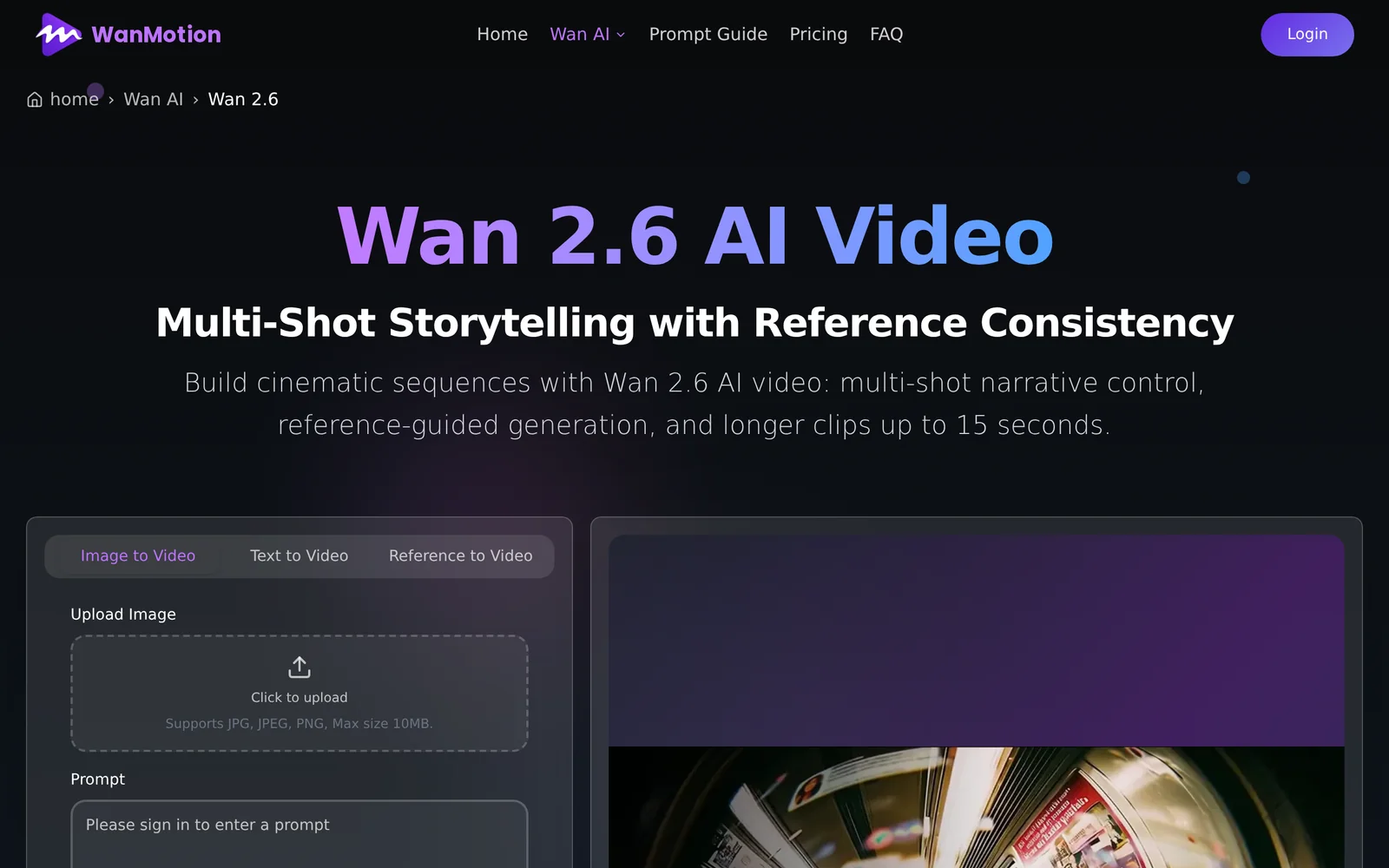
Wan 2.6 is a generative video model focused on multi-shot storytelling and cinematic short-clip creation. It supports producing multi-shot narratives and can use reference video material to guide generation, producing polished outputs of up to 15 seconds. The model targets creators and filmmakers who need short, cohesive cinematic sequences and referenceable video prototypes, emphasizing narrative continuity across multiple shots.
Screenshots
Key Features
Use Cases



Frequently asked questions about wan 2.6
What is wan 2.6?
WAN 2.6 is an advanced generative video model designed for multi-shot storytelling, enabling creators to produce reference-driven outputs and cinematic clips that last up to 15 seconds. This tool enhances video content creation, making it easier to convey narratives visually.
Key Points
- Generative Capabilities: Creates videos from textual prompts and storyboards.
- Multi-Shot Storytelling: Integrates various scenes for cohesive narratives.
- Cinematic Quality: Produces high-quality clips with a maximum duration of 15 seconds.
Detailed Explanation
WAN 2.6 stands out in the realm of AI-generated video content by offering users a sophisticated platform for storytelling. Its generative capabilities allow creators to input text prompts, which the model then transforms into engaging video clips. This process is particularly beneficial for marketers, social media managers, and content creators aiming to capture audience attention quickly.
Multi-Shot Storytelling
One of the defining features of WAN 2.6 is its ability to handle multi-shot storytelling. Users can combine multiple scenes seamlessly, enabling more complex narratives. For example, a user could create a short advertisement that transitions through a series of product shots, customer testimonials, and lifestyle scenes, all within a concise 15-second timeframe.
Reference-Driven Outputs
WAN 2.6 excels in producing reference-driven outputs, meaning it can take inspiration from existing videos or images. This feature is particularly useful for brands looking to maintain visual consistency with their existing marketing materials. By uploading reference clips, users can guide the model to create outputs that align with their brand identity.
Cinematic Quality
The model ensures that the generated clips maintain a high cinematic quality, which is essential for capturing viewer engagement. With advanced algorithms, WAN 2.6 optimizes video resolution, color grading, and sound, providing a professional touch to even the shortest clips.
Best Practices / Tips
- Use Clear Prompts: When working with WAN 2.6, clarity in your input prompts can greatly enhance the output quality. Specify details like tone, style, and scene transitions.
- Test Variations: Experiment with different reference clips to see how the model adapts. This can lead to unique outputs that resonate well with your audience.
- Optimize for Platforms: Keep in mind the platform where the video will be shared. Tailor your content to meet the specific requirements of social media or web use, such as aspect ratios and video length.
Additional Resources
How does wan 2.6 work?
WAN 2.6 works by integrating advanced AI capabilities to enhance users' day-to-day workflows, streamlining tasks such as data analysis, project management, and communication. It leverages machine learning to automate processes, helping users save time and improve efficiency in various applications.
Key Points
- AI Integration: Combines multiple AI technologies for seamless task management.
- Workflow Automation: Automates repetitive tasks, increasing productivity.
- User-Centric Design: Focuses on enhancing user experience and accessibility.
Detailed Explanation
WAN 2.6 functions as a comprehensive AI tool designed to simplify and optimize everyday workflows. It utilizes a blend of core AI technologies, including natural language processing (NLP) and machine learning algorithms, to provide users with intelligent solutions for common tasks.
Use Cases:
- Data Analysis: WAN 2.6 can analyze large datasets, providing insights and visualizations that help users make informed decisions.
- Project Management: The platform can automate task assignments, track progress, and send reminders, ensuring projects stay on schedule.
- Communication Enhancement: By utilizing AI-powered chatbots, WAN 2.6 can facilitate better communication within teams and with clients, reducing response times.
To illustrate, imagine a marketing team using WAN 2.6 to analyze campaign performance. The tool can automatically pull data from various sources, generate reports, and suggest actionable insights, significantly reducing the time spent on manual analysis.
Best Practices / Tips
- Leverage Automation: Identify repetitive tasks within your workflow and utilize WAN 2.6’s automation features to optimize them.
- Regular Updates: Keep the software updated to benefit from the latest AI enhancements and features.
- Training: Invest time in training your team on how to effectively use WAN 2.6’s features for maximum productivity.
Additional Resources
What are the main features of wan 2.6?
WAN 2.6 features advanced AI capabilities, enhanced data analytics, improved security protocols, and seamless integration with existing systems. Its intuitive interface allows users to harness powerful machine learning tools, enabling better decision-making and operational efficiency across various applications.
Key Points
- Advanced AI Capabilities: Leverage machine learning for better insights.
- Enhanced Security Protocols: Protect data with robust security features.
- Seamless Integration: Easily connect with existing systems and tools.
Detailed Explanation
WAN 2.6 is designed to empower organizations through its advanced AI functionalities. With machine learning algorithms, users can analyze large datasets faster and more accurately, providing actionable insights that drive business decisions.
Example Use Cases:
- Predictive Analytics: Businesses can use WAN 2.6 to forecast trends in customer behavior, enabling proactive strategies.
- Fraud Detection: Enhanced AI capabilities help in identifying unusual patterns that may indicate fraudulent activities, thus securing sensitive information.
- Operational Efficiency: Organizations can automate routine tasks, reducing manual errors and freeing up resources for more critical activities.
The improved security protocols in WAN 2.6 ensure that data transmission is encrypted, safeguarding against potential breaches. Its seamless integration capabilities mean that businesses can incorporate WAN 2.6 without overhauling their existing systems, making it a cost-effective solution.
Best Practices / Tips
- Regularly Update Security Settings: Keep security protocols up-to-date to mitigate risks.
- Utilize Training Resources: Take advantage of tutorials and documentation provided with WAN 2.6 for optimal usage.
- Monitor Performance: Regularly assess the performance of AI-driven insights to ensure they align with business objectives.
Additional Resources
Who is wan 2.6 for?
WAN 2.6 is designed for professionals, businesses, and individuals looking to enhance their day-to-day AI workflows. It caters to users in various fields such as data analysis, content creation, and project management, making it an essential tool for improving efficiency and productivity.
Key Points
- Target Audience: Professionals across multiple industries.
- Use Cases: Data analysis, content creation, and project management.
- Efficiency Boost: Streamlines workflows and enhances productivity.
Detailed Explanation
WAN 2.6 is particularly beneficial for those engaged in data-centric roles, including data analysts and scientists who require robust tools for processing large datasets. The platform offers advanced features that facilitate real-time data analysis, enabling users to derive actionable insights efficiently.
Content creators also find WAN 2.6 invaluable. With its AI-assisted writing tools, users can generate high-quality content faster, optimizing their creative processes. This feature is especially useful for marketers and bloggers who need to produce engaging material regularly.
Project managers can leverage WAN 2.6 to streamline their workflows, utilizing its task automation capabilities. By integrating with existing project management software, WAN 2.6 helps teams stay organized and on track, improving overall project outcomes.
Example Use Cases
- Data Analysis: An analyst uses WAN 2.6 to process and visualize data trends, significantly reducing the time spent on manual tasks.
- Content Creation: A marketer employs WAN 2.6's AI writing tools to draft blog posts, saving hours in the content development process.
- Project Management: A project manager automates recurring tasks using WAN 2.6, allowing the team to focus on strategic planning rather than administrative duties.
Best Practices / Tips
- Identify Your Needs: Before implementing WAN 2.6, assess your specific workflow requirements to maximize its features.
- Integrate with Existing Tools: Ensure WAN 2.6 works seamlessly with the tools you already use to enhance user experience and efficiency.
- Stay Updated: Regularly check for software updates and new features to leverage the latest improvements in your workflows.
Additional Resources
How much does wan 2.6 cost?
WAN 2.6 offers a free tier with limited features, while its paid plans start at approximately $10 per user per month. For advanced functionalities such as enhanced security and analytics, users may need to subscribe to higher-tier plans, which can vary in pricing based on usage and features required.
Key Points
- WAN 2.6 includes a free tier with basic features.
- Paid plans start at around $10 per user per month.
- Higher-tier plans offer advanced features with variable pricing.
Detailed Explanation
WAN 2.6 is designed to cater to various networking needs, providing users with a flexible pricing structure. The free tier allows individuals or small teams to access fundamental WAN services, making it an attractive option for those just starting or testing the platform.
Paid plans begin at approximately $10 per user per month. These subscriptions unlock advanced features such as enhanced security measures, detailed analytics, and priority customer support. Depending on the specific needs of your organization, you may choose from several tiers that offer additional functionalities like:
- Business Tier: Around $25 per user per month, this plan includes advanced security protocols and priority support.
- Enterprise Tier: Custom pricing for large organizations, offering unlimited users, comprehensive reporting tools, and dedicated account management.
When considering which plan to choose, assess your requirements for features like data encryption, multi-site connectivity, and user management capabilities.
Best Practices / Tips
- Evaluate Your Needs: Before upgrading, analyze which features are essential for your operations. Many users find that starting with the free tier is sufficient until they grow.
- Test Before You Buy: Utilize the free tier to explore WAN 2.6 features fully. This will help you identify which paid features would add the most value.
- Monitor Usage: Keep track of how many users require access and which features are actively used. This can help you select the most cost-effective plan.
Additional Resources
How do I get started with wan 2.6?
To get started with WAN 2.6, visit wan26.info to sign up. This platform offers a range of features designed to enhance your networking experience. Explore the resources available and familiarize yourself with the user interface for optimal usage.
Key Points
- User Registration: Sign up for an account to access WAN 2.6 features.
- Interface Familiarization: Understand the layout and tools available.
- Resource Exploration: Utilize available documentation and tutorials for guidance.
Detailed Explanation
WAN 2.6 is an advanced networking tool that enhances connectivity and performance for users. To begin your journey with WAN 2.6:
-
Visit the Official Site: Go to wan26.info and find the sign-up button prominently displayed on the homepage.
-
User Registration: Fill out the registration form. You'll need to provide your email address, create a password, and agree to the terms of service. After submitting, verify your email to activate your account.
-
Explore the Dashboard: Once logged in, take time to familiarize yourself with the dashboard. Look for key features like network monitoring, performance analytics, and user management tools.
-
Access Resources: The website offers several resources, including tutorials and documentation that can help you learn how to utilize WAN 2.6 effectively. Check the FAQ section for common queries.
-
Join the Community: Engage with other users through forums or support channels available on the site. This can provide insights into best practices and troubleshooting tips.
Best Practices / Tips
- Complete Your Profile: Ensure all your information is accurate and complete for better networking opportunities.
- Regularly Update Software: Keep your WAN 2.6 client updated to the latest version to access new features and security patches.
- Utilize Tutorials: Take advantage of the tutorials provided on the site to enhance your understanding of WAN 2.6 functionalities.
- Engage with Support: If you encounter issues, don't hesitate to reach out to customer support for assistance.
Additional Resources
Explore more AI Ai Models tools
Browse all Ai Models tools →Browse by use case: Video Generation
Compare wan 2.6: vs Mouse-1 · vs Milliseconds.ai · vs SWE-2 · vs Desert Ant Labs