
Vybe
AIEnterprise-ready internal apps built by AI from your data, delivered in seconds to accelerate internal application development.
Vybe
Enterprise-ready internal apps built by AI from your data, delivered in seconds to accelerate internal application development.
About Vybe
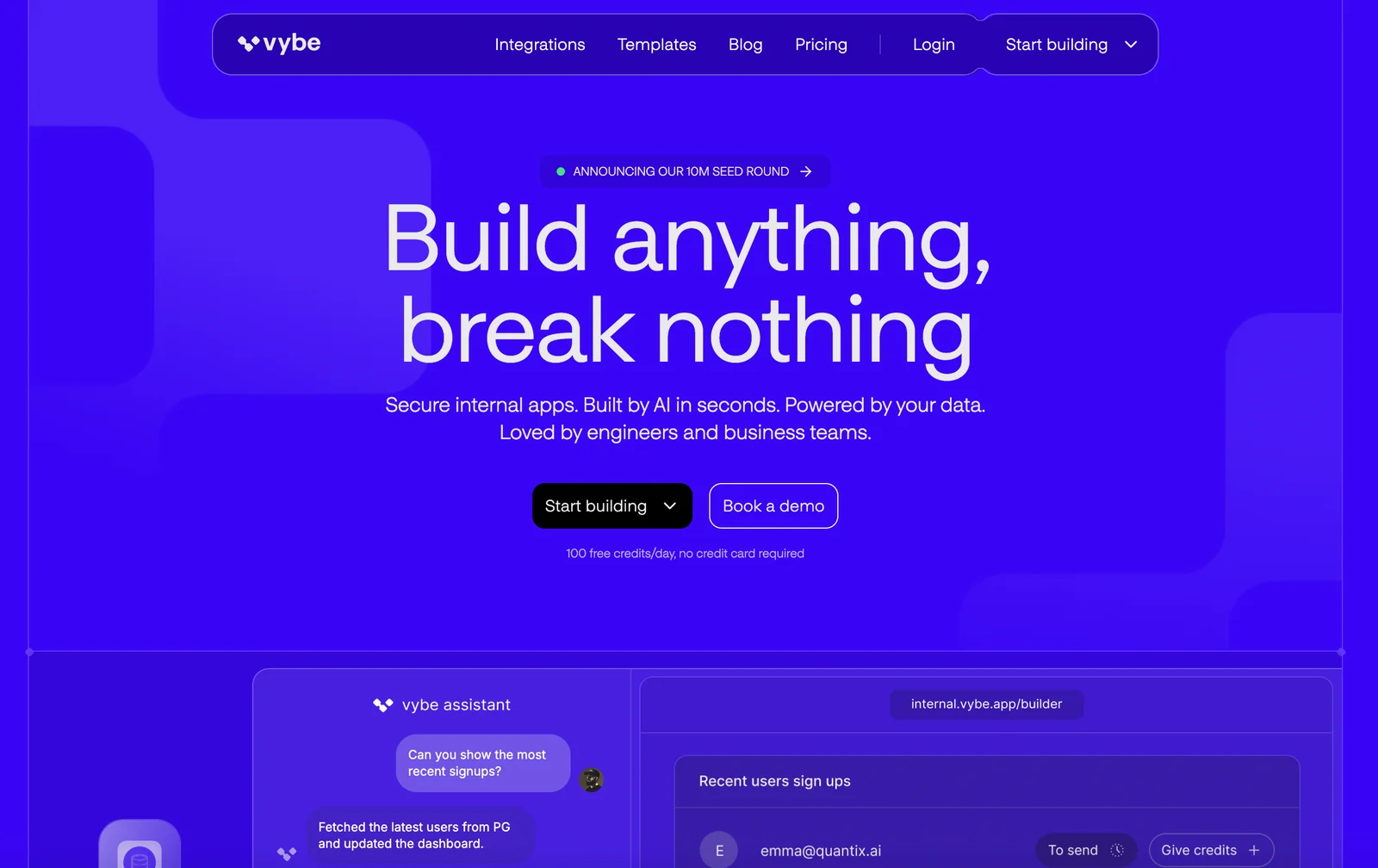
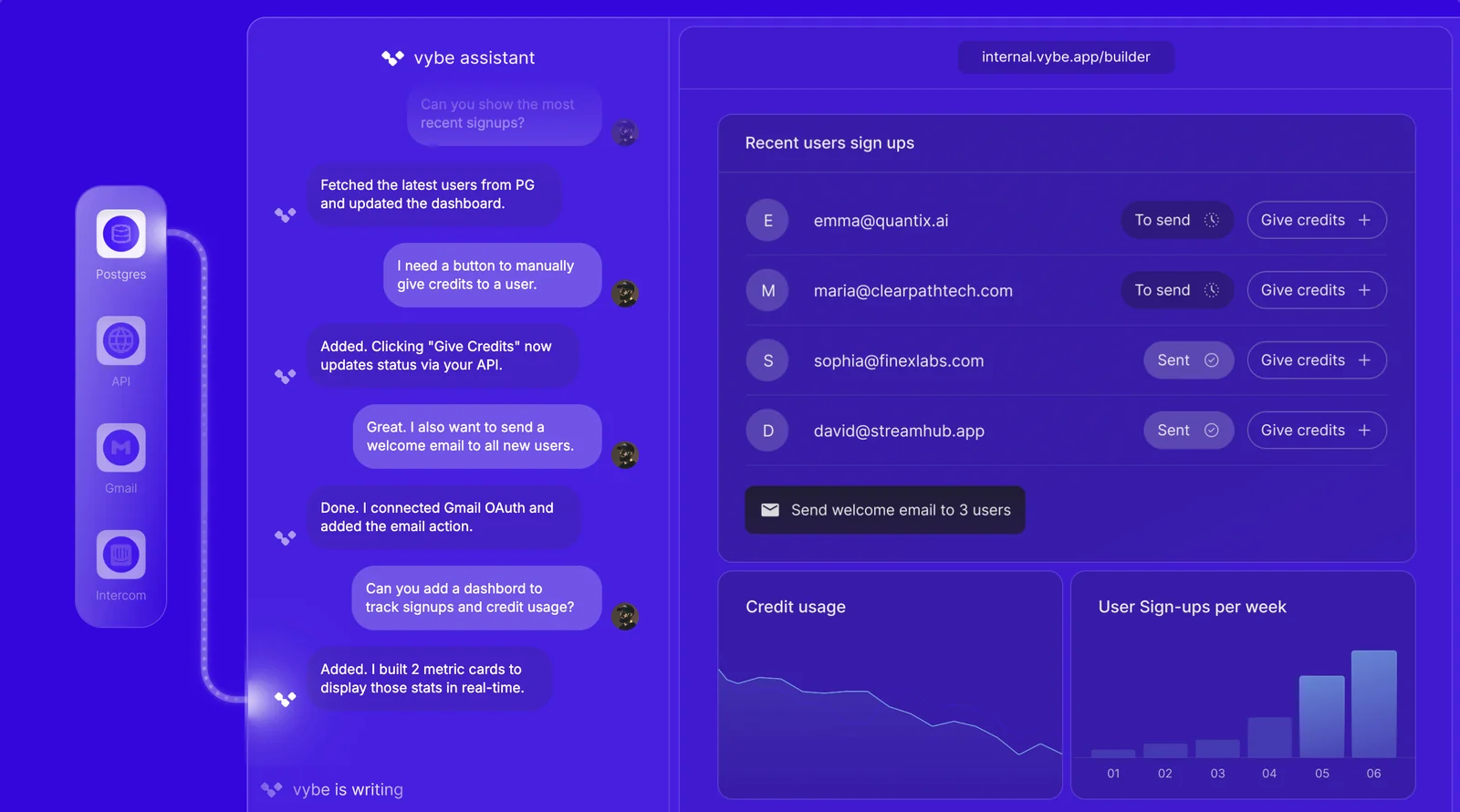
Vybe is an AI-driven platform for rapidly building enterprise internal applications. It generates production-ready custom apps in seconds by leveraging an organization's data, templates, and configurations to create UIs, backend logic, and integrations. Designed for enterprise use, Vybe emphasizes speed (claiming up to 10x faster internal-app development), data-powered functionality, and readiness for deployment inside corporate environments. The platform is positioned to reduce engineering overhead by automating app construction and connecting to existing data sources.
Screenshots
Key Features
Use Cases



Frequently asked questions about Vybe
What are the pricing options available for Vybe?
Vybe offers a Free tier for users seeking basic functionality, while an Enterprise tier provides advanced features with custom pricing. For detailed quotes and service level agreements (SLAs), interested users should contact the Vybe sales team directly.
Key Points
- Free Tier: Basic functionalities available at no cost.
- Enterprise Tier: Custom pricing for advanced features tailored to businesses.
- Contact Sales: Direct communication for personalized quotes and SLAs.
Detailed Explanation
Vybe has structured its pricing to cater to a diverse range of users, from individuals to large organizations.
-
Free Tier: Ideal for casual users or small teams, this tier provides essential features that include task management, basic analytics, and limited integrations. Users can easily sign up and start using Vybe without any financial commitment.
-
Enterprise Tier: For businesses that require advanced capabilities, the Enterprise tier offers a comprehensive suite of features such as enhanced analytics, priority customer support, custom integrations, and higher data storage limits. Pricing is not fixed; instead, it is tailored based on the specific needs of the organization, which allows for flexibility and scalability.
-
Contacting Sales: To obtain a quote, companies are encouraged to reach out to Vybe’s sales team. During this interaction, they can discuss their requirements, and Vybe can propose a suitable pricing model that includes Service Level Agreements (SLAs) ensuring support and service quality.
Best Practices / Tips
- Evaluate Your Needs: Before selecting a tier, assess your specific requirements. Make a list of essential features you need and compare them against what each tier offers.
- Utilize Free Trials: If available, take advantage of any free trials or demos. This will help you understand the platform better and make an informed decision.
- Communicate Clearly with Sales: When contacting Vybe sales, be specific about your needs and expectations. This will help them provide you with the most accurate and beneficial pricing options.
Additional Resources
How does Vybe enable rapid prototyping of internal applications?
Vybe enables rapid prototyping of internal applications by leveraging AI-driven templates and data-driven prompts, which streamline the development process. This approach drastically reduces the time needed to create full-stack applications, allowing teams to focus on innovation and functionality.
Key Points
- AI-Driven Templates: Vybe offers pre-built templates that accelerate application development.
- Data-Driven Prompts: Users can provide specific data inputs that guide the application creation process.
- Full-Stack Capabilities: Vybe supports both front-end and back-end development, ensuring comprehensive solutions.
Detailed Explanation
Vybe's unique platform utilizes artificial intelligence to simplify the development of internal applications. By providing AI-driven templates, Vybe allows users to select from a library of customizable layouts tailored to various business needs. This means that even those with minimal coding experience can create functional applications quickly.
For instance, a marketing team can use a template designed for managing campaigns, where they can easily input their data and see immediate results. The data-driven prompts enhance this process by allowing users to input specific information, which the AI then uses to generate relevant features and workflows. This feature is particularly useful for creating applications that require real-time data analysis, such as inventory management systems or customer relationship management (CRM) tools.
Additionally, Vybe's full-stack capabilities ensure that both the front-end user interface and the back-end server logic are handled seamlessly. This integration allows for a holistic approach to application development, enabling businesses to deploy functional prototypes quickly. The user-friendly interface contributes to a more efficient development cycle, making it easier for teams to iterate based on feedback.
Best Practices / Tips
- Utilize Templates Wisely: Explore various templates available in Vybe's library to find the one that best fits your project needs.
- Leverage Data Inputs: Provide thorough data inputs to maximize the effectiveness of the AI-driven prompts, ensuring your application meets specific requirements.
- Iterate and Test Frequently: Use Vybe's rapid development capabilities to test prototypes frequently. Gather feedback from users to refine functionalities and improve user experience.
Additional Resources
How can I get started with Vybe to create internal apps?
To get started with Vybe, sign up for an account, select a pricing tier that suits your needs, and utilize the AI app builder to create internal apps linked to your data sources. This intuitive platform simplifies app development, making it accessible for both technical and non-technical users.
Key Points
- Easy Account Setup: Quick registration process to kickstart your app development.
- Flexible Pricing Tiers: Options to fit various budgets and needs.
- AI-Powered App Builder: Streamlined tool for creating apps connected to your data.
Detailed Explanation
Step-by-Step Guide to Getting Started with Vybe
-
Sign Up for an Account:
- Visit the Vybe website and click on the "Sign Up" button.
- Fill out the necessary information, including your email and password.
- Confirm your email address through the verification link sent to your inbox.
-
Choose Your Pricing Tier:
- Review the available pricing plans, which typically include Basic, Professional, and Enterprise tiers.
- Consider your needs—such as the number of users, data integration capabilities, and support options—when selecting a plan.
- Payment options are usually monthly or annually, with potential discounts for long-term commitments.
-
Create Your First Internal App:
- After logging in, access the AI app builder dashboard.
- Select a template or start from scratch based on your project requirements.
- Connect your data sources, which could include databases, APIs, or spreadsheets, to ensure your app has the necessary information.
-
Utilize Built-in Features:
- Leverage AI capabilities to automate workflows, generate reports, and enhance user experiences.
- Use drag-and-drop functionality to design your app interface without needing extensive coding knowledge.
-
Test and Deploy:
- Before finalizing, conduct thorough testing to ensure your app functions as expected.
- Once satisfied, deploy the app within your organization for team members to access.
Use Cases
- Employee Management: Create an app to track employee attendance and performance.
- Project Management: Develop a tool for managing tasks, deadlines, and team collaboration.
- Data Analysis: Build an app that aggregates data from various sources for real-time analytics.
Best Practices / Tips
- Start Simple: Begin with a basic app to familiarize yourself with the platform before tackling more complex projects.
- Explore Templates: Use pre-built templates to save time and gain inspiration for your app design.
- Regular Updates: Keep your app updated based on user feedback and evolving business needs to enhance usability and functionality.
Additional Resources
What API functionalities does Vybe provide for integrations?
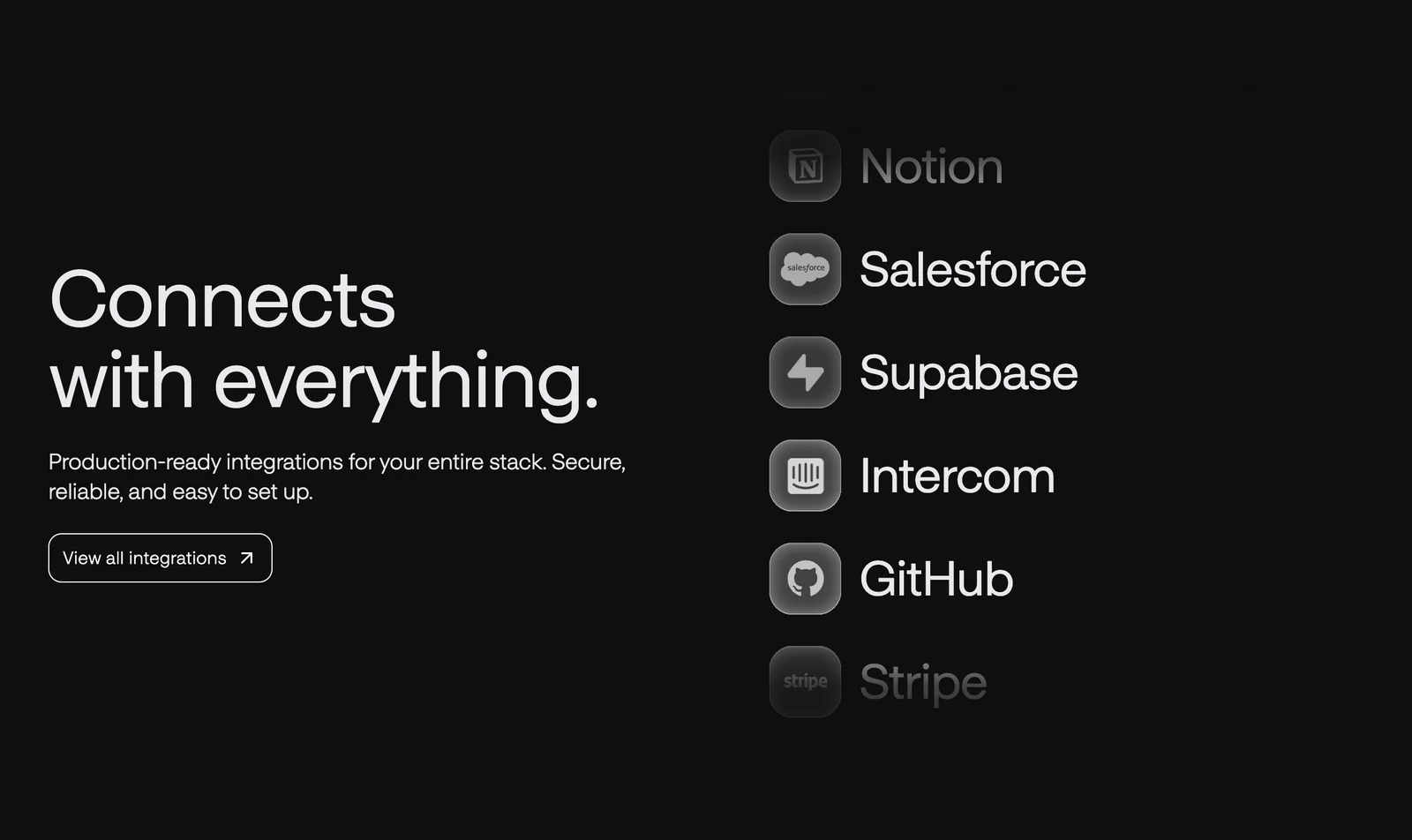
Vybe provides comprehensive API functionalities for seamless integrations, allowing users to connect generated applications with third-party systems. This enables effective automation of workflows, enhancing operational efficiency and streamlining business processes across various platforms.
Key Points
- Full API Access: Users can leverage extensive API capabilities.
- Third-Party Integrations: Connect with various external systems effortlessly.
- Workflow Automation: Streamline processes to enhance efficiency.
Detailed Explanation
Vybe's API offers a robust set of functionalities designed to facilitate programmatic integrations. Users can access endpoints that allow for data retrieval, updates, and the creation of new resources. This is particularly useful for businesses looking to enhance their applications with existing software solutions like CRM systems, payment gateways, or data analytics platforms.
Key API Functionalities:
- Authentication: Use OAuth2 for secure access to Vybe's API.
- Data Management: Retrieve, create, and update records through RESTful endpoints.
- Webhook Support: Implement real-time notifications by setting up webhooks for events and updates.
Use Cases:
- CRM Integration: Automatically sync customer data between Vybe and popular CRM systems like Salesforce or HubSpot.
- E-commerce Automation: Integrate with payment processors to streamline order management and payment processing.
- Reporting Tools: Connect with data visualization tools (e.g., Tableau) to generate insights from your application data in real time.
Best Practices / Tips
- Understand API Rate Limits: Familiarize yourself with API usage limits to avoid throttling.
- Utilize Documentation: Always refer to Vybe’s API documentation for up-to-date information on endpoints and functionalities.
- Error Handling: Implement robust error handling mechanisms to manage API failures gracefully.
- Testing Environment: Use a sandbox environment for testing integrations before deploying them in production.
Additional Resources
How does Vybe compare to other AI app development tools?
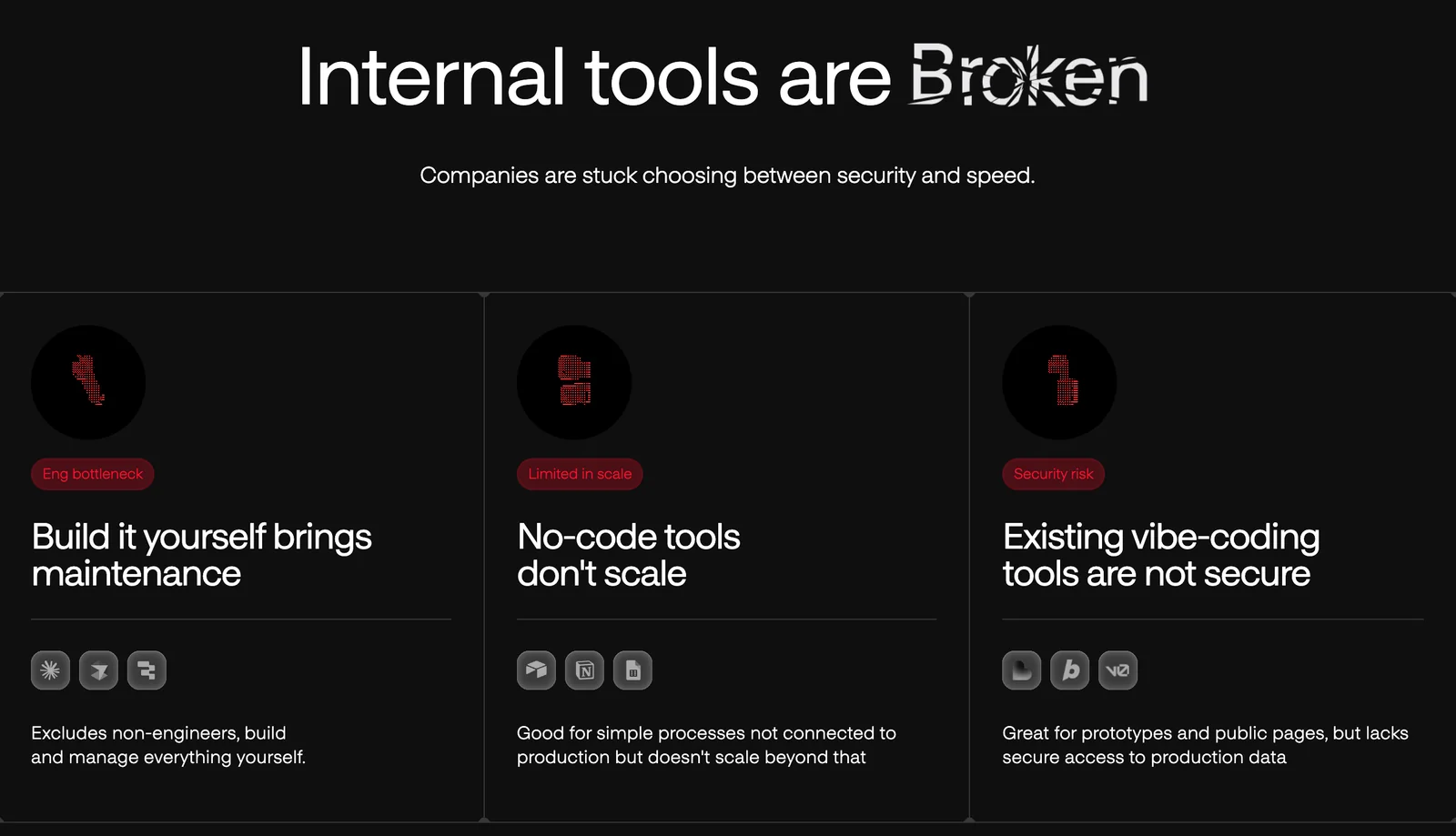
Vybe distinguishes itself among AI app development tools by providing rapid internal app development, robust enterprise readiness, advanced security features, and customizable templates. These aspects enable organizations to build secure, scalable applications quickly, making Vybe a preferred choice for businesses seeking efficiency and flexibility.
Key Points
- Rapid Development: Vybe offers tools that accelerate app creation, reducing time-to-market.
- Enterprise Readiness: Designed for scalability and security, making it suitable for large organizations.
- Customization Options: Flexible templates allow for tailored solutions aligned with business needs.
Detailed Explanation
Vybe's unique offerings set it apart in the competitive landscape of AI app development tools. Here’s how Vybe excels:
-
Rapid Development: Vybe utilizes an intuitive drag-and-drop interface, enabling users to create applications in a fraction of the time it typically takes with traditional coding. For instance, businesses can launch a prototype within days, significantly speeding up the development cycle.
-
Enterprise Readiness: Unlike many competitors, Vybe is built with enterprise-level requirements in mind. It supports high traffic loads and integrates seamlessly with existing corporate systems, such as CRM and ERP platforms. This feature is crucial for organizations that need reliable and scalable solutions.
-
Advanced Security Features: Vybe prioritizes security with features like end-to-end encryption, multi-factor authentication, and compliance with industry standards such as GDPR and HIPAA. This ensures that sensitive data is protected, which is often a significant concern for businesses developing internal applications.
-
Customizable Templates: Vybe provides a library of customizable templates tailored for various industries, allowing companies to maintain brand consistency and expedite the design process. Users can modify these templates to fit their specific requirements without starting from scratch.
Best Practices / Tips
- Evaluate Your Needs: Before choosing Vybe or any other tool, assess your organization's specific requirements, including scalability, security, and integration capabilities.
- Utilize Training Resources: Take advantage of Vybe’s online tutorials and documentation to maximize the platform’s potential and streamline your app development process.
- Monitor Security Compliance: Regularly update your app’s security features to stay compliant with industry regulations and protect sensitive information.
Additional Resources
- Vybe Official Documentation
- Comparative Review of AI App Development Tools
- Security Features in Vybe
By leveraging Vybe's strengths, organizations can effectively navigate the complexities of AI app development while ensuring their applications meet both user needs and industry standards.
Explore more AI Ai Services tools
Browse all Ai Services tools →Browse by use case: Automation & Productivity
Compare Vybe: vs Context.dev · vs ZeroClick · vs jurniti · vs Cadenya